
A1 spool holder - Ultimate & STRONGER version
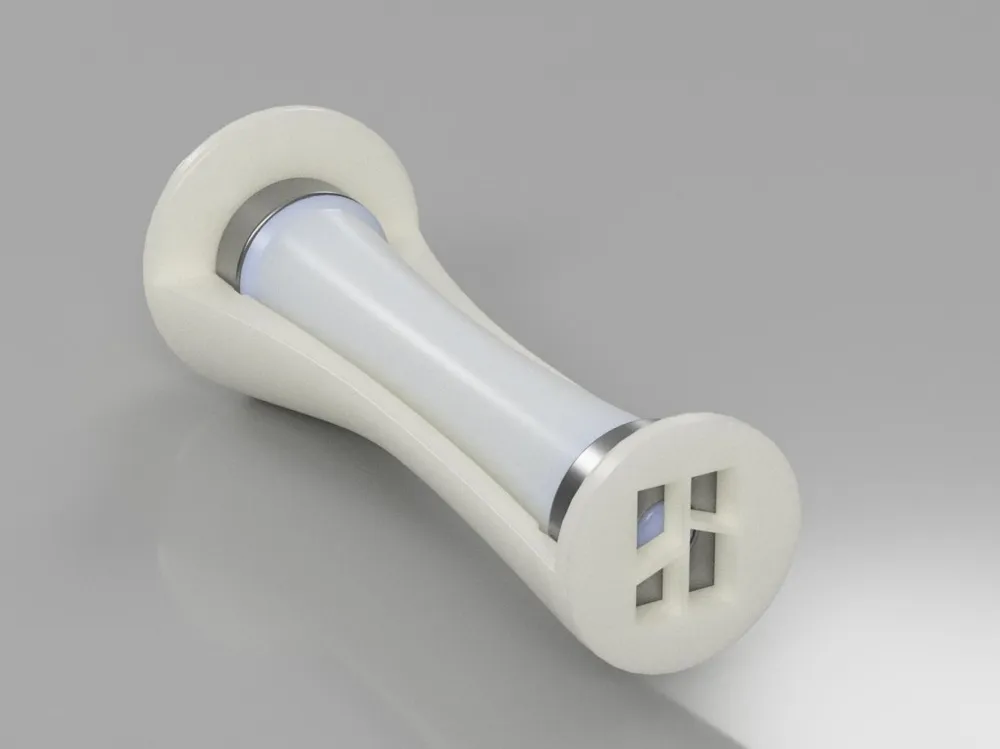
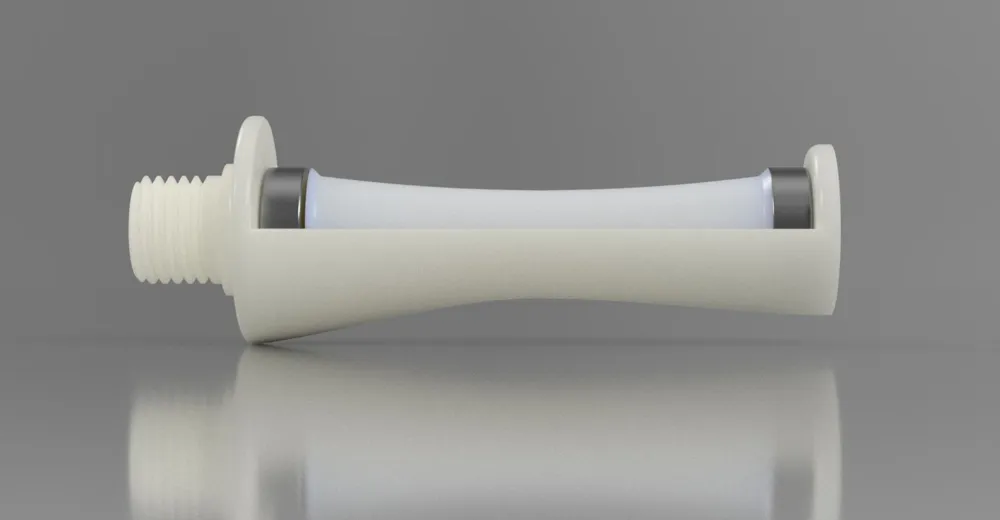
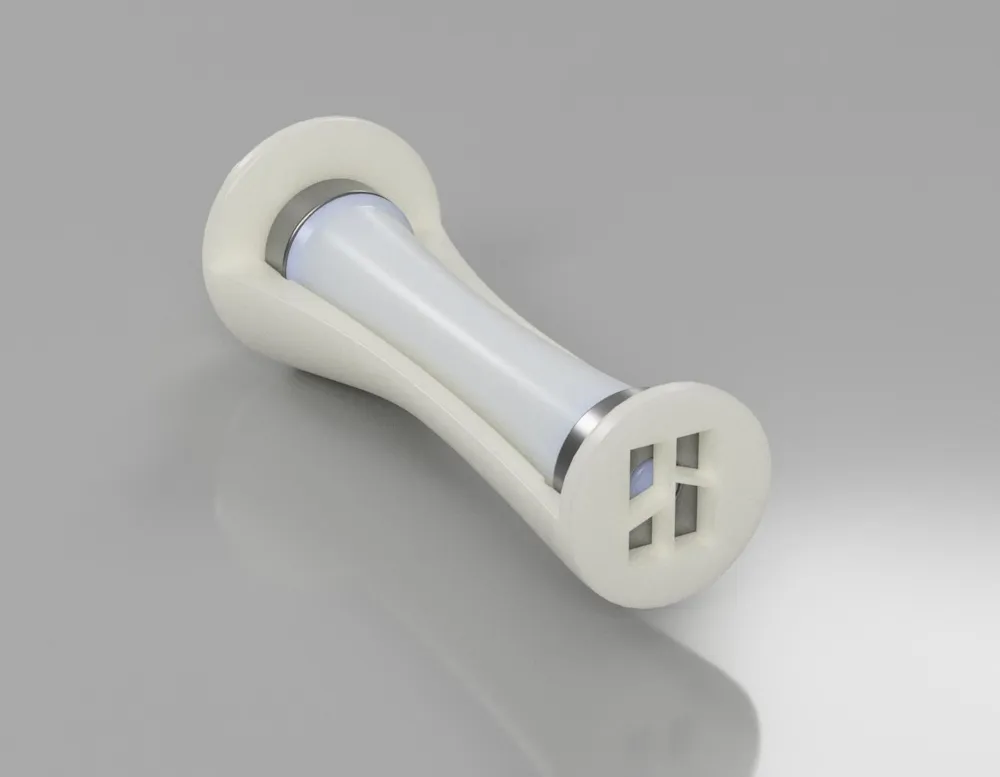
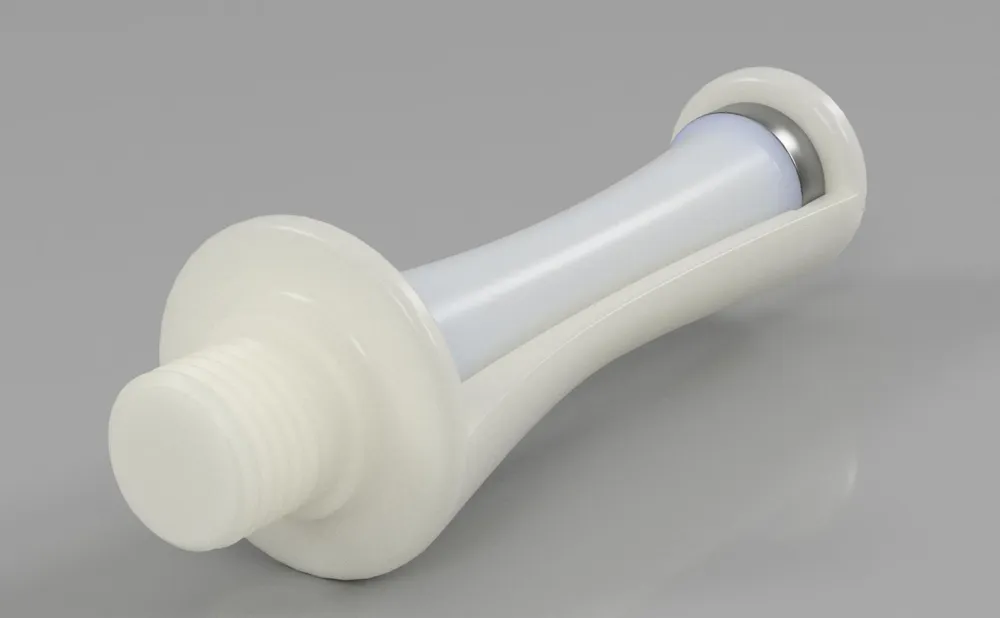
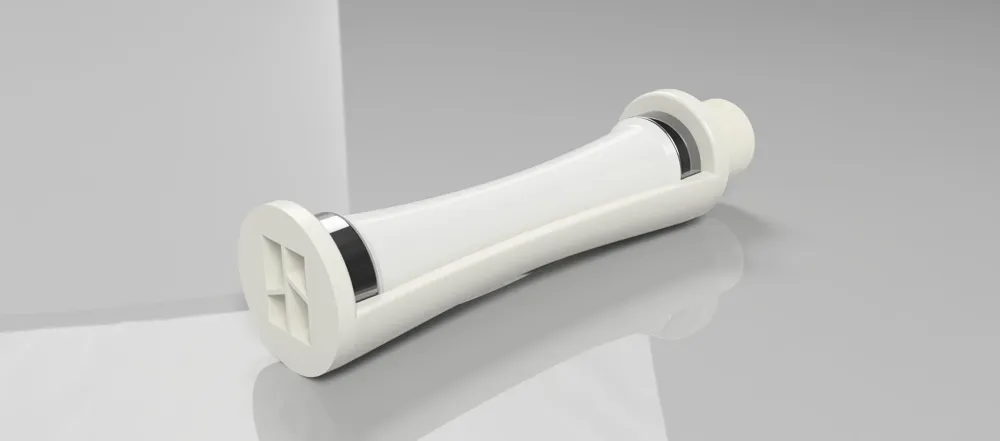
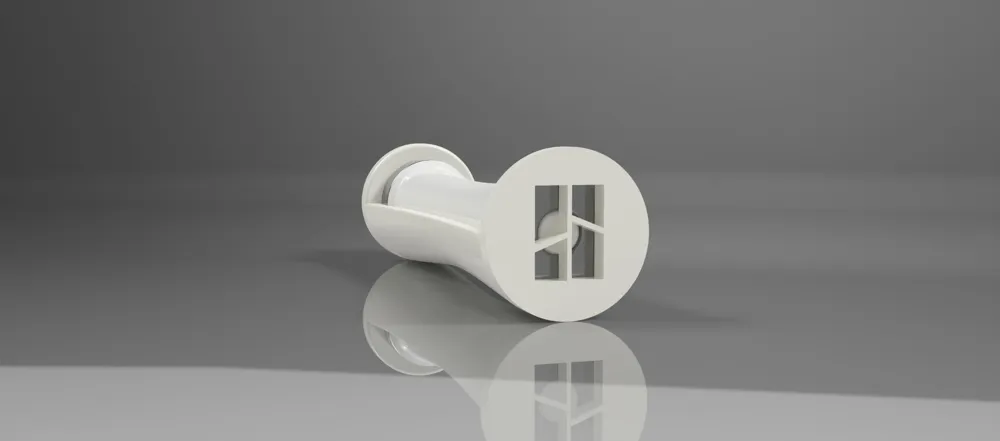
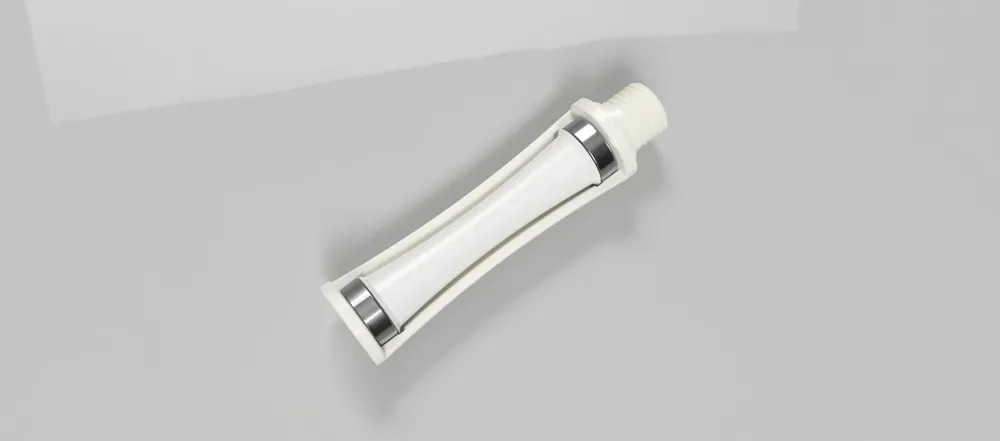
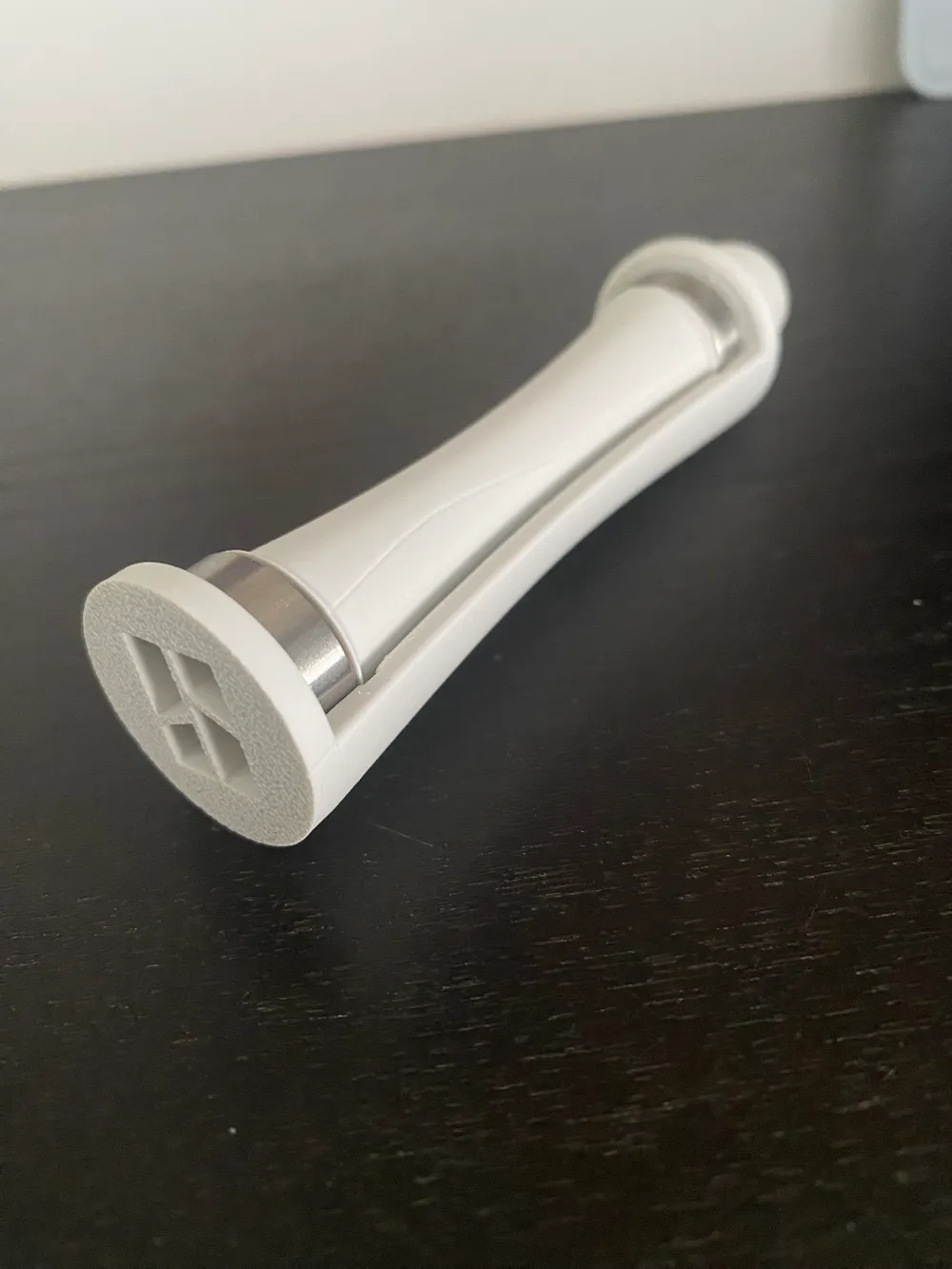

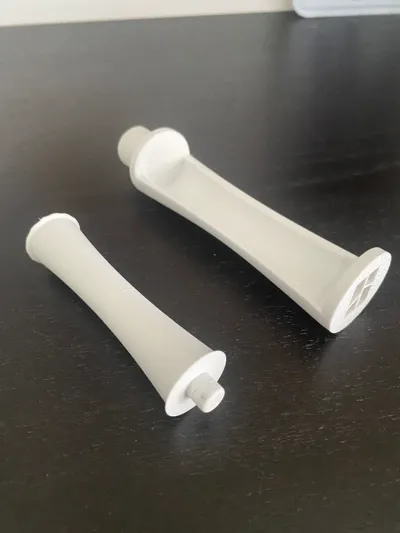
Print Profile(4)



Bill of Materials

Description
Updated Ultimate Spool Holder Version:
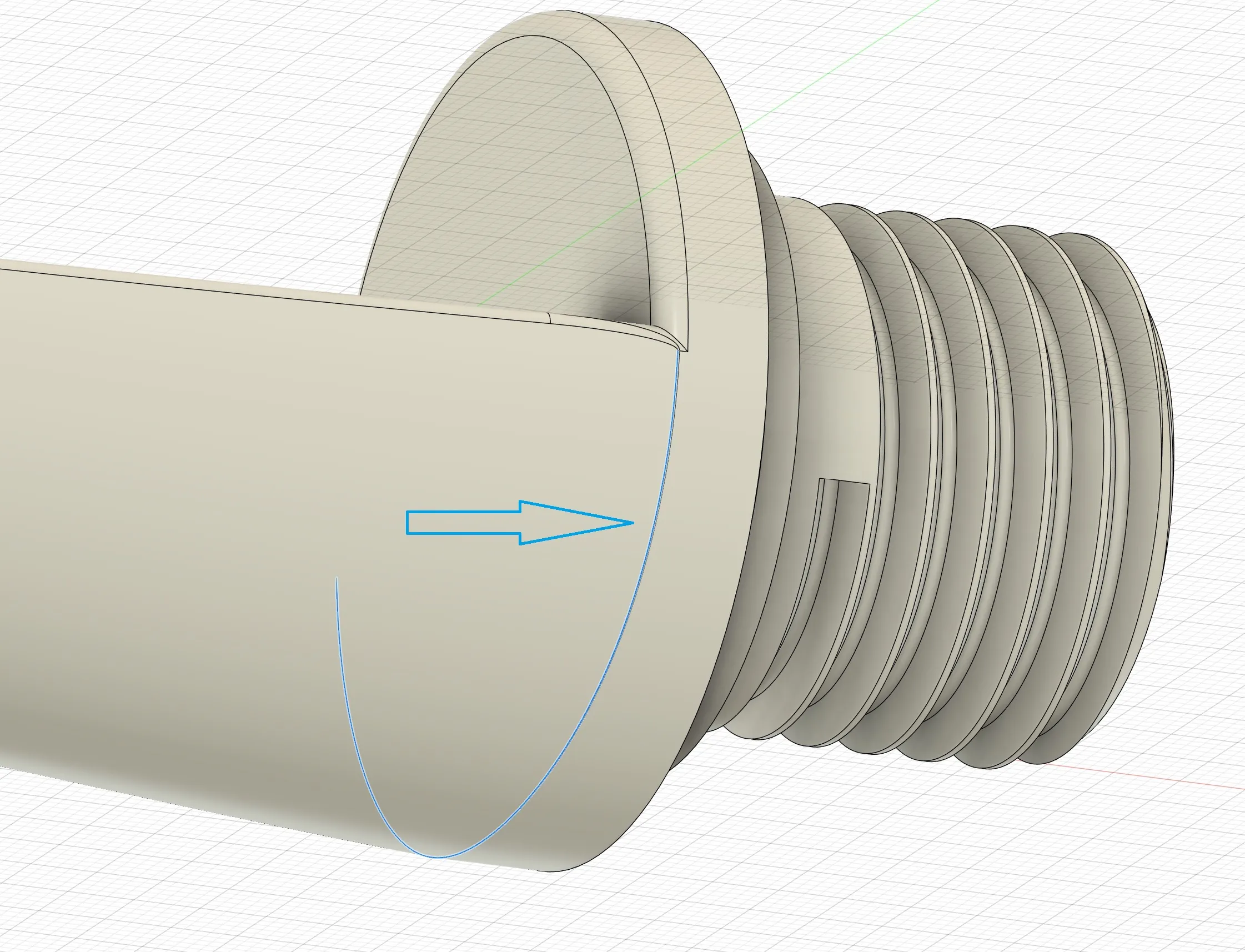
After noticing a potential failure point in the ultimate holder with heavy spools at the blue line below:
I modified the support by creating a larger surface area between the holder and the threading:
BEFORE:
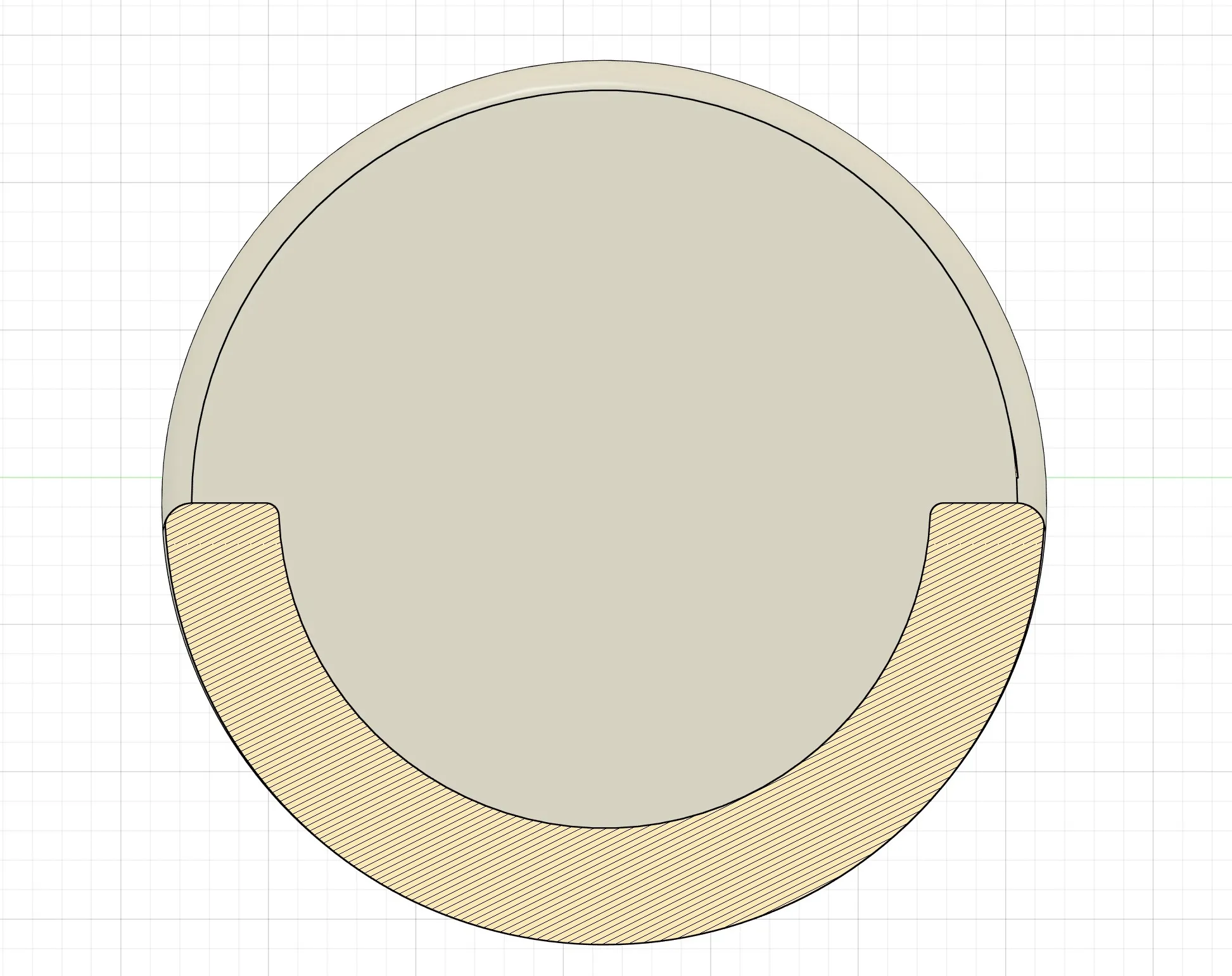
AFTER:
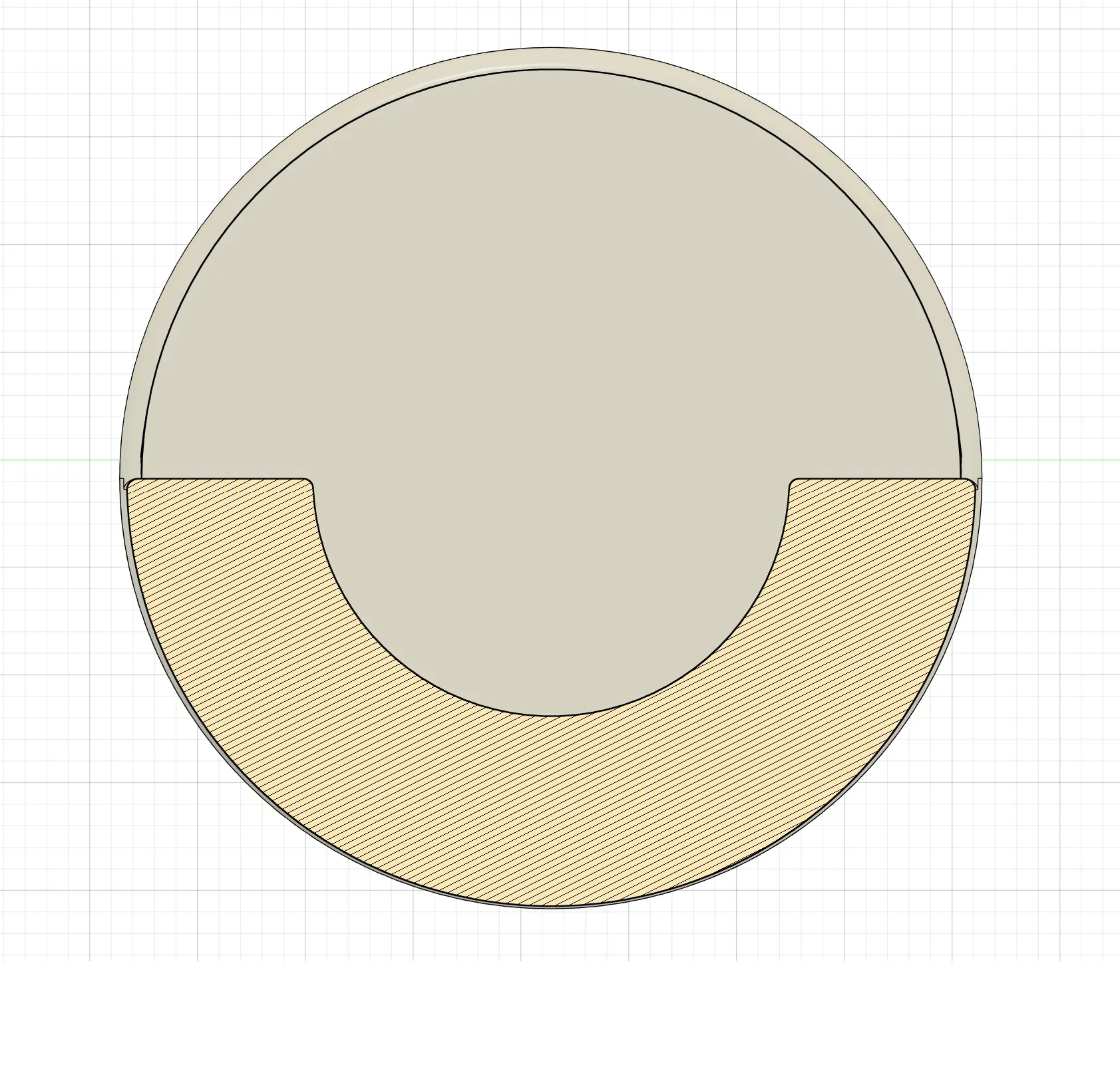
This updated version is therefore much more robust with heavy (new) spools:
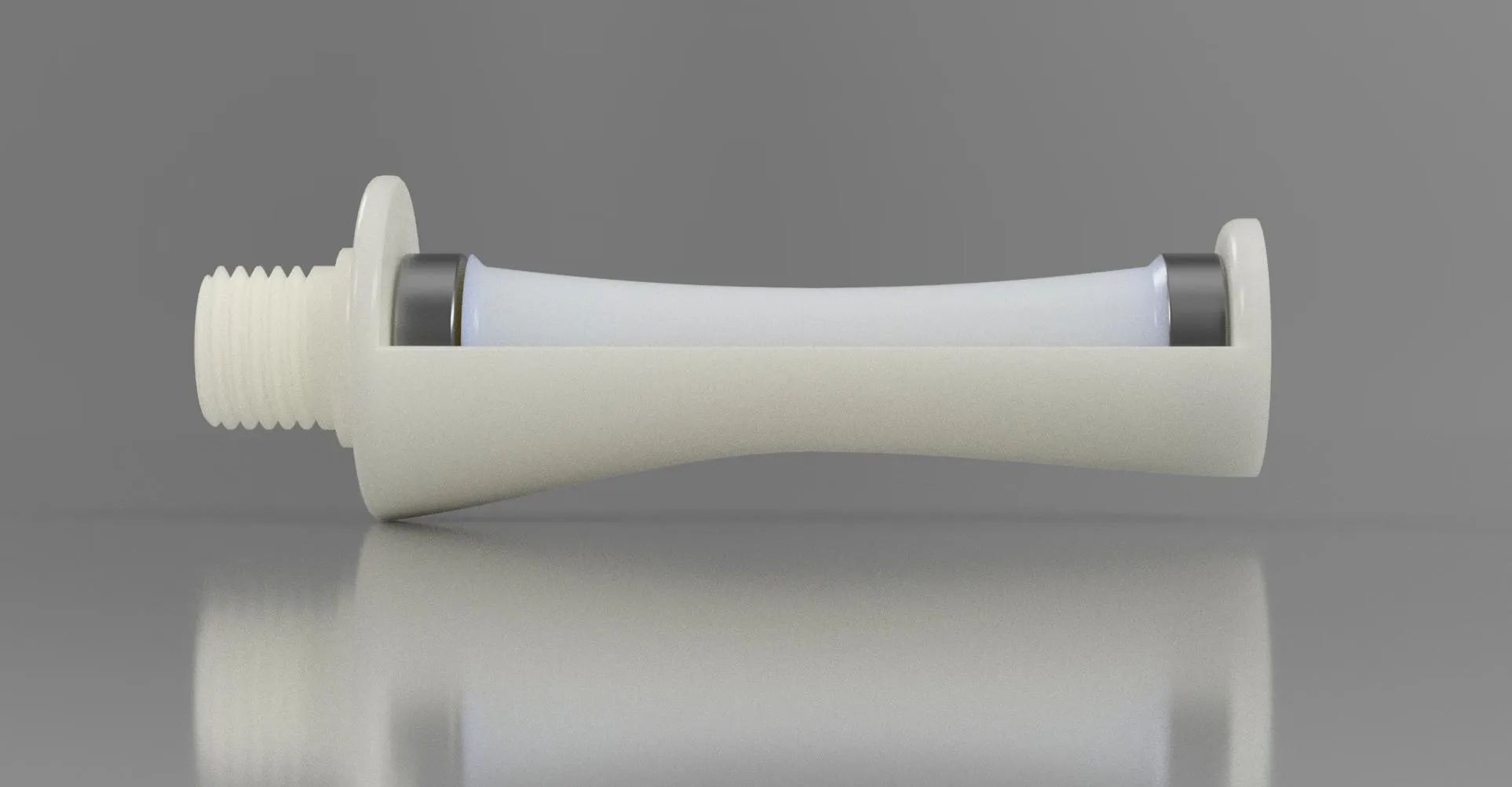
The Final Version, the one, the only….
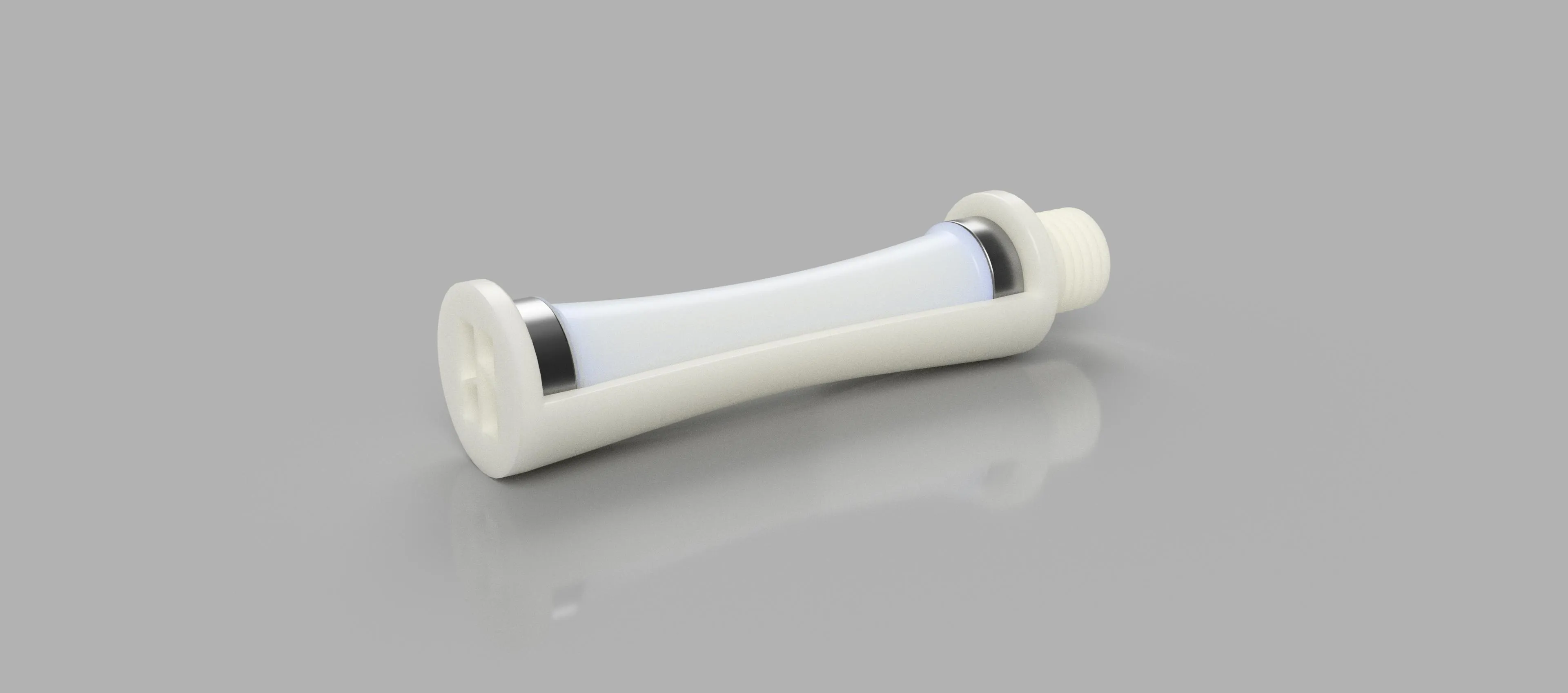
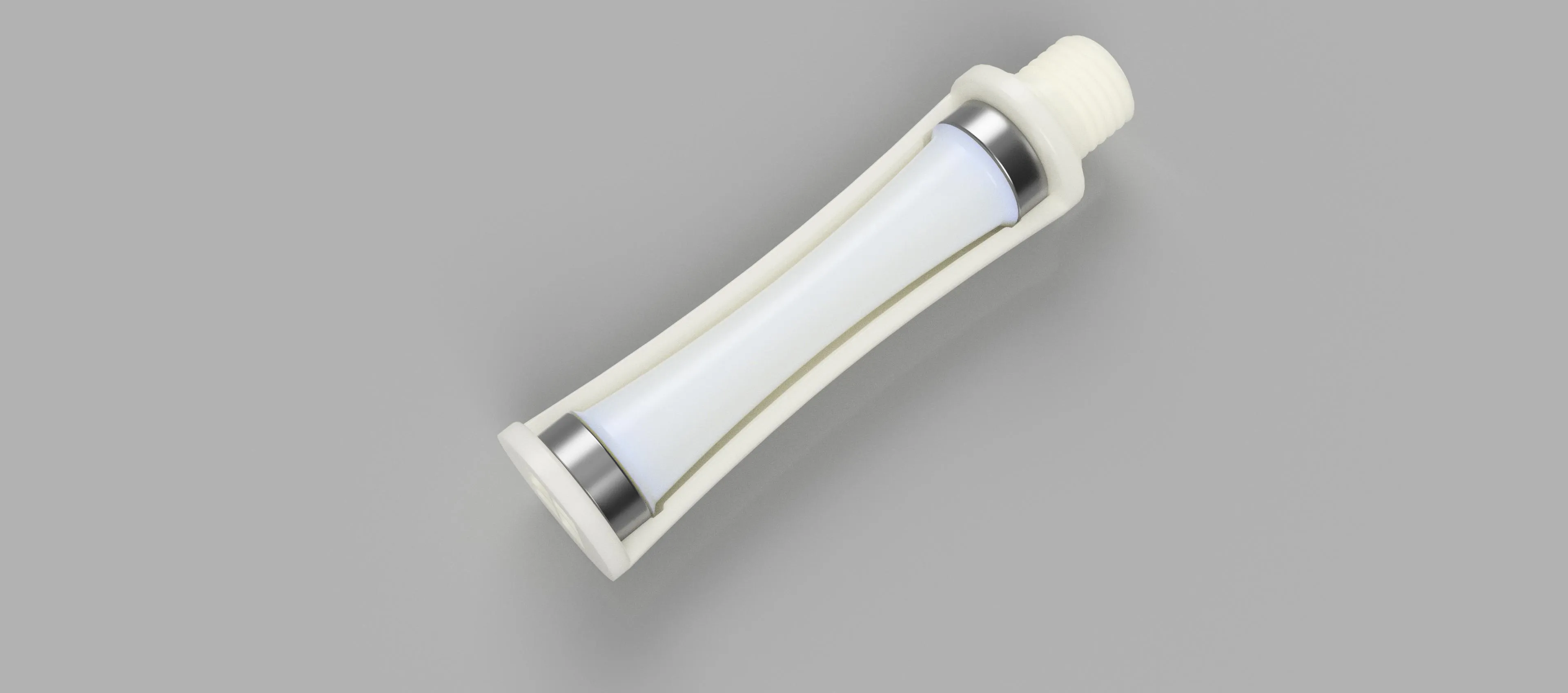
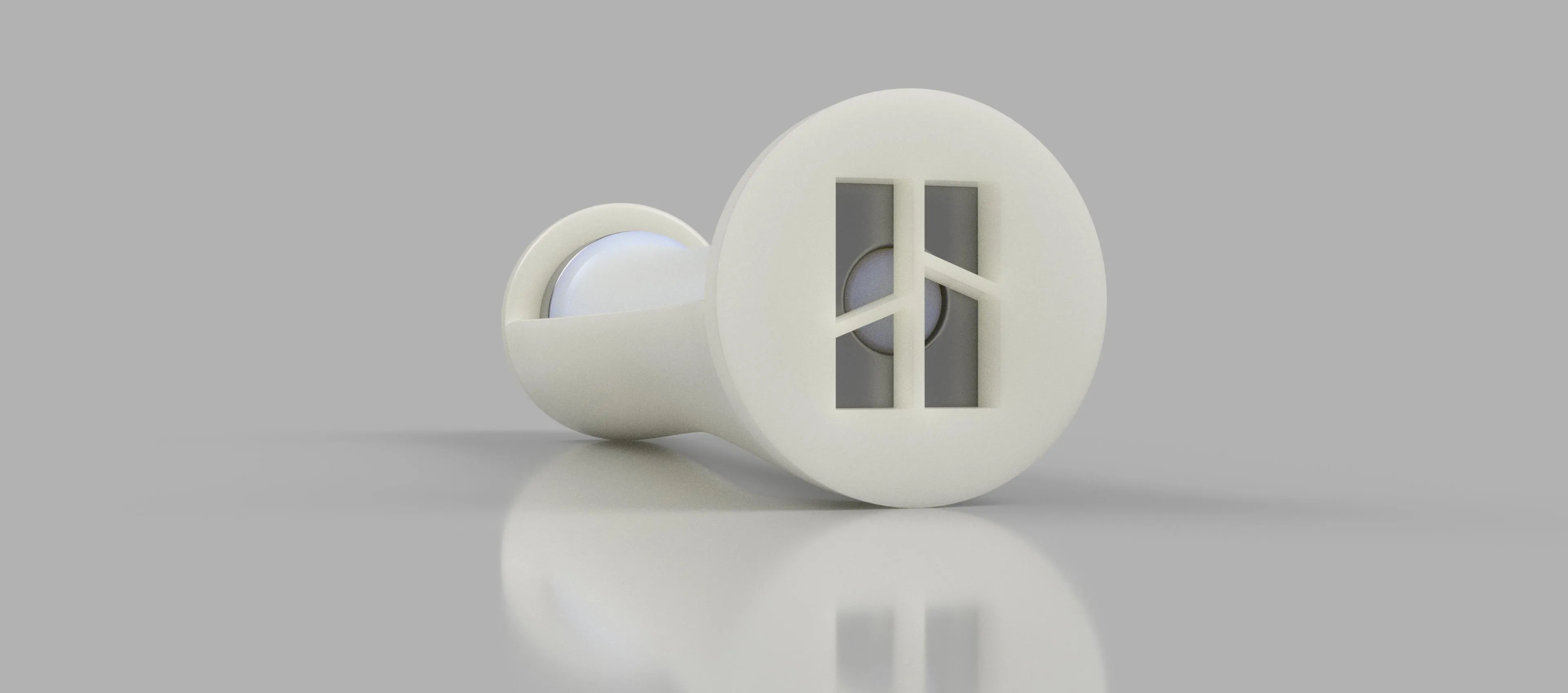
Hello,
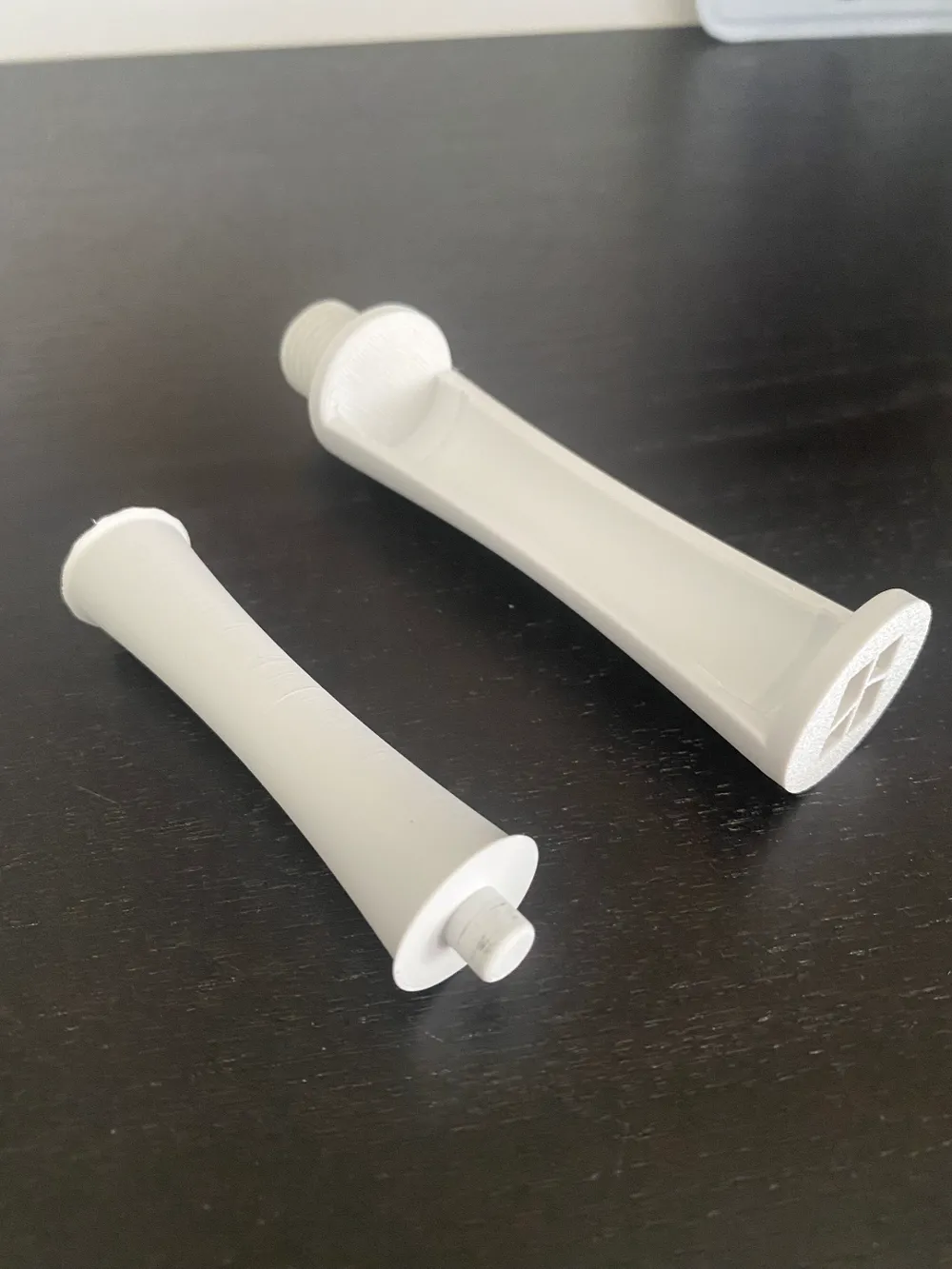
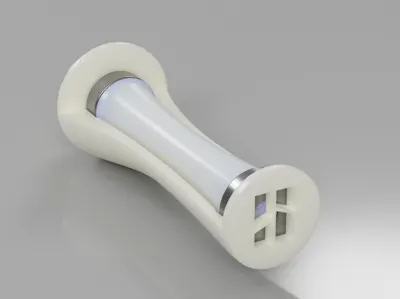
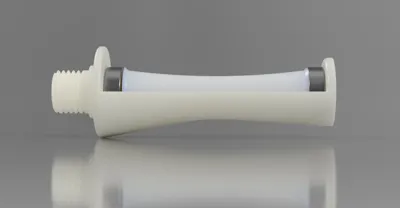
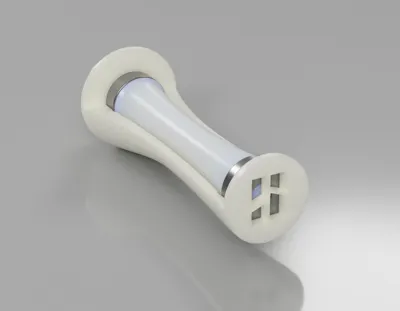
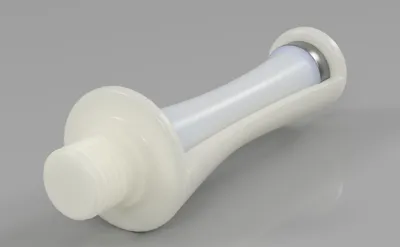
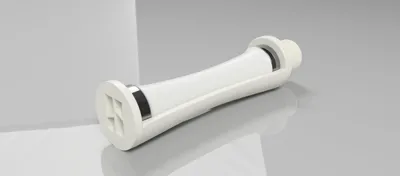
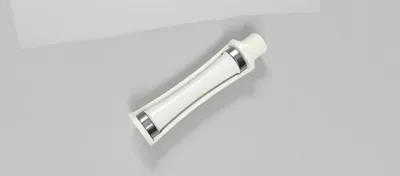
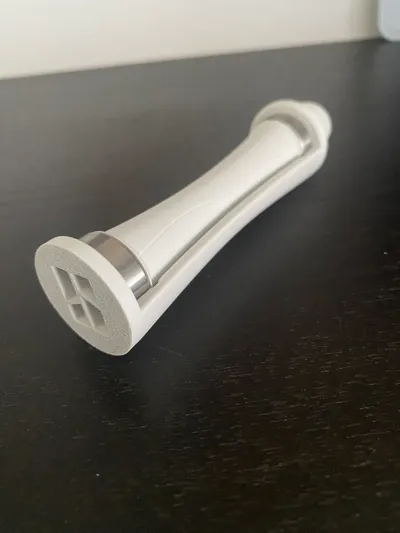
Dissatisfied with the existing models, I designed this minimalist spool holder using Fusion 360. It comprises two printed parts and two ball bearings—no assembly or gluing to complicate or weaken the structure
Hello, Since I didn't like the different models available, I created this minimalist spool holder with Fusion 360, made up of 2 printed parts and 2 ball bearings (no assembly or gluing which complicates and weakens the whole thing...)
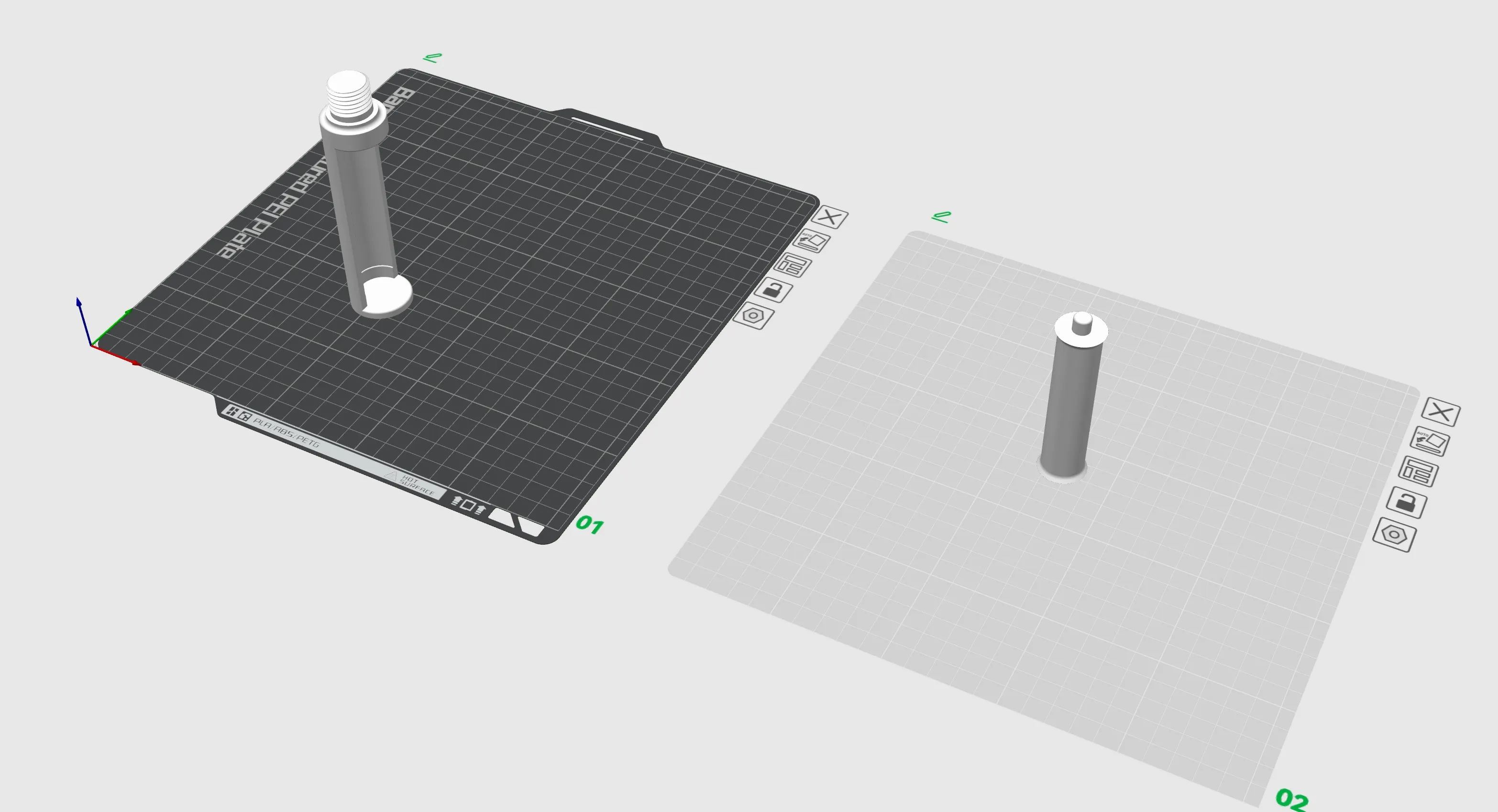
The print file includes two plates, one for each part. While you can print both on a single plate, I opted to separate them:
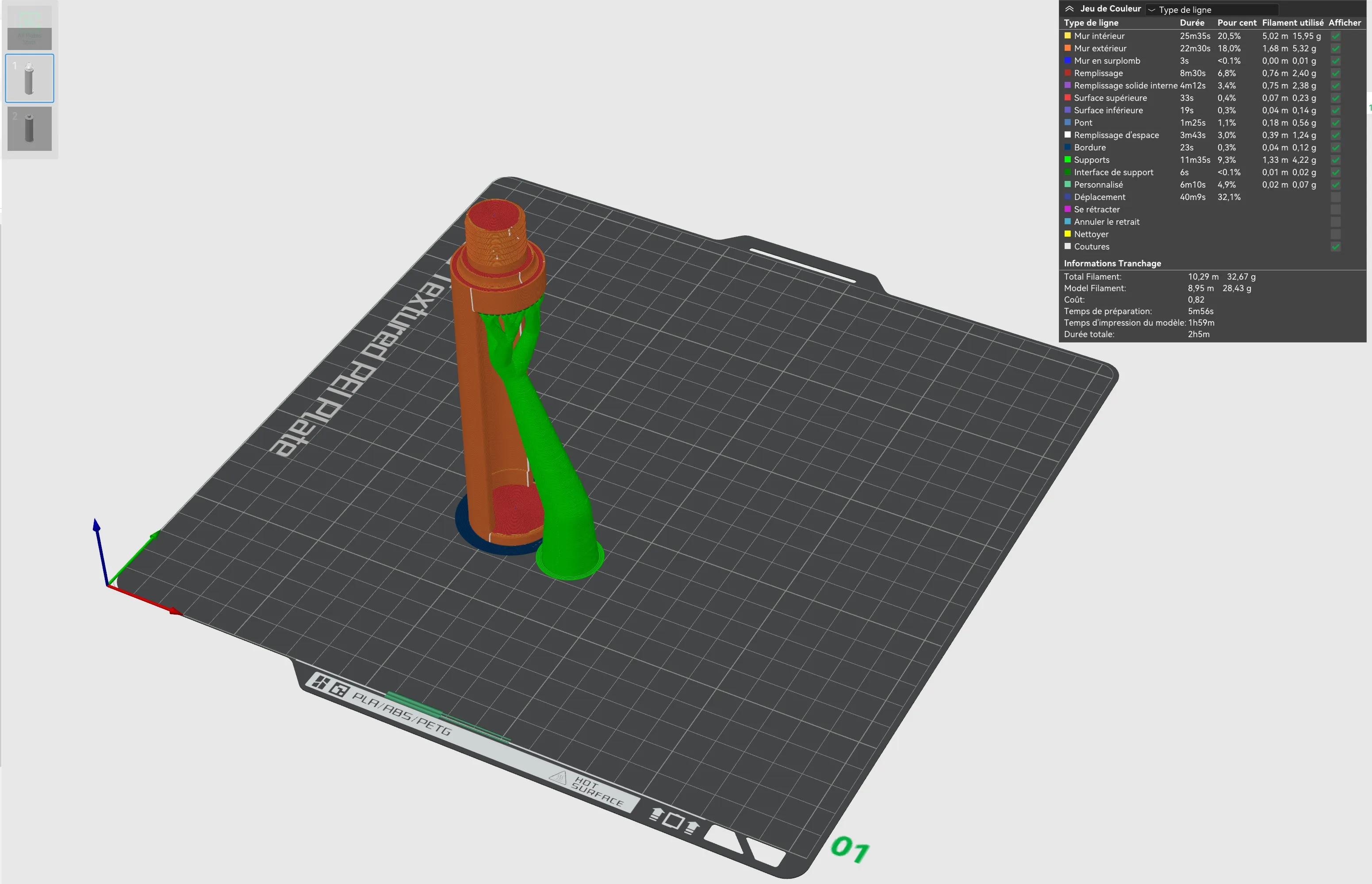
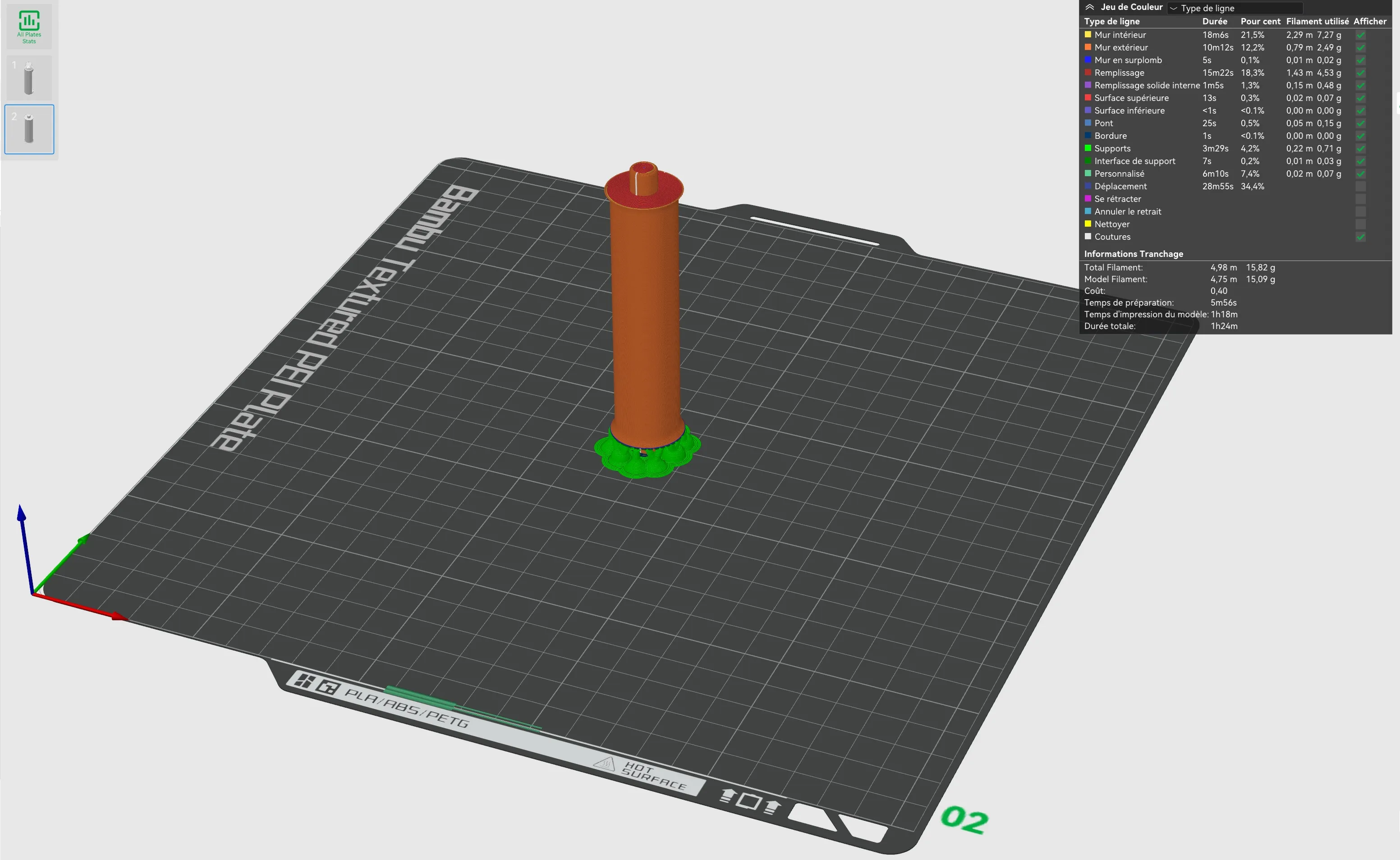
Both parts print exceptionally well using the print profile linked to the file:
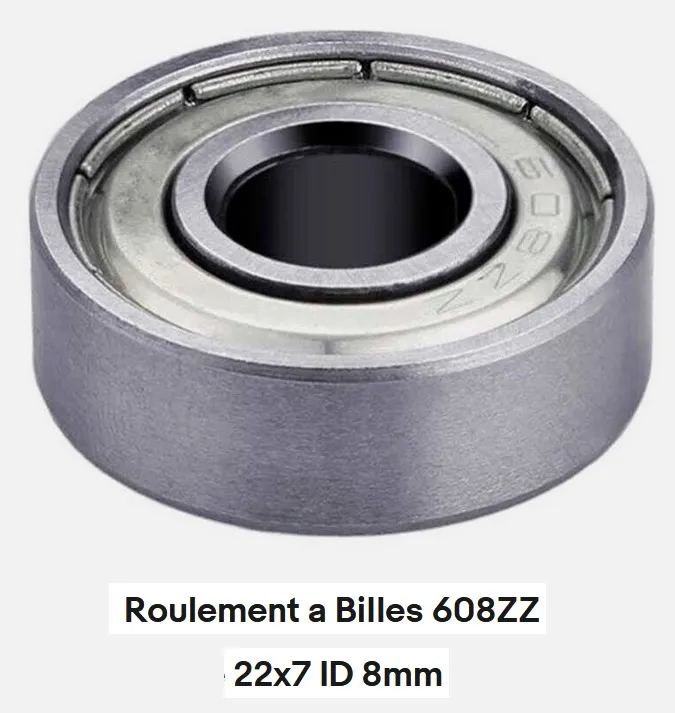
After printing, you will require two 608ZZ ball bearings:
Assembly:
1: Required parts:
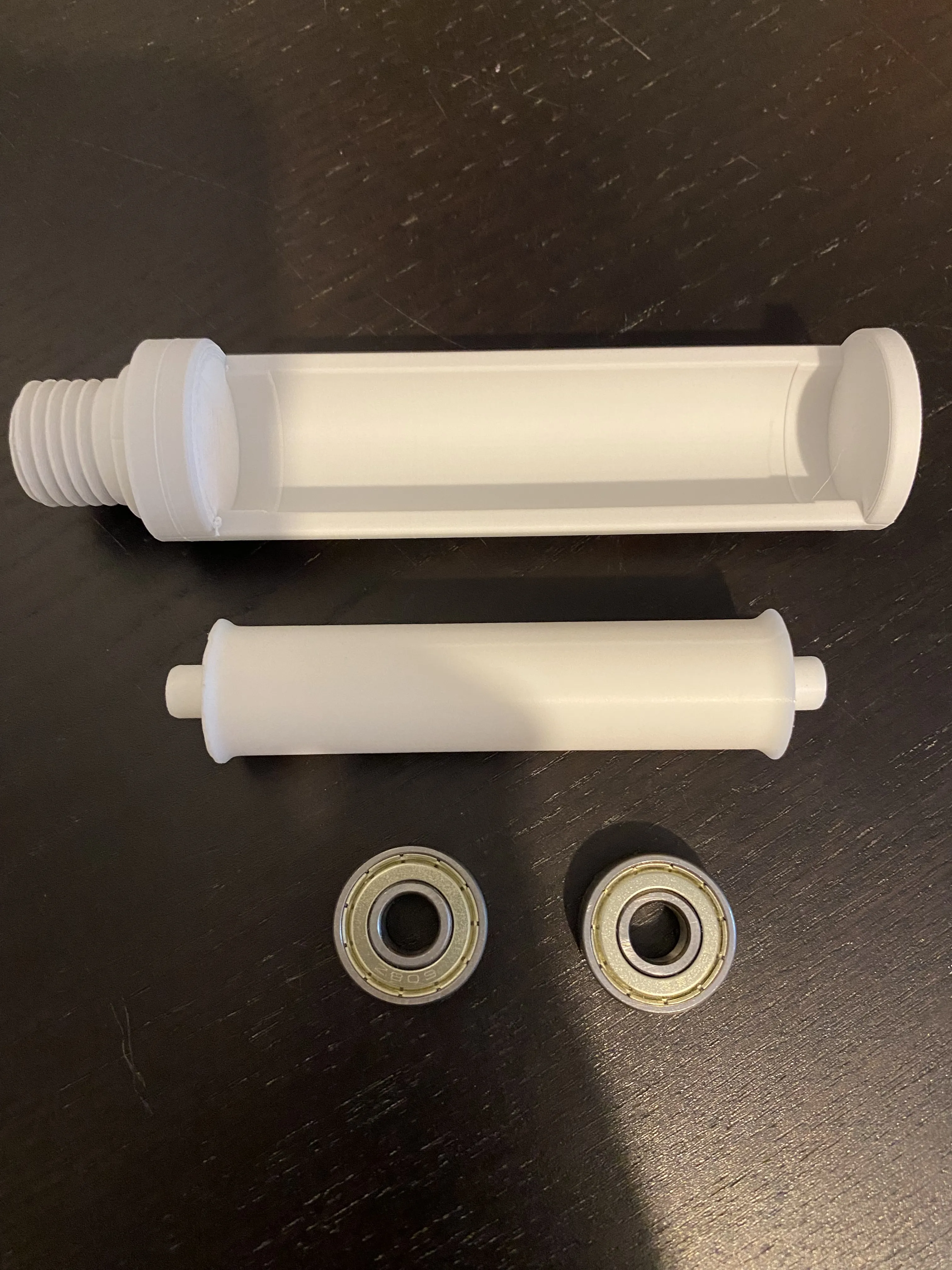
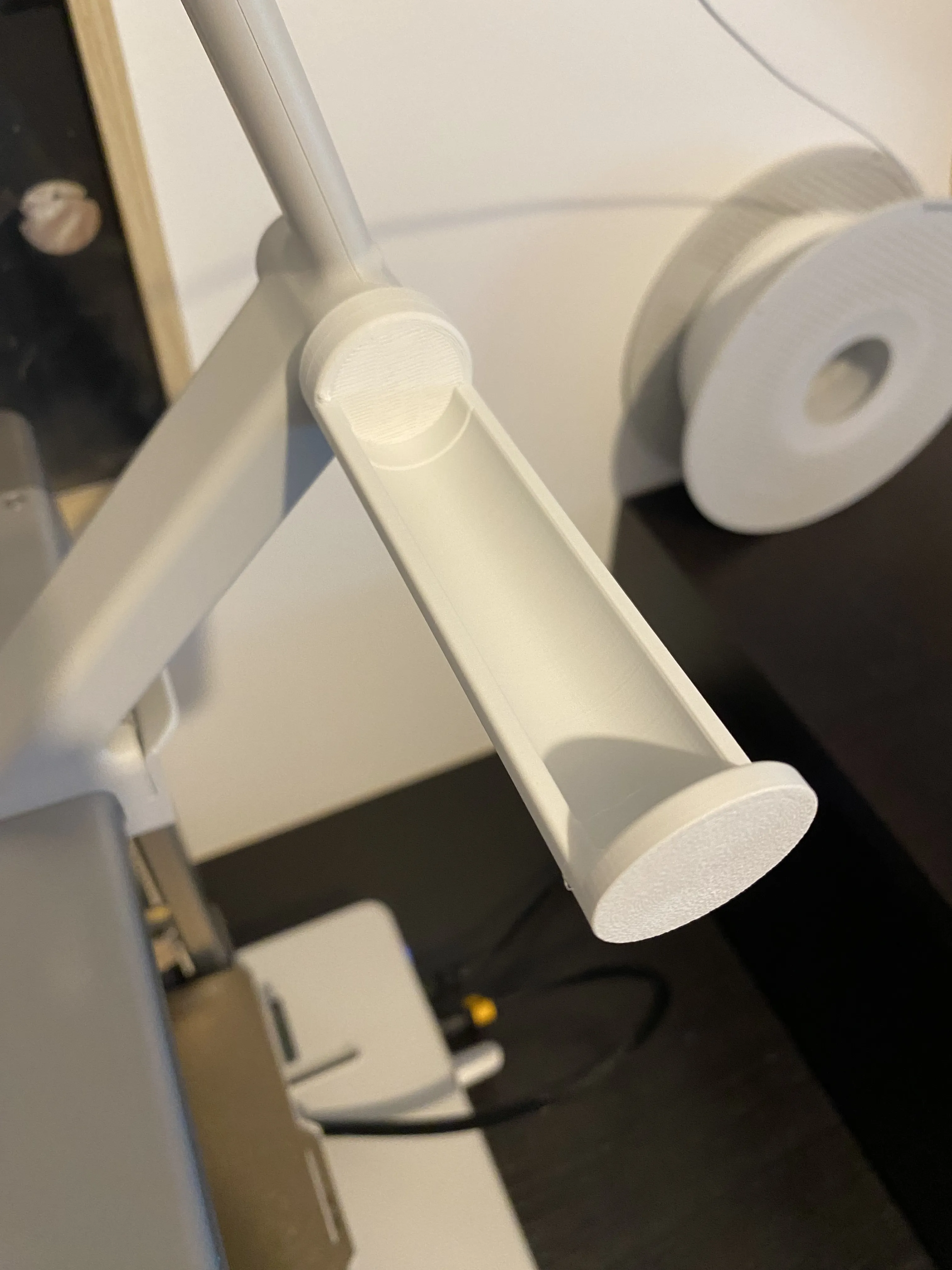
2- Install the new support by screwing it into the original support's threads
3- Install the two ball bearings on the axle
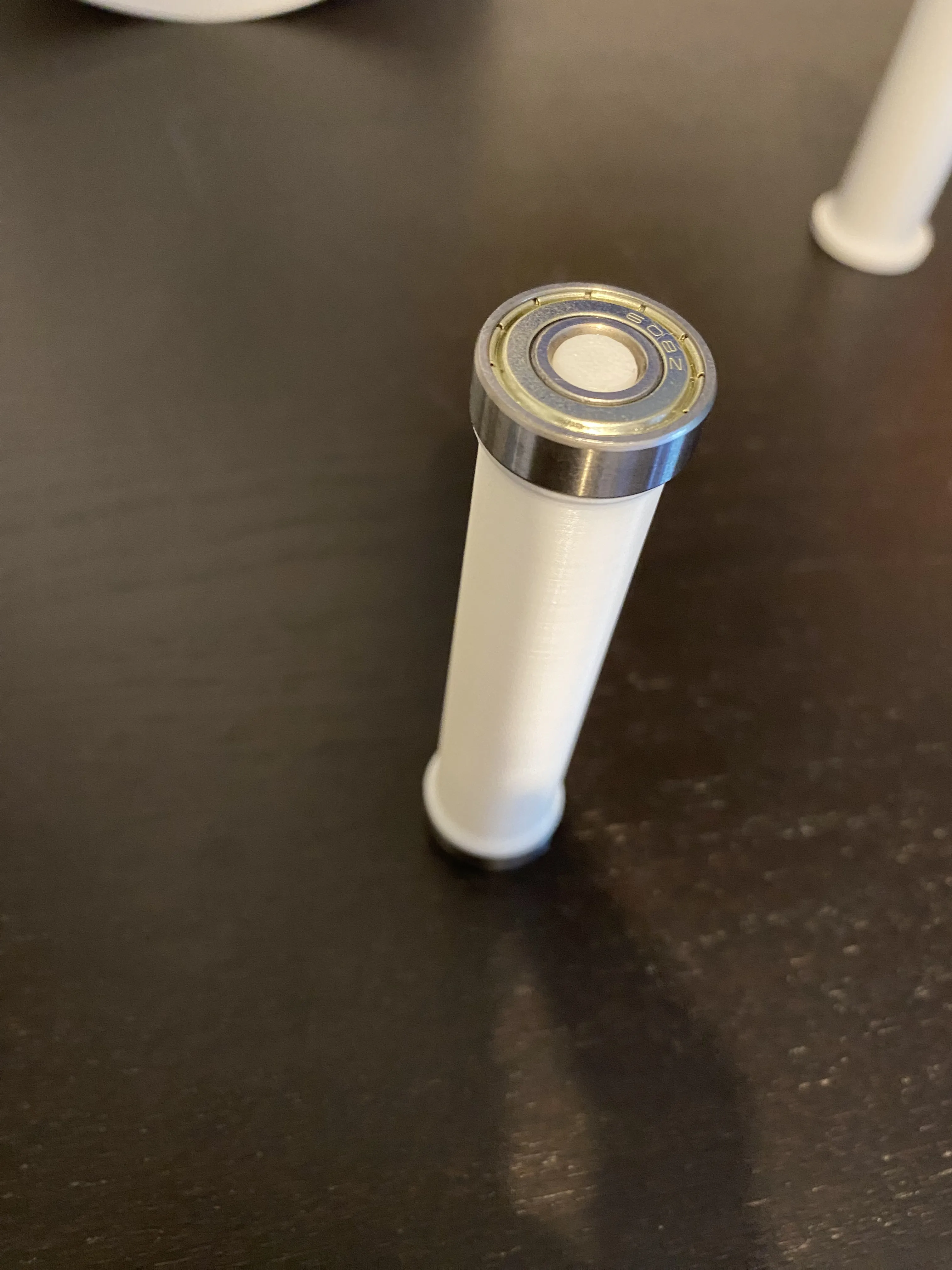
4- Install the axle into the holder
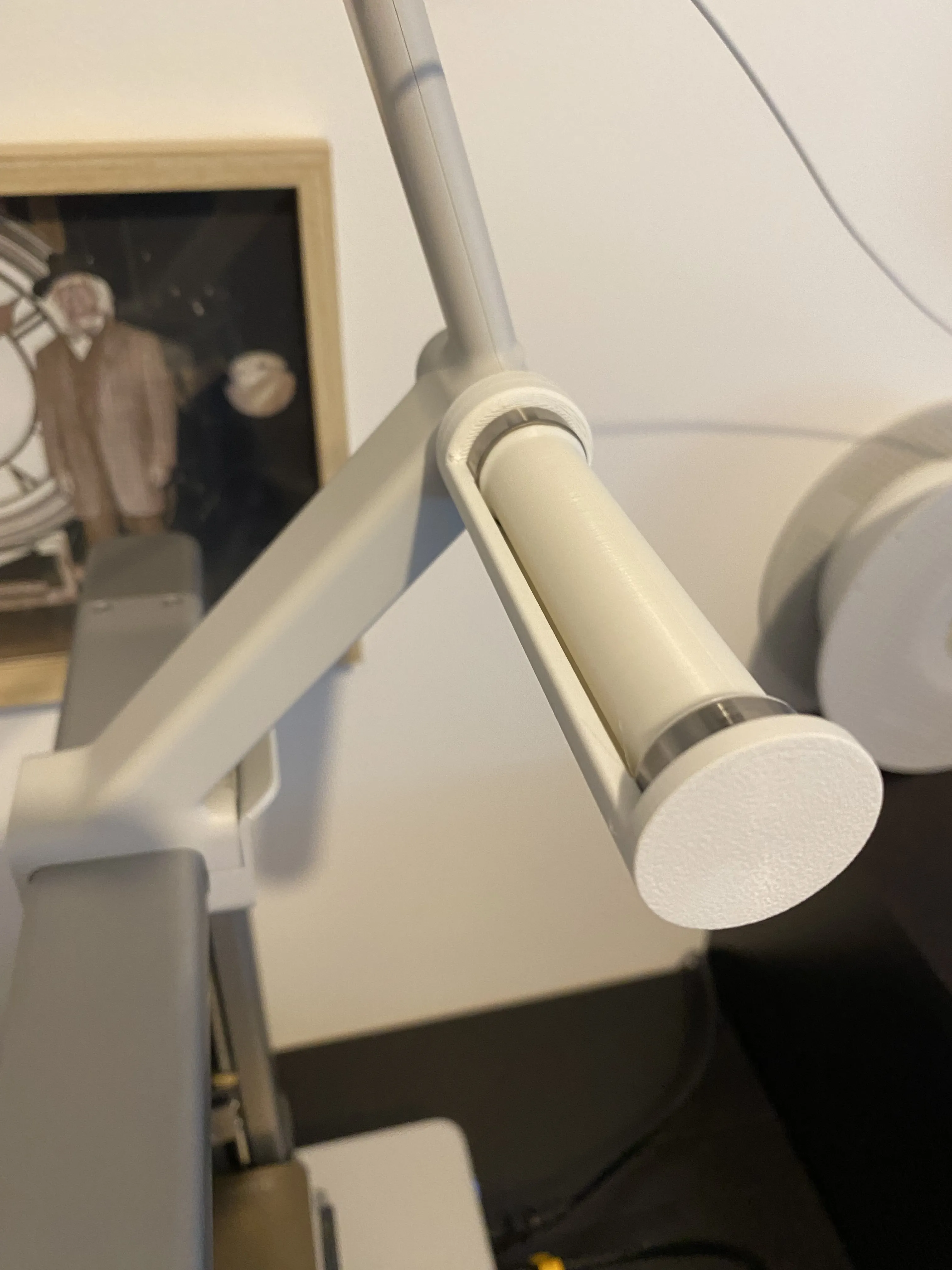
And there you have it!
License

You shall not share, sub-license, sell, rent, host, transfer, or distribute in any way the digital or 3D printed versions of this object, nor any other derivative work of this object in its digital or physical format (including - but not limited to - remixes of this object, and hosting on other digital platforms). The objects may not be used without permission in any way whatsoever in which you charge money, or collect fees.


Comment & Rating (121)