
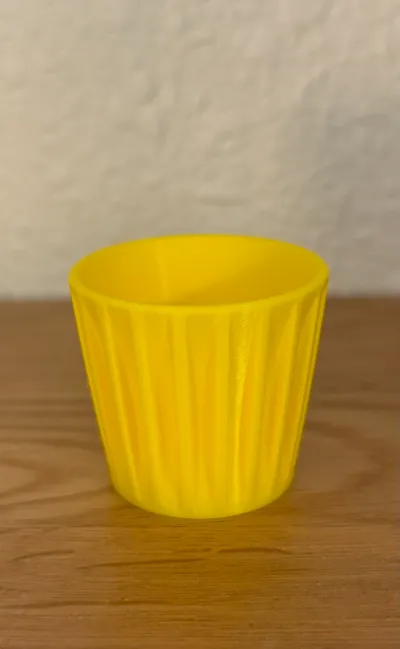
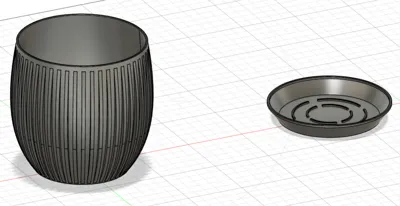
Print Profile(1)

Description
***Edit - V3 parametric model fixed a few bugs in the parametric model on the base and drain holes.*** Very large sizes created a slightly off-center hole. This should correct that. Same rules - make small changes, click OK to set those parameters. Repeat until you have something you like. If you get an error and have not recently clicked “OK”, you'll have to click OK and then undo and you'll lose all changes until the last “OK” click.
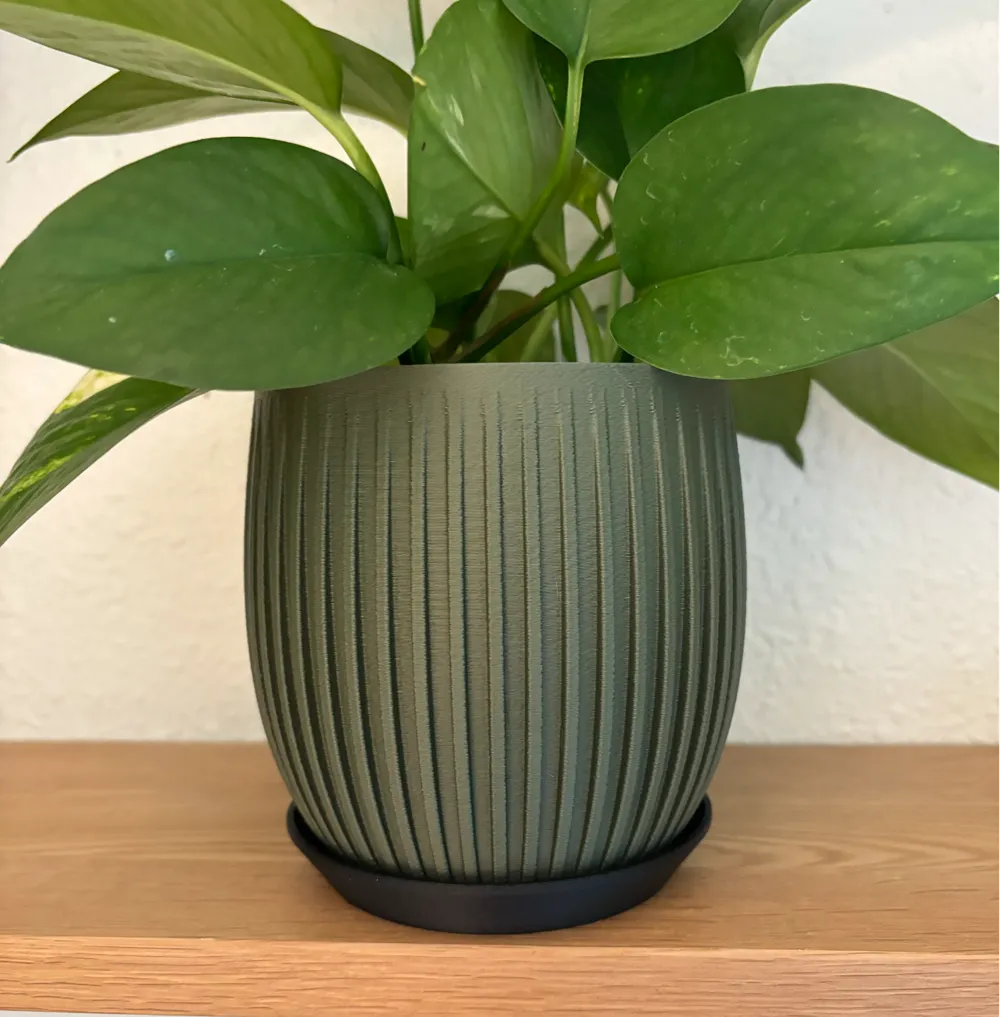
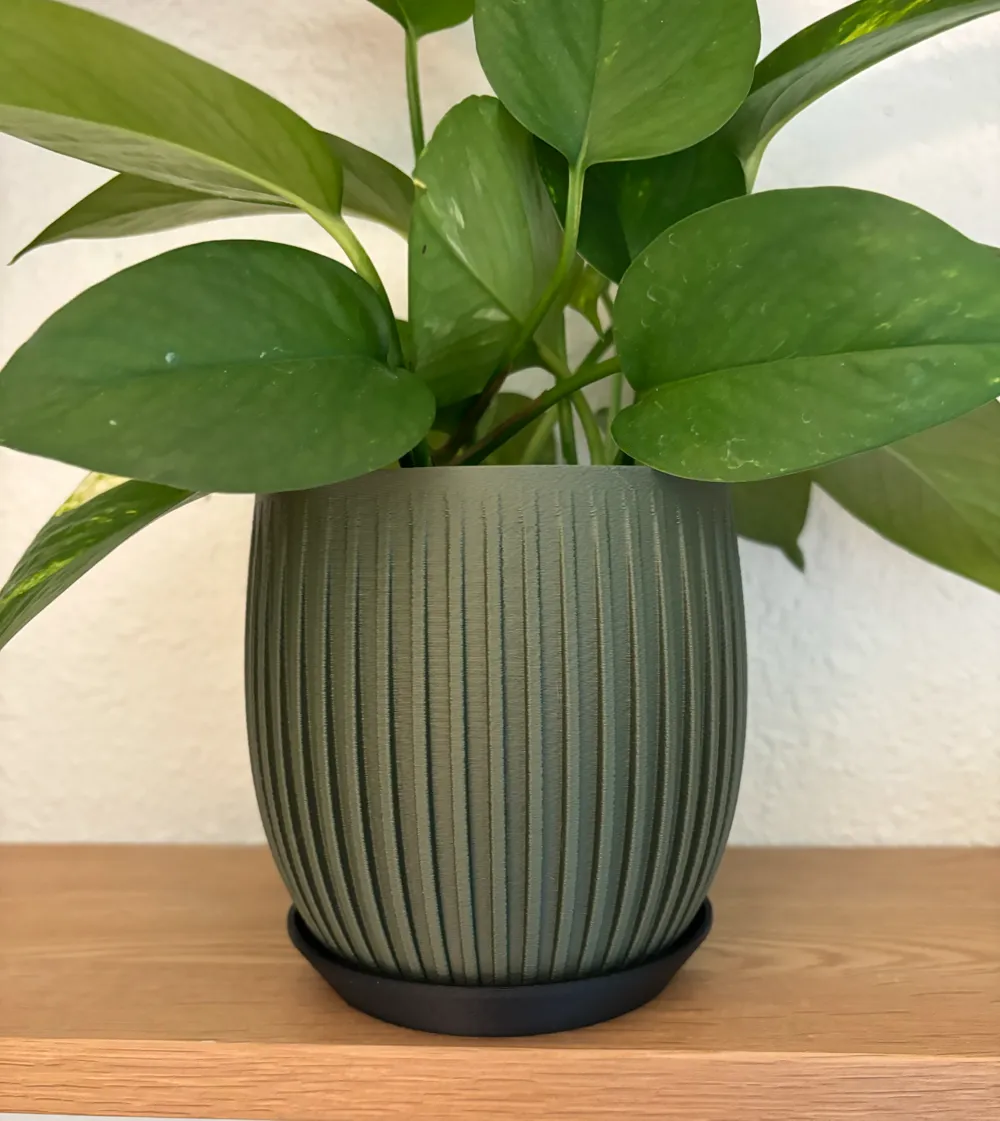
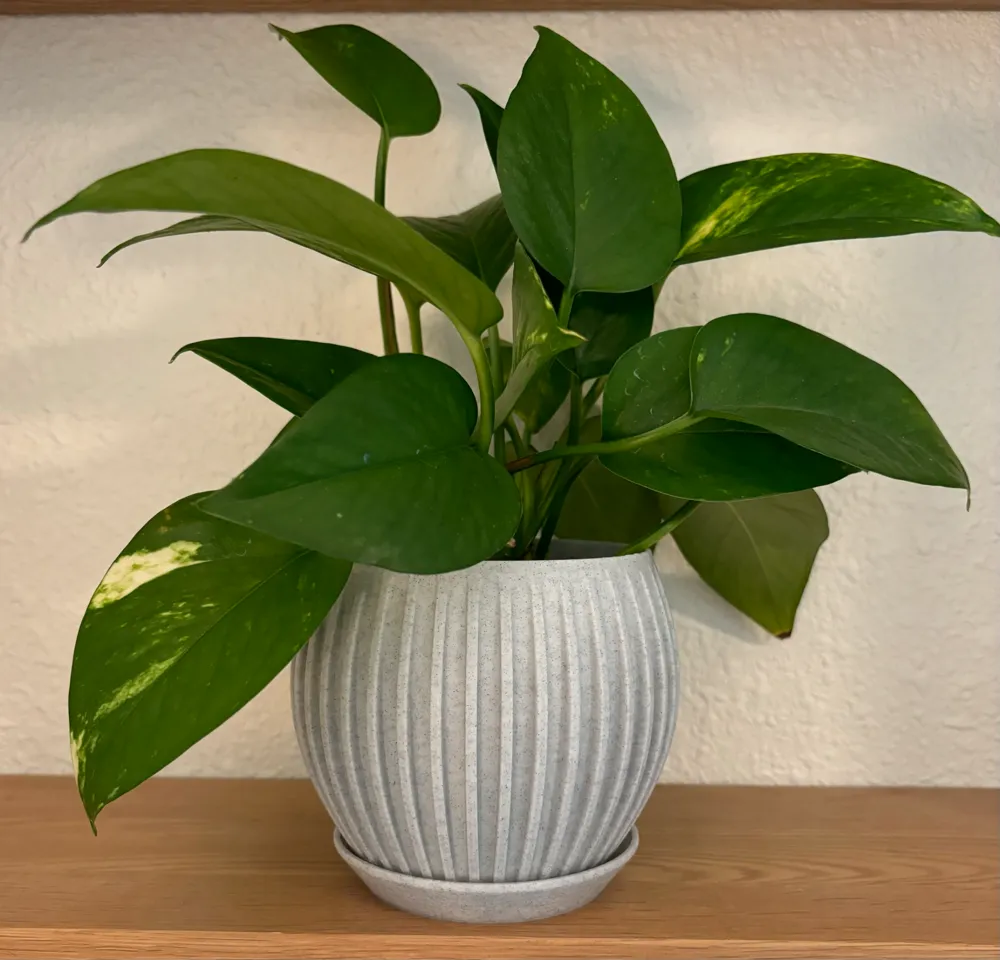
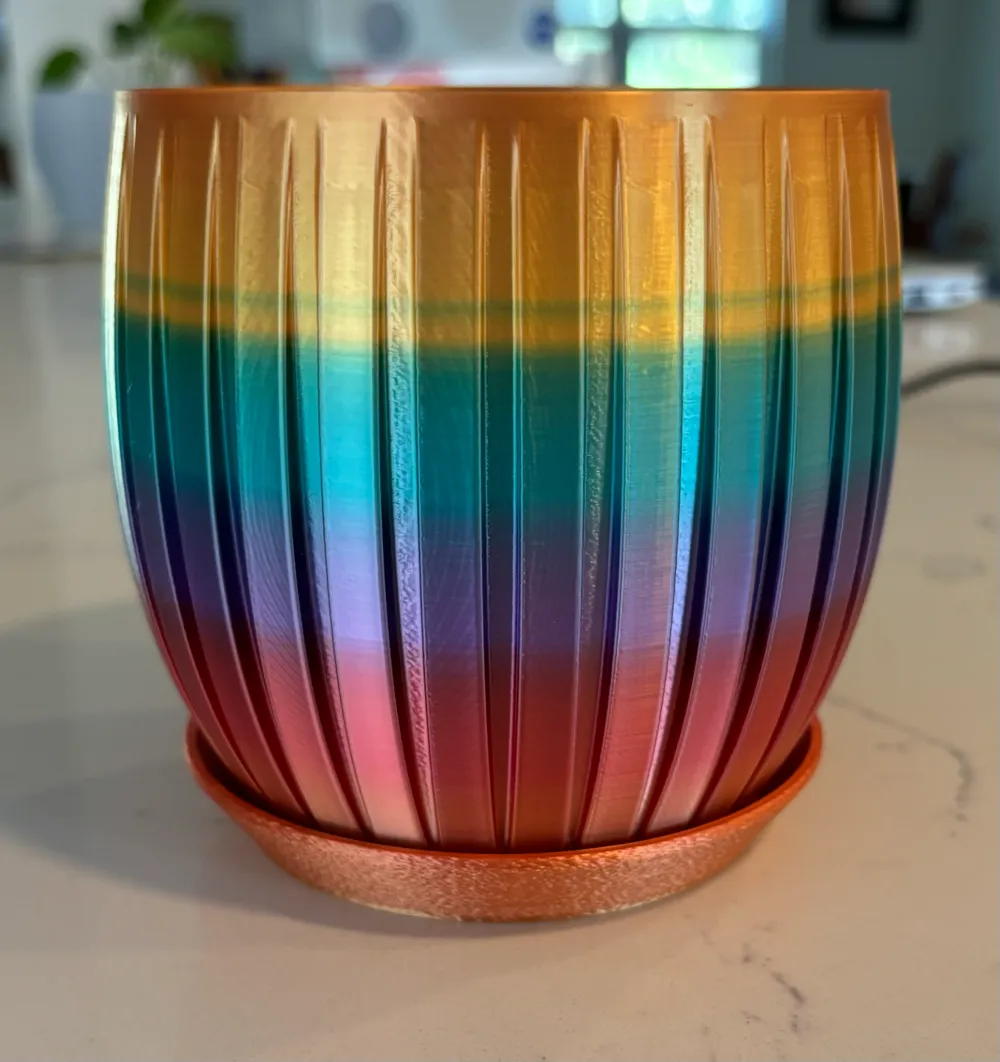
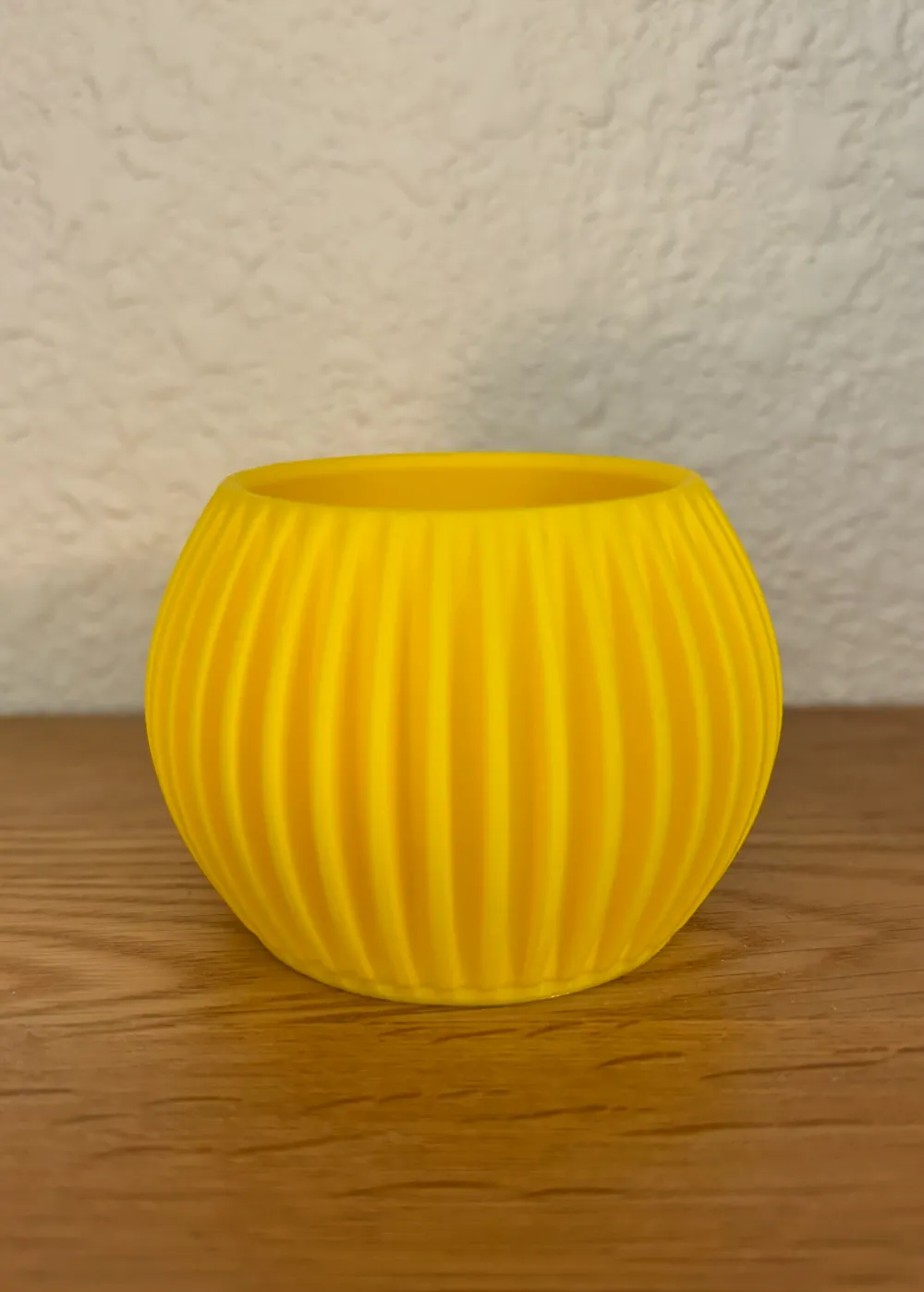
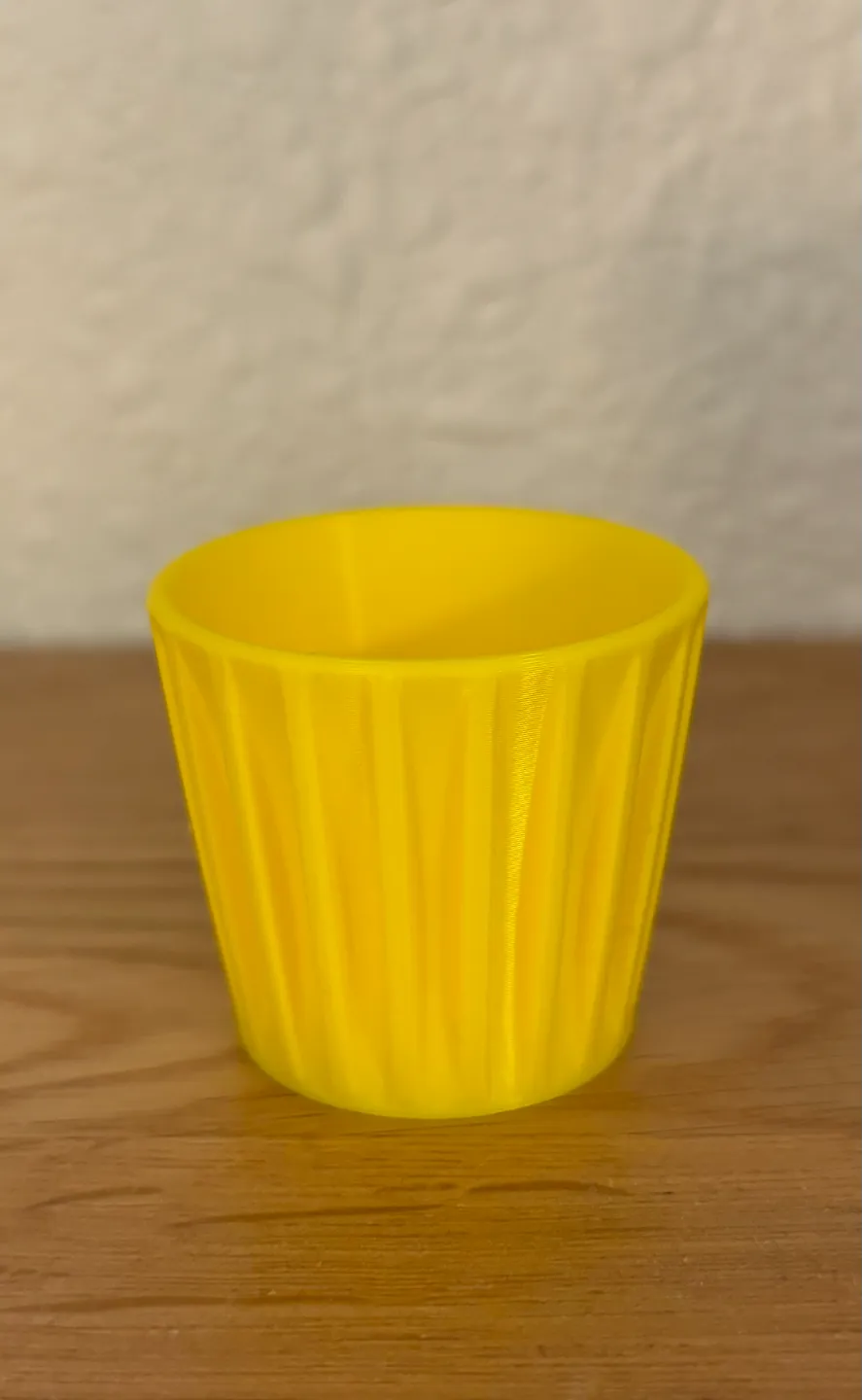
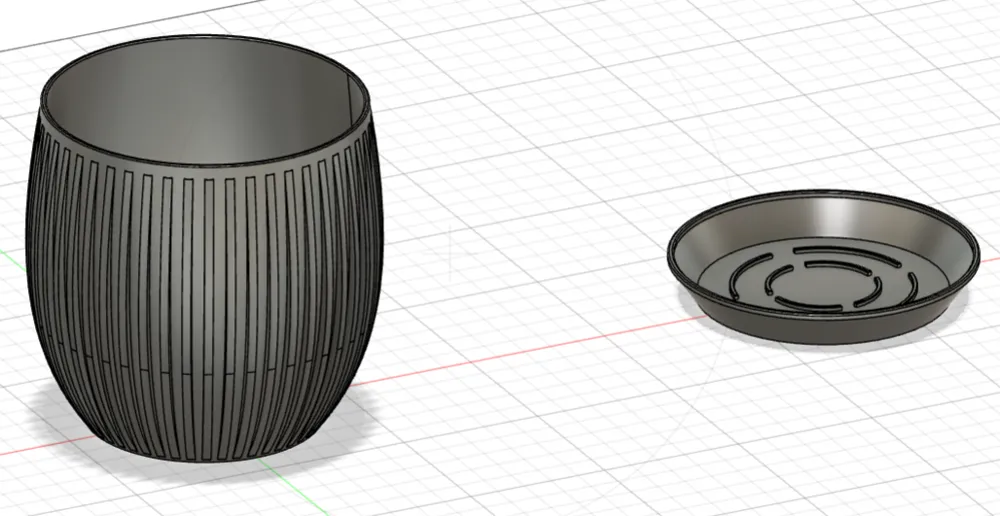
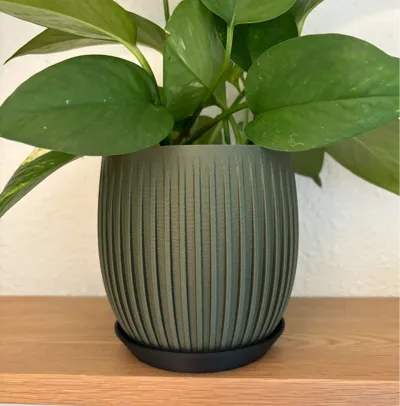
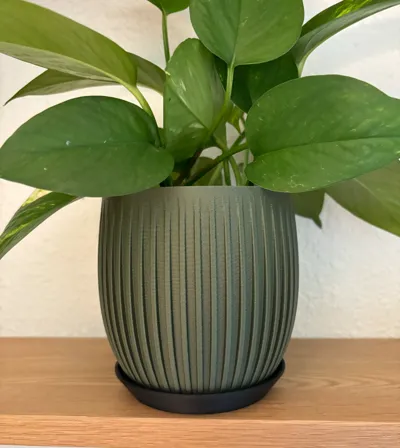
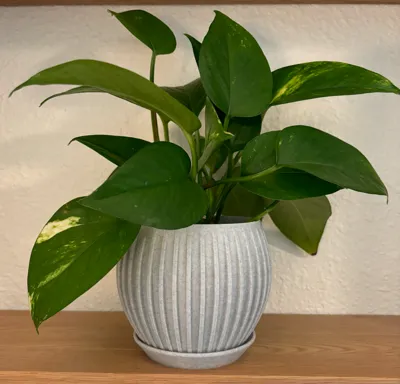
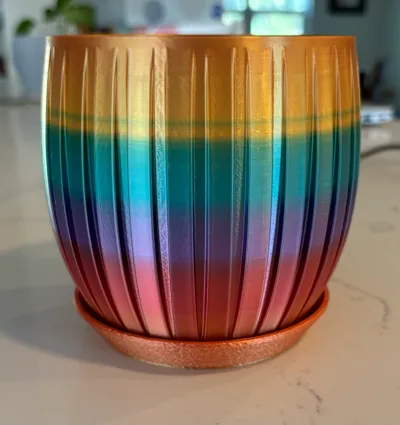
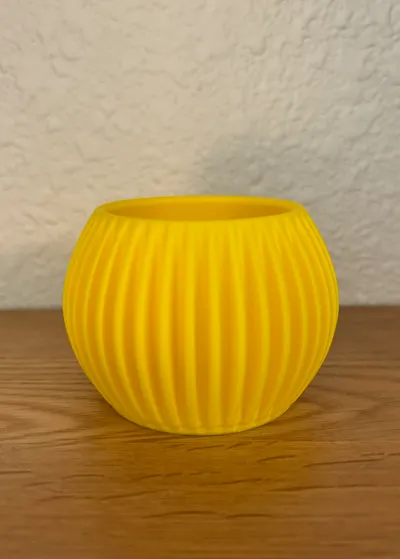
This is my second parametrically-generated planter pot and parametrically-generated matching drip tray. Before you print this model and to avoid wasting time and/or filament, read this completely before you proceed.
For this model, you can change the height, width at the top (RADIUS), width in the middle (RADIUS), width at the bottom (RADIUS), number of splines, width of the splines, depth of the splines, pot wall thickness, drain hole diameter, height of the center bulge, and the overall height of the drip tray. Note the drip tray uses the law of sines to calculate a precise wall angle to hug the pot.
In order to minimize the parametric fails that Fusion 360 generates with large parameter changes, I have simplified this model and the result is greatly diminished calculation errors if you make large changes rather than smaller incremental ones. Note that if you do something odd such as set the center height (bulge area) taller than the pot itself, the same as the height, zero, etc., you can still cause an error in calculations. If you get an error, undo your change immediately and then try a smaller interval.
Note that you can use this to make virtually any size and could easily be used for vases, pencil cups, etc. Set the drain hole diameter to 0.001 and it will draw out a solid bottom then skip printing the drip tray.
This model has been printed several times with various shapes but I have not tested dimensions beyond what will fit on an A1 mini bed. It is very possible that going really big may cause Fusion 360 to fail.
Lastly, you need to make a choice on how to deal with the final model to make it “whole”. As this is generated, it is not a single object. You can either draw a box around the entire planter in Fusion 360 and choose the combine function before you export it to make one whole OR once you get the model in Bambu Studio, separate by object then move the drip tray away from the pot. Hold the shift key to drag a box over the entire pot, right click, and choose “Merge”.
In Fusion 360, export as STL, separate into objects and put the pot on one plate and the drip tray on another. I personally like the fuzzy skin feature and set it to around .3 and .1 so it is subtle. Use a modifier to avoid creating textures inside the plate. You may want to use slightly higher if you aren’t using matte filament as I like to do.
I’ve uploaded a fixed design ready to go that is 115MM tall. I like 3 walls for a bit more resistance to water but 2 is fine. If this size doesn’t suit you let me know the dimensions of what does and I’ll try to make another plate. Pictures below on how to set the parameters in Fusion 360.
Open the f3d file and choose the modify drop-down menu:
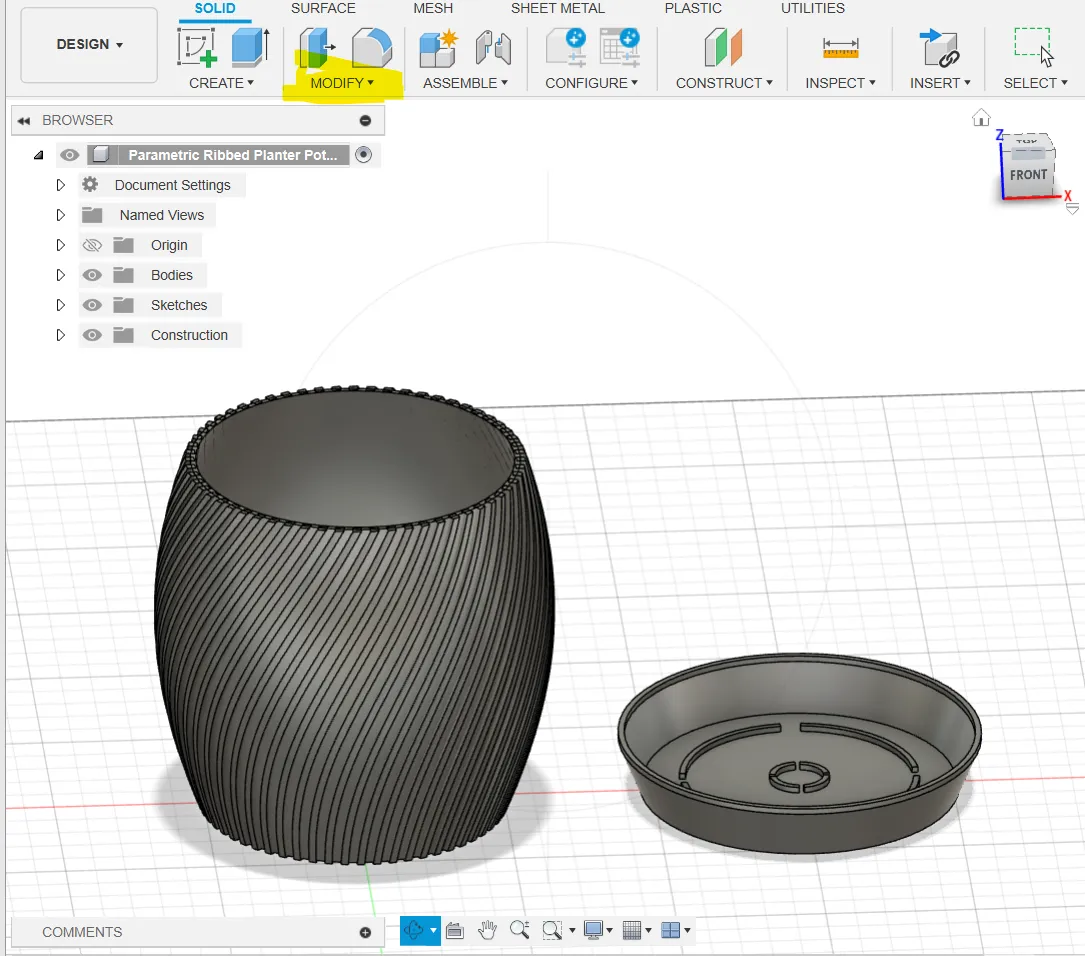
Once you are in the modify menu, choose “Change Parameters”
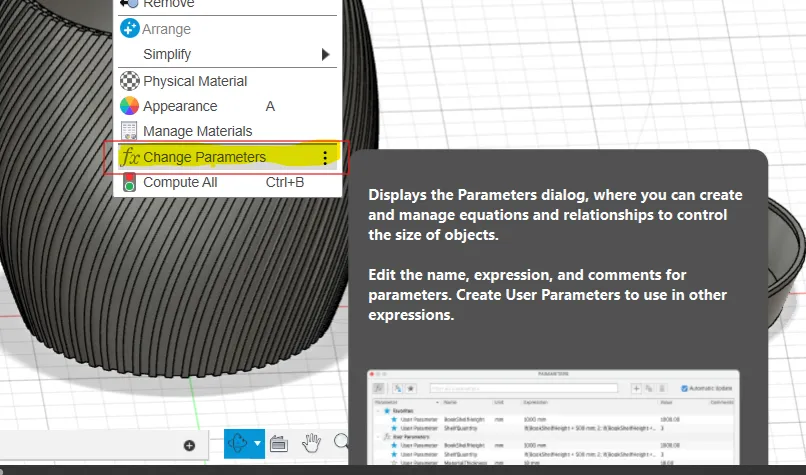
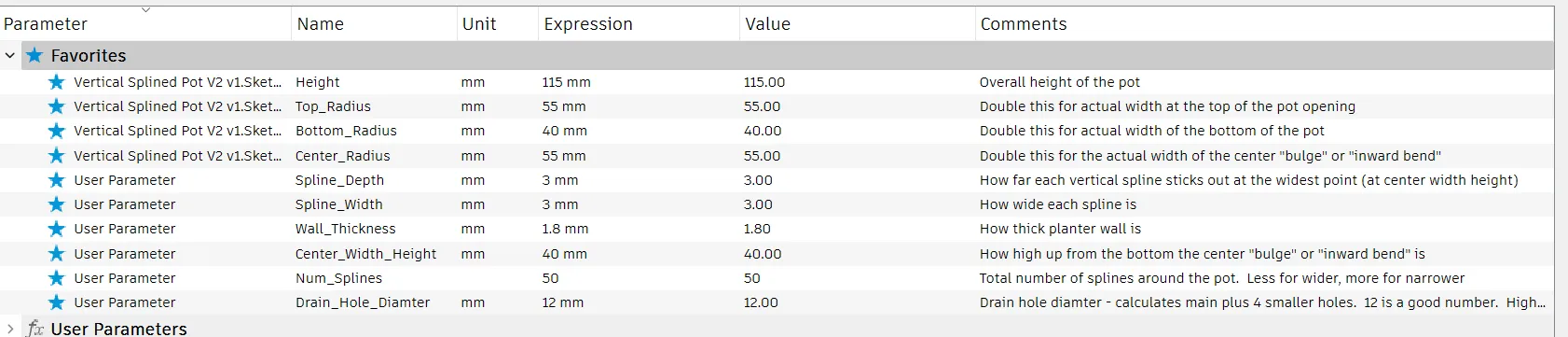
In the box that opens up, move it to the side so you can see the model change then make small changes ONLY in the FAVORITES section as below. Click on the number in the EXPRESSION column, change it, then click OK. If you get an error here, and you undo, it will undo all changes up until your last click of the OK. If you really get lost, don’t save it and re-open the file and start over. Read the comments before you modify as some are radius measurements and you have to double that number for the actual size of the top opening, the middle in/out contour, and the bottom of the pot base.
License

You shall not share, sub-license, sell, rent, host, transfer, or distribute in any way the digital or 3D printed versions of this object, nor any other derivative work of this object in its digital or physical format (including - but not limited to - remixes of this object, and hosting on other digital platforms). The objects may not be used without permission in any way whatsoever in which you charge money, or collect fees.


Comment & Rating (2)