Search models, users, collections, and posts


Print Profile(1)

0.2mm layer, 5 walls, 30% infill
Designer
6.1 h
2 plates
Open in Bambu Studio
Boost
15
41
3
4
100
36
Released
Description
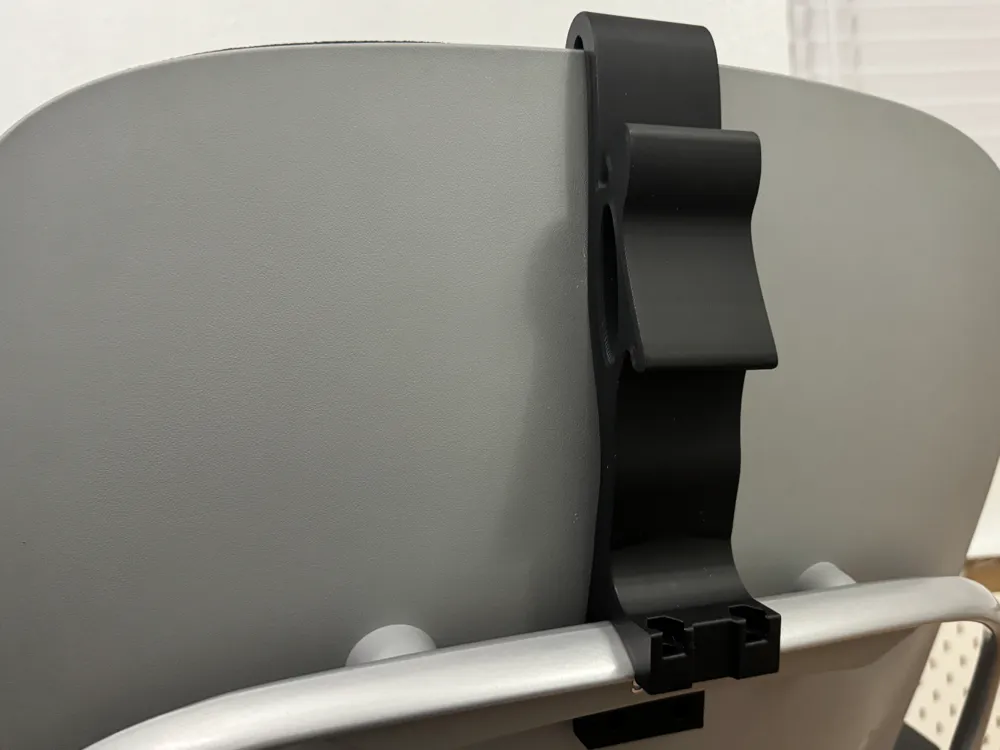
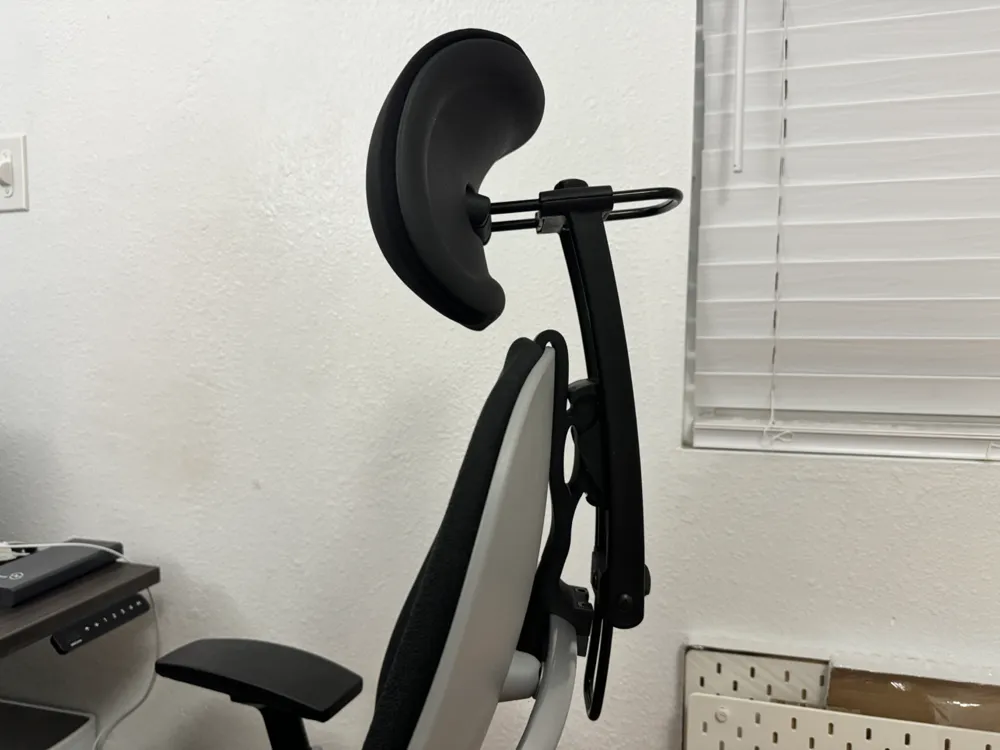
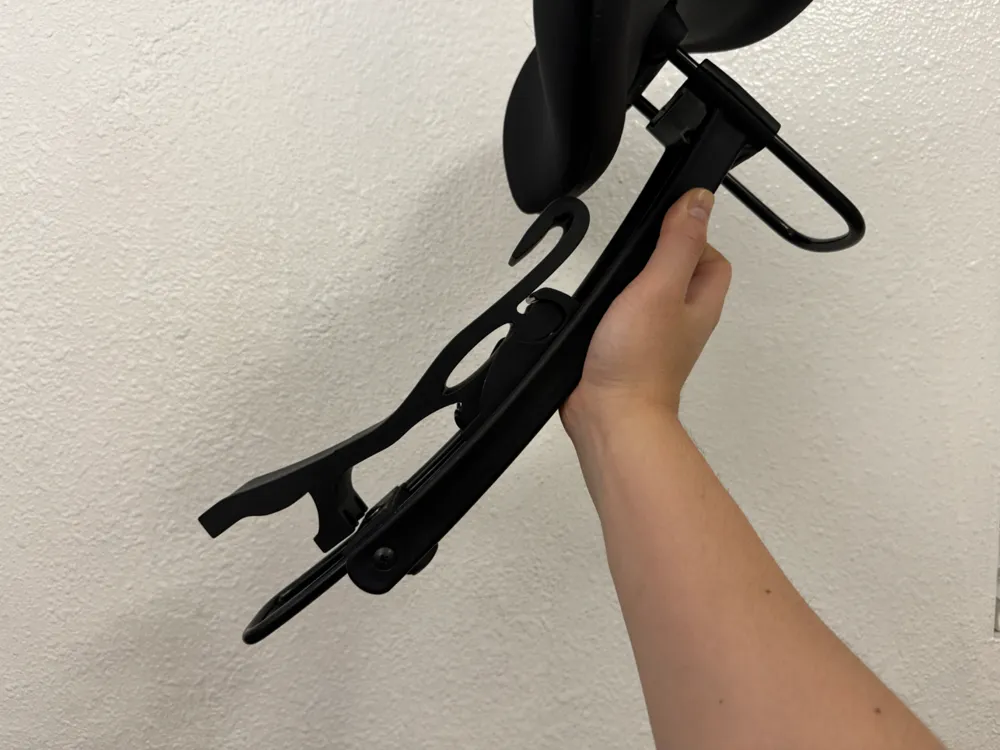
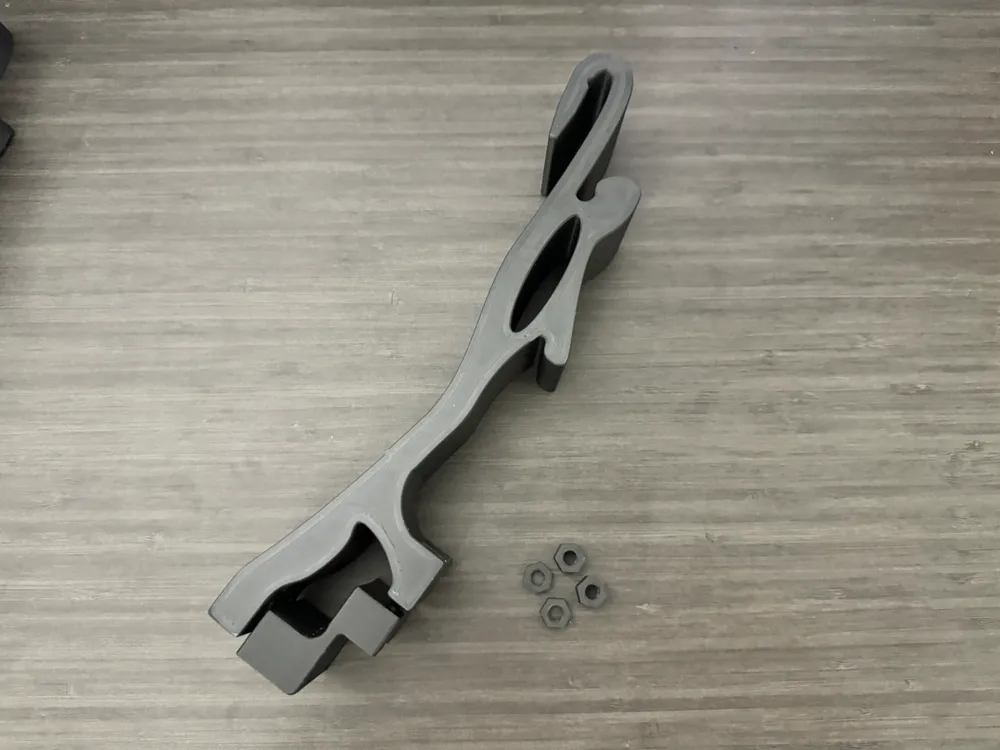
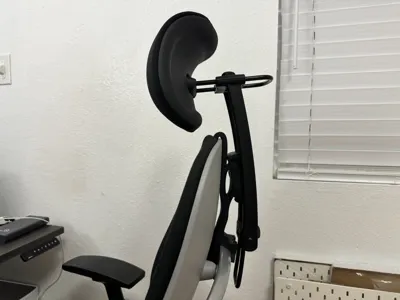
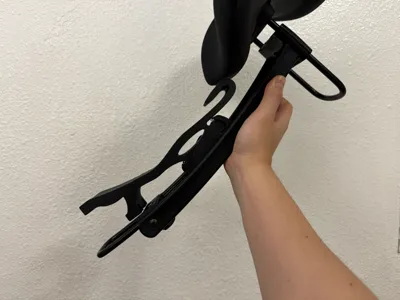
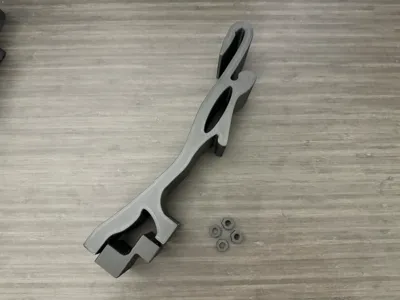
This is a remix of the adapter that connects a Herman Miller Aeron Atlas headrest to a Steelcase Leap v2 chair.
Highlights and remix details
- Allow full headrest functionality for a Steelcase Leap
- Side edges have been slimmed down to allow smoother surfaces on both sides
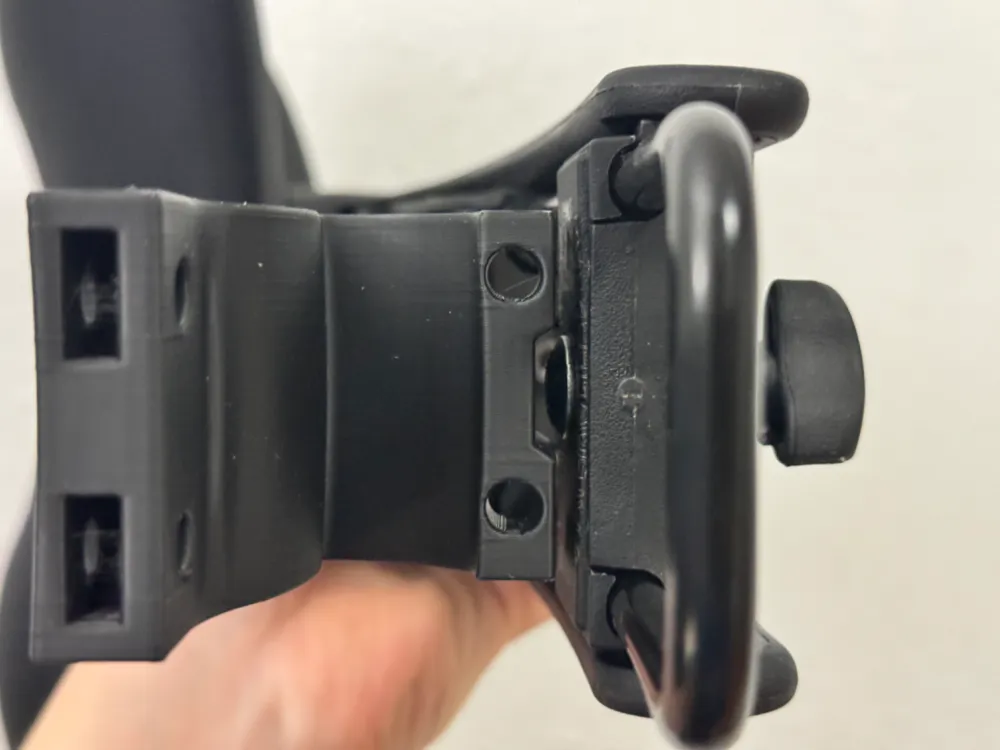
- An indent has been inserted along the back edge to prevent the headrest's screw from colliding with the adapter
- The overall adapter is smaller than before while still being durable
- Custom sized nuts have been included to fit the holes of the adapter
Required parts
- An Atlas headrest for Herman Miller Aeron chairs
- I bought the Black Fabric cushion one: https://atlasheadrest.com/products/atlas-cushion-headrest-for-herman-miller-aeron-chair
- Two M6x35 countersunk screws
- Two M6x40 countersunk screws
- I used this kit: https://www.amazon.com/gp/product/B0CSLW69ZX/
Assembly instructions
- Follow provided instructions to assemble Atlas headrest
- Insert the top of the adapter main piece into the gap at the top of the chair and around the back support piece
- The adapter should snap into place after being pushed down enough at the back
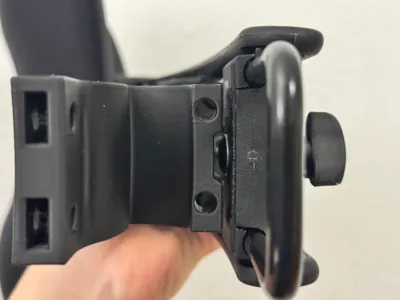
- Insert the top nuts (the larger nuts) into the top hole of the adapter main piece and use the M6x35 screws to attach the adapter bottom piece to the adapter main piece
- While holding the bottom nuts (the smaller nuts) in the slot at the bottom of the adapter main piece, use the M6x40 screws to secure the adapter bottom piece to the adapter main piece
- Fit the headrest over the adapter and screw the headrest support plate to the adapter
- Try your best to center the headrest to the chair
- Ensure that the support plate is secure (it resolves a lot of stability issues)
This remix is based on

License

This user content is licensed under a
Creative Commons Attribution-Share Alike


Comment & Rating (3)