
Voxelcraft - Minecraft like block building system
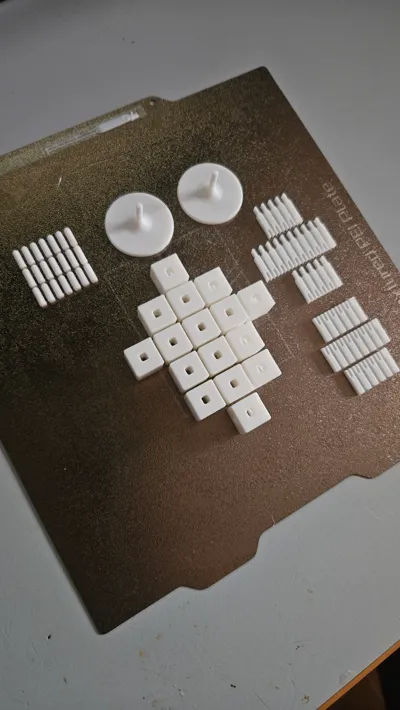
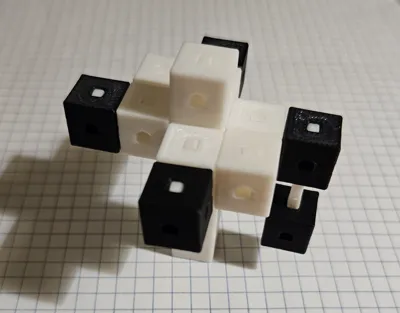
Print Profile(1)

Description
Hello Makerworld! Welcome to Voxelcraft!
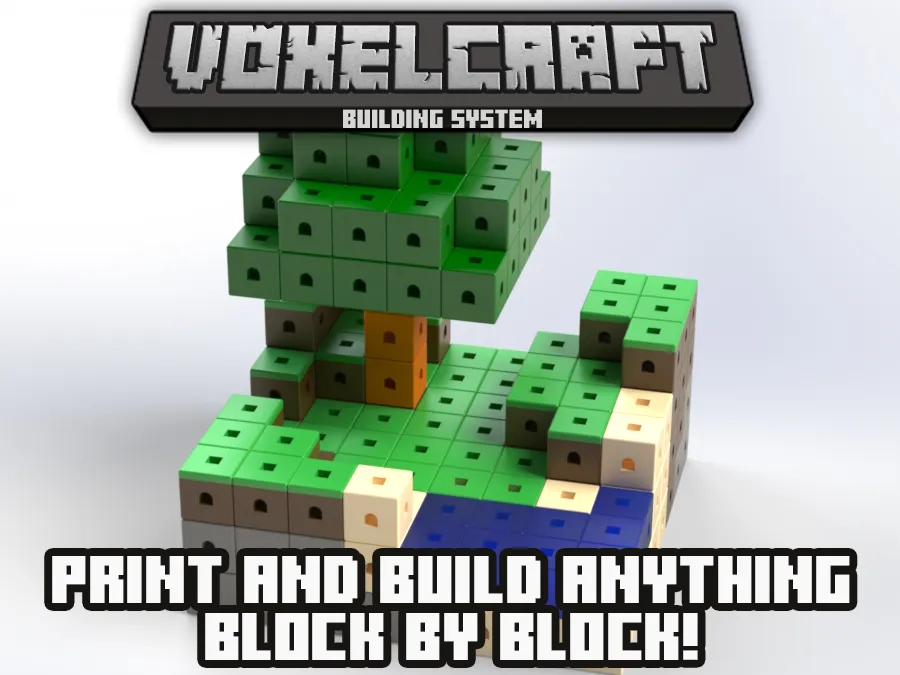
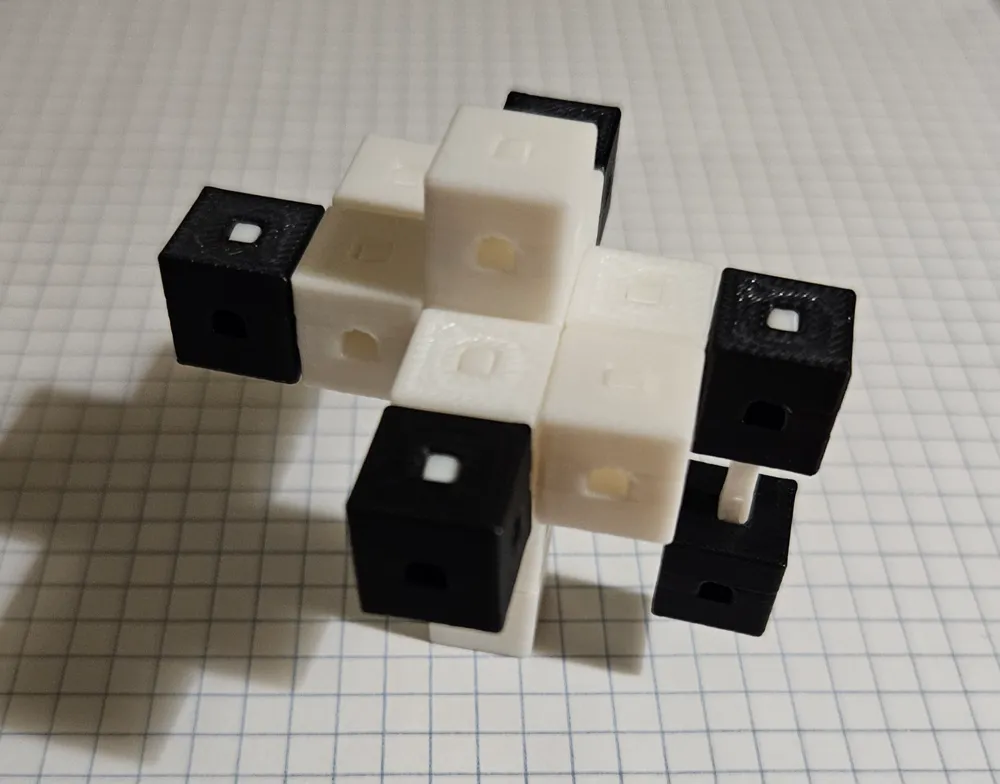
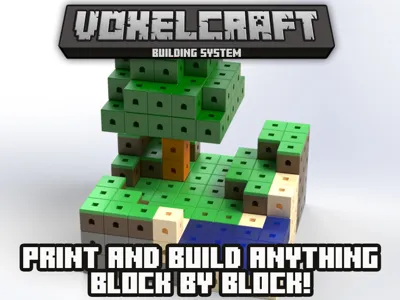
This is Voxelcraft, a minecraft-inspired block building system (like “BRICKS”) that lets you build your blocky dreams with just a few hours of printing and some coloured filaments.
Yes, the whole system has been designed to be easy to use with just a few pieces. No need for glue, magnets or other parts, everything is 3D PRINTED. (Some parts are small, don't leave them with children that could swallow them!)
After printing you'll only need a hard surface to soft-lock the pins inside the blocks.
The project has been inspired by the sandbox games contest, and as sandbox games if you want to create, expand, and mod you can freely! (side note: had to modify to non-commercial due to my CAD's license)
How does the system work?
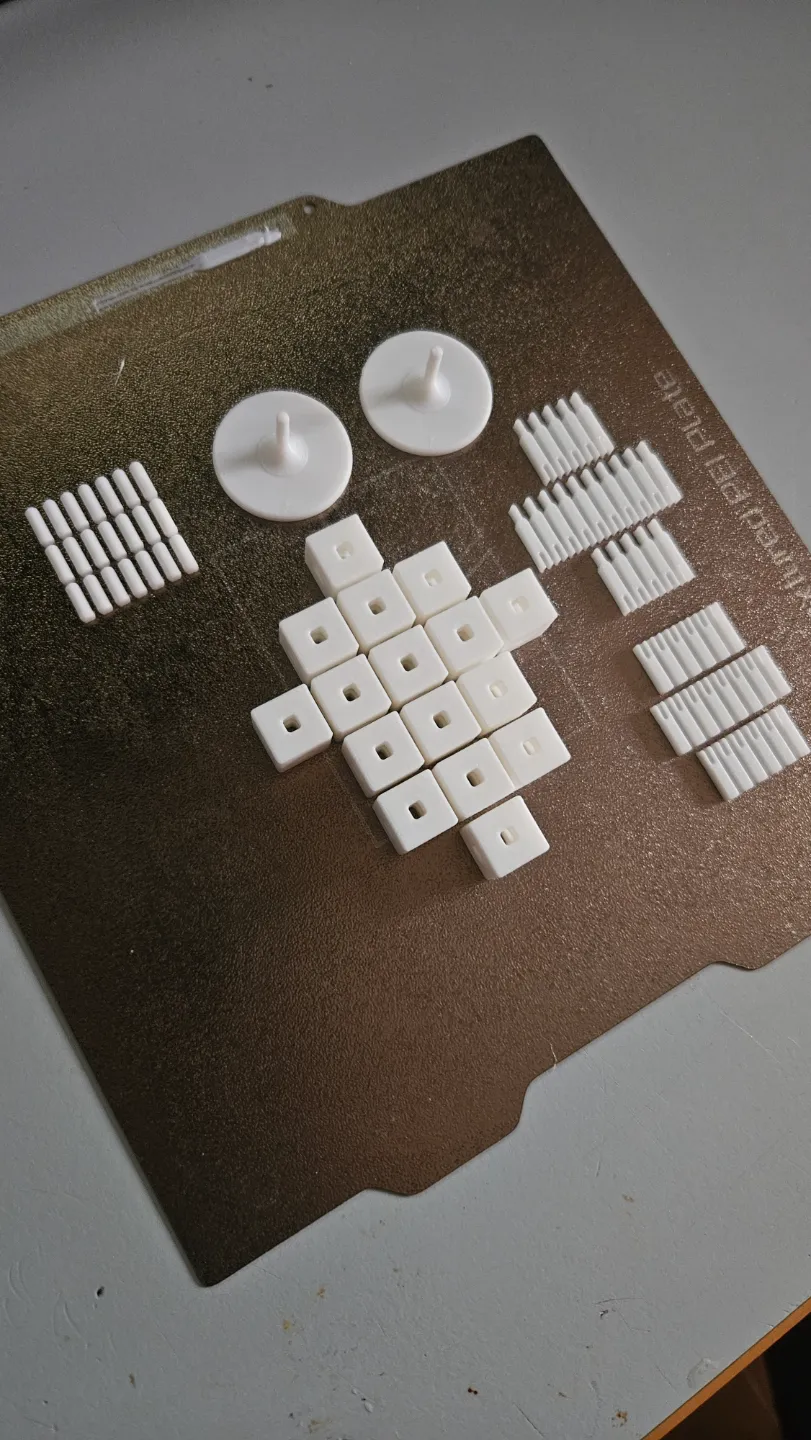
These are the basic parts in the system, all designed in order to have NO supports or Post-processing:
- Voxels (Blocks): does these need a description?
- Vertical Extenders: Needed to stack one voxel on another firmly.
- Vertical Blockers: Use them when you want to make the top voxel face flat and smooth.
- Horizontal Extenders: Needed to lock voxels adjacently.
- Pin Ejectors: Use them to help disassemble and modify your creations.
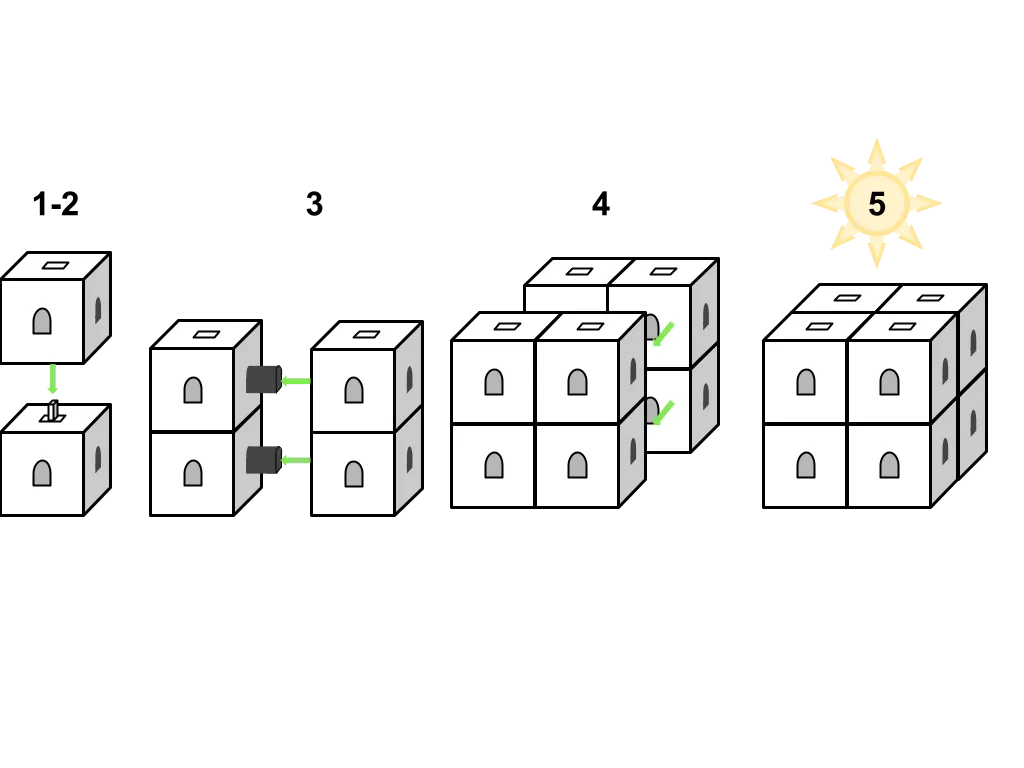
The Horizontal Extenders have been designed with an arch shape to avoid bridging errors or the use of supports. They lock by friction.
The Vertical locking system on the contrary has been designed differently to make “floating” blocks possible, still locking by friction but with a clamp-like locking mechanism.
When you build your world, you'll have to think column by column, then each column can be merged with neighbors to create wall “lines”. In the end, you'll obtain your chunk by merging all the lines.
Please use 0.2mm standard layer preset in Bambu Studio or your slicer.
The system is optimized for Bambu Studio and generic PLA, as I have tested it with my A1 mini and with the 0.2mm layer height the tolerances works as intended.
If for any reasons the pins are falling out or absolutely not locking inside your blocks, just modify the pins scale to find the most suitable for your machine! It is impossible to have precise calculations for every material or machine on earth, also for every preset. If you are unsure, before printing high quantities, try the test file!
Let’s Build Something Awesome, together!
With the Voxelcraft building system you are free to use, reuse and improve the whole system. I wanted to give the community a system that could be modular and easy to use and totally compatible with 3D printing. You don't even need my approval to modify or improve the system, as long as you cite me as designer and you reupload your content for others to use it with the same license! And with that, everyone will get their credits for improving the voxelcraft ecosystem.
| Component | Quantity in Starter Set | Quantity in Expansion Set |
|---|---|---|
| Voxels (Blocks) | 16 | 32 |
| Vertical Extenders | 20 | 32 |
| Vertical Blockers | 20 | 32 |
| Horizontal Extenders | 20 | 32 |
| Pin Ejectors | 2 | 0 |
Are you ready to Craft Your World?
Download now the starter kit, design your own blocks and share them with the world! And if you like the system…
Boost Me (for free)
Let's make makerworld know Voxelcraft!
Below download the user guide for further information.
BONUS:

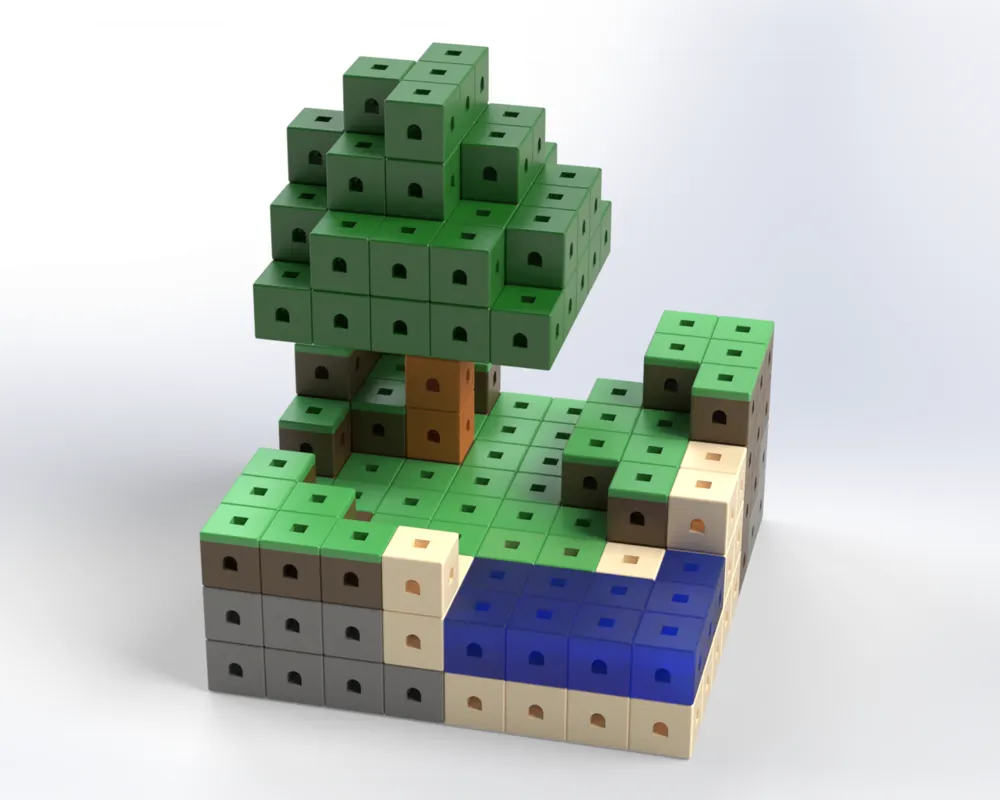
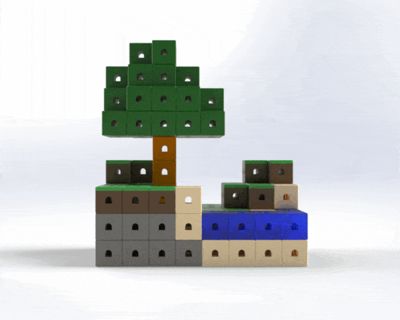
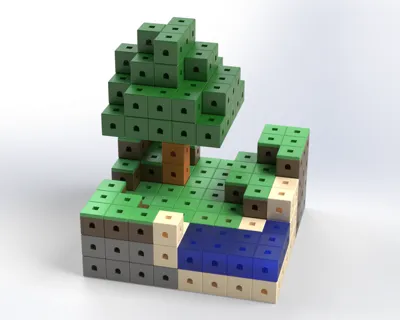
Included there is the Minecraft Grass Block which can be printed using AMS in dual tone, so you can recreate the rendering in the pictures or your dream world!
Font credits:
PurePixel and MadPixel for font MineCrafter. Thank you!
Documentation (1)
License



Comment & Rating (19)