
Weekly Planner Magnets for Kids (f3d included)
Print Profile(2)

Bill of Materials
Description
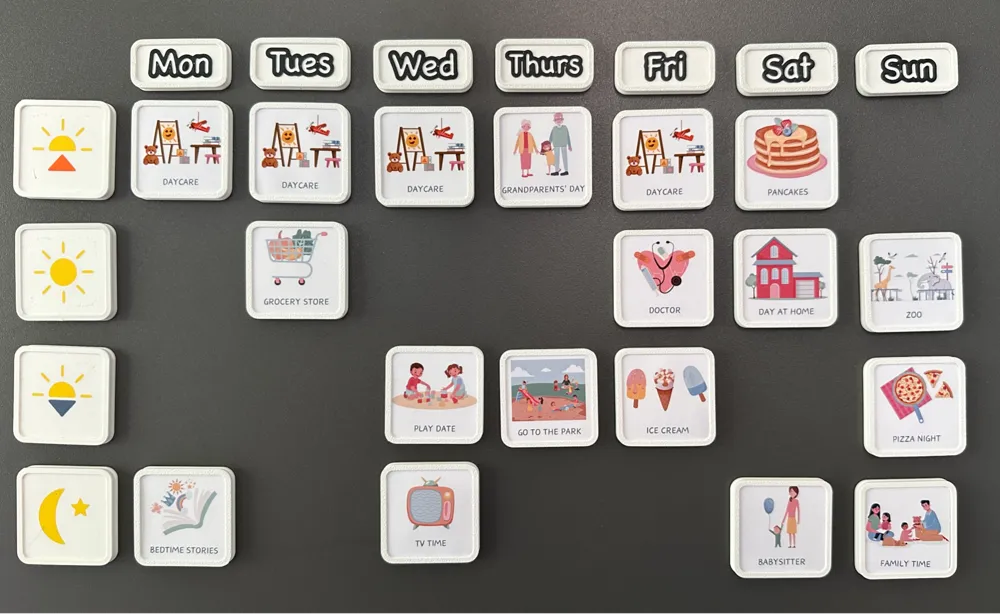
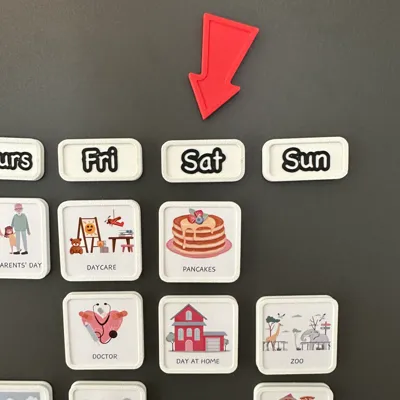
Magnetic Weekly Planner for Kids
The idea for this project actually came from my wife — she thought magnets would be a perfect way to create a weekly planner for our daughter.
There are tons of templates available online. A good place to start is by searching for “Editable Kids Daily Routine Cards” on Etsy.
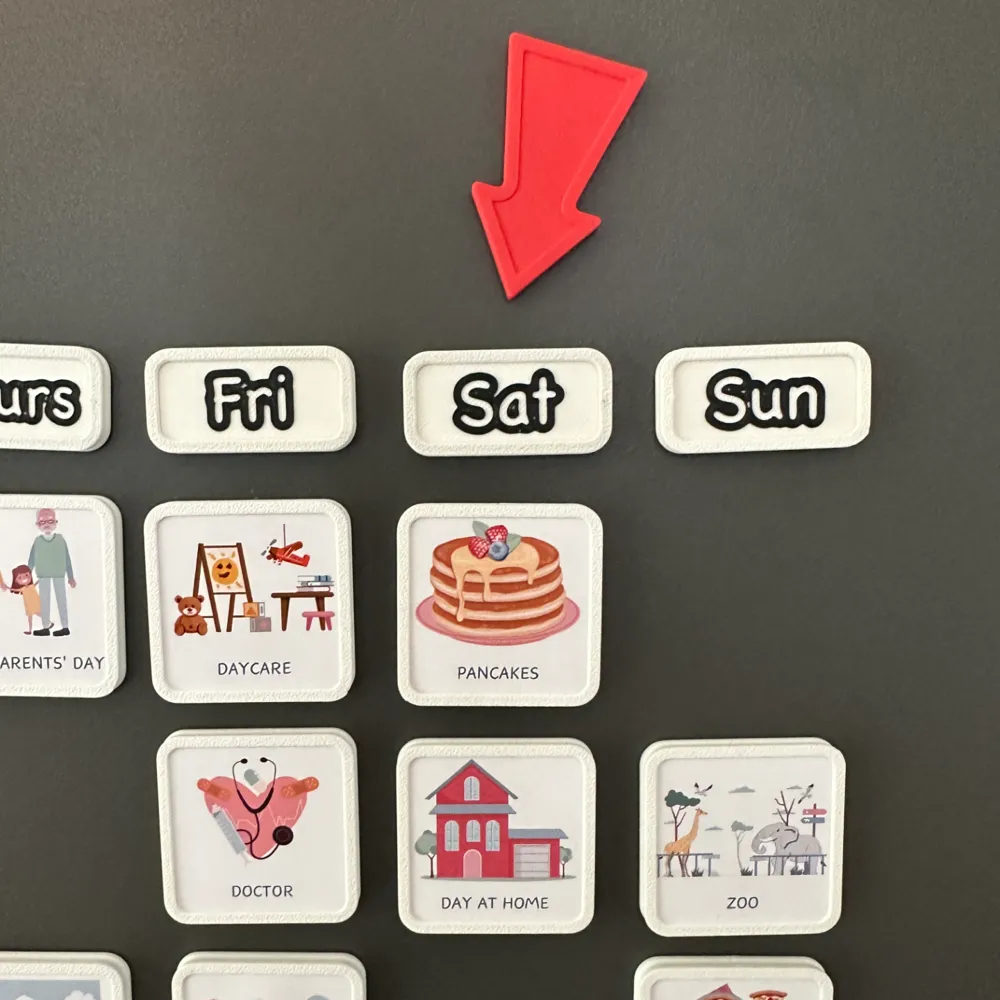
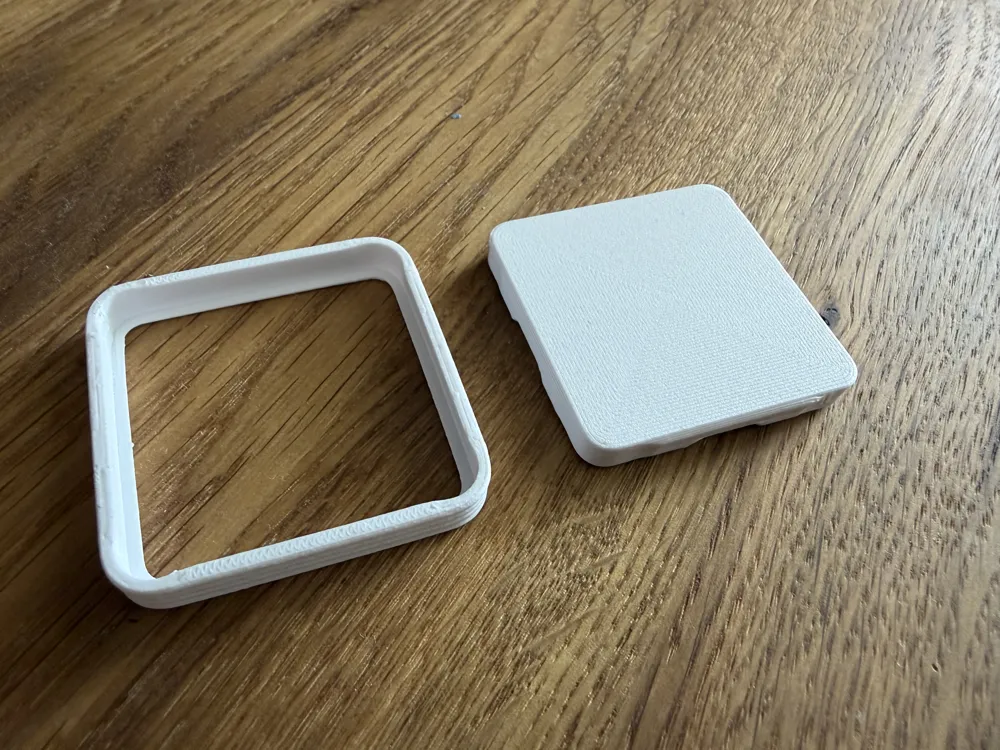
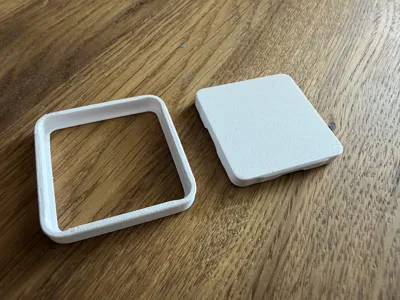
Instead of designing new icons from scratch, I created a "Blank Magnet" that holds printed activity symbols (on paper) inside a simple frame. This way, you can easily swap out the symbols as needed.
-------------------------------------------------
V2 Update
- Improved geometry: The frame now holds the printed icons more securely.
- More flexible magnet recess: I removed the hard-modeled magnet recess from the model itself. Instead, the recess is now added directly in the slicer, which makes it much easier to adapt the design to whatever magnets you happen to have on hand.
- New print profile included: The updated profiles cover two ready-to-print magnet options, both based on a 40 × 40 mm frame:
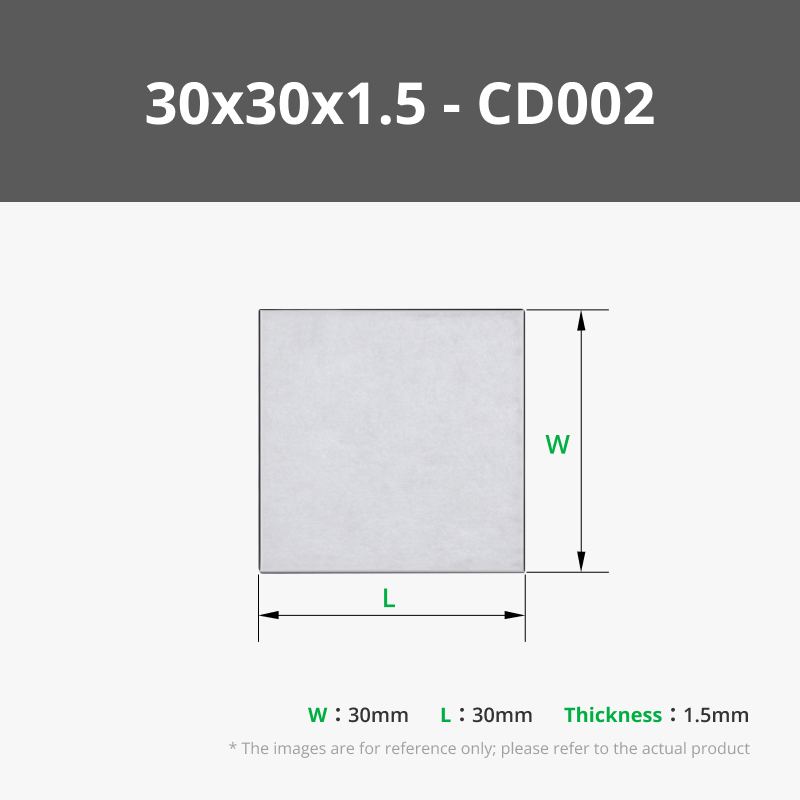
- A version with a recess for a 30 × 30 mm rectangular magnet, designed to be glued onto the back. (These magnets are available in the Maker's Supply Shop — see the bill of materials below for the link.)
- A version with an internal recess for a 10 mm diameter × 2 mm thick magnet, inserted during a print pause.
- New .f3d source file: I've added the Fusion 360 source file so you can easily adjust the size you'd like to use.
-------------------------------------------------
In addition, I made 7 magnets for the weekdays and 4 for the different times of the day: Morning, Noon, Afternoon, and Evening. (No AM/PM labels required.)
Preparing the Activity Symbols
For printing the icons on paper, a vector graphics program works best:
- Create a square of 36.4mm x 36.4mm with rounded corners (3.2mm radius)
- Place your icons inside the square
- Leave a dotted cutting line around the shape, or use a plotter for precise automated cutting if you have one
About the Magnets
I used 10x2mm magnets for this design. If you'd like to use a different size, you can either modify the files in Fusion yourself or send me a message — I’ll do my best to add your version later.
Don’t forget to add a pause in the print to insert the magnets at the right layer.
Happy printing!
License



Comment & Rating (38)