Search models, users, collections, and posts

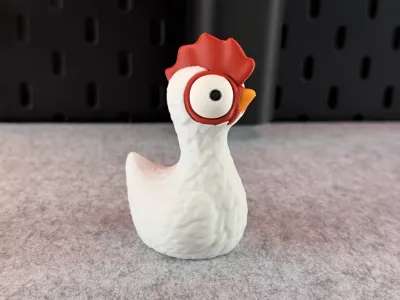
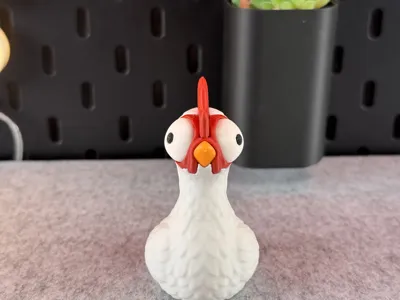
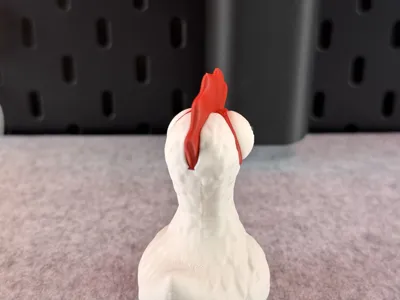
Cute Chicken

IP Report

Print Profile(14)

All
X1 Carbon
P1S
P1P
H2S
A1
H2D
P2S
X1
A1 mini
X1E
H2D Pro
H2C
X2D
A2L

Multicolor 4 Color 0.16mm layer, 3 walls, 15% infill
Designer
8.7 h
1 plate
4.9(541)

X1C Multiple Parts 0.16mm layer, 3 walls, 15% infill
Designer
2.2 h
1 plate
4.9(66)

H2D Multiple Parts 0.16mm layer, 3 walls, 15% infill
Designer
2.3 h
1 plate
5.0(8)

Single Color,0.2mm layer, 3 walls, 10% infill
57 min
1 plate
4.9(151)
Click to see more

Open in Bambu Studio
Boost
7090
15687
1180
950
13.4 k
6.9 k
Released 

Description

Tips for printing:

  • Supports: No
  • Layer height: 0.16mm (optimal)
  • Wall loops: 3
  • Infill: 15%
  • Seam position: back
  • Wall generator: Arachne
  • Detect thin walls: -
  • Brim: Yes

Colors and filament I used (4 Color Version):

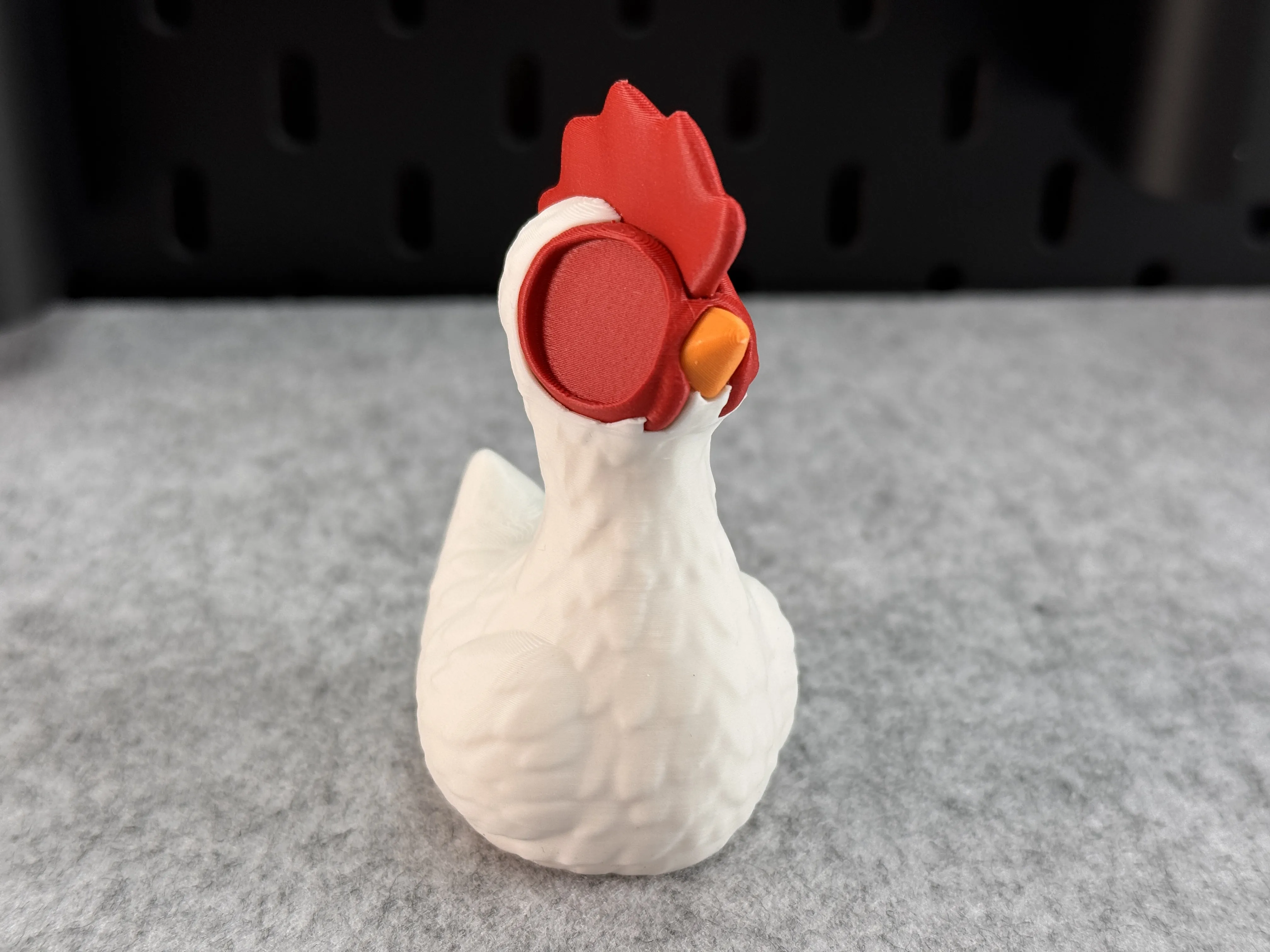
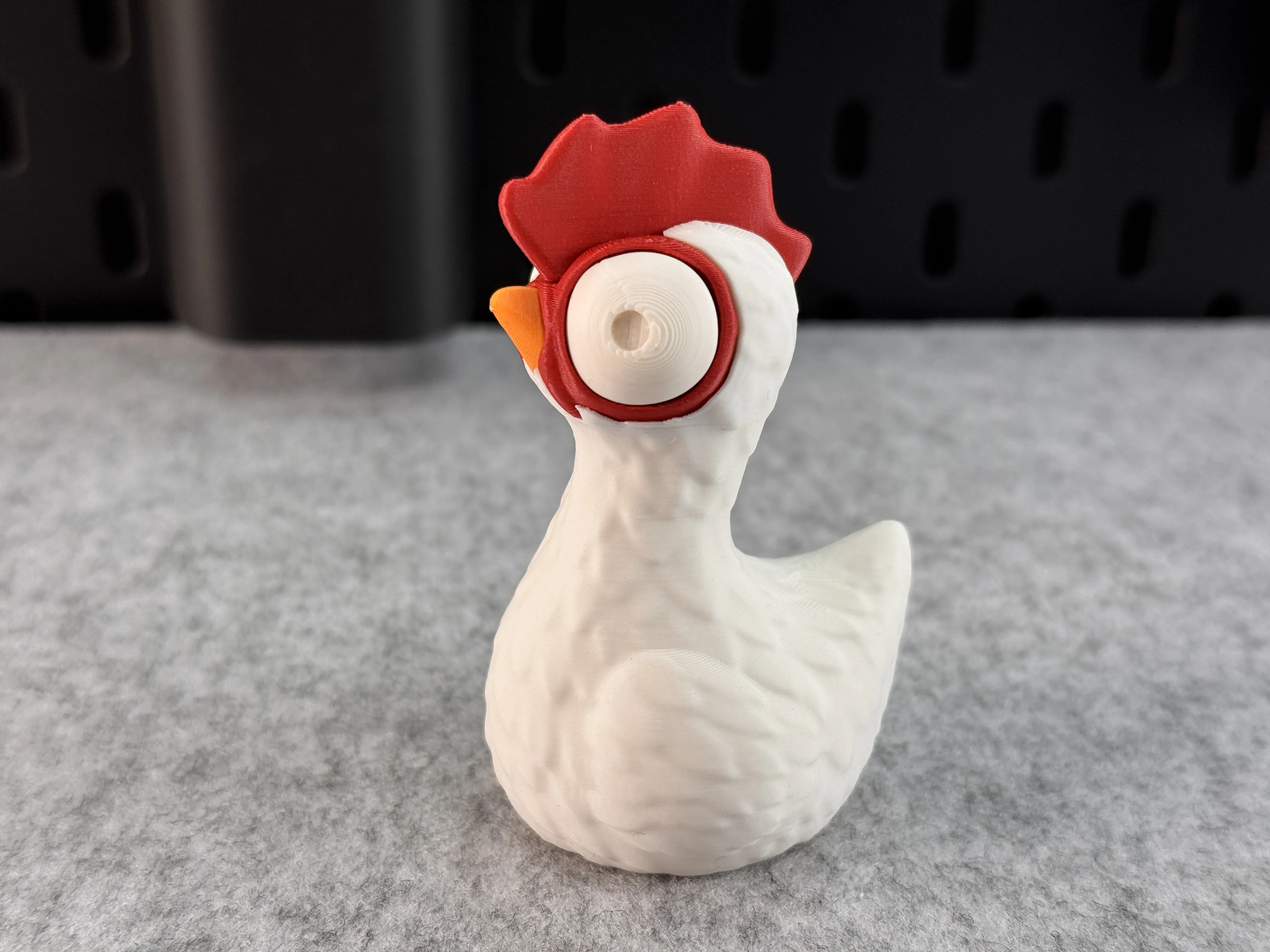
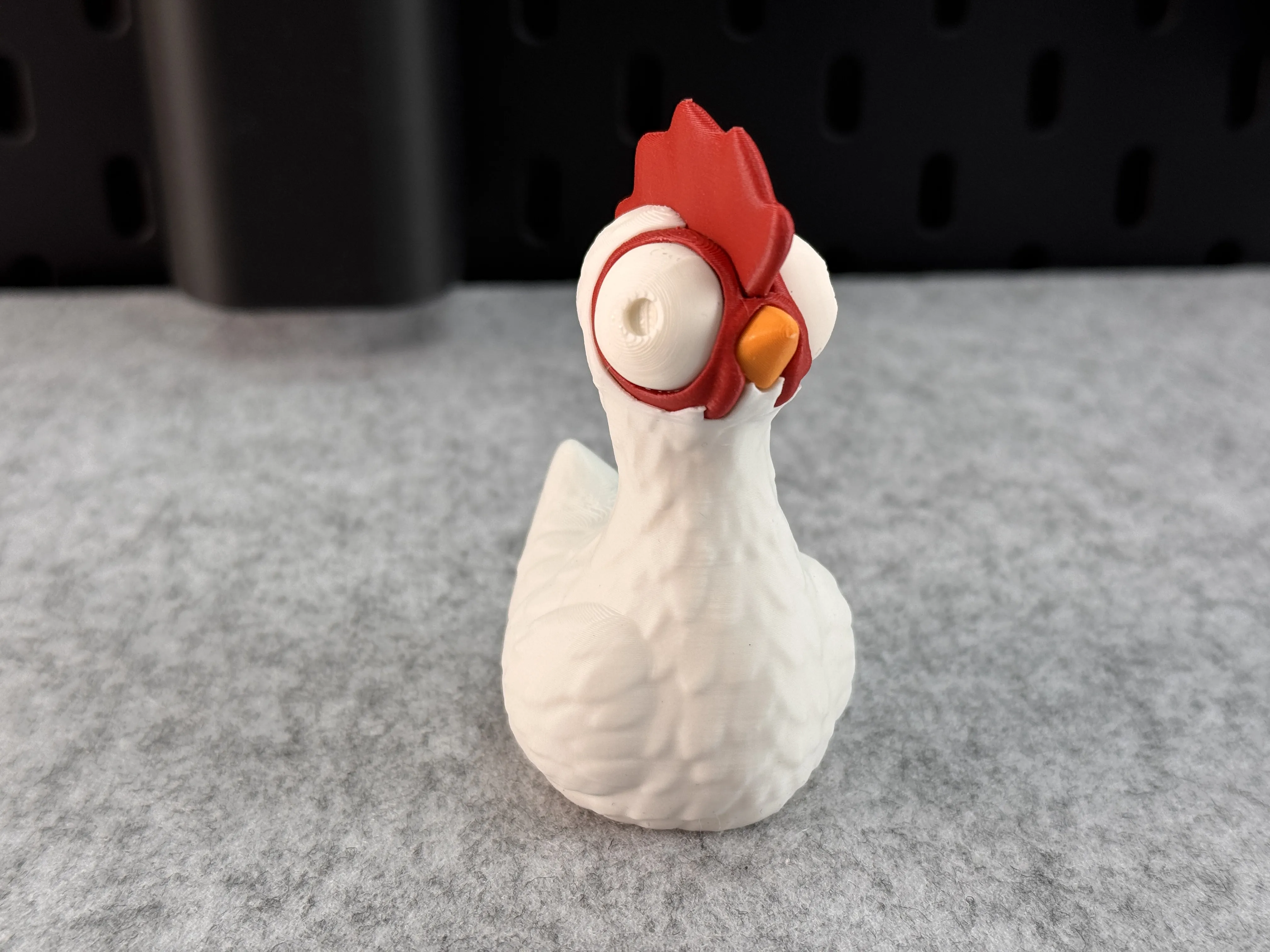
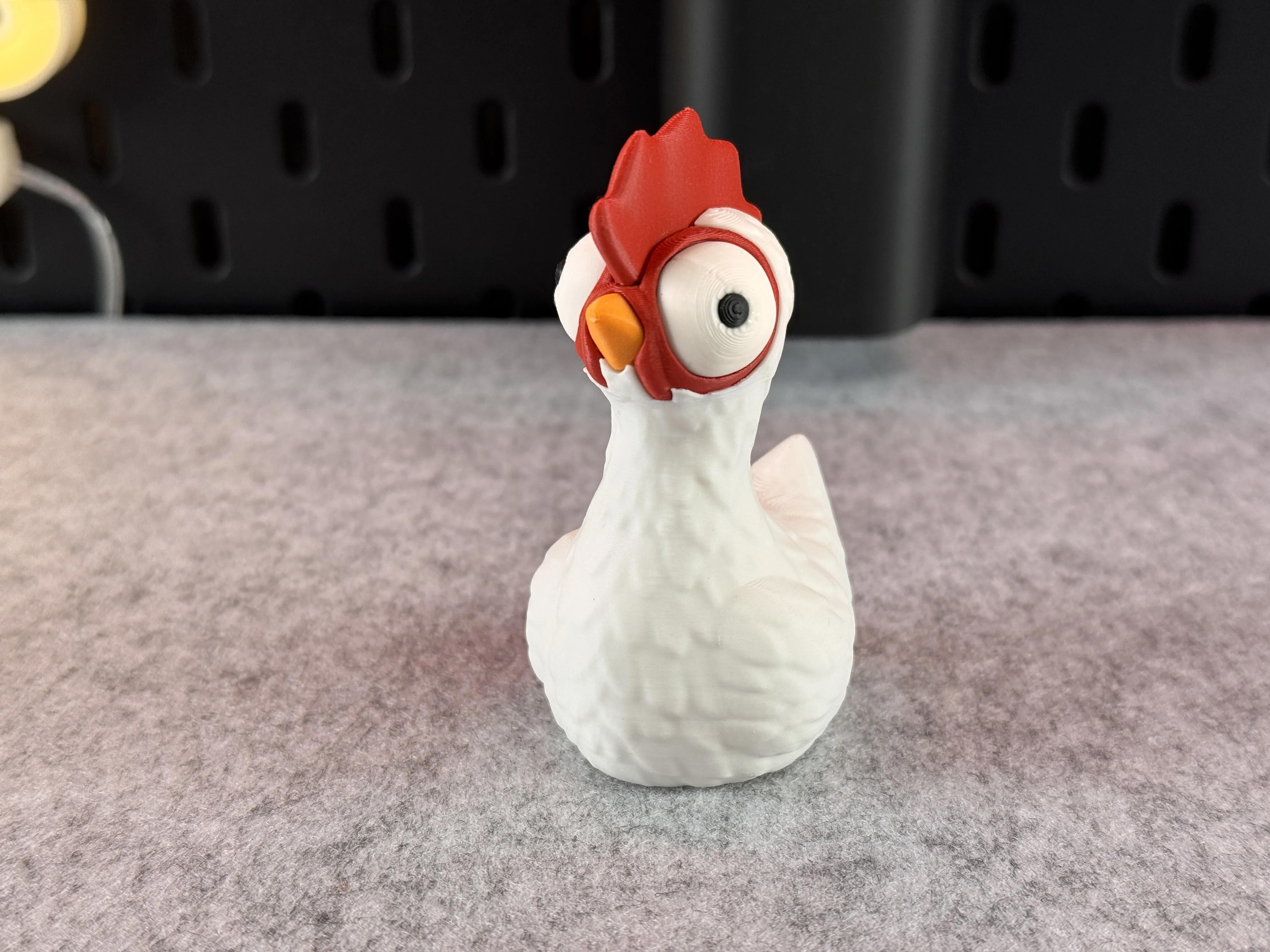
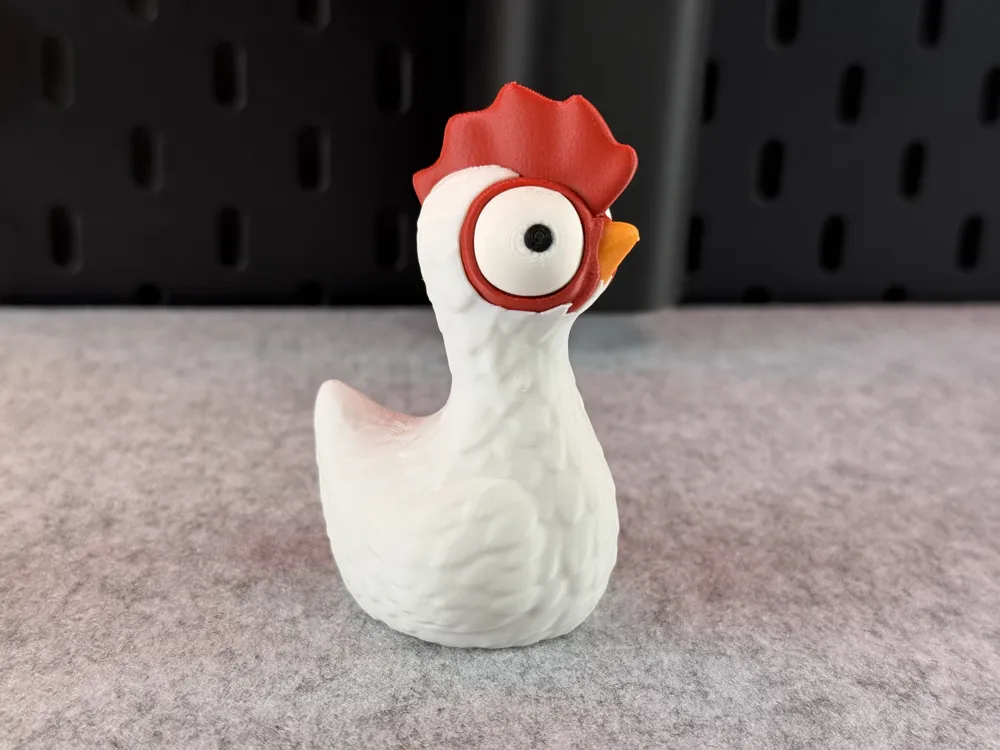
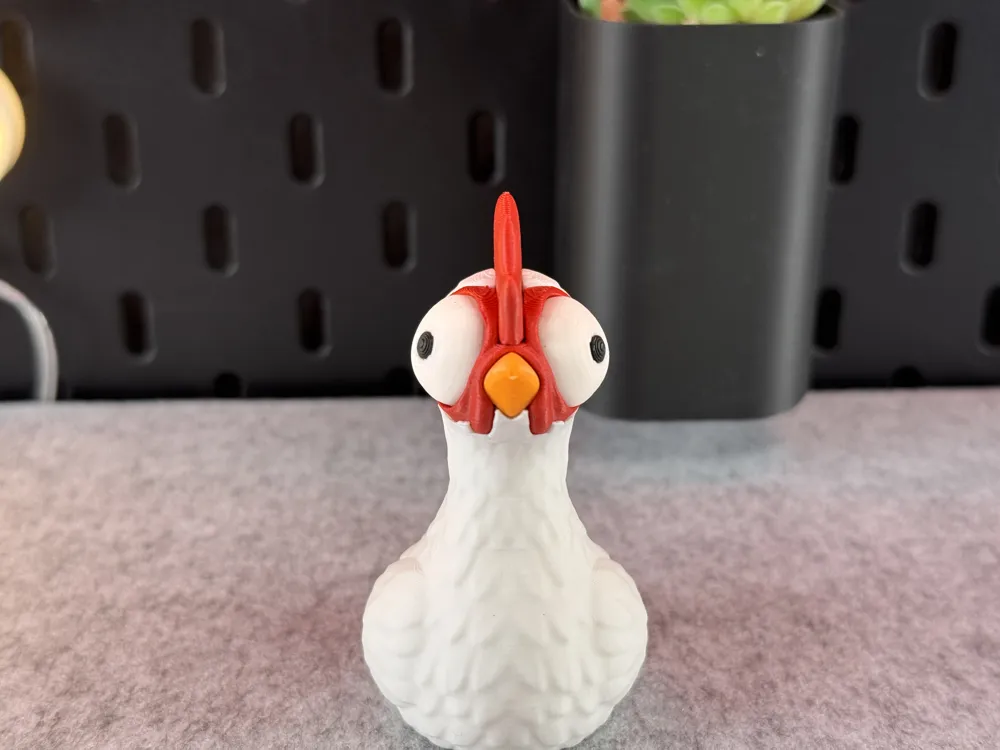
  • PLA / White - for the body and eyes
  • PLA / Black - for the eyes
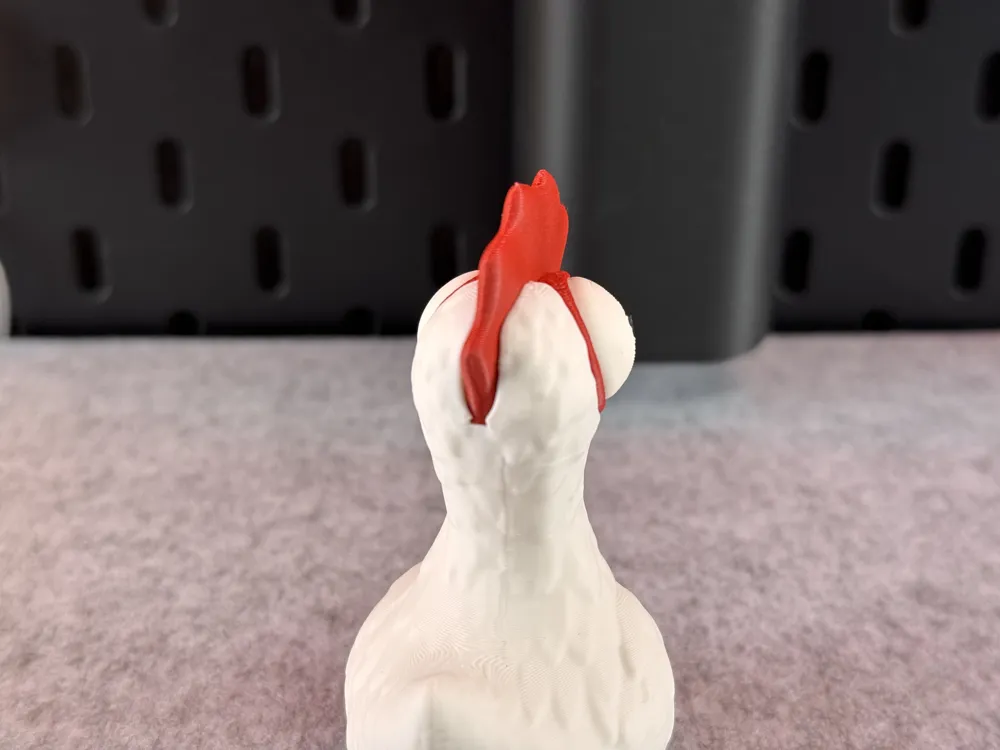
  • PLA / Red - for the face
  • PLA / Orange - for the beak

Or decide for yourself which colors and how many you want to use!


When you decide to print my multicolor Pre-Sliced (3mf file) for BambuLab I would recommend printing several models at once, not just one, to reduce waste!

Boost Me (for free)

If you enjoyed this model, please consider boosting it to support me to further develop creative and more cute looking designs🥰. Thank you!

--------------------------------------------------------


Tips for printing:

  • Supports: No
  • Layer height: 0.16mm (optimal)
  • Wall loops: 3
  • Infill pattern: Aligned Rectilinear
  • Infill: 15%
  • Seam position: back
  • Wall generator: Arachne
  • Detect thin walls: -
  • Brim: Yes

Colors and filament I used (4 Color Version):

  • PLA / White - for the body and eyes
  • PLA / Black - for the eyes
  • PLA / Red - for the face
  • PLA / Orange - for the beak

Or decide for yourself which colors and how many you want to use!

When you decide to print my multicolor Pre-Sliced (3mf file) for BambuLab I would recommend printing several models at once, not just one, to reduce waste!


---------------------------------------------

Multiple Parts:

Tips for printing:

  • Supports: Yes! Snug Supports!!!!
  • Layer height: 0.16mm (optimal)
  • Wall loops: 3
  • Infill pattern: Aligned Rectilinear
  • Infill: 15%
  • Seam position: back
  • Wall generator: use Classic!!!! (Don't use Arachne!)
  • Detect thin walls: No!!!
  • Brim: No, but if you don't have good adhesion use a brim!
  • Part Orientation: Print as orientated 

Colors and filament I used (4 Colors):

  • PLA Matte / White
  • PLA Matte / Black
  • PLA Matte / Red
  • PLA Matte / Orange

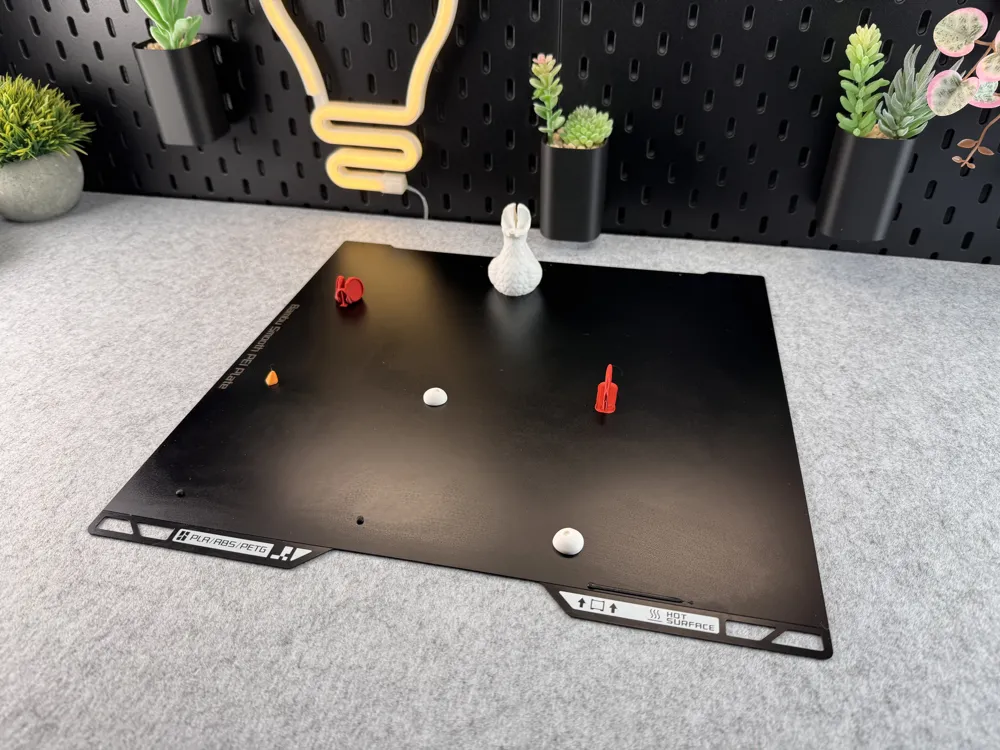
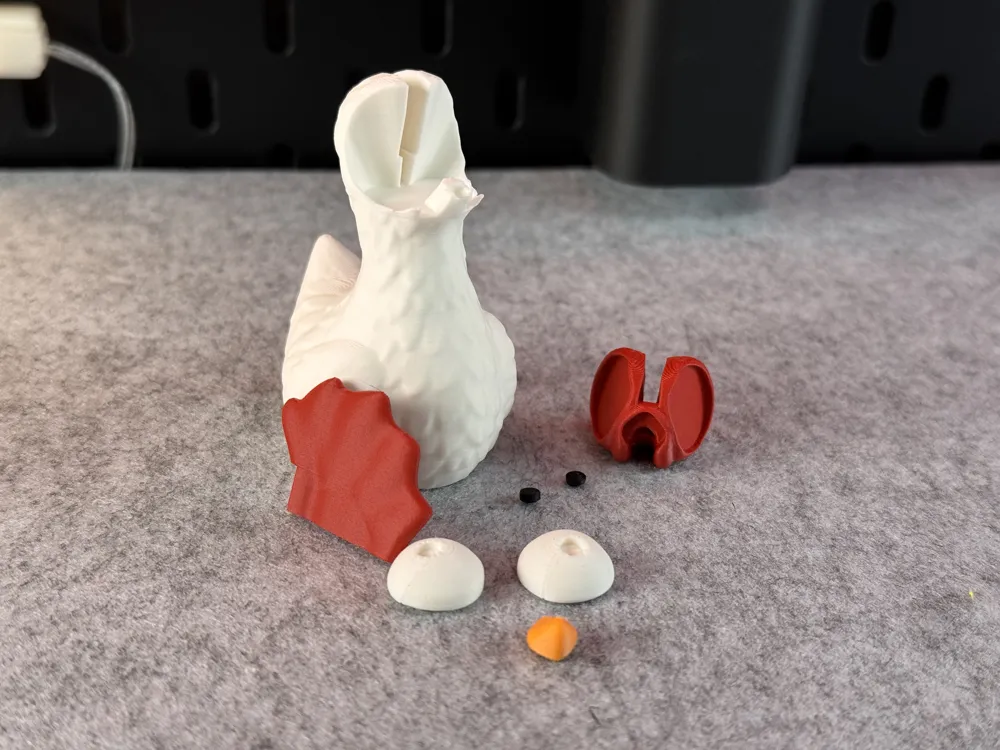
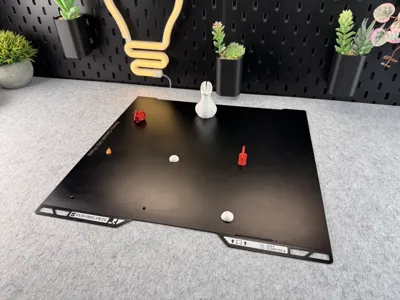
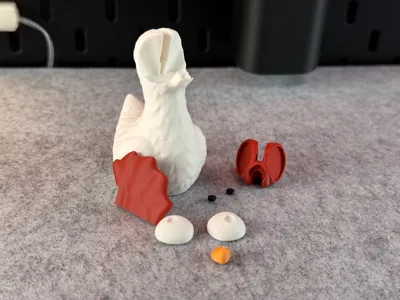
All parts are marked with the color intended for them. Or decide for yourself which colors and how many you want to use!

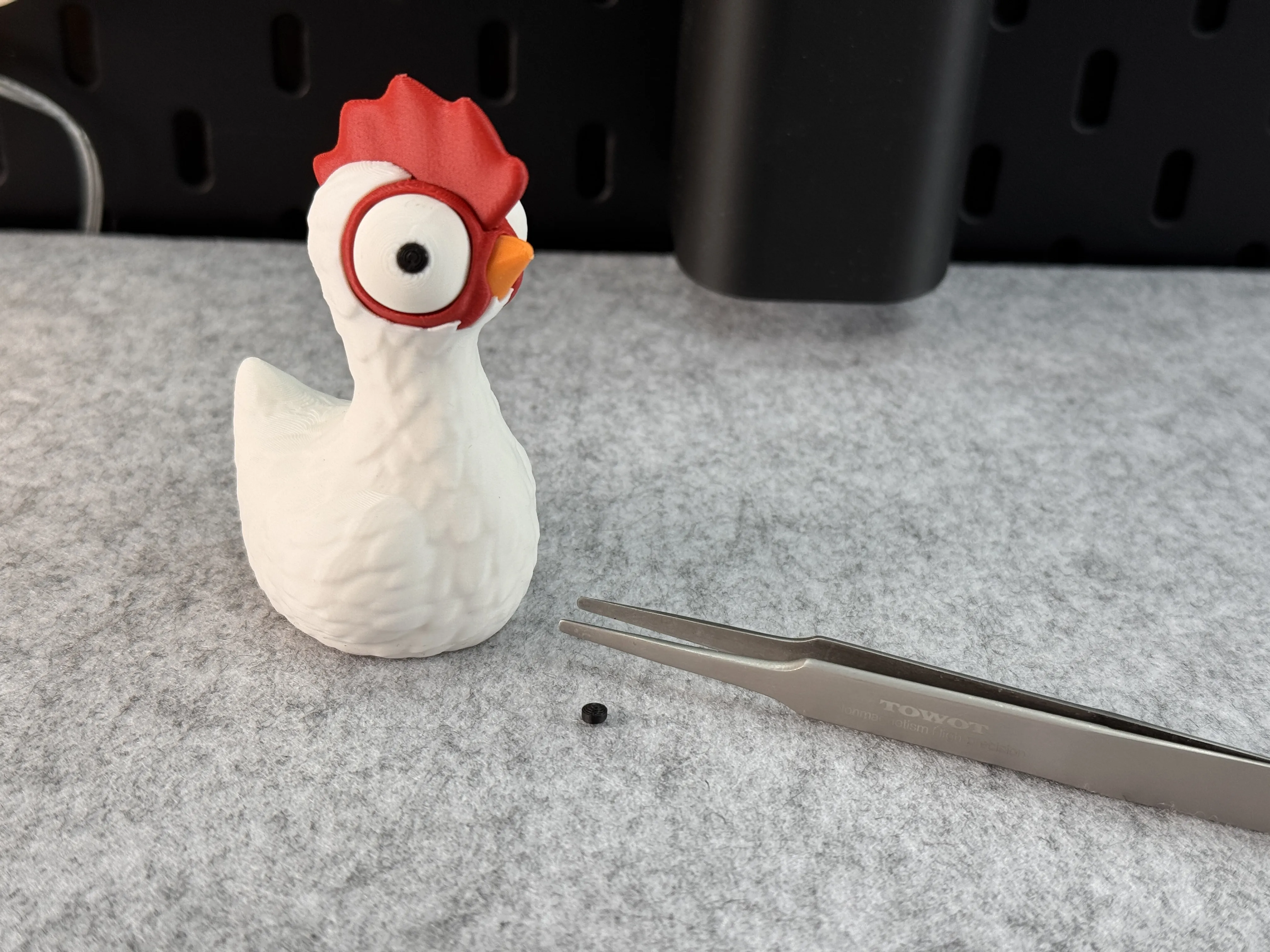
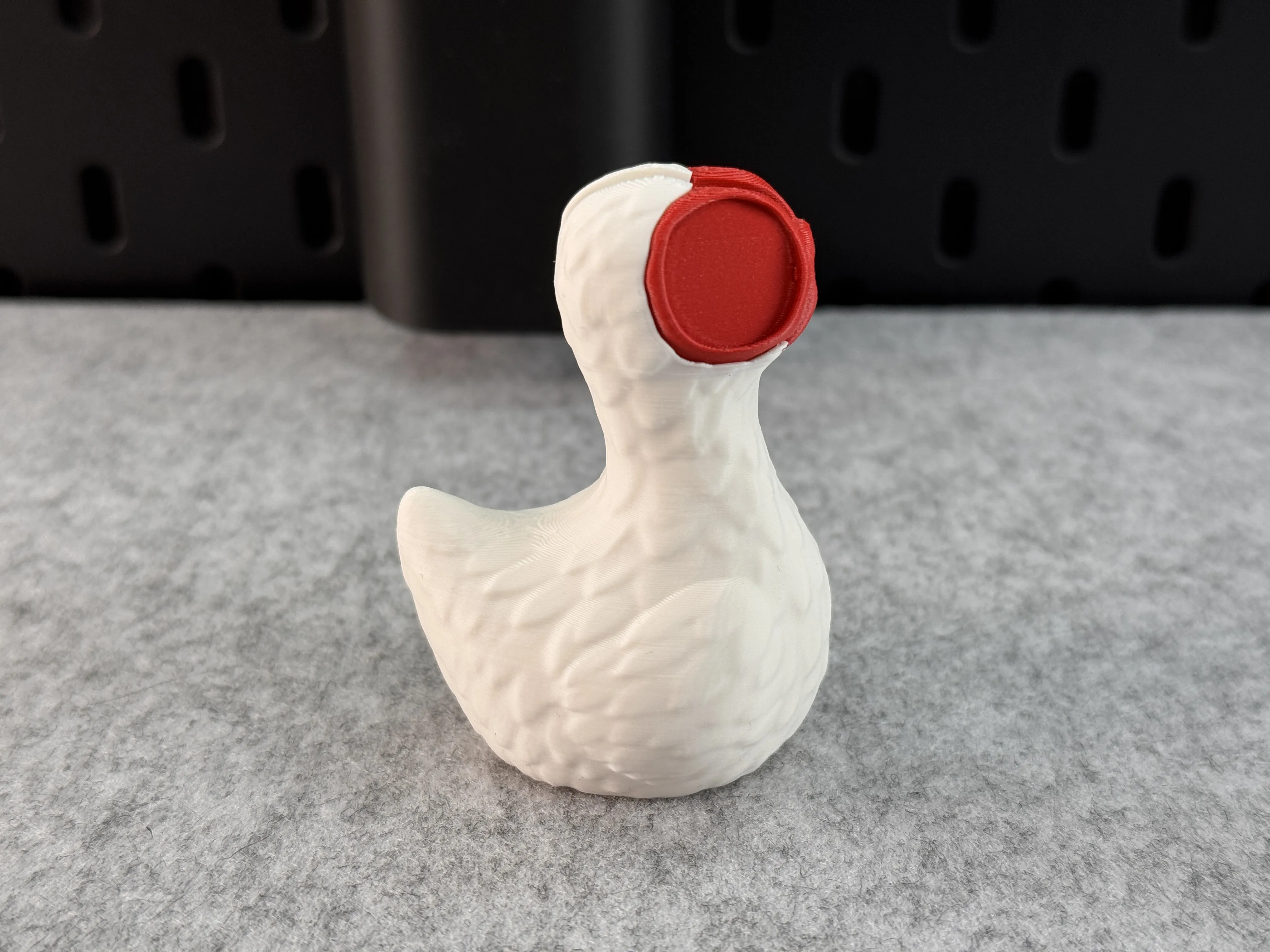
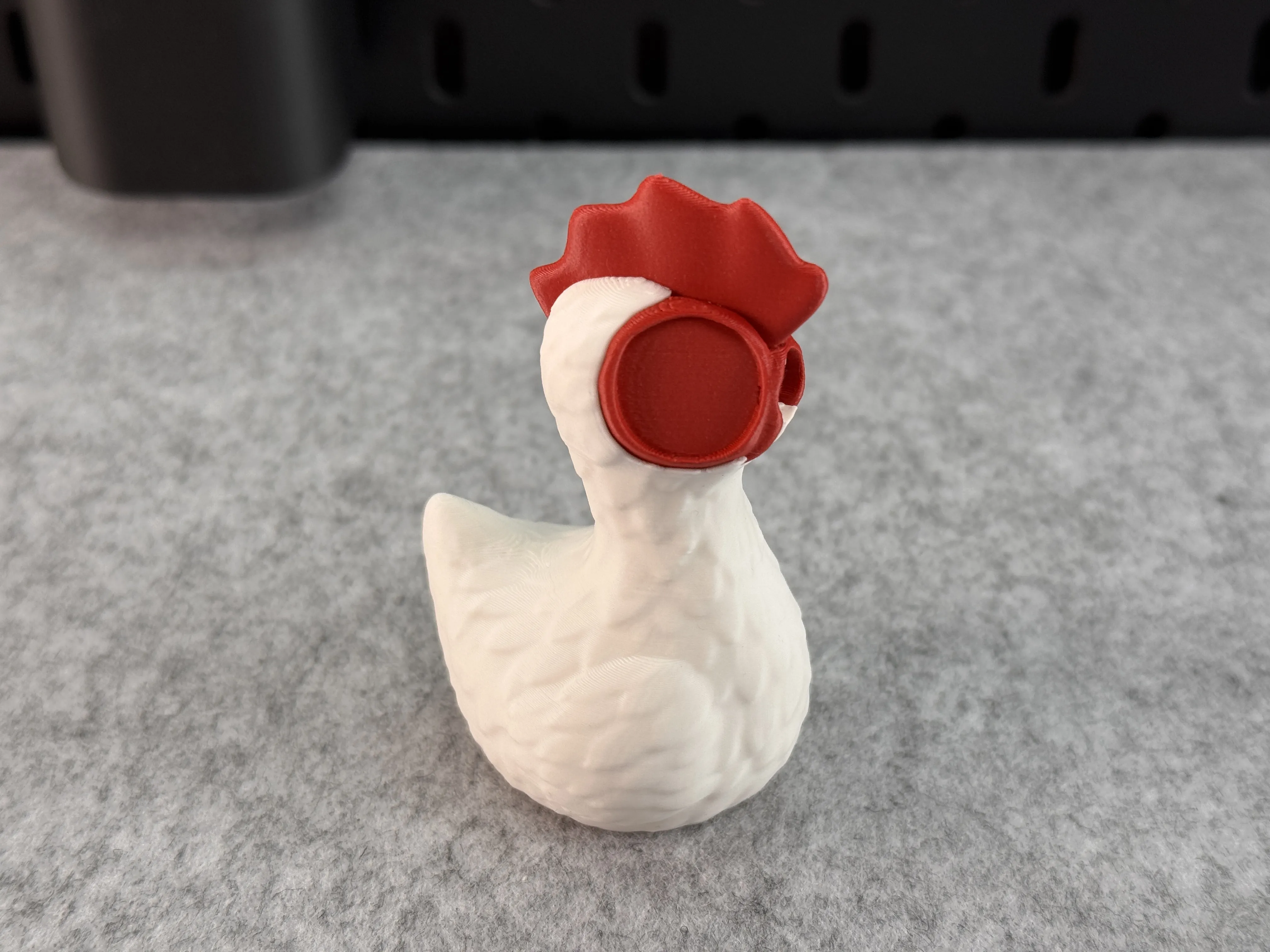
Below, I've created a small photo gallery showing which parts should be used first for assembly. The hair requires more force when affixing. Please use tweezers to glue the inner eyes in place! All parts are secured with glue!
Comment & Rating (1180)

(0/1000)

Great design. I did a little bit of a recolor ;D
The designer has replied
53
Reply
They are looking incredible! I like the color choice thanks for sharing!
1
Reply
Omg it looks exactly like Hei Hei from Moana I love it
9
Reply
hi I’m new to this and I was wondering how you split the colors like that or did you end up painting?
1
Reply
Boosted
Print Profile
Multicolor 4 Color 0.16mm layer, 3 walls, 15% infill
Looks very funny. I scaled it up a bit. Has laid 3 eggs on the very first day ;)
The profile uploader has replied
15
Reply
😄 that looks good! Thanks for sharing!
(Edited)
1
Reply
Print Profile
Multicolor 4 Color 0.16mm layer, 3 walls, 15% infill
Wonderful print. I made 15 for my father for Christmas, and we all found it hilarious Edit: I made more and turned it into a cult
The profile uploader has replied
profile
10
Reply
That’s great! Thanks!
0
Reply
this is cinema.
(Edited)
2
Reply
Print Profile
Multicolor 4 Color 0.16mm layer, 3 walls, 15% infill
Printedon my A1 at 50% size. super cute and clean looking print.
The profile uploader has replied
profile
6
Reply
Thanks for sharing
(Edited)
1
Reply
so cute!! im a total newb, but how do you scale down?
(Edited)
1
Reply
Replying to @Shadowrock :
When you load the model into Bambu Studio, select the object (it'll get a white border around it), click the scale menu button (shown in the attached pic), make sure you have the "uniform scale" checkbox ticked, then change one of the scale boxes, hit <TAB> to see the change and to make sure all values changed together. Then click the scale button again to close the menu.
(Edited)
2
Reply
Boosted
Print Profile
Multicolor 4 Color 0.16mm layer, 3 walls, 15% infill
Very good, Thank you
The profile uploader has replied
6
Reply
Looking very good! Thanks for sharing!
0
Reply
Boosted
so cute
(Edited)
profile
3
Reply
Replying to @zalexz :
Oh very nice !! How long for the nine little chickens? For the biggest you used the original model and upscale it ?
0
Reply
Print Profile
X1C Multiple Parts 0.16mm layer, 3 walls, 15% infill
radioactive chicken 🐔
The profile uploader has replied
profile
8
Reply
😮
0
Reply
what have you fed it 😭😭
0
Reply
Boosted
so freaking cute! I scaled it up to 150% used 4 colors and optimized it to poop less cuz we all know just how much chickens can 💩🚽! I used Bambu pla basic with the color gradient orange and blue, snow white and basic red. this thing will be the click of the town when my bonus daughter gets it for her 9 th birthday this Friday. She is a huge Moana fan and Heihei will have a good home to settle into ❤️ printed on a Bambu A1 with Ams
(Edited)
The designer has replied
9
Reply
It looks gorgeous! Thanks for sharing :)
0
Reply
Boosted
So cute! Love them. I used uploaded profile for the mini :)
The designer has replied
4
Reply
They are looking great! Thanks for sharing!
1
Reply
Boosted
Replying to @3dprintyi :
Thank you 😊
0
Reply
Print Profile
Multicolor 4 Color 0.16mm layer, 3 walls, 15% infill
printed perfectly with default settings
The profile uploader has replied
profile
3
Reply
Chicken army! 😄
(Edited)
1
Reply
Print Profile
Multicolor 4 Color 0.16mm layer, 3 walls, 15% infill
Very nice, printed on H2D
The profile uploader has replied
profile
1
Reply
Cool, what’s it like? I'd like to get one too :D
0
Reply
Replying to @3dprintyi :
Amazing so far. Since you create multi color designs, you should definitely look into it. For this profile: X1: 9:20h, 191 color changes, 96g flushed H2D: 5:27h, 78 color changes, 36g flushed. But it's also a great printer other than size and dual nozzle. Very well build and the improved many small details. Like automatic cooling when printing PLA with closed doors. Certainly worth a few gift cards. ;)
(Edited)
profile
1
Reply
Replying to @Maxx_Design :
That sounds really good. I can hardly wait :D. Thanks for replying.
0
Reply