
Bosch Insert L-Boxx 102 Gen. 4 UPDATED
Print Profile(1)

Description
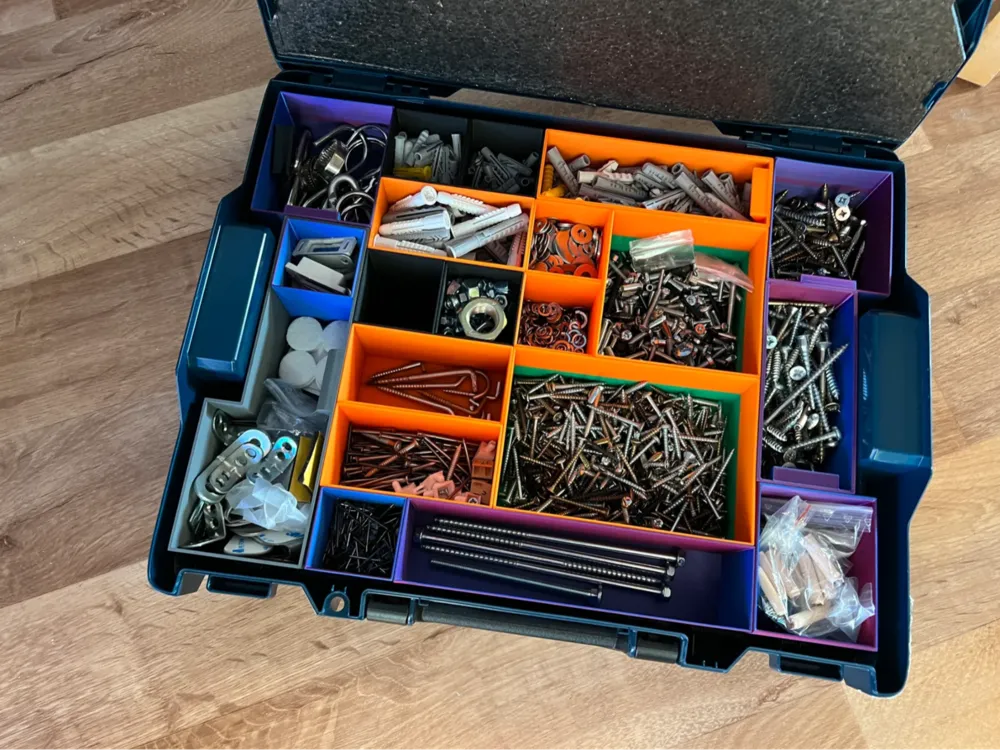
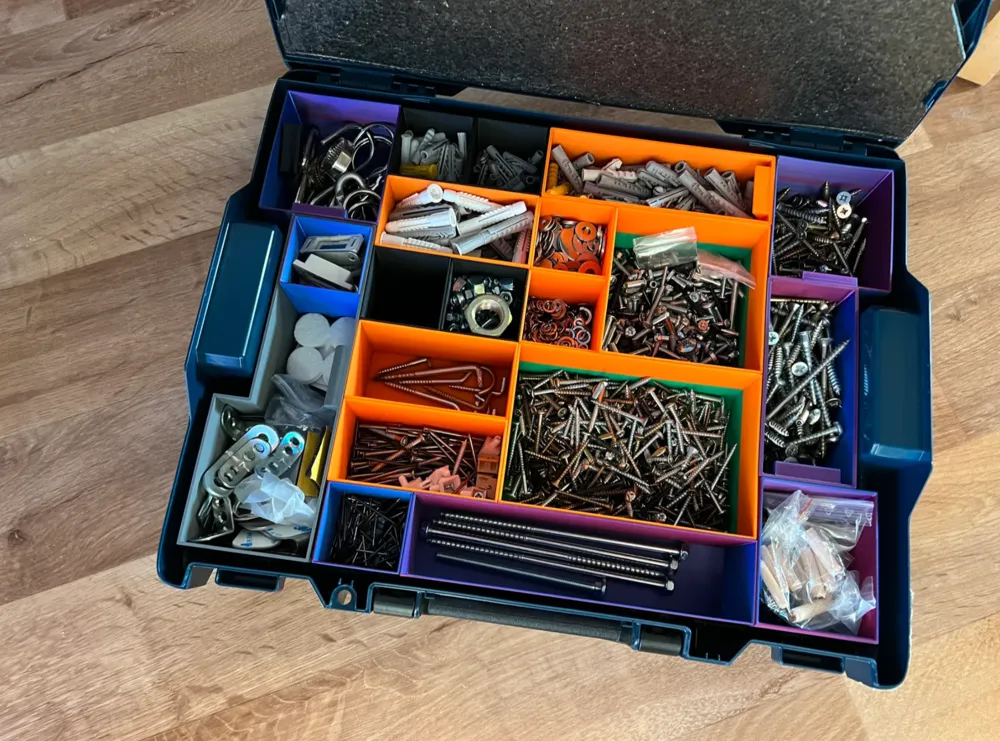
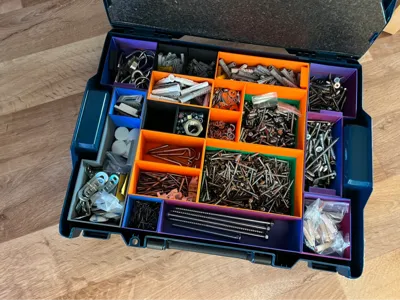
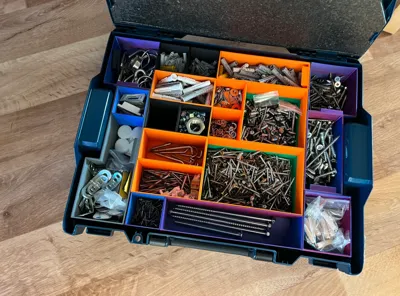
L-Box 102 insert no support needed
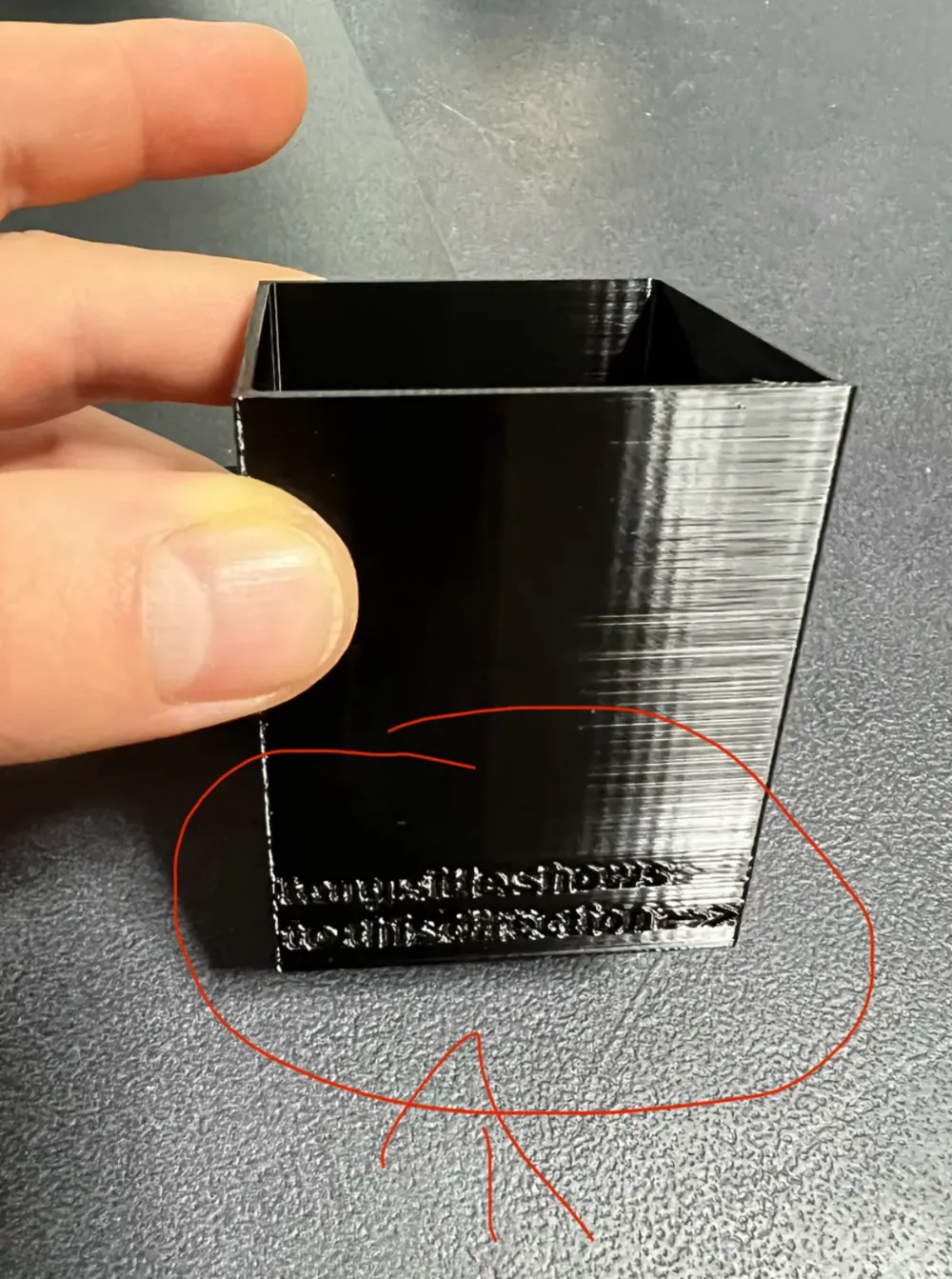
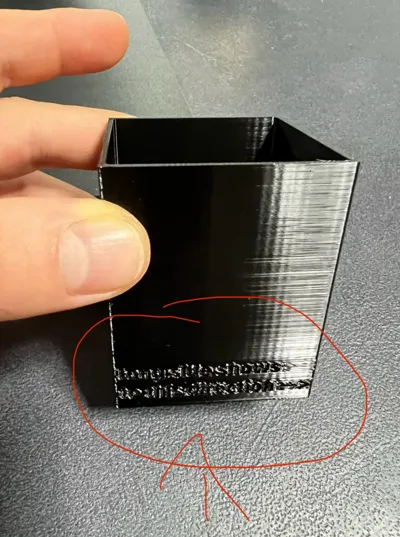
The letters must show to you (for the right orientation).
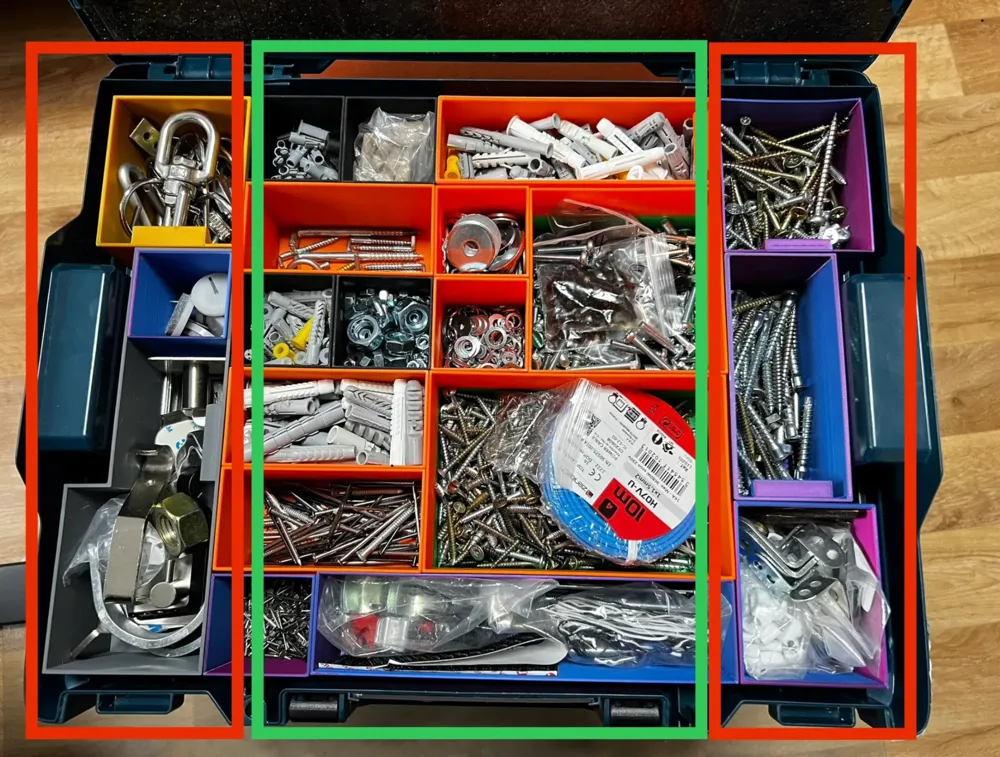
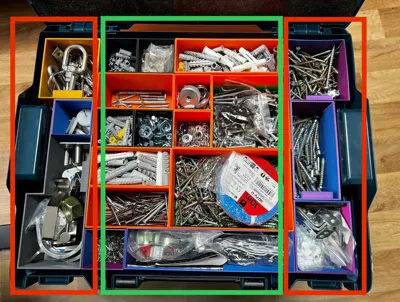
You can mix the boxes in the middle like you want, but the left and right side (picture red boxes) must be printed and used like on the pictures. So the Left Box STL files must be used for the Left side and the Right Box STL files must be used for the Right side (Don’t Mix LEFT and RIGHT side or change smth).
The middle part (picture green box) you can mix with different sizes as long as the letters always show to you. Keep that in mind. So that you don’t waste print time and material, make a sketch and look out what boxes you need and in which orientation you can place it in the green box part. If you don’t know what I mean I could try to explain to you in DM.
Material whatever you like.
You may have noticed that not all boxes have a label pull. That is why I think only the big ones will have an advantage from that.
My picture with the inlays may look a little bit different because I’m using an older version of my prints. I was experimenting a loot with wall thickness measures and so on. Thats why the middle boxes aren’t square, and you need to watch the orientation of the boxes.
Give me feedback if something doesn’t work or any problems.
And you need the top cover from the Amazon link from below so that your small parts stay safe in place.
https://www.amazon.de/dp/B07HB2CKV5?psc=1&ref=ppx_yo2ov_dt_b_product_details
License



Comment & Rating (16)