
XTool S1 Business Card Jig

Print Profile(1)

Description
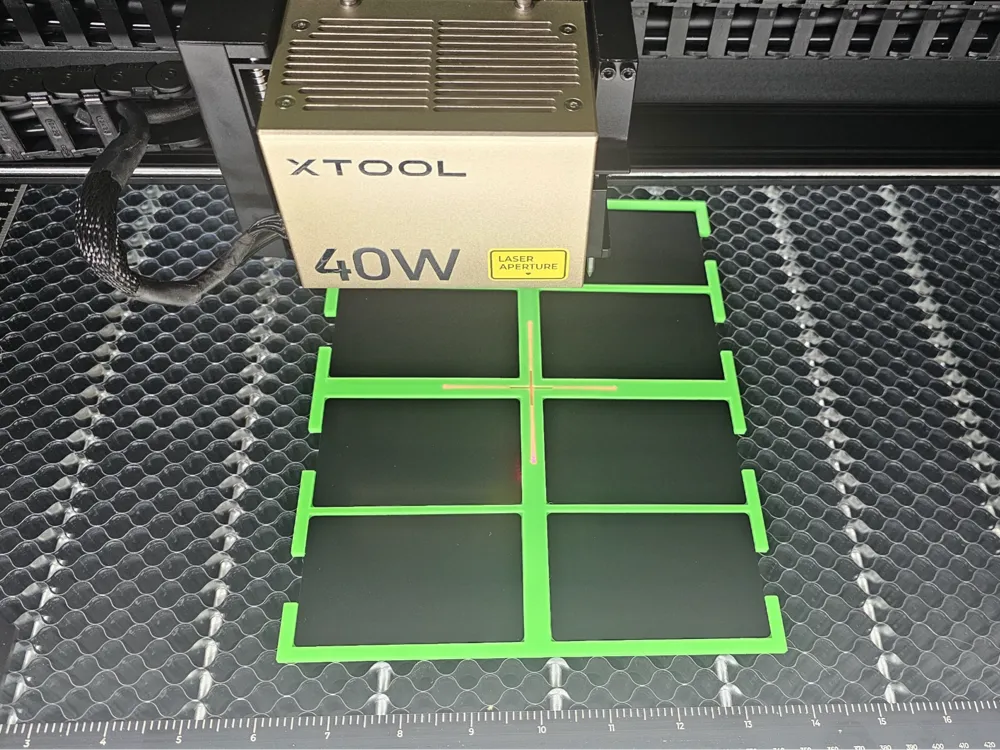
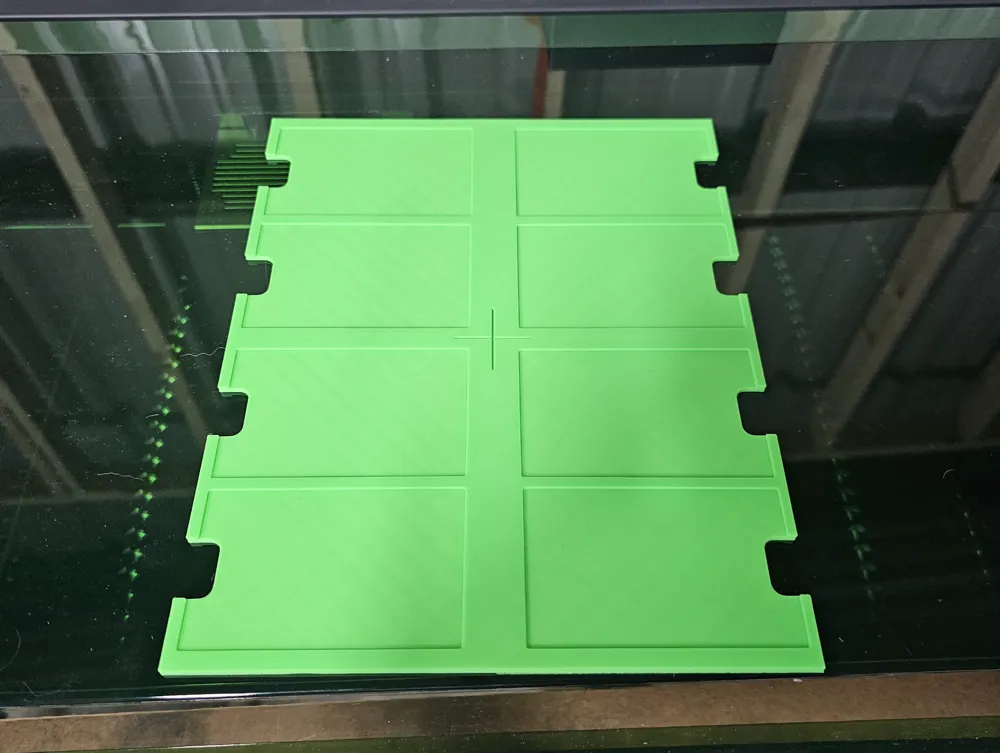
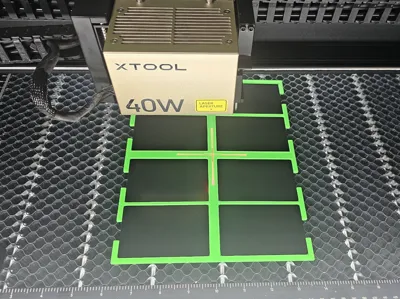
I made a jig to engrave custom business cards on my Xtool S1 laser engraver. It can do up to 8 cards at once. More if your really good. The cards I'm using is just the .21mm aluminium black cards for laser engraving.
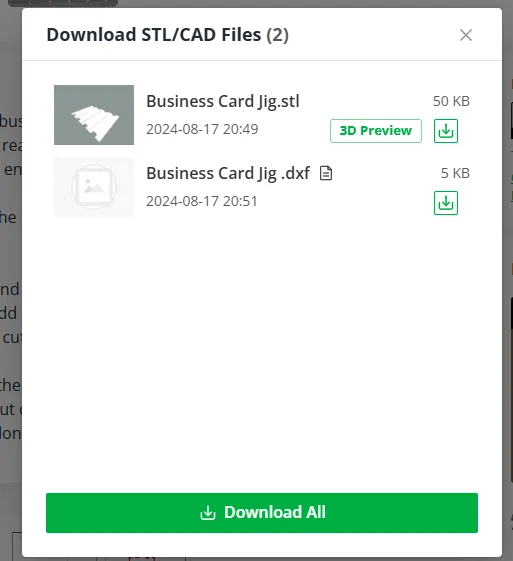
Make sure that you download the .dxf file with this. You will need it for Xtool Creative Space.
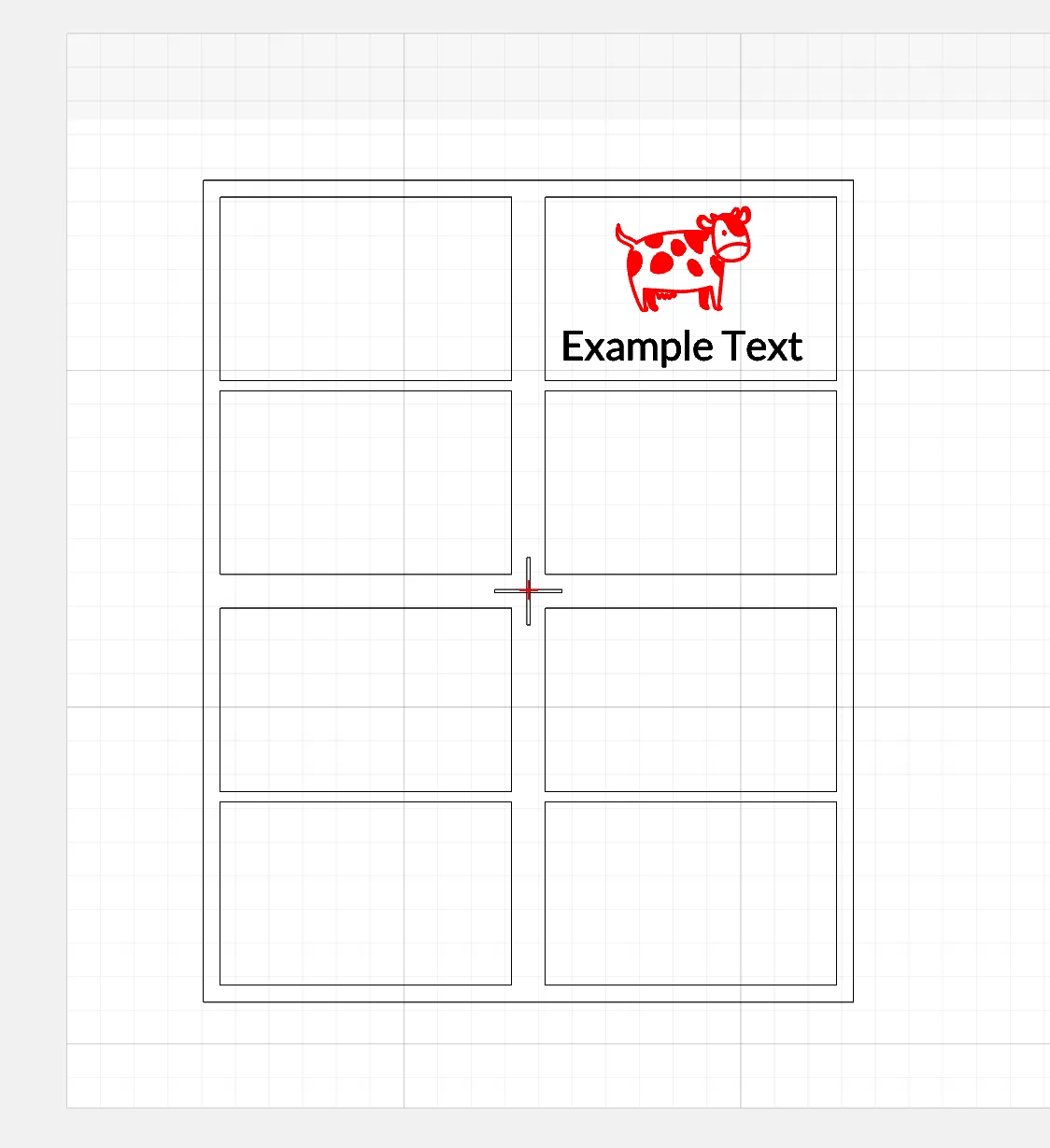
Open up Xtool Creative Space and add the Business Card Jig.dxf file and move it where you want it in the workspace. Add it to its own layer and set it to where it won't output anything. We are not using it to cut or engrave.
With a new layer fill out one of the card slots on how you want your business card to look. Make sure this layer has it output on so that it will engrave your cards and make sure you have the settings that you like done.
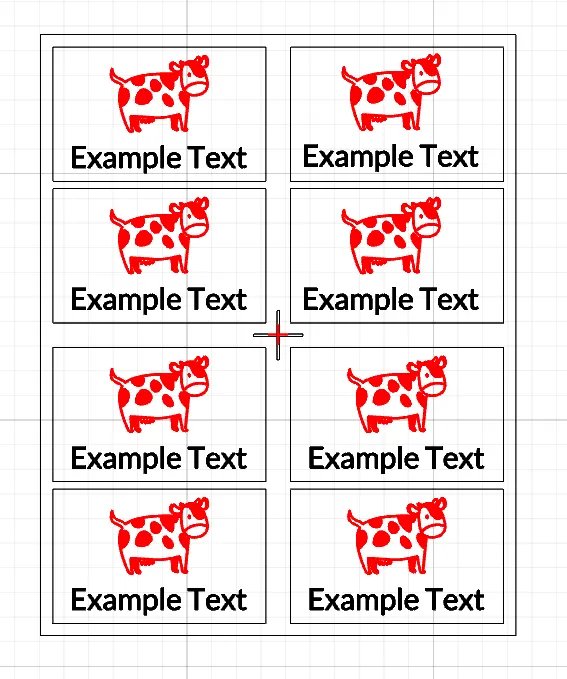
Now select the all the components in the box then copy and paste for the rest of the cards.
Place the jig in the laser engraver and load it up with blank business cards.
Move the laser head over one of the cards and take your distance measurement.
Once done move the laser engraver head over the crosshairs on the jig. Make sure it is align up as center as possible.
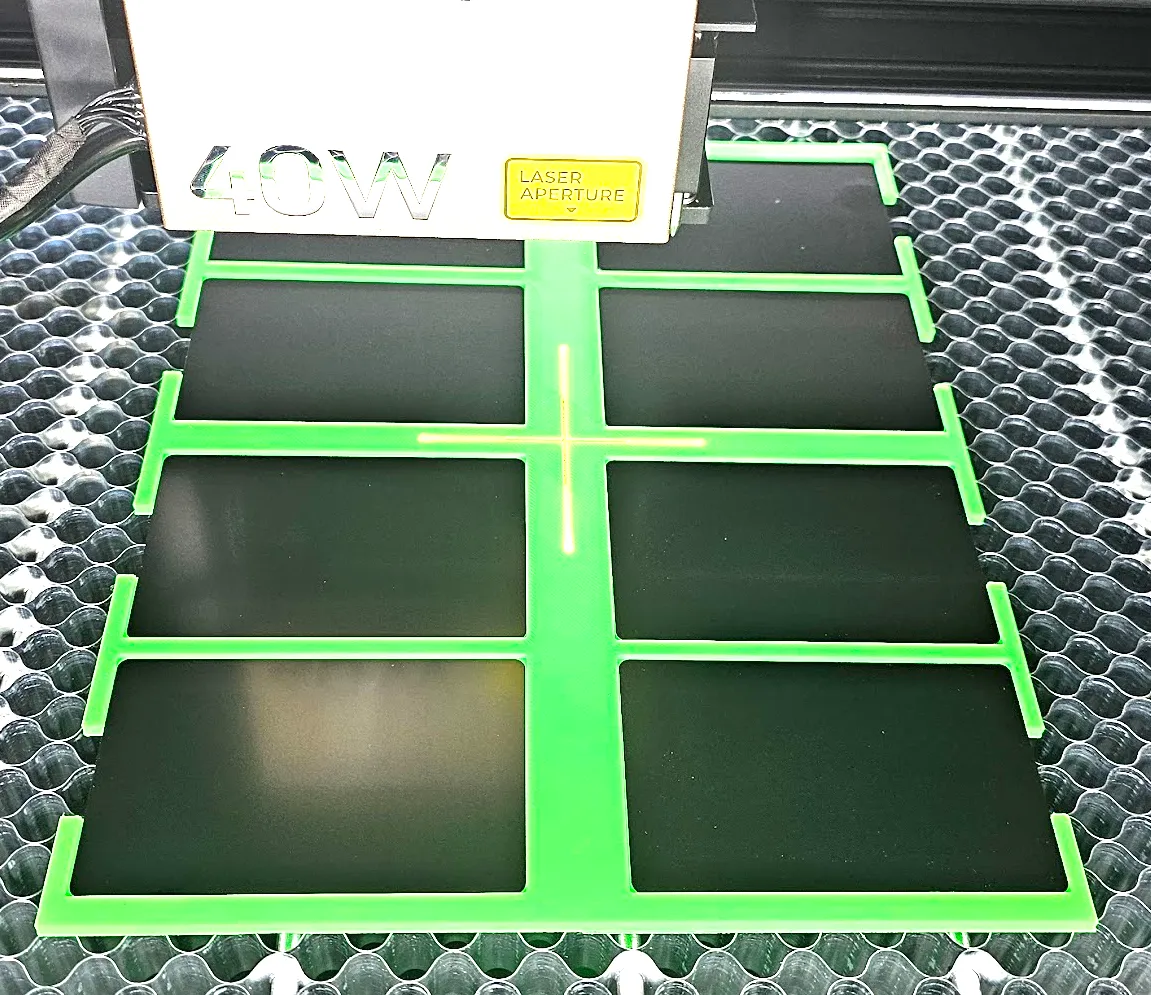
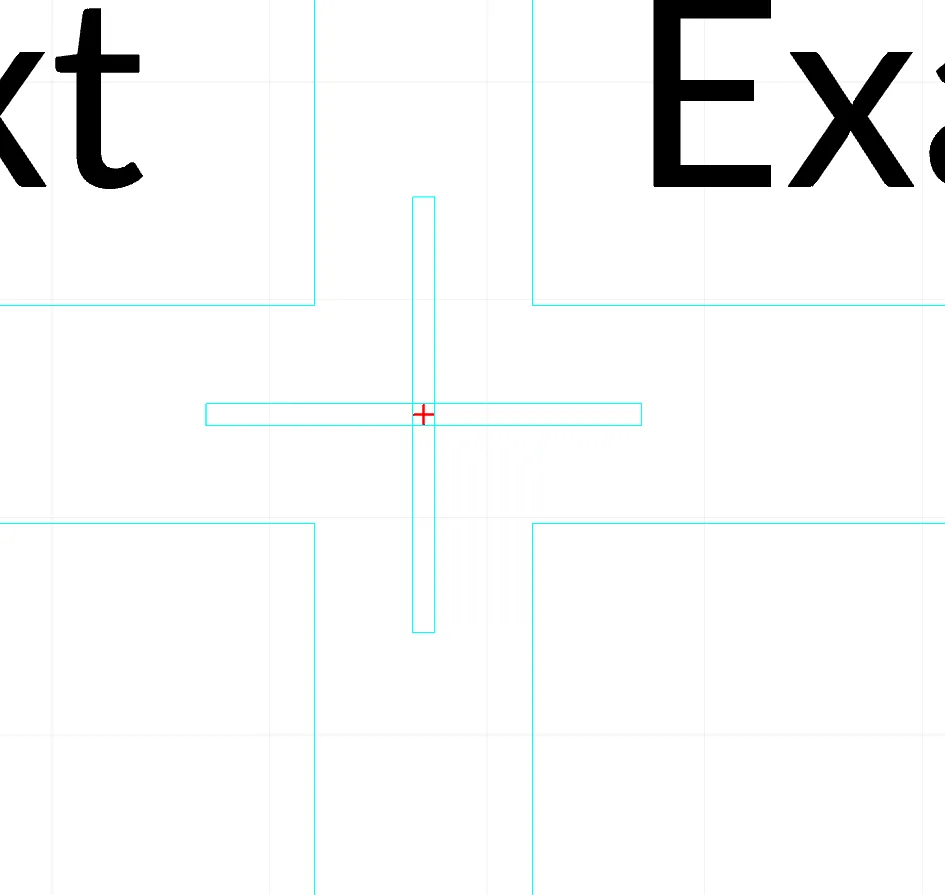
Now select the jig and all the components in creative space. Move it all to match up with the red cross hair that marks the location
of your laser head. Zoom in as need to get it center up if needed
Now run the framing and make adjustments as needed. There has been times when slite adjustment to the jig in the laser engraver will need to be done to make sure its as center and square as possible.
Once your happy with everything send it!
Boost Me (for free)
If you find this useful please share with others and let me know.
Thanks
License

You shall not share, sub-license, sell, rent, host, transfer, or distribute in any way the digital or 3D printed versions of this object, nor any other derivative work of this object in its digital or physical format (including - but not limited to - remixes of this object, and hosting on other digital platforms). The objects may not be used without permission in any way whatsoever in which you charge money, or collect fees.


Comment & Rating (169)