
Witchey Weather
Print Profile(1)

Description
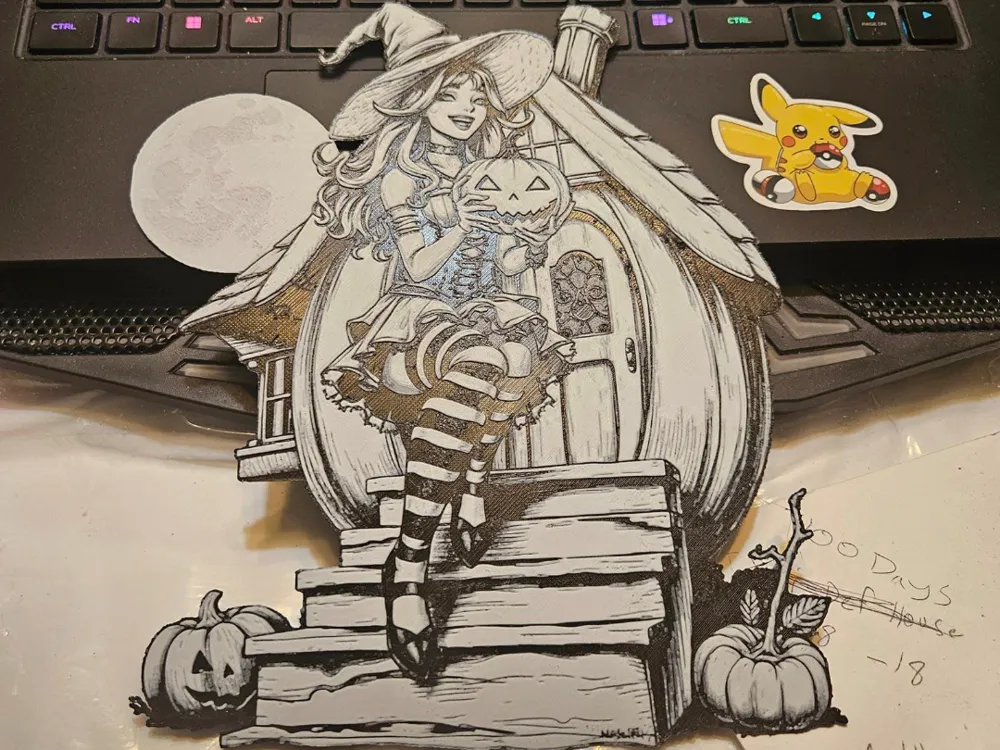
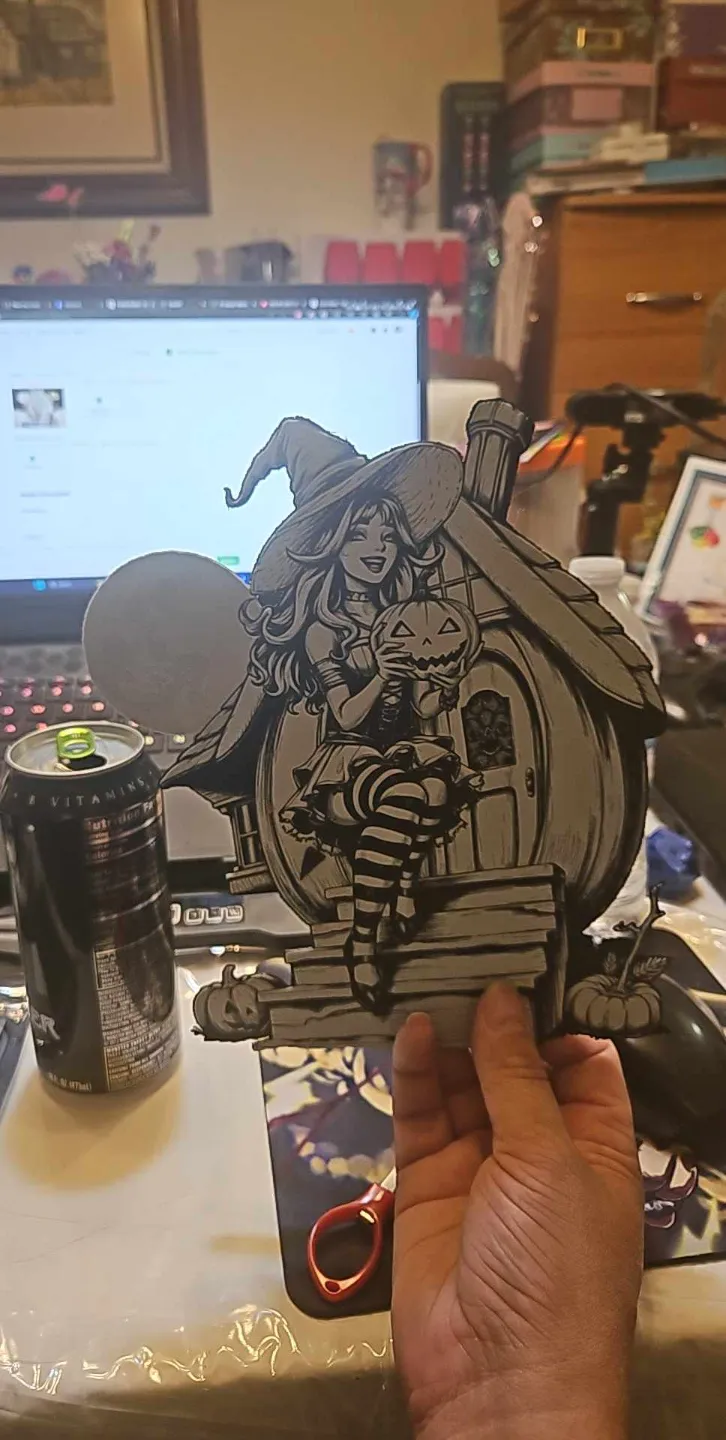
The is a sticker-type setup for a magnet or a keychain. This is a hueforge filament painting and the following settings sound be used. I use these magnetic sheets for all of my magnets. https://www.amazon.com/dp/B07V4STWPV
Layer Height: 0.08
First Layer Height: 0.16
Sparse Infill Density: 100%
Sparse Infill Pattern: Rectilinear
When Scaling - Click off the “Uniform Scale” tick and do NOT touch the Z-axis, Re-size to what you'd like with X and Y.
With AMS start print with black until layer 9, then switch to white for the rest. (in preview slide the slider up to layer 10 and select change color to white)
Without AMS start print with black until layer 9, at layer 9 in preview of the slicer right-click the plus sign and select “add pause”. When your print gets to layer 9 your printer will pause itself giving you time to switch out your filament to white manually and hit resume to finish the print.
License



Comment & Rating (4)