
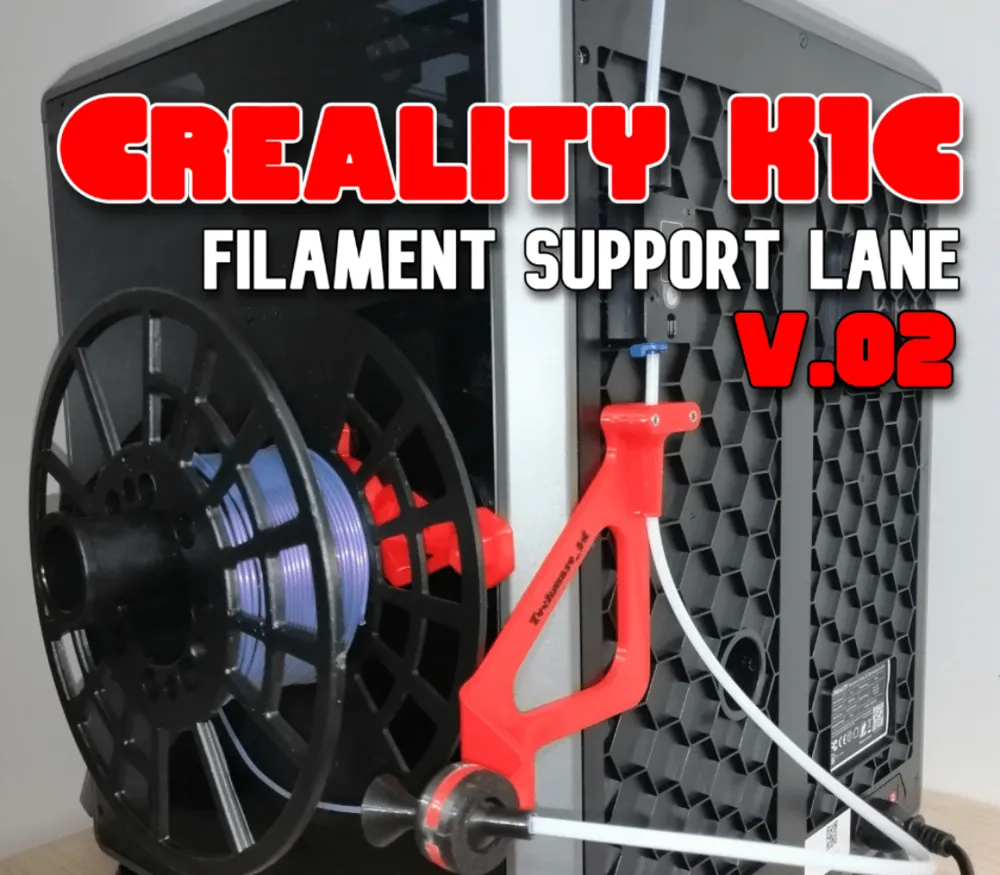
Creality K1C filament spool side support lane V2

Print Profile(1)

Description
Boost Me (for free)
If you like what I do, give me a hand with a BOOST!!!
Have you recently printed the side support for the filament spool for your Creality K1/K1C/K1MAX printer but your filament spool gets stuck in the support???
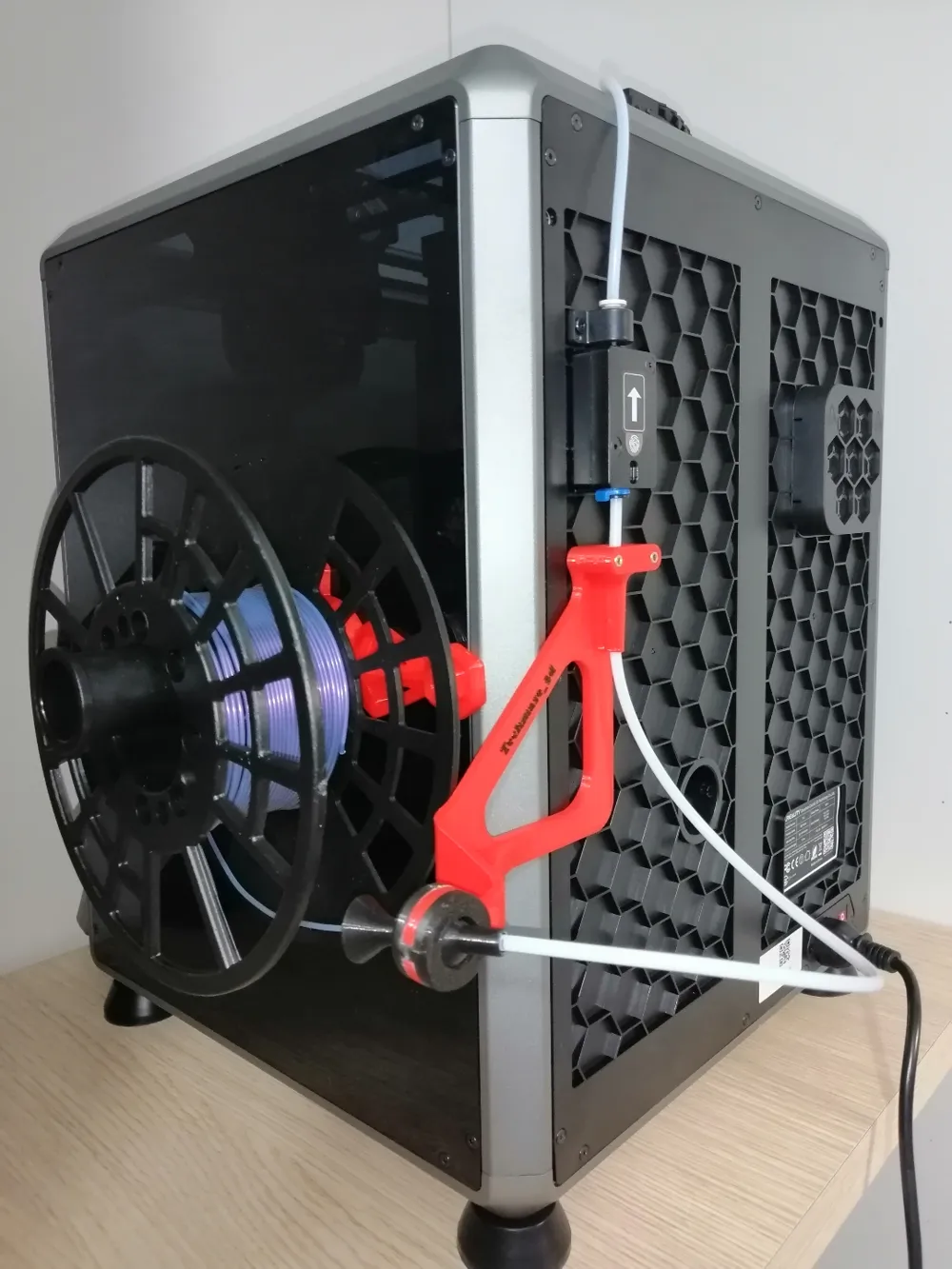
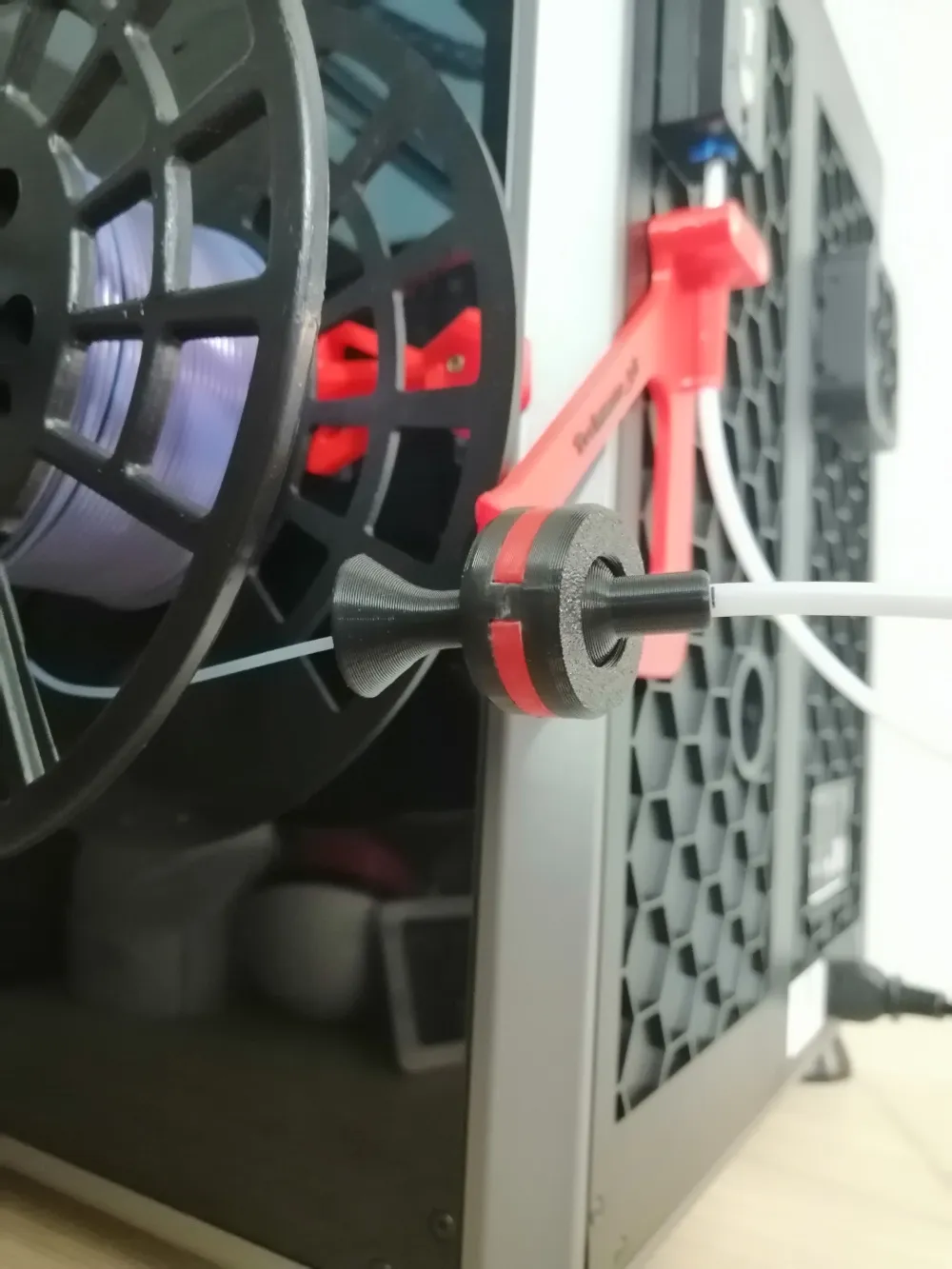
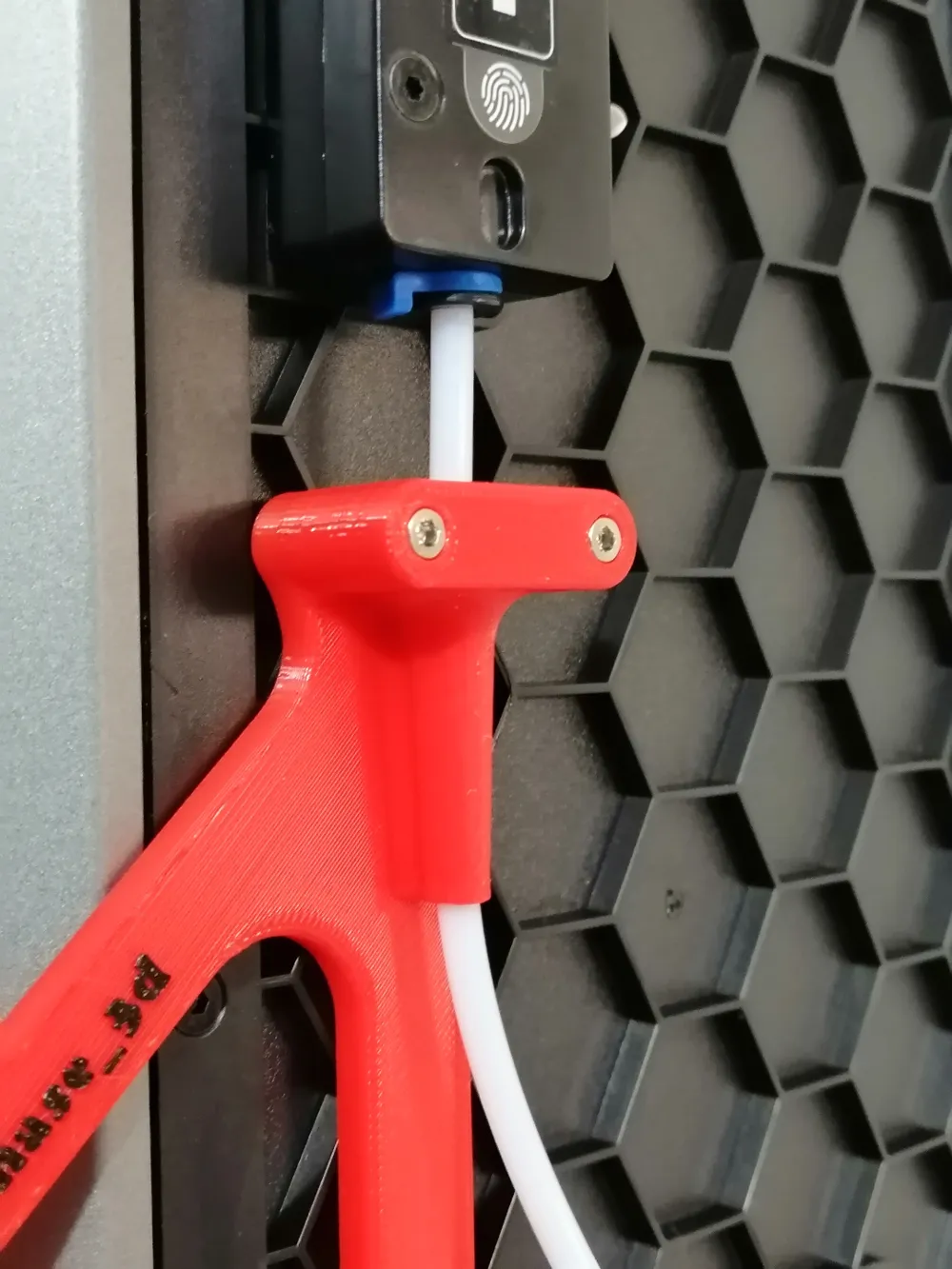
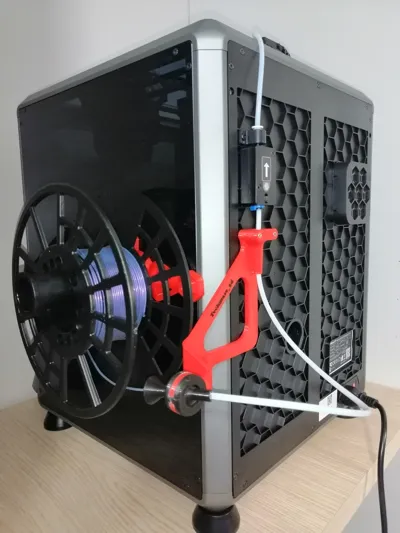
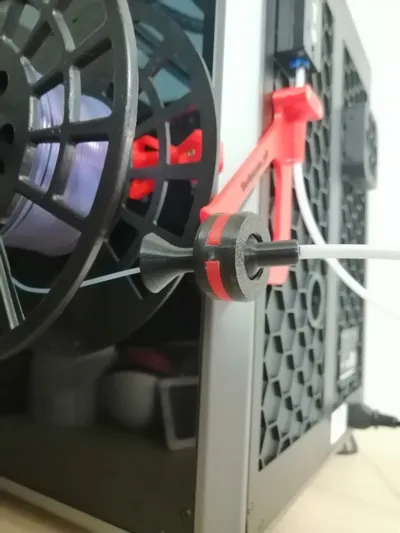
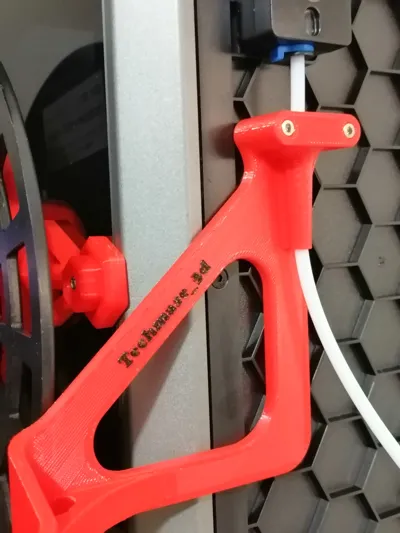
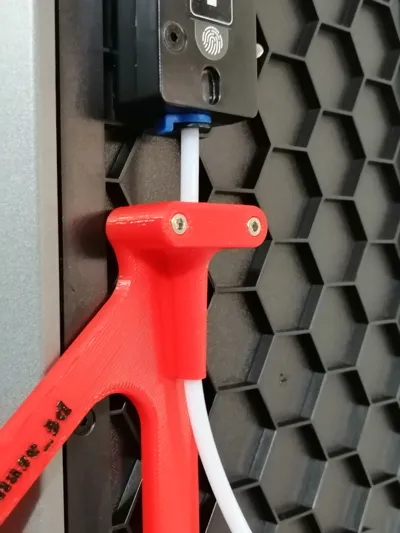
Here's the solution, with this lane the filament flows smooth as oil up to the ptfe tube to enter your printer:
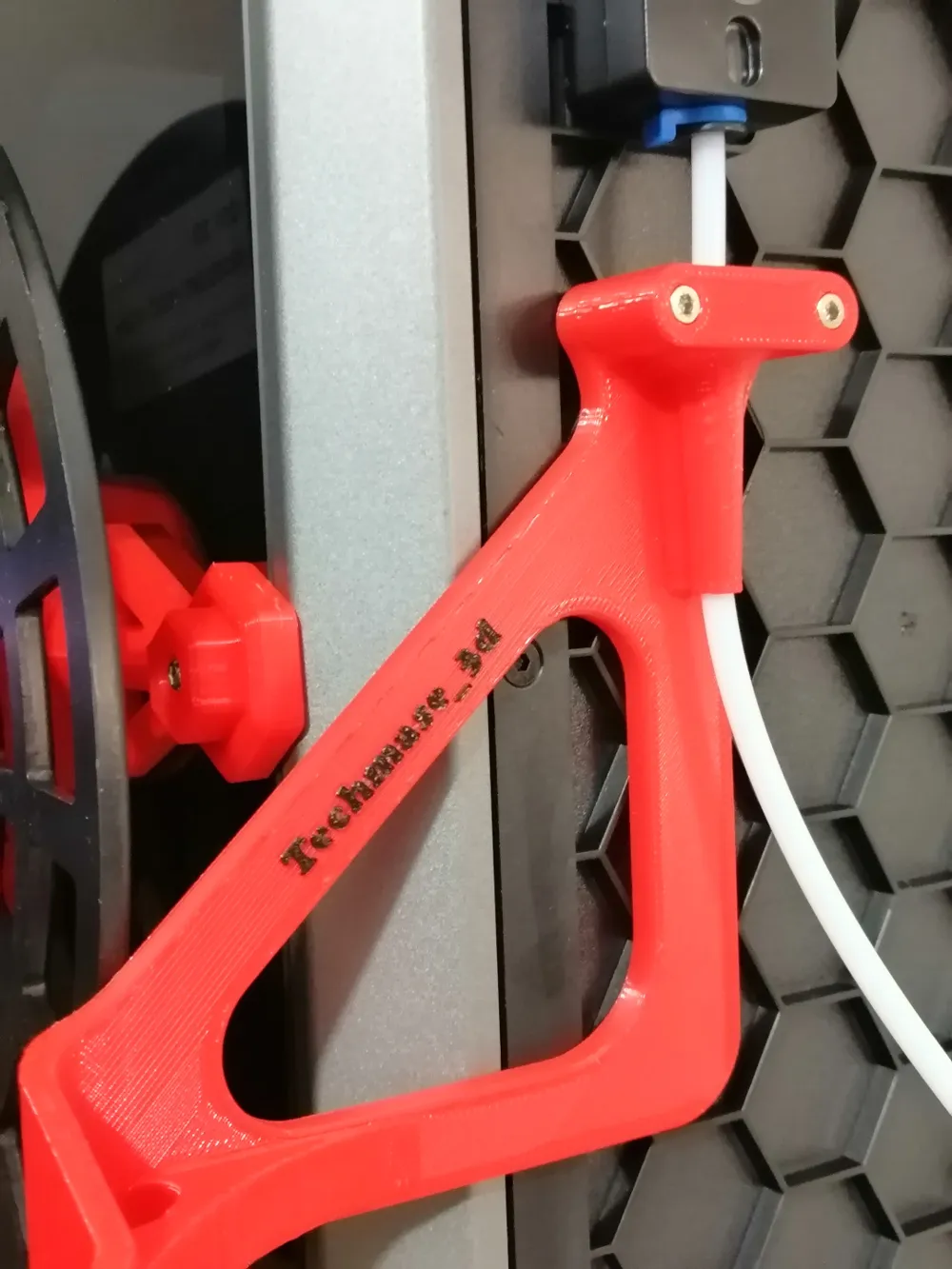
Print the support lane, and with 2 of the 3 screws that you removed from the printer plate when you took it out of the package, hook everything into the two holes under the filament sensor on the back of the printer (ATTENTION: the measurements are precise for these specific screws) [RECOMMENDED SOLUTION]
Auxiliary components:
in addition to the 2 screws obtained via the printer (see as explained above), you need a 30-40 cm PTFE tube (external diameter 4 mm; internal diameter ≥ 2 mm), depending on how and where you position the printer.
Thanks to LEOTE3D for the PTFE guide, go and see his creations they may come in handy
link→ https://www.printables.com/it/@RAPHLEO
p.s. there is a possibility that you will have to use a glue dot to prevent the PTFE tube from coming out of the guide




Comment & Rating (3)