
Hole Compensation Calibration & Filament Shrinkage Rate
Print Profile(1)
Description
Hole Compensation Calibration & Filament Shrinkage Rate
Boost Me (for free)
If this helps you, please show your support
1 Explanation
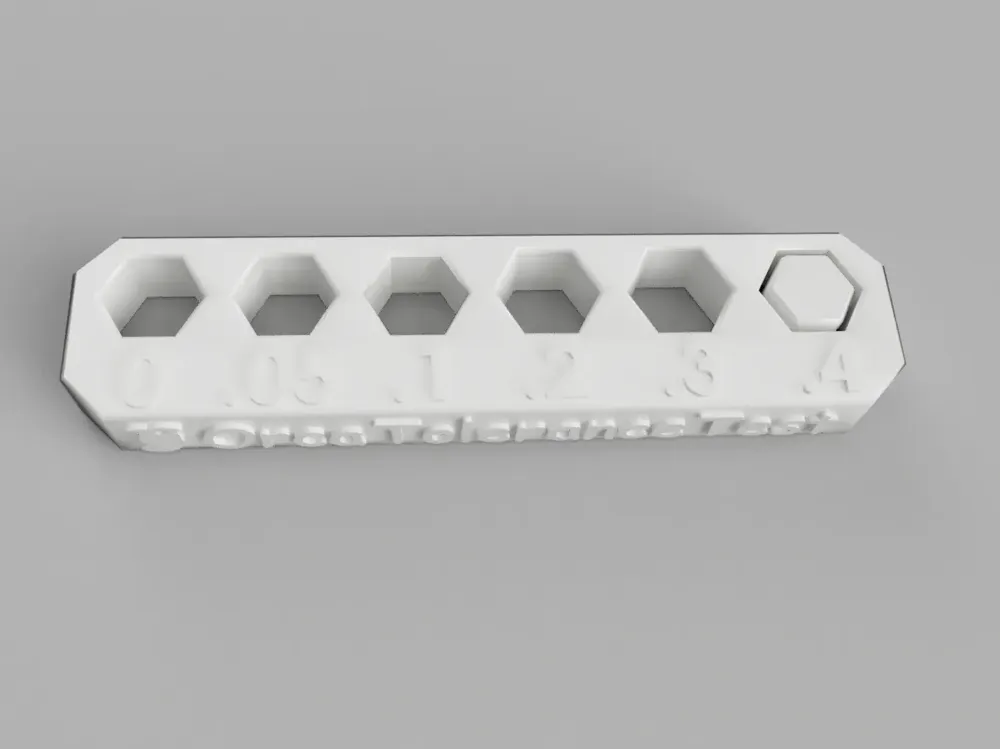
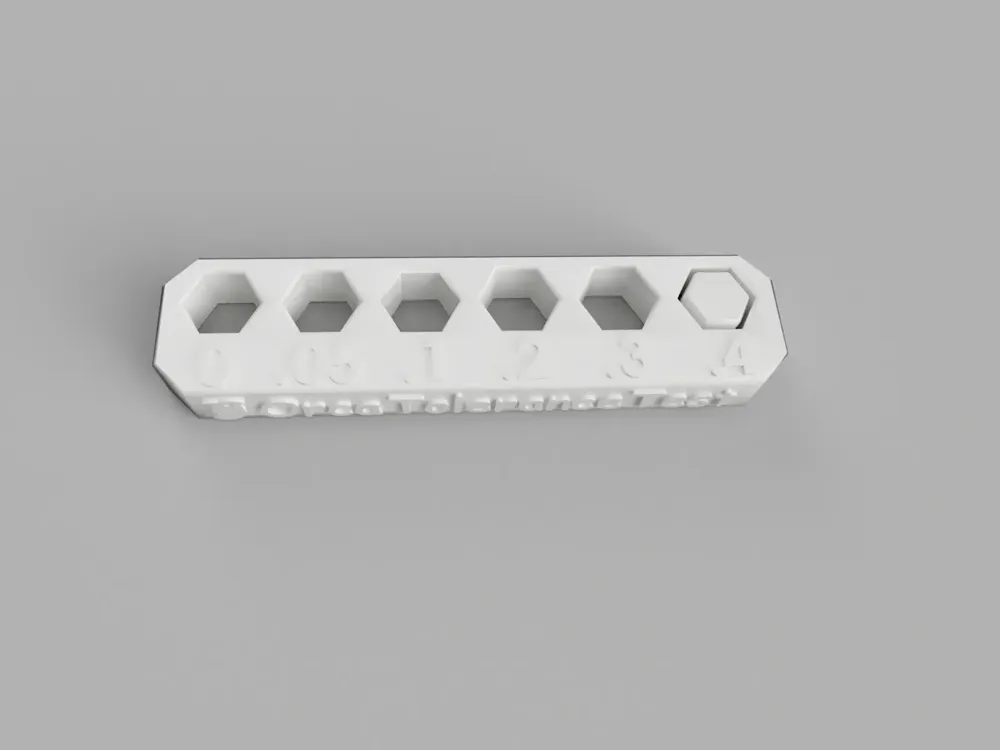
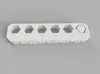
A model previously used for calibration with Orca slicer software, designed to calibrate hole dimensions and filament shrinkage rate (shrinkage rate is not relevant for Bambu software). The specific testing method is as follows:
- Print the model
- Test filament shrinkage rate; measure the length or width of the printed model. Filament shrinkage rate = measured length/57.9 = measured width/14.4; input the result accordingly.
- Measure hole calibration; use a caliper or an M6 hex key to determine which hole most closely matches the size (for the hex key, assess which one fits best). Enter the corresponding number into the hole compensation setting.
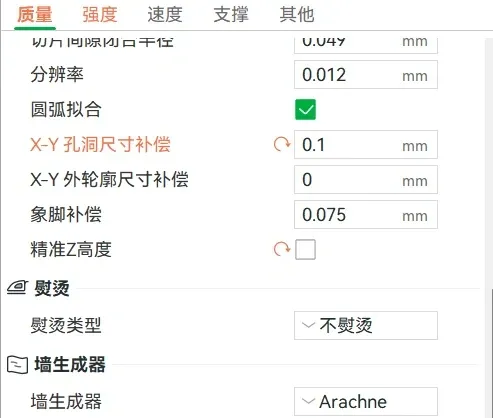
- After modifying hole compensation, reprint and check if the small 0.4mm pillars can fit precisely into the hole corresponding to 0.
2 Other Tests
Recommended testing order:
- First Layer Test (if not moving, testing once is sufficient)First Layer Test from aurora - MakerWorld
- Temperature Tower (generally tested upon receiving filament; test when changing filament brands; minimal impact if not changing brands)Temperature Tower from aurora - MakerWorld
- Pressure Test/Dynamic Flow Calibration (optional if Bambu's dynamic flow calibration is used; recommended for Klipper users; generally negligible variation between filaments; I typically test once and then disregard)
- Retraction Test (generally tested upon receiving filament; test when changing filament brands; minimal impact if not changing brands, and minimal impact for PLA; test if PETG exhibits significant stringing not attributable to moisture)Retraction Tower from aurora - MakerWorld
- Hole Compensation Calibration & Filament Shrinkage Rate (different brands have varying shrinkage rates; test if changing filament brands and time allows; Bambu's hole dimensions are well-calibrated; primarily for DIY machine calibration. However, if needed, strongly recommended)
- Maximum Flow Rate Test (unnecessary unless printing at high speeds. This assesses the maximum volumetric flow rate of the filament; however, Bambu's parameters are generally conservative; printing with default parameters suffices)
- Resonance Compensation Test (recommended for Klipper users who do not wish to install an accelerometer; significantly improves print quality; my Bambu machine features resonance compensation and requires no testing)
Models will be uploaded sequentially in the future
License

You shall not share, sub-license, sell, rent, host, transfer, or distribute in any way the digital or 3D printed versions of this object, nor any other derivative work of this object in its digital or physical format (including - but not limited to - remixes of this object, and hosting on other digital platforms). The objects may not be used without permission in any way whatsoever in which you charge money, or collect fees.


Comment & Rating (1)