
BentoFan (Dual fan + independent air filtering)


Print Profile(4)


Description
As soon as my P1P arrived, one of the first things I did was install an enclosure and build an air filtration system inside the chamber. I found the BentoBox project very interesting and so I printed it immediately. However, later the need arose to install a second auxiliary fan to cool the parts, but the presence of the BentoBox precluded its installation.
I therefore solved this problem by creating a support for the aux fan that integrated all the components of the BentoBox inside. It wasn't easy to fit everything into such a small space, but I think I succeeded. The filtering system and the aux fan are powered independently and, via a switch, you can turn the filtering on or off as you wish. Aesthetically it's not the best, but it works very well.
ASSEMBLY
First of all, remove the supports highlighted in orange in the following image.
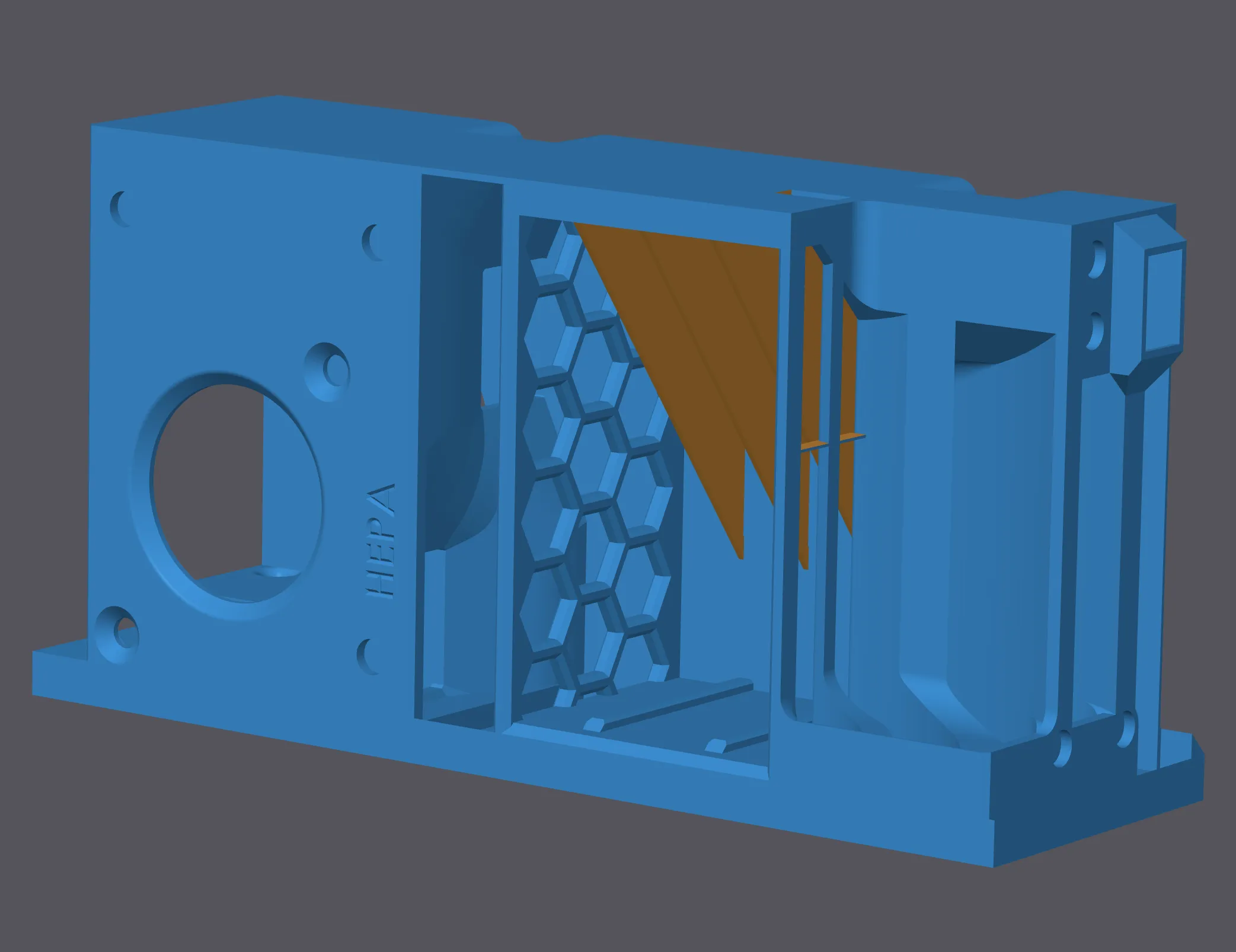
Install all the 22 magnets (5x1.5 mm) in the appropriate seats, paying attention to the polarities.
Now proceed with the wiring. First, pass a 2-pole cable for the switch inside the piece following the arrows in the following images. Solder to the switch (KCD1-101 model) and fit the switch.
For the wiring diagram of 5015 fans (very easy), consult the original BentoBox project (https://www.printables.com/model/387994). Place the switch contacts in series with the + of the power supply. It is suggested not to connect directly to the printer transformer, but to insert a connector (JST e.g.) so as to make any temporary removal easier.
Fix the 5015 fans with 4 M4x25 screws.
Insert HEPA filter (80x40x15mm) in its place and fill the carbon box with carbon pellets.
To place the filtering system, simply position the piece using the appropriate joint and then fix it to the base of the printer using a screw to be inserted as shown in the following figures.
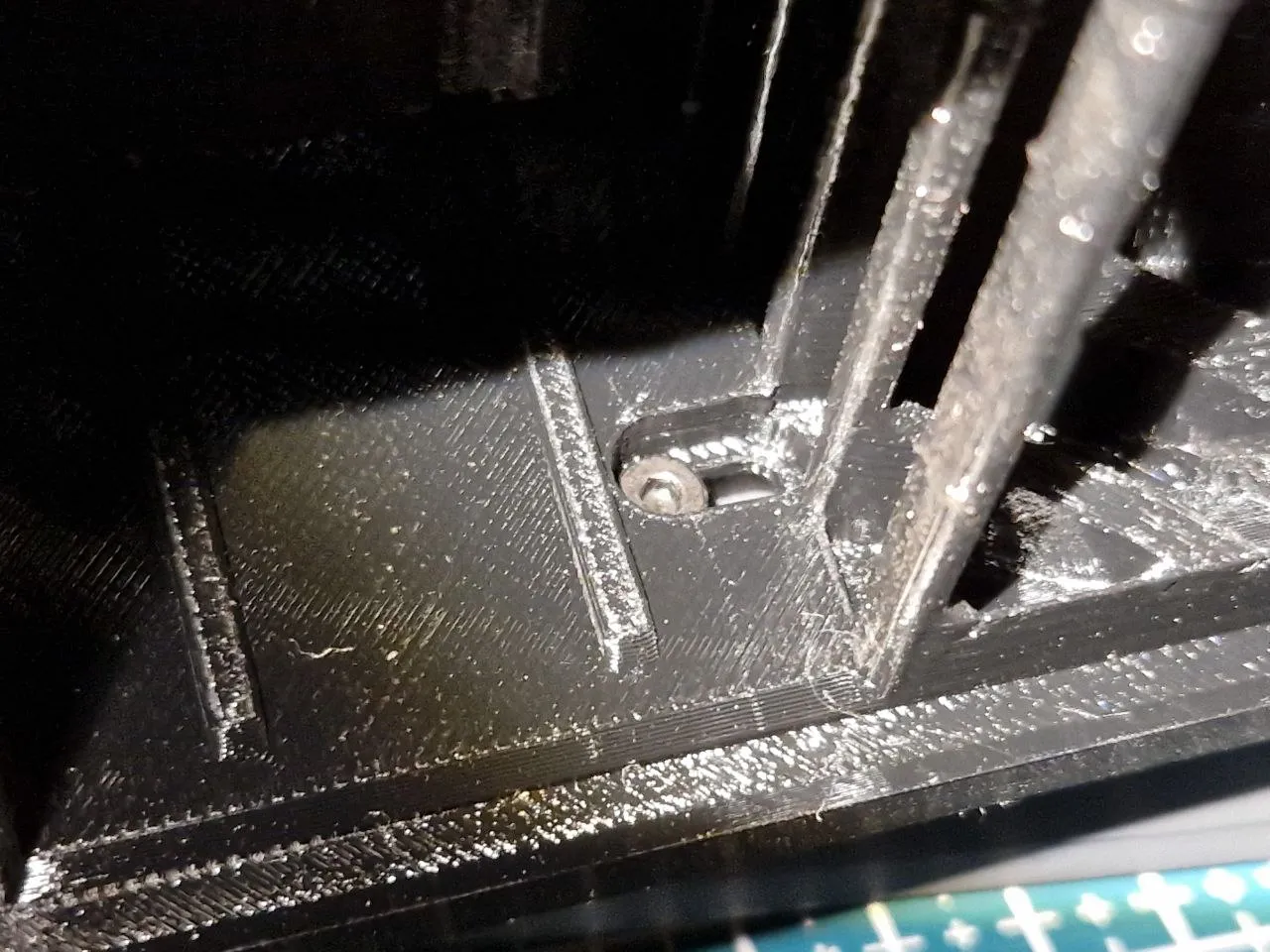
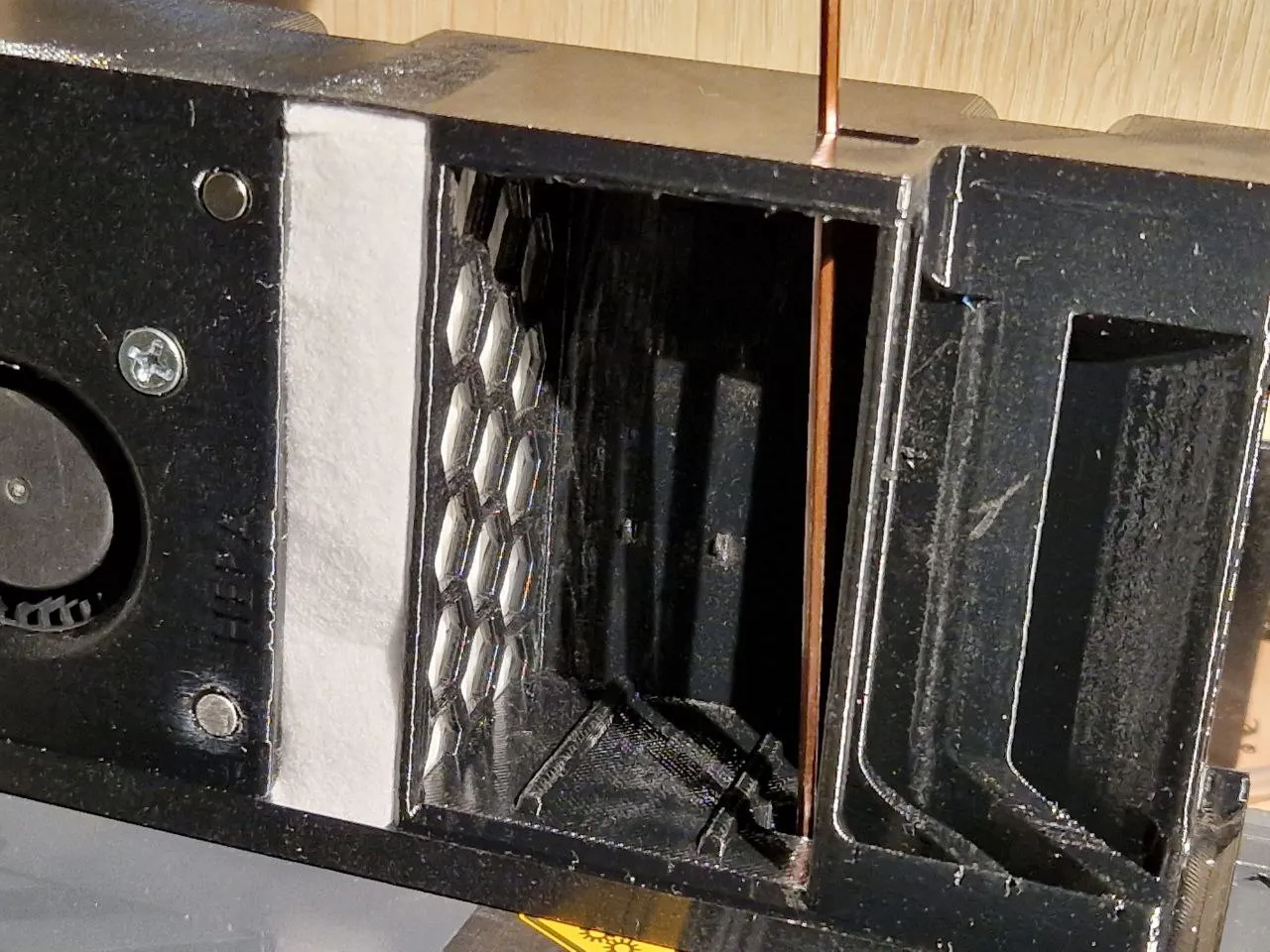
Insert the carbon box and close everything with the two printed covers.
Filtering system is now completed.
The assembly of the auxiliary fan is very simple: match the fan duct with the case using the appropriate track and glue for a better seal. Mount the fan core purchased on the BambuLab website. Place the fan on the filter system and screw with the screws supplied with the original aux fan (the two large ones below and the two small ones to the printer frame). For wiring, refer to this project: https://www.printables.com/model/435312
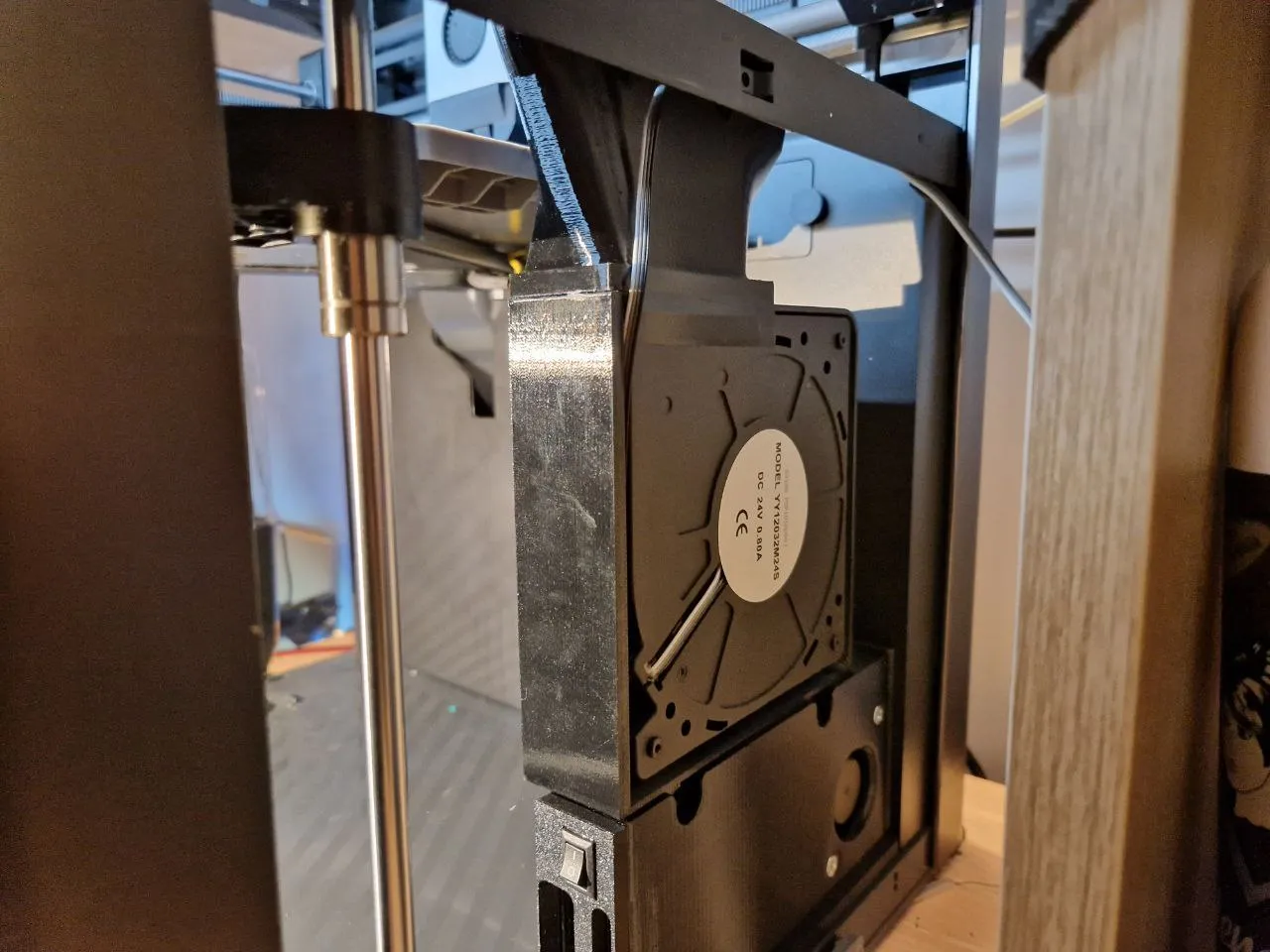
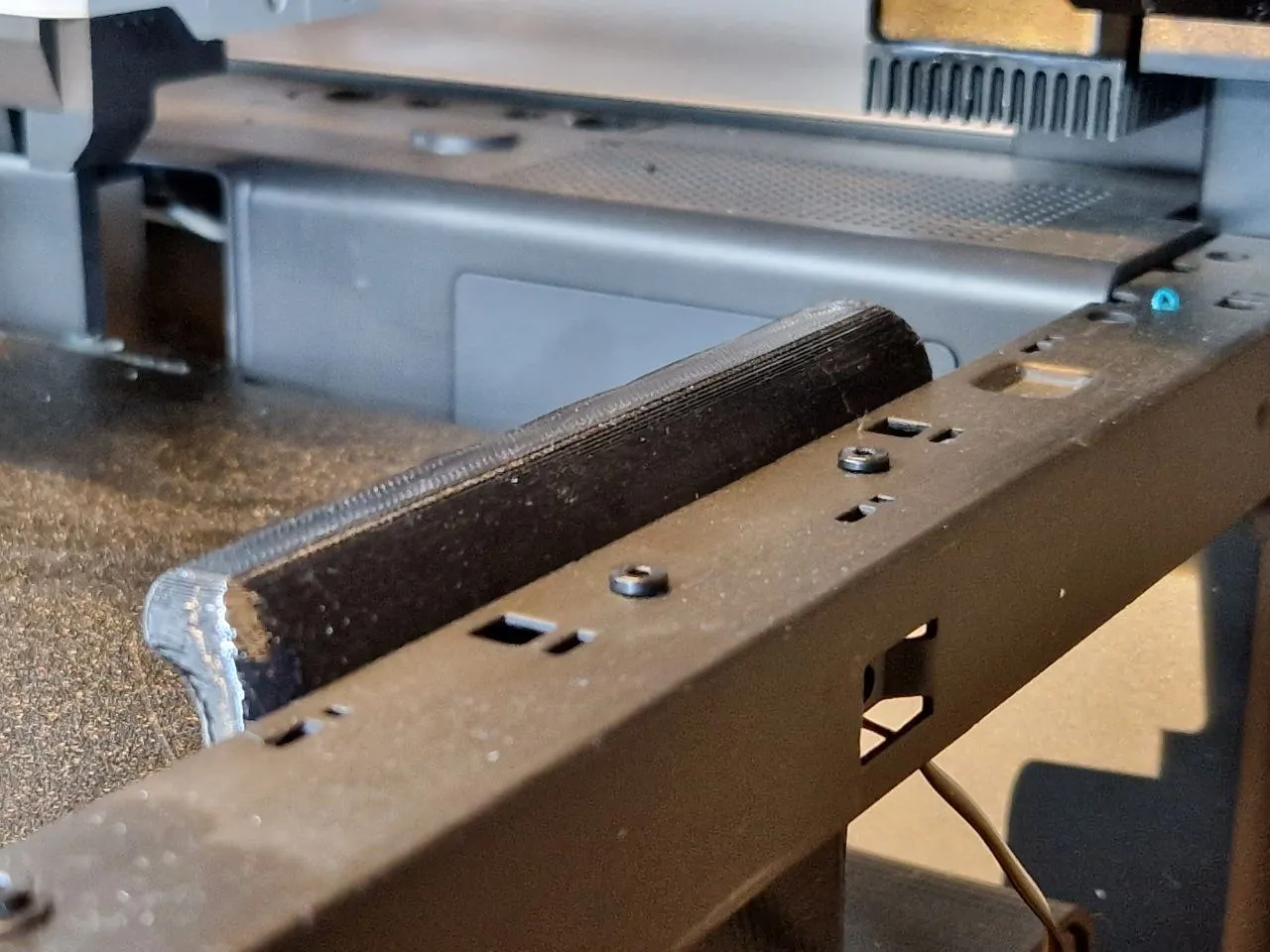
If everything has been assembled correctly, there should be no contact with the print head or the bed.
License

You shall not share, sub-license, sell, rent, host, transfer, or distribute in any way the digital or 3D printed versions of this object, nor any other derivative work of this object in its digital or physical format (including - but not limited to - remixes of this object, and hosting on other digital platforms). The objects may not be used without permission in any way whatsoever in which you charge money, or collect fees.


Comment & Rating (24)