
RMFC - Rapid manual filament changer

Print Profile(1)

Description
Updated version at the links below
A1 mini V2 - https://makerworld.com/en/models/653676#profileId-580519
A1 version - https://makerworld.com/en/models/653692#profileId-580544
For those without an AMS-lite who want a way to quickly change filaments on the A1 mini (this currently will not fit the A1 but I have a new bracket in the works)
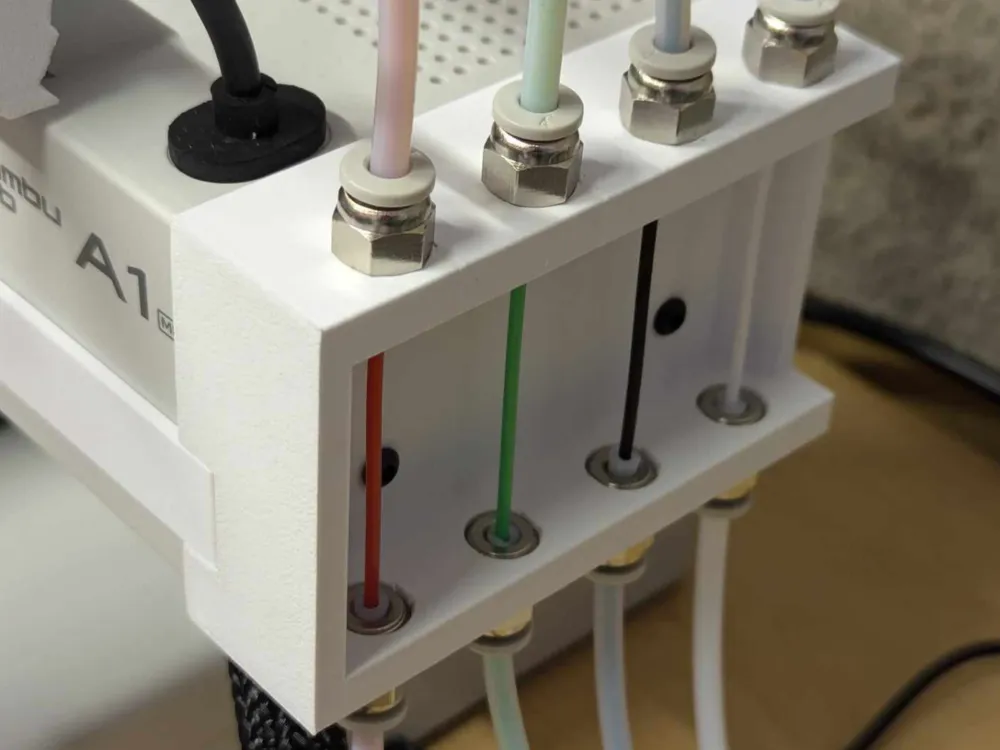
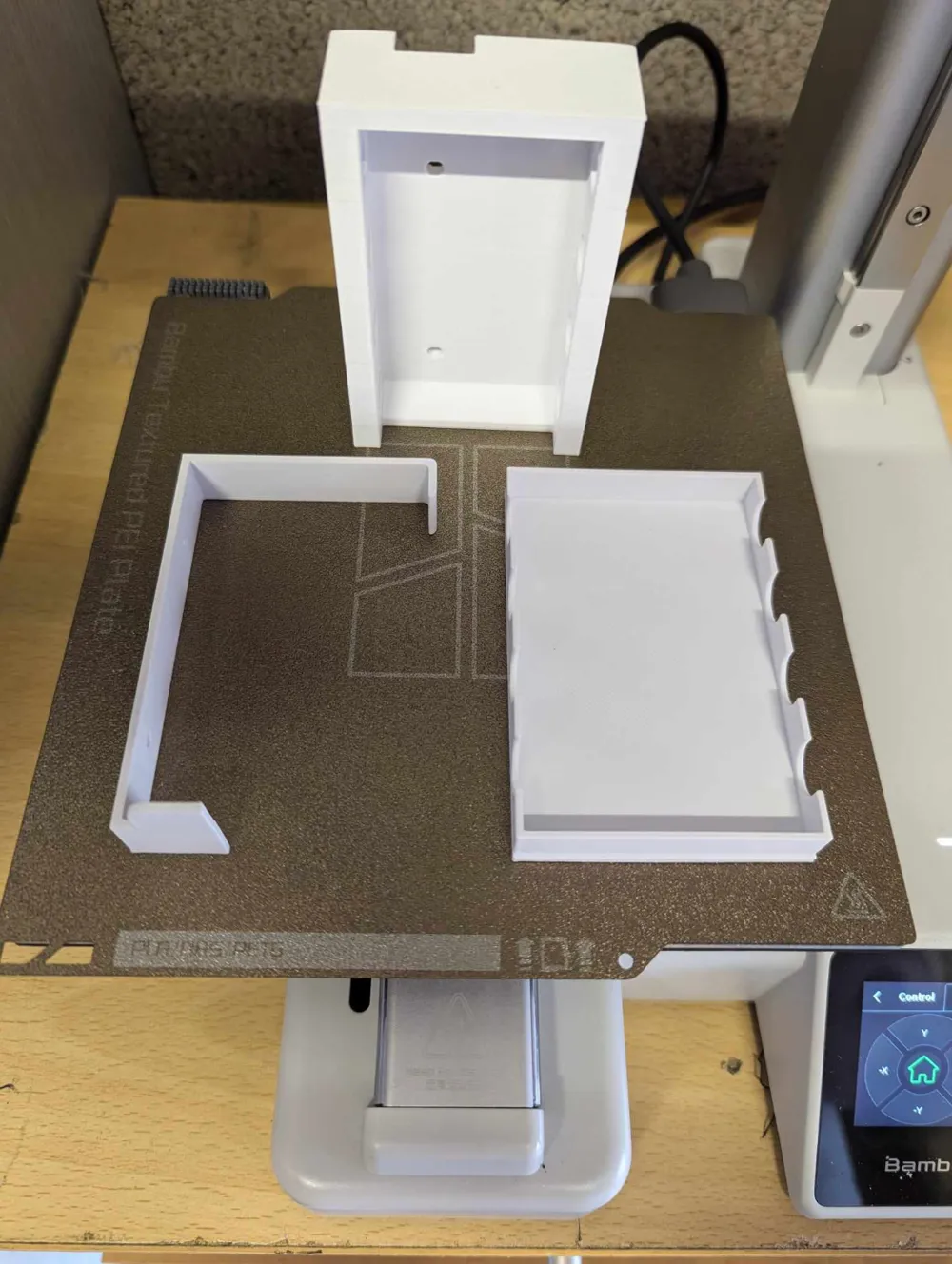
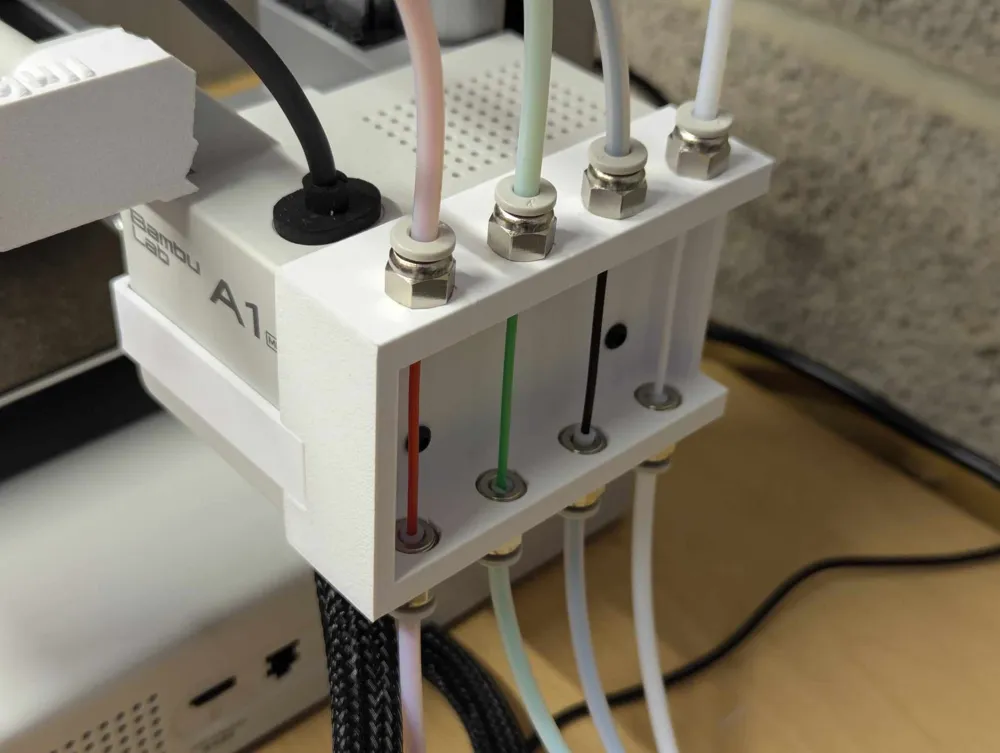
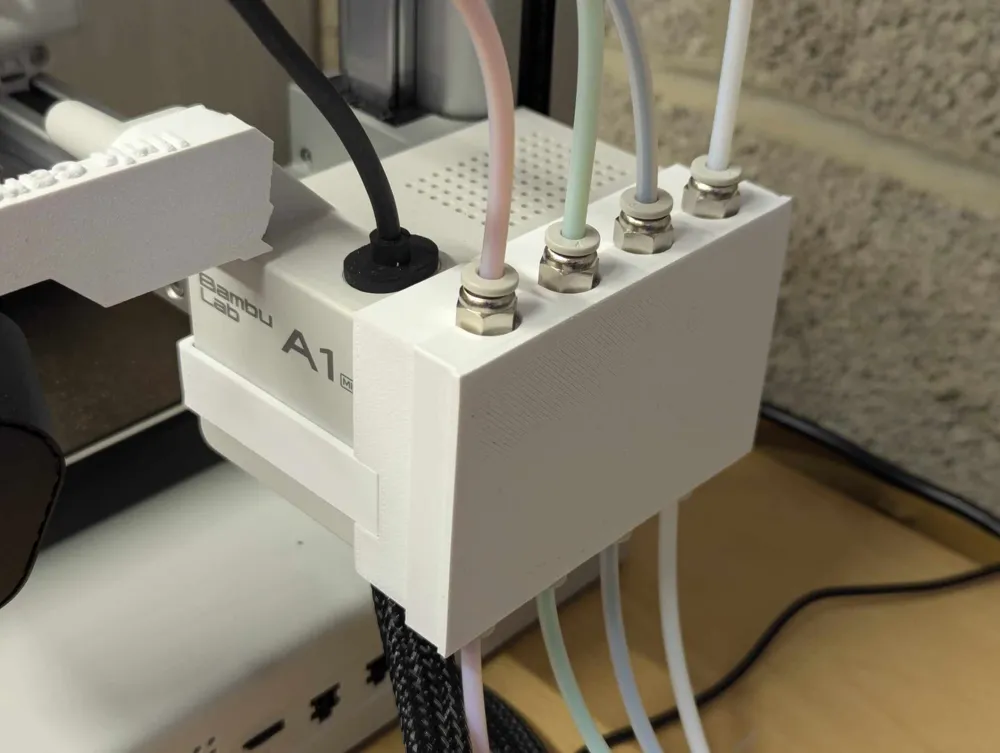
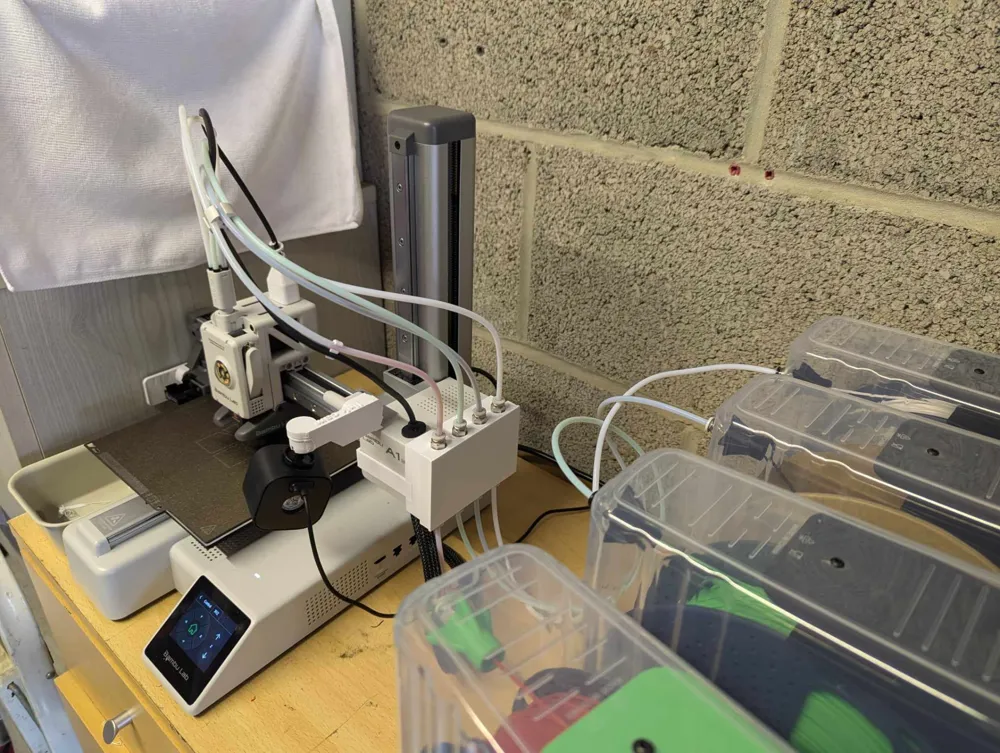
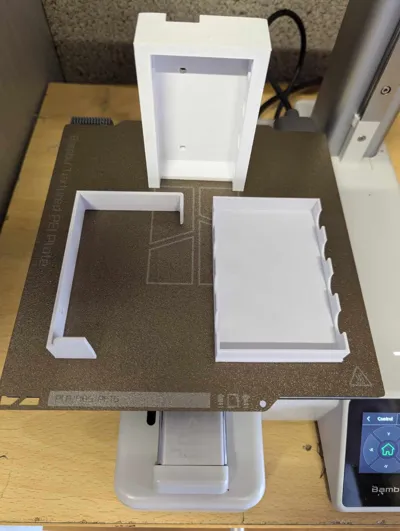
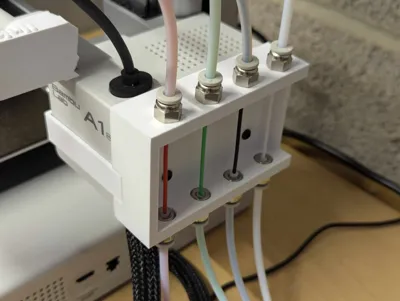
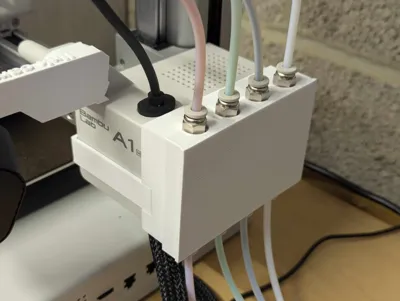
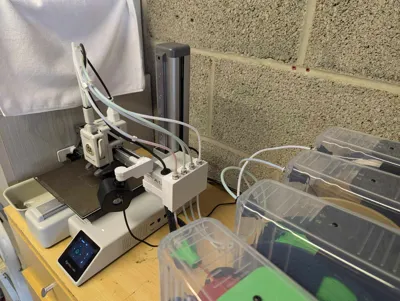
Allows for 4 filaments still in their dry boxes to be ready to load into you printer via this handy print.
Load upto 4 filaments into the lower bowden tubes passing through into the top tube to the print head. Now when you want to change a filament just take off the cover and pull back the filament 1 span of the box, this will clear the hot end. Then when requested load the new filament. This prevents you having to pull the old filament all the way out.
Unloading filament -
Loading Filament -
Requires;
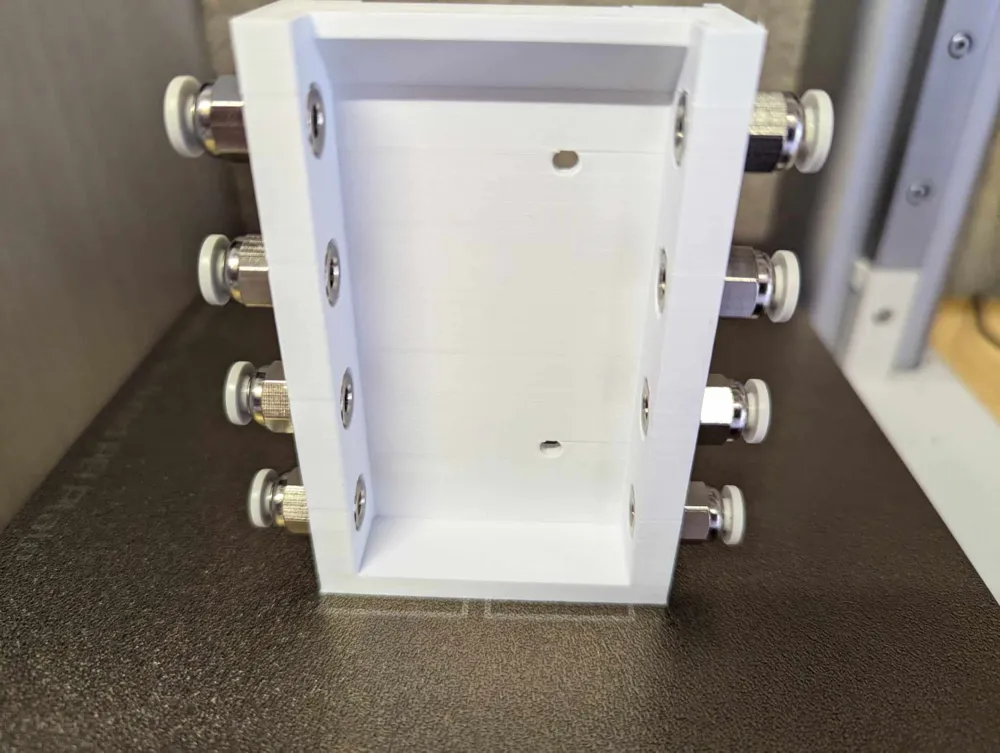
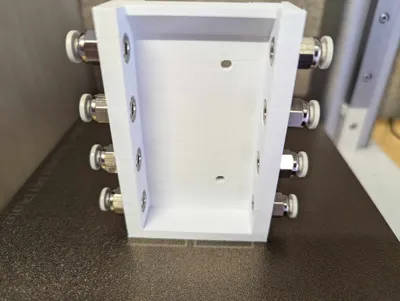
8 bowden tube connectors (the ones I used are CR10 M10 Thread)
- UK - https://amzn.to/3zjVTJR
- US - https://amzn.to/3MI7aGR
8 lengths of tubing
- UK - https://amzn.to/3zgNRRU
- US - https://amzn.to/4elXbTq
2 M3x4 buttonhead screws
- UK - https://amzn.to/3MKvb09
- US - https://amzn.to/3XGfpcQ
License

You shall not share, sub-license, sell, rent, host, transfer, or distribute in any way the digital or 3D printed versions of this object, nor any other derivative work of this object in its digital or physical format (including - but not limited to - remixes of this object, and hosting on other digital platforms). The objects may not be used without permission in any way whatsoever in which you charge money, or collect fees.


Comment & Rating (64)