
GBA SP unhinged case


Print Profile(1)

Bill of Materials
- gbaspbackpart x 1:
Description
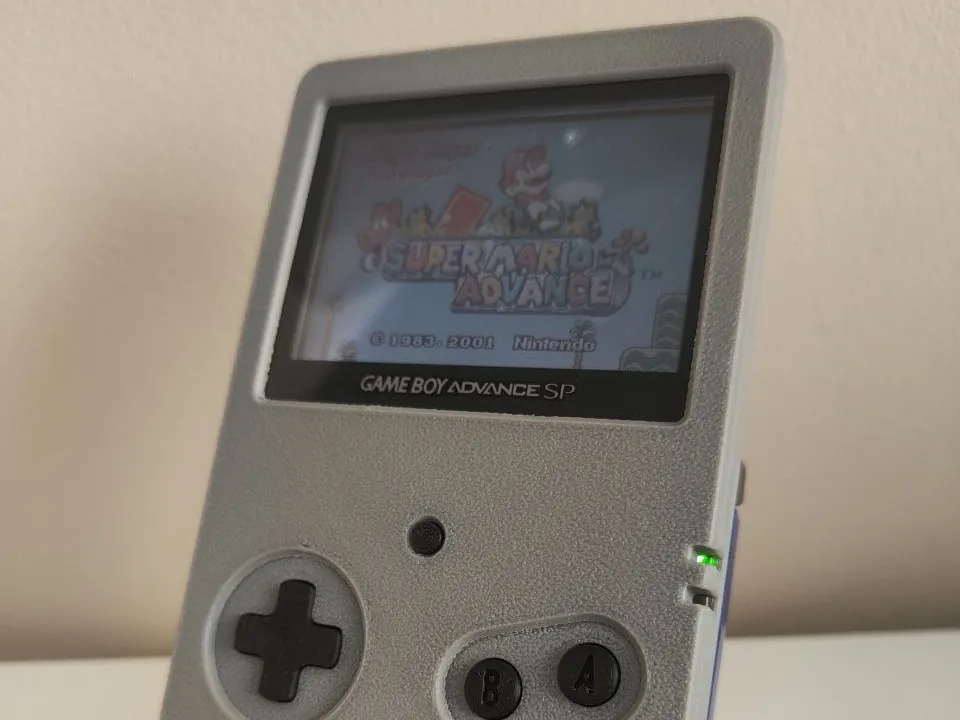
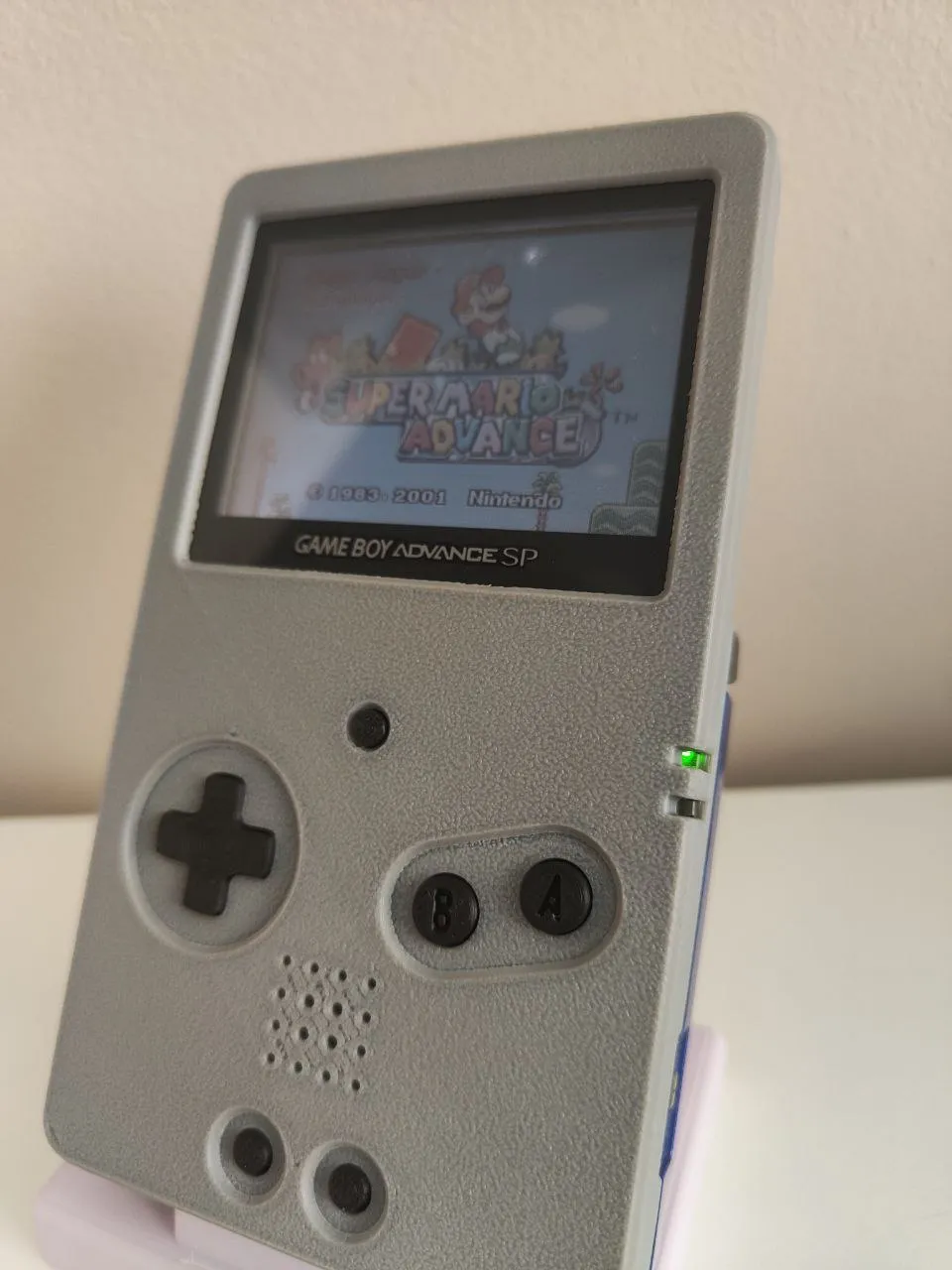
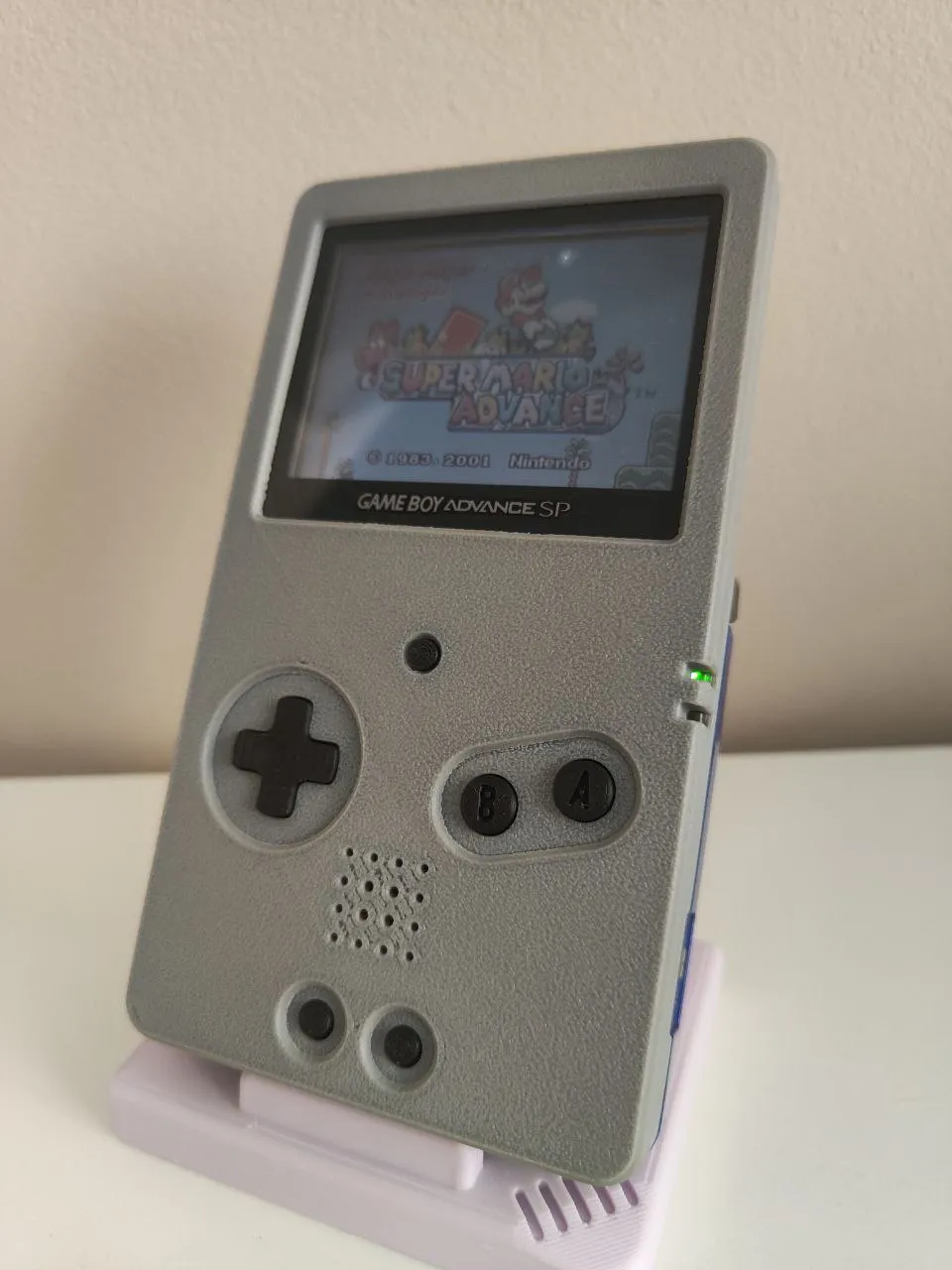
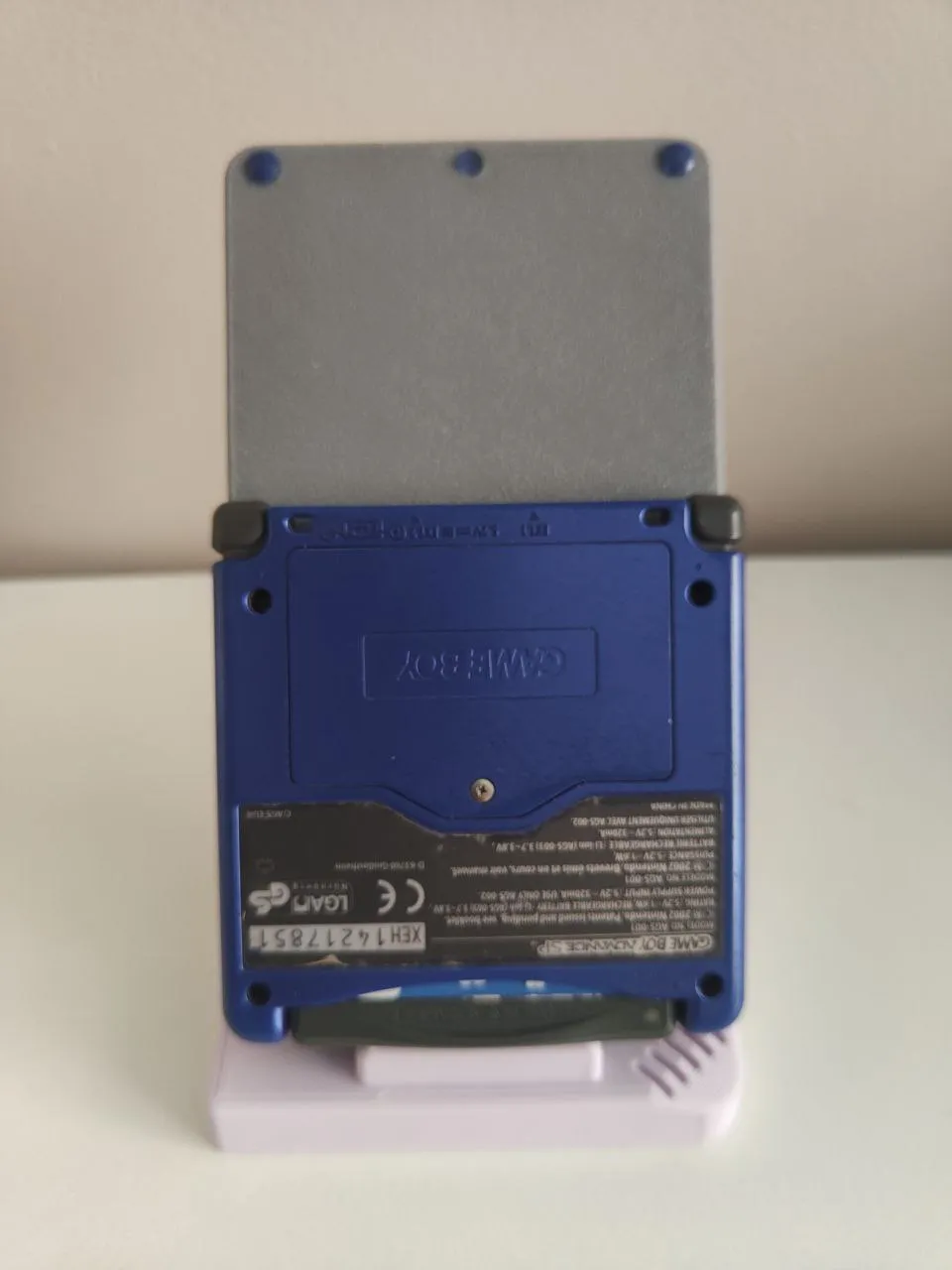
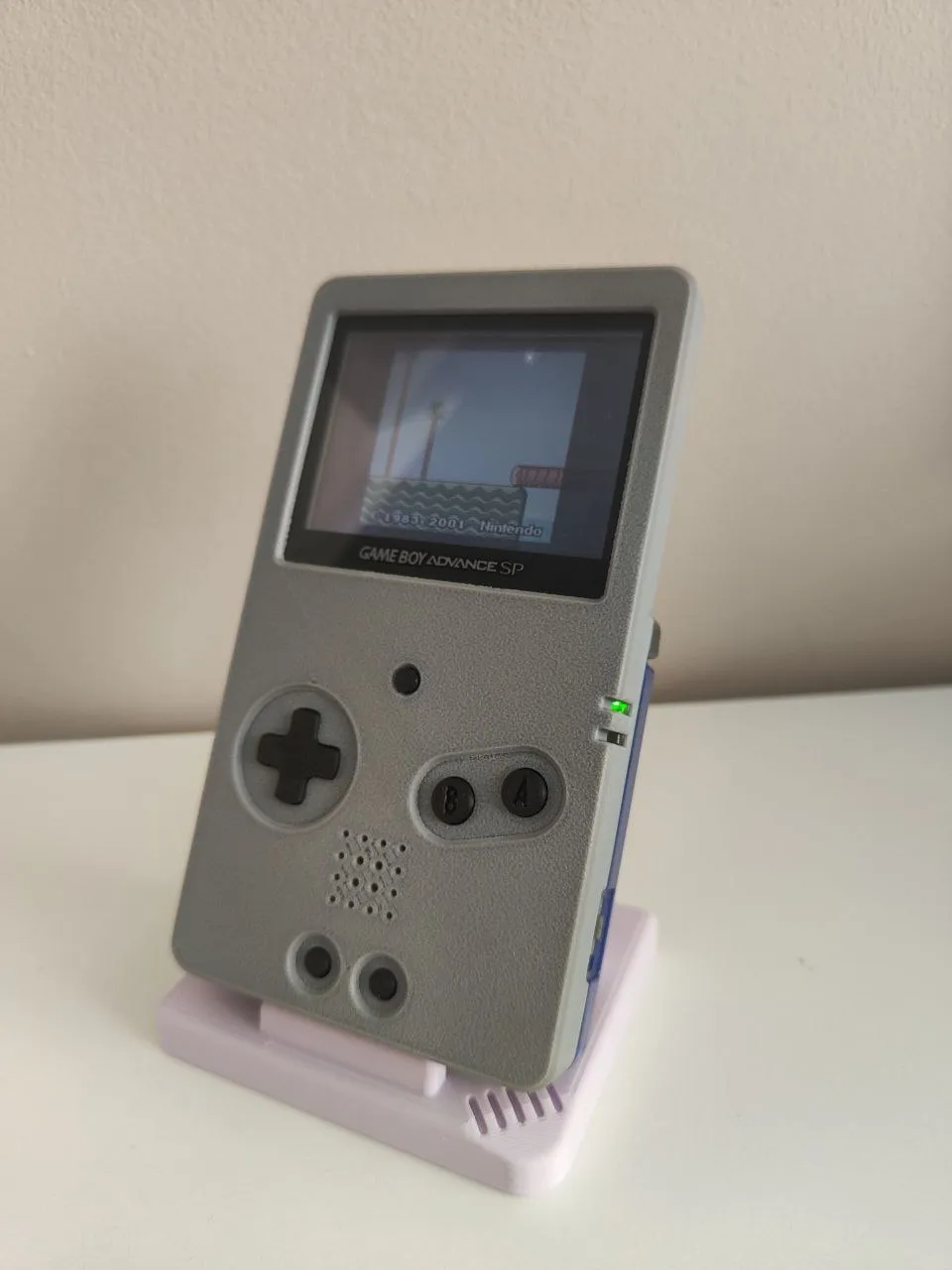
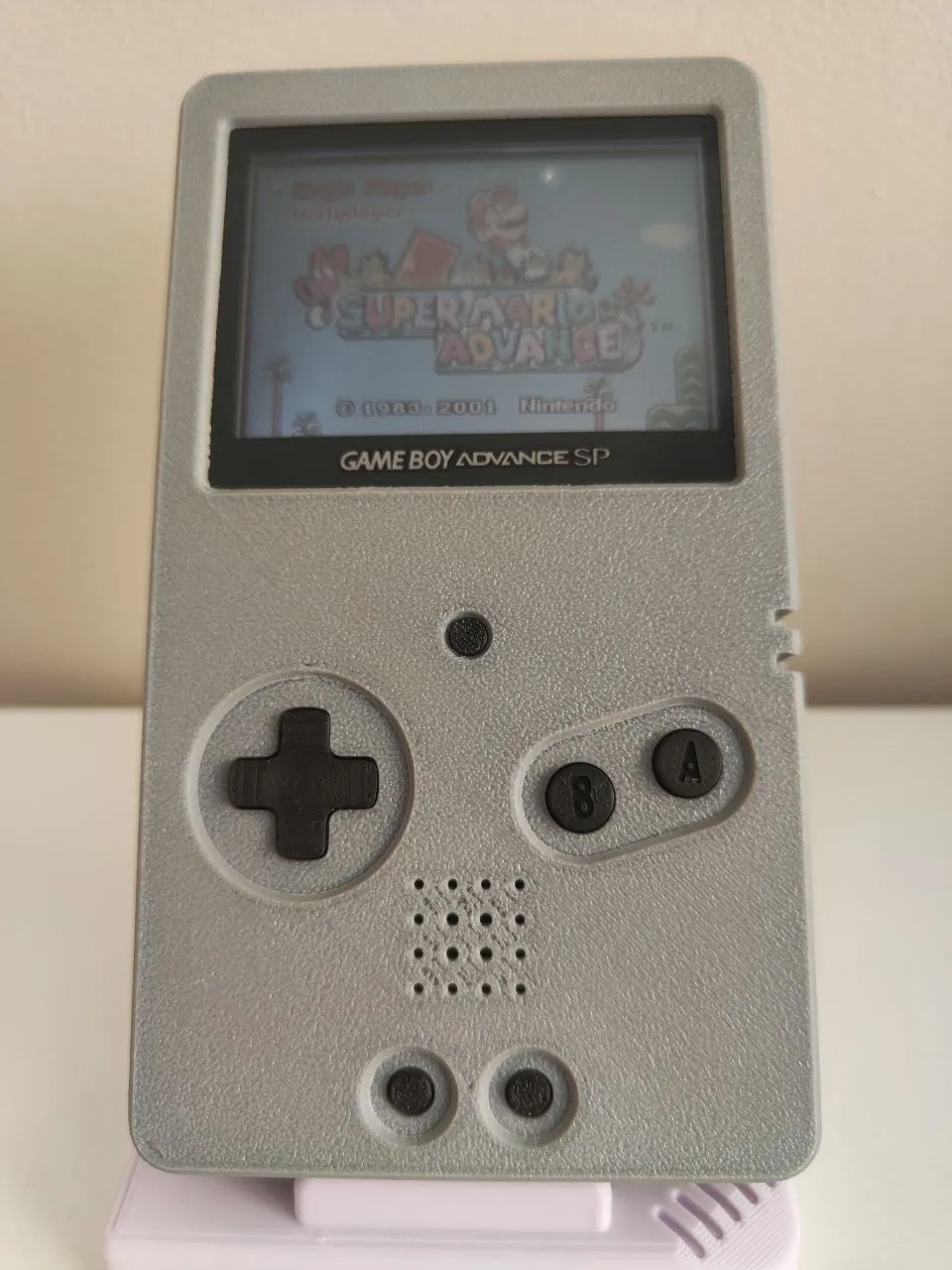
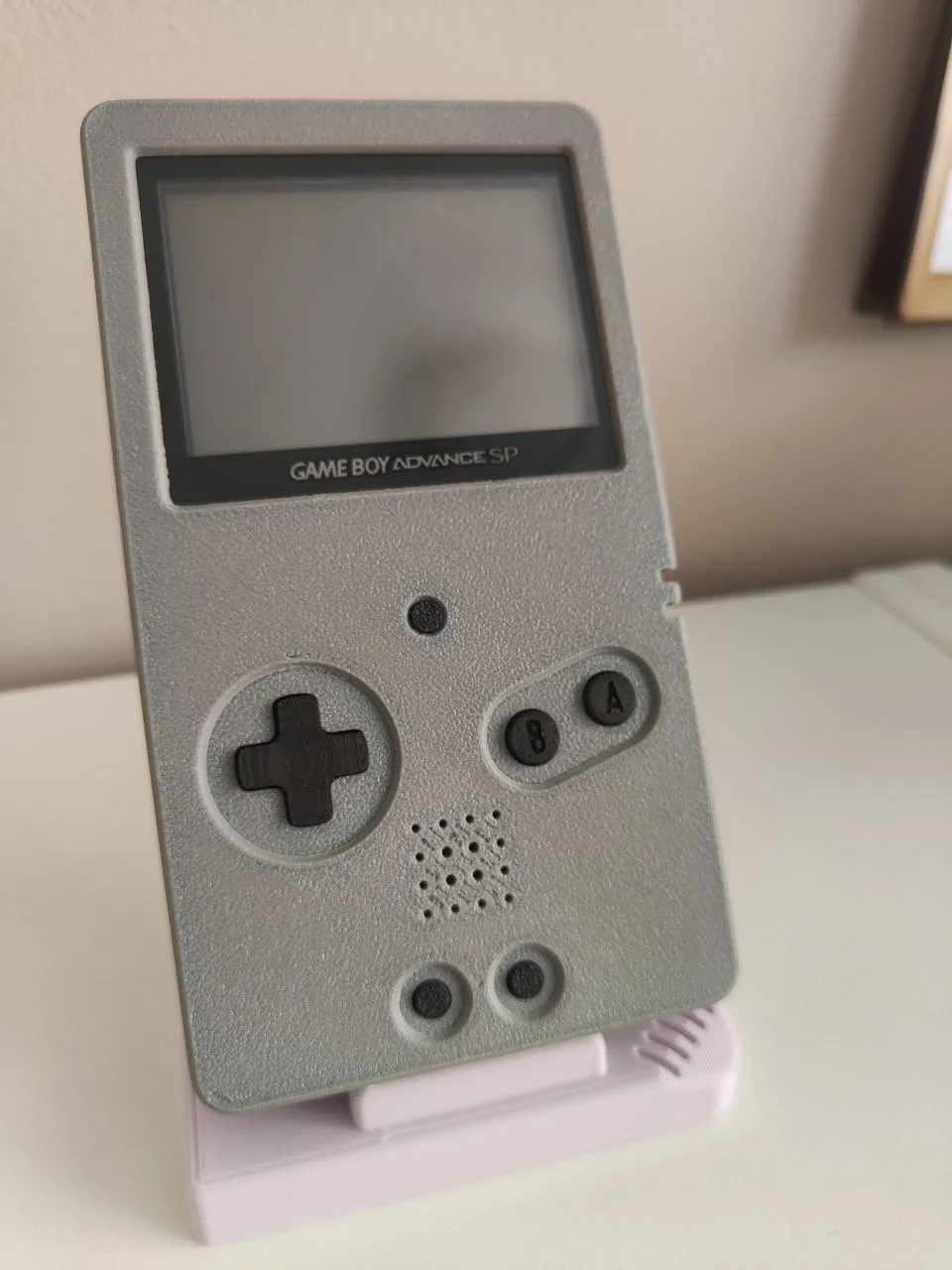
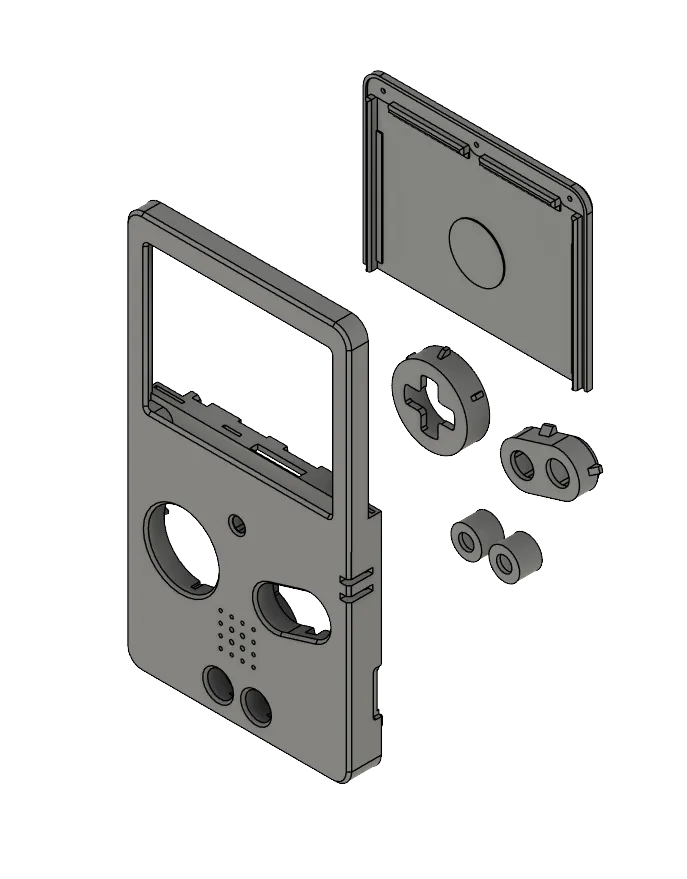
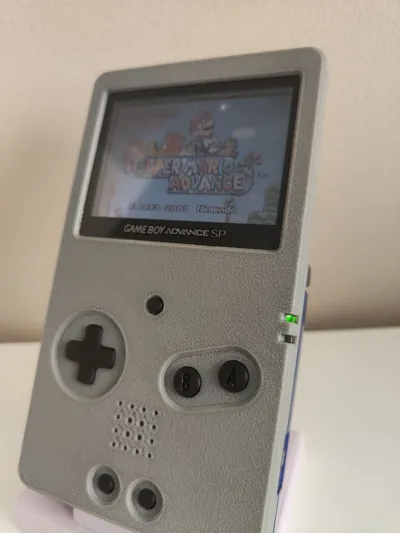
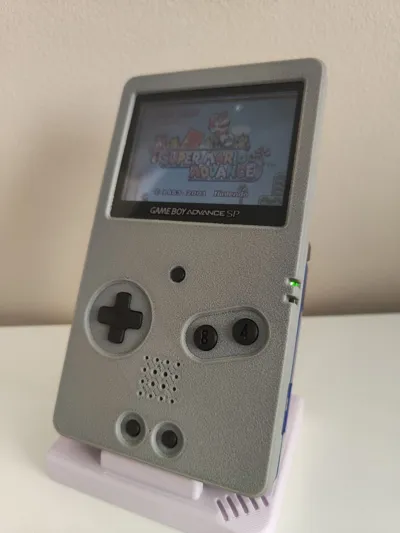
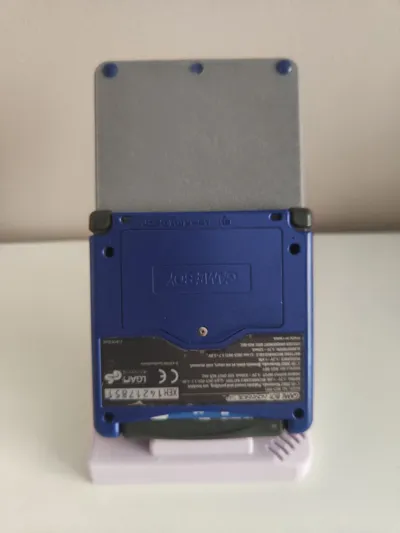
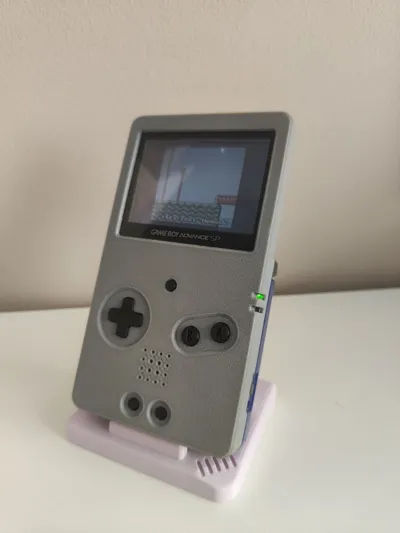
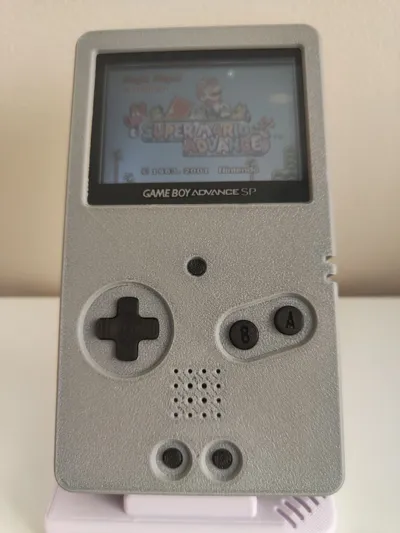
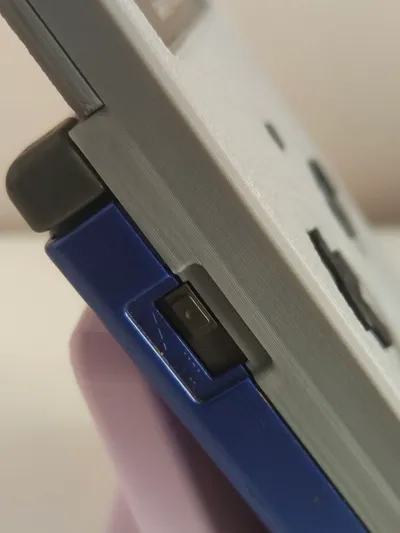
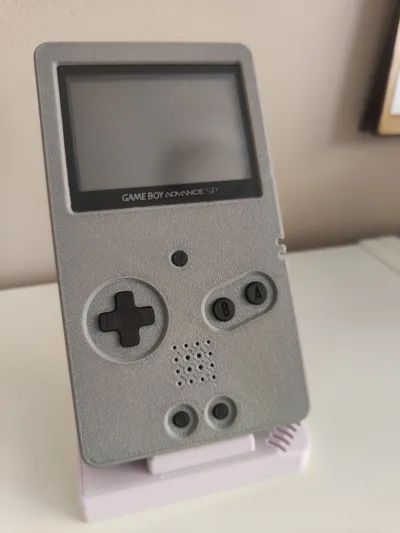
Here's a semi-complete shell to remove the hinge from the Gameboy Advance SP!
This shell is designed to be used with the original screen. I've seen several options for sale at very high prices, and they often require specific LCD screens, which makes them incompatible with all models. If you're looking to straighten out your GBA SP without having to buy additional parts, this is the solution for you.
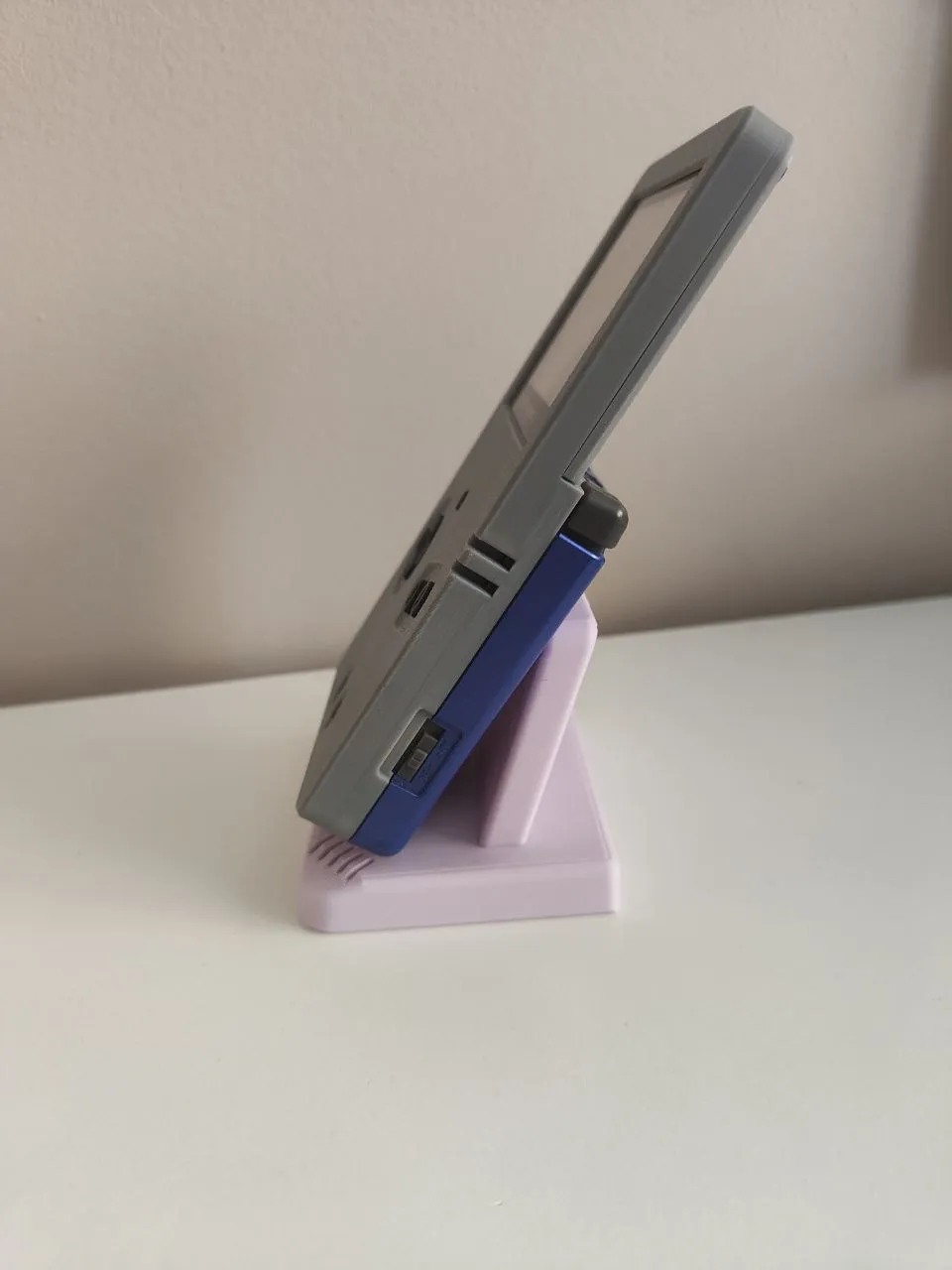
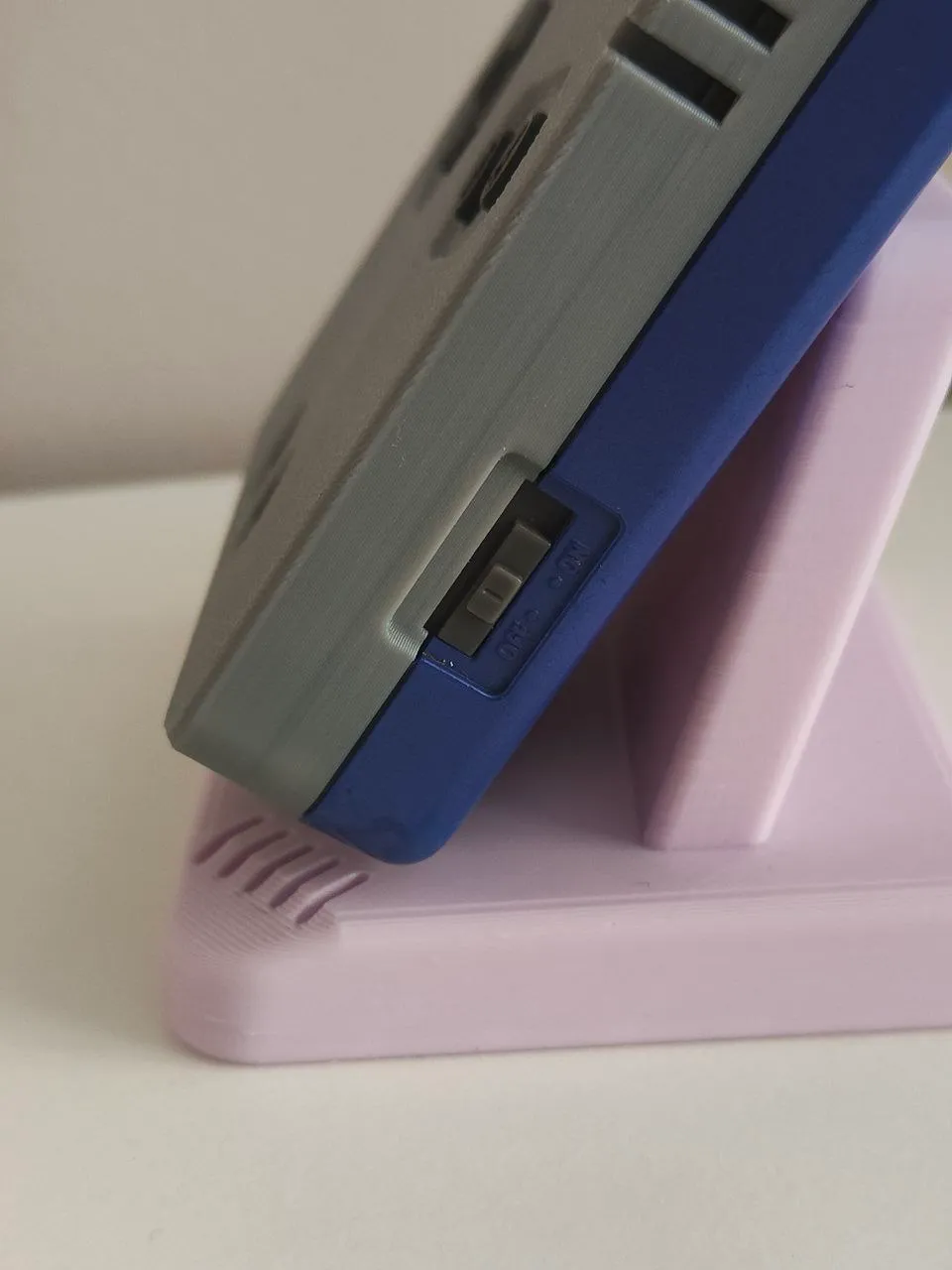
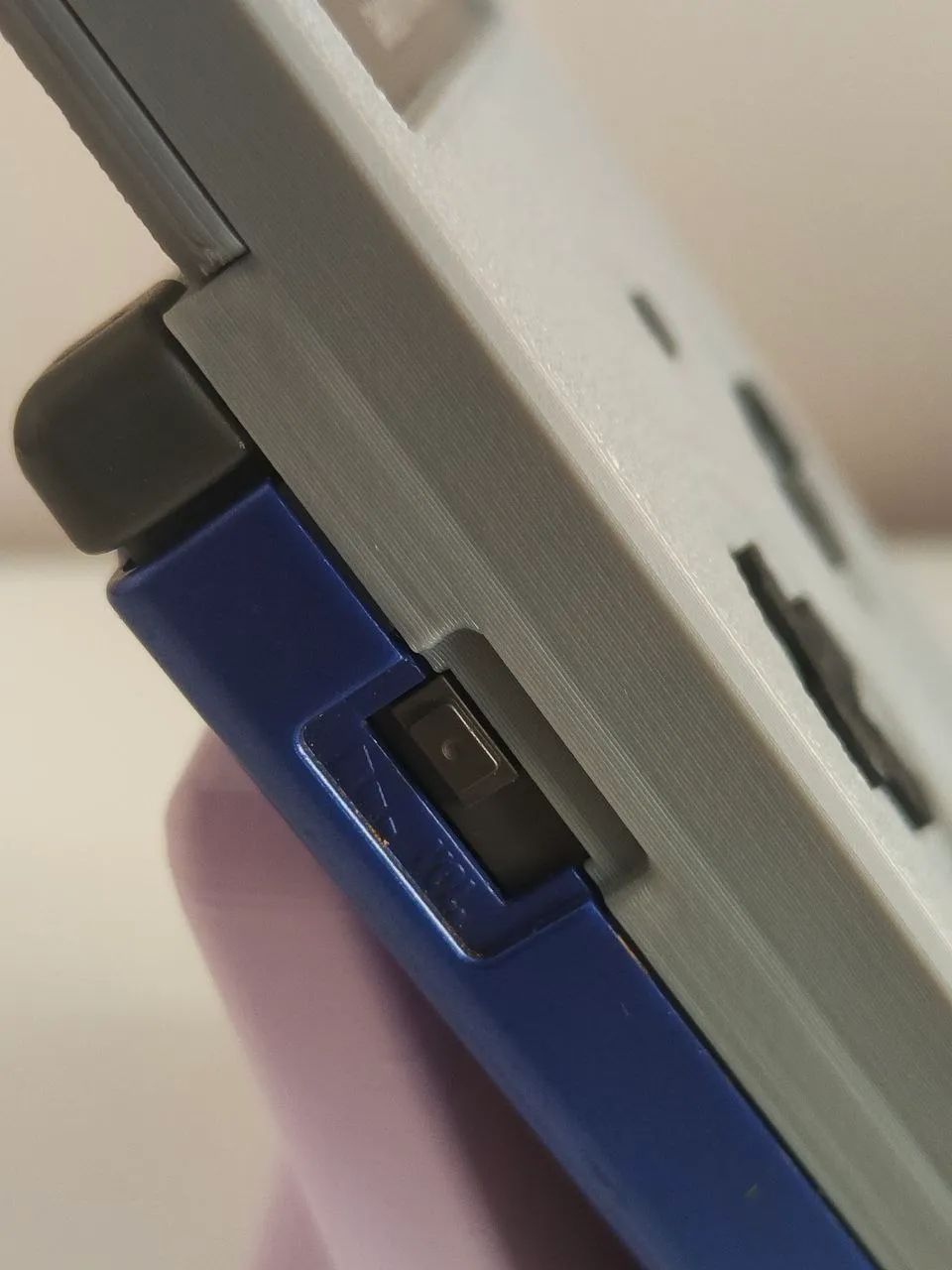
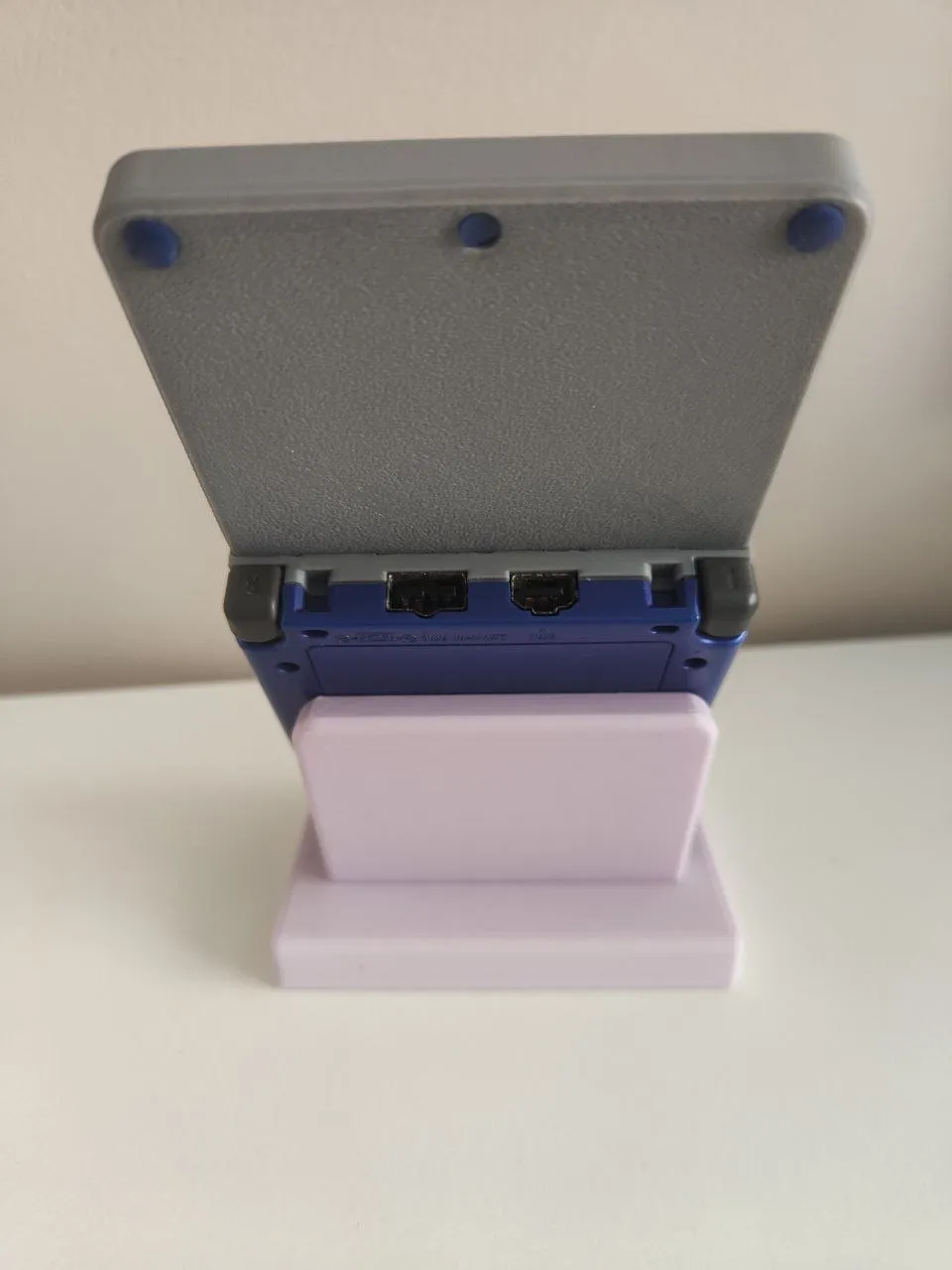
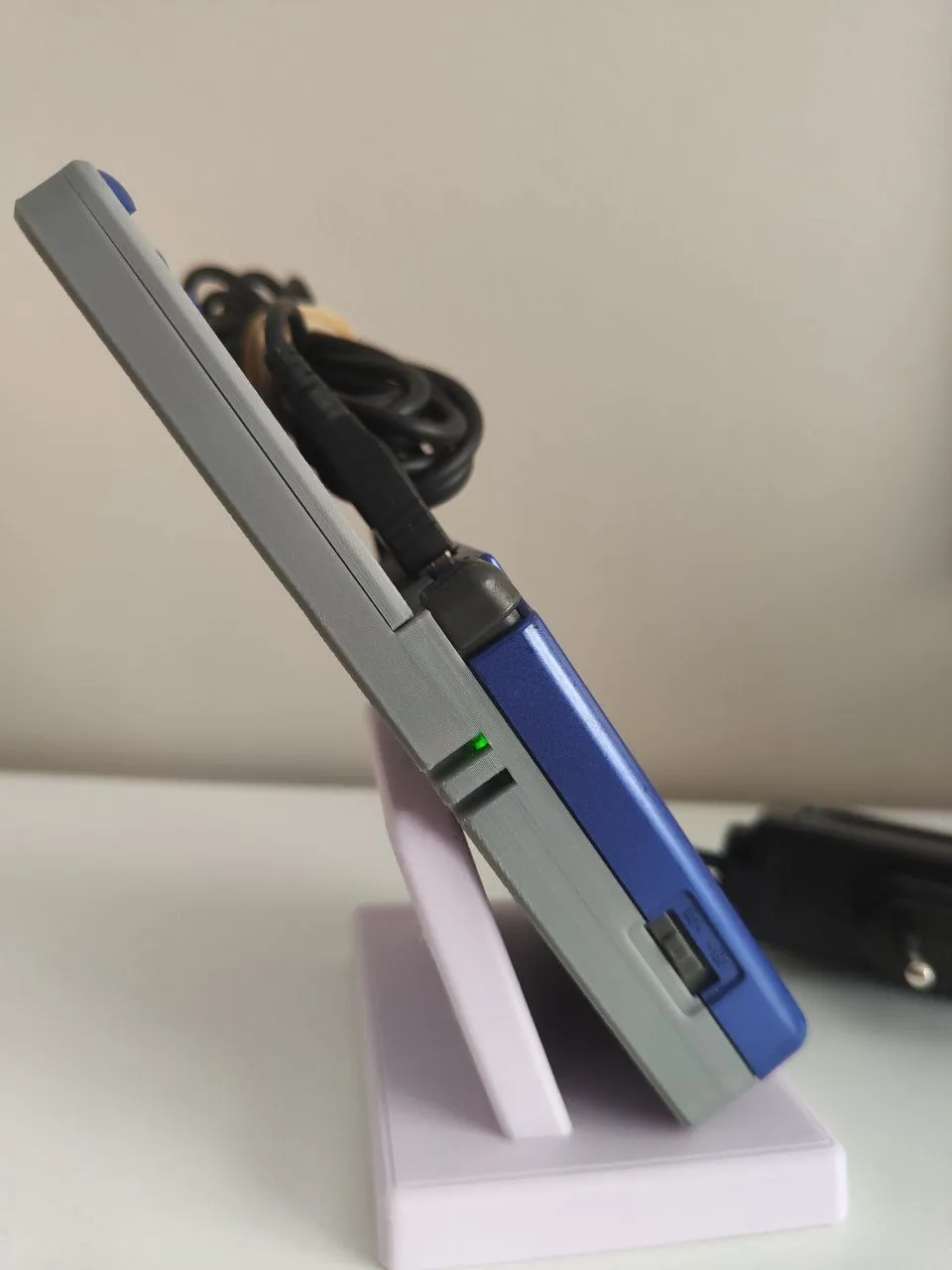
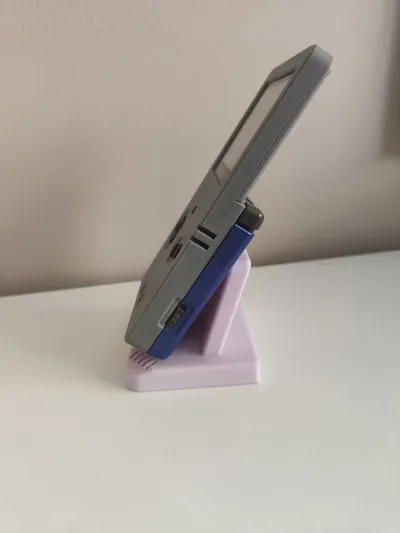
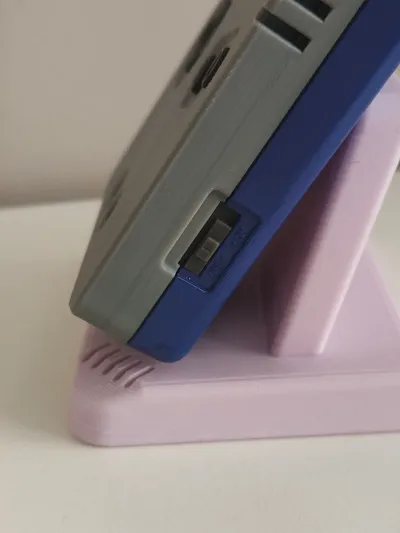
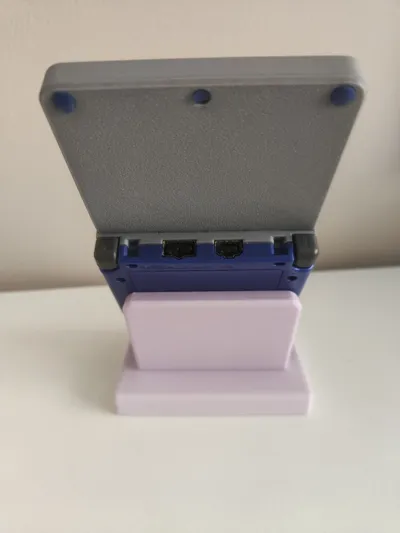
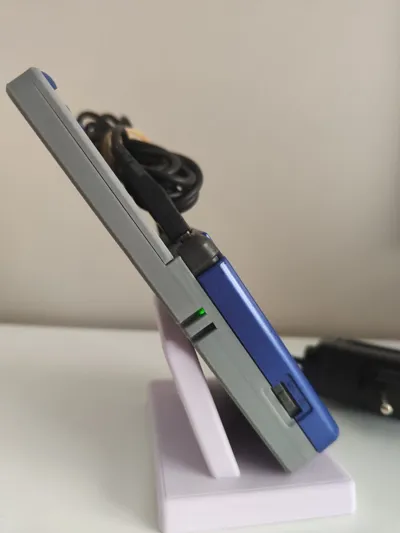
It's designed so that the charger and any cables you plug in fit perfectly.
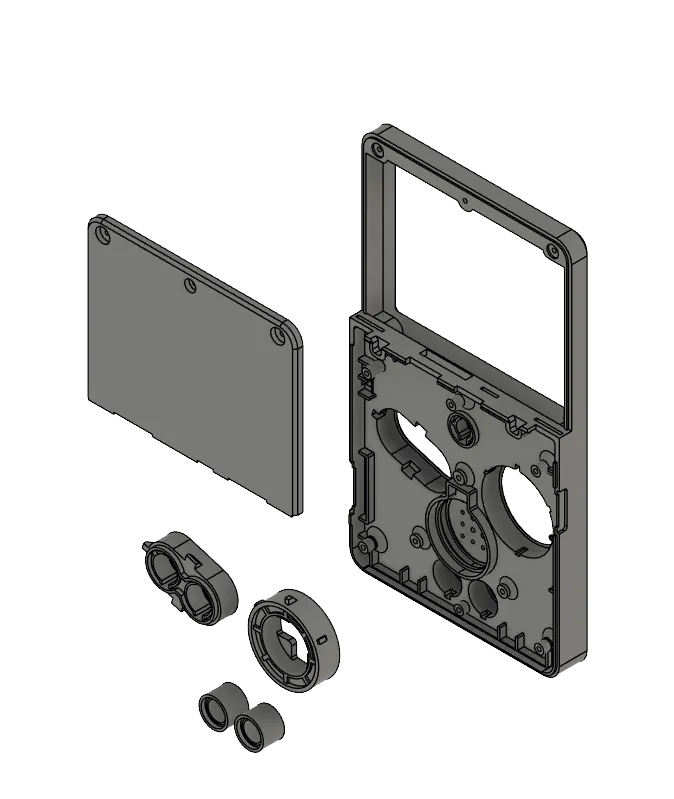
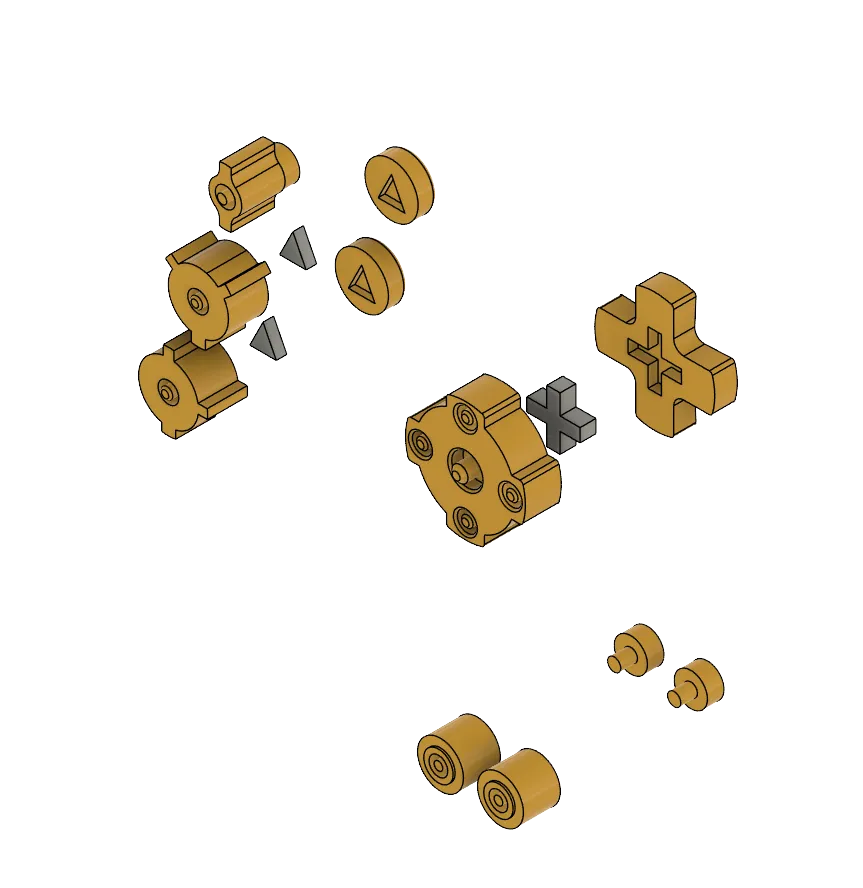
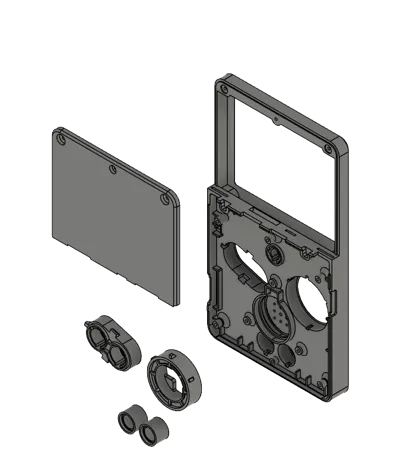
As you can see, the shell prints in pieces. You'll need to glue a few parts with Loctite or super glue, but it's a quick and simple process. The front section has the same cutouts as the standard shell, and once the pieces are glued, you can achieve the same finish across the entire shell since those areas don’t require supports. The only supports needed are for the screw holes on the back cover of the screen and the screen slot.
The reason for the screen slot is to make the console shorter. Without it, the console would be too long, losing the Game Boy’s form factor.
All original screws are used in their places. The top screen screws (only the top ones) are placed in the back cover of this shell. You'll need the original back cover from the Game Boy Advance SP, as well as the L and R buttons and the clear plastic piece for the power and charging LEDs.
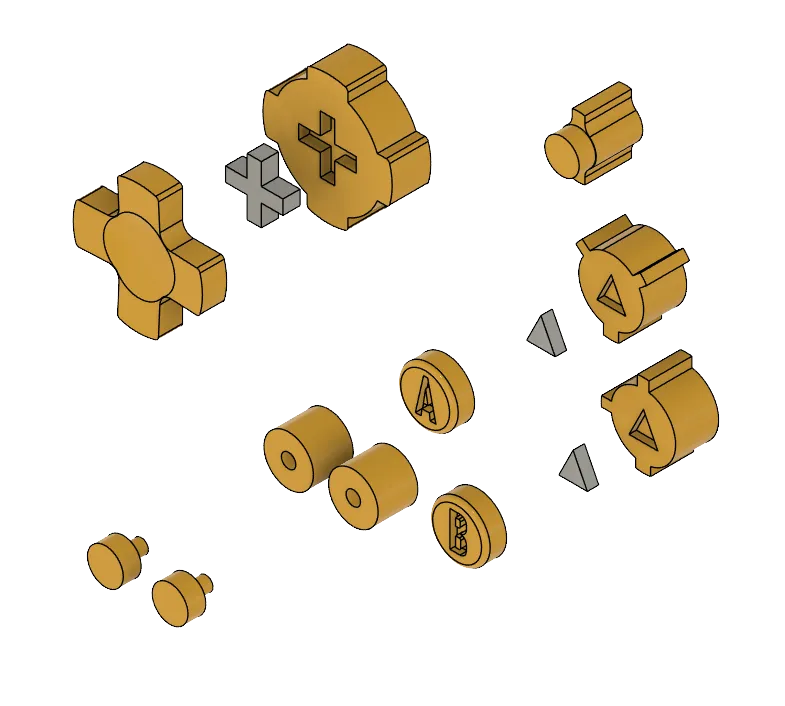
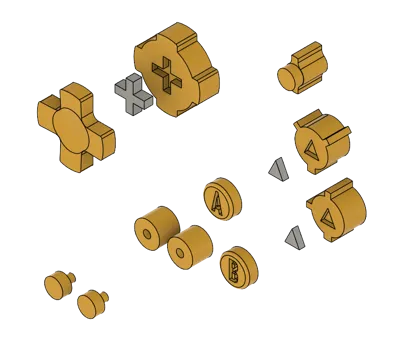
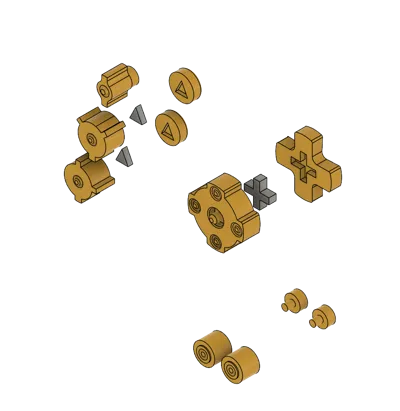
The A, B, Start, Select, Light, and D-pad buttons are printable. Some of them are divided into parts with an intermediate connector, and they need to be glued. You won’t need horizontal expansion if your flow is well-calibrated, as the tolerances are already built in. I've tested them, and the response and feel are similar to the originals, except these are printed, so they're not as smooth in the surface as the originals.
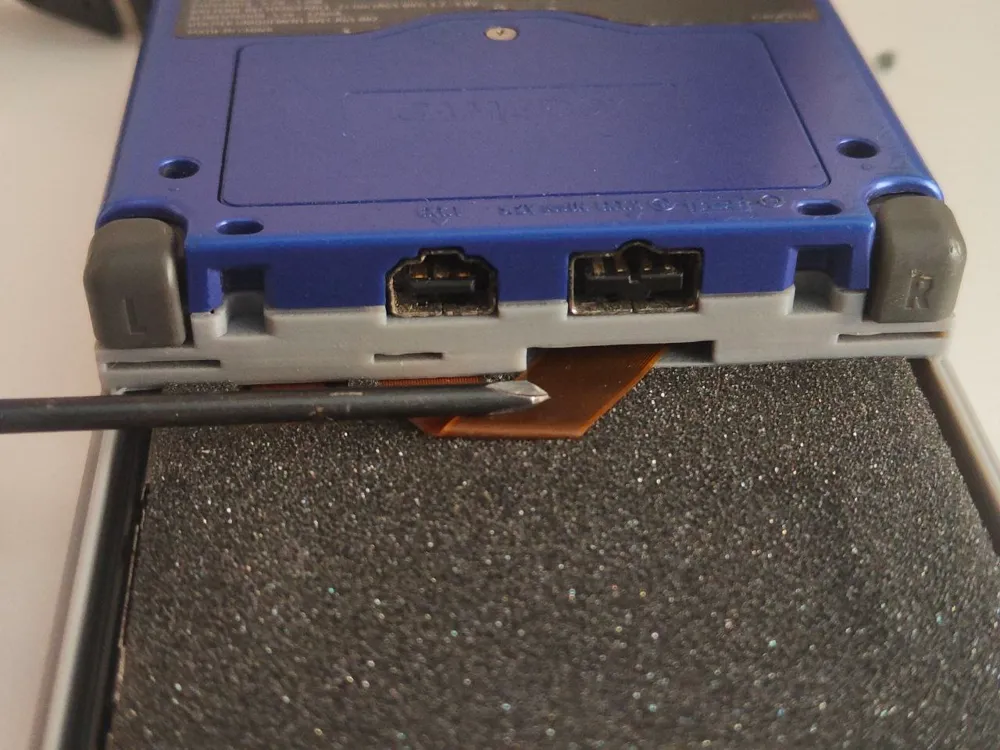
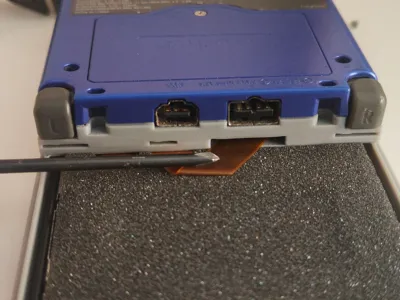
The supports in the screen slot are super easy to remove, and the design already has the tolerance for a 0.2 mm gap between the support and the part, so the dimensions come out correctly. To install the screen, you need to feed the flex cable through its slot as shown in the photo, then carefully place the screen into its slot, bending the flex cable as shown. After that, attach the cover to the main body via the three tabs, and you can screw in the top section. It fits with a slight press. I recommend connecting the flex cable to the board before placing the screen in position.
If you have any questions, don't hesitate to ask!
------------------
Here I bring you a semi-complete shell to remove the hinge from the Gameboy Advance SP!!
This shell is designed to be used with the original screen. I have seen several options for sale at very high prices, and they often require specific LCD screens, which makes them incompatible with all models. If you are looking to straighten out your GBA SP without having to buy additional parts, this is your place.
This is designed so that the charger and the cables you plug in fit perfectly
As you can see, it is printed in pieces. You have to glue a few with Loctite or super glue, but it is quick and very simple. The front part has the same cutouts as the standard shell, and when gluing the pieces, the same finish can be achieved across the entire shell because those parts do not use supports. The only supports that it has are in the screw holes of the back cover of the screen and in the screen slot.
The reason for having a slot to insert the screen is so that the console is shorter. If it didn't, it would be too long and the Game Boy form factor would be lost.
All original screws are used in their place. The top screen screws (only the top ones) go on the back cover of this shell. You need the original back cover of the Game Boy Advance SP, as well as the L and R buttons and the transparent plastic of the power and charging LEDs.
The A, B, Start, Select, Light, and D-pad buttons are printable. Some are in parts with an intermediate connector and need to be glued. You don't need to give horizontal expansion if you have the flow well calibrated, they already have tolerances. I have been testing it and the response to the press and the feeling are similar to the originals, except these are printed and the surface is not as smooth.
The supports in the screen slot are super easy to remove, and the design already has the tolerance so that with the distance of 0.2 between the support and the piece the measurements are correct. To install the screen you have to put the flex through its slot as shown in the photo and then carefully place the screen in the slot, bending the flex as in the photo. After that, the lid is hooked to the main body by its three tabs and then the top part can be screwed in, it fits by pressing slightly. I recommend connecting the flex to the board before placing the screen in its position.
If you have any questions ask without fear!
License

You shall not share, sub-license, sell, rent, host, transfer, or distribute in any way the digital or 3D printed versions of this object, nor any other derivative work of this object in its digital or physical format (including - but not limited to - remixes of this object, and hosting on other digital platforms). The objects may not be used without permission in any way whatsoever in which you charge money, or collect fees.


Comment & Rating (73)