
Shifty Eyed Pumpkin

Print Profile(3)


Description

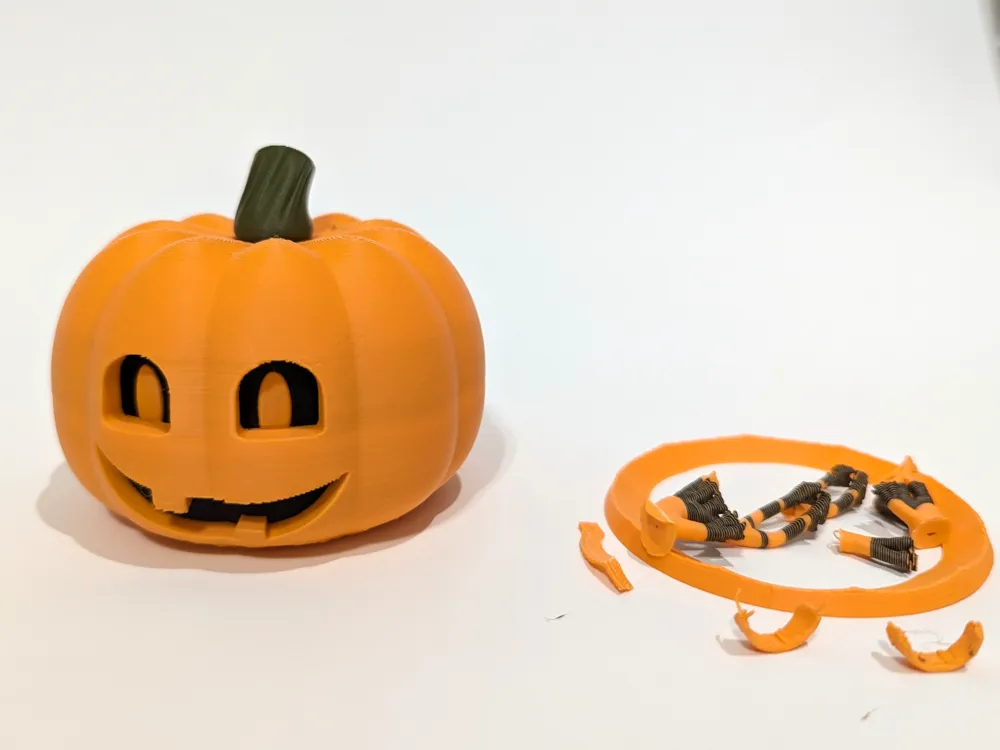
This design is a cute pumpkin with “shifty eyes,” just twist the stem on the top and the eyes slide side to side. Bonus: There are multiple sets of eyes embedded inside the pumpkin! To change, just lift the stem and rotate past the stops that are in place to limit the eye movement. The eye insert will slide into place when you arrive at another set of eyes.
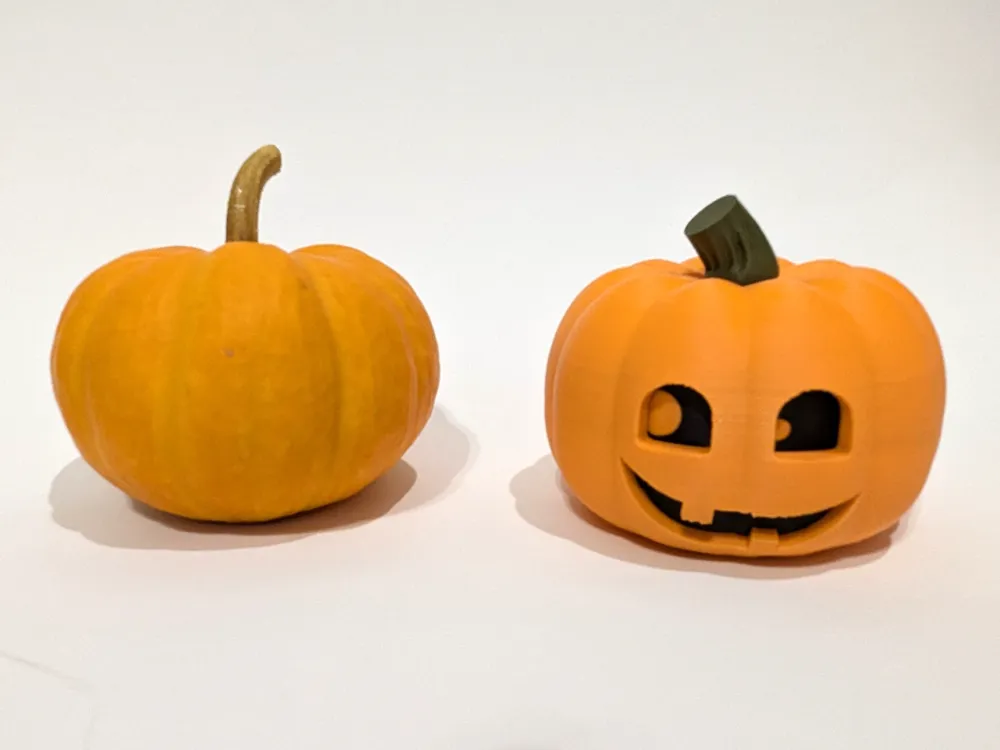
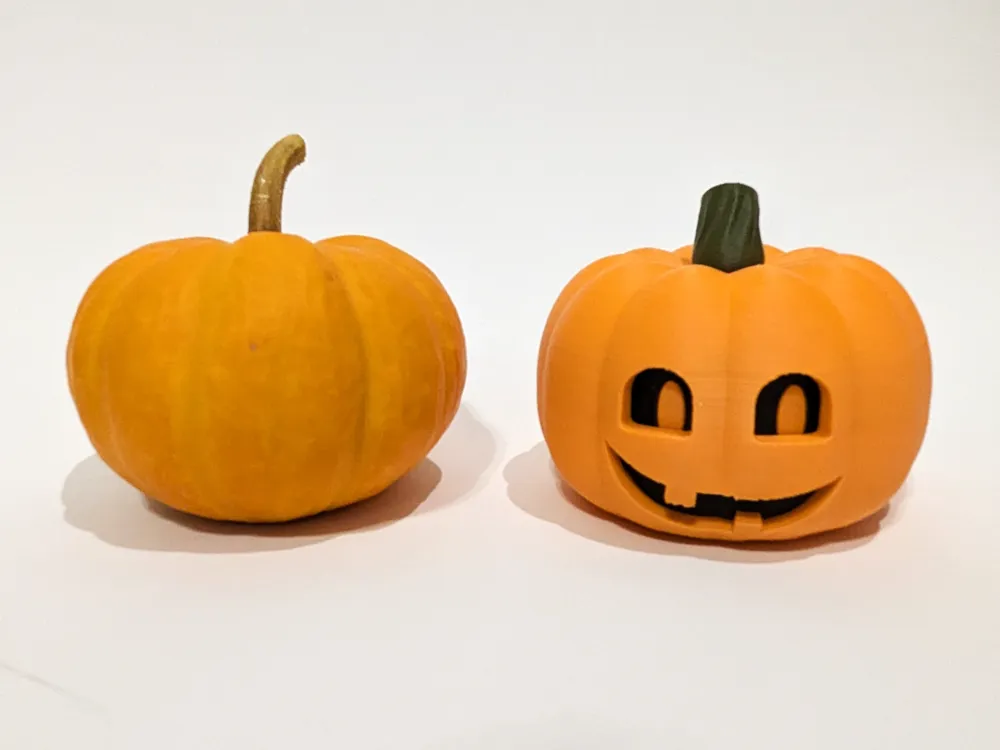
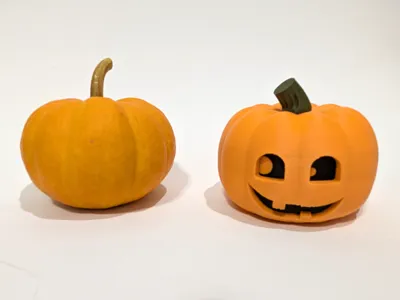
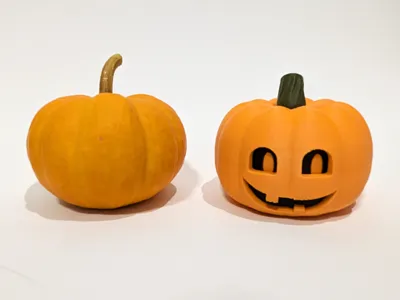
The size of this model is inspired by the mini “jack be little” pumpkins. I've tried printing this even smaller - down to a scale of 60%. The print profile for this is now posted since I had to make some minor modifications to optimize the smaller version (particularly with the supports). If you are going to print a smaller model than the original size, please scale up from the 60% model. I don't think printing a model smaller than 60% will work very well, but if you do try it, let me know how it goes!
Boost Me (for free)
If you like this model, please consider boosting it! Also don't forget to rate and post pictures of your creations!
Printing Details
This is a simple print in place model. Some supports are required for the overhangs in the mouth and the eye holes. I've designed in some custom supports to support the contours since I didn't like the surfaces provided by the custom supports. The custom supports are are supported by painted on tree supports.
I printed this with the following settings:
- 0.4mm nozzle
- 0.2mm layer height
- 15% cubic infill density
- Custom tree supports
- Prime tower to remove excess hanging filament
If you want to replicate my model, I found that these filaments look great:
- Bambu Matte PLA - Charcoal (11101)
- Bambu Matte PLA - Dark Green (11501)
- Bambu Matte PLA - Mandarin Orange (11300)
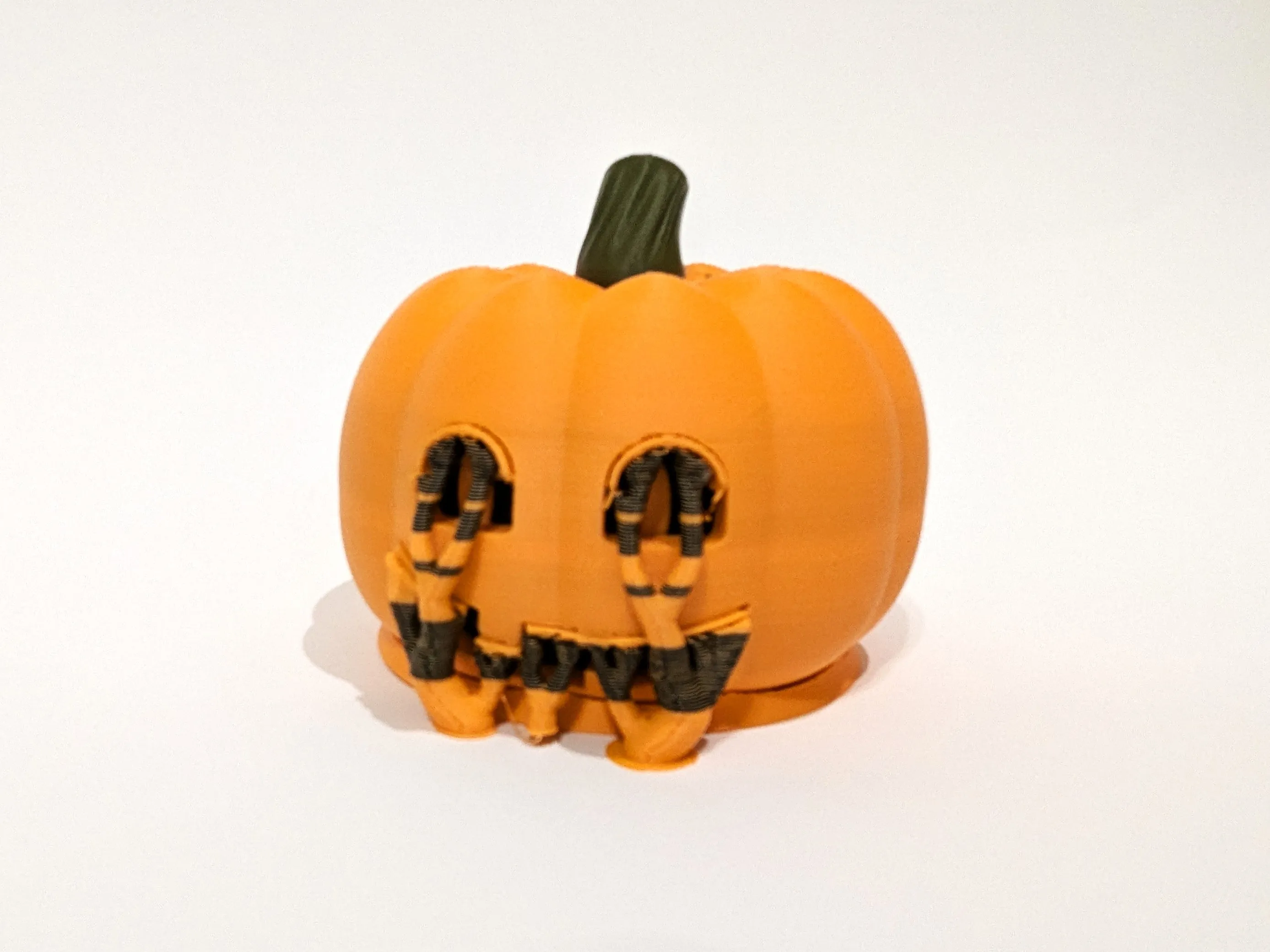
When your print finishes, simply snap off the supports (including the ring around the base, the lips under the upper surfaces on the eyes and mouth, and the tree supports) and you are good to go!
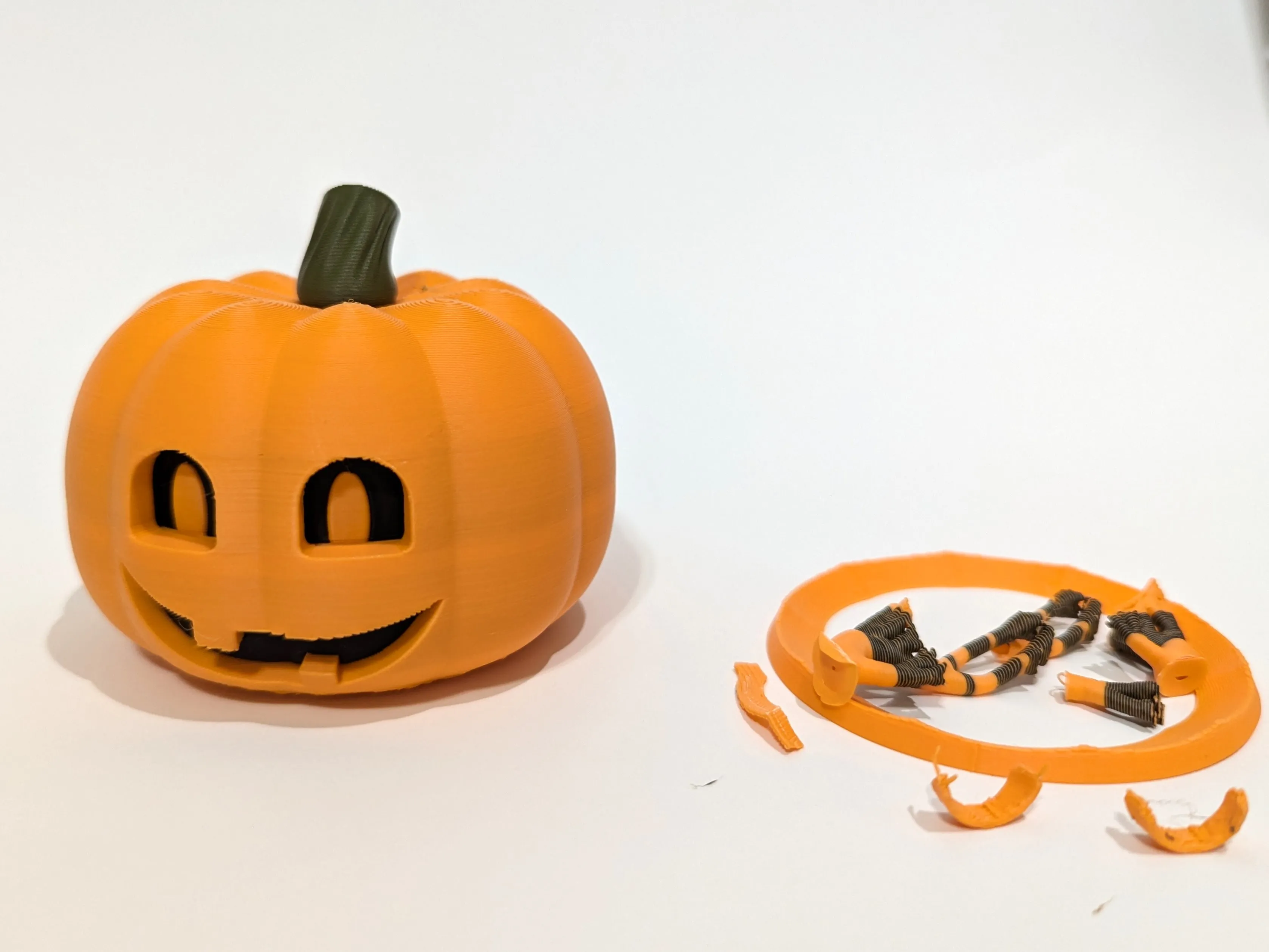
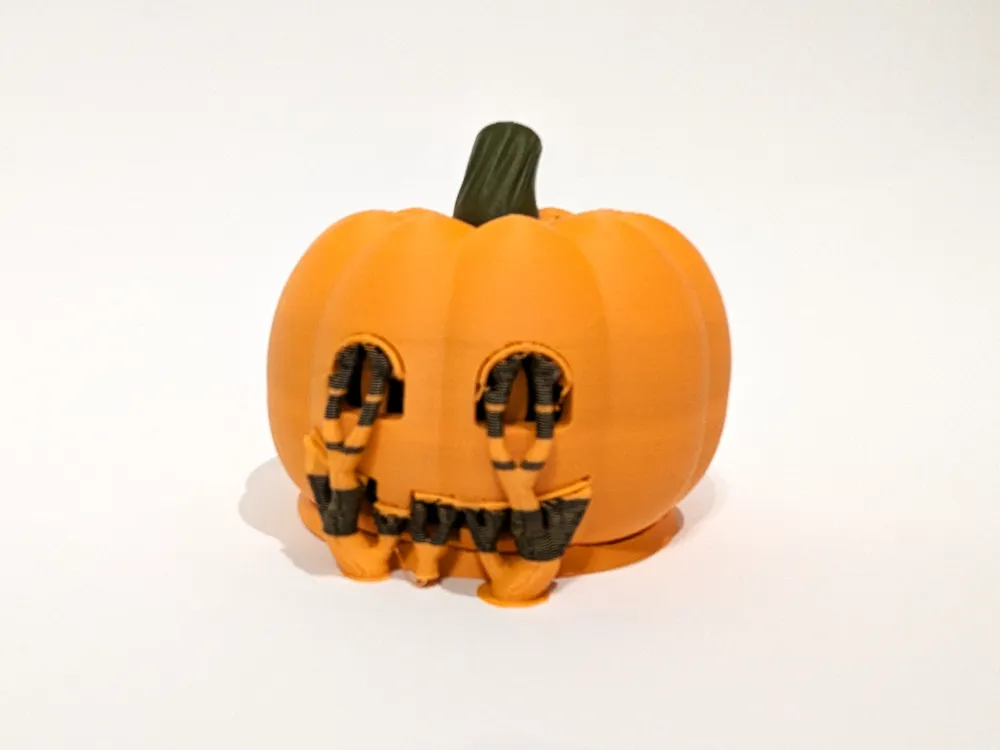
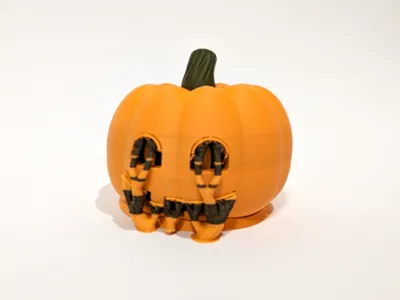
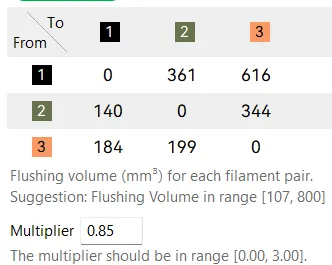
Recommendations: As with all multicolor prints, there can be a lot of waste. I reduced the filament waste by using 85% (see below) of the calculated defaults - except for the transition from black to orange… that needs to be at least the default of 616 mm^3. I normally use a multiplier of closer to 70% but in this case during my testing I found that the black didn't fully purge from the orange leaving unsightly bands on the pumpkin like in the image below. Also remember to consider printing something else on your build plate and purging in to that model (right click on model → Flush Options → Flush into this object) to reduce waste. If you don't care about the color of another part, it can actually result in some cool looking variations.
License

You shall not share, sub-license, sell, rent, host, transfer, or distribute in any way the digital or 3D printed versions of this object, nor any other derivative work of this object in its digital or physical format (including - but not limited to - remixes of this object, and hosting on other digital platforms). The objects may not be used without permission in any way whatsoever in which you charge money, or collect fees.


Comment & Rating (13)