
Handles for Bambu Lab X1 and P1 hexagonal keys


Print Profile(7)


Bill of Materials


Description
Boost Me (for free)
I usually don’t ask for this, but I’ve noticed that many creators actively encourage it on other platforms—and it makes sense, as it helps increase visibility. So, if you can follow me, it would make difference. It’s a great way to support my work and show appreciation. For more insight subscribe my blog at: https://designrepcom.com/ This design is freely available for the community, but if you enjoy my work and would like to show your support, you can boost this project. Thanks!
Update:
The Handles for the Bambu Lab H2D Hexagonal Keys, is also available.
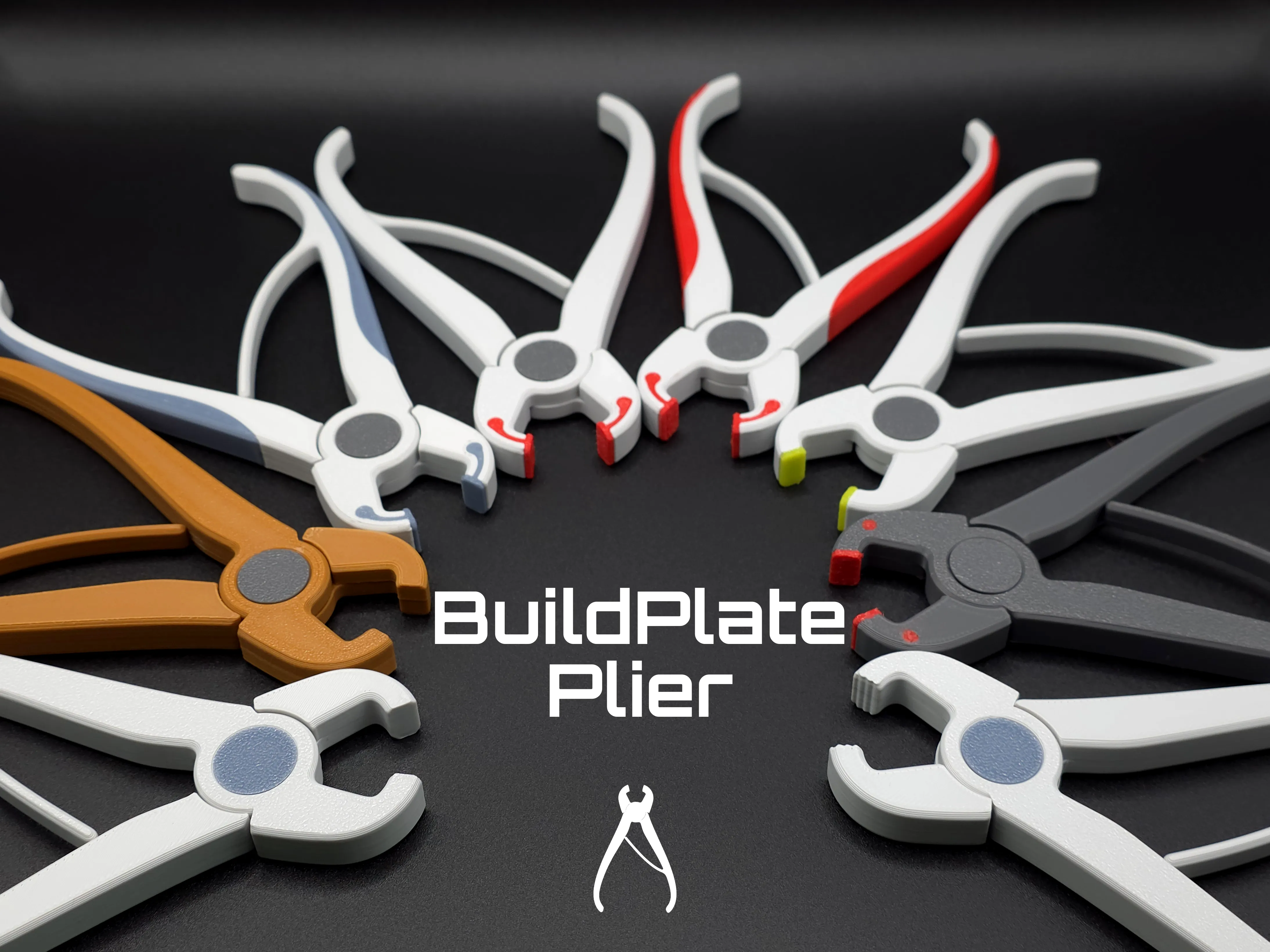
Check out my new Buildplate Plier — a quick print with ready-to-use profiles for everyone:
- AMS users: multi-color and even multi-material options.
- Single spool users: simple one-material profiles.
It’s a handy tool to safely remove those stubborn parts that refuse to come off the build plate the usual way — without the risk of damaging it, unlike metal spatulas or regular pliers.
Introduction and context
A few weeks ago, someone asked me if it was possible to buy the hexagonal keys that come with the Bambu Lab A1, because the X1 and P1 models are provided with simple keys.

At the time, I said this would be an easy problem to solve, either by contacting the company or by having someone make handles to adapt to those keys.
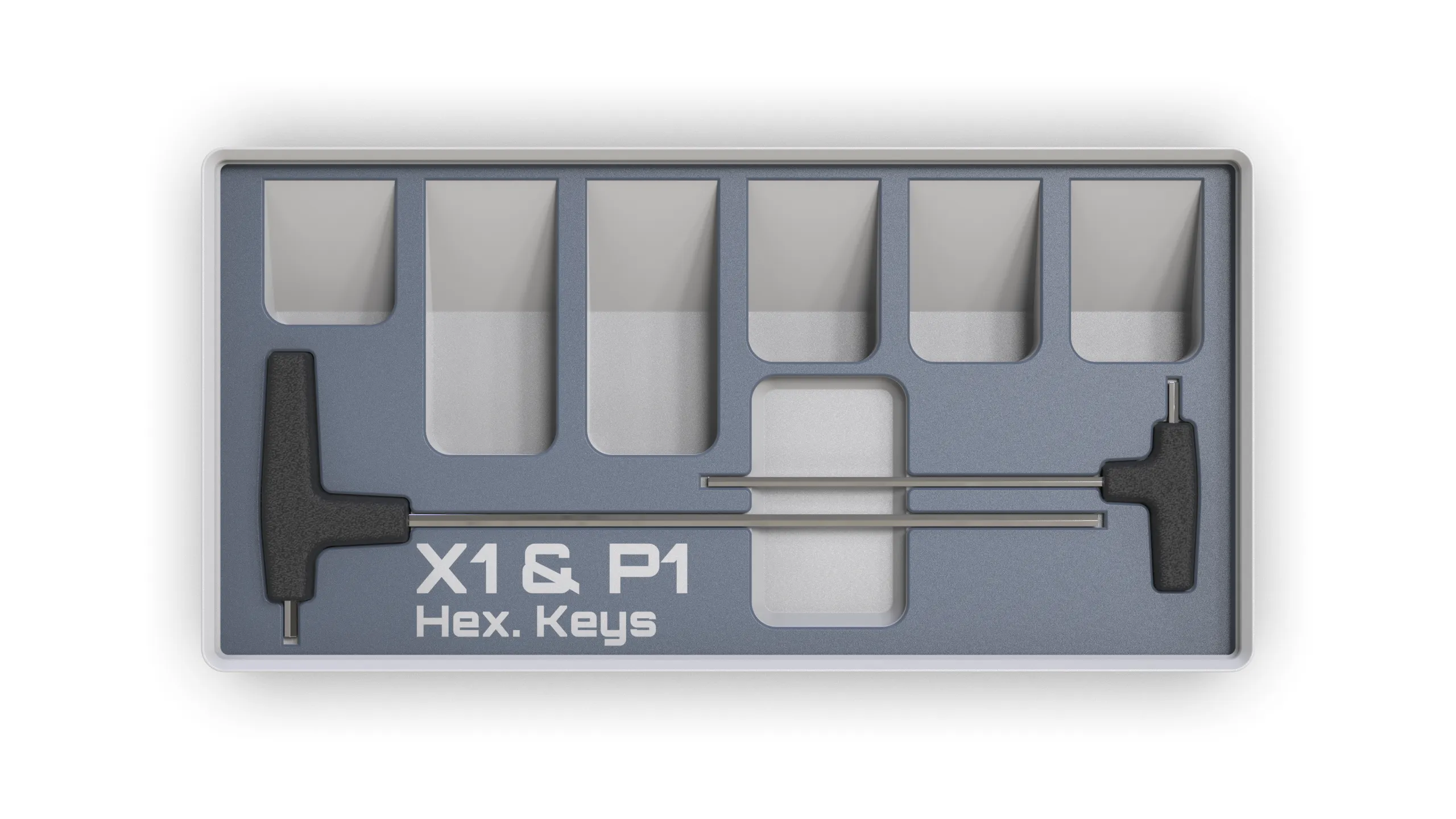
So, Here they are, along with the respective module for the UMSS, as well as other modules that I’ve made available in the meantime. I hope you like them, more modules are on the way...


Now also available in a module for use with the Rack4All Storage System. This system allows the inclusion of Gridfinity modules in its drawers. The Rack4All Storage System drawers come in three variants:
- Simple
- Gridfinity
- Hybrid
This way you can choose what you want, being integrated into an ecosystem that covers practically all aspects of your 3D printing needs, when it comes to tools and accessories.
Printing and assembling
For this project you can find 2 options:
Without Glue
Please read the text inside the profile for information and contextualization about this solution
Print and assembly procedure.
If you want to go this route. Verify the perpendicularity of the key, if they are bent use the pliers to flex them a little
The printer will pause 2 times:
1st time, insert the smaller key
2th time, insert the larger key

2. With Glue
- In the handle for the hexagonal key, there are two things you should keep in mind:
1. Use the small stud as a centering object to help with the gluing of the halves. This will help keep the two halves aligned, and it may also help them stay in position while the glue sets.. Test this, before applying the glue

2. The two parts should be glued with a few drops of super glue (don’t overdo it) – 3 or 4 drops should be enough."
 Stud for centering and halves |  Assembling the pin and preparing for glue |
Material to print,
Just don't use Matte PLA, or TPU
Remark
Regarding some comments about key fitting, I must say that the observed clearance is functional and intentionally a little higher. There's a reason for this clearance; many keys, when used, bend, and even new keys can have some flex. As such, the key can behave like a spring when being inserted during the printing process, and this could cause it to pop out... This is not the ideal situation. This only applies to the profile where the keys are glued during printing, and not to the profile where the two halves of the print are glued together afterwards... In that case, and if you still think the clearance is too much, you can apply a little glue between the key and the handle. Ideally, the glue should be an epoxy adhesive, such as Araldite or an equivalent (two-part glue - adhesive and hardener).
Change Log
(21-09-2024) - First Release
(23-09-2024) - Changed the way the parts were aligned
Curious About My Tools? Check This Out!
For those of you who often ask about the tools I use to bring ideas to life, this article, The Journey From Idea To Object (Part I), offers some insights into the initial stages. It highlights the use of various tools, including software like Autodesk Fusion for CAD design, Blender for render and Bambu Studio for 3D printing preparation, and other... So, if you're curious about the software and hardware too, that I've incorporate in my workflow, take a look at the link for more details!" – Visit https://designrepcom.com/ for much more.
License

You shall not share, sub-license, sell, rent, host, transfer, or distribute in any way the digital or 3D printed versions of this object, nor any other derivative work of this object in its digital or physical format (including - but not limited to - remixes of this object, and hosting on other digital platforms). The objects may not be used without permission in any way whatsoever in which you charge money, or collect fees.


Comment & Rating (8647)