
Magpul rail cover type 2 (M-lok)

Print Profile(2)


Description
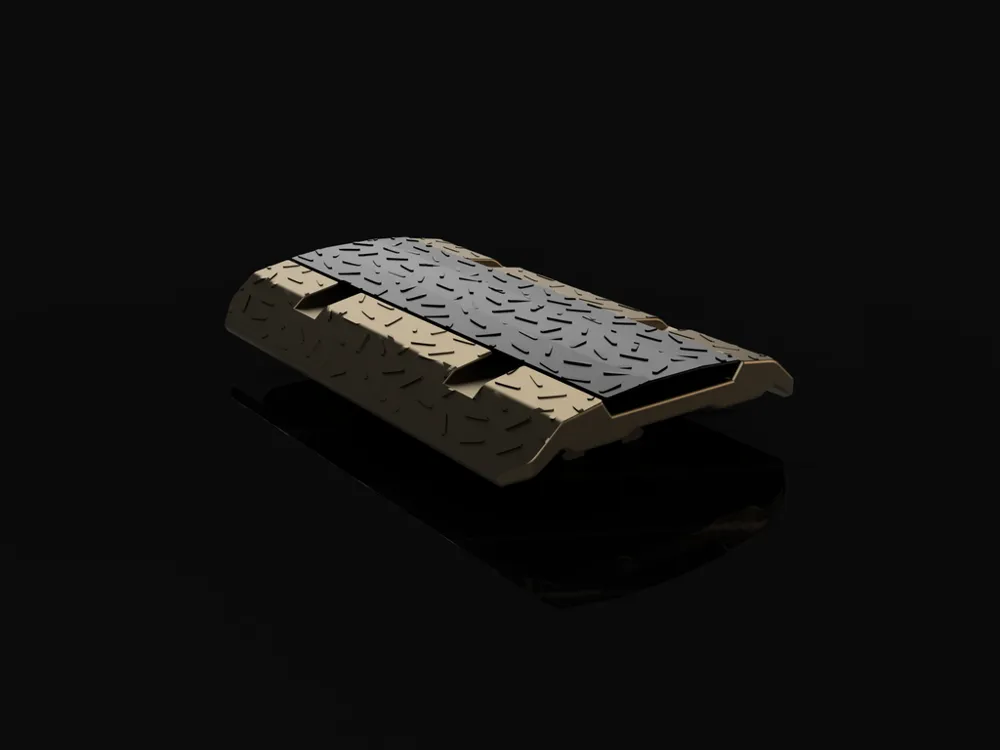
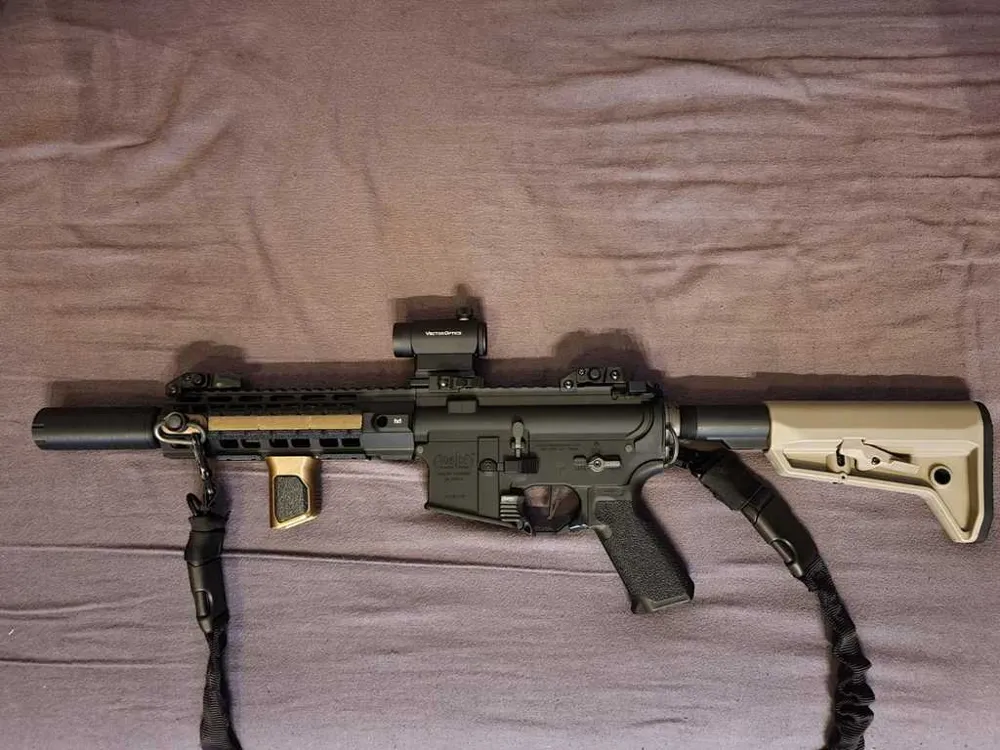
Magpul Rail cover type 2
made in Fusion 360.
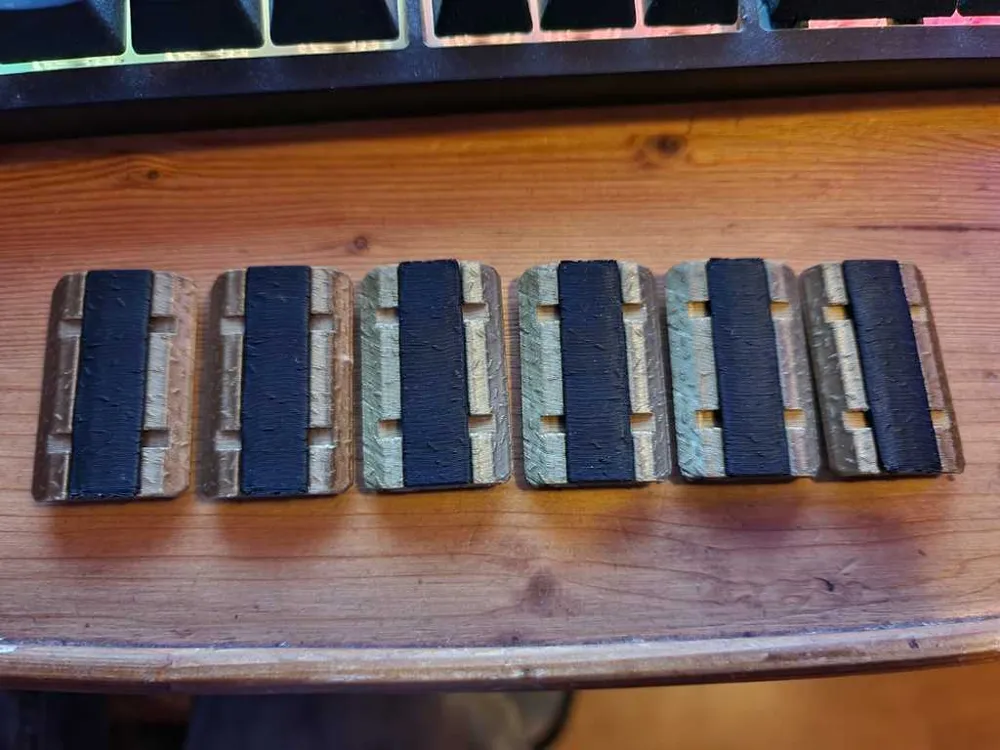
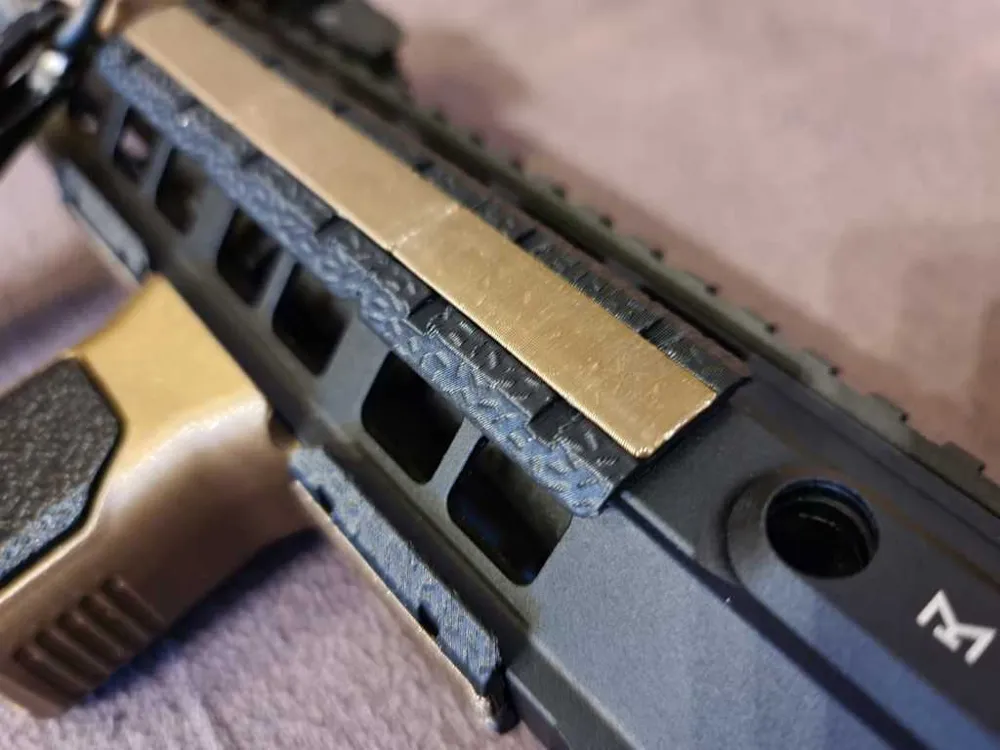
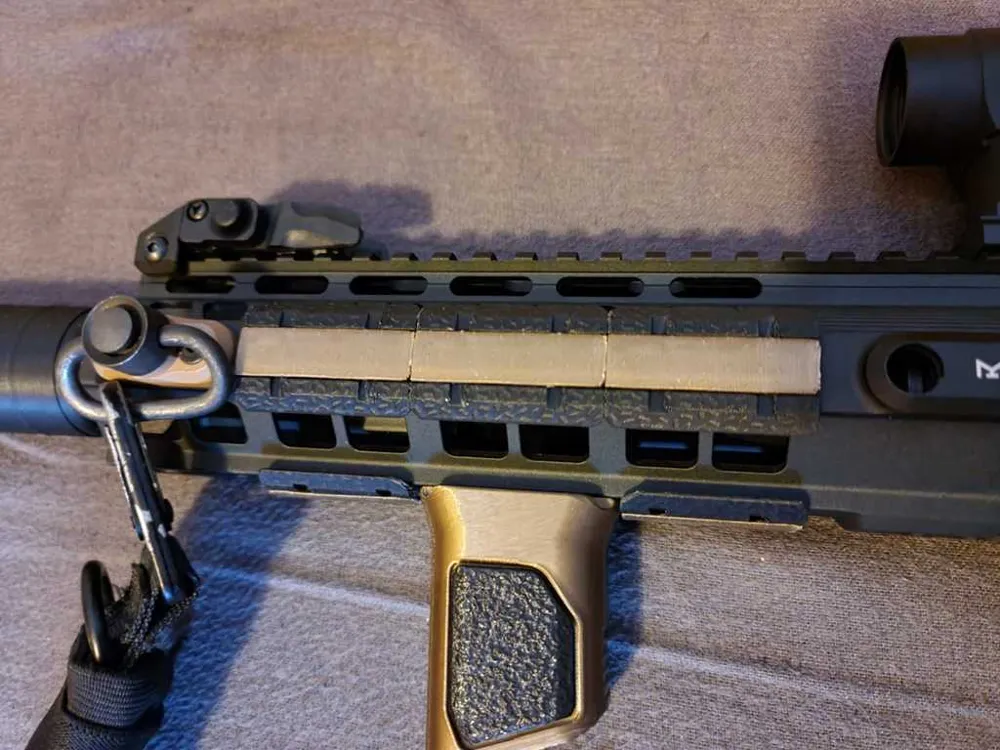
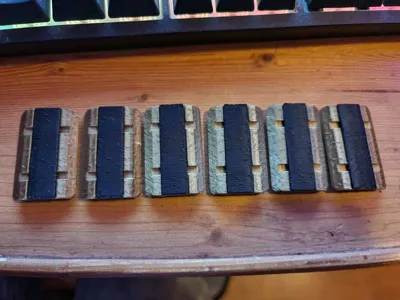
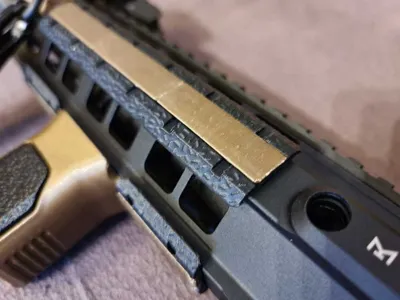
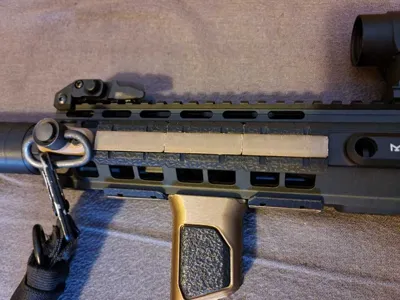
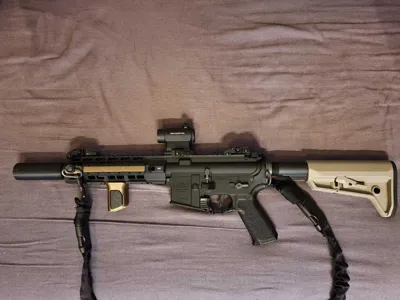
This works just like the real thing, insert the base into an m-lok slot on your handguard, click in the "locktab" and its done. No extra's needed, only 3D printed parts. And best of all, when printed right, it's stuck real good, pretty much zero movement.
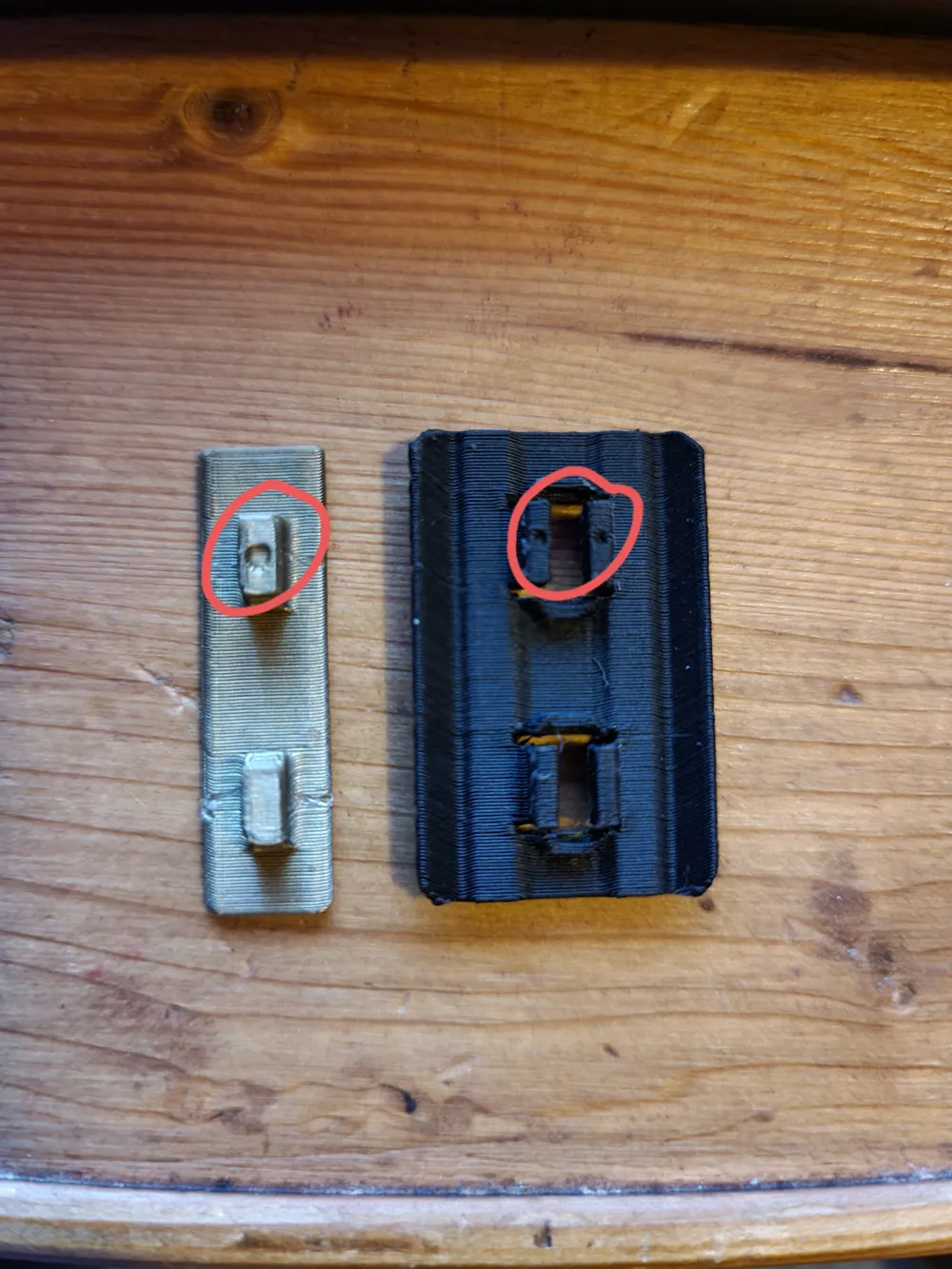
- Support is already build in, so support should be off in your slicer.
- Both files are in the position they should be printed in.
(The locktab may look weird, but it's at a 45 degree angle, so most printers should be able to print it without support turned on, if it doesn't stick try a raft.)
The fit can be a bit loose depending on the quality filament you use. If this is the case, just put "Horizontal expansion" at 0.05 when printing the rail cover base. That way the fit should be better. (Keep in mind that it's only stuck tight after inserting the "lock tab")
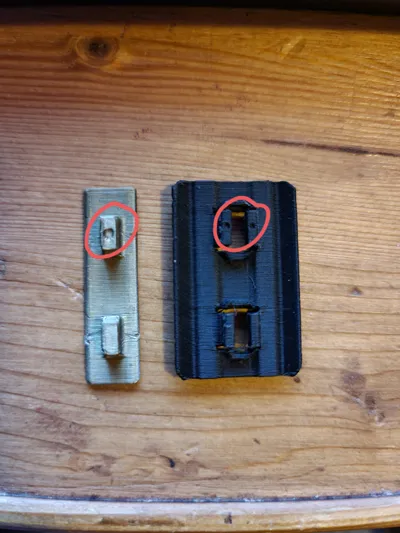
When inserting the locktab, make sure to line up the little holes you can see at the bottom (see last image). Because of some difficulties the model isn't perfectly symmetrical so that's why it needs to be lined up.
-- I would love to see some Reviews--
License



Comment & Rating (34)