
Cat Theme Jewelry Box - AMS

Print Profile(1)

Description
Remix of Jewelry Box - No AMS Required by MechEng67 - MakerWorld
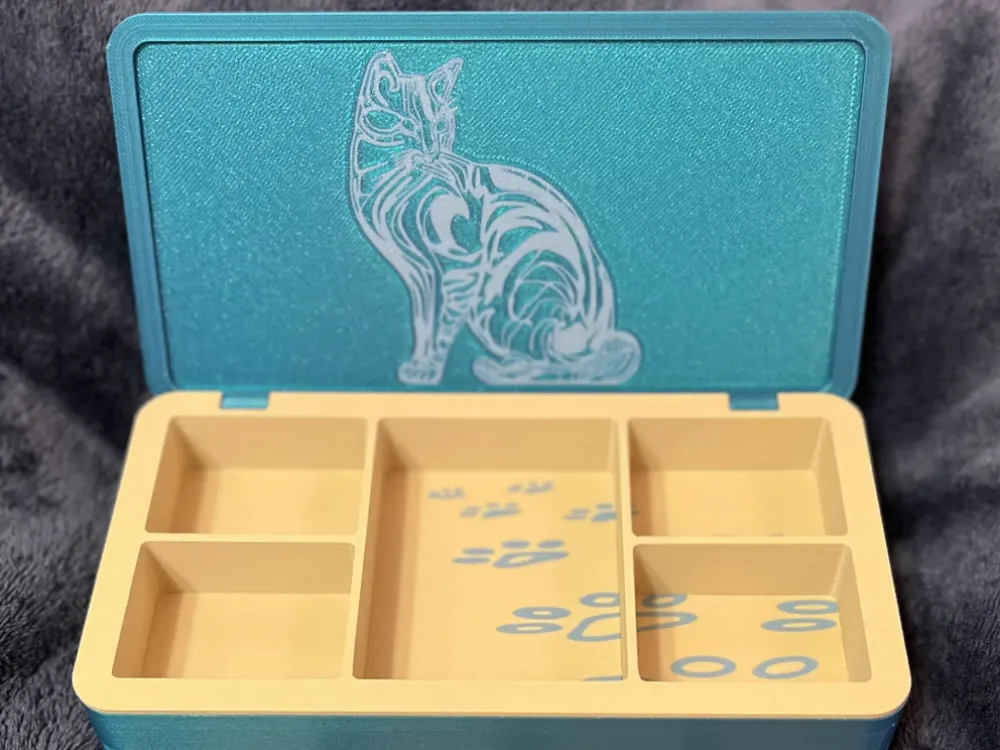
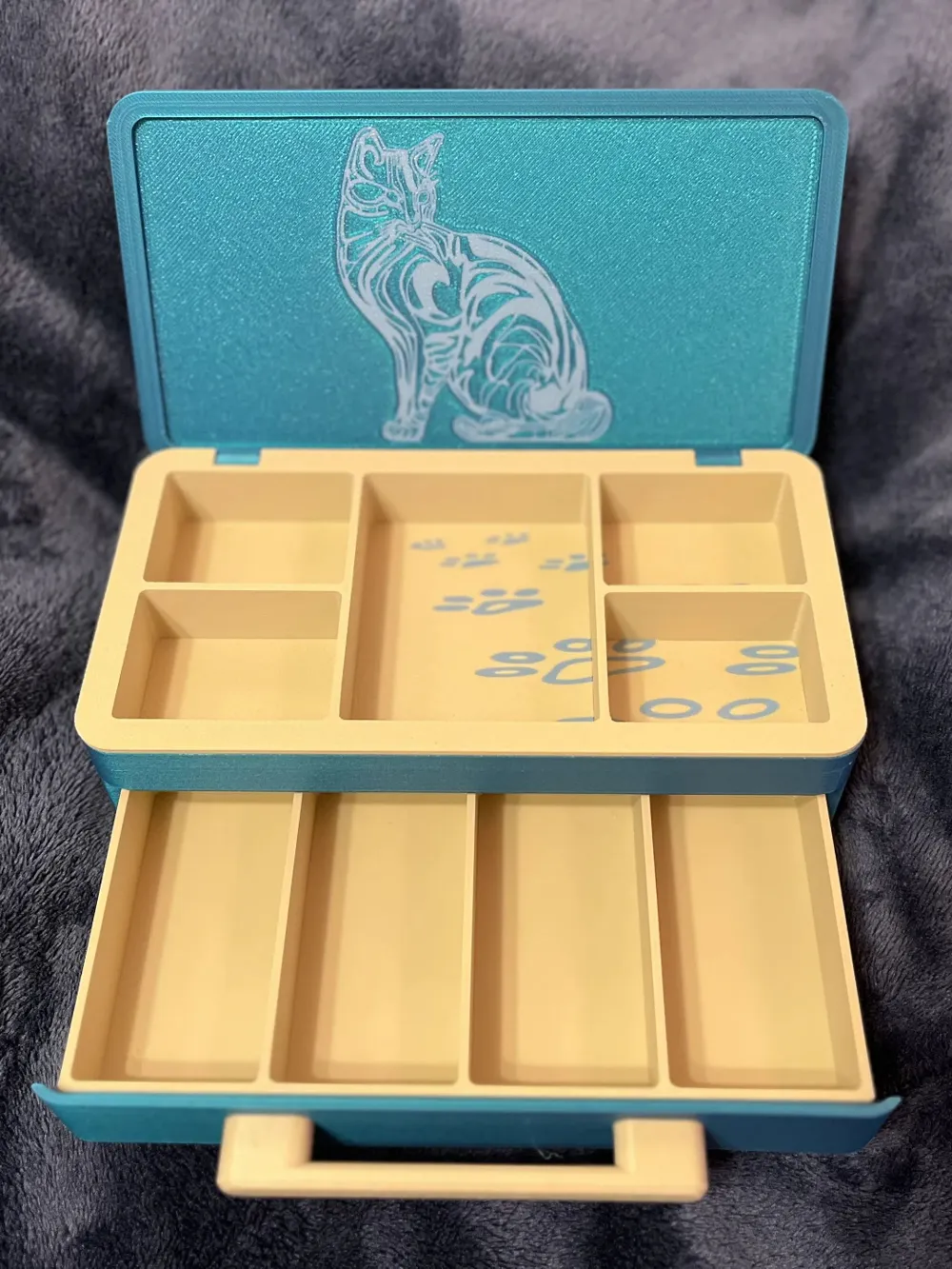
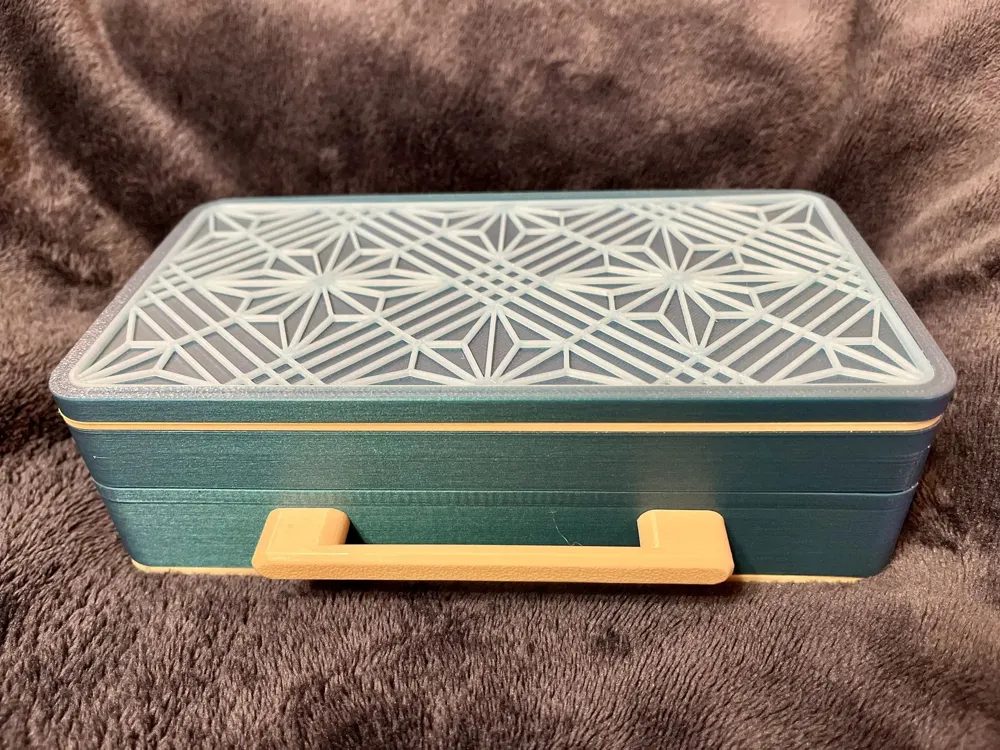
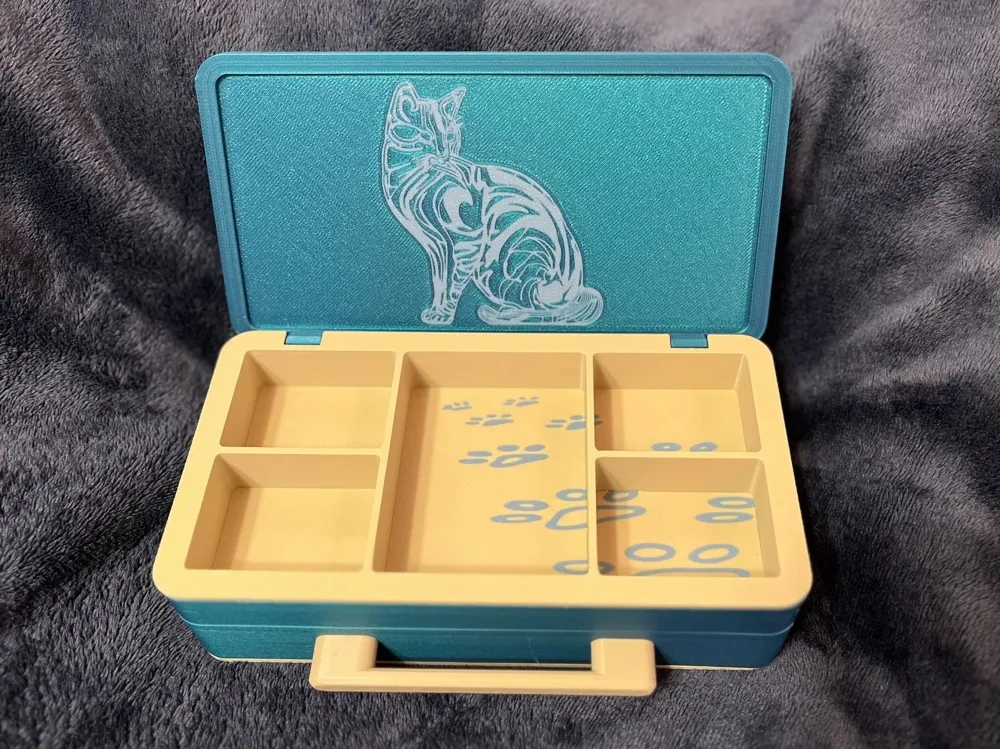
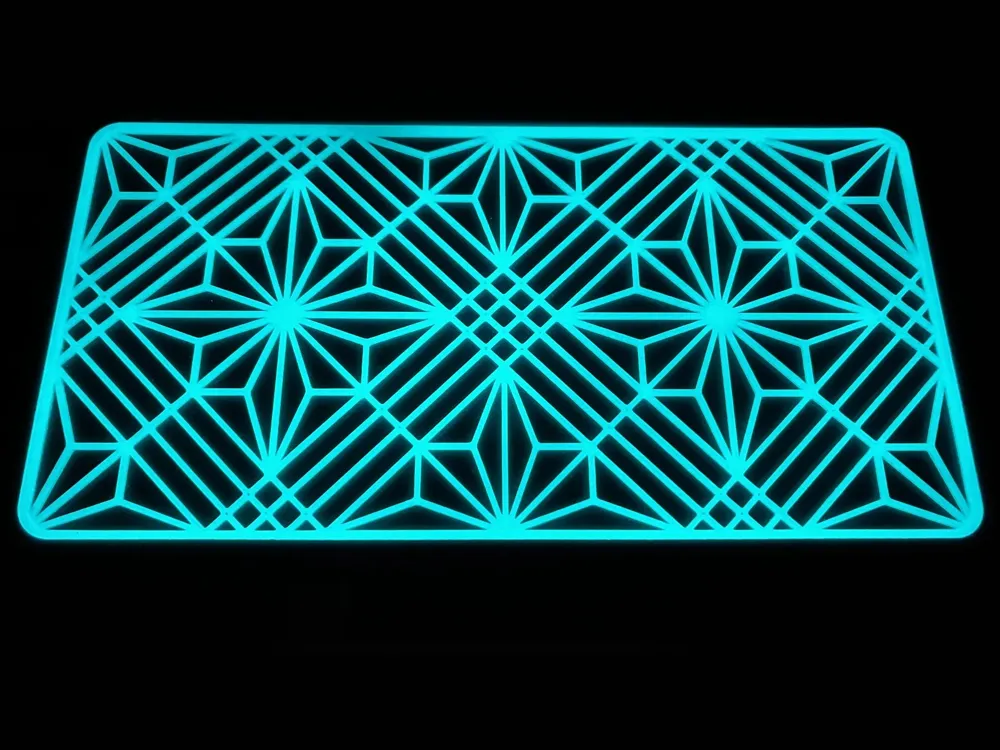
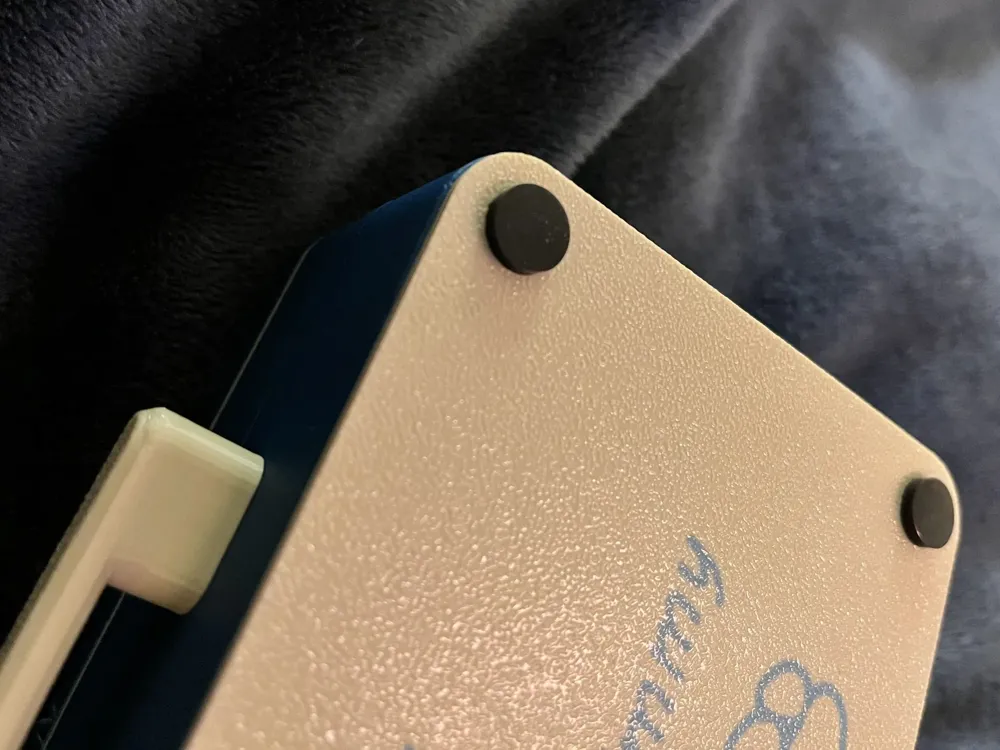
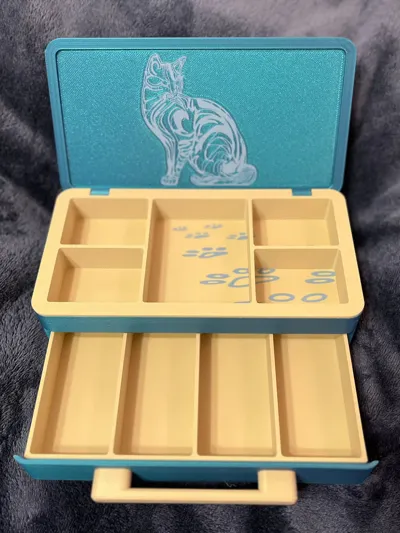
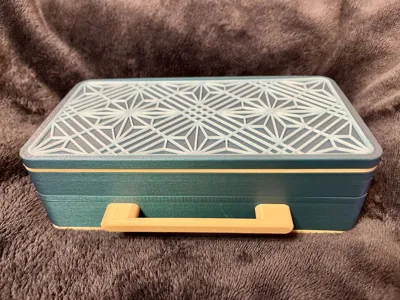
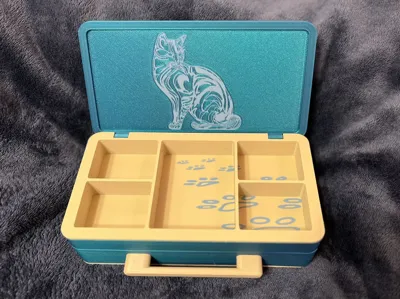
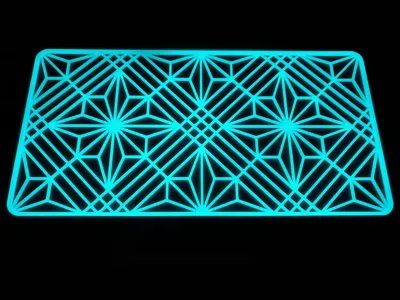
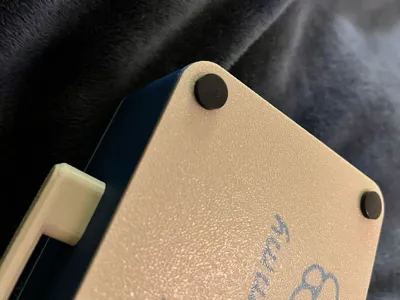
Printed main box in Polymaker Starlight Neptune with Polymaker Beige trays & custom Overture Gray Blue words and images added. Change the text box on the bottom piece or delete before printing. For the top I used Polymaker Blue Glow-in-the-dark. Modified the top pieces to print together as a single AMS print to avoid buckling of the top piece. Modified the bottom drawer to make it captured (it can’t fall out now). Added indents for silicone feet on the bottom. Shortened the handle by a bit and used 1/2” screws due to the shorter depth. Modified the front piece slightly to improve fit. No glue required, same assembly as original but make sure the bottom drawer is inside the bottom piece prior to installing the bottom piece.
Requires: Two 2mm x 22mm hinge pins, two 1/2” #6 wood screws, and four 3/8" (10mm) silicone pads for the bottom.
Install 2 hinge pins into the lid frame and center each in their holes.
Press fit the top piece into the lid frame.
Attach handle with screws to front piece.
Slide front piece onto bottom drawer.
Install bottom drawer into bottom tray.
Install bottom tray with drawer into bottom of box frame (drawer is now captured by box frame).
Install silicone pads on the bottom.
Install top lid into top pin groves.
Install top tray bottoms into the 5 trays. Use a pair of pliers to gently press corners into place if they do not fully seat.
While holding top lid in place install top tray.
Everything is press fitting, no glue is required.
This remix is based on


License



Comment & Rating (22)