
X1/P1 Series Front Panel Handle
Print Profile(1)
Description
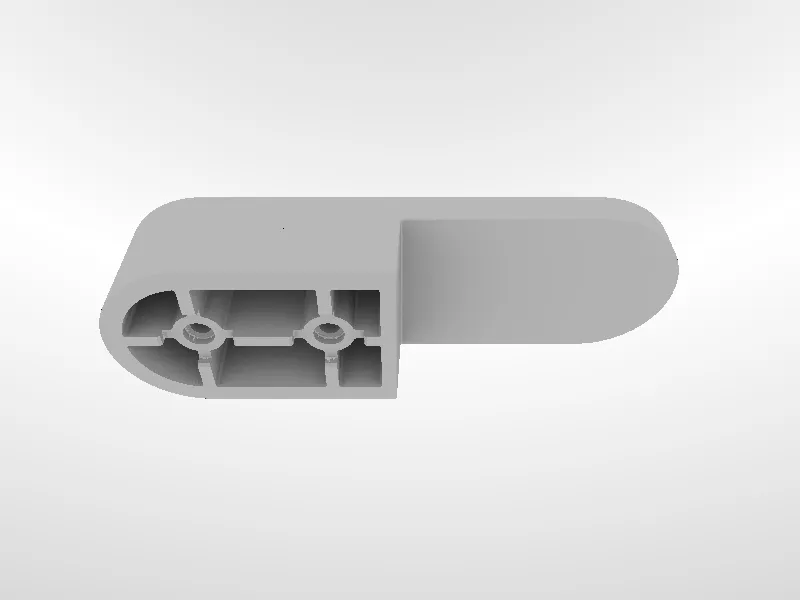
The front panel handle of the printer may be broken or damaged when the printer is squeezed or collided by external forces during transportation, or violently transported by the express company.
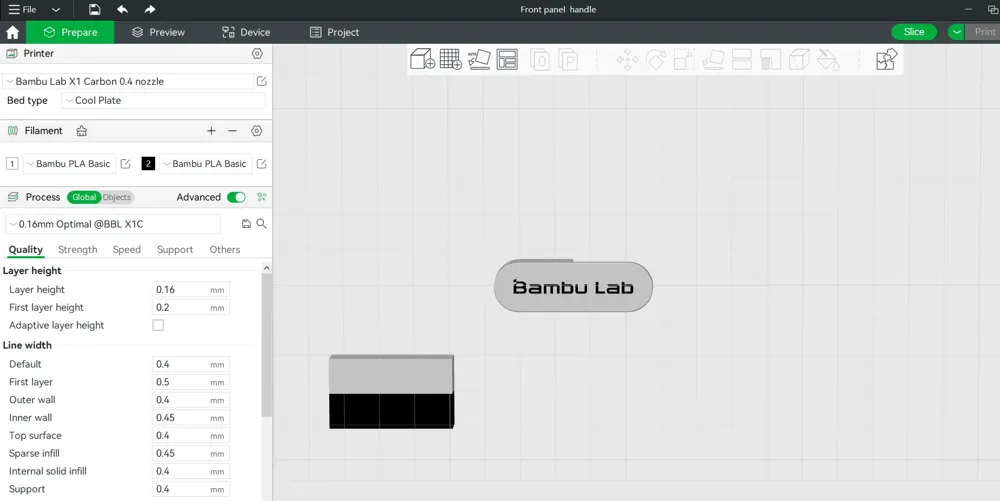
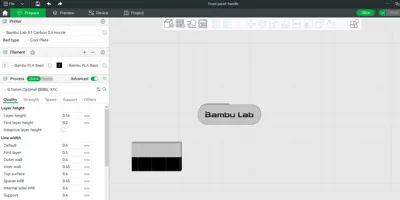
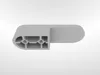
The structure of the front panel handle is relatively simple, and we have also prepared a printable model file of it. If you find the front panel handle cracked when you receive the machine, you can print it, and then put it on, which is the quickest and most convenient solution.
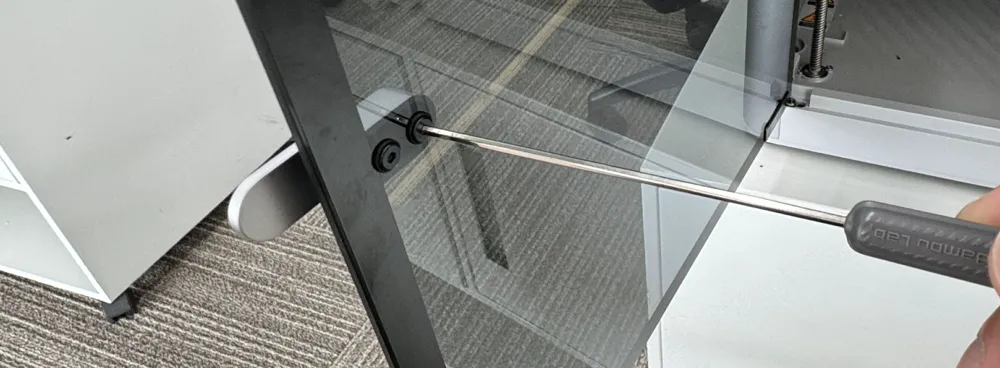
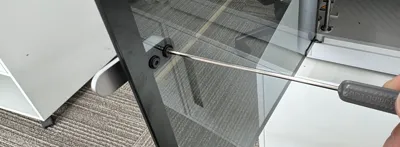
Use an H2.0 screwdriver to remove the two screws, and then take off the old handle. Place the new handle in place and tighten the screws. Please do not overtighten the screws as they may potentially damage the silicon rubbers and the glass.
License

You shall not share, sub-license, sell, rent, host, transfer, or distribute in any way the digital or 3D printed versions of this object, nor any other derivative work of this object in its digital or physical format (including - but not limited to - remixes of this object, and hosting on other digital platforms). The objects may not be used without permission in any way whatsoever in which you charge money, or collect fees.


Comment & Rating (59)