
Timelapse Switch for BambuLab A1
Print Profile(1)

Description
Boost Me (for free)
Tickets to travel to the moon 🚀
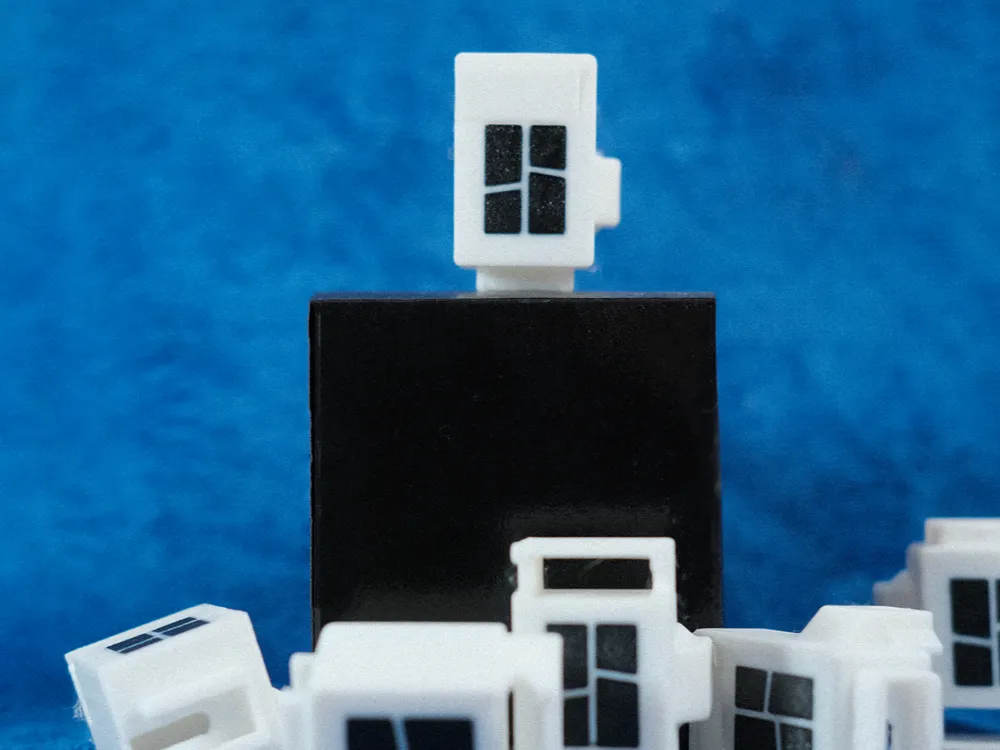
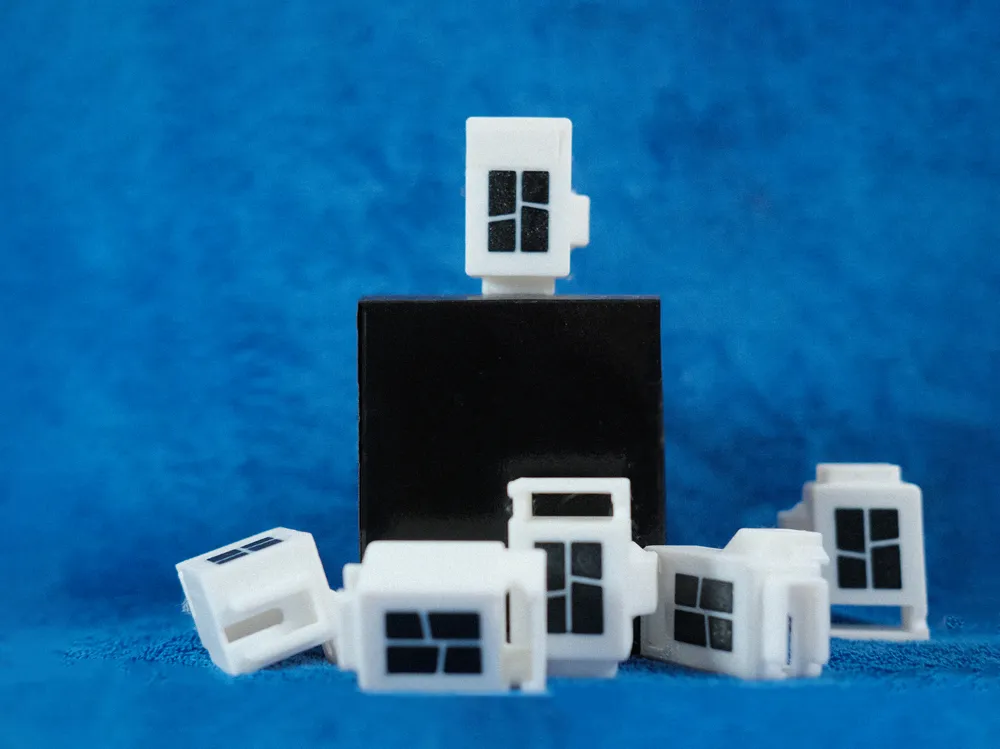
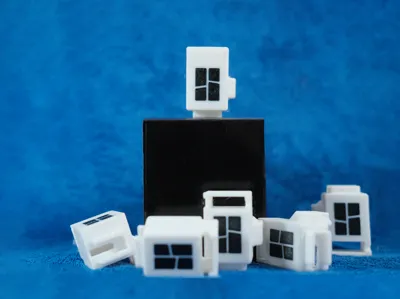
I designed this tool to simplify the creation of high-quality timelapse videos.
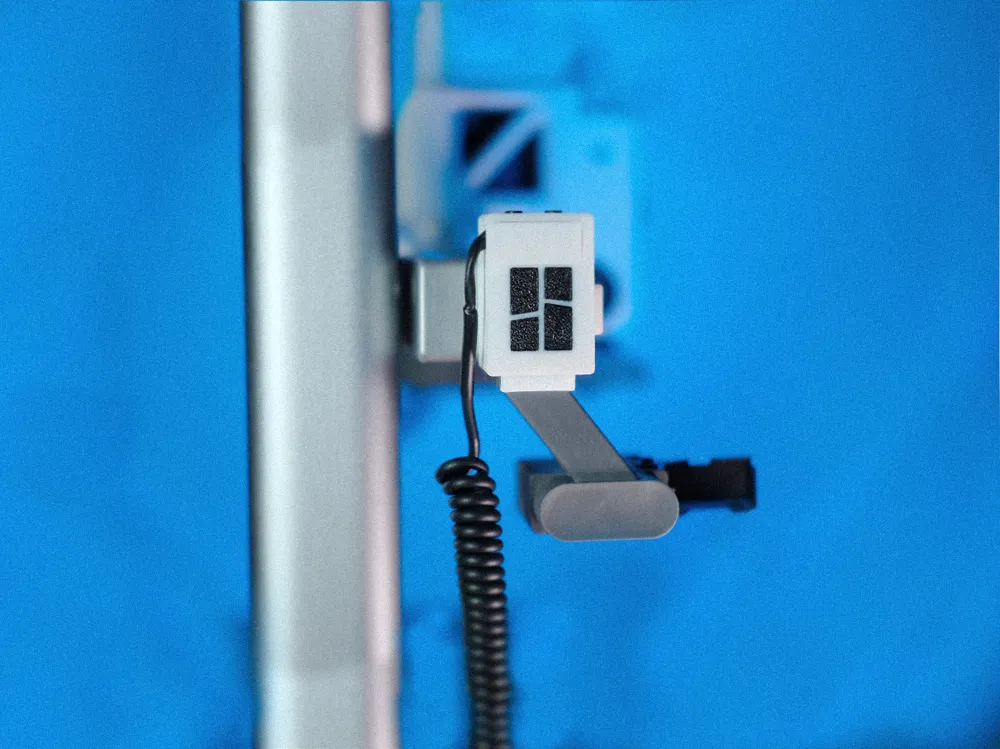
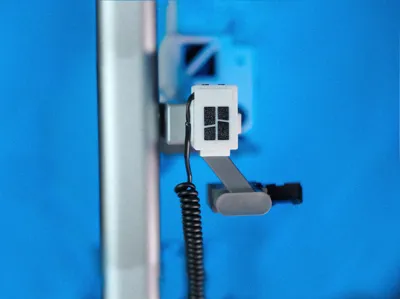
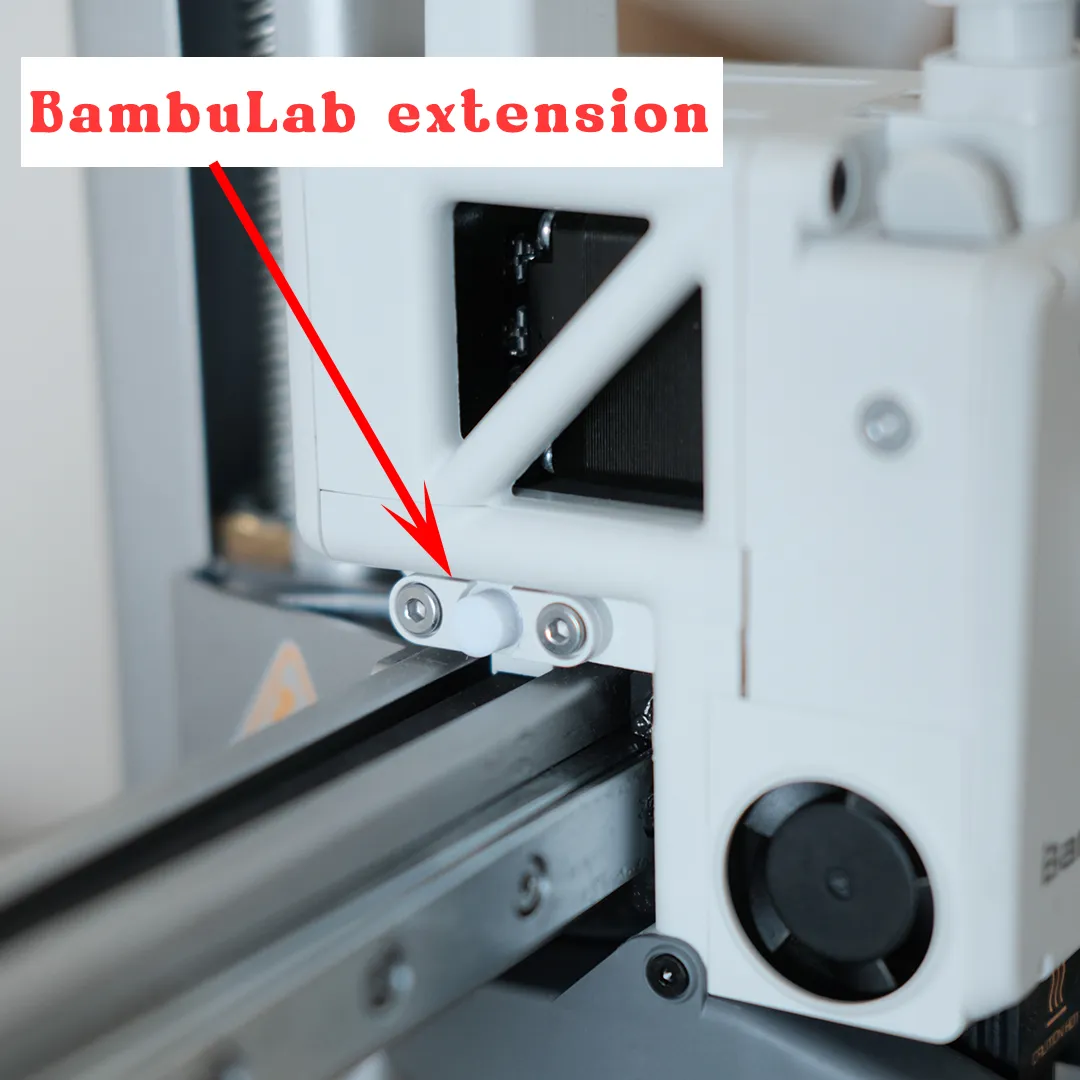
It connects to your camera via a cable, and when the printer's print head moves to the starting position, a switch automatically activates the camera to capture a photo. At the end of the print, you will have high-quality images; however, the results will depend on the type of camera or smartphone you use.
Materials:
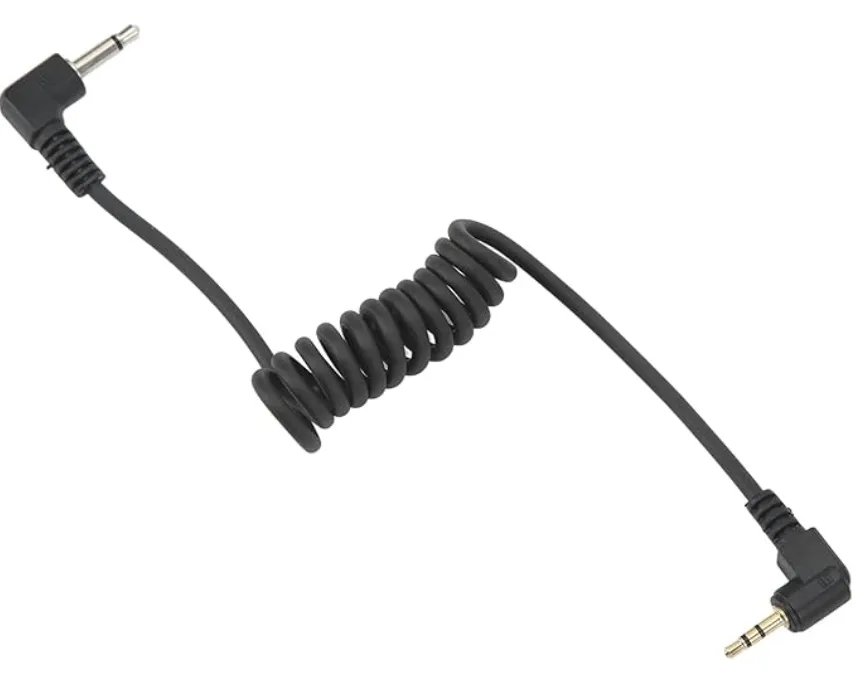
- Camera shutter cable: Used to connect the camera.
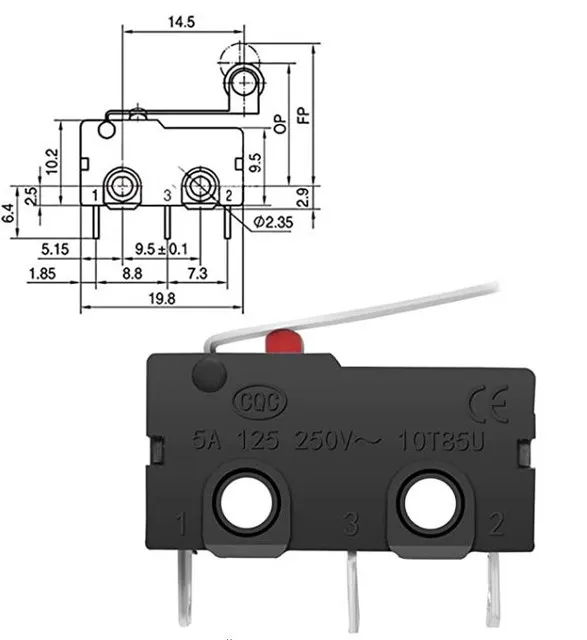
- Micro switch: A small switch that allows taking a photo automatically.
License

You shall not share, sub-license, sell, rent, host, transfer, or distribute in any way the digital or 3D printed versions of this object, nor any other derivative work of this object in its digital or physical format (including - but not limited to - remixes of this object, and hosting on other digital platforms). The objects may not be used without permission in any way whatsoever in which you charge money, or collect fees.


Comment & Rating (4)