Search models, users, collections, and posts

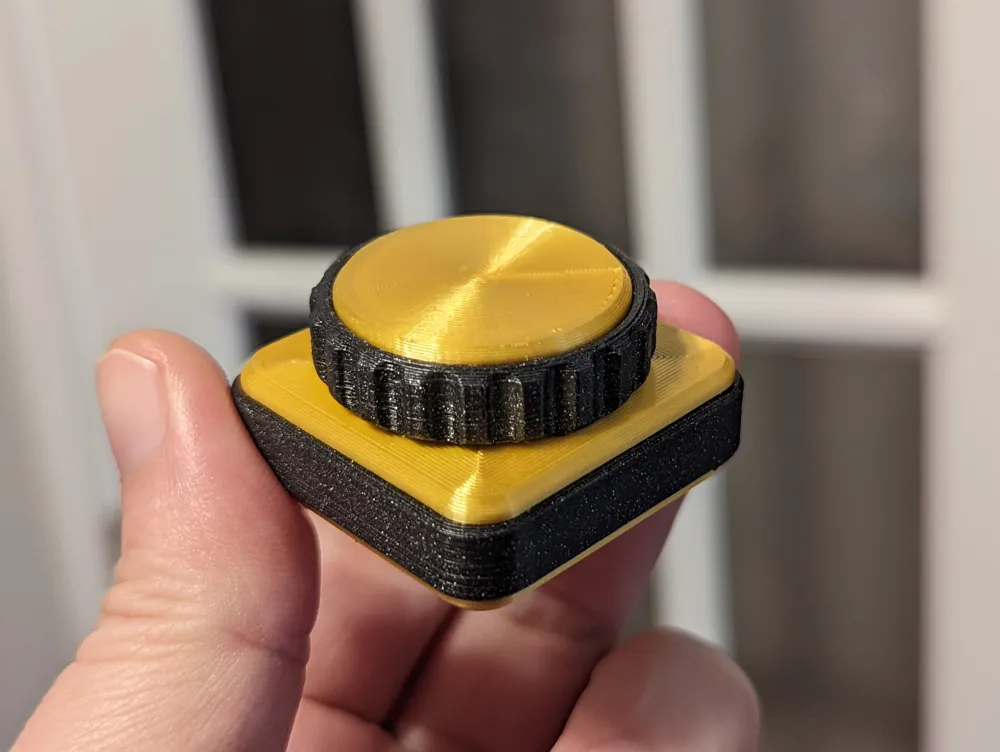
Fidget Clicky Wheel

Print Profile(1)

0.08mm layer, 2 walls, 15% infill

4 h
1 plate
Open in Bambu Studio
Boost
75
138
8
1
165
112
Released
Description
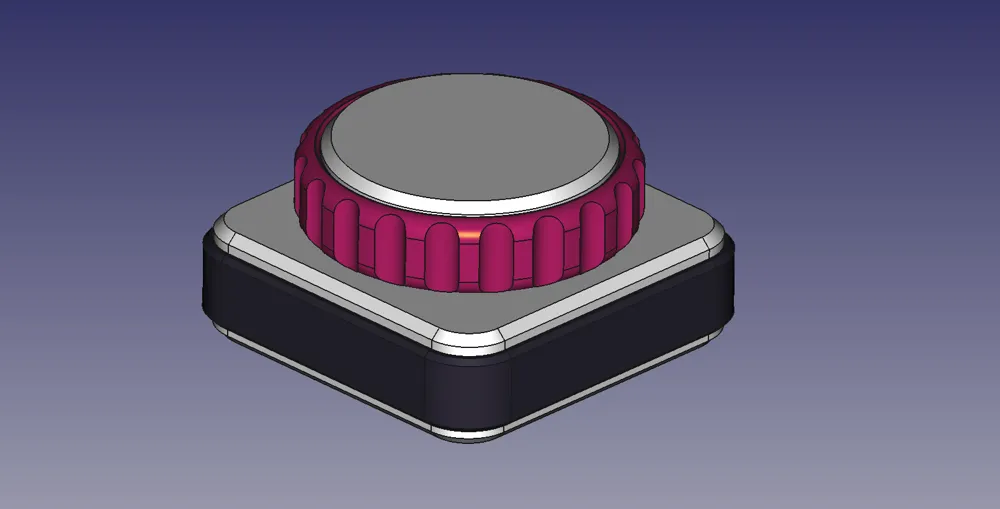
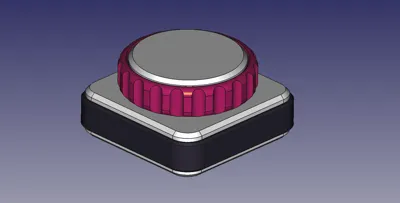
This clicky wheel is incredibly satisfying to spin and can sound pretty loud! It's a quick easy print that only requires two parts to be glued together (everything else is friction-fit). Because of the multiple parts, you can really showoff your filaments and color combinations.
Print Settings
- All caps should use either Concentric or Archimedean Chords bottom infill pattern and they'll need at least 3 vertical shells.
- The BaseBody should use 3 vertical shells.
- Defaults will work for all other settings.
- Infill could be increased on the BaseBody for a more “premium” feel
- Protip: If you use dichromatic filament for the DialKnob, it looks like it changes color right before your eyes!
Assembly Instructions
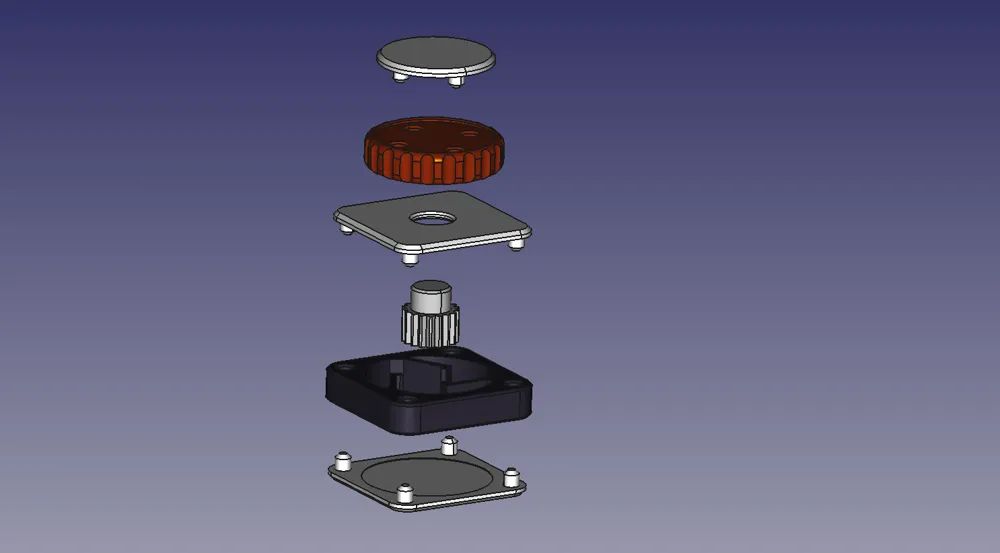
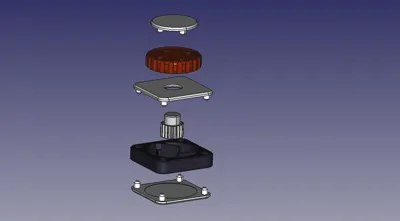
- Press fit the TopCap into the DialKnob. If it doesn't fit you may need to use some glue.
- Press fit the MiddleCap into the BaseBody.
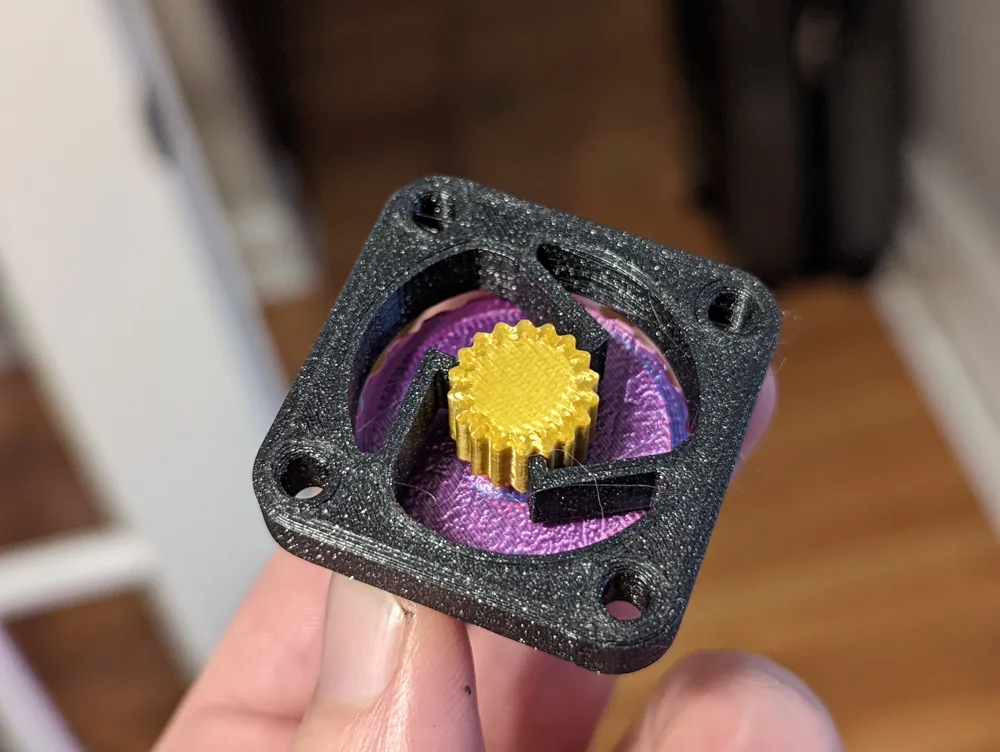
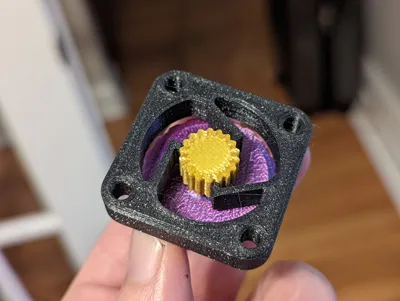
- Place the GearAxel between the teeth of the BaseBody so that it sticks out of the MiddleCap.
- GLUE the DialKnob on to the GearAxel. The parts may feel secure, but you don't want this coming apart. Take your time here: you don't want any glue on the MiddleCap.
- Wait for the glue to dry, and then check the movement. If it's rough or hard to spin, add some lubricant.
- Finally, press fit the BottomCap into the BaseBody and click away!
License

This user content is licensed under a
Creative Commons Attribution-Noncommercial-Share Alike


Comment & Rating (8)