
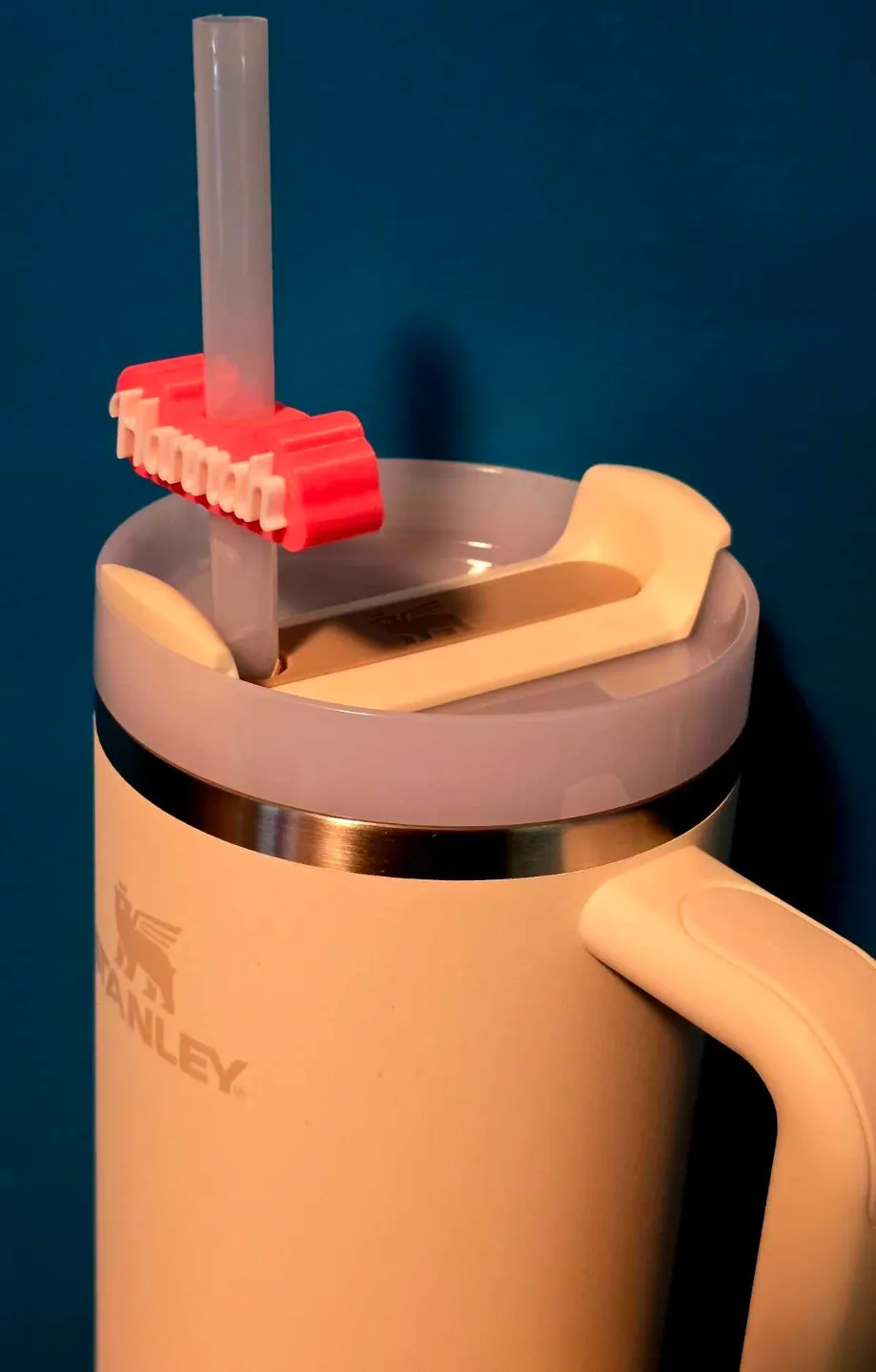
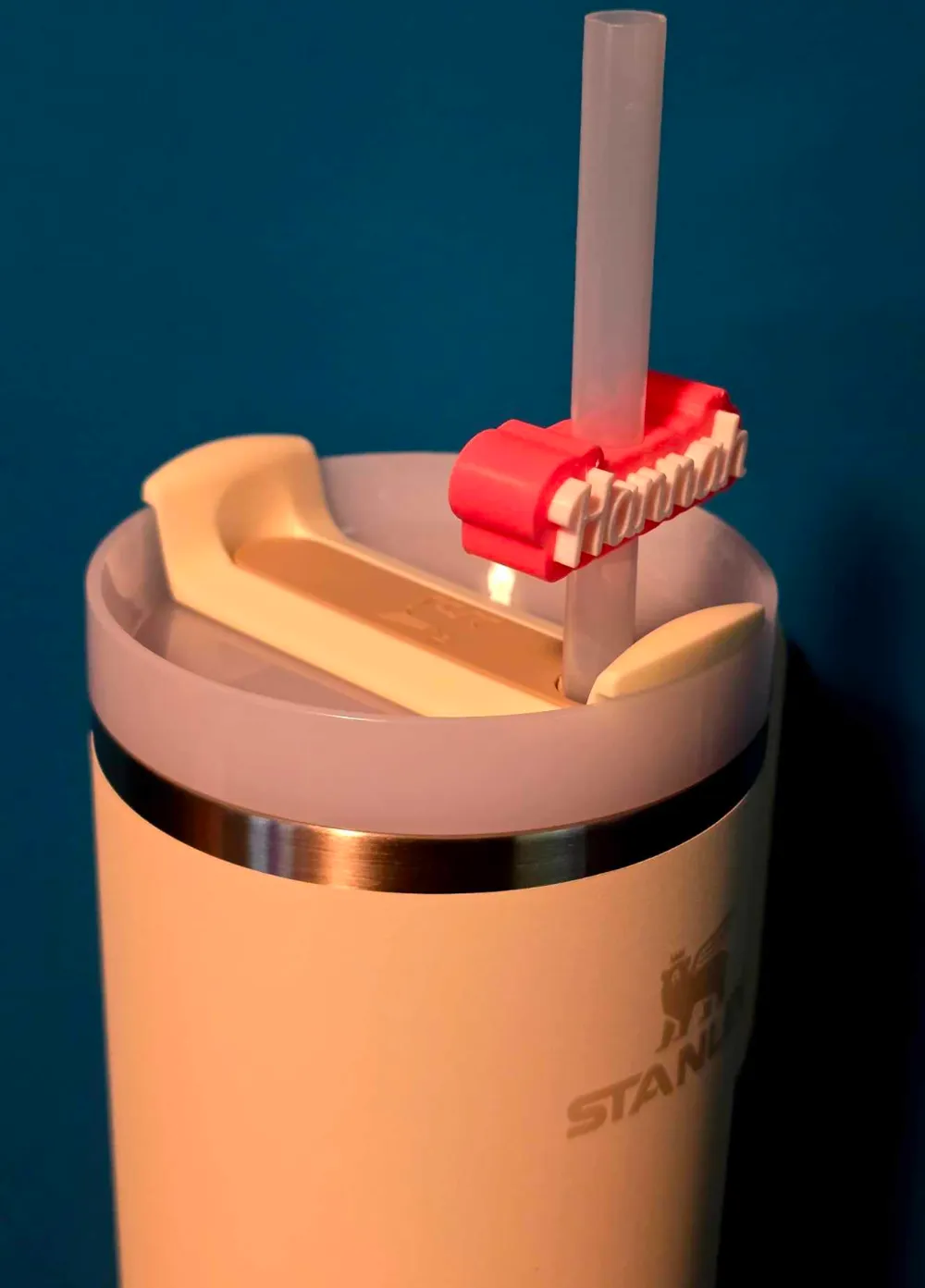
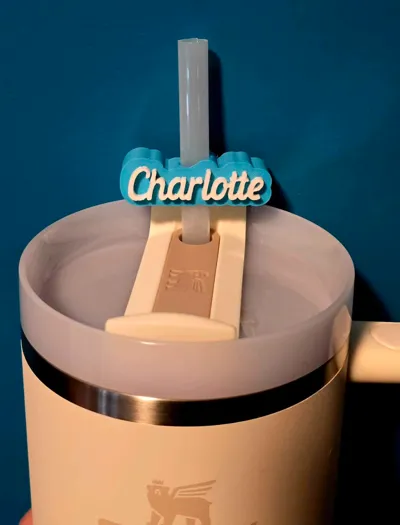
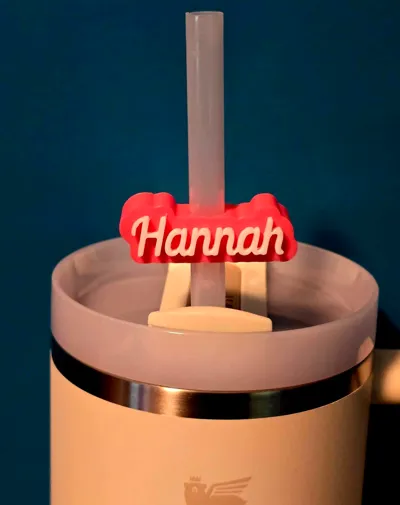
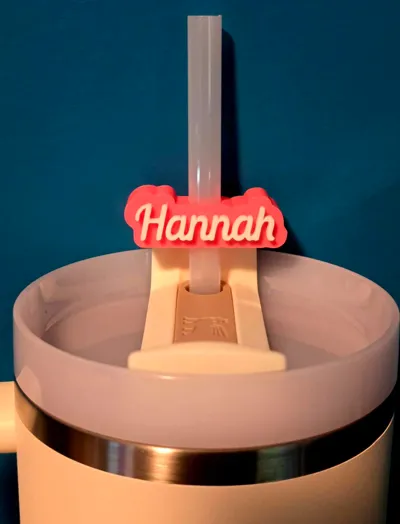
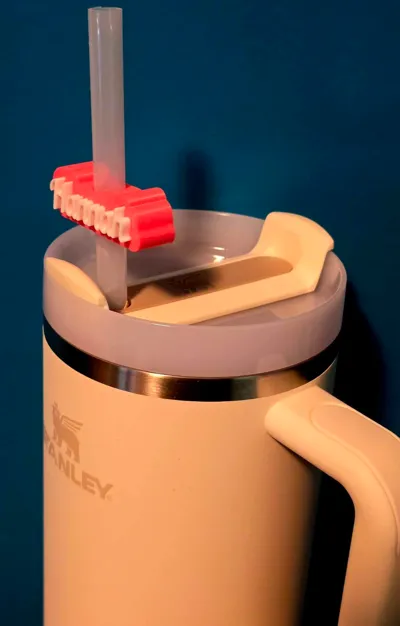
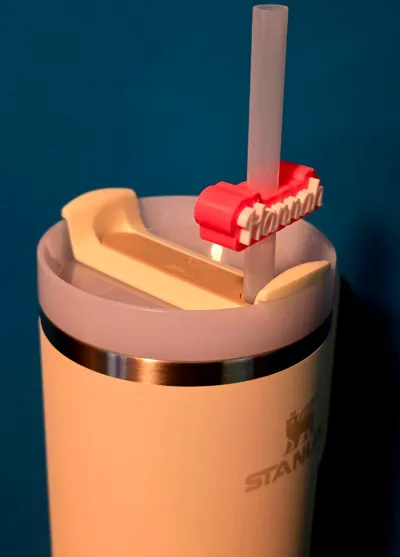
Customizable Stanley Straw Toppers!

Print Profile(0)
Description
Boost Me (for free)
If you enjoy my designs, consider sending a boost my way!
Printing & Assembly Notes
These coasters are designed to be printed face-down on a textured build plate for a smooth top finish.
They’re sized for use with 2mm thick, 100mm diameter cork backings with adhesive. I use these ones:
🔗 Amazon – Cork Backings
Each file includes a set of 4 coasters plus a holder. For added grip, I apply these rubber stops to the bottom of the holder:
🔗 Amazon – Rubber Stops
The cork and rubber give the set a quality feel and help prevent slipping.
Recommended Print Settings:
- Layer Height: 0.20 mm
- Infill: 25% (for smooth backing)
- Infill Pattern: Gyroid
- Infill/Wall Overlap: 25
Important: If you're using the cork backings linked above, scale X & Y to exactly 100mm if necessary.
⚠️ Do not scale the Z axis. This is set to 2mm to allow the backing and coaster to have a combined thickness of 4mm, fitting 4 coasters flush into the holder ⚠️
Want to sell your prints?
Check out the new commercial license tiers from NewfoundPrints!
Sell your printed items or even request custom coaster designs under select plans.
🔗 Visit My Profile for Details
Boost Me (for free)
If you enjoy my models, consider sending a boost my way!
Update (22 Nov. 2024)
Some users are running into the issue where customizing directly on makerworld does not apply the font selected. If this is the case, you will have to use openSCAD on your PC.
To do so:
- Download openSCAD onto your PC (simple google openSCAD download
- Download the .scad file from the files list
- Open the .scad file in openSCAD
- Under the parameters section on the right hand side, select the font you want to use. Please note, to use certain fonts, you will ahve to have them downloaded to your PC. For example, the font used in the sample picture is Lobster Two
Downloading fonts:
- Navigate to: https://fonts.google.com/
- Search for the desired font in the search bar up top (i.e; Lobster Two)
- Click “Get font” in the top right corner
- Click the “Download all” button
- Extract the downloaded folder to somewhere easily located on your PC
- Once extracted, open the folder and select the font you wish to install. Right click on it, and select “Install for all users”
- Restart openSCAD
*********************************************************************************************************************
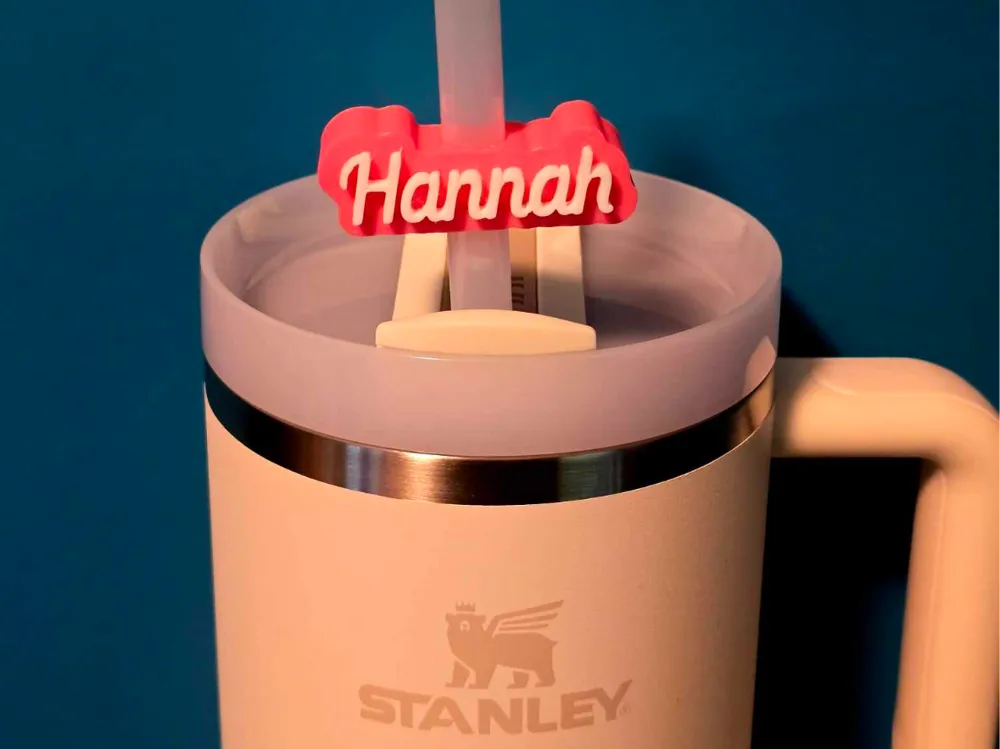
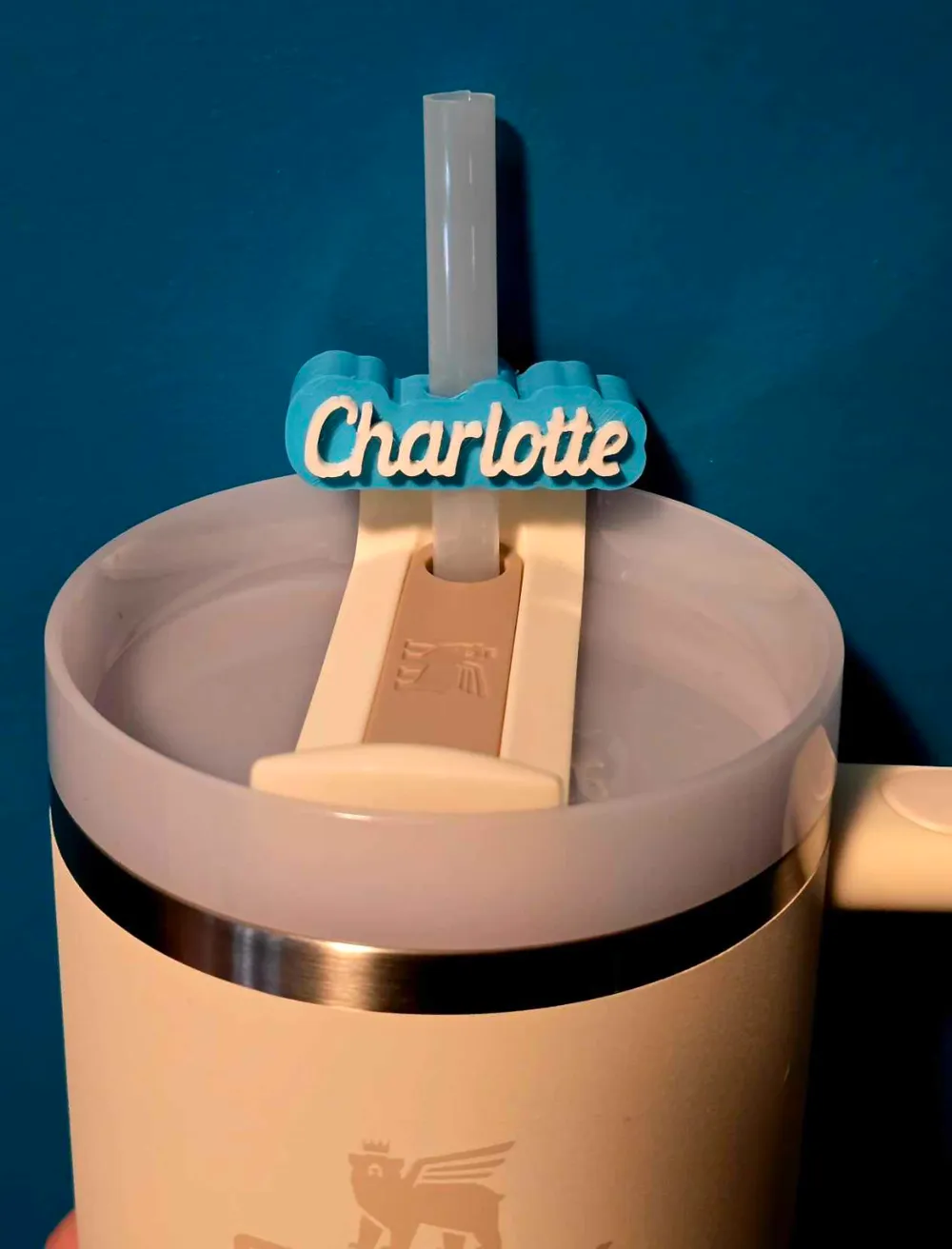
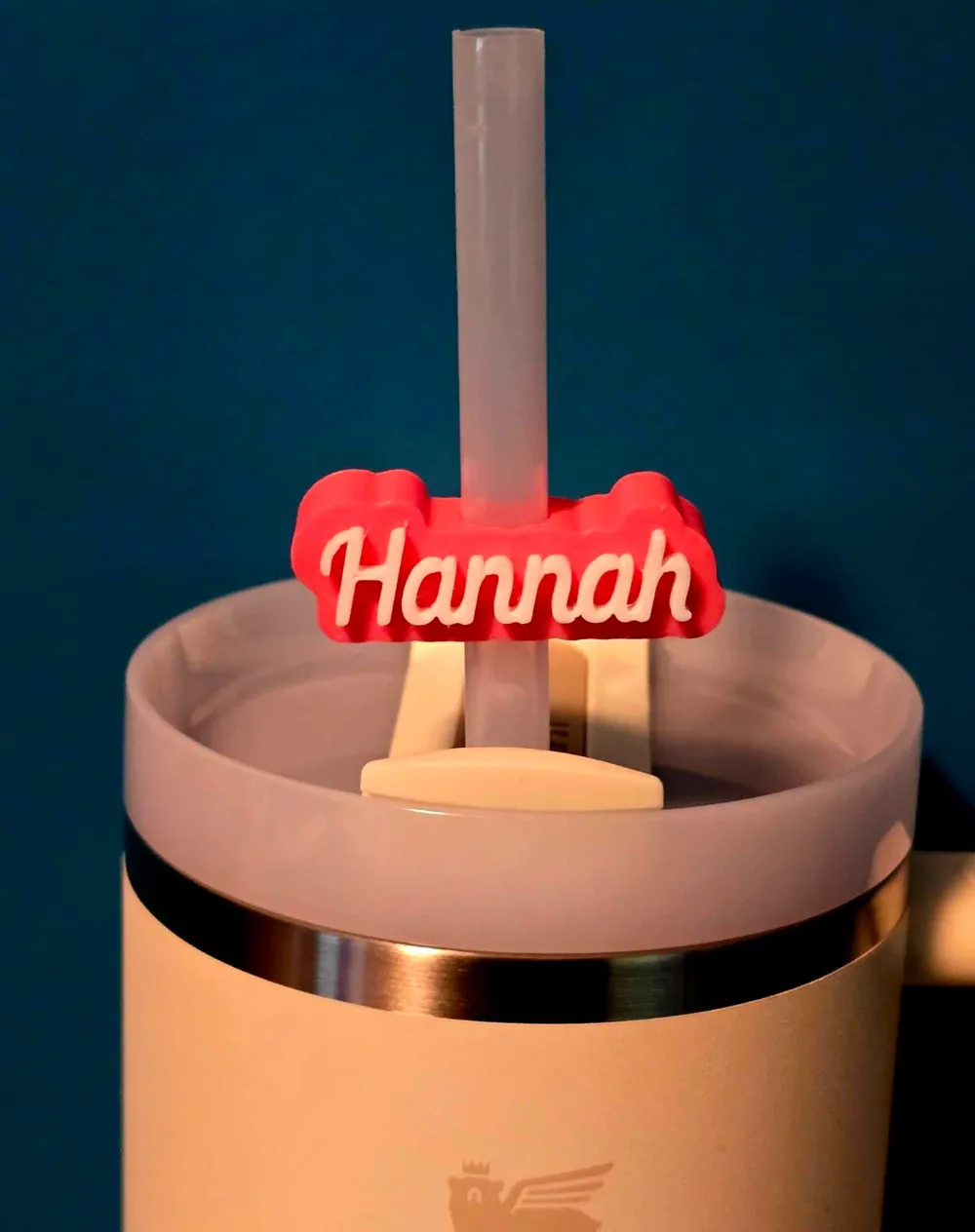
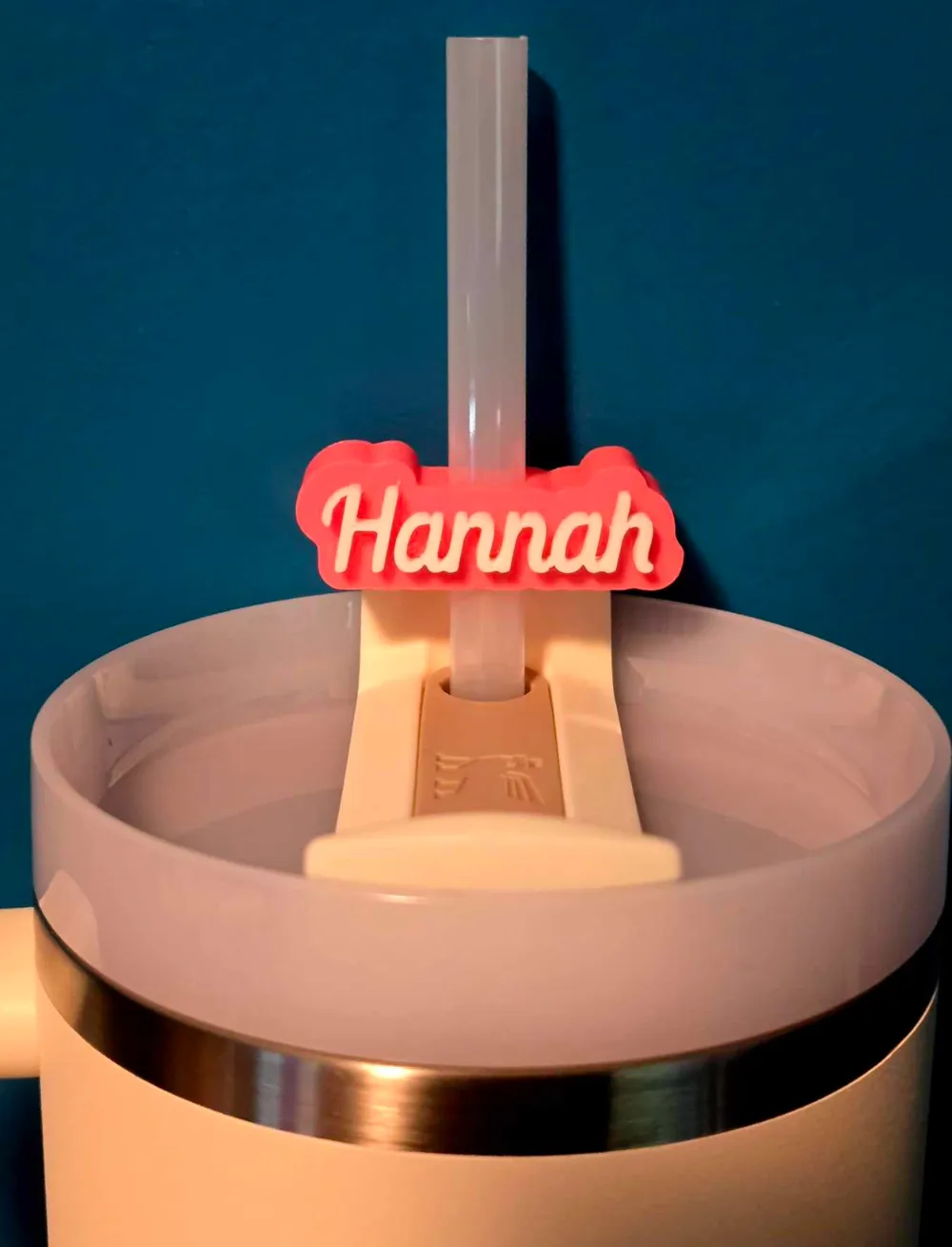
Customizable OpenSCAD Straw Topper for Stanley Tumblers
This 3D-printable straw topper is designed for seamless customization using OpenSCAD, allowing you to personalize it with your name directly in the code. The topper is set to fit a 9.5mm straw, ideal for Stanley tumblers, but can be easily adjusted to account for print tolerances or different straw sizes.
The model features raised text that sits neatly on top of a durable, 13mm-thick background. With parameters for text content and font size, it's simple to adapt the design to suit your needs. The high level of detail and smooth curves ensure a professional finish every time.
Features:
- Customizable text with raised lettering for a bold look
- Default design set for a 9.5mm straw, but diameter is adjustable to accommodate different printers
- 13mm background thickness for durability
- High-resolution model with enhanced smoothness for a clean finish
- Created using OpenSCAD for straightforward parameter adjustments
Ideal for makers looking to add a personalized touch to their drinkware with precise control over the design.
Please note:
The default value for straw hole size is set to 10, although it fits a 9.5mm straw. This is to allow tolerance differences between printers. If you find that the print does not fit over the straw after printing, or is too loose, you can adjust accordingly.
License



Comment & Rating (46)