
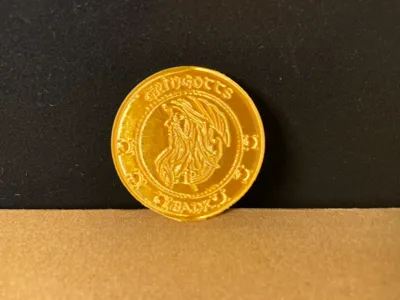
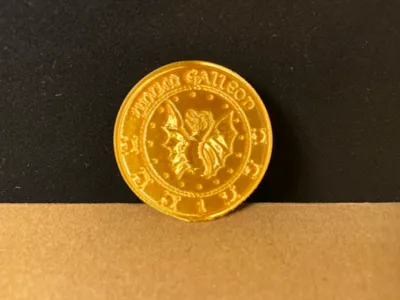
Harry Potter Magical Currency Galleon_Gold Coin
Print Profile(1)
Description
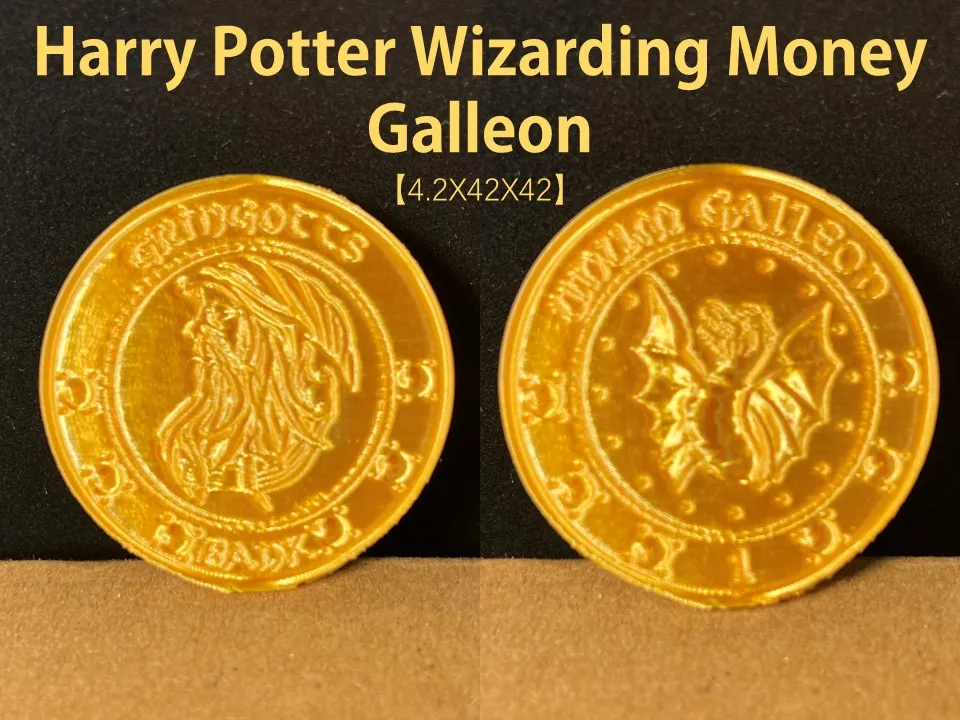
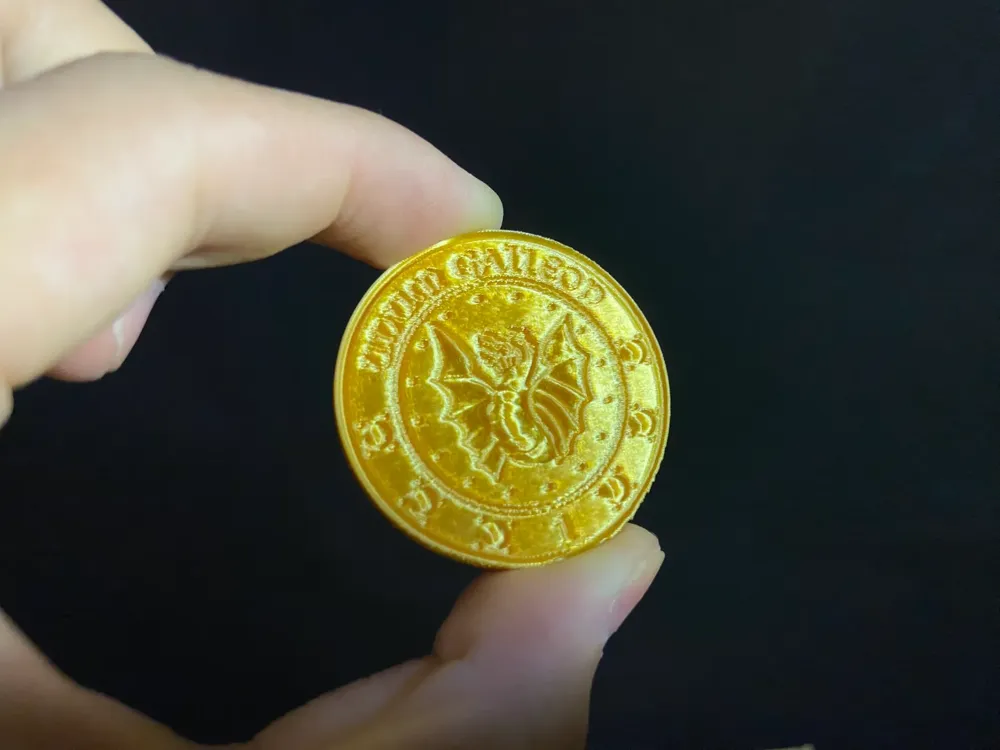
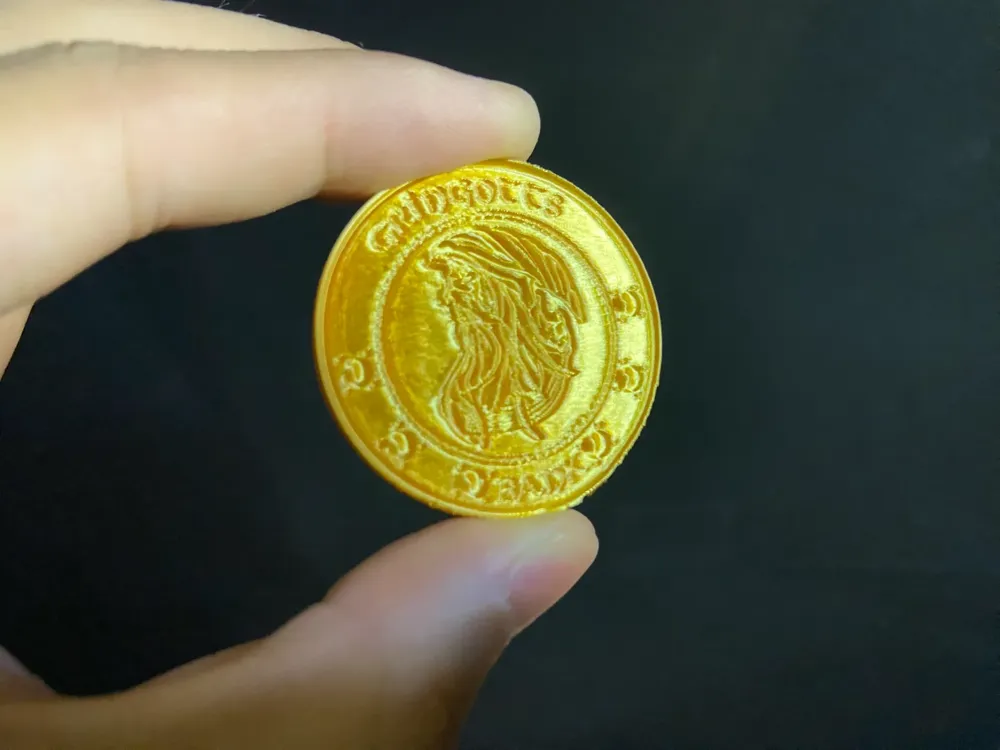
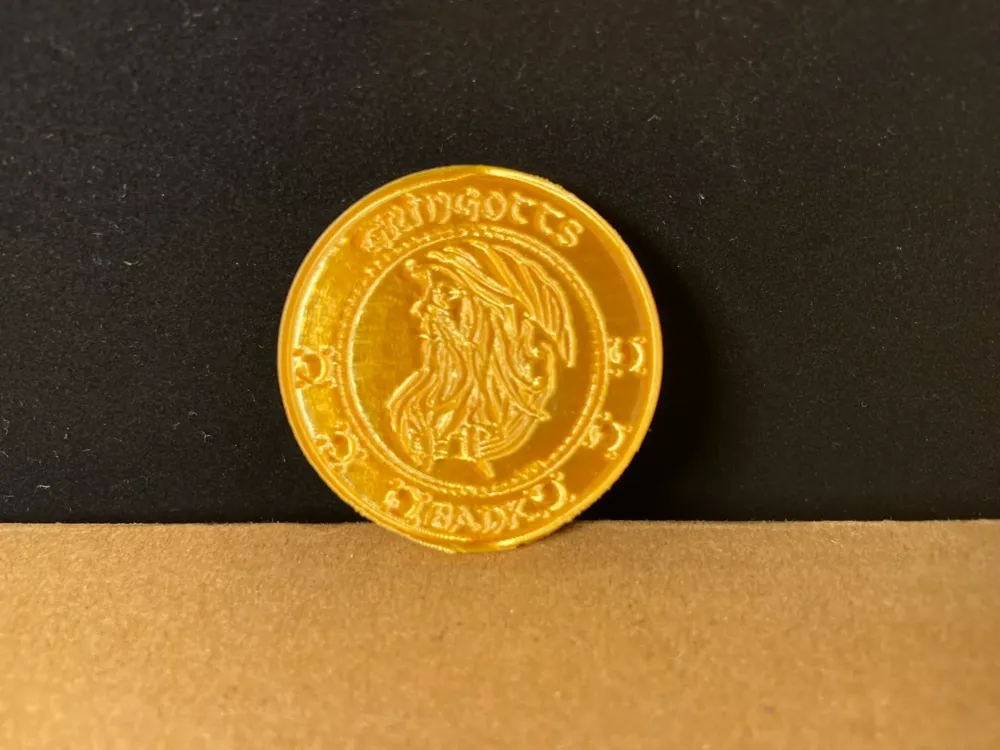
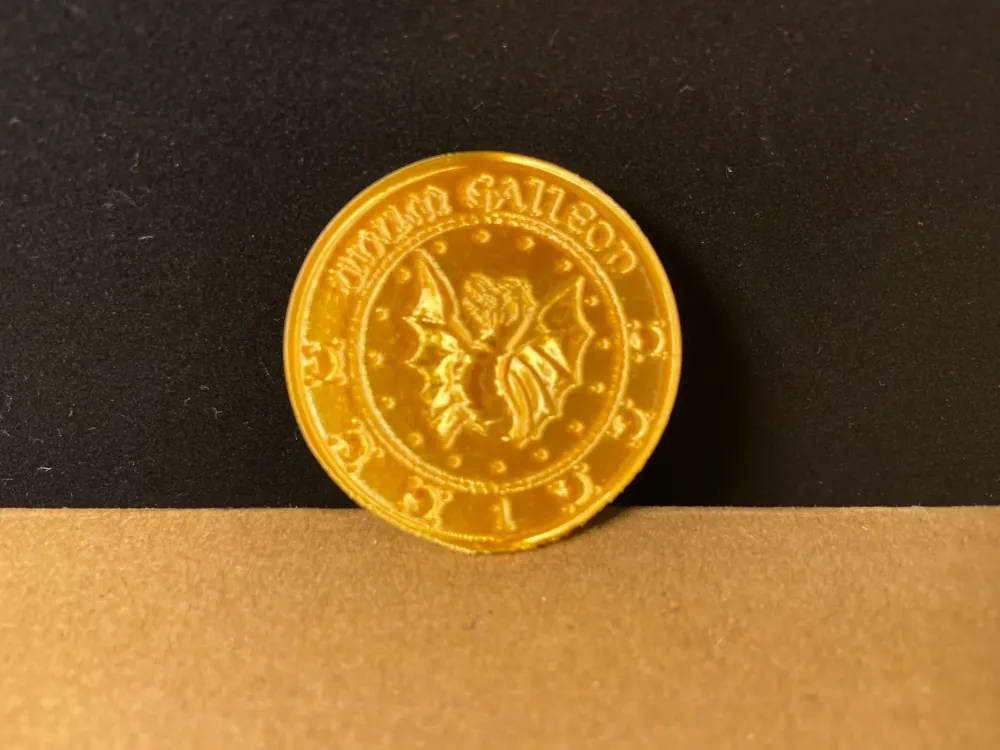
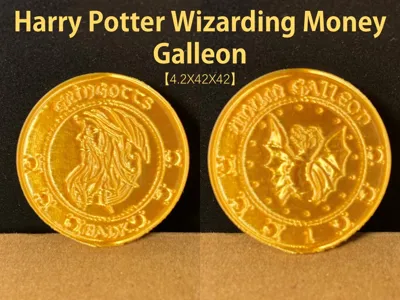
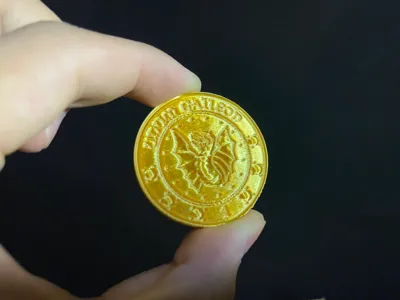
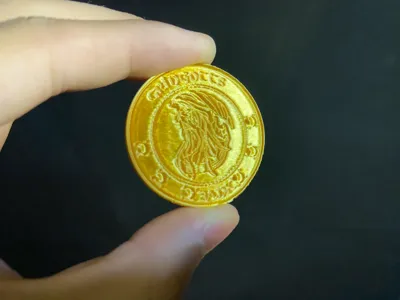
Harry Potter Magical Currency Galleon_Gold Coin
Note: This coin uses a 3D Duplication Charm to copy, it has no trading value after copying [ (●^◡<●) ]
- Initial configuration outer contour size 4.2X42X42mm, you can freely scale according to your needs
Printing support is simple to disassemble, one-piece printing is delicate and well-formed, considering the printing details, use 0.16 variable layer height, it is recommended to print at 100% speed
- Pay attention to heat dissipation if the overhang quality is not ideal! Pay attention to flow calibration and drying of consumables!
Boost Me (for free)
If you like this model, you can support me by buying me a cup of bubble tea, thanks everyone
In the Harry Potter book series and films, the currency system used in the magical world is different from the real world, consisting mainly of three gold coins: Galleon, Sickle, and Knut.Magical currency (Wizarding Money) is the currency circulating in the magical world, but can also be exchanged for Muggle currency at a wizarding bank according to the exchange rate.
- Galleon: This is the most valuable magical currency, it is gold.In Harry Potter's world, 17 Sickles are equivalent to 1 Galleon, and 29 Knuts are equivalent to 1 Sickle. Therefore, 493 Knuts are needed to exchange for 1 Galleon.The value of 1 Galleon is about 5 pounds sterling, but the actual exchange rate fluctuates.
- Sickle: The currency with a medium value, it is silver. Its value is 29 times that of a Knut.
- Knut: The currency with the lowest value, it is copper. It is very common in daily transactions.
This currency is mainly exchanged and stored in Gringotts Bank in Diagon Alley. Gringotts Bank is run by goblins and is considered one of the safest places in the world. These currencies are frequently mentioned in the Harry Potter books, they are the foundation of the magical world's economic activities, and they are also the currency used by students to purchase school supplies, food and other items at Hogwarts. The edges of these coins have a row of numbers representing the goblin who minted the coin. These coins can be duplicated by the duplication charm, but the duplicates are worthless. These coins are made by goblins, so it is almost impossible for wizards to create counterfeit coins that are indistinguishable.
3D Magical Duplication Charm Tips and Precautions
(Most models released by creators have been tested and can adapt to all models, many times when printing problems occur, you need to check whether your printer and consumables are normal, this is a skill that needs to be learned when playing 3D printing, if you have any problems, you can also actively discuss in the comment area, this is also the meaning of building such a community)
I have explained some precautions below, if you have more questions, you can ask the customer service or check the Bambu Wiki, where you can learn a lotPrint quality and troubleshooting | Bambu Lab Wiki
- Make sure the printing plate is clean, it is recommended to clean the printing plate regularly! The oil residue on your hands after touching the printing plate can greatly reduce the adhesion of the print, and the small debris from previous prints and the tiny residues of the printed parts will also affect the quality of the first layer of printing, thus reducing the yield.
- Pay attention to drying consumables, this will greatly affect your print quality and print experience! Consumables that have been stored for a long time will inevitably become damp, if there is stringing, it is recommended to consult the manufacturer for drying parameters to dry the consumables, and at the same time most manufacturers' consumables are not dried at the factory, so our newly opened consumables are still a little damp, and it is also recommended to dry them before use.
- It is recommended to print with new consumables from the manufacturer as soon as possible calibrate the flow of consumables, and modify the calibration coefficient, which will greatly affect your print quality, and is a necessary process for the new consumables to adapt to your printer.
- If you encounter problems such as sudden deterioration of print quality and low yield, check whether the nozzle is clogged, and you can also try recalibrating the printer.
- Print at the recommended printing speed in the model instructions. The quality of the overhang is directly related to the printing speed, an appropriate speed (too fast or too slow is not good) will allow the material to have more time to cool and form during deposition.
- Set the hotbed and nozzle temperature reasonably according to different materials. Too high or too low temperature can lead to warping, layered deformation or adhesion problems, which will affect the print quality and success rate.
License

You shall not share, sub-license, sell, rent, host, transfer, or distribute in any way the digital or 3D printed versions of this object, nor any other derivative work of this object in its digital or physical format (including - but not limited to - remixes of this object, and hosting on other digital platforms). The objects may not be used without permission in any way whatsoever in which you charge money, or collect fees.


Comment & Rating (112)