
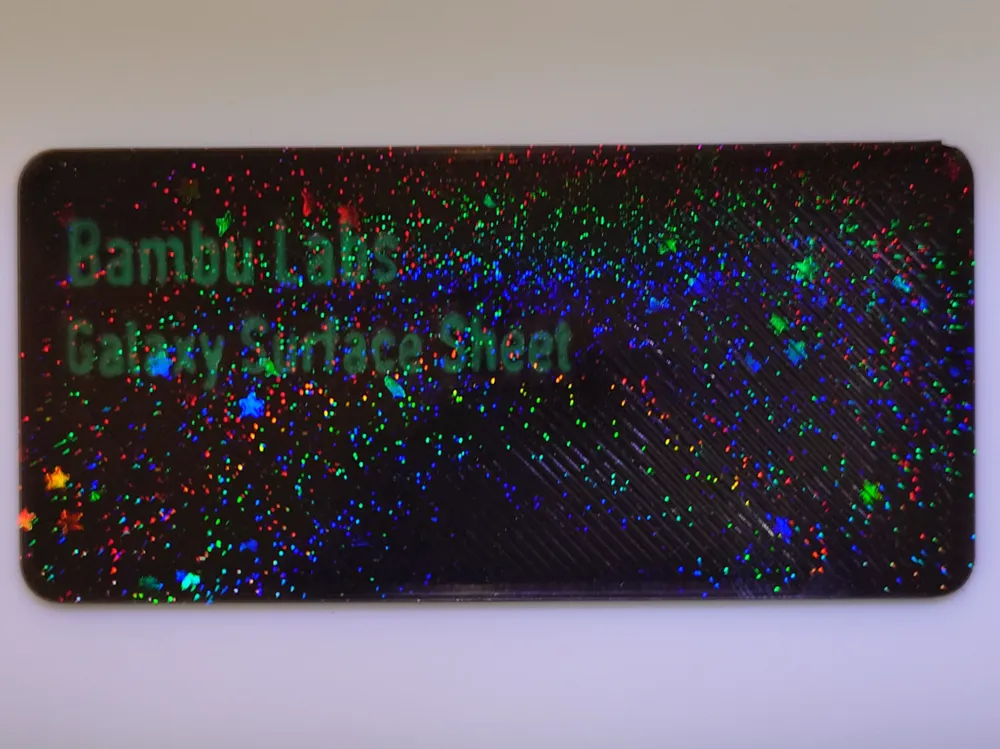
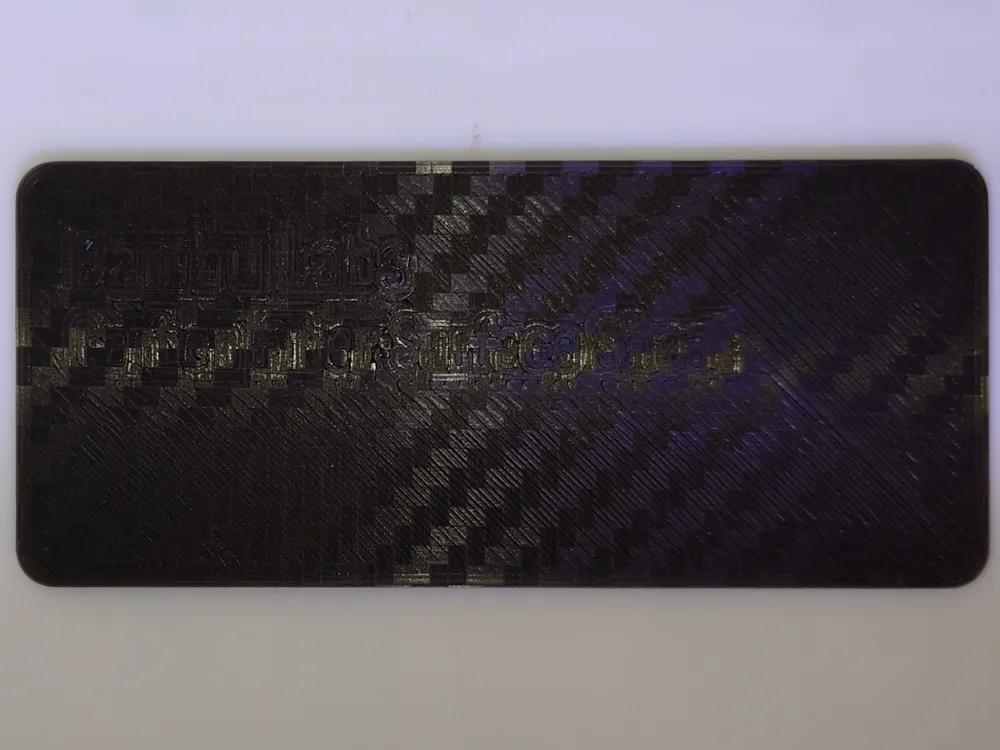
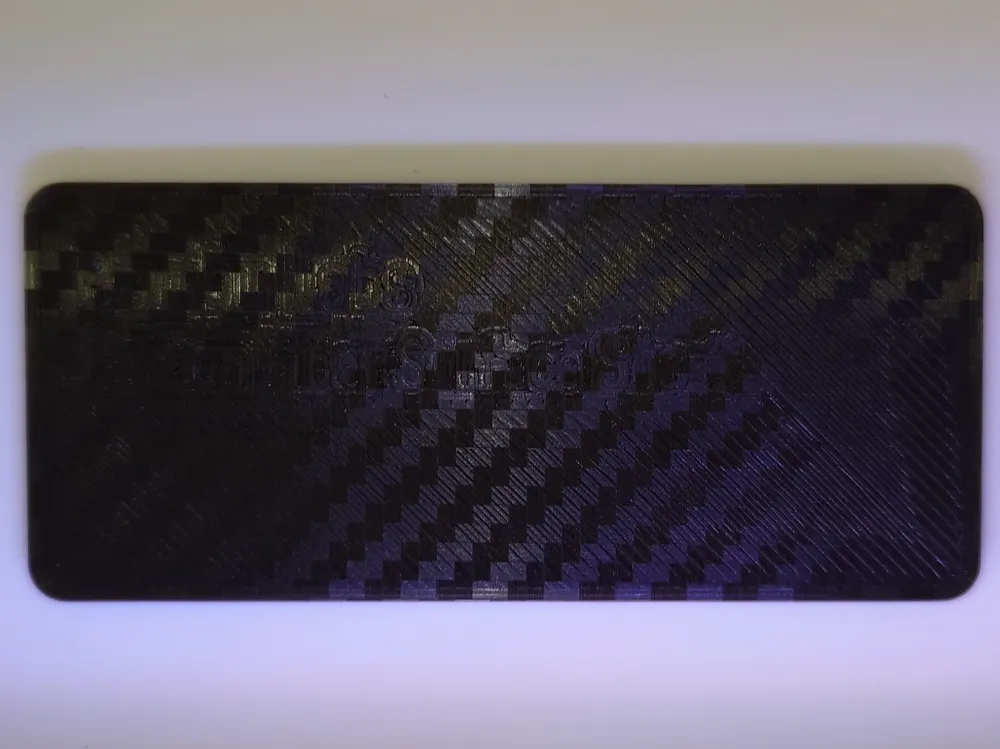
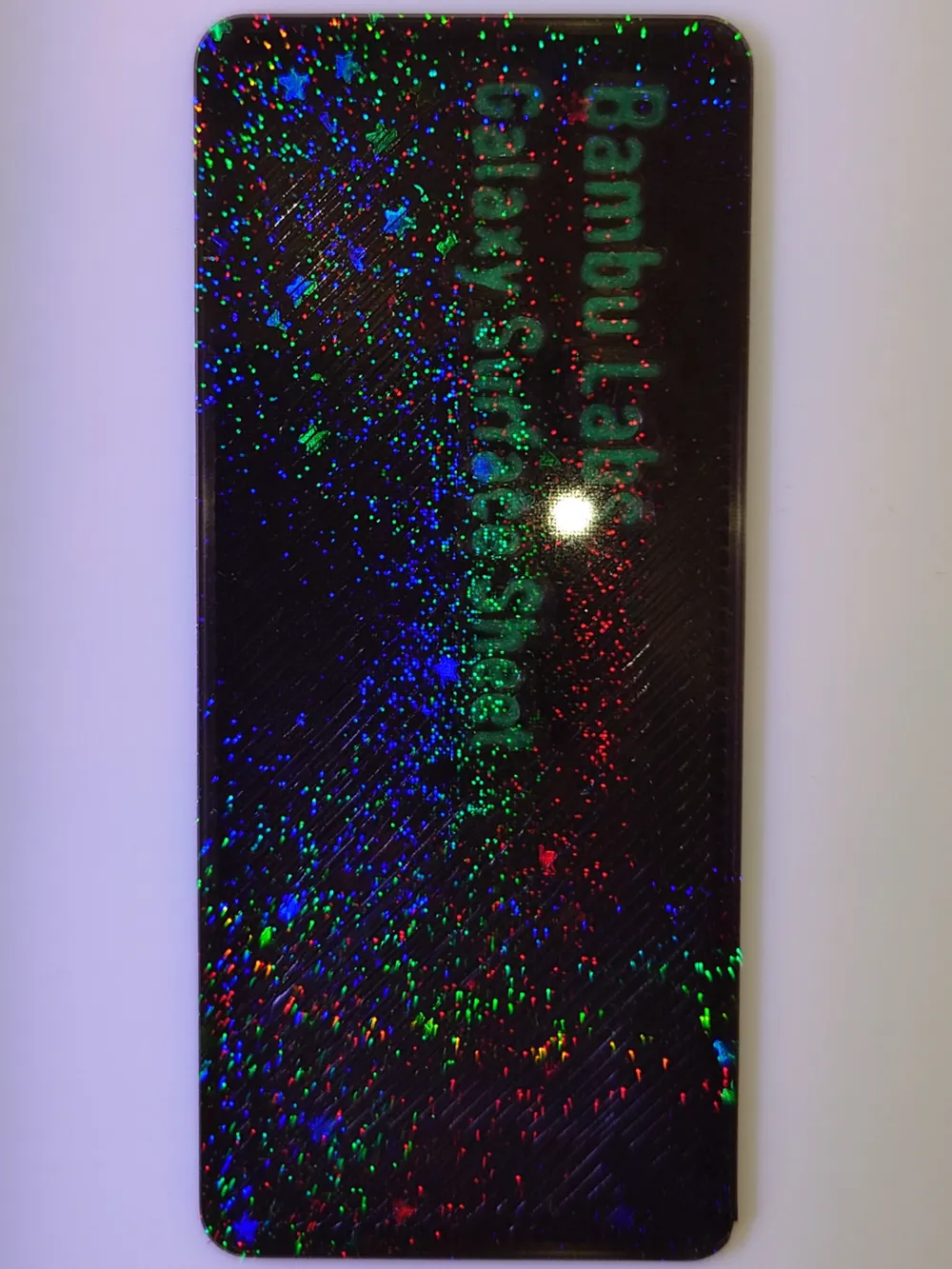
Build plate swatches
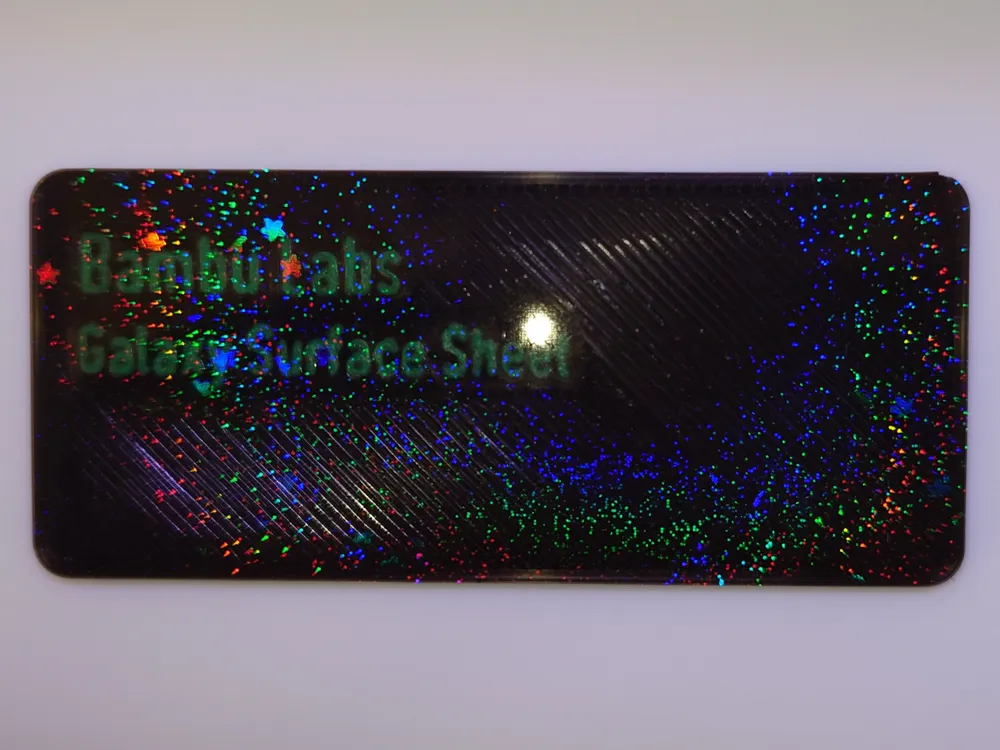
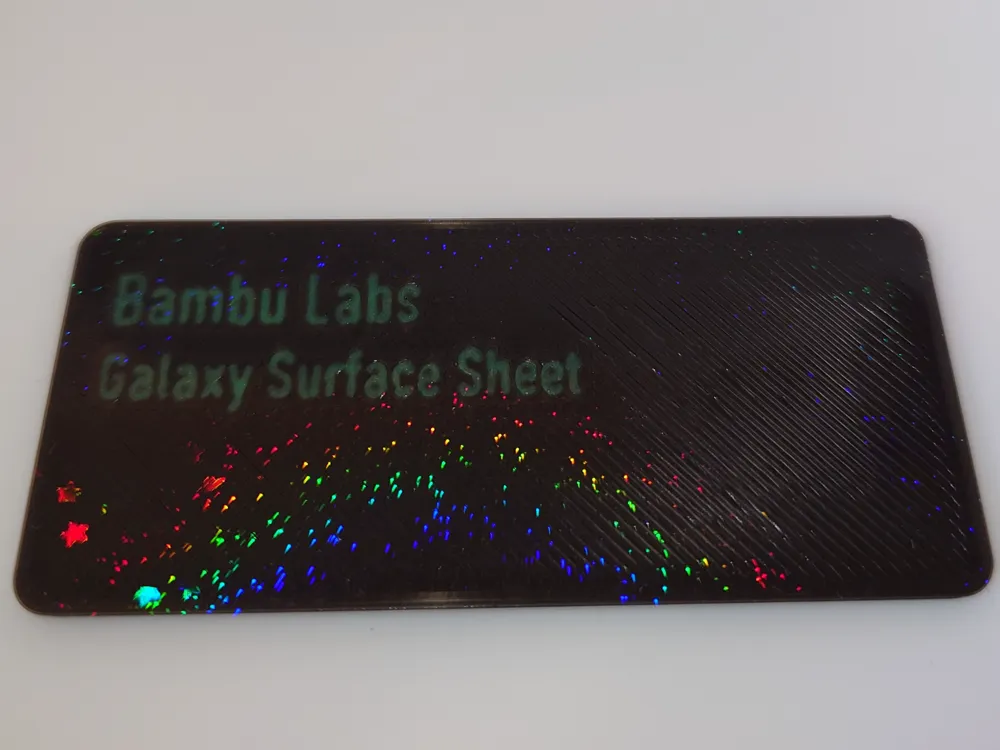
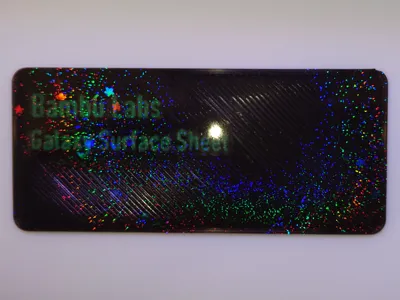
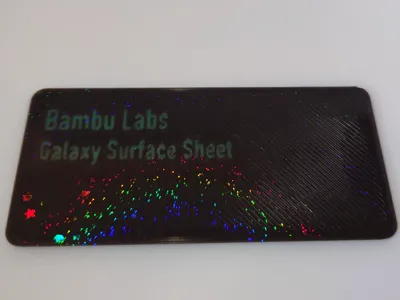
Print Profile(2)


Description
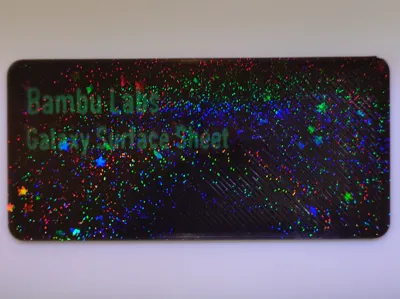
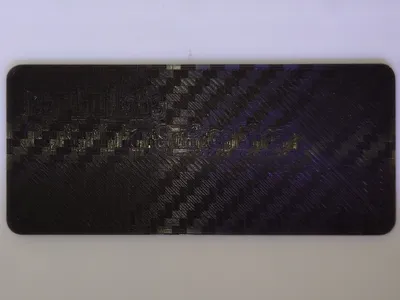
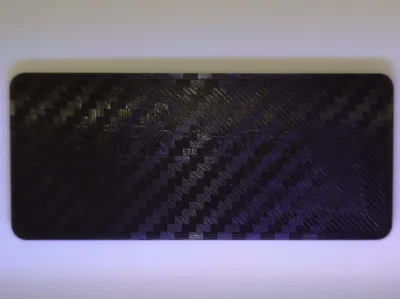
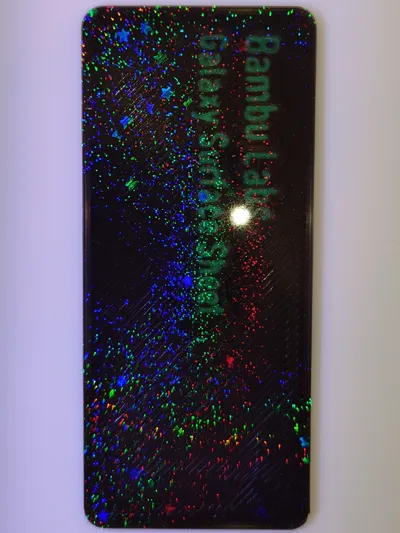
Build Plate Swatches
Use the print profiles or change the text as desired in Bambu Studio.
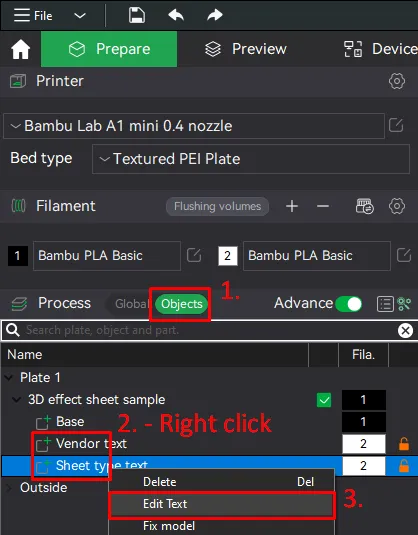
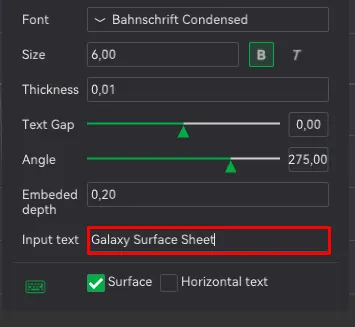
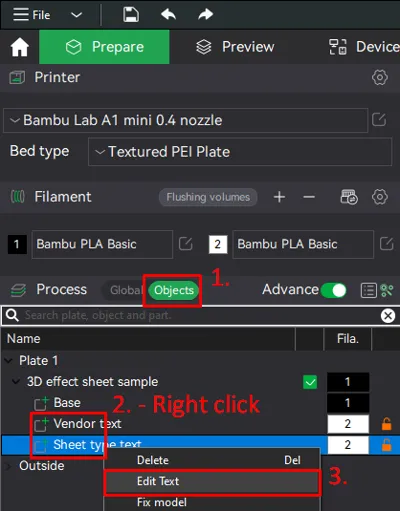
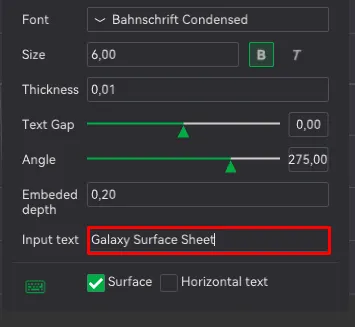
Change text in Bambu Studio(See last two images)
- Changing text is done in under Process - Objects.
- Right click “Vendor text" or “Sheet type text”.
- select Edit text.
- Edit the text in the new window.
Printing with 3D effect sheets
Please ensure the build plate is clean before printing.
This is best done with water and soap - potentially also rubbing alcohol afterwards if using soap with certain additives.
Bambu Labs recomendation from https://eu.store.bambulab.com/products/bambu-3d-effect-sheets-combo-with-plate:
“The 3D effect patterns require a clean surface to remain visible. Grease can cause the patterns to disappear. It is essential to keep the surface clean. We recommend using hot water and detergent for cleaning, and avoid touching the surface.”
Can recommend this box with fit both the original swatches and these:
https://makerworld.com/en/models/469896#profileId-379357





Comment & Rating (1)