
Mount for Switch (TP-Link TL-SG105)
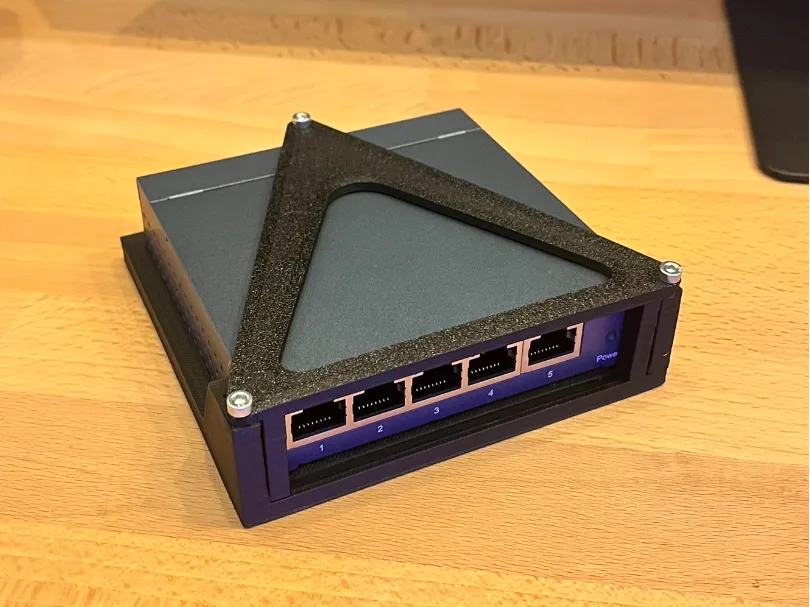
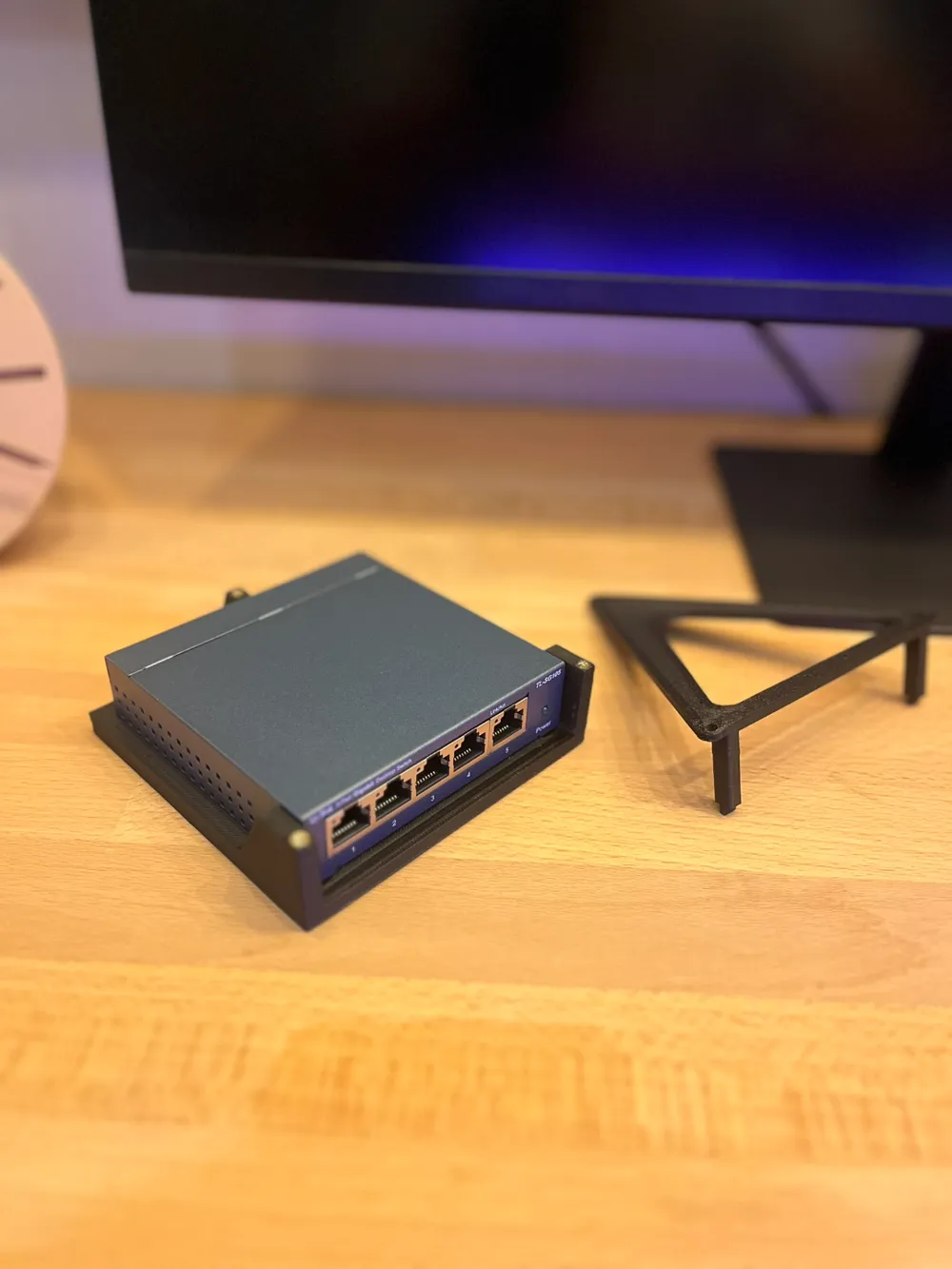
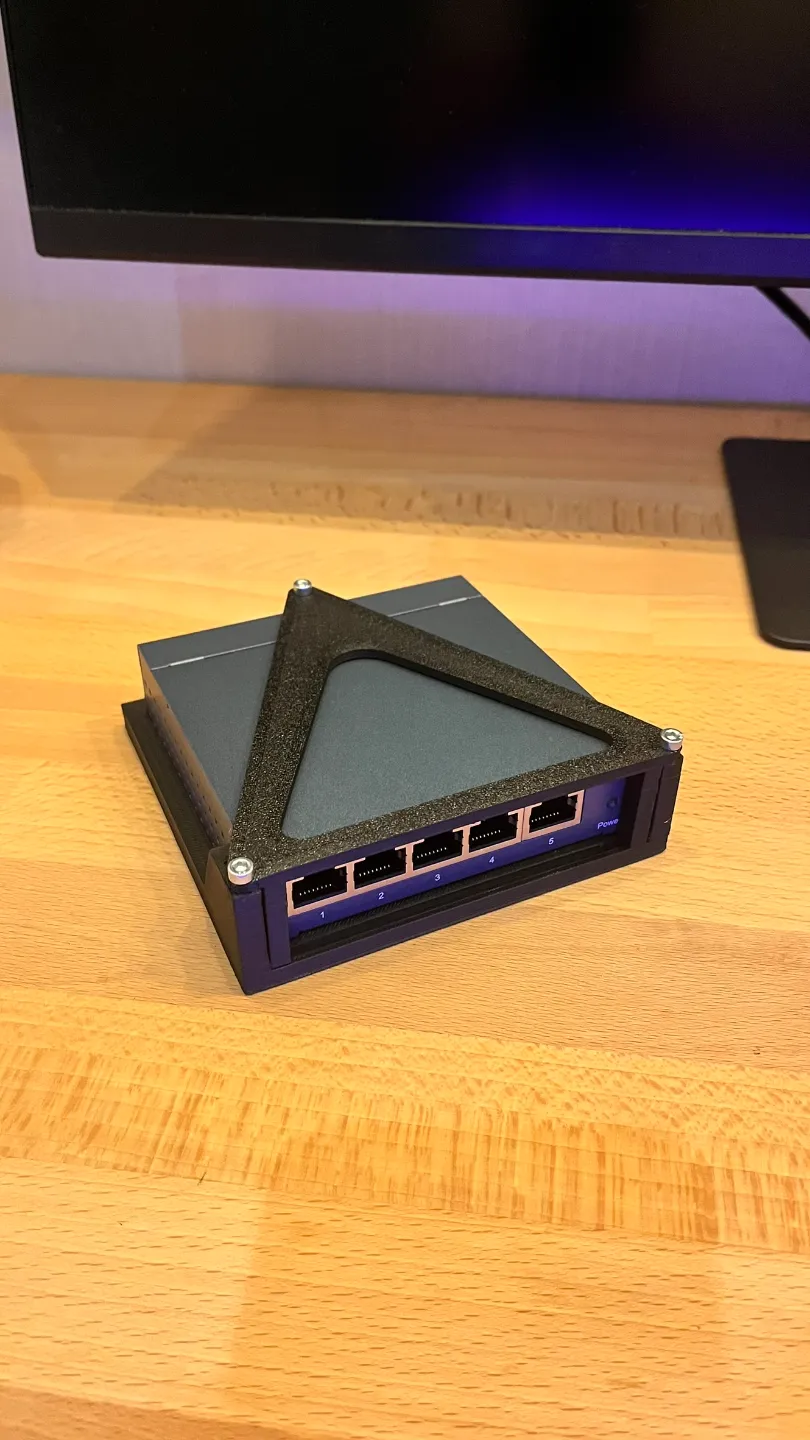
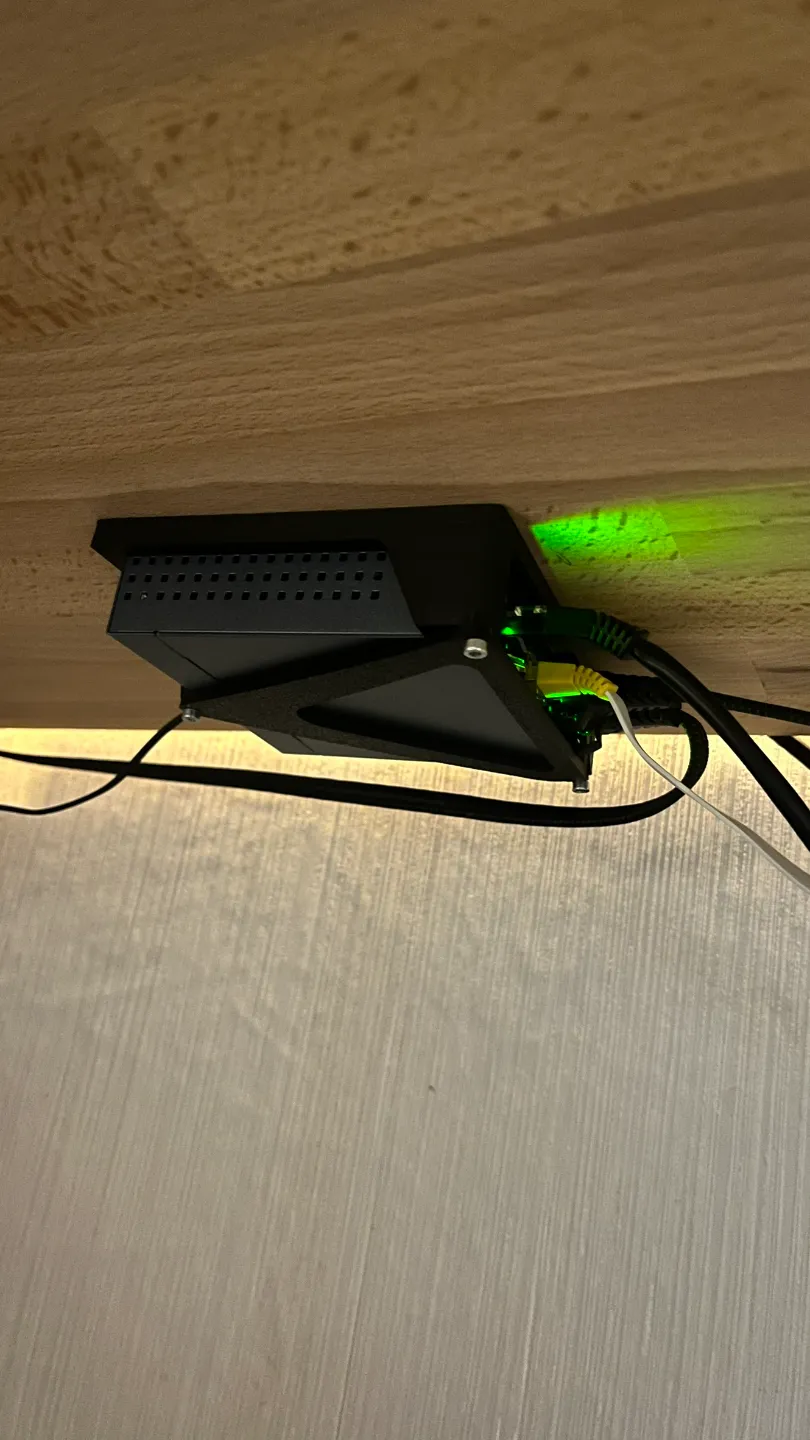

Print Profile(1)

Bill of Materials
- M3 Screw x 3:
- M3 brass insert nut x 3:
- Screws for mounting x 3:
Description
Mount for Switch (TP-Link TL-SG105)
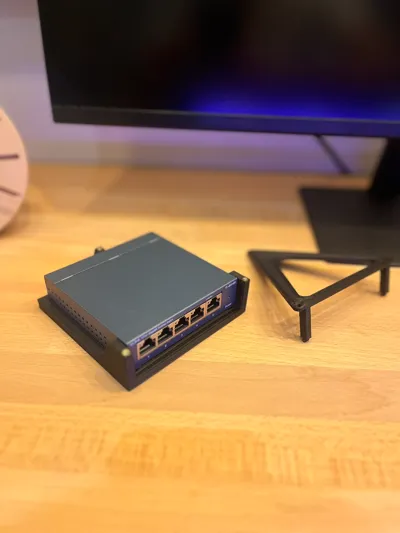
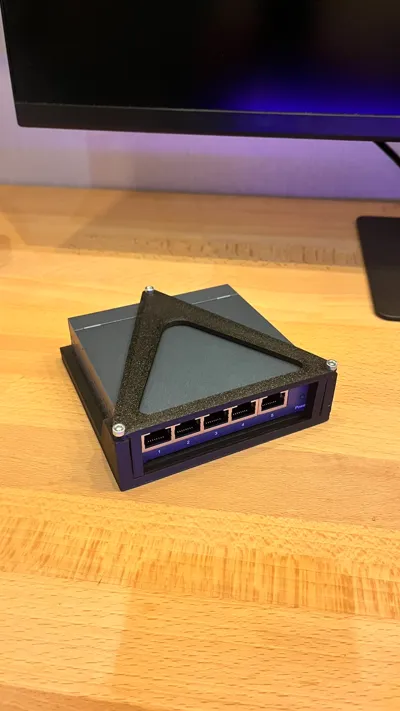
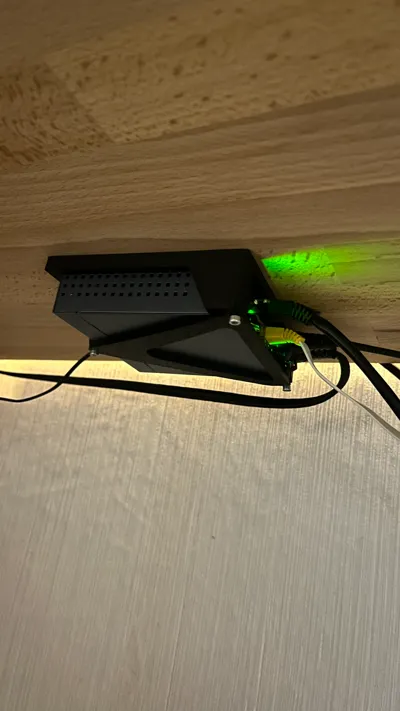
With this 3D-printed mount, you can securely and space-savingly mount your TP-Link TL-SG105 network switch under your desk or on any other surface. The mount consists of a two-piece housing: a base part that is screwed under the desk, etc., and a lid that securely holds the switch in the housing.
3D Model:
- Base part: The base part is attached to the desired location.
- Lid: Closes the mount and securely fixes the switch in the housing.
Additional parts needed:
- 3x M3 screws and threaded inserts: For the secure connection of the lid with the base part.
- 3x (wood) screws: For mounting the holder to the desired surface.
Features:
- Space-saving & tidy: Simply mount your switch under the table to avoid cable clutter and keep your workspace tidy.
- Secure hold: The switch is securely held in the mount, without slipping or rattling.
- Easy to assemble: The housing is secured with a few screws and the lid can be screwed on with M3 screws – all done in minutes.
Ideal for anyone who wants to create order in the workplace and secure their network switch!
License

You shall not share, sub-license, sell, rent, host, transfer, or distribute in any way the digital or 3D printed versions of this object, nor any other derivative work of this object in its digital or physical format (including - but not limited to - remixes of this object, and hosting on other digital platforms). The objects may not be used without permission in any way whatsoever in which you charge money, or collect fees.


Comment & Rating (21)