Search models, users, collections, and posts


Print Profile(3)

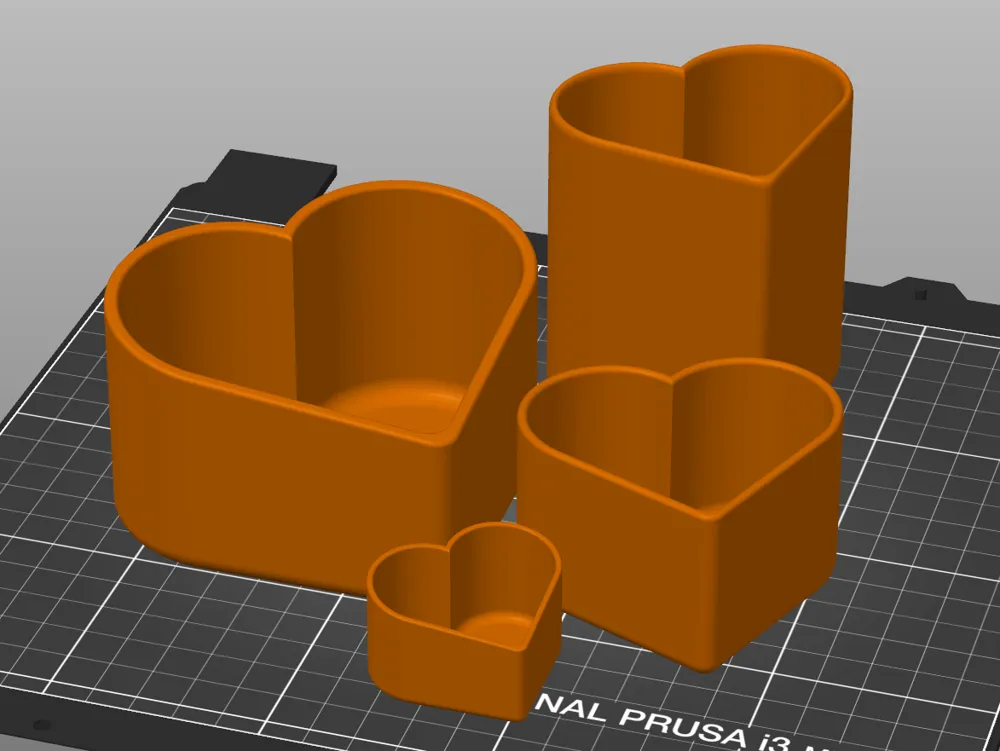
Angled version - If you want to change the size, you just have to scale it in slicer :)
Designer
4.7 h
1 plate

Flat version - If you want to change the size, you just have to scale it in slicer :)
Designer
5.1 h
1 plate

0.2mm layer, 3 walls, 10% infill

3.4 h
1 plate
Open in Bambu Studio
Boost
41
81
3
1
54
17
Released
Description
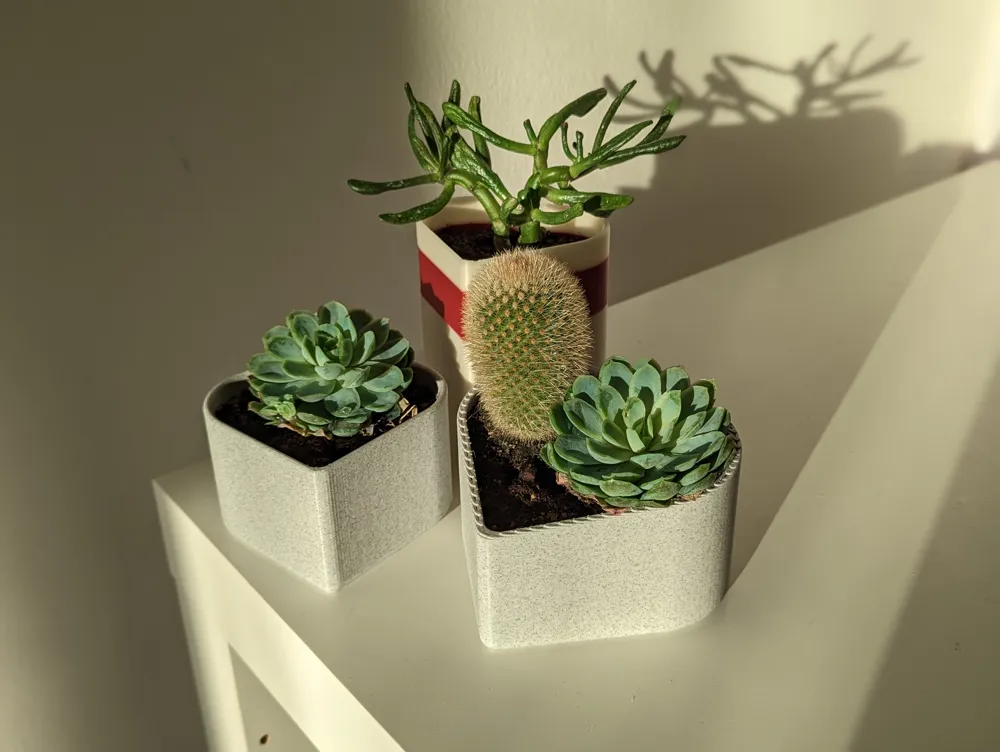
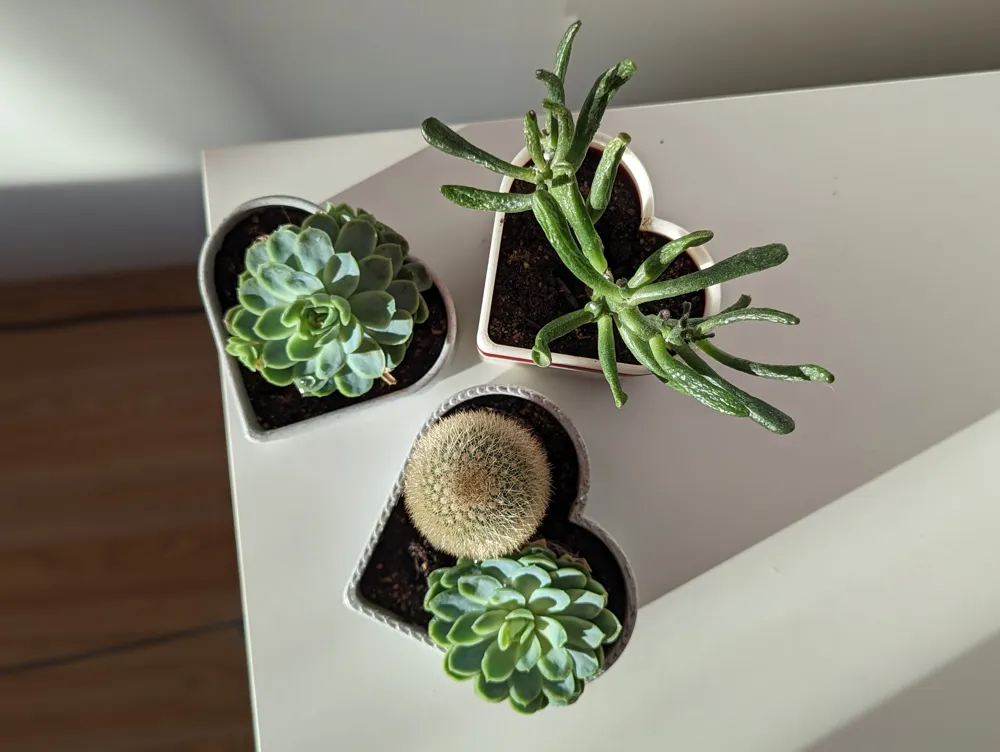
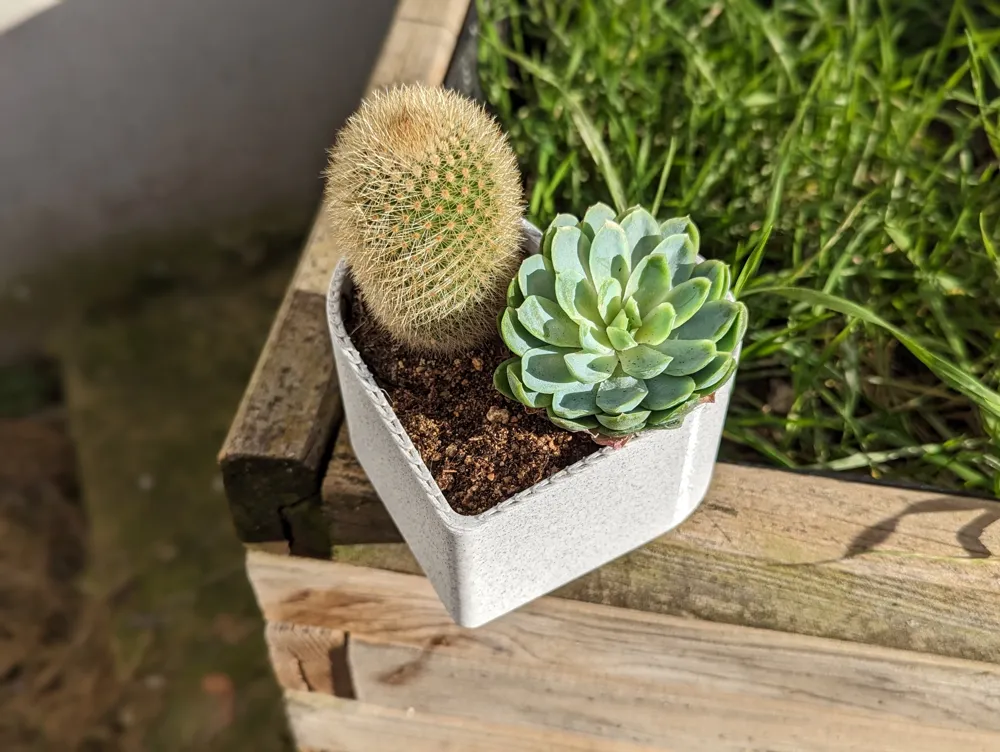
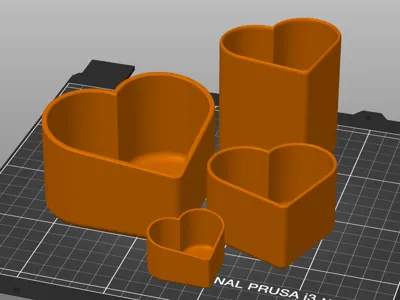
There are two models, one is slightly angled at the top and one is flat. You can simply change the size and shape of the planter by changing X,Y, and Z dimensions in your slicer.
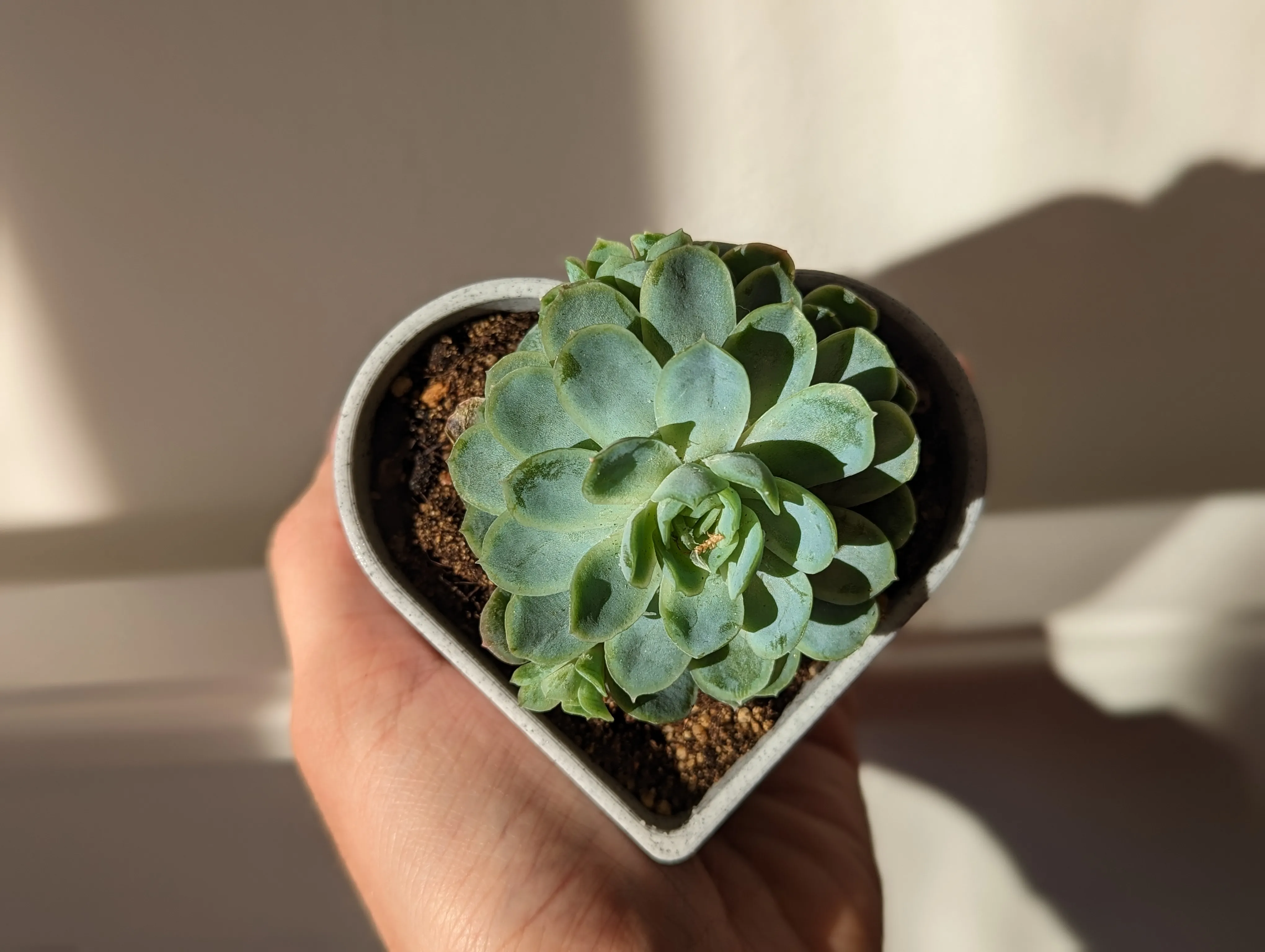
3D Printed models are not as watertight as one might think. There is a great post from Prusa on this topic. This being said, I designed this model to have enough walls and in my testing, it works great - especially when you add soil and a plant.
Printing details
- Use either 100% infill or 8+ walls so there are no gaps
- Layer height from 0.1 to 0.45mm worked for me
If your print leaks water, try these tips taken from Prusa's blog post
- For 0.4mm nozzles, use layer height of 0.15 or lower
- You can increase flow to 105-110%
- Increase print temperature by 5-10 degrees
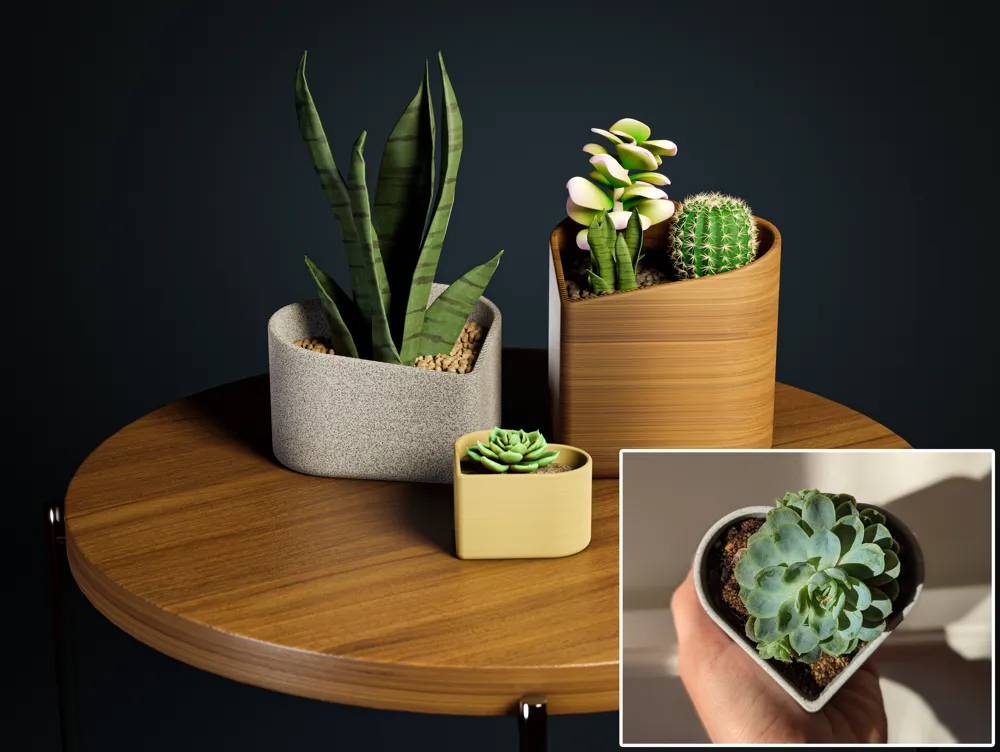
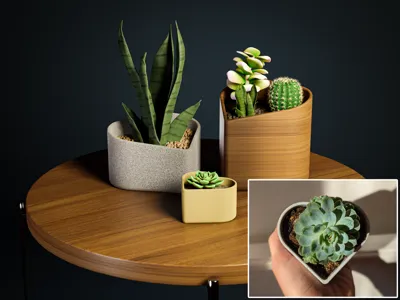
Special thanks to BigMikeMW for the thumbnail render, check him out!
My Twitter :)
In case you have any requests, feel free to send me a message and I will try to help you out!
License

This user content is licensed under a
Creative Commons Attribution-Noncommercial


Comment & Rating (3)