Search models, users, collections, and posts

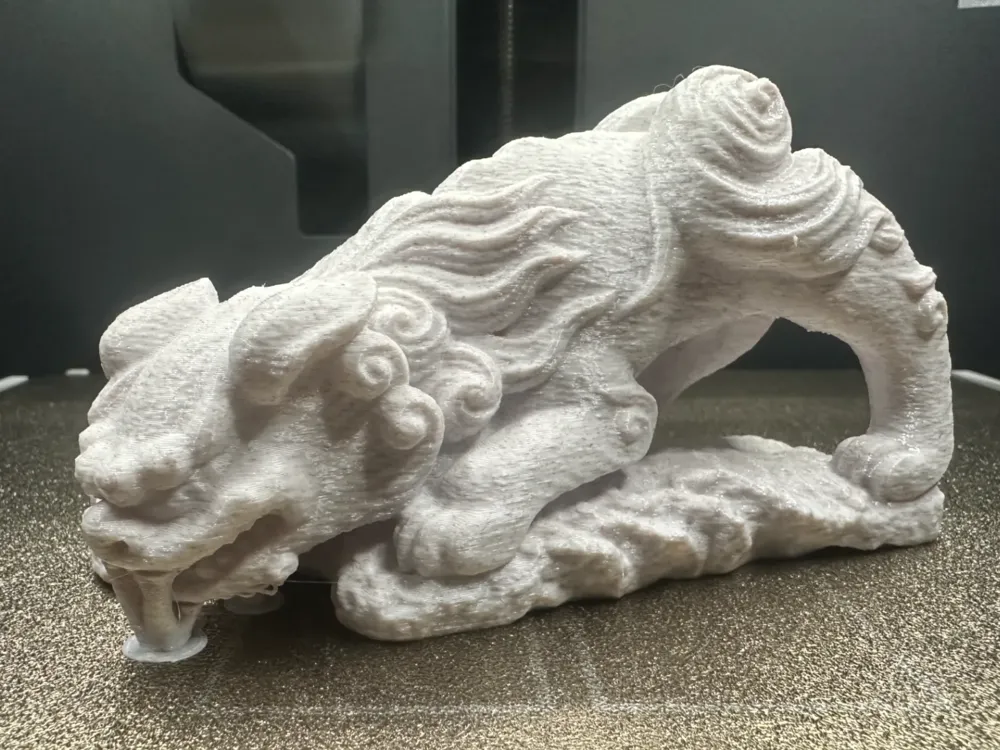
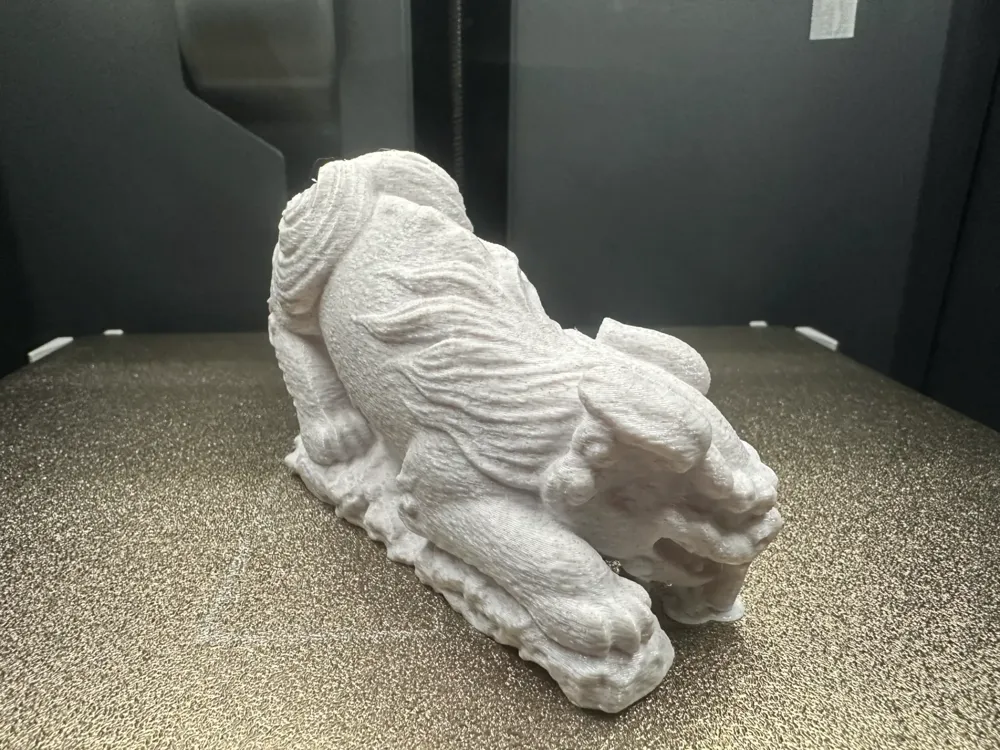
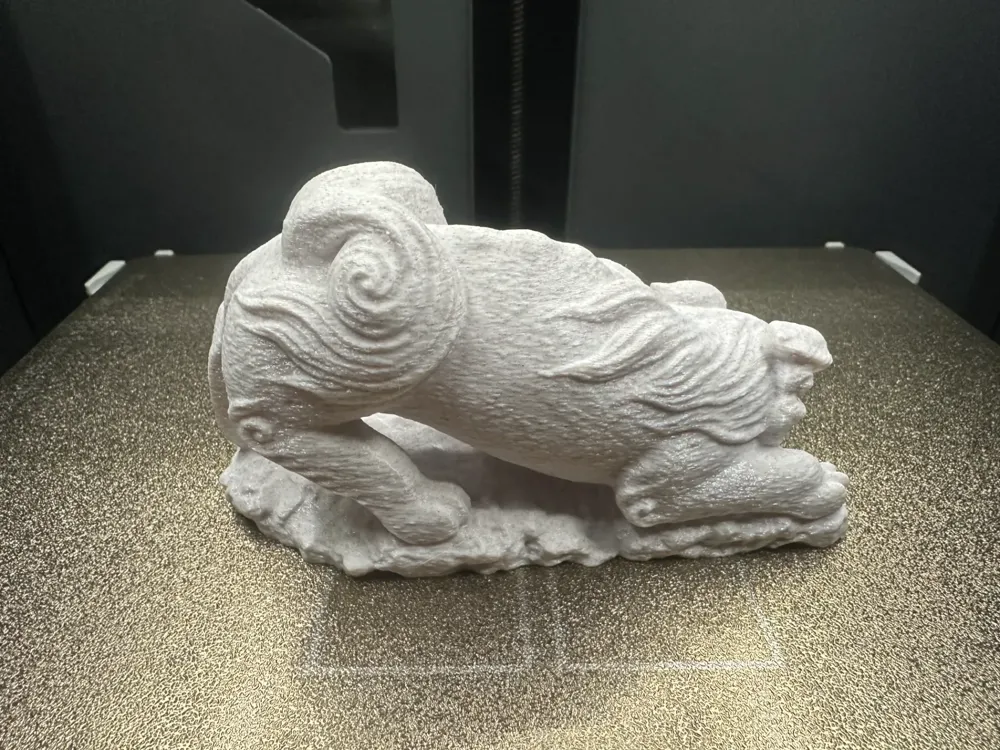
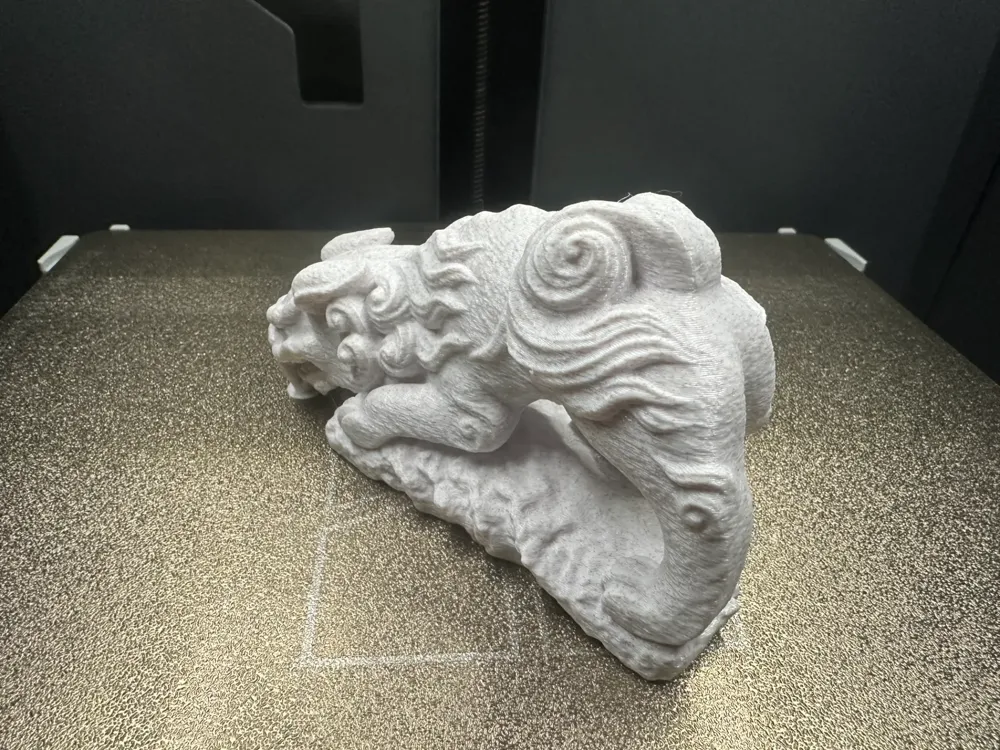
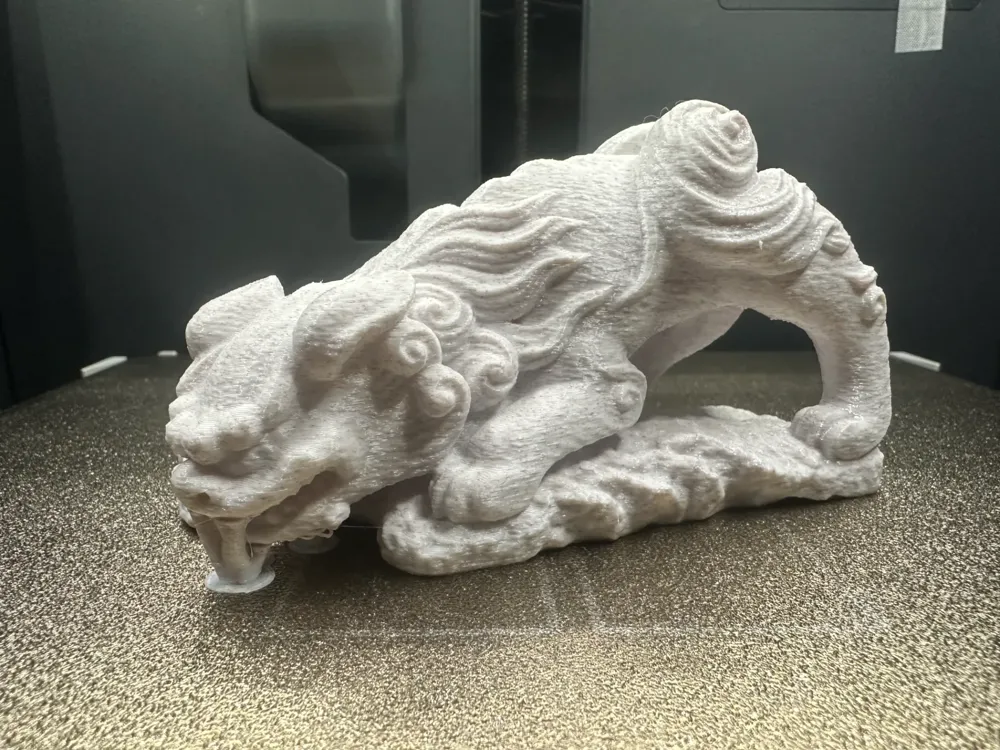
Dragon Descending the Mountain
IP Report

Print Profile(1)
0.16mm layer, 2 walls, 15% infill
Designer
2.7 h
1 plate
Open in Bambu Studio
Boost
7
29
2
0
16
2
Released
Description
Content has been automatically translated.
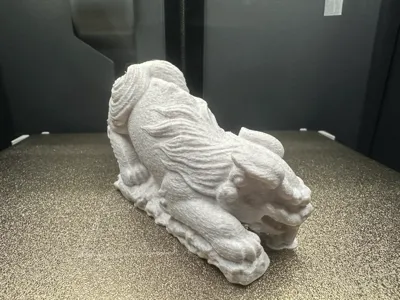
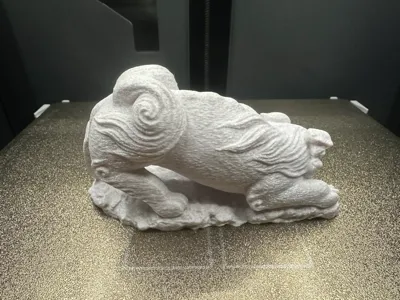
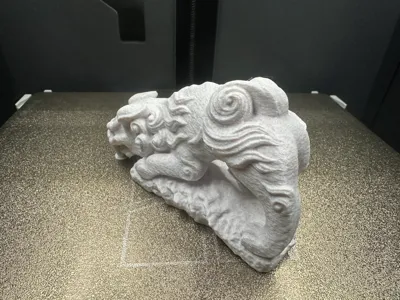
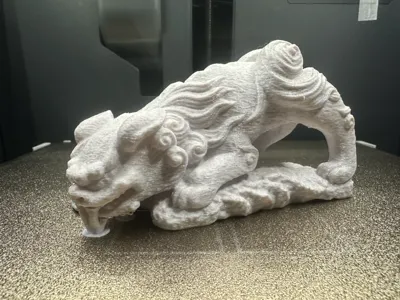
Dragon's Nine Sons-Chihu
Dragon Child Chihu Ornament, this print usesPETG Marble. Only support critical areas for direct printing, please adapt your own filament temperature before printing (it has been repeatedly commented with 1-star reviews by newbies) Welcome to the bosses for comments! Thank you all!!!
- The size can be scaled according to your personal preference, It is recommended to print with PLA material, the effect will be more delicate! (I use PETG material)
- Default print parameters can also be used, for those who have higher requirements, you can adjust them yourself, Please click on "Only support critical areas" in the support settings Please click on "Only support critical areas" in the support settings Please click on "Only support critical areas"
- Personal experience: When disassembling the support, remember to use gentle force in the direction you need to remove it. Be sure to cut off the part of the support that is far away from the contact surface of the support, leaving just enough space for the pliers to open. In this way, you can just clip the top of the support that is closest to the model, and use the pliers to roll and tear---When the pliers are clipped to the surface of the support that is close to the model, use the pliers to roll and tear, which can largely roll up the surface of the support that needs to be removed. Pay attention to adjusting the posture of your hand, be patient, and proceed step by step...
Boost Me (for free)
If you like my content, please give me a little boost! Your support is the driving force behind my content updates! Thank you!!!
3D Printing Tips and Preparation Precautions
- (All models released by this account have been tested and printed, and can be adapted to all models. Before printing, you need to check whether the printer and filament are working properly. If you encounter any problems that cannot be solved, please send me a private message, I will do my best to help solve them!)
- Precautions:
- If you encounter any problems, you can go to theReference learning area: Print Quality and Troubleshooting | Bambu Lab Wiki
- Make sure the machine's printing plate is clean. It is recommended to wipe it with 95 degrees medical alcohol after each printing. This can ensure that the printing quality is stable and does not overturn. Because the oil left on your hands after touching the printing panel will greatly reduce the adhesion of the printing, and at the same time, the debris from previous printing and the small residues of printed objects will also affect the printing quality of the first layer, thereby reducing the finished product rate.
- Pay attention to filament drying (PLA generally does not need to be dried, it has good moisture resistance), this will greatly affect your printing quality and printing experience! Filaments placed for a long time will inevitably become damp. If stringing and spaghetti occur, you need to ask the merchant to consult the drying parameters and printing parameters for adjustment.Most merchants' filaments are not dried before leaving the factory. Therefore, you can perform pre-drying if conditions permit. The printing effect will be better.
- The choice of printing material. Generally, PLA is used for appearance parts, and PEGT is generally used for structural parts. The prices of these two materials are relatively affordable, and the emission of toxic gases is almost zero. (For health reasons, it is best to have an air purifier running)
- It is recommended to print with new filaments from the manufacturer perform filament flow calibration as soon as possible, and modify the calibration coefficient, which will greatly affect your printing quality. It is also a necessary process for new filaments to adapt to your printer.
- If you encounter a problem where the printing quality suddenly becomes poor and the finished product rate is low, check whether the nozzle is clogged, check whether the printer is placed stably (it is better to place it directly on the ground), you can also try recalibrating the printer.
- Print at the recommended printing speed in the model instructions. Overhang quality and model surface count are directly related to print speed, an appropriate speed (too fast or too slow is not good) will allow the material to have more time to cool and form during deposition.
- Set the bed and nozzle temperature appropriately according to different materials.Too high or too low a temperature will cause warping, layer deformation or adhesion problems, thereby affecting the printing quality and success rate. For users with P1S models and above, if the temperature inside the user compartment exceeds 35 degrees, be sure to open the glass door of the machine body.
License

This user content is licensed under a Standard Digital File License.
You shall not share, sub-license, sell, rent, host, transfer, or distribute in any way the digital or 3D printed versions of this object, nor any other derivative work of this object in its digital or physical format (including - but not limited to - remixes of this object, and hosting on other digital platforms). The objects may not be used without permission in any way whatsoever in which you charge money, or collect fees.


Comment & Rating (2)