Search models, users, collections, and posts


GIF
Print Profile(1)

0.2mm layer, 2 walls, 15% infill
Designer
8.3 h
2 plates
Open in Bambu Studio
Boost
12
15
0
0
35
4
Released
Description

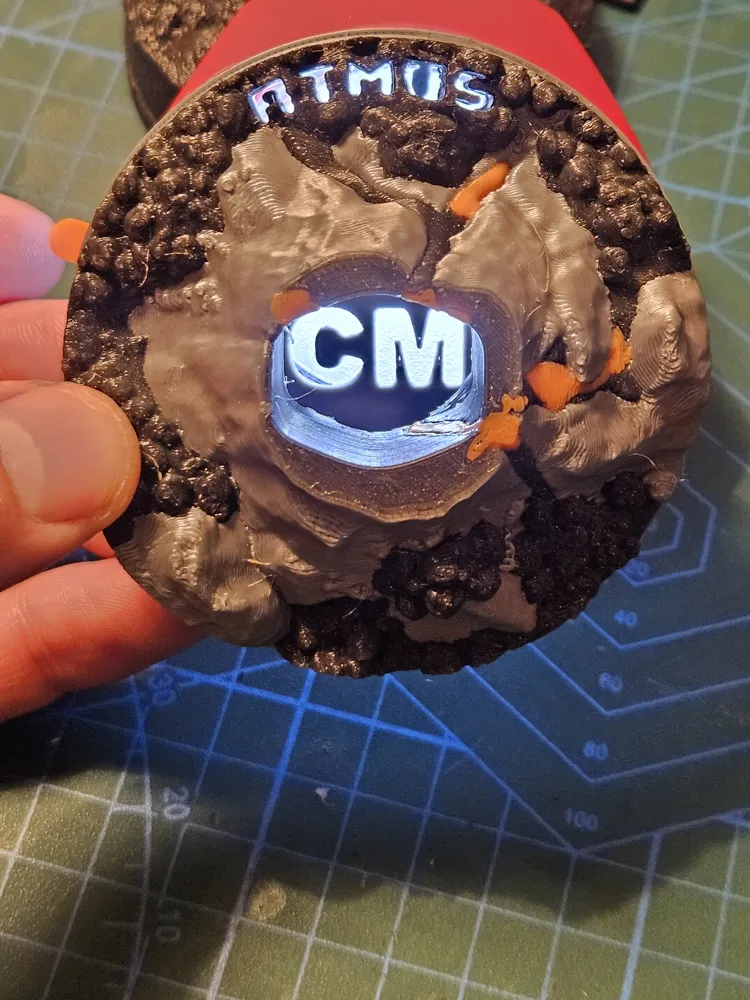
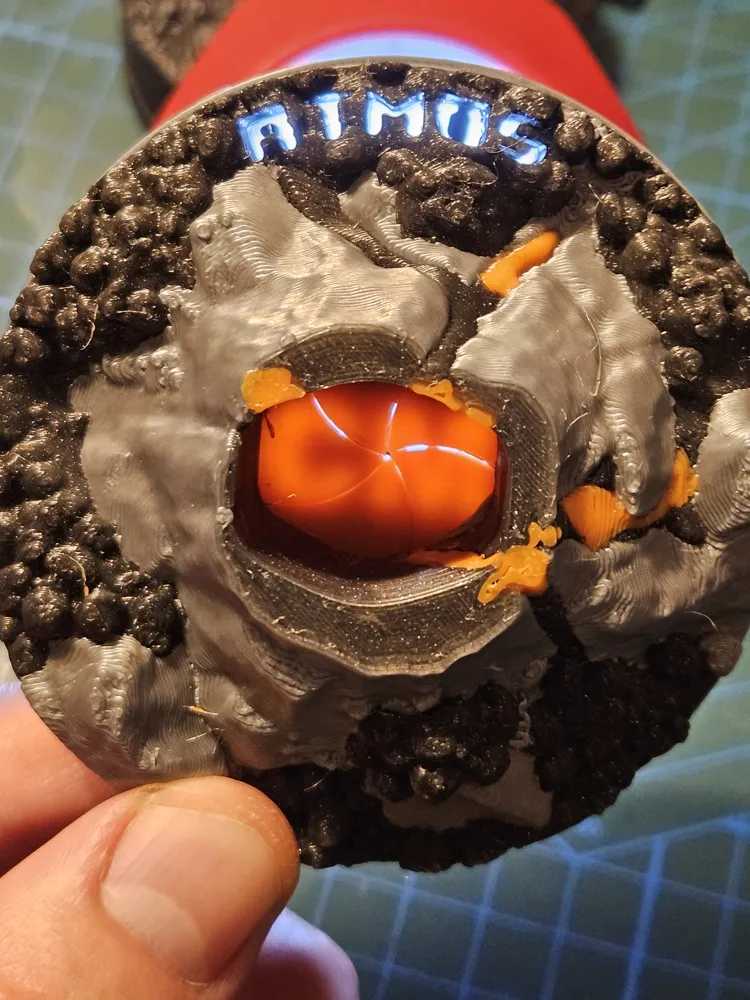
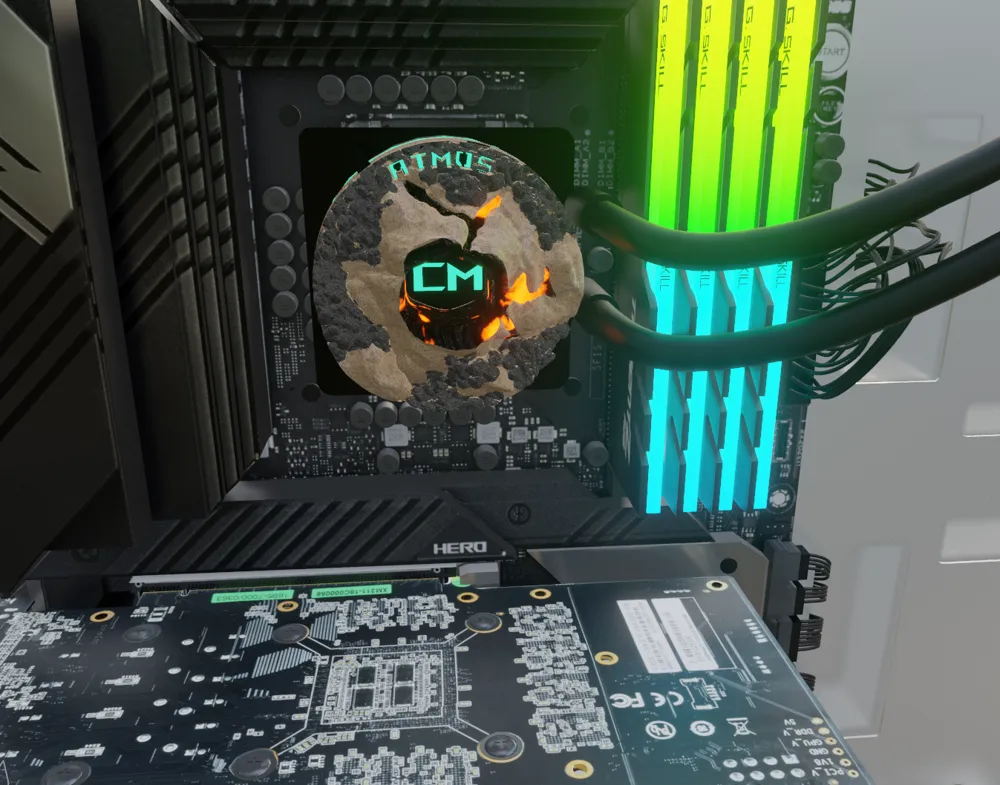
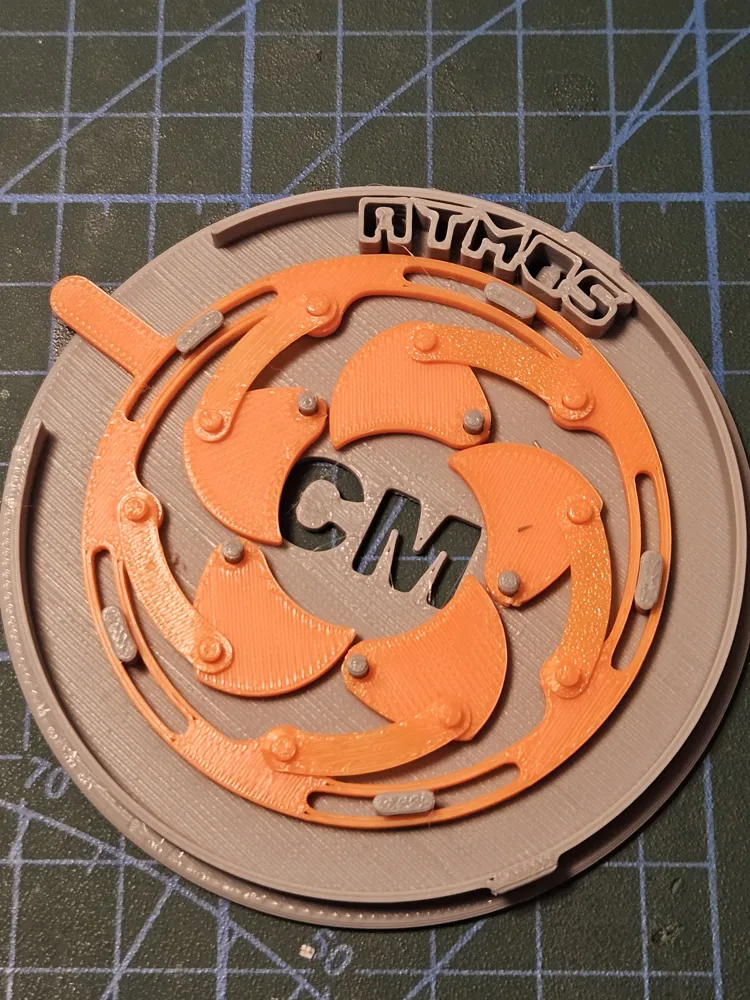
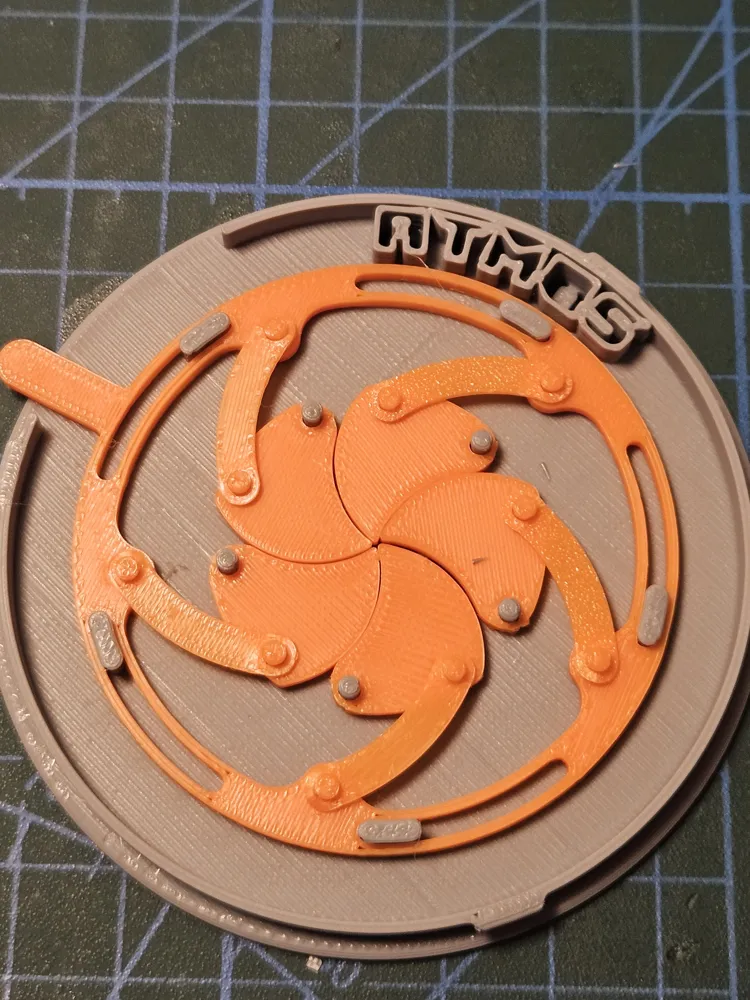
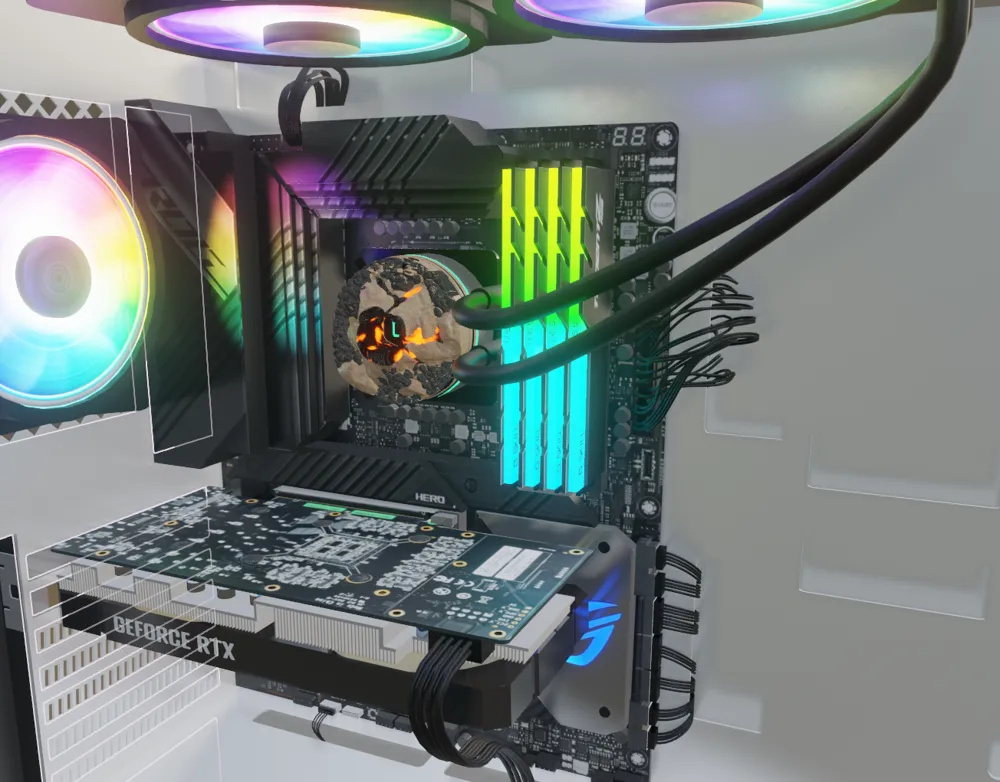
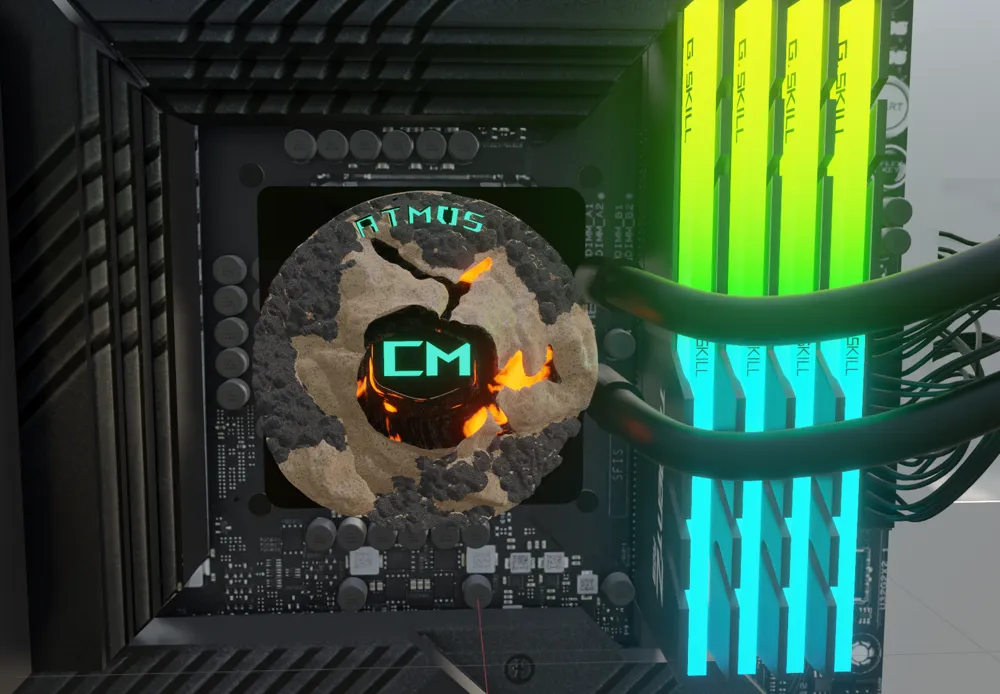
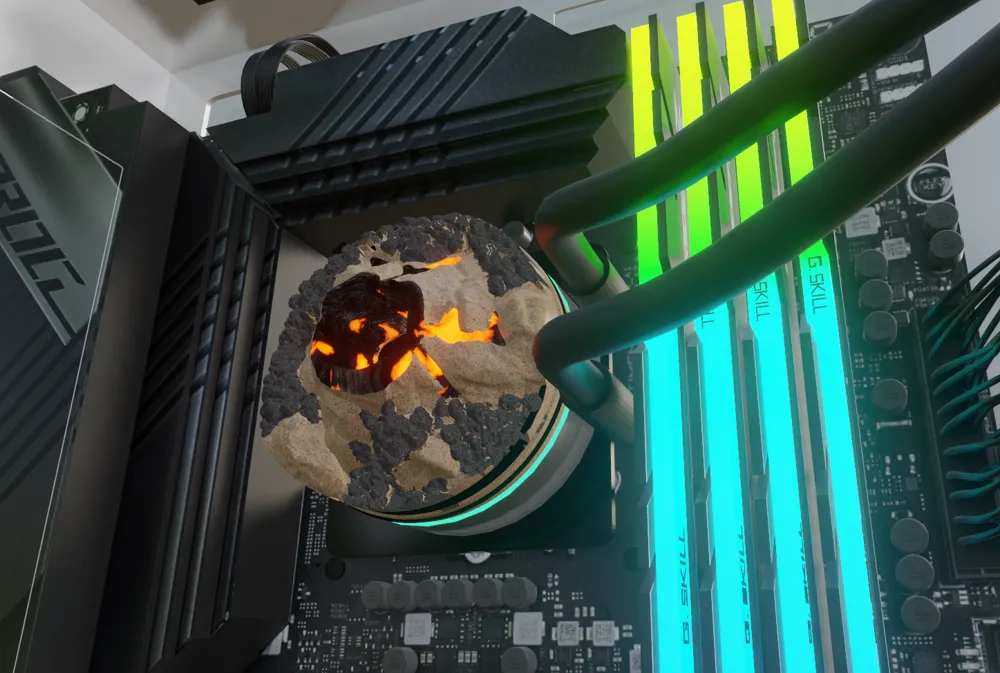
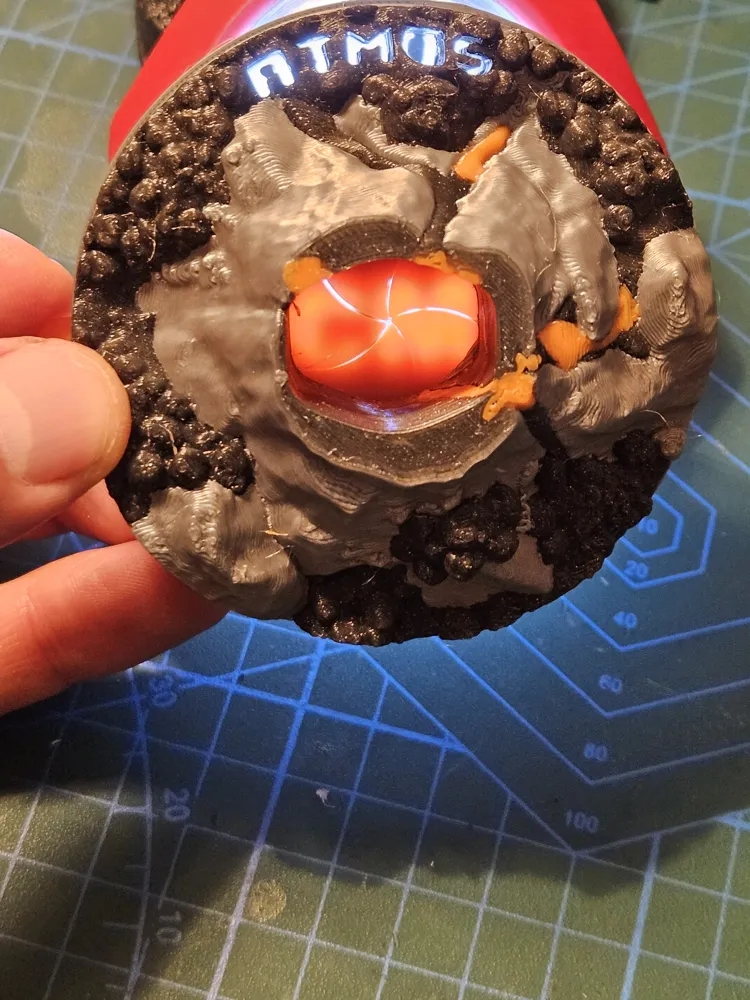
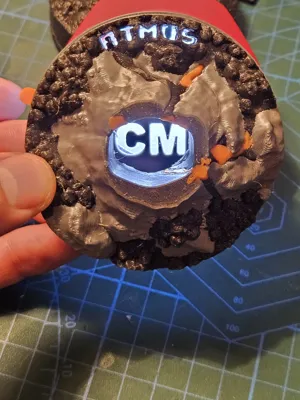
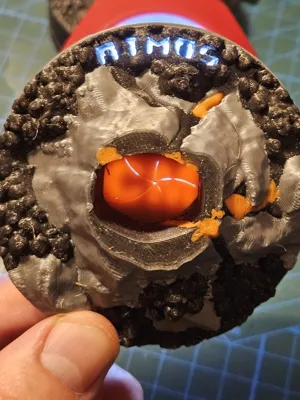
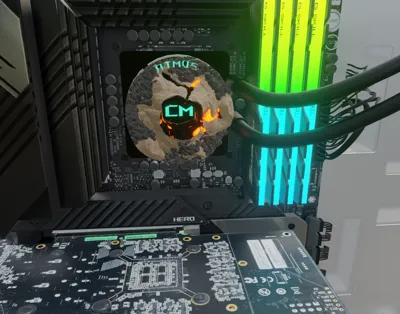
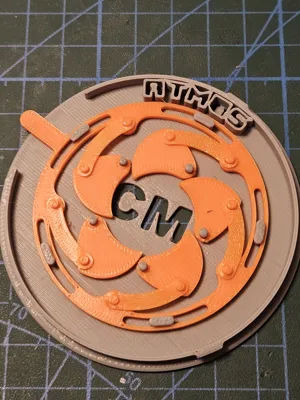
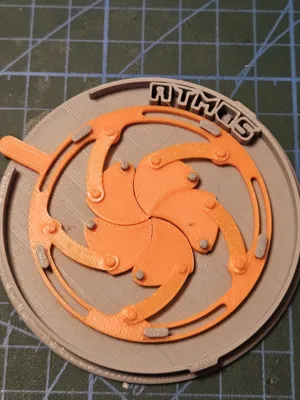
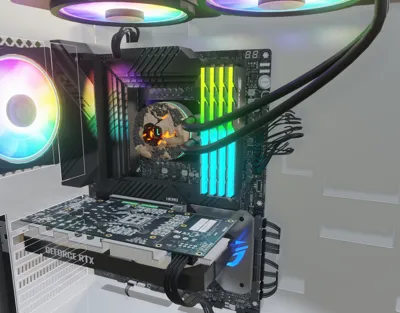
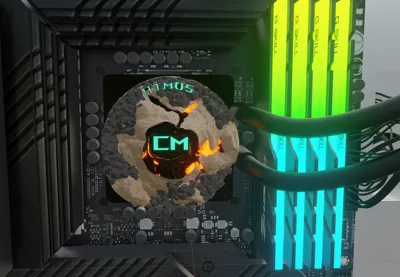
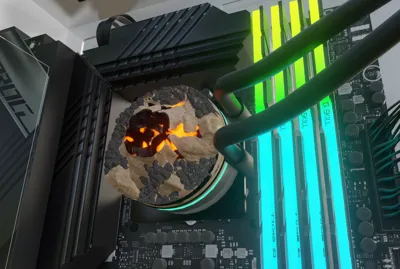
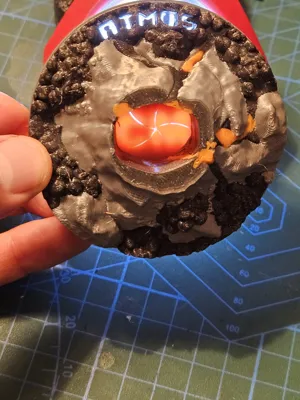
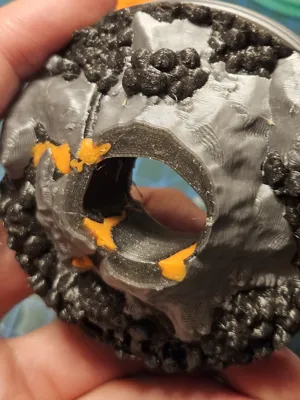
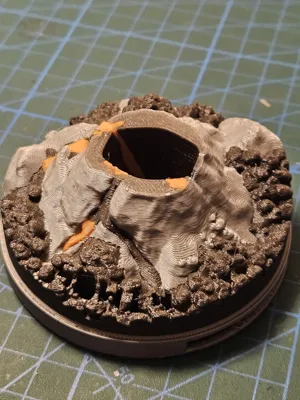
This 3D-printable cover adds a touch of volcanic elegance to your liquid cooler, boasting an iris shutter mechanism that conceals and unveils the Cooler Master logo at your command. The design draws inspiration from the raw power of a volcano, blending aesthetics with functionality.
Printing Details:
- Material Recommendation: PLA, PETG or ABS.
- Layer Height: 0.16 mm for a balance of detail and print speed.
- Infill: 15-20% to ensure structural integrity.
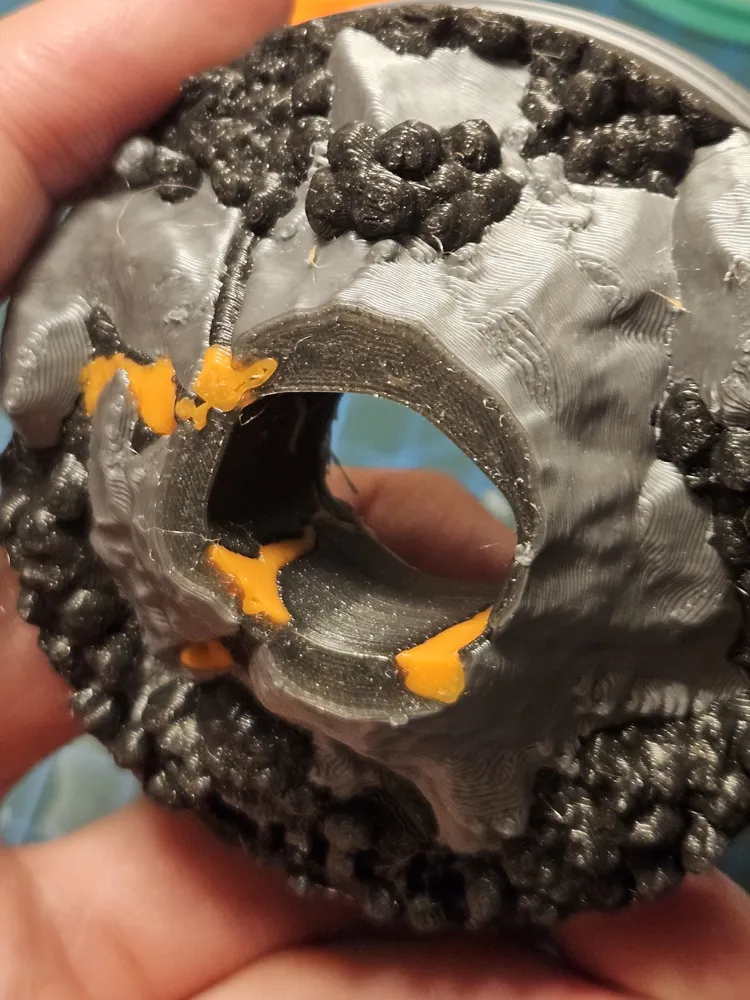
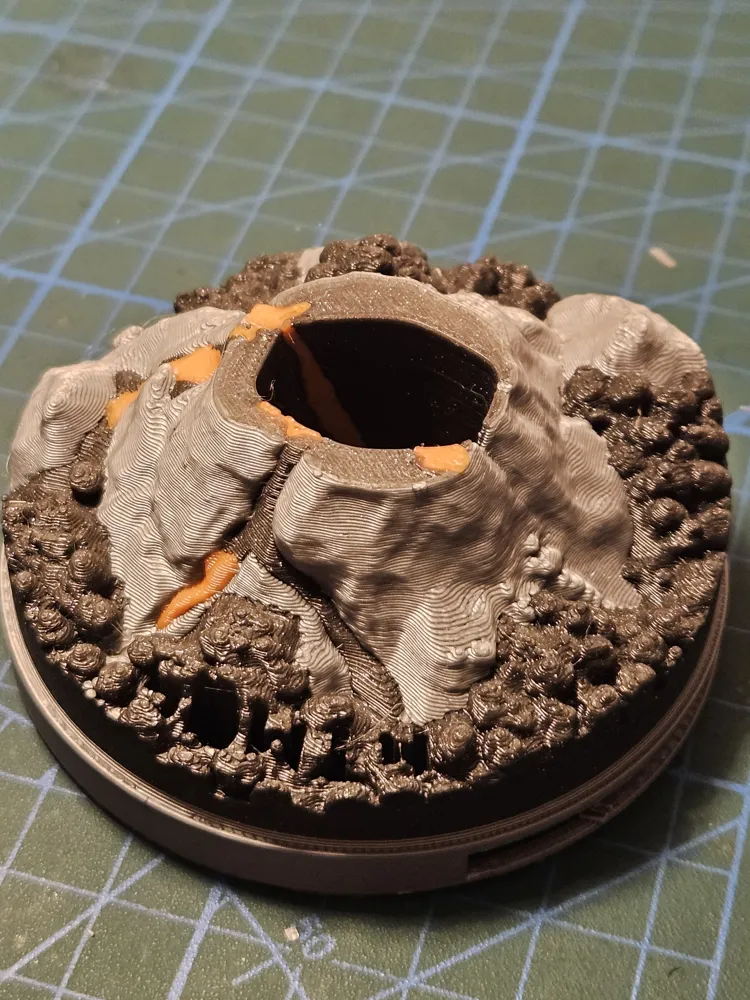
- Supports: Supports required for the Base and the Volcano Cover, the iris shutter mechanism doesn't need any support structure.
- You can multi-color print the design as you see fit
Assembly Instructions:
- Print Components: Use the provided STL files to 3D print the cover components. Ensure that the print settings match the recommendations for the chosen material.
- Iris Shutter Assembly:
- attach the hub ring which puts in the motion the mechanism to the base
- assemble the blades to the base
- connect the arms to the blades and the hub ring (be careful, they are tight fit in order to keep the mechanism in one piece)
- put on top the volcano cover
- Attachment to Cooler: It will fit in the Light Base by taking out the decorative piece. You will not need the transparante cap anymore.
- Operation: Enjoy the dynamic functionality of the iris shutter. Open and close the shutter to showcase or conceal the Cooler Master initials, adding a personalized touch to your PC setup.
Modeling References were derived from Cooler Master provided 3D models.
Thanks to Yolala1232 for the pc 3D model.
License

This user content is licensed under a
Creative Commons Attribution-Noncommercial-Share Alike


Comment & Rating (0)