
Ultra Draft Settings (0.8 lines for 0.4 nozzles)
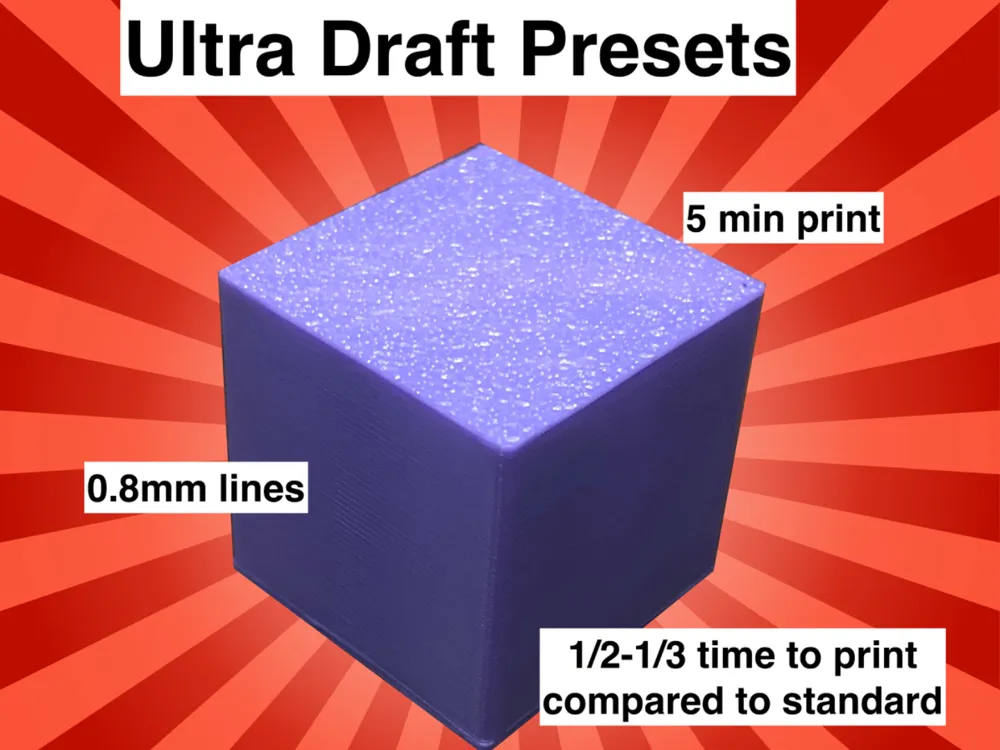

Print Profile(1)

Description
Boost Me (for free)
Boost me for more usefully fast print settings!
While Bambu printers are renowned for their precision and speed, we occasionally don't really need that high quality that we always get with our normal settings. Sometimes, we just need a rough shape. And fast.
Introducing: Ultra Draft Mode!
Its quality is comparable to that of normal settings, but with only one doubly thick wall loop, increased speed/flow rate, and higher layers. This can cut print time in half, possibly even more for extremely simple models.
Why Ultra Draft? Because before we print a final model, we want a rough shape and size so we know if it'll work or not. Prototyping is essential to successful printing (largely in part to major oversights/cantilever/floating parts), but FDM printers and large models do not mix well. That's why I've created these settings to bridge the gap and provide a rudimentary method of quickly and cheaply making scale models before going through the painstakingly slow process of making the final product in incredible detail (for even more precise settings, see https://makerworld.com/en/models/660021).
No matter what project you decide to make use of this, enjoy!
License

You shall not share, sub-license, sell, rent, host, transfer, or distribute in any way the digital or 3D printed versions of this object, nor any other derivative work of this object in its digital or physical format (including - but not limited to - remixes of this object, and hosting on other digital platforms). The objects may not be used without permission in any way whatsoever in which you charge money, or collect fees.


Comment & Rating (11)