
Multi-Color Dice Customizer! Design on MakerWorld

Print Profile(1)
Description
Multi-Color and Fully Customizable D6 Generator!
Bring the wow to game night, leave decision-making to chance or replace your lost dice. With this Multi-Color Customizable D6 Dice Generator, you have the creative freedom to design every detail of a six-sided die, right down to the colors, roundness, size, text, and graphics on each face. Whether you're a gaming enthusiast, a maker, or someone who loves personalized touches, this generator puts customization directly in your hands.
Here’s everything you’ll be able to do:
- Choose from a Range of Fonts: Pick a font that suits your style, whether it’s playful, bold, or classic. It’s a simple way to give each face its own vibe.
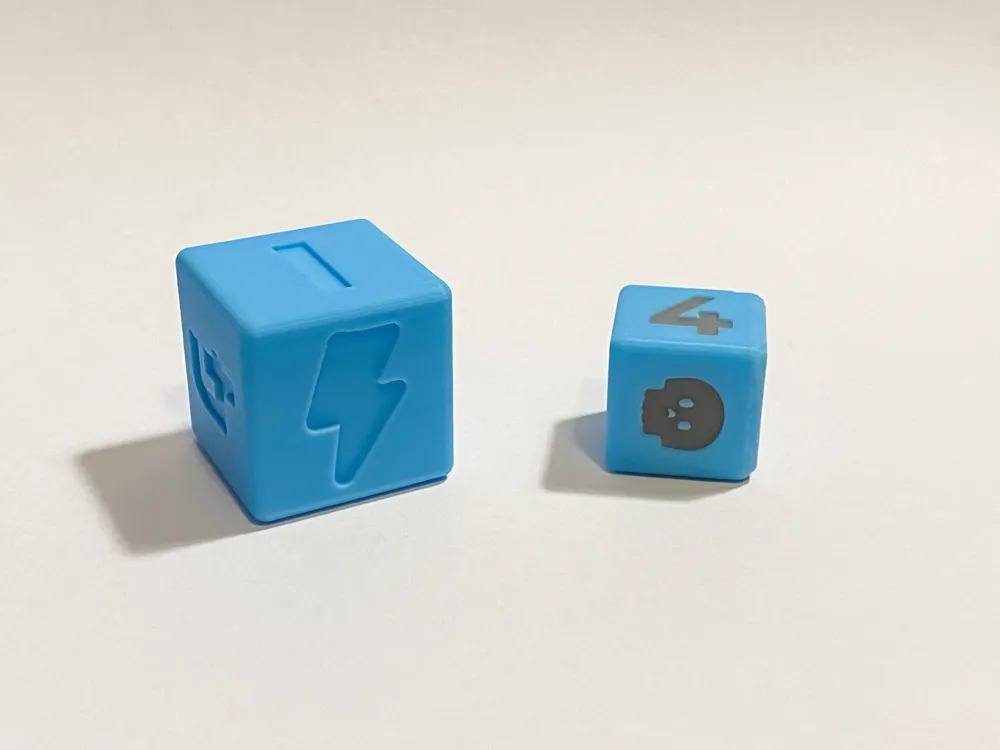
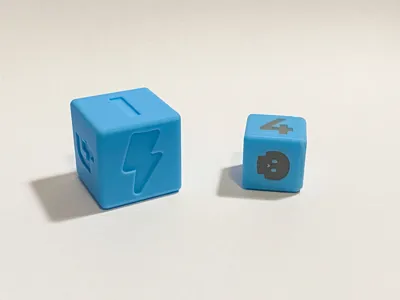
- Imprint Text, Numbers or SVGs on Each Face: Need numbers, symbols, or even words? or all of them at once?? Add custom text to each face to create a dice that’s truly one-of-a-kind.
- Set Color for Both the Numbers and Dice Independently: Give each die its own personality by choosing a unique color for the body and a contrasting color for the text or graphic. Perfect for creating a standout accessory.
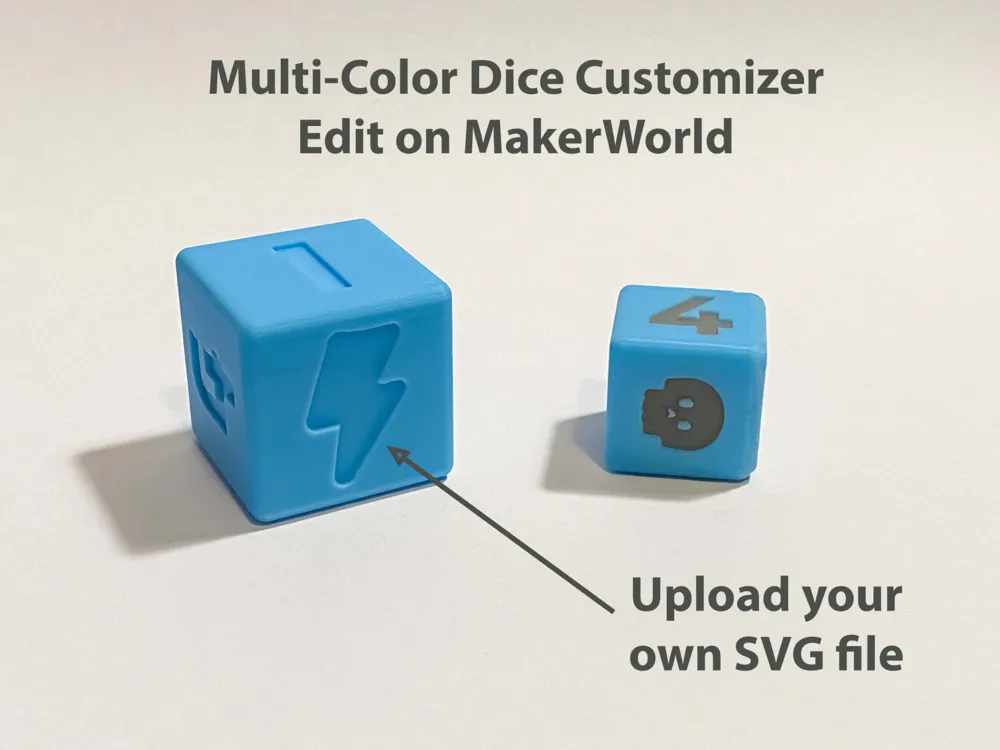
- Upload an SVG for Complete Customization: Want a logo, emoji, or intricate design? Upload an SVG to imprint detailed graphics onto each face, opening up a world of creative possibilities.
- Select from Chamfered, Square, or Filleted Edges: Choose your corner style—go for the smooth, rounded look of filleted edges, the clean cut of chamfered edges, or the classic sharpness of square edges.
- Choose the depth of the imprint: Just want to add the text, number or symbol? no worries. Wanna cut it deep into the face for that textured goodness? well you can do that too.
UPDATE:
Now supporting ALL fonts available in the MakerWorld OpenSCAD parametric builder (including Chinese! - use Noto Sans SC)
How to use it:
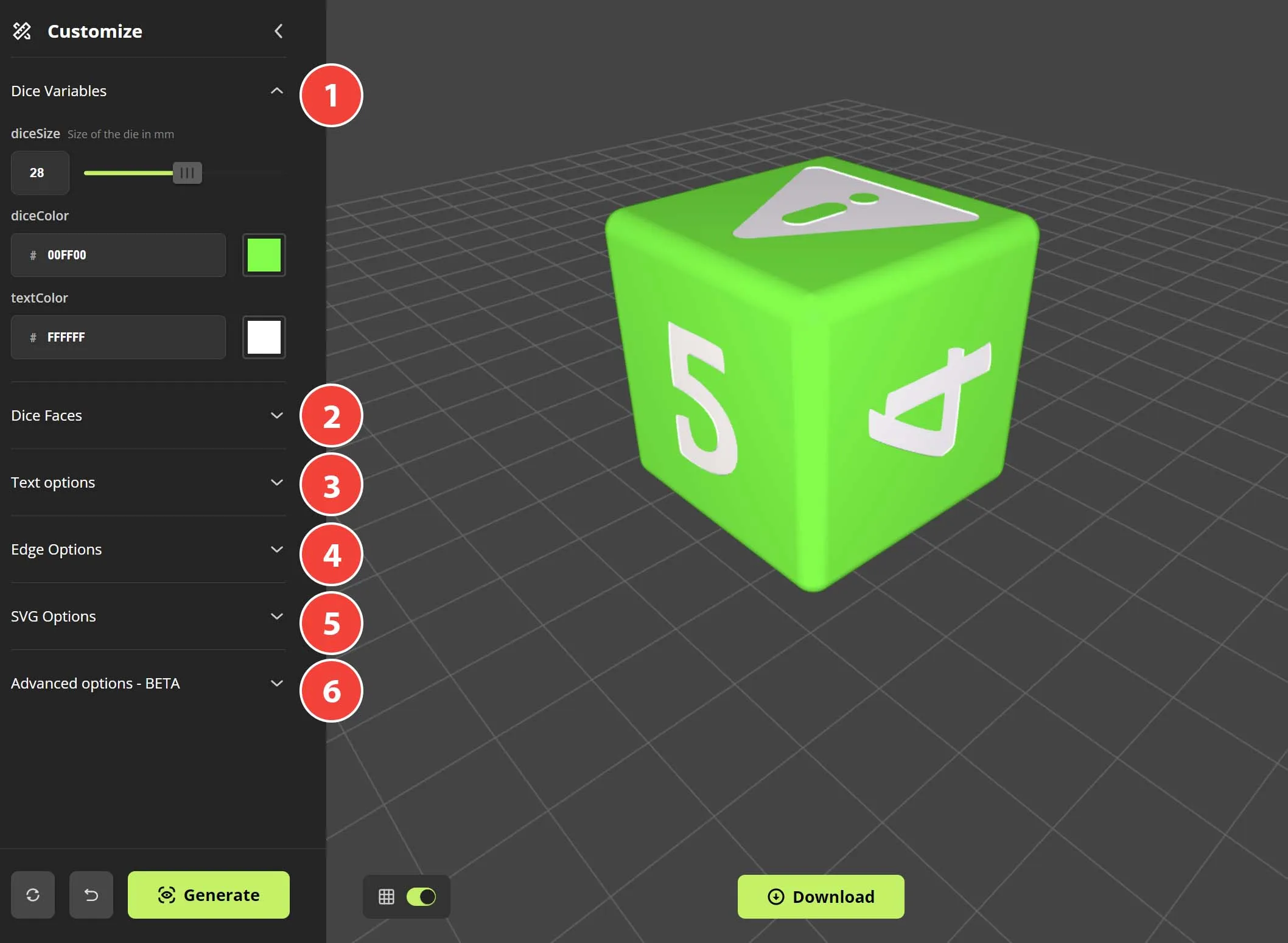
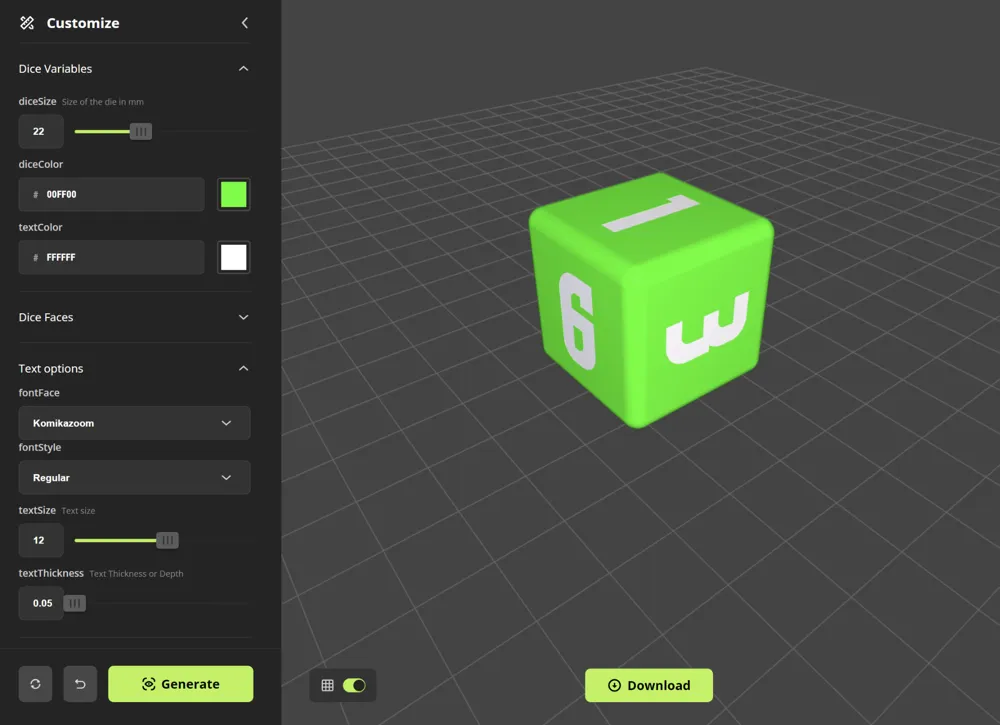
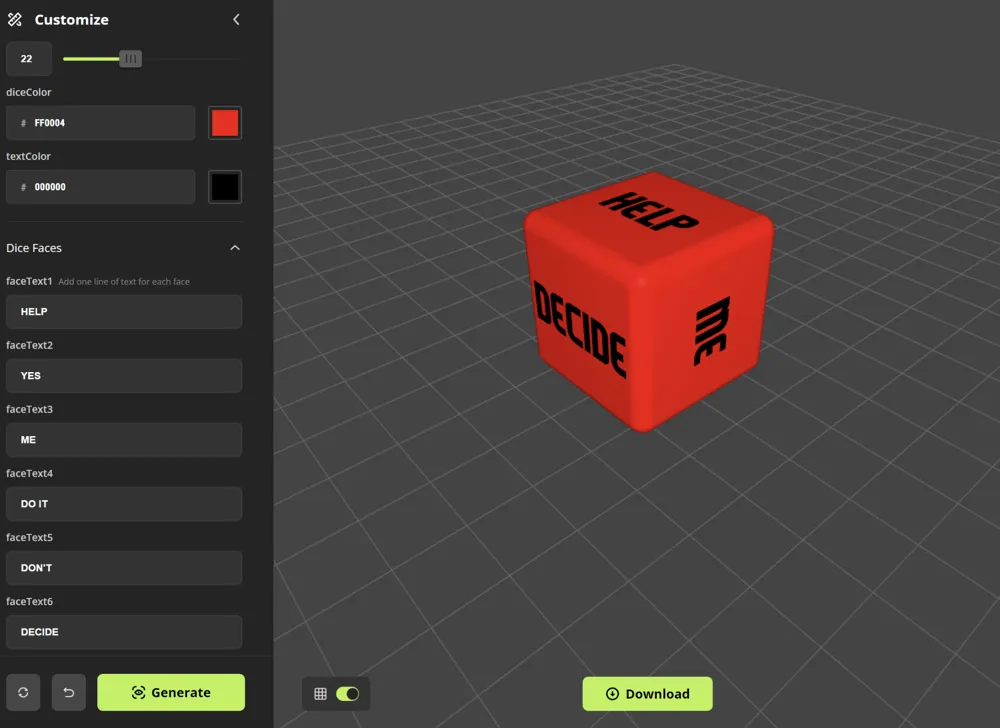
1. Dice Variables: Start by selecting your dice size (in mm), the color of the dice and color of the text.
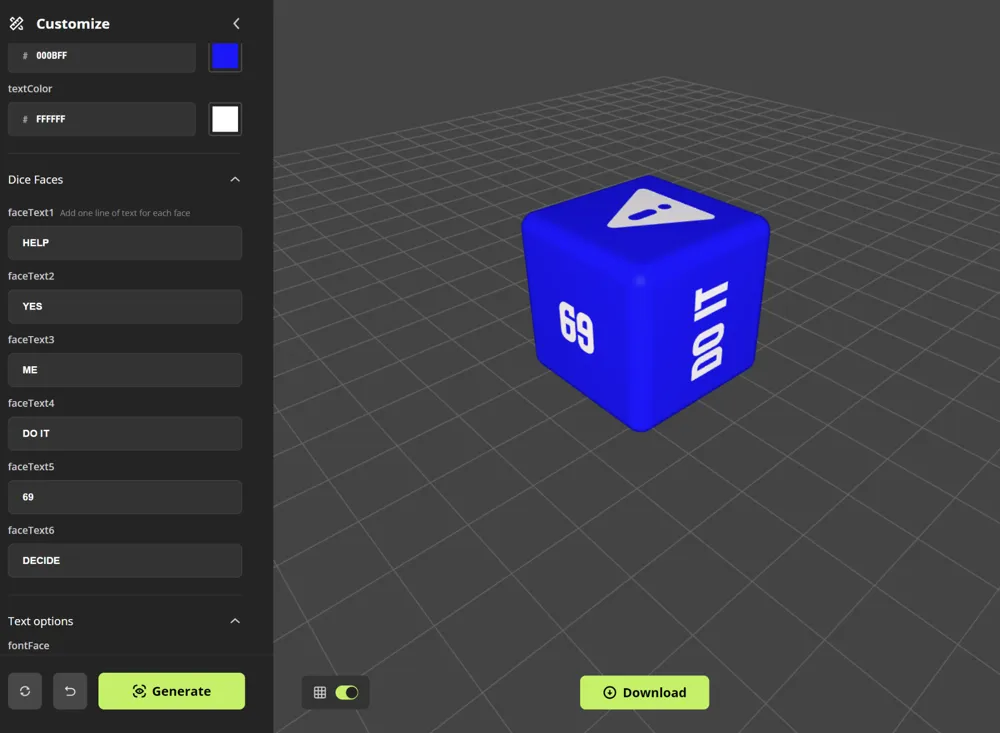
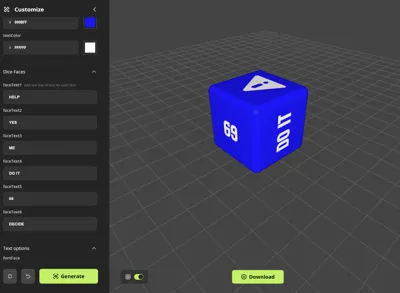
2. Dice Faces: Next specify what you want written on each face. Here you can enter one line or text or numbers.
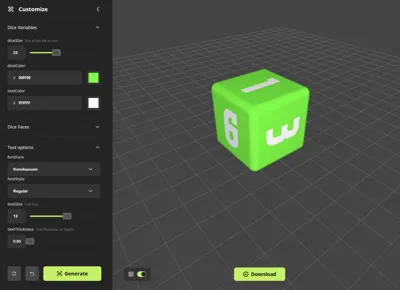
3. Text Options: Choose a font, pick it's style (bold or regular) and then choose a text size and the thickness/depth of the impression.
4. Edge Options: Next choose your edge type, either filleted, chamfered or none. If it's Filleted you can then pick the corner radius or if it's chamfered you have a few chamfering options to choose from too between 1-5.
5. SVG Options: IMPORTANT: setting an SVG will override your text option. Examples shown were downloaded from here: https://www.svgrepo.com/svg/65454/radioactive but you can use anything and may just need to adjust the scale using the slider.
6. Bonus.Advanced Options BETA: Here there is the option to have the text on the surface as opposed to imprinted (if you want?) as well as an SVG thickness modifier that is important if you are using this feature.
Boost Me (for free)
Boost for good vibes
License

You shall not share, sub-license, sell, rent, host, transfer, or distribute in any way the digital or 3D printed versions of this object, nor any other derivative work of this object in its digital or physical format (including - but not limited to - remixes of this object, and hosting on other digital platforms). The objects may not be used without permission in any way whatsoever in which you charge money, or collect fees.


Comment & Rating (23)