Search models, users, collections, and posts

Filament Tags and Swatches
IP Report


This model is created by Make My Sign
Make Your Model
Print Profile(3)

0.2mm layer, 2 walls, 5 top and bottom layers, no prime tower
Designer
6 h
13 plates

Customizable Filament Tag - 0.2mm layer, 2 walls, 15% infill
Designer
15 min
1 plate

Customizable Filament Swatch - 0.2mm layer, 2 walls
Designer
14 min
1 plate
Open in Bambu Studio
Boost
28
83
11
4
108
46
Released
Description
Filament tags and swatches with a choice of 13 labels in 8 styles, plus one blank tile.
After pressing Prepare to Print:
- Select the profile and press Print
- Choose a plate
- Each plate is labeled to indicate the label on the swatches and tags
- Each plate contains 8 layouts, with one additional blank tile on the first plate
- After selecting a plate, note the location of the tile you want to print then press Print Parts
- Press Clear, then select the part to print and press Confirm
- Assign the Tile and Text filaments, then press Print Now to send to the printer
The swatches and tags were made using Make My Sign from MakerWorld
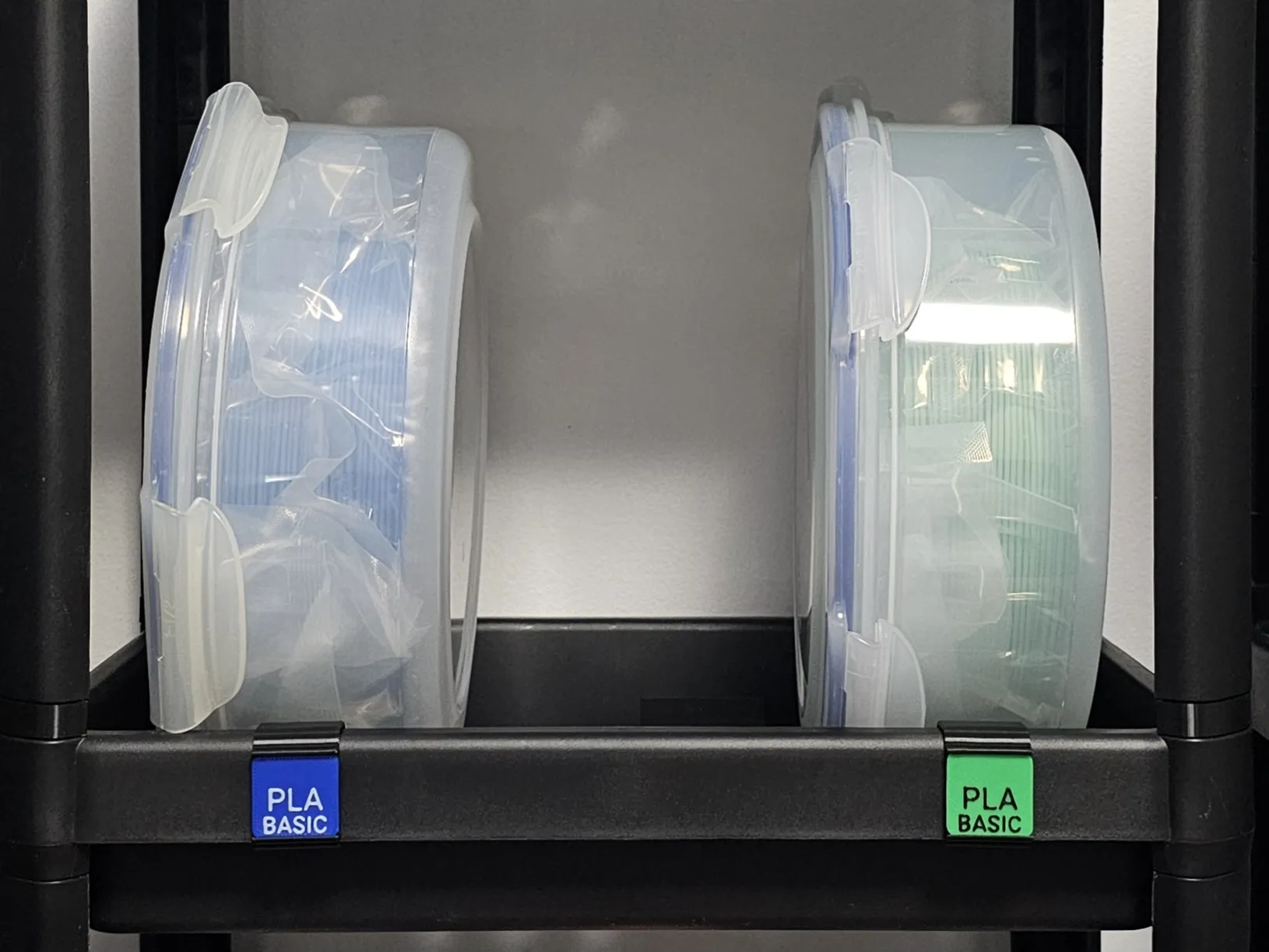
You can attach these swatches to Vesken Shelves or Trolleys using this Swatch Bracket:
 |
License

This user content is licensed under a
Creative Commons Attribution-Noncommercial


Comment & Rating (11)