
Adorable Teddy Bear - Custom Text

Print Profile(1)

Description
Membership
Join now and start making sales. You are also supporting my creativity with the membership.
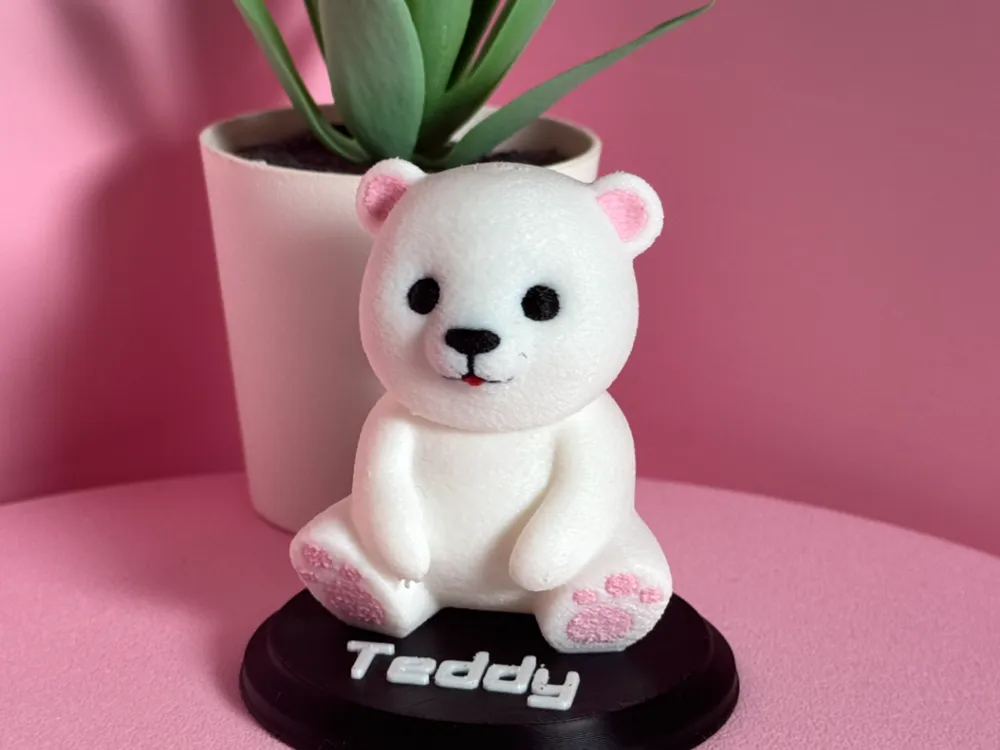
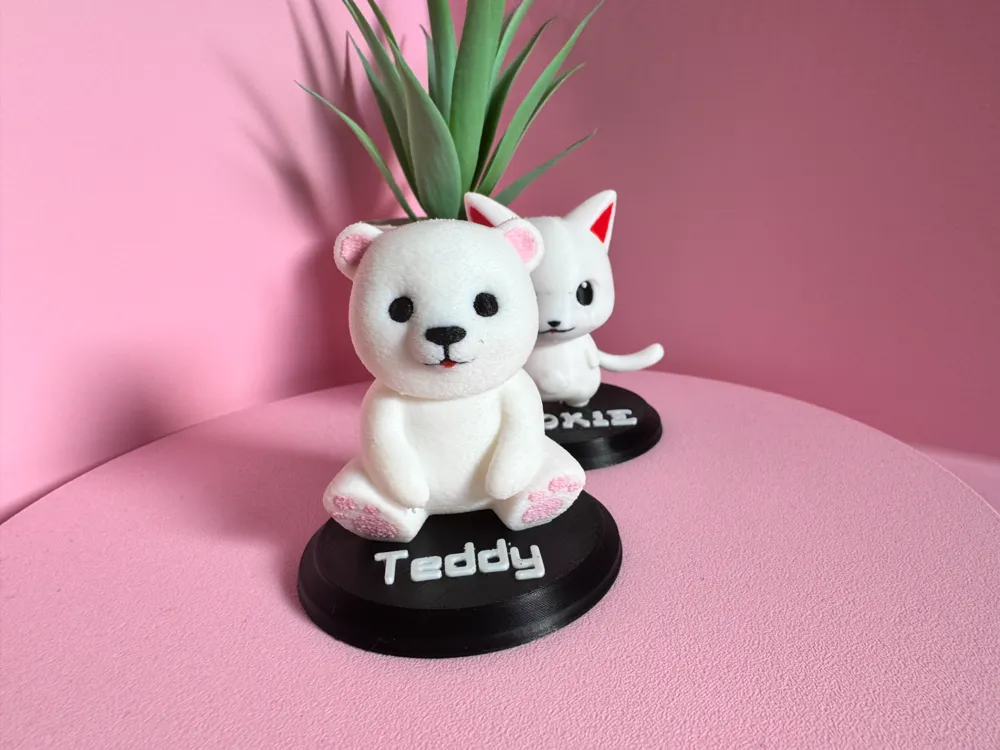
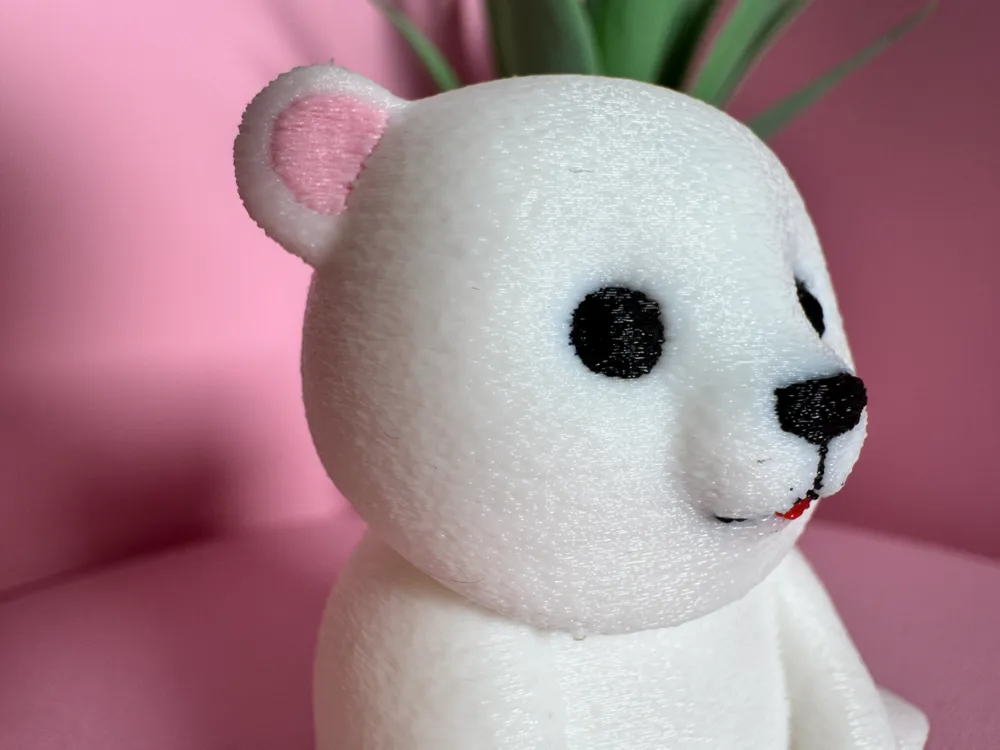
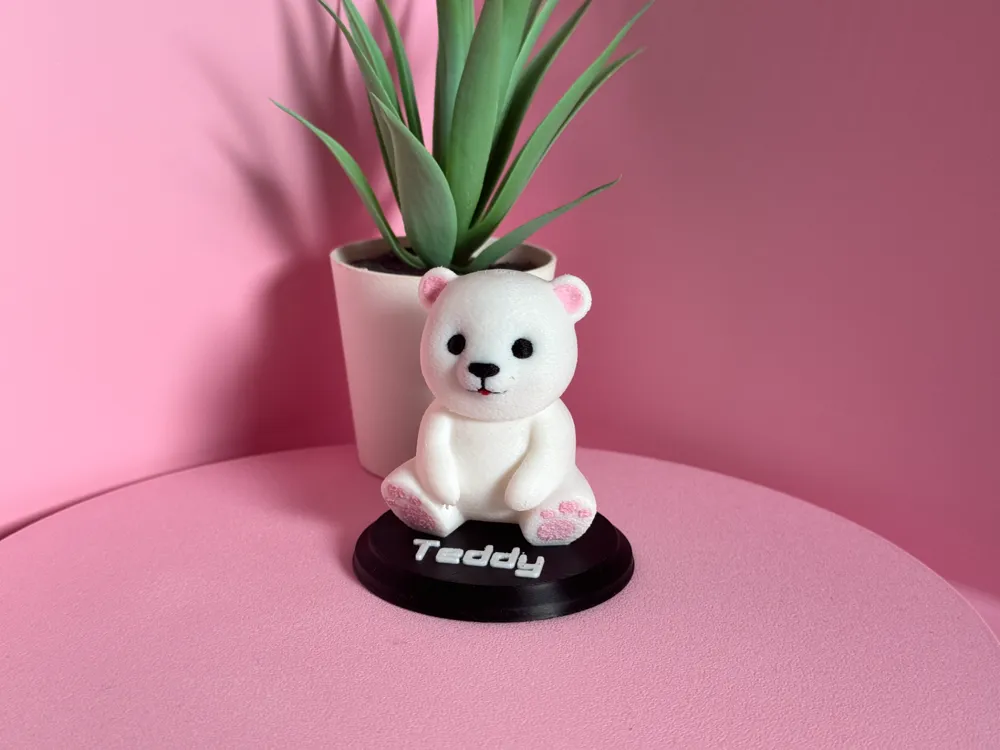
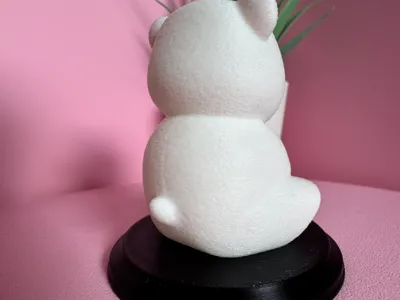
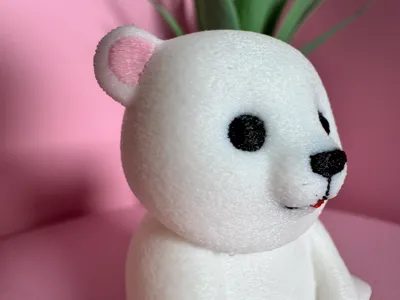
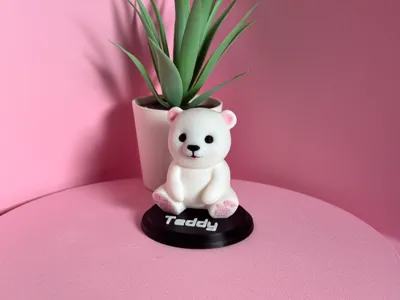
Say hello to this adorable Teddy Bear, inspired from the Sylvanian Family toys. Discover how easy it is to print and even add your own touch adding a custom text to the base or without text at all.
You can even change colors and make it yours and only yours! Full collection coming. Keep checking my profile for the next one.
You prefer a Cute Cat or a Dog? click in the picture then.
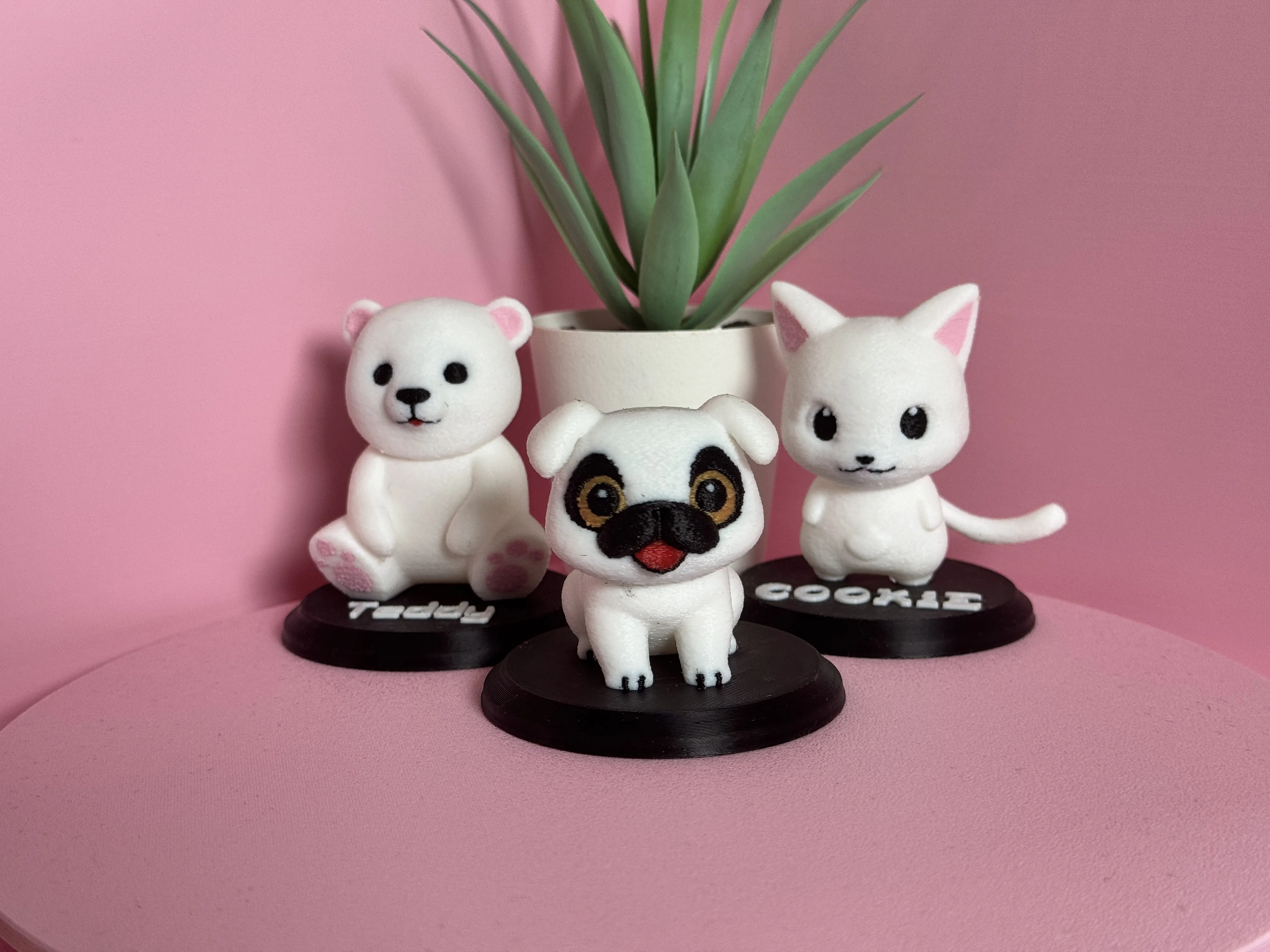
Print time can be tricky because of color changes, but that's why we have Bambu printers with the AMS and all the colors right? Why print plain and boring one color models when you an have all the colors you want.
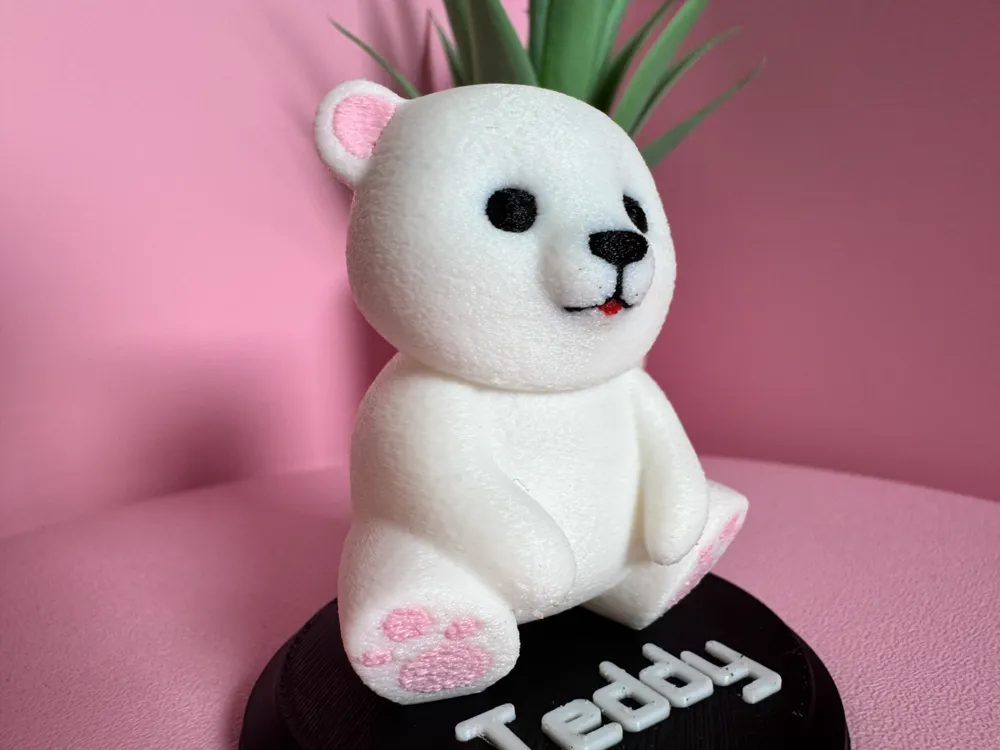
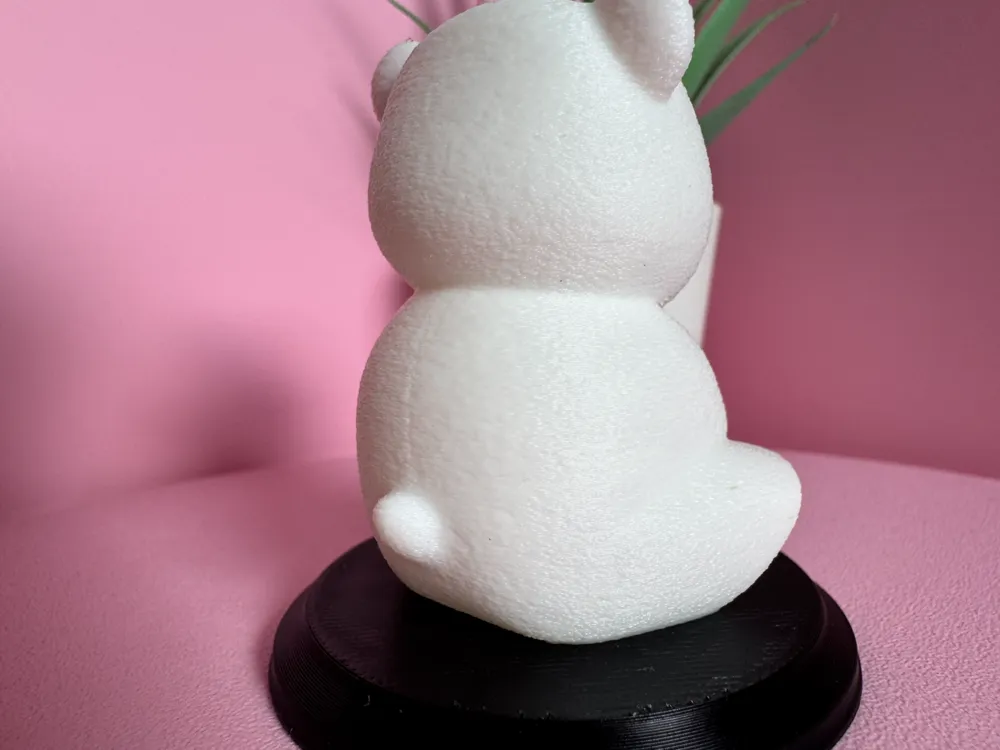
*Be cautious when using your own profile, ignoring mine. There are settings applied for the "fur texture" and variable layer height to be sure that the model comes out great. In my print pictures you can see how it will turn out. No defects are hidden, the final print is what is in the pictures. Of course in pictures you can really see all the lines and small things that in real life you won't be able to see, except if you are really looking for it.
Instructions to replace the text or remove it:
- go into “Objects”
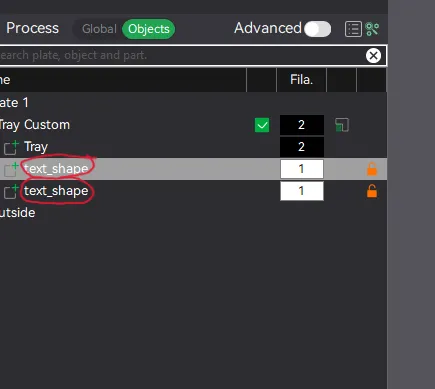
- click “Text shape” object and click on the Text button on top of Bambu Studio.
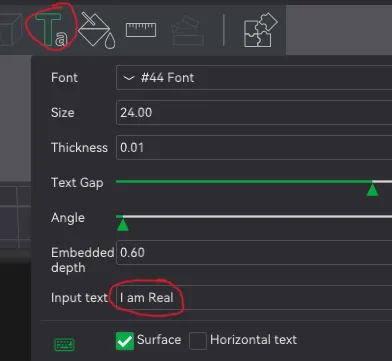
- Change to your own text and pick the object (text) color.
- If you want to remove the text, just delete the “Text Shape” object. You can now print it without any text only with a plain base
Can't wait for you to show us your imagination and your print results.
Caution: the profile has the correct supports already applied. All supports come out easy if used with the provided profile. The easiest way to remove the supports is by trying to take them off at the top, with a small tip tool. They will come out perfect (depends also on your own machine. Not all machines are the same).
Boost Me (for free)
Boosts are free and you support us, creators, by giving them away. Thank you!
Boost Me (for free)
Boosting creators is what makes them go forward. Do you like what you see? Then consider giving it a boost. Thank you
License

You shall not share, sub-license, sell, rent, host, transfer, or distribute in any way the digital or 3D printed versions of this object, nor any other derivative work of this object in its digital or physical format (including - but not limited to - remixes of this object, and hosting on other digital platforms). The objects may not be used without permission in any way whatsoever in which you charge money, or collect fees.


Comment & Rating (5)