
Customizable Dice - D20, D12, D10, D8, D6, D4

Print Profile(3)


Description
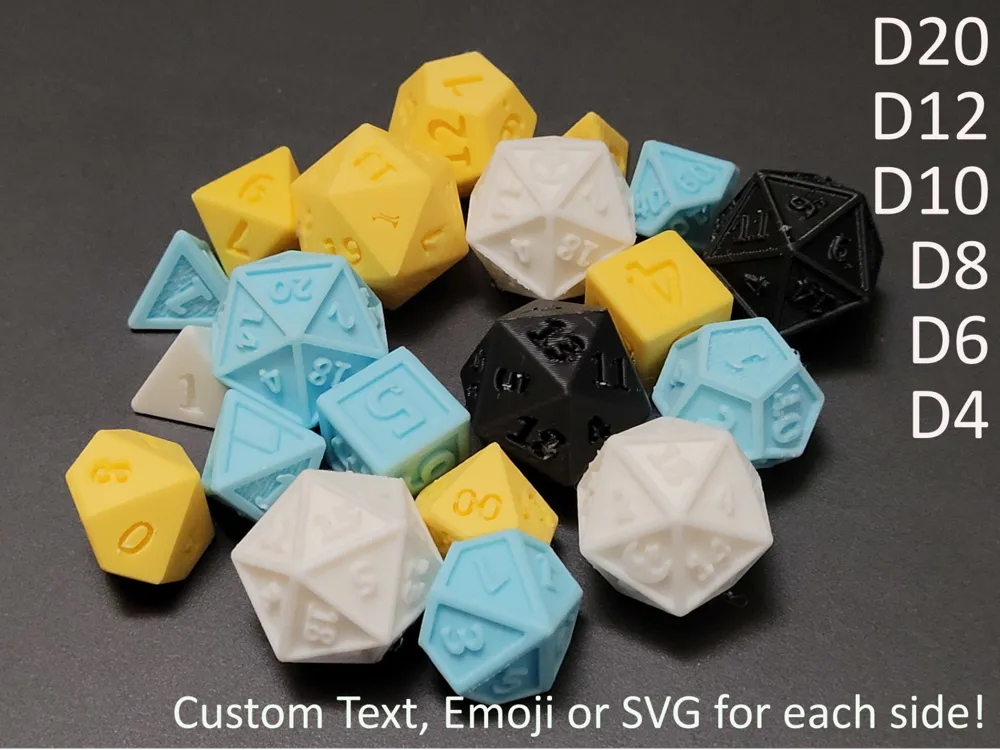
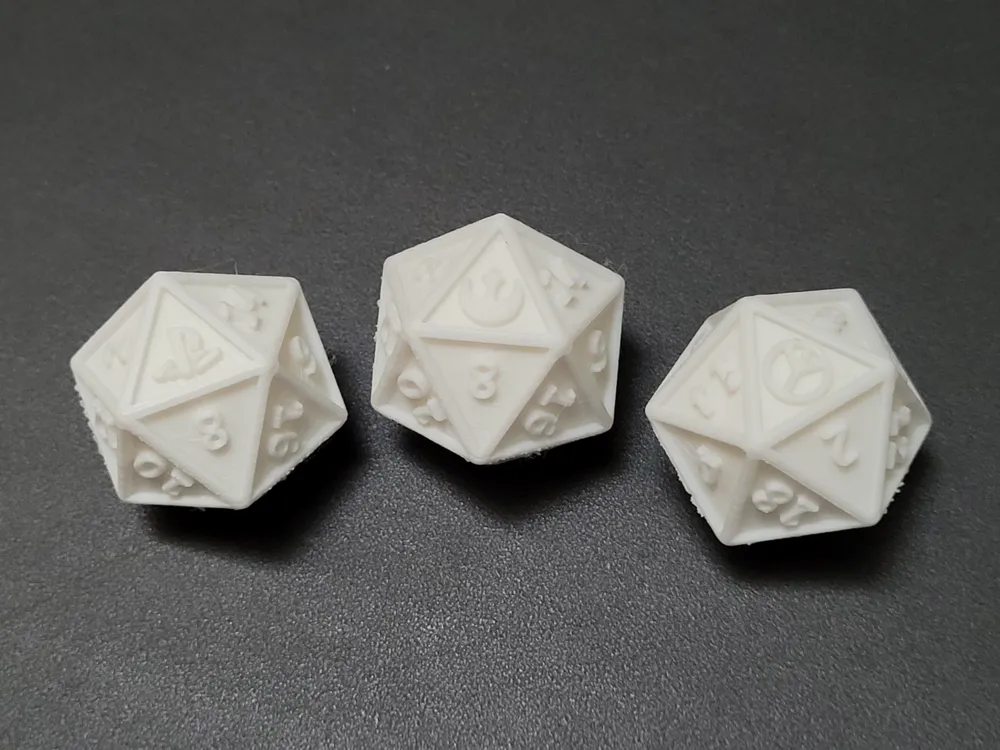
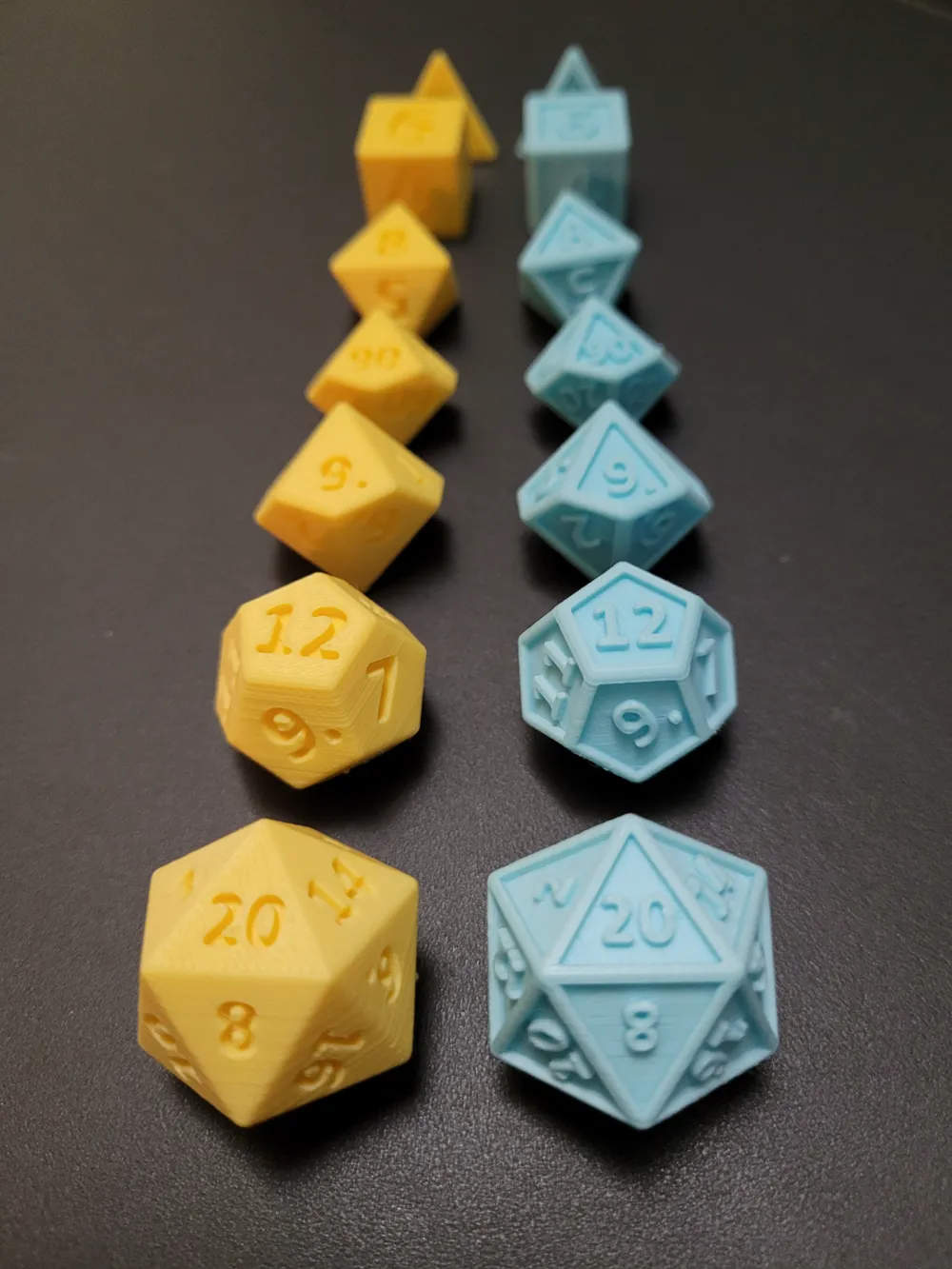
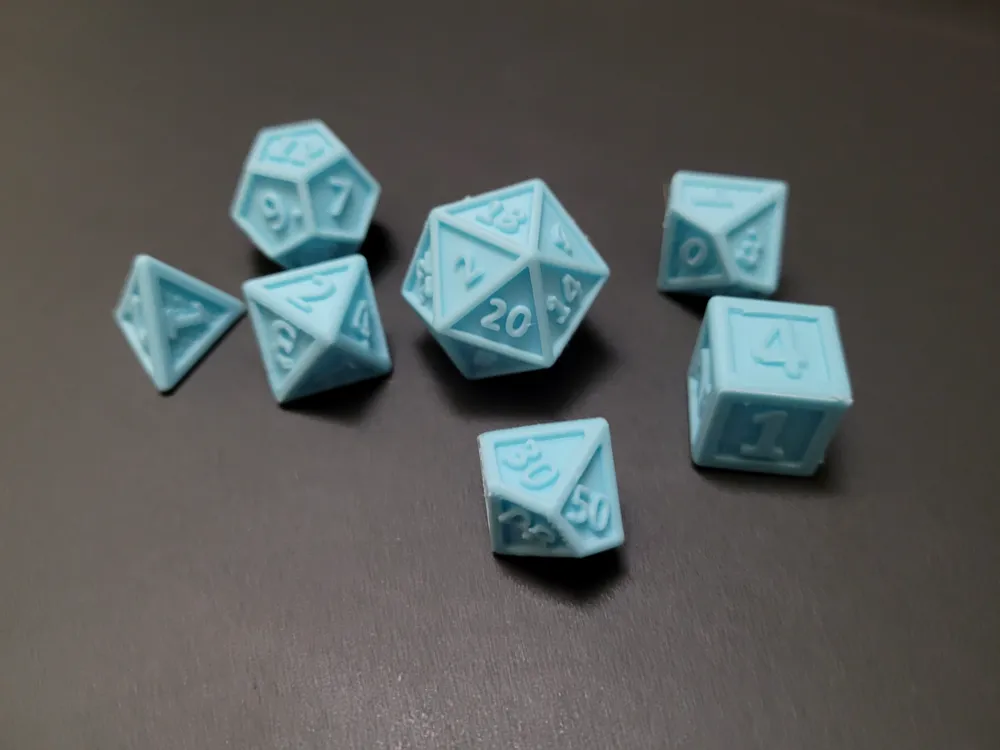
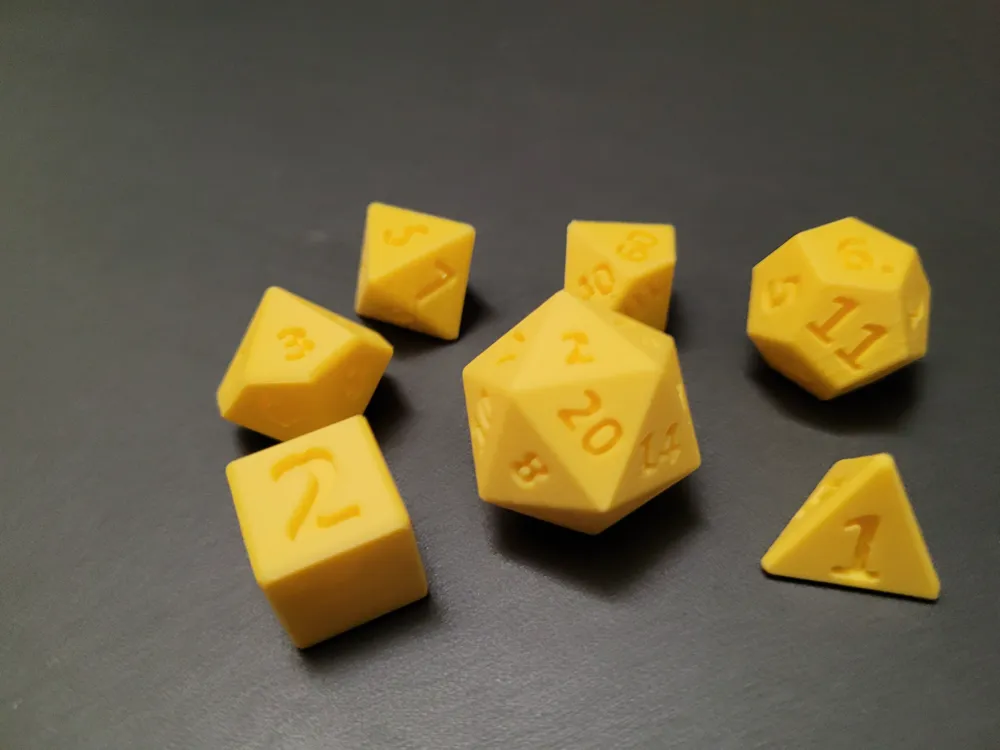
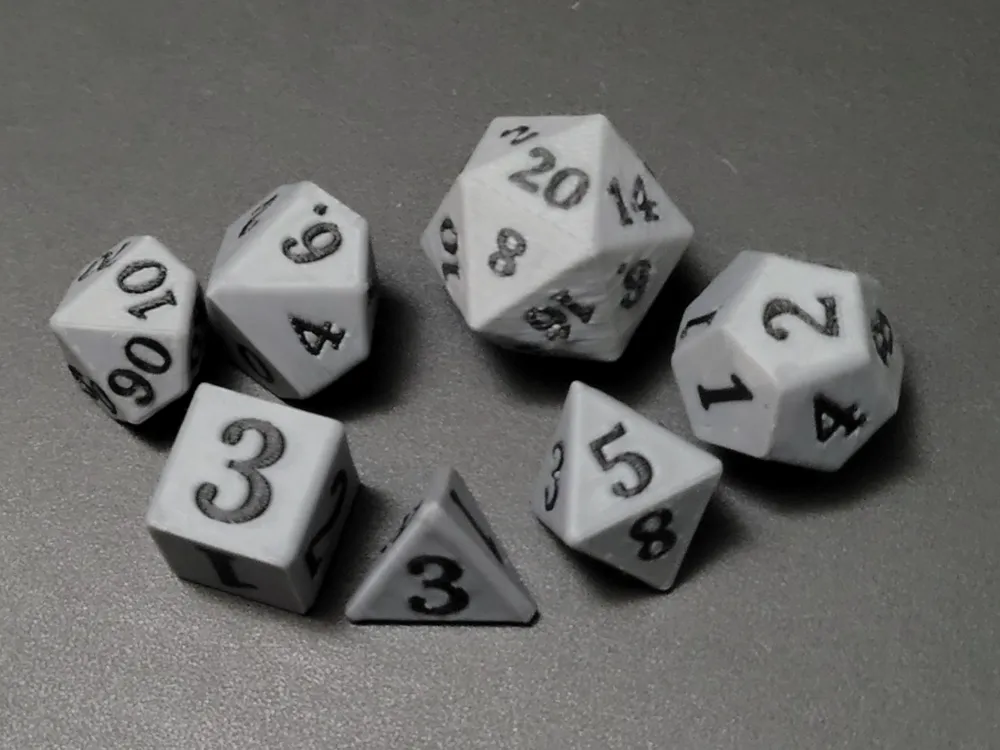
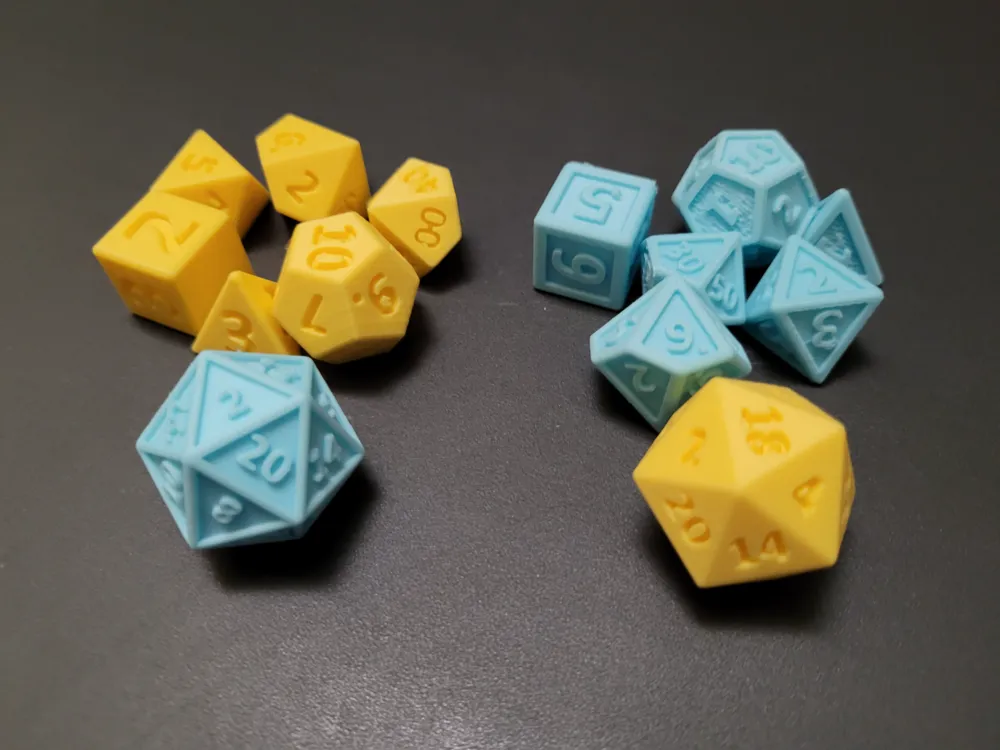
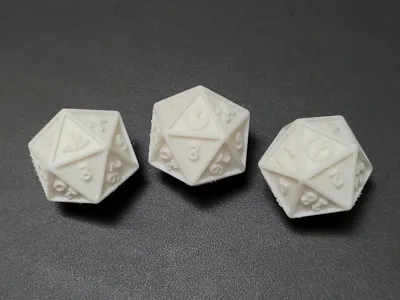
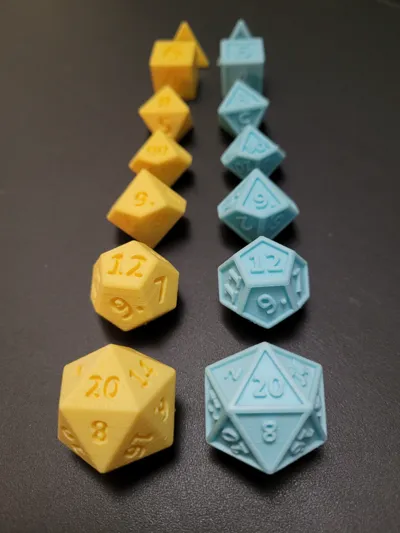
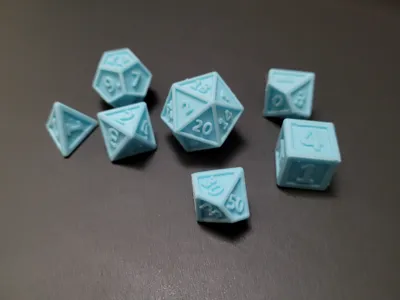
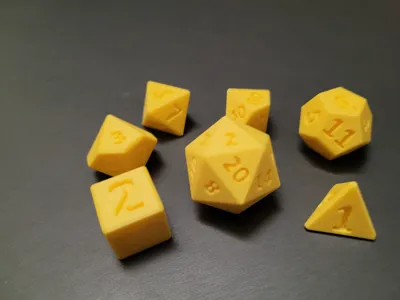
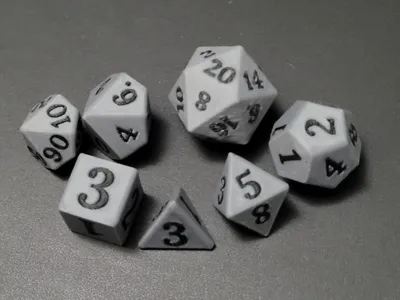
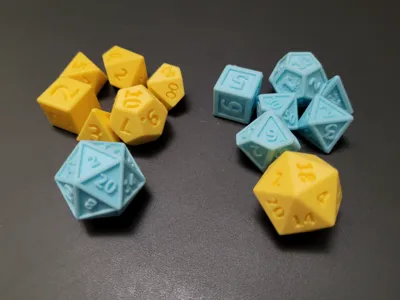
Make your own tabletop dice set with this OpenSCAD script! This script generates a chosen die with individually customizable sides from text, emoji, or SVG image. Graphics and numbers can be debossed, flush, or framed by a cutout. Updated script with improvements to d4, allowing for points to be labeled instead of sides. This update is in beta and may have bugs.
Usage
Die Parameters | |
die | choose die (d20, d12, d10, d8, d6, d4) |
graphic type | choose graphic type (cutout, debossed, flush) |
die diameter | d6 and d4 diameter value is equivalent to approximate height
example diameters are d20 - 30mm, d12 - 25mm, d10 - 25mm, d100 - 22mm, d8 - 25mm, d6 - 16mm, d4 - 16mm |
die rounding | larger values increase roundness of corners
all examples have rounding value of 1 |
die color | color of die |
Default Graphic Parameters | |
default text size | size of text that will be applied to all sides unless overwritten |
default graphic depth | depth of graphic |
graphic color | color of graphic |
default font
| font that will be applied to all sides unless overwritten |
default font style | styling of font (Bold, Italic, etc.) to be applied to all sides unless overwritten |
Side Parameters | |
side graphic | choose between debossed or flush |
side text | text to override default |
side text size | text size to override default (only applied if positive) |
side font | font to override default |
side font style | font style to override default |
side svg | svg file to upload |
side svg scale | scale of svg (default is small) |
side offset | vertical and horizontal offset for graphic |
side rotation | rotation of graphic |
Advanced / Experimental | |
indicator for 6 and 9 | adds period (.) after a 6 or a 9 to help differentiate between them
has option to offset just 6 and 9
only applies to dice that have at least 9 sides |
d10 0 indexed | set true for 0-9 instead of 1-10 for d10 |
d10 multiples of 10 | set true for d10 to be multiples of 10 |
d10 height ratio | change d10 height to width ratio |
only applies to d20
changes default face layout | |
cutout scale | scale of cutout shape |
cutout size offset | x and y values for cutout shape dimension offset |
cutout location offset | x and y values for cutout shape location offset |
use simple d4 faces | sides labeled instead of points |
fn | model quality |
force_flush_fix | set true to apply fix for flush graphic artifacts
this will deboss the graphic by an extremely small amount that is less than the resolution of FDM printers
only needed if using parametric model maker in Makerworld |
flush_fix_value | value to offset graphic (should be very small) |
Fonts
Multiple fonts available (including emojis). View available fonts by selecting the code tab in customizer and selecting the libraries and fonts button (next to save). Run locally in OpenSCAD to use custom fonts.
To use emojis
- Use “Noto Emoji” as font
- Copy emoji from Noto Emoji glyphs page
To use Unicode symbols
- Use “Noto Sans Symbols” or "Noto Sans Symbols 2" as font
- Copy Symbol from corresponding glyphs page (Symbols, Symbols 2)
Flush Graphic Option
- If you are having strange artifacts in the graphic make sure the “force flush fix” variable is set to true.
If you don't want to use “force flush fix” you can get a more accurate model by running the script locally in the dev snapshot version of OpenSCAD, using the settings below. Additionally this script requires the BOSL2 library to be added to OpenSCAD's available libraries.
- Under Edit / Preferences / Features check the boxes next to
- lazy union
- textmetrics
predictable-output
Under Edit / Preferences / Advanced make sure Backend is set to Manifold (new/fast)
- To install BOSL2 library (additional installation instructions on github readme)
- download zip file from github (click green code button and download as zip)
- extract contents of zip and rename extracted directory as “BOSL2”
- in OpenSCAD, under File, select Show Library Folder
move extracted BOSL2 folder into library folder
- Under Edit / Preferences / Features check the boxes next to
- Files exported from OpenSCAD can be exported as either .stl or .3mf but need to be separated by part in slicer so each part can be colored individually.
- Files exported from customizer need to be exported as .3mf
Example Post-processing
- The examples from the print profile use supports that need to be removed after printing.
Example Attribution
Updated 11/25/25
- Released V2.2
- Fixed multiple bugs in V2
Updated 9/11/25
- Added flush graphic fix option in customizer
Updated 9/3/25
- Update Usage and OpenSCAD directions
Updated 7/24/25
- V2 Beta available with improvements to d4
Updated 11/1/24 & 11/2/24
- Fixed issue with cutout causing hole in d10 example (both print profiles updated)
- Added option in customizer to adjust cutout location
- Fixed bug in customizer requiring font style to be changed to make font change
Updated 10/30/24
- New Multicolor Print Profile
- New option in customizer for numerically balanced d20
License

You shall not share, sub-license, sell, rent, host, transfer, or distribute in any way the digital or 3D printed versions of this object, nor any other derivative work of this object in its digital or physical format (including - but not limited to - remixes of this object, and hosting on other digital platforms). The objects may not be used without permission in any way whatsoever in which you charge money, or collect fees.


Comment & Rating (488)