
Parametric D20 Customizer - Design on MakerWorld

Print Profile(1)

Description
Design Your Own Customizable D20 Dice – The Ultimate Tool for Personalized Gaming, Date night and Decision-Making!
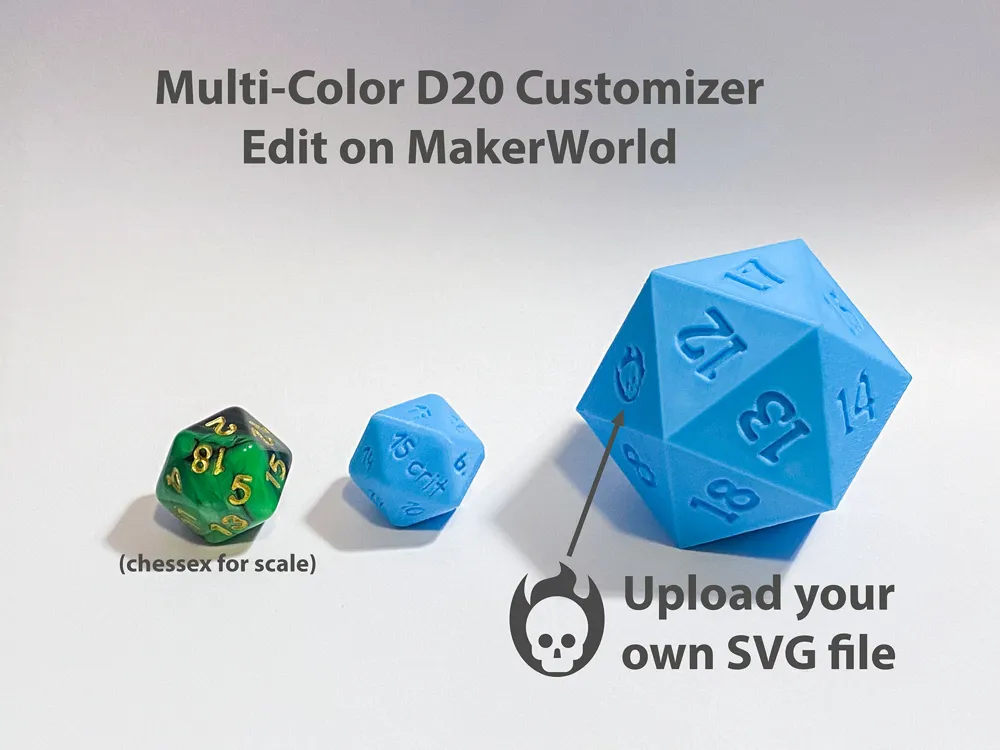
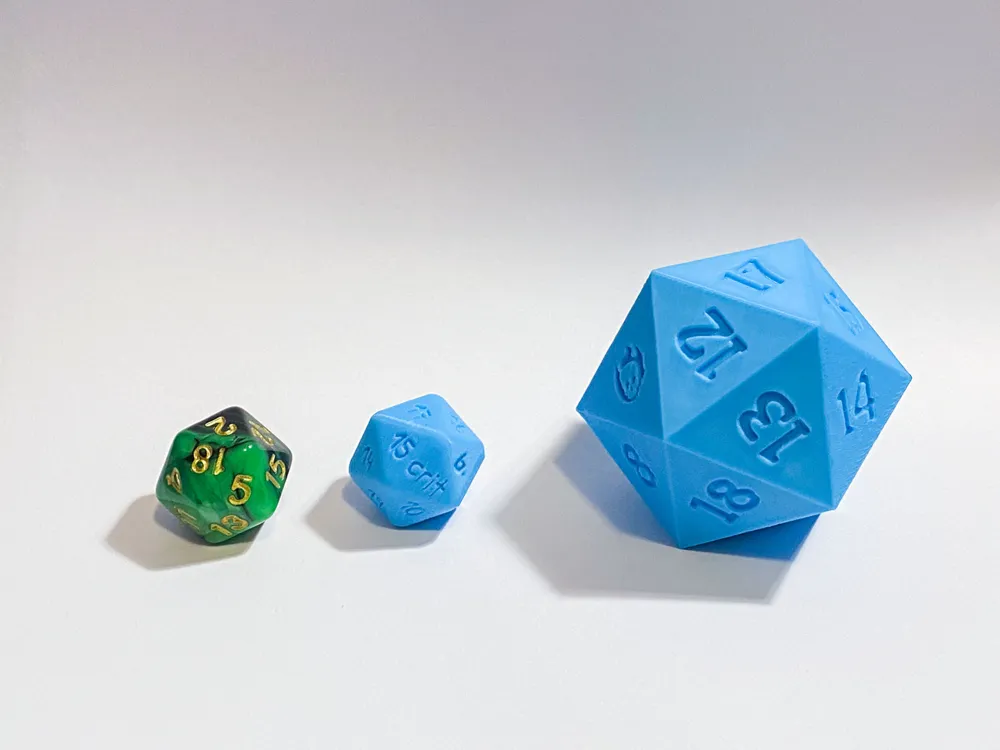
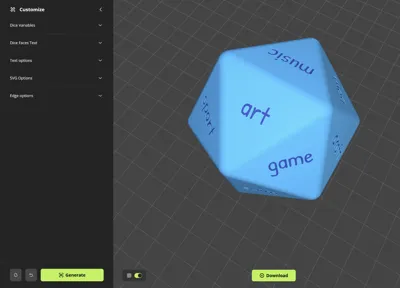
Step up your game with this fully parametric, multi-color D20 dice generator. Ideal for for gaming, decision-making, or even as a unique keepsake. You can personalize every face, with numbers, text, emojis or SVG files.
Here’s how you can use the D20 customizer:
- Pick from a Range of Fonts: Choose from a huge range of fonts to add a unique look to each face. Whether you want something bold, modern, or whimsical, you’ll have full control over the vibe. Check out the Noto Sans variants for Japanese, Chinese and other languages.
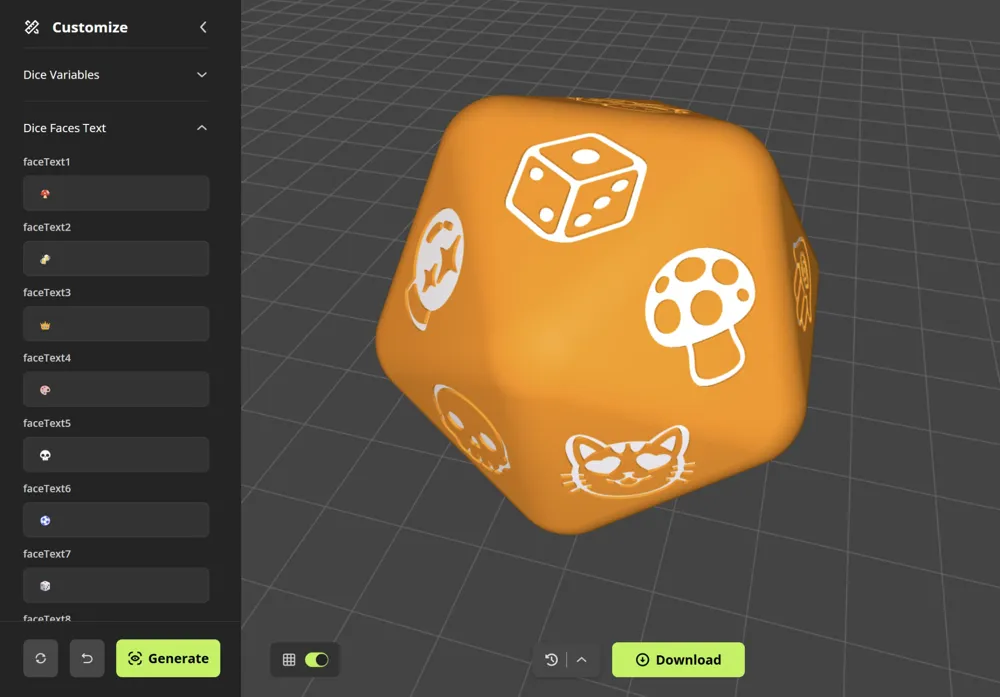
- Imprint Text or Numbers on Each Face: Customize each of the 20 faces with numbers, emojis, custom SVG files or words to create a truly unique piece that stands out in any setting.
- Select Colors Independently for the Dice and Text: Make each die visually pop by choosing one color for the die and another for the text. This feature lets you make a statement with color combinations that suit your style and is FULLY AMS COMPATIBLE.
- Upload SVG Designs for Complete Personalization: Bring your D20 to life with SVG uploads for each face, perfect for adding logos, symbols, or creative graphics.
- Choose edge roundness and smoothness: Finish off your dice with your choice of edge styles—opt for smooth, rounded edges, clean chamfers, or classic square edges for the feel that best matches your design.
With all these options at your fingertips, you’ll be able to create a D20 that’s perfect for your collection, games, or gift-giving. This generator goes beyond basic customization to give you a truly immersive design experience, letting you roll with style every time!
How to use it:
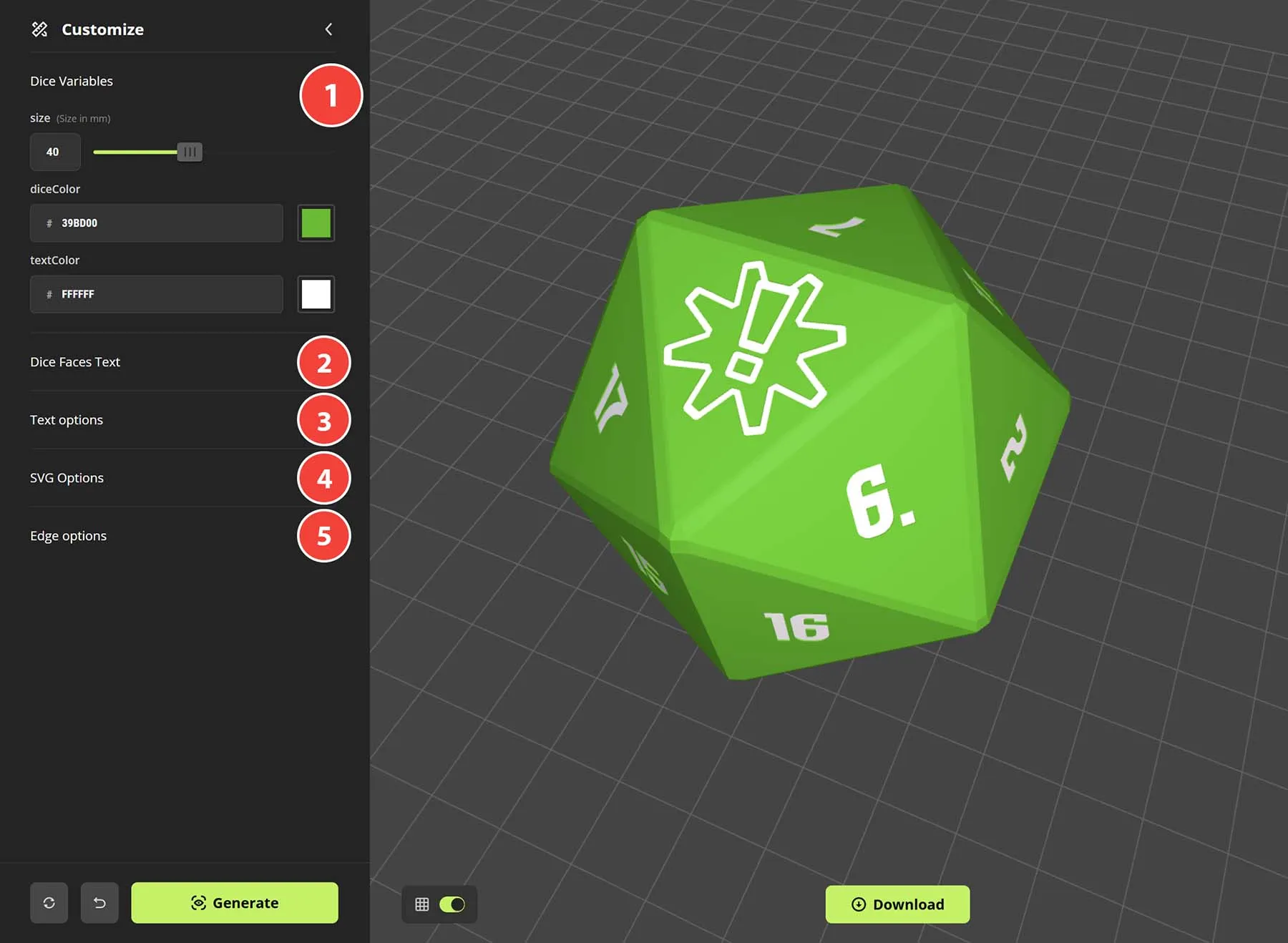
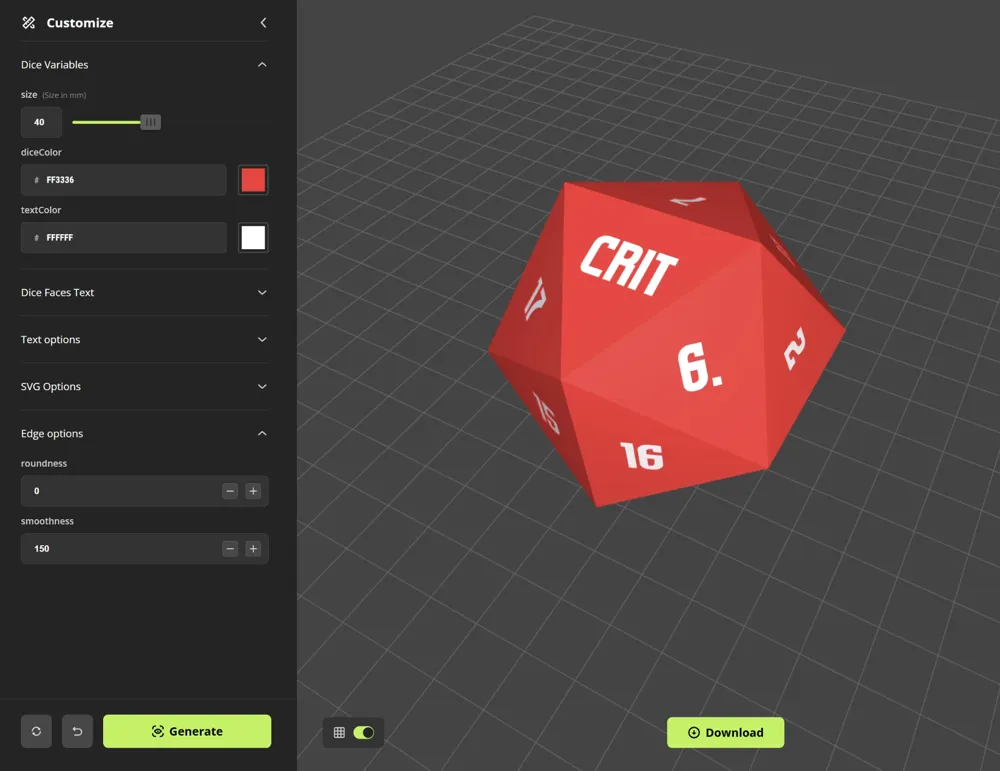
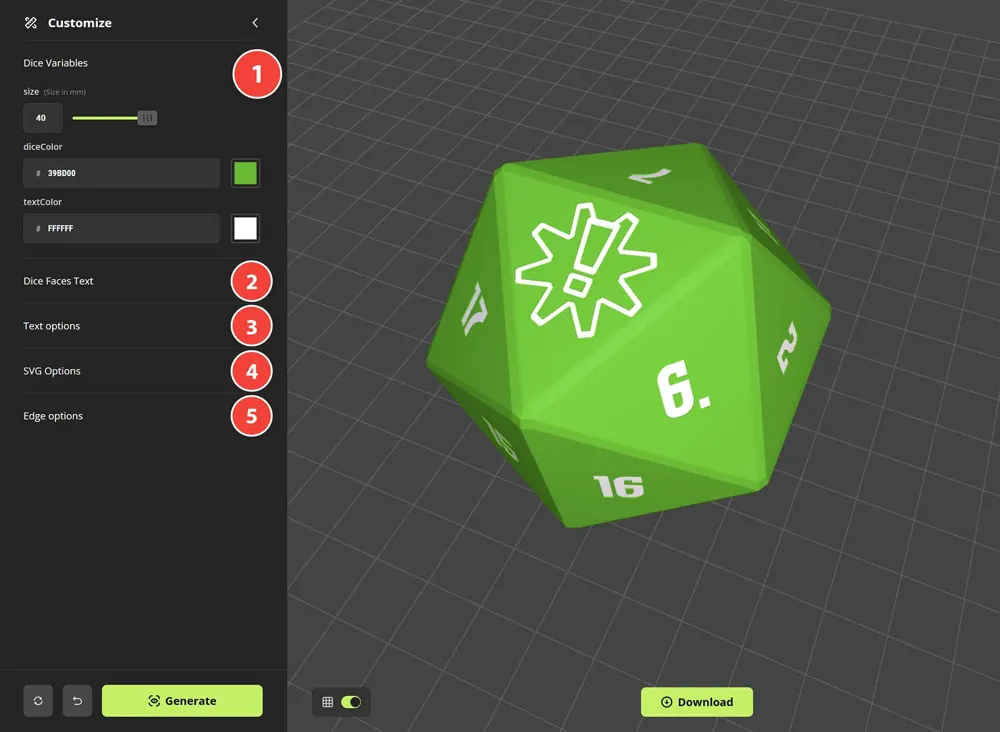
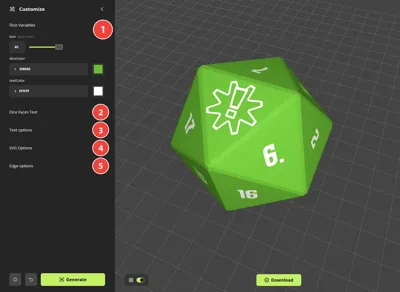
1. Dice Variables: Start by selecting your dice size (in mm), the color of the dice and color of the text.
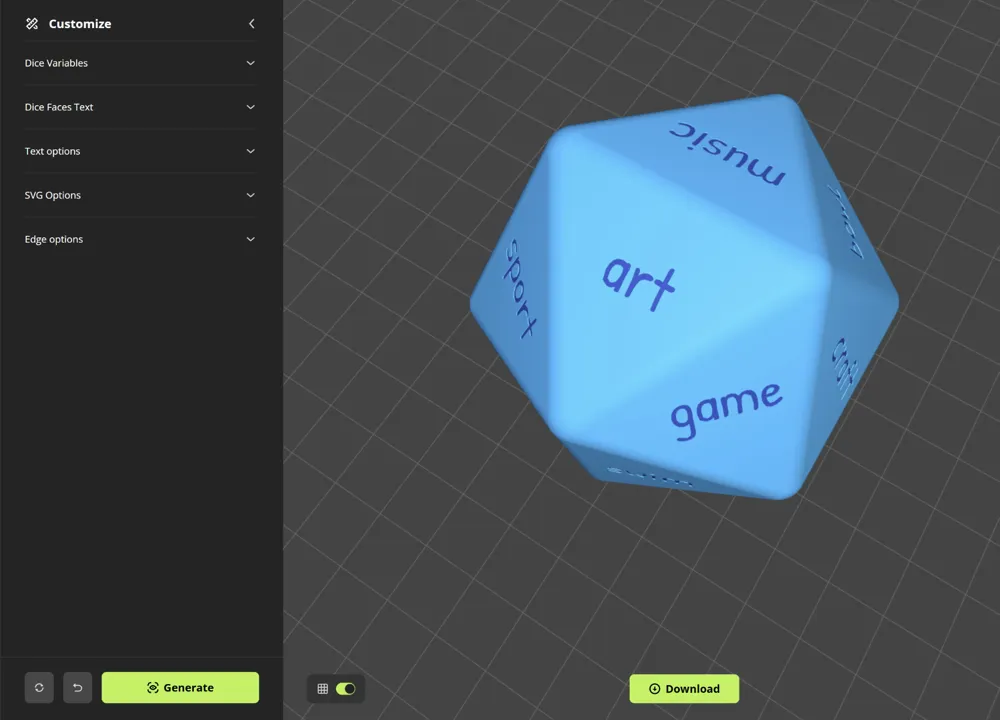
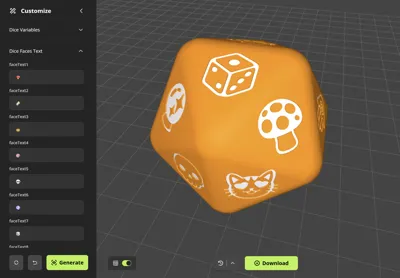
2. Dice Faces: Next specify what you want written on each face. Here you can enter one line of text, emojis (with Noto Sans Emoji font selected) or numbers.
3. Text Options: Choose a font, pick it's style (bold or regular) and then choose a text size and the thickness/depth of the impression.
4. SVG Options: IMPORTANT: setting an SVG will override your text option. Examples shown were downloaded from here: https://www.svgrepo.com/svg/65454/radioactive but you can use anything and may just need to adjust the scale using the slider.
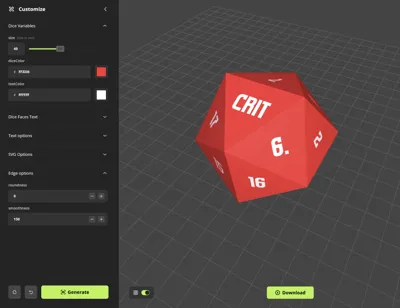
5. Edge Options: Finally adjust the edge options. By default the roundness is set to 0 making it a square-cut edge, but you can increase the roundness to 3 for example and then set the smoothness value to 9 for a chamfered look, or increase the smoothness value for a more them curvez.
Boost Me (for free)
It's free and helps me convince my wife that my hobby is valid.
License

You shall not share, sub-license, sell, rent, host, transfer, or distribute in any way the digital or 3D printed versions of this object, nor any other derivative work of this object in its digital or physical format (including - but not limited to - remixes of this object, and hosting on other digital platforms). The objects may not be used without permission in any way whatsoever in which you charge money, or collect fees.


Comment & Rating (3)