Search models, users, collections, and posts

Small Trinket for Promotion and Fortune
IP Report
Print Profile(2)
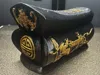
0.16mm layer, 2 walls, 15% infill
Designer
3.2 h
1 plate
0.16mm layer, 2 walls, 15% infill
Designer
5.6 h
1 plate
Open in Bambu Studio
Boost
12
20
0
0
19
2
Released
Description
Content has been automatically translated.
Prosperity and Advancement Trinkets
Having observed the antique competition, I noticed many of the ideas I had in mind have already been submitted, so let's try something different
This upload features artifacts from a category with relatively high preservation rates, spanning decades and centuries. From dignitaries to ordinary citizens, everyone would have one; except now, of course, given current regulations, hahaha!
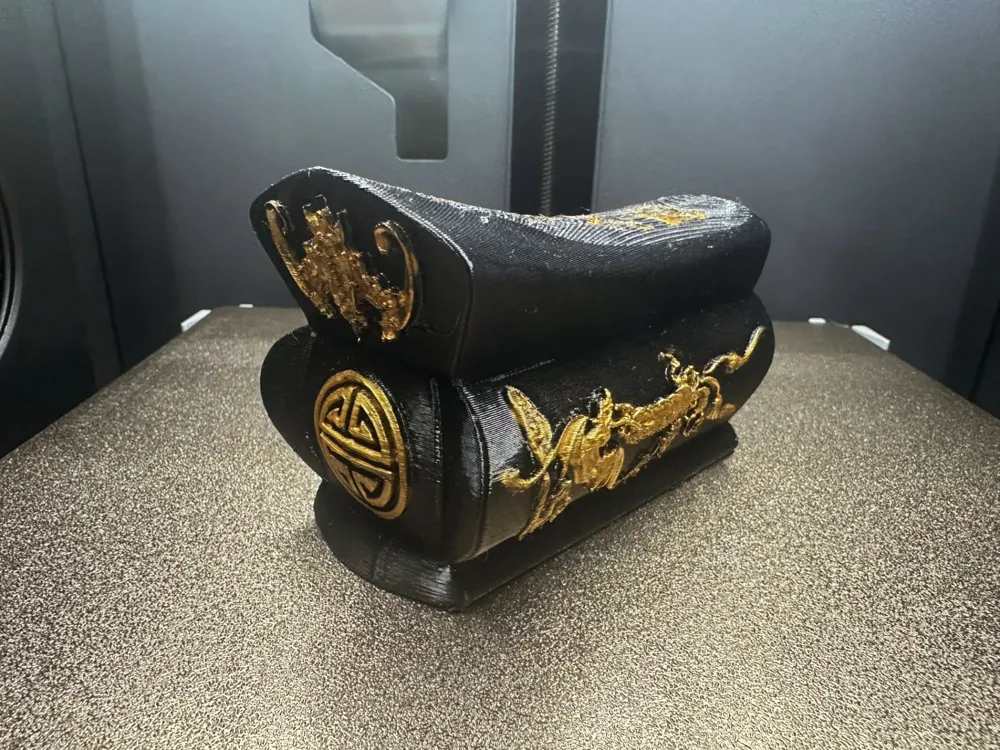
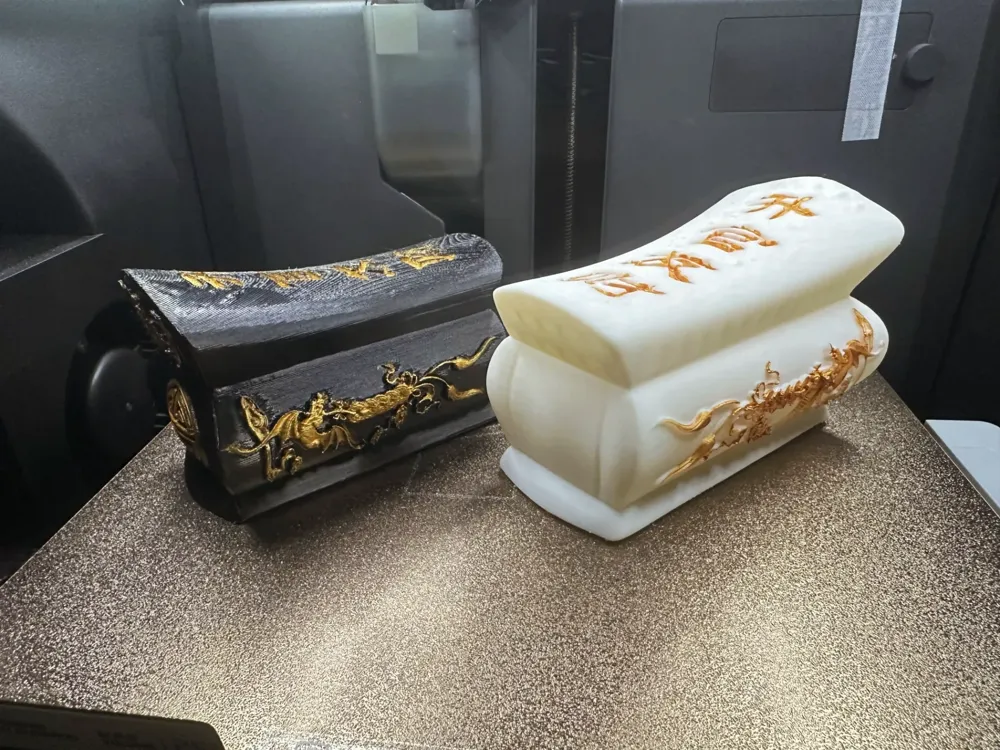
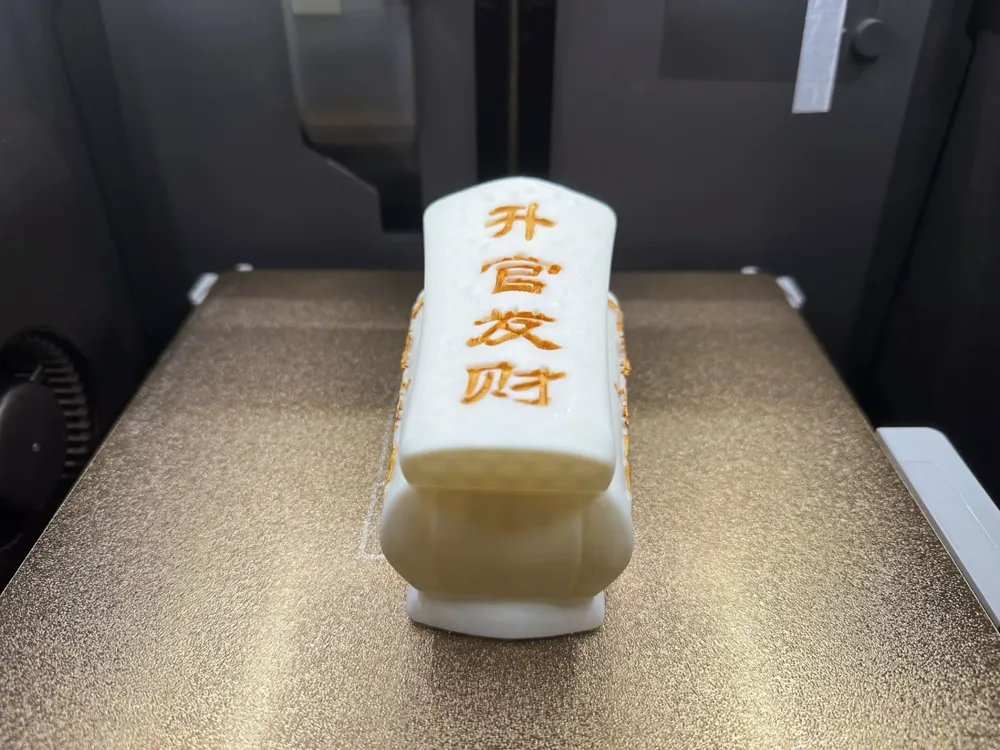
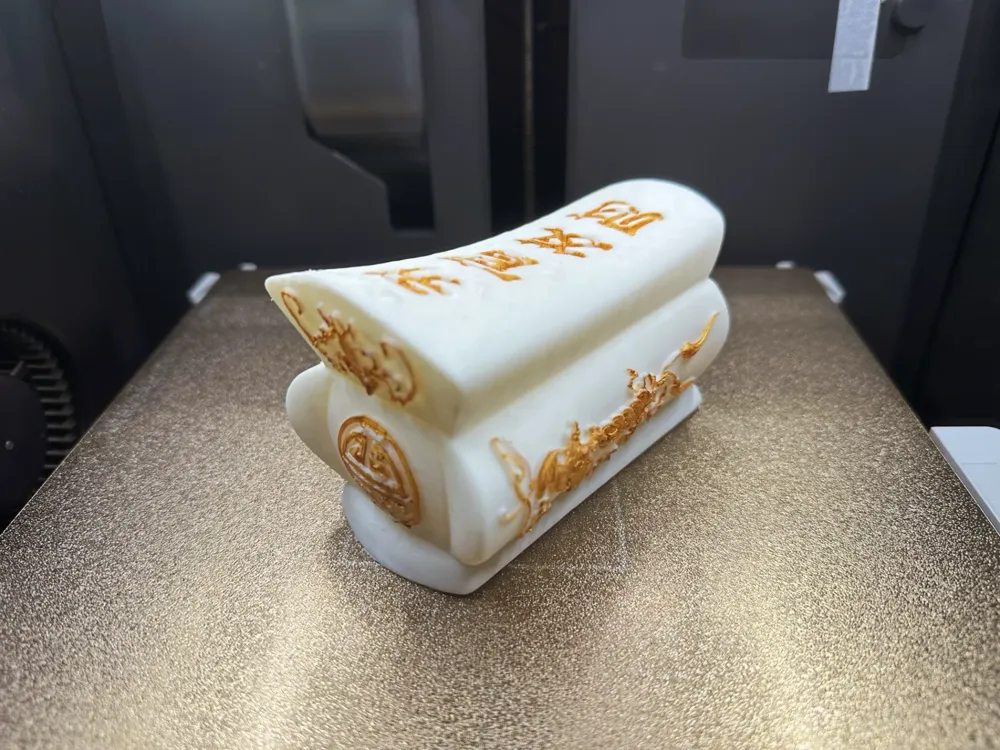
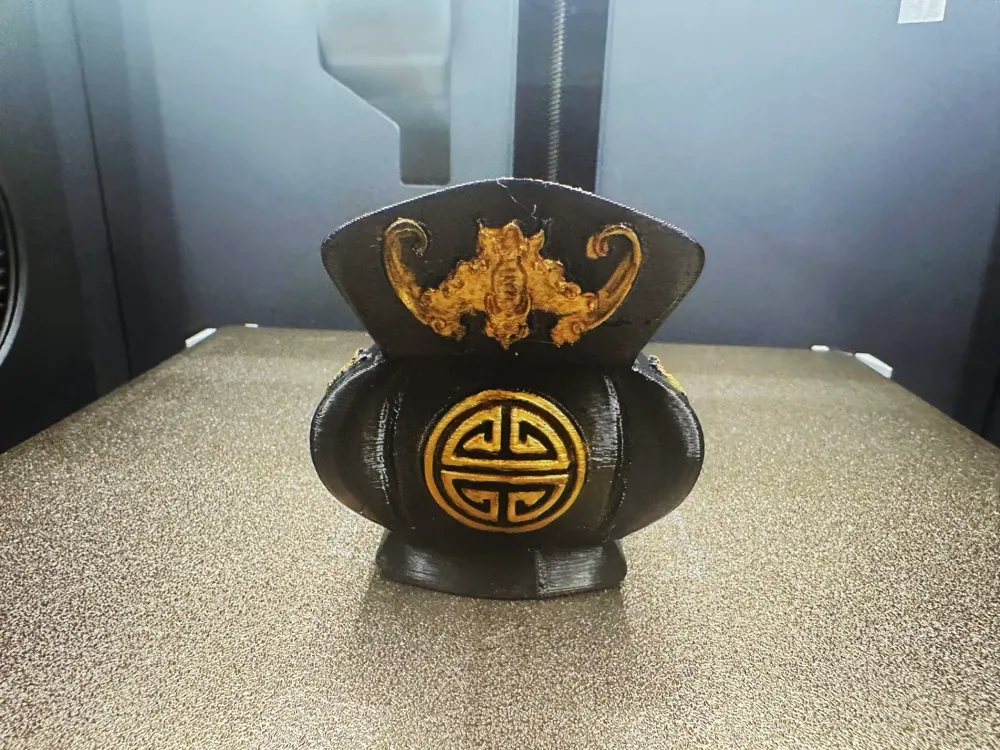
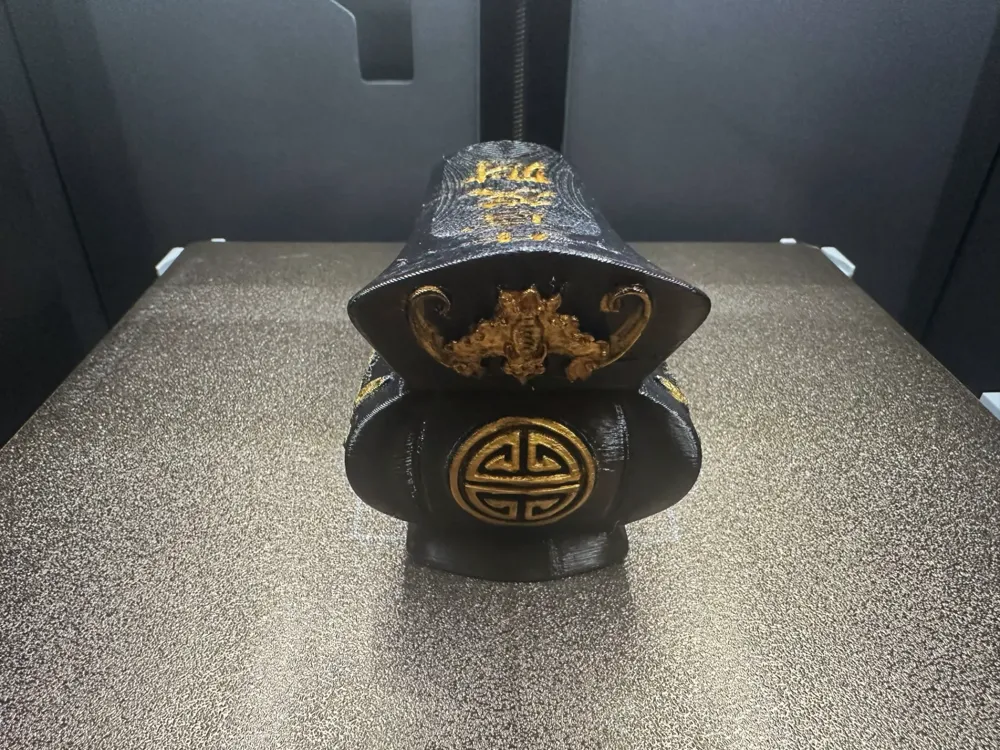
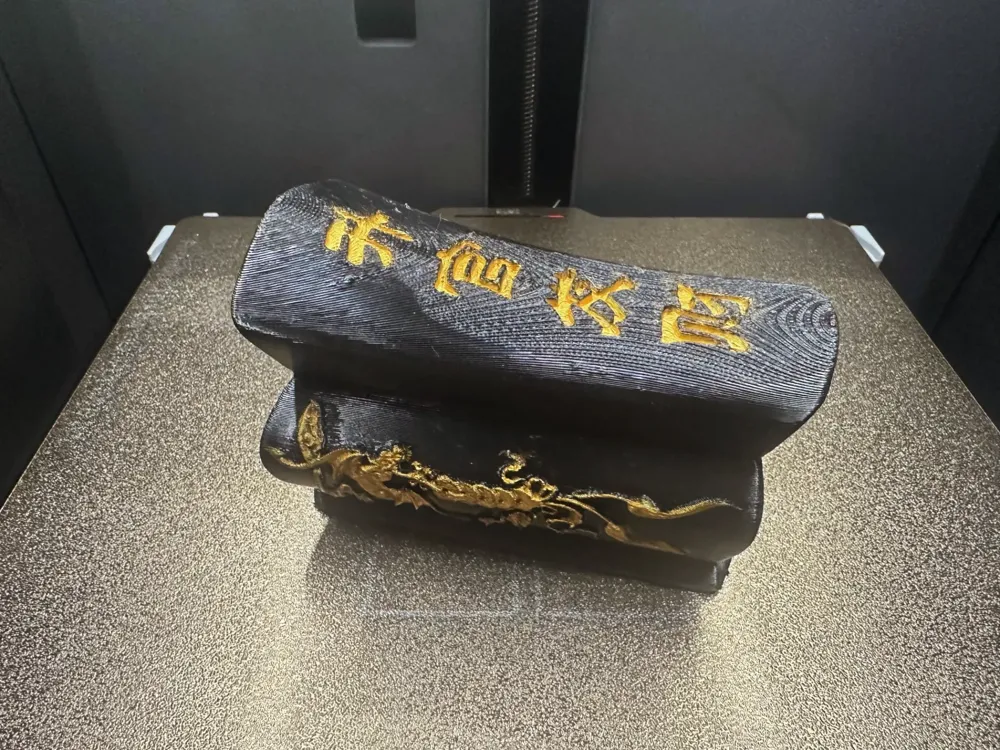
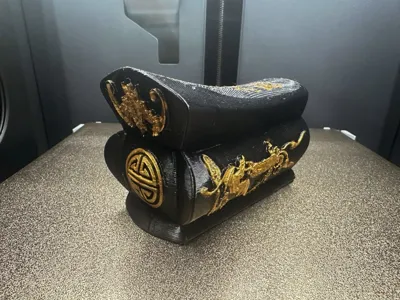
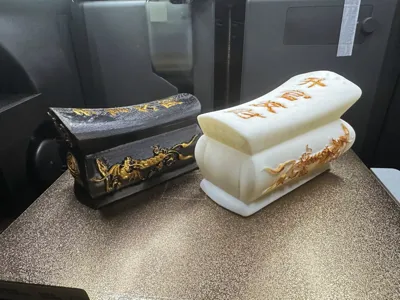
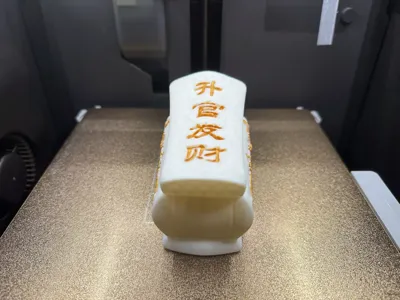
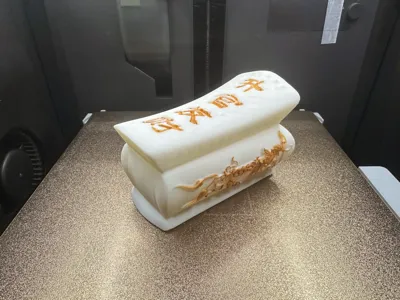
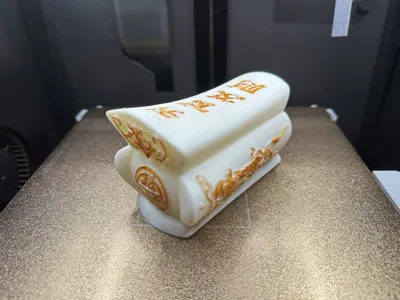
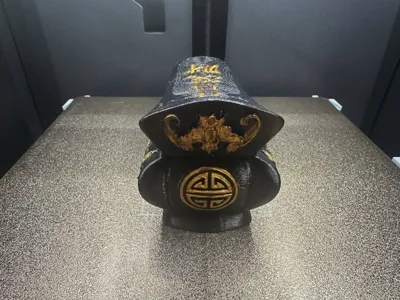
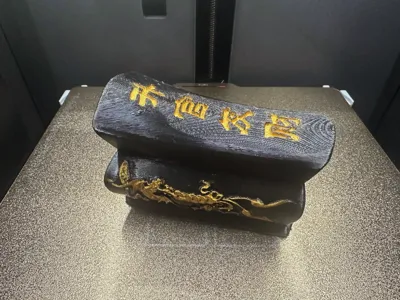
Coffin-shaped trinkets symbolize “prosperity and advancement”. This is due to the phonetic similarity between “coffin” and “official wealth”, representing “promotion and enrichment”. This symbolism is widely appreciated in Hong Kong, Macau, Taiwan, and Southeast Asia, and has recently gained popularity in mainland China.1
Furthermore, coffin trinkets not only convey auspicious meanings, but also “good fortune” and “financial luck”, leading many to keep them as personal keepsakes or gifts for superiors, hoping for career advancement.
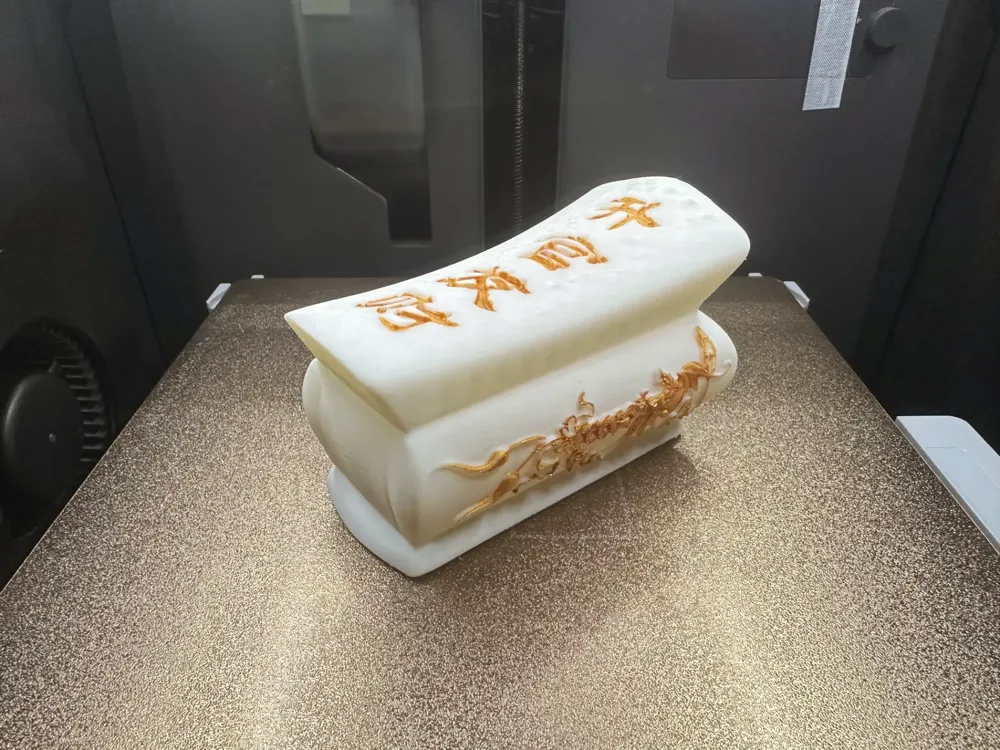
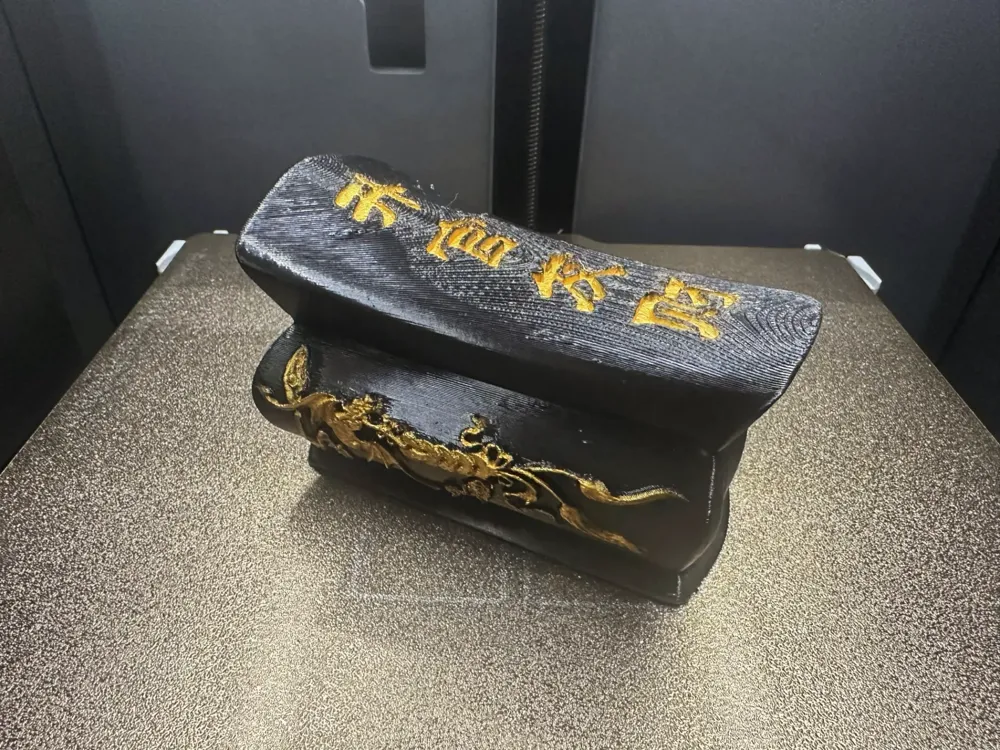
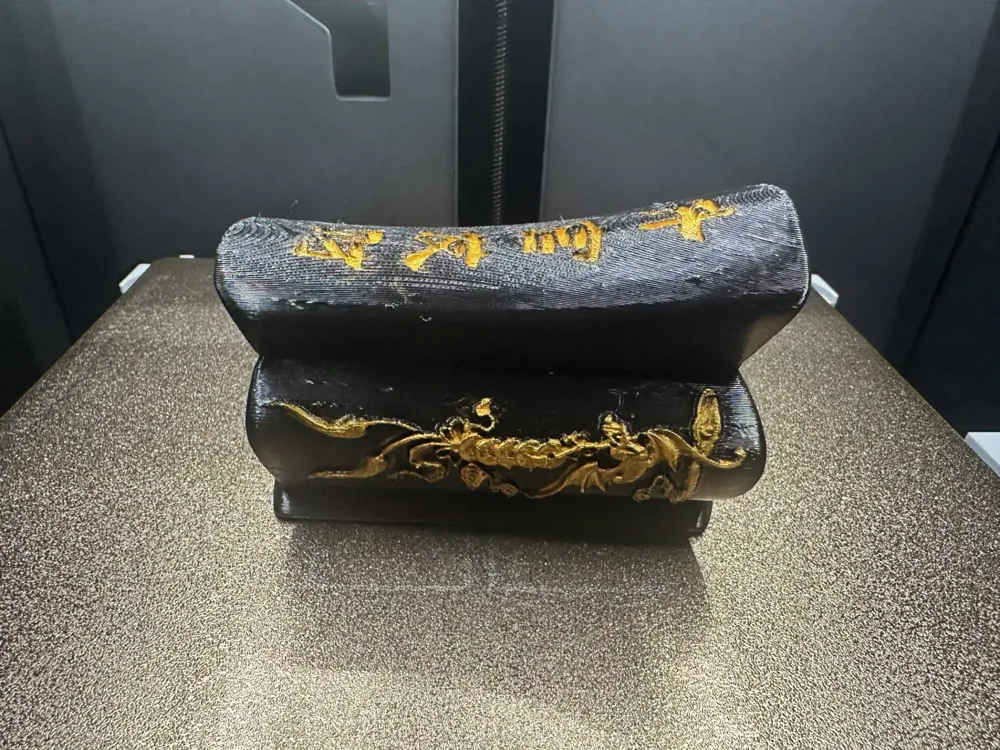
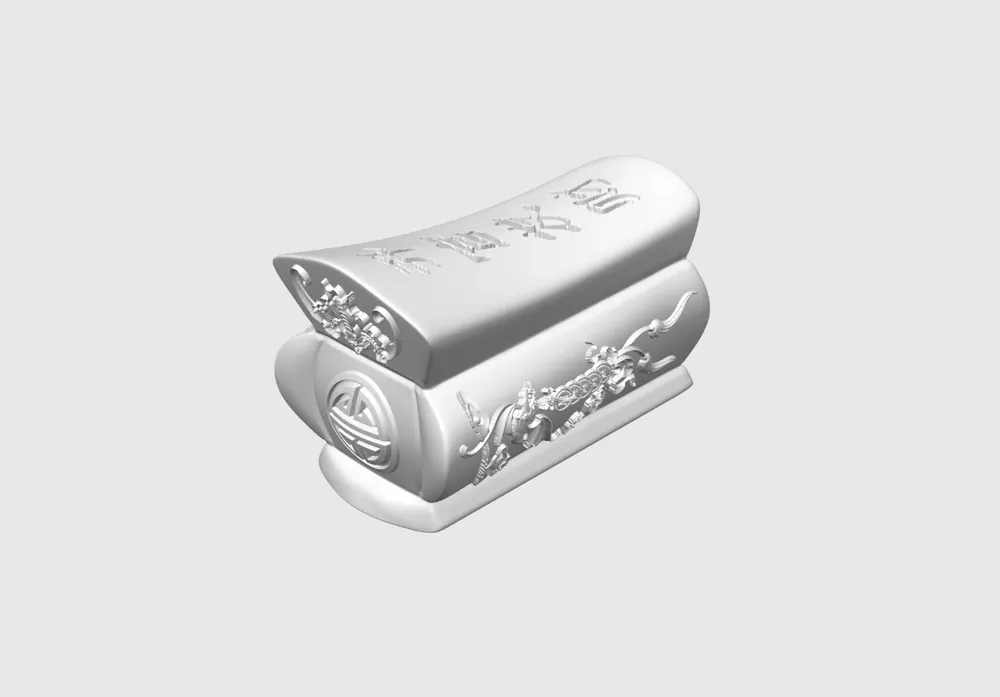
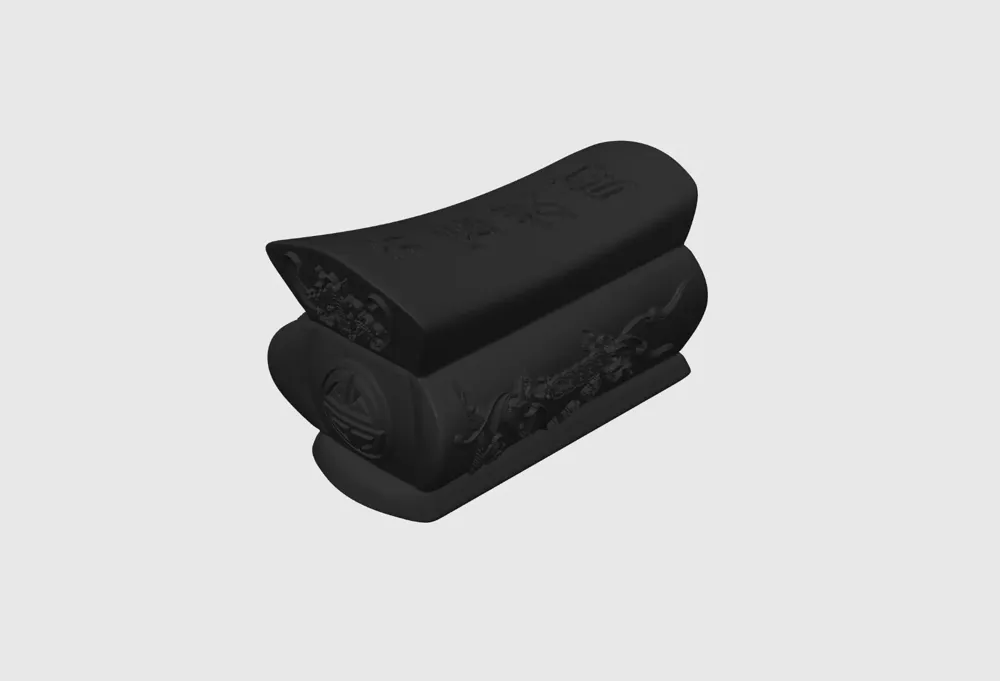
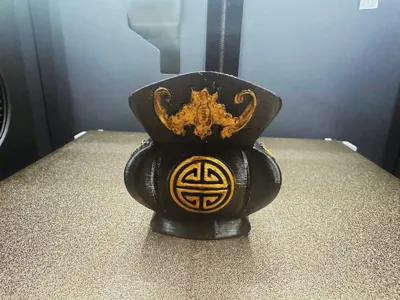
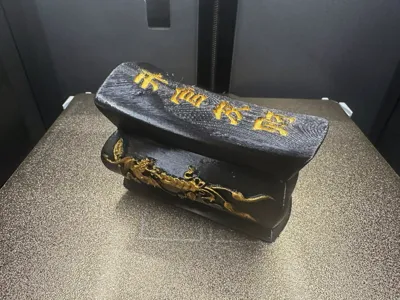
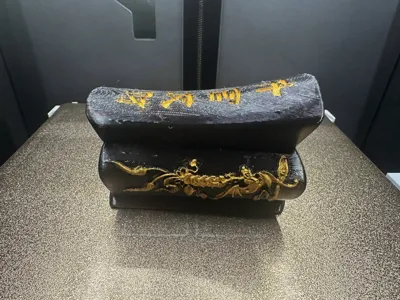
Shown here:the black version uses Tianrui PETG black filament, andthe white version uses white PLA filament with gold acrylic paint for the patterns. Layer height of 0.16-0.2mm is acceptable, using tree supports with a hybrid tree,supporting only critical areas,with a threshold of 25-30, and a raft of 10-15 layers.Support removal difficulty: one star. A 0.2mm nozzle can be used for smaller prints, while larger prints…well, we wouldn't really need those, would we? Please ensure your filament temperature settings are appropriate before printing. Feedback and pictures are welcome! Thank you all!
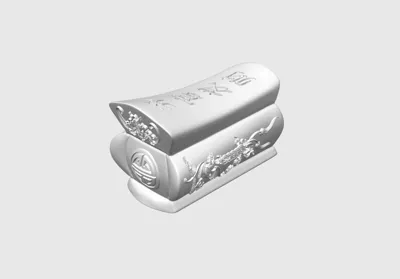
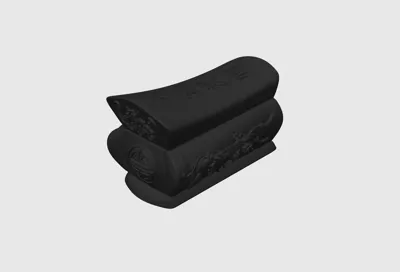
Configuration 1: Incapable of opening; solid
Configuration 2: Provided by user ID:Dake@dake, openable; hollow
- Resize as desired,PLA filament is recommended for a finer finish! (I used PETG)
- Default parameters are acceptable; those seeking higher quality can fine-tune settings,please enable “Support only critical areas” in the support settings. Please enable “Support only critical areas” in the support settings. Please enable “Support only critical areas” in the support settings.
- Personal experience: When removing supports, remember to use gentle force in the direction of removal. Always start by trimming away support sections furthest from the model, leaving only enough for a firm grip by the cutters. This allows you to precisely clamp the support’s topmost layer closest to the model. The rolling cutter method: When the cutters are firmly gripping the support layer against the model, use a rolling and tearing motion to peel away the support. Adjust your grip and be patient, proceeding gradually…
Boost Me (for free)
If you enjoy my content, please give me a boost! Your support motivates me to create more! Thank you!!!
3D Printing Techniques and Precautions
- (All models published by this account have been test-printed and are compatible with all models. Before printing, check that your printer and filament are functioning correctly. If you encounter any issues, please direct message me, and I will do my best to assist!
- Precautions:
- For troubleshooting, please refer to:Resource Area:Print Quality and Troubleshooting | Bambu Lab Wiki
- Ensure the printer bed is clean. It's recommended to wipe it with 95% isopropyl alcohol after each print to maintain consistent print quality. Oil residue from touching the print bed significantly reduces adhesion, and leftover debris from previous prints can impact first-layer adhesion, lowering success rates.
- Pay attention to filament drying (PLA generally does not require drying, as it exhibits good moisture resistance). This significantly impacts print quality and the overall printing experience! Filament that has been stored for a long time can absorb moisture. If stringing or “spaghetti” occurs, contact the vendor for recommended drying and printing parameters. Most filaments are not dried before shipping, so pre-drying is recommended for optimal results.
- Choose appropriate materials; PLA is generally preferred for aesthetic components, while PETG is better suited for structural components. Both materials are relatively affordable and have minimal volatile organic compound emissions. (For optimal health, consider using an air purifier).
- When using a new filament brand, it is recommended to calibrate filament flowimmediatelyand adjust the calibration factor. This significantly impacts print quality and is necessary to ensure the filament is compatible with your printer.
- If print quality suddenly deteriorates or success rates decline,check for nozzle clogging, verify that the printer is level (placing it directly on the floor is recommended), and consider recalibrating the printer.
- Use the recommended print speeds specified in the model instructions. Overhang quality, model surface detail, and print speed are directly related; the correct speed (neither too fast nor too slow) allows sufficient cooling time for proper material solidification.
- Set appropriate bed and nozzle temperatures for the material used. Temperatures that are too high or too low can lead to warping, layer inconsistencies, or adhesion issues, impacting print quality and success rates. For P1S and higher models, if the enclosure temperature exceeds 35°C, open the glass door.
License

This user content is licensed under a Standard Digital File License.
You shall not share, sub-license, sell, rent, host, transfer, or distribute in any way the digital or 3D printed versions of this object, nor any other derivative work of this object in its digital or physical format (including - but not limited to - remixes of this object, and hosting on other digital platforms). The objects may not be used without permission in any way whatsoever in which you charge money, or collect fees.
Related Models
There are no related models yet
Comment & Rating (0)