
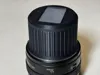
Canon lens imaging back cover
Print Profile(1)
Description
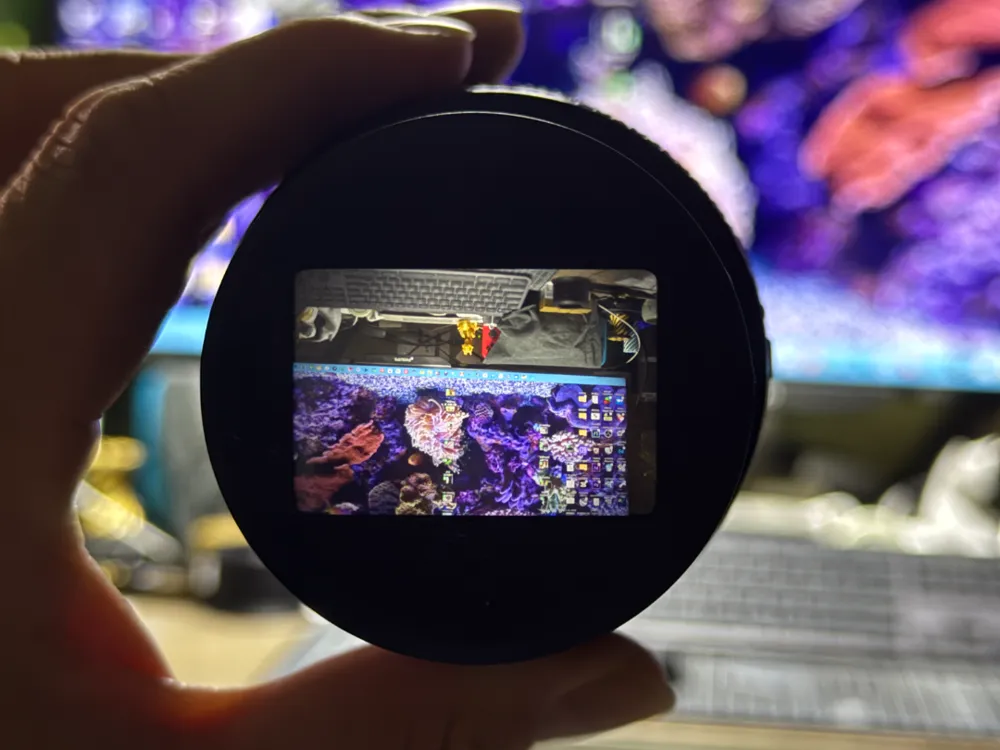
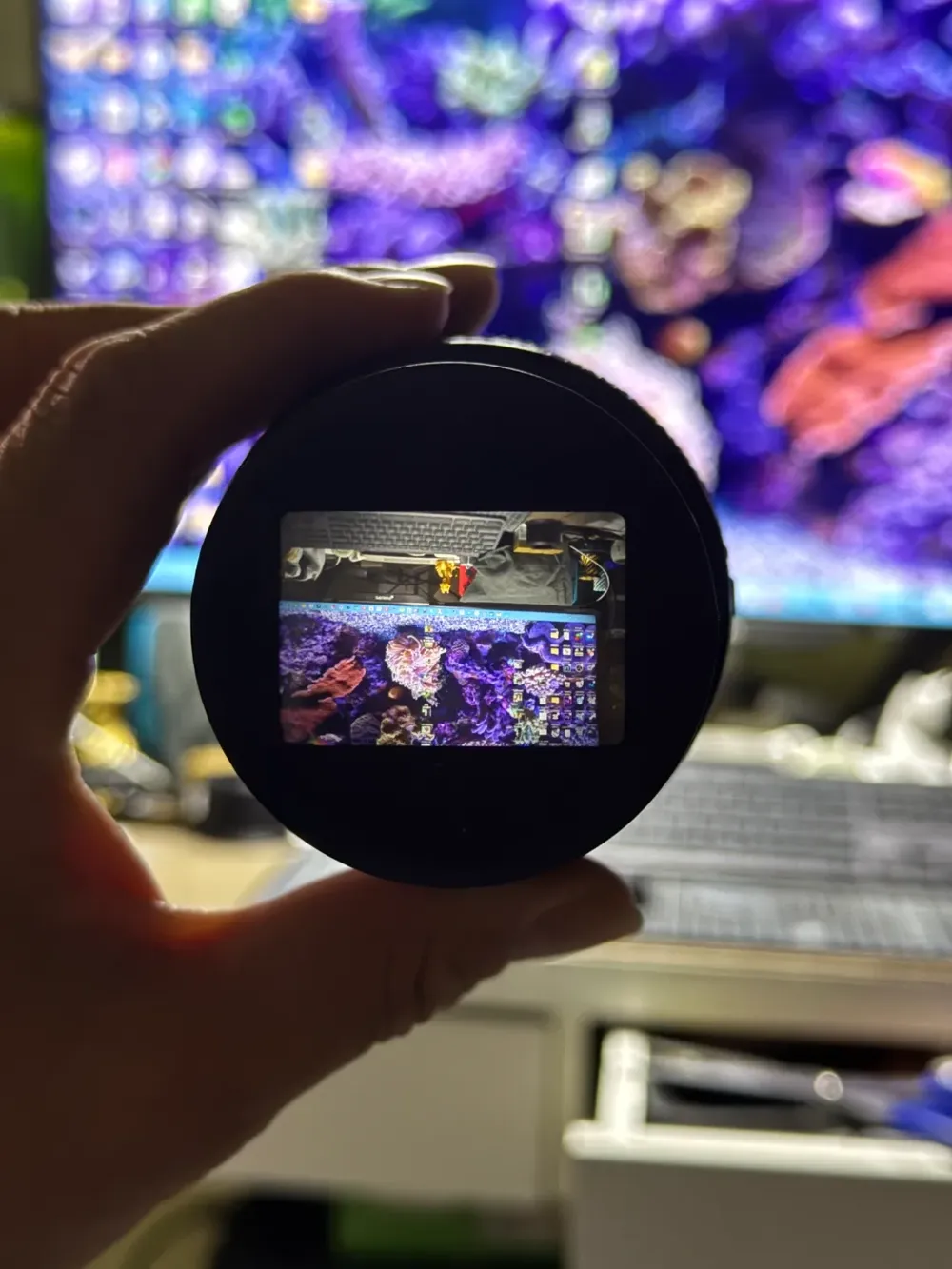
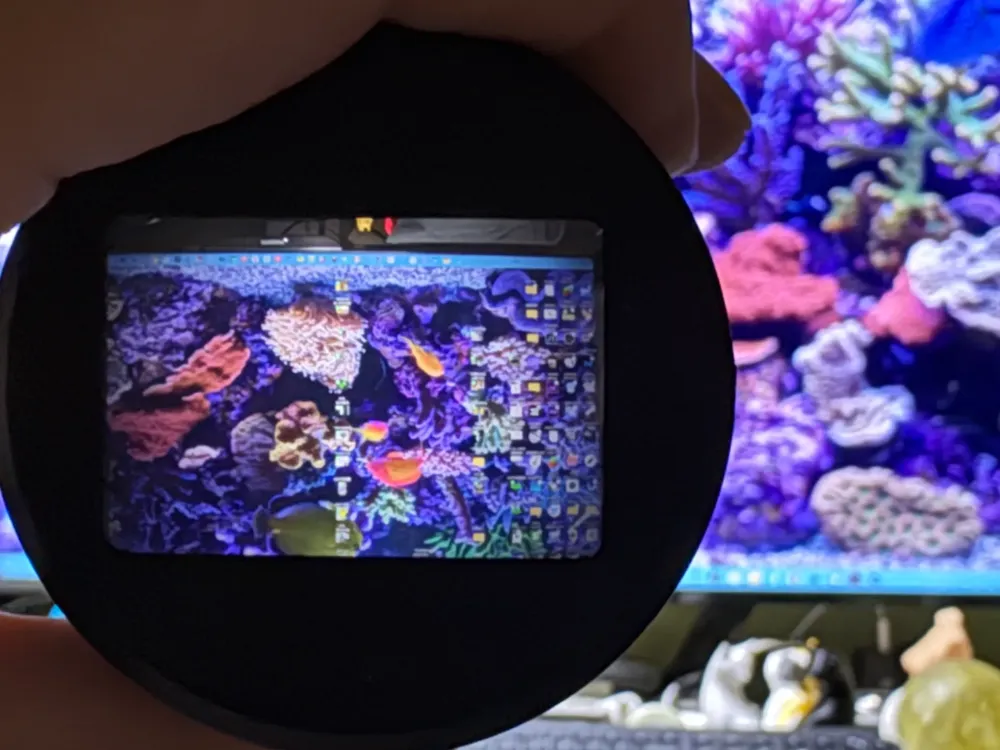
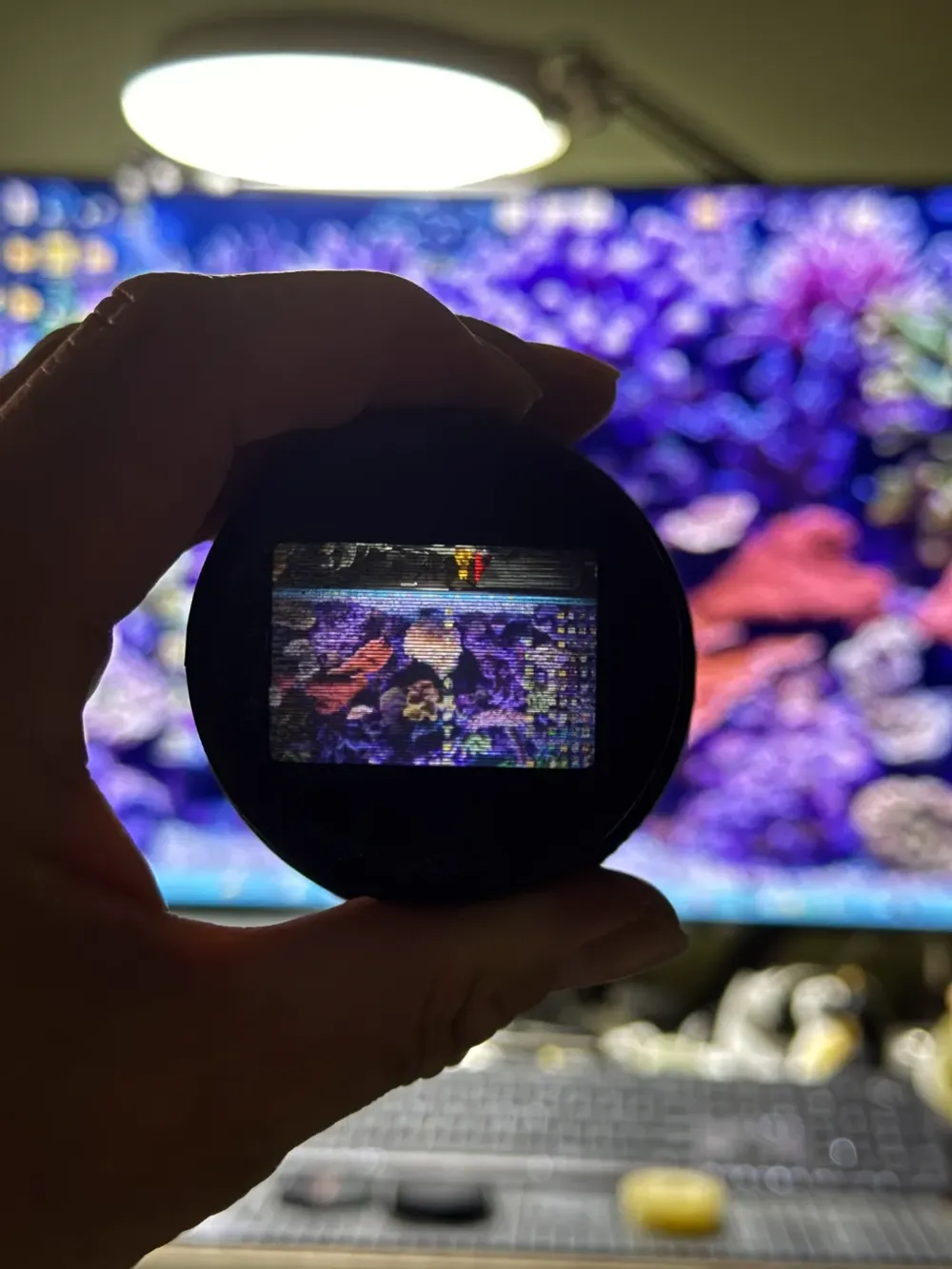
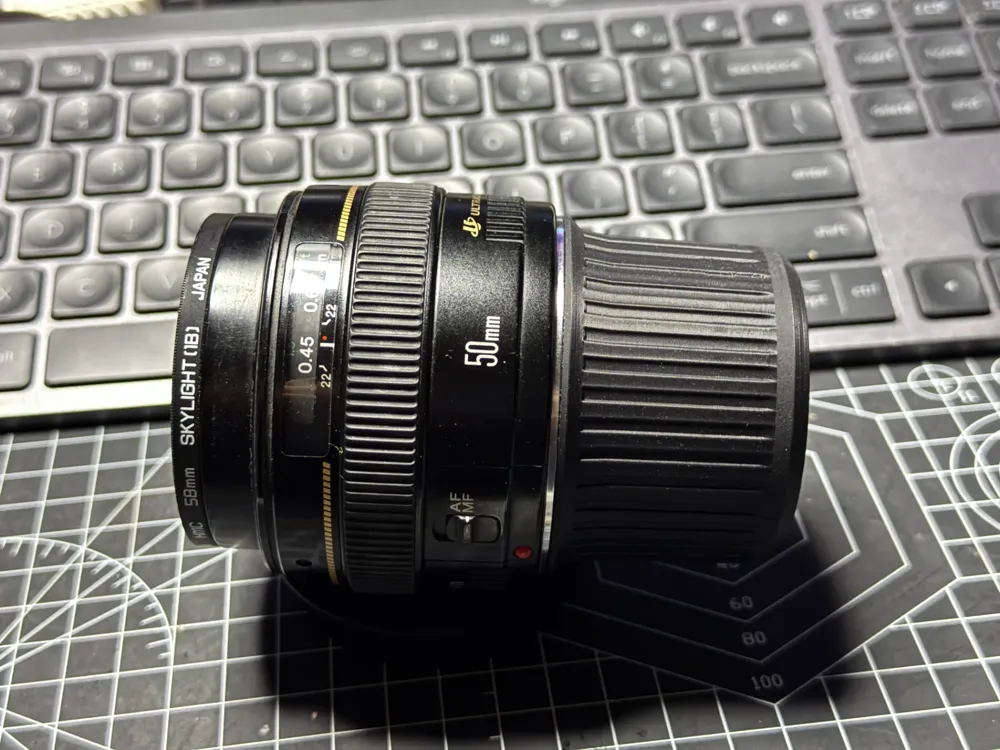
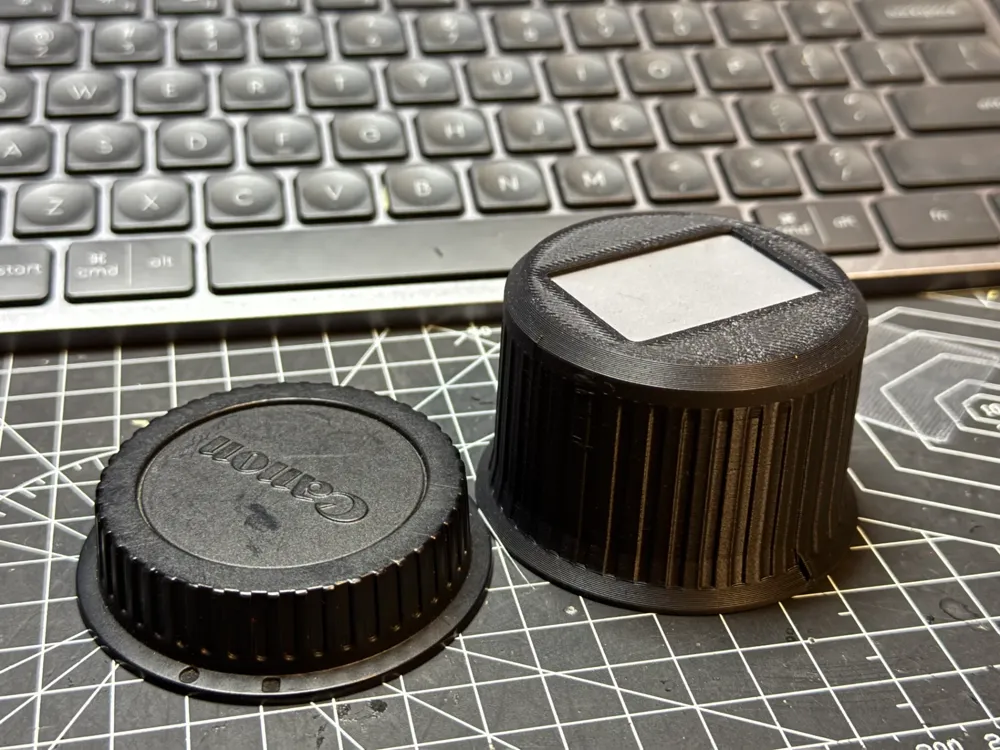
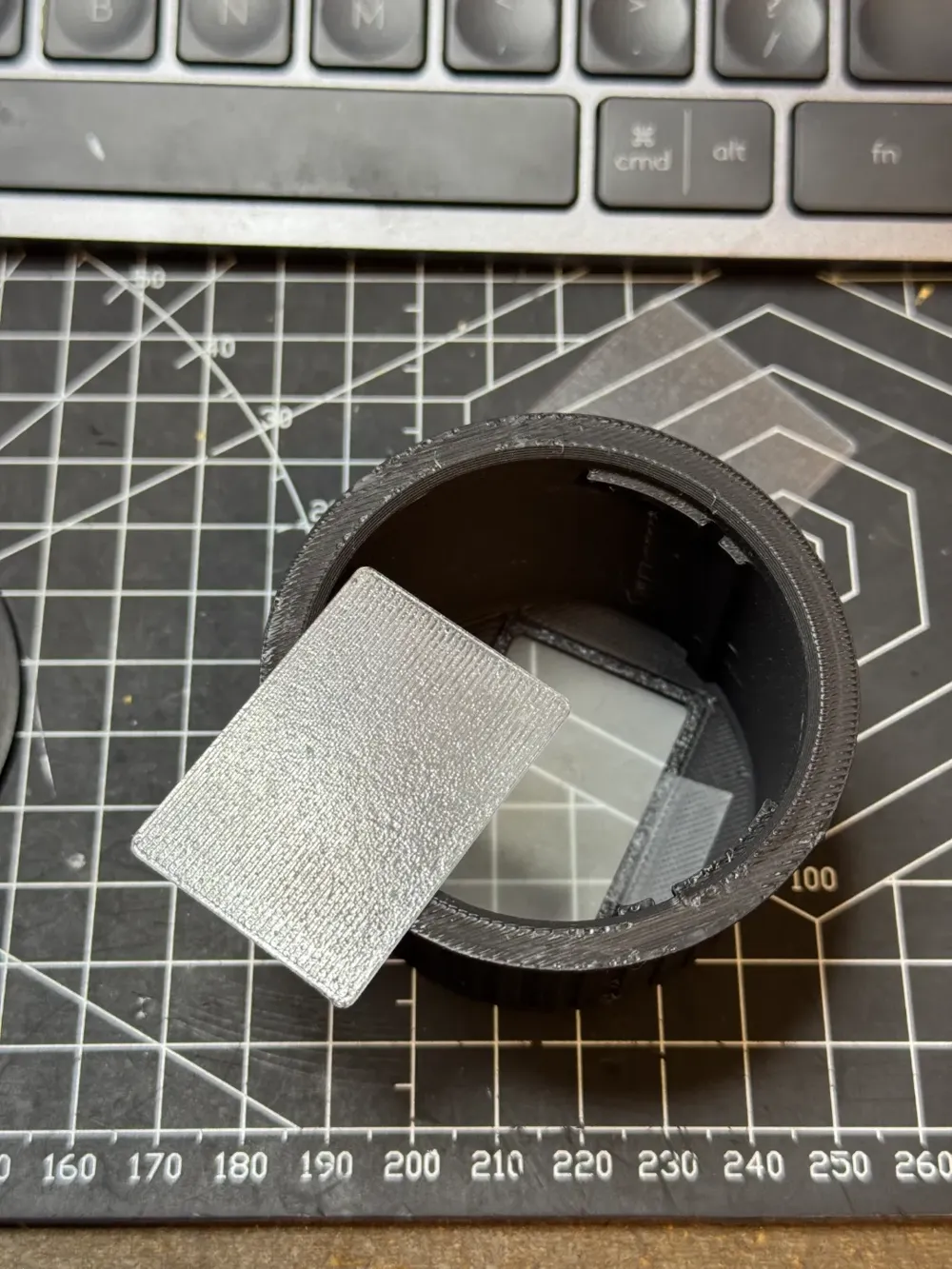
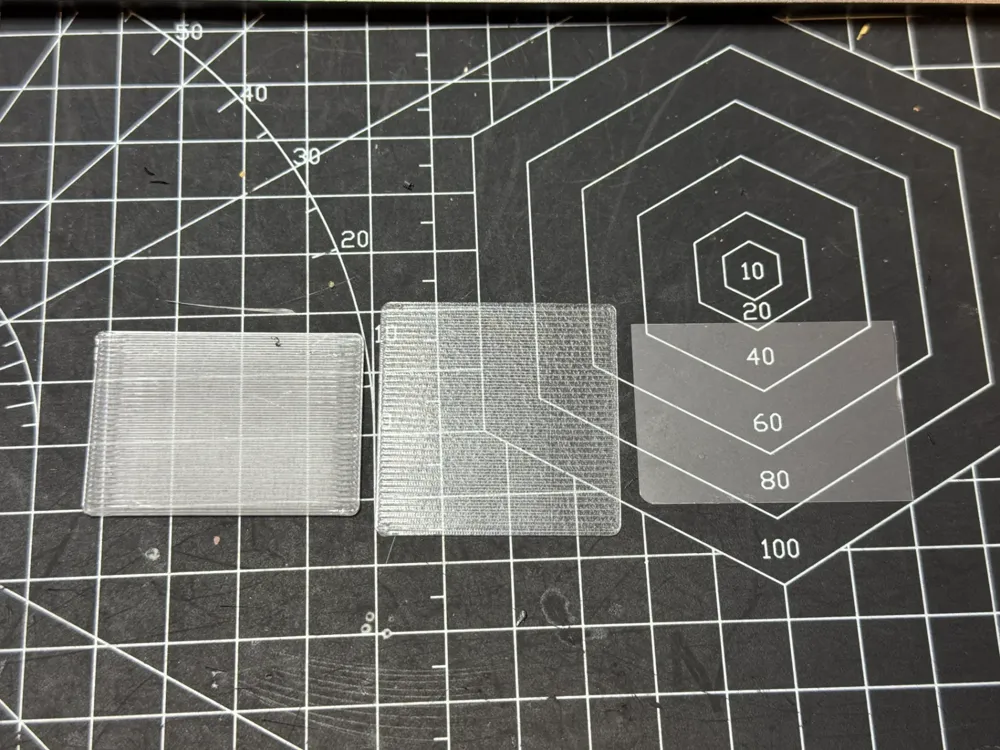
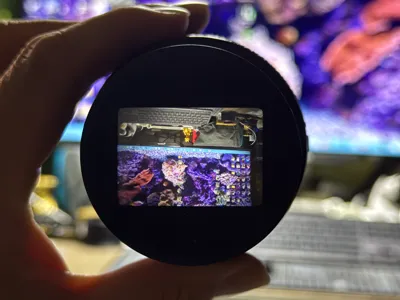
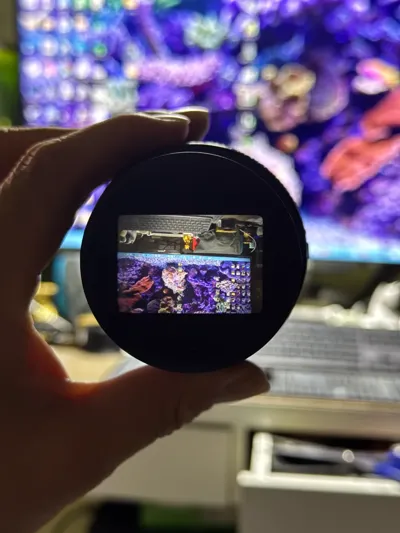
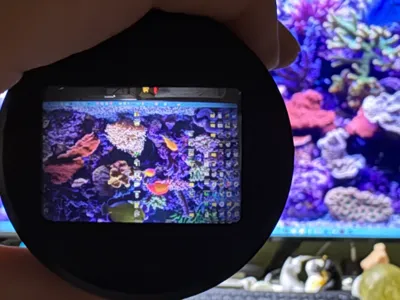
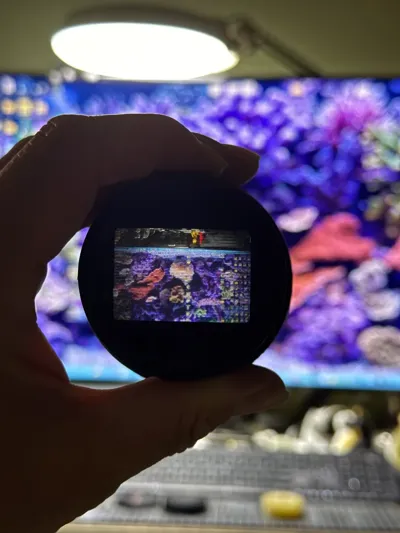
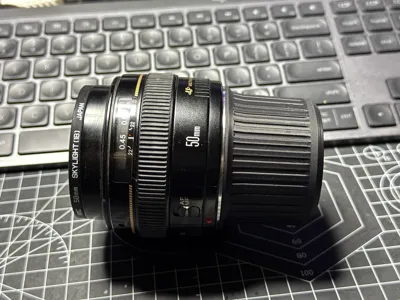
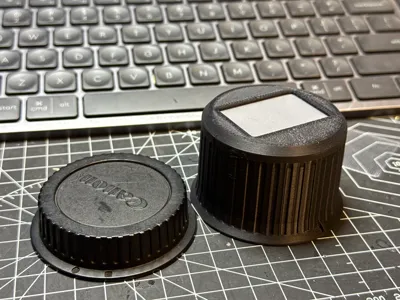
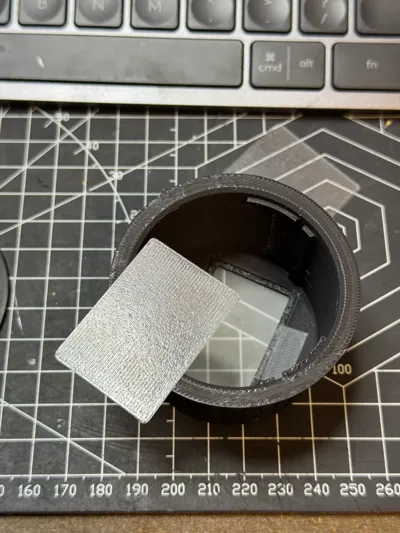
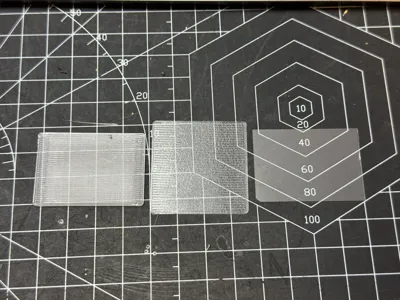
Canon lenses with EF mounts can be used for imaging simply by screwing them onto the back of the camera, although the image will be reversed. I have experimented with printing a focusing screen using transparent PETG, but the image quality was not very good. The best results I have achieved have been with heat-sealable film. Tracing paper provided slightly inferior results. Of course, you can also purchase a focusing screen if you have the resources. The third image is printed with PETG, while the first and second images were printed with heat-sealable film. If you use tracing paper, you can print a frame that fits the back cover, which helps to secure the tracing paper. If you wish to try printing a ground glass screen, you can print the part on plate 2.
Boost Me (for free)
Thank you for your support
License

You shall not share, sub-license, sell, rent, host, transfer, or distribute in any way the digital or 3D printed versions of this object, nor any other derivative work of this object in its digital or physical format (including - but not limited to - remixes of this object, and hosting on other digital platforms). The objects may not be used without permission in any way whatsoever in which you charge money, or collect fees.


Comment & Rating (7)