Search models, users, collections, and posts

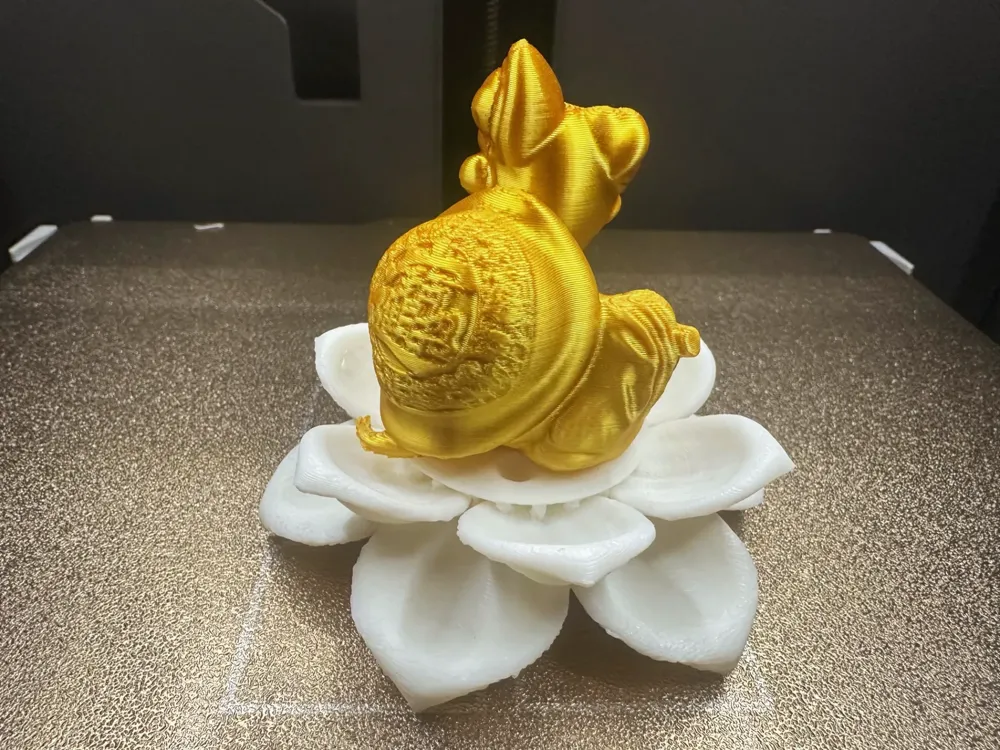
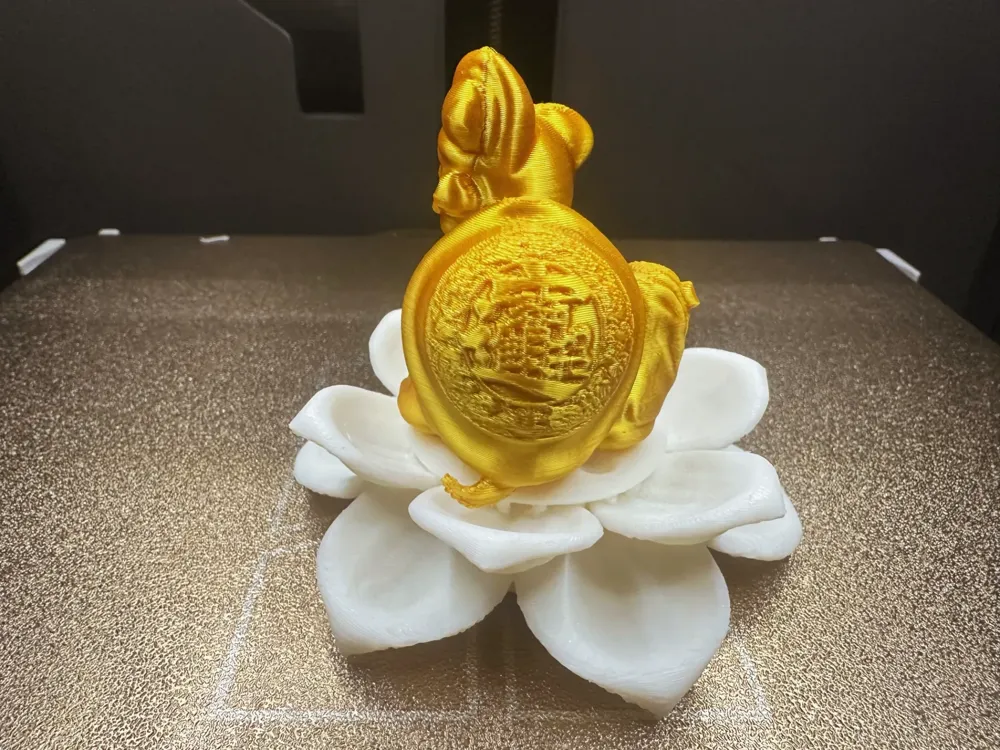
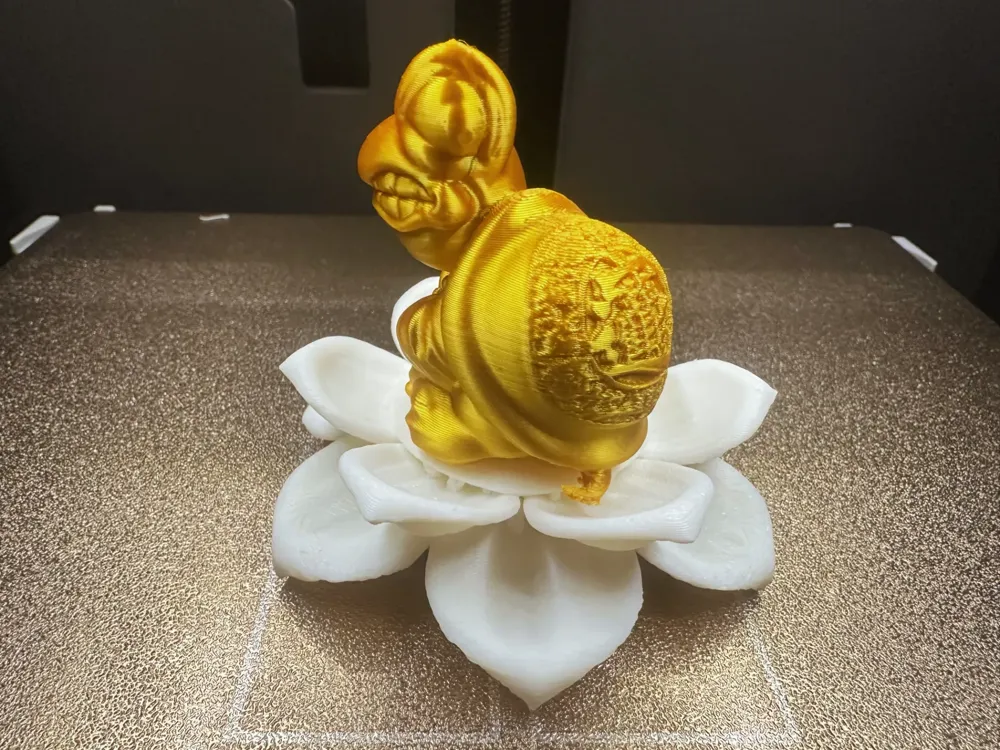
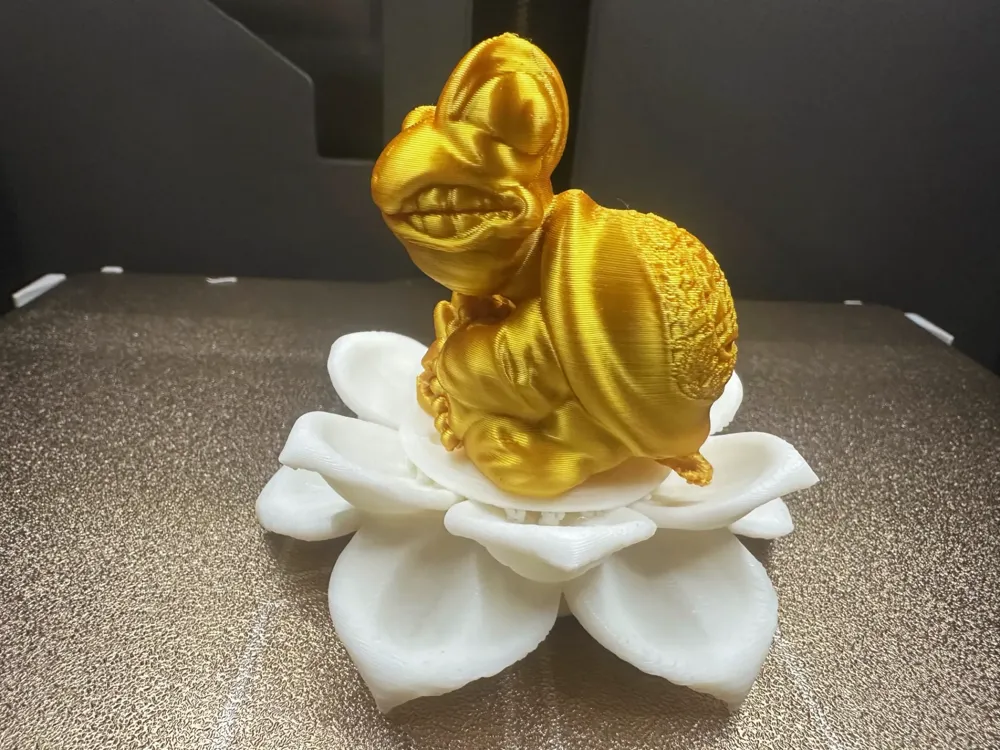
Don't listen, don't listen, just like a turtle reading scriptures
IP Report
Print Profile(1)
0.2mm layer, 2 walls, 15% infill
Designer
4.5 h
2 plates
Open in Bambu Studio
Boost
9
12
1
1
10
3
Released
Description
Content has been automatically translated.
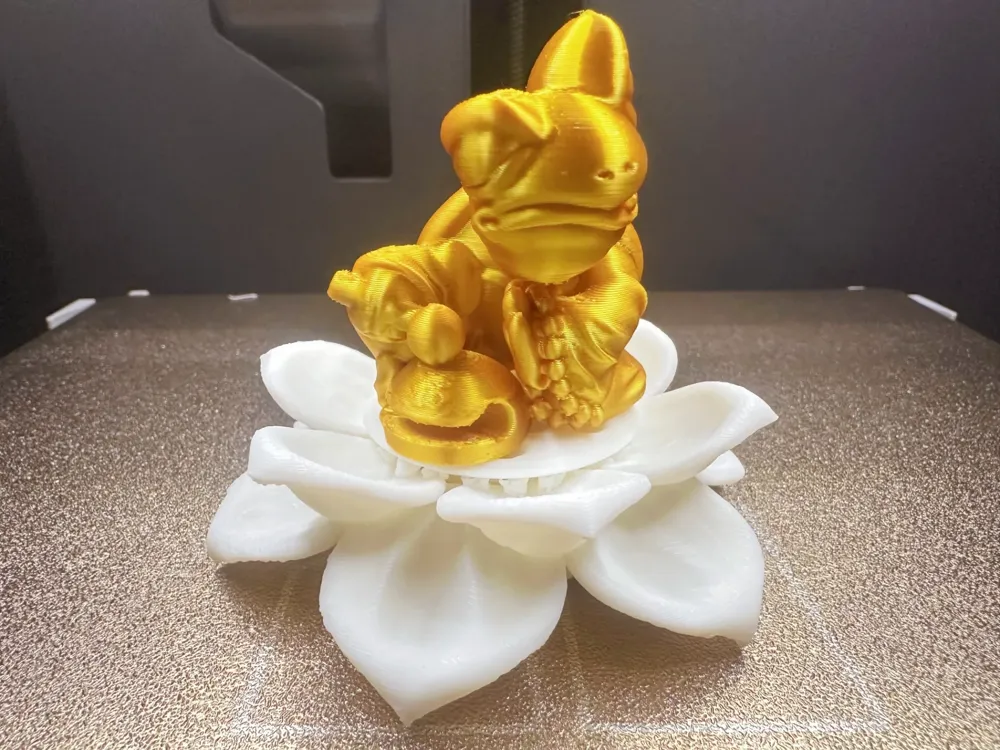
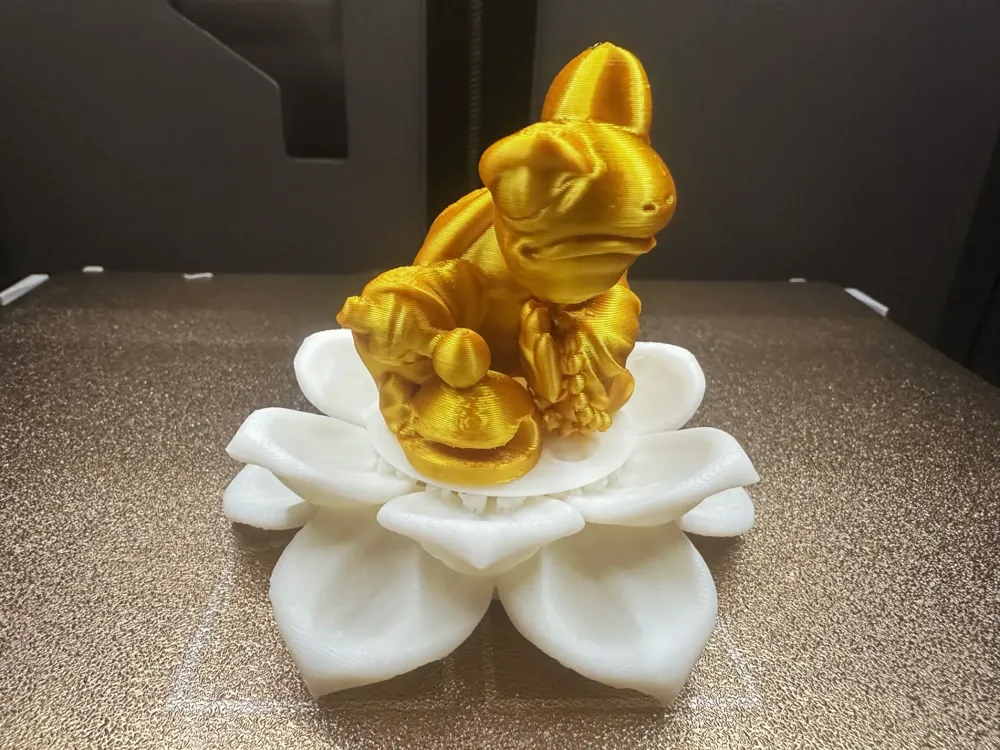
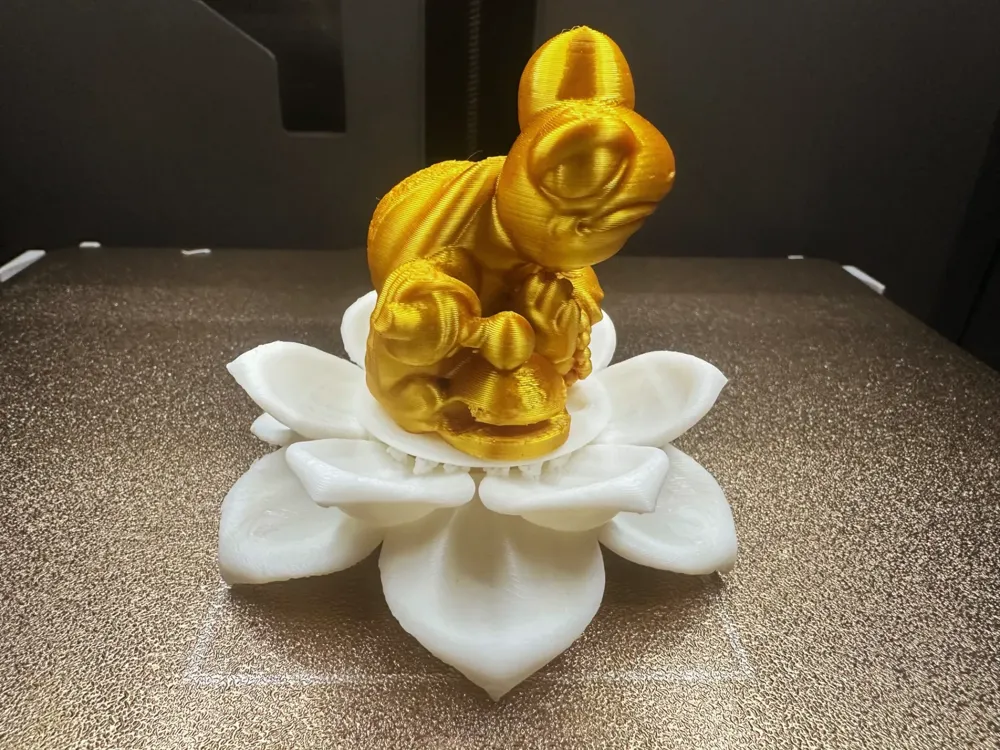
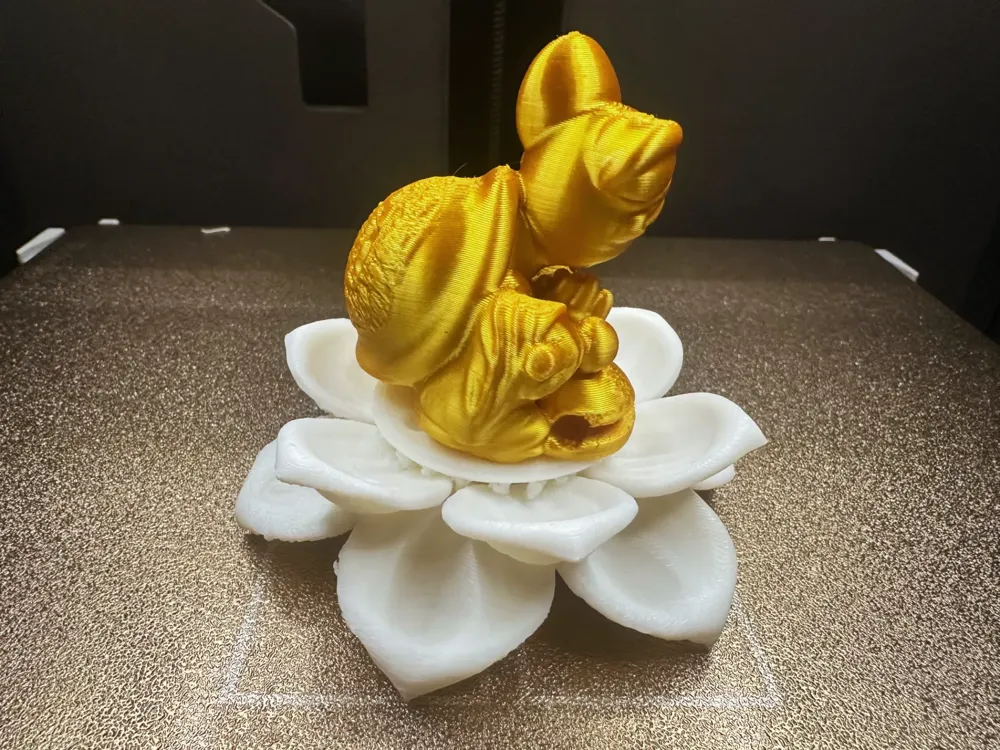
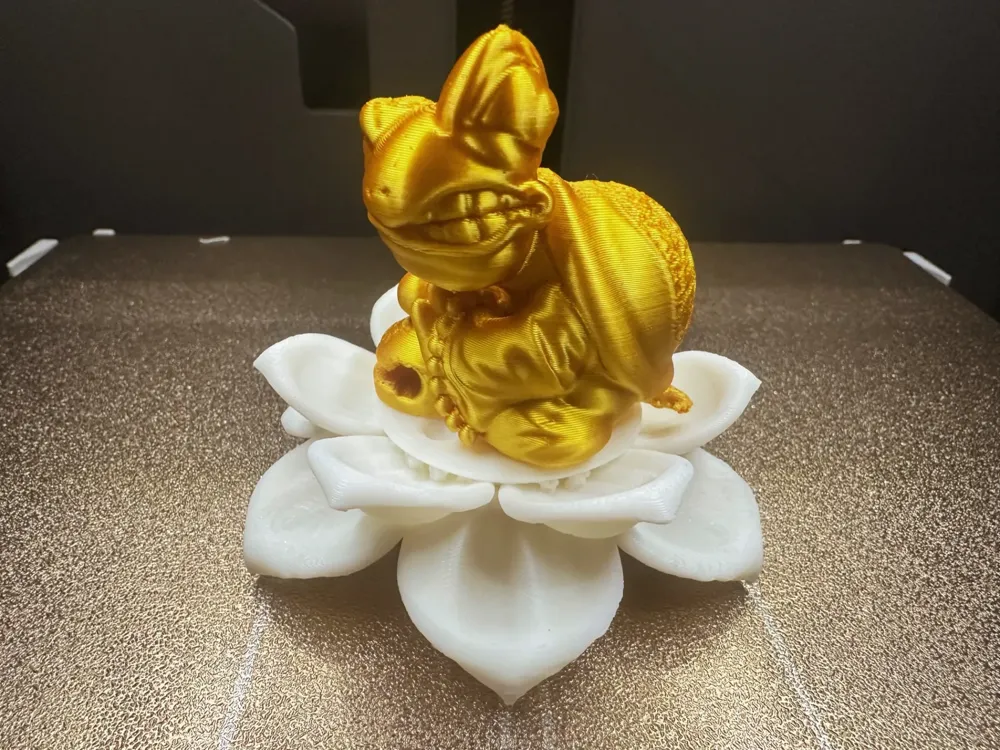
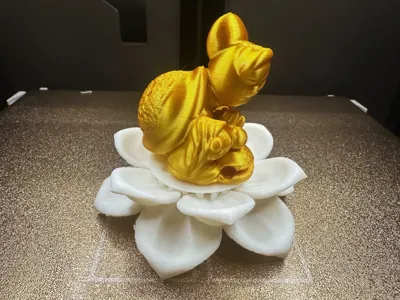
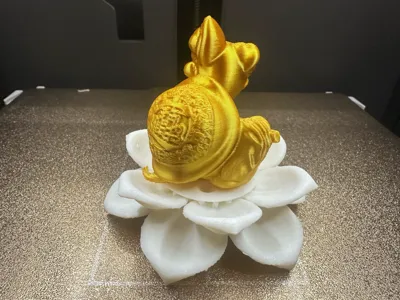
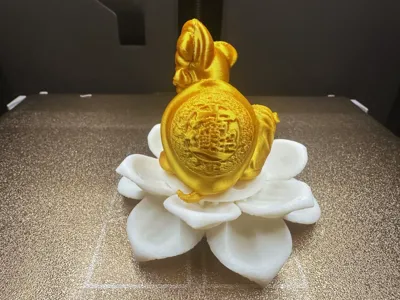
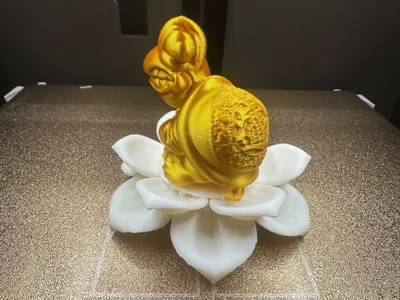
Don't listen, don't listen, just like a turtle reading scriptures
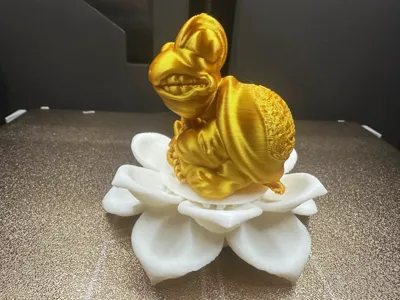
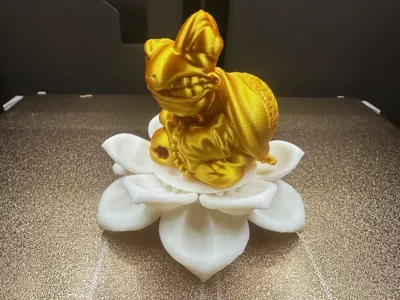
This release is a fun feng shui ornament, it can be placed on your office desk to suppress "qi" and fortune, effectively deflecting your boss's output while protecting your mental will from being broken.
The displayed printing material is gold PLA+ white PLA, layer height 0.16-0.2 can be printed, tree-like support mixed with tree,only support key areas,threshold 30, raft 10.Support removal difficulty 1 star (super easy)
The model has been tested many times,can't be further reduced, it has been processed into separate parts,larger prints will look better
Welcome everyone to return the picture and comment! Thank you everyone!!!
Boost Me (for free)
If you like my content, please give me a boost! Your boost is the motivation for me to update my content! Thank you!!!
- The size can be scaled according to your own preference,it is recommended to use PLA material for printing, the effect will be more delicate!
- Default parameters can also be printed, friends with high requirements can fine-tune themselves,please click on "Support only key areas" in the support settings Please click on "Support only key areas" in the support settings Please click on "Support only key areas"
- Personal experience: When disassembling the support, be sure to remember to use a little force in the direction you need to remove it, be sure to cut off the support part that is far away from the support contact surface first, leaving just enough to open the pliers, so you can just clip the pliers at the top of the support closest to the model surface, rolling pliers method ---- When clipping the support close to the model surface, use the pliers to roll and tear, it is likely to roll up the support surface to be removed, pay attention to adjust the hand fixation posture, be patient, take it step by step...
3D Printing Tips and Preparation Precautions
- (All models released by this account have been tested and printed, can be adapted to all models, before printing, you need to check whether the printer and consumables are normal, if you encounter problems that you cannot solve, welcome to private message me, I will try my best to help you solve them!
- Precautions:
- If you encounter problems, you can go toreference learning area:Print quality and solutions | Bambu Lab Wiki
- Make sure the machine printing plate is clean, it is recommended to wipe it with 95-degree medical alcohol after each printing, which can ensure the printing quality is stable and does not overturn.Because the oil left on your hands after touching the printing panel will greatly reduce the printing adhesion, at the same time, the debris from previous printing and the small residue of the printed object will also affect the printing quality of the first layer, thereby reducing the yield.
- Pay attention to drying the consumables (PLA generally does not need to be dried, it has a good resistance to moisture), this will greatly affect your printing quality and printing experience! Consumables will inevitably become damp after being placed for a long time, if you encounter stringing and spaghetti, you need to consult the merchant for drying parameters and printing parameters to adjust, most merchants' consumables are not dried when they leave the factory, so if you have the conditions, you can pre-dry them, and the printing effect will be better.
- The choice of printing materials, appearance parts usually choose PLA, structural parts usually choose PEGT, the prices of these two materials are relatively affordable and the toxic gas volatilized is almost zero. (For health, it is best to have an air purifier running)
- It is recommended to print with new consumables from manufacturers calibrate the consumable flow rate immediately, and modify the calibration coefficient, this will greatly affect your printing quality, and it is also a necessary process for making new consumables adapt to your printer.
- If you encounter problems such as a sudden decrease in printing quality and low yield,check if the nozzle is clogged, check if the printer is placed in a stable position (stable point directly on the ground) You can also try recalibrating the printer.
- Print at the printing speed recommended in the model description. Overhanging mass, model face count and printing speed are directly related, a suitable speed (too fast or too slow is not good) allows the material to have more time to cool and shape during deposition.
- Set the hot bed and nozzle temperature reasonably according to the different materials. Too high or too low a temperature will cause warping, layered deformation or adhesion problems, affecting the printing quality and success rate. P1S models and above, if the temperature inside the user chamber exceeds 35 degrees, be sure to open the body glass door.
License

This user content is licensed under a Standard Digital File License.
You shall not share, sub-license, sell, rent, host, transfer, or distribute in any way the digital or 3D printed versions of this object, nor any other derivative work of this object in its digital or physical format (including - but not limited to - remixes of this object, and hosting on other digital platforms). The objects may not be used without permission in any way whatsoever in which you charge money, or collect fees.


Comment & Rating (1)