
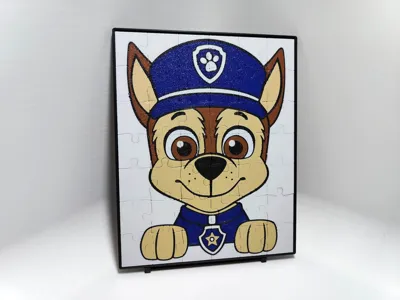
Chase Jigsaw Puzzle - 42 piece

Print Profile(2)

Description
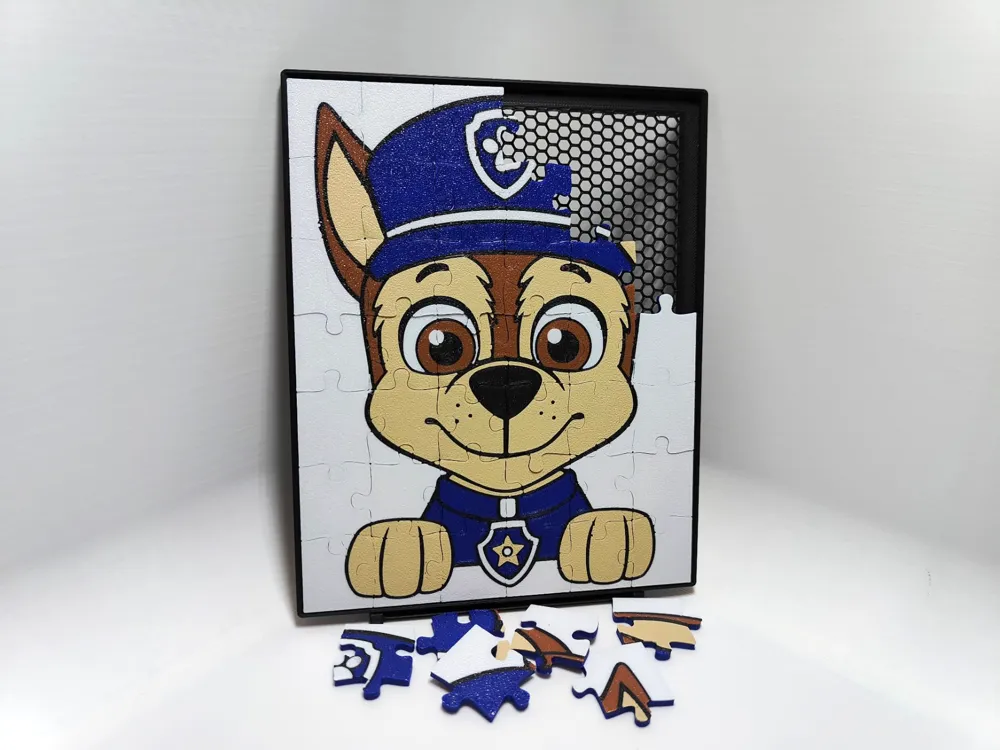
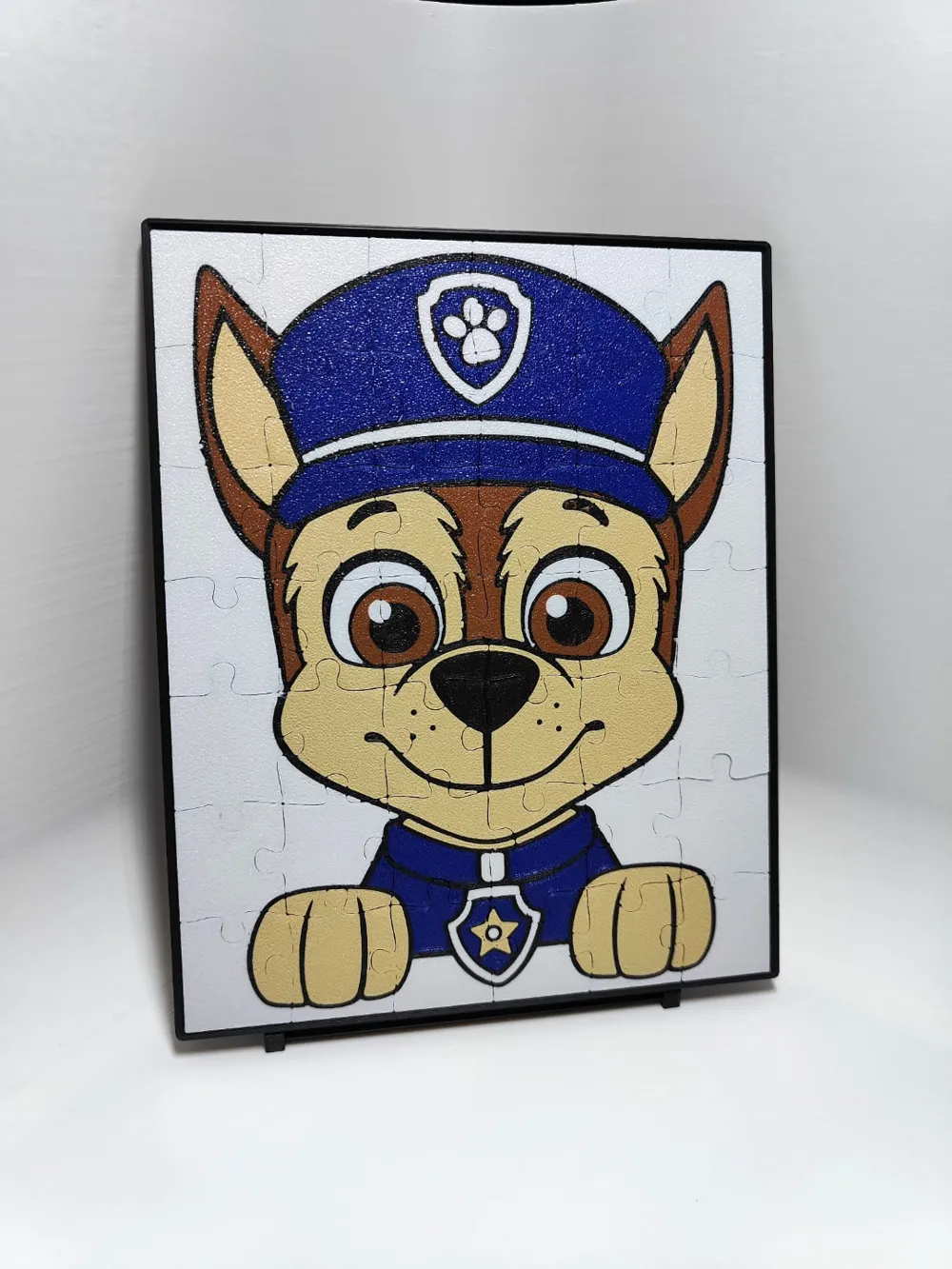
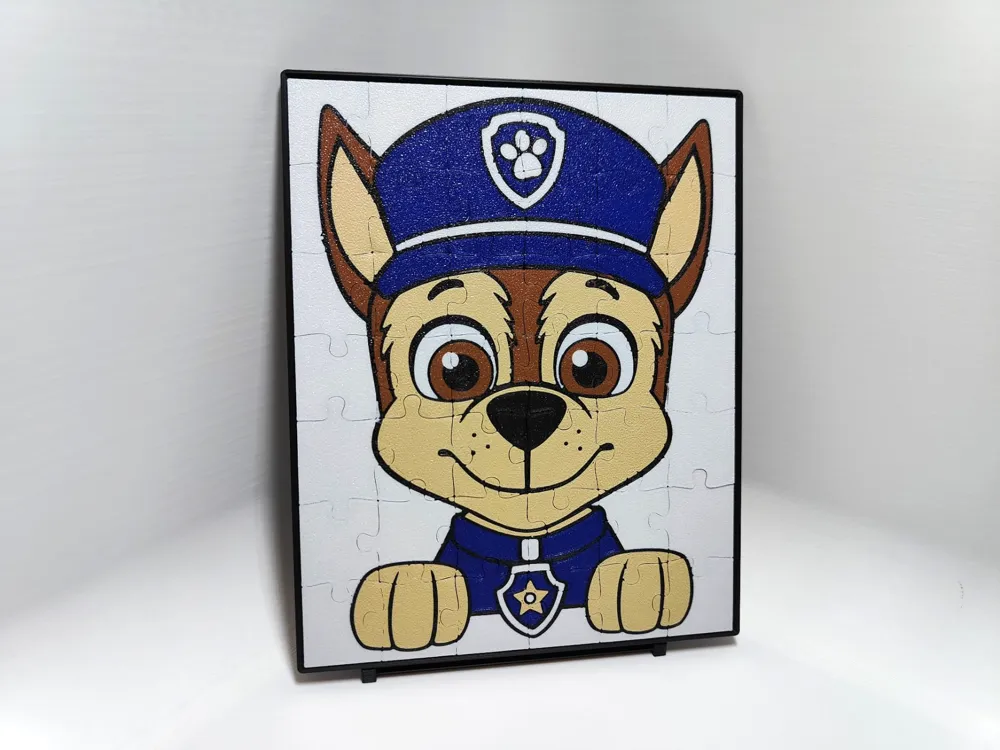
Simple jigsaw puzzle of Chase from Paw Patrol.
42 pieces. Size of the picture is 140x175 mm with thickness of 3 mm. Frame is 145x180 mm with thickness of 4,6 mm. So its easily printable on smaller printers like A1 Mini.
Made from 5 colours - White, Black, Desert Tan, Brown, Blue - But still printable with AMS Lite or single AMS. How? Guide down bellow.
On the first plate is the puzzle, on the second plate is the frame for it. Frame is made with exposed infill for saving filament, and also I like the look of it.
When you print this, the pieces stick a little bit together so you have to help them get loose, be careful. But the upside of this is that the picture have very little lines visible when assembled, and sticks better together.
If you like this puzzle, you can look at my other puzzles here in this collection: https://makerworld.com/en/collections/3530136
Boost Me (for free)
I print all of my creations myself.
If you like my work, pls send me a boost, it will help me make more.
Feel free to PM me if you have some idea for a nice picture.
Thank you.
Guide for printing 5 colours with one AMS.
If you have AMS Lite or only one AMS don't worry you can still print this easily.
Start with AMS loaded with these colours: White, Black, Desert Tan, Blue.
When starting the print assign Brown to black slot.
Like in this picture:
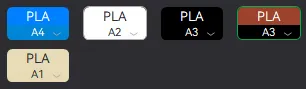
The print starts with black, stay with the printer and just wait for the printer to finish the first layer of black, then switch the black for brown. Brown is printed last in first layer so you have some time. Or you can pause the print and make the change. After that you don't have to worry anymore, it will print brown behind black but in the final print you will not see it.
Powered by MakerWorld-Image to Keychain (https://makerworld.com/makerlab/imageToKeychain)
License

You shall not share, sub-license, sell, rent, host, transfer, or distribute in any way the digital or 3D printed versions of this object, nor any other derivative work of this object in its digital or physical format (including - but not limited to - remixes of this object, and hosting on other digital platforms). The objects may not be used without permission in any way whatsoever in which you charge money, or collect fees.


Comment & Rating (33)