
P1S Soundproofing and Insulation Enhancement
Print Profile(3)


Description
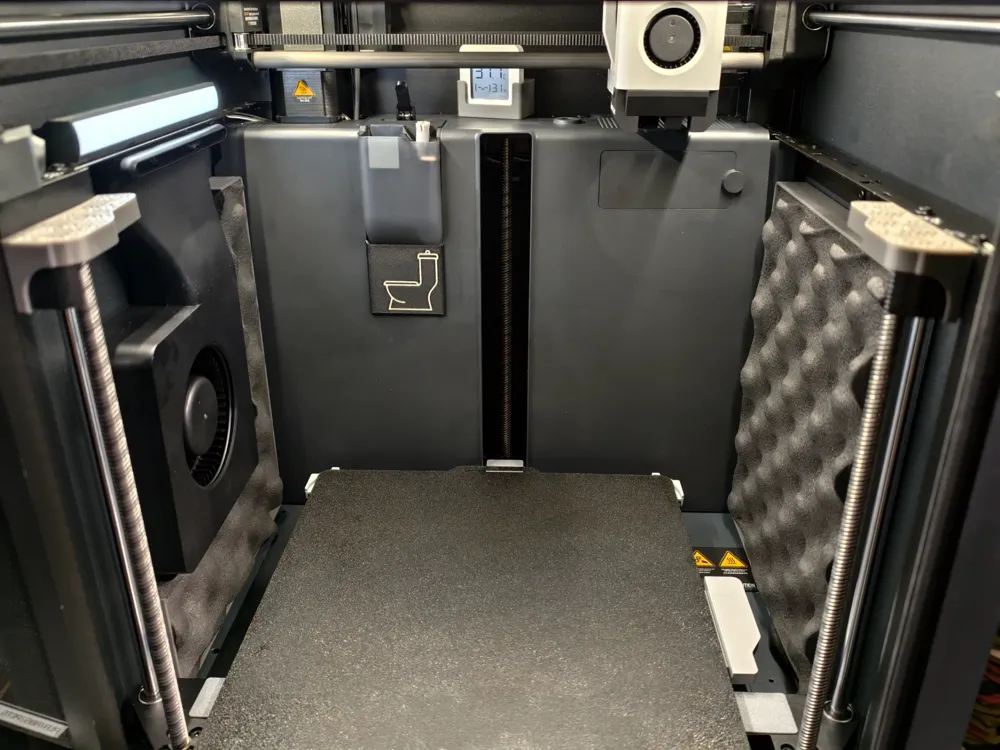
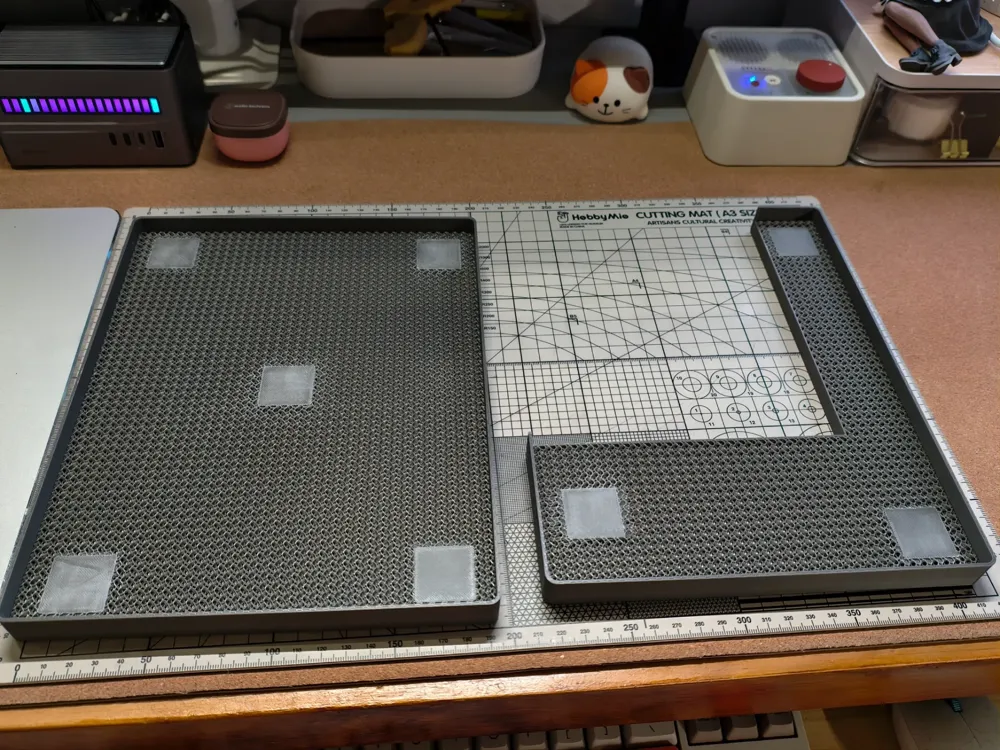
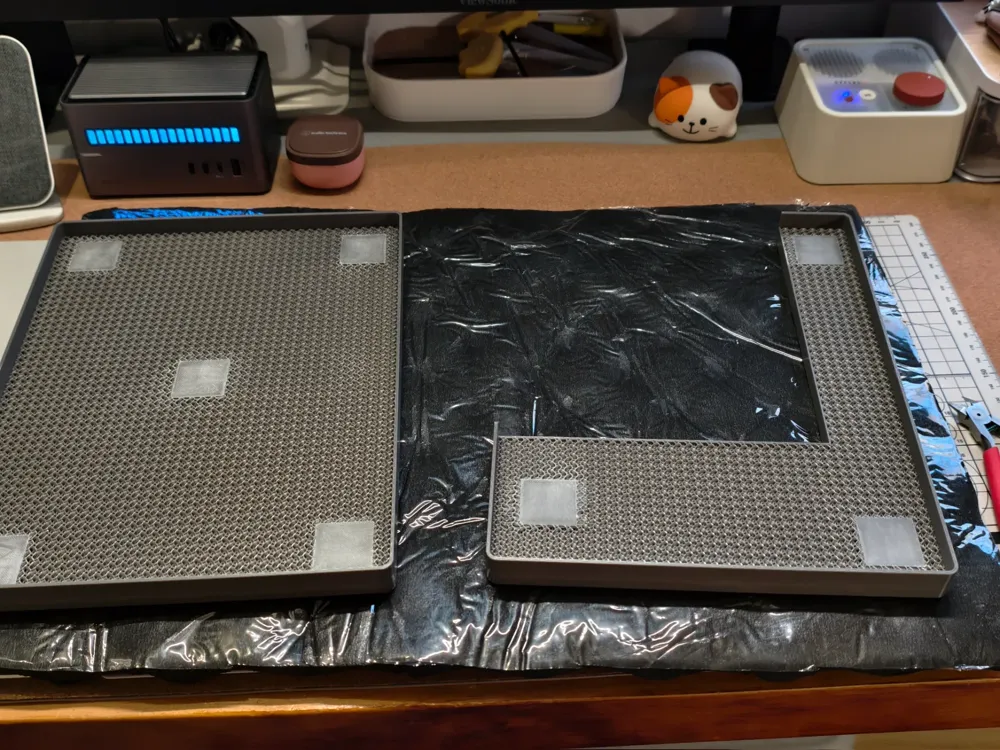
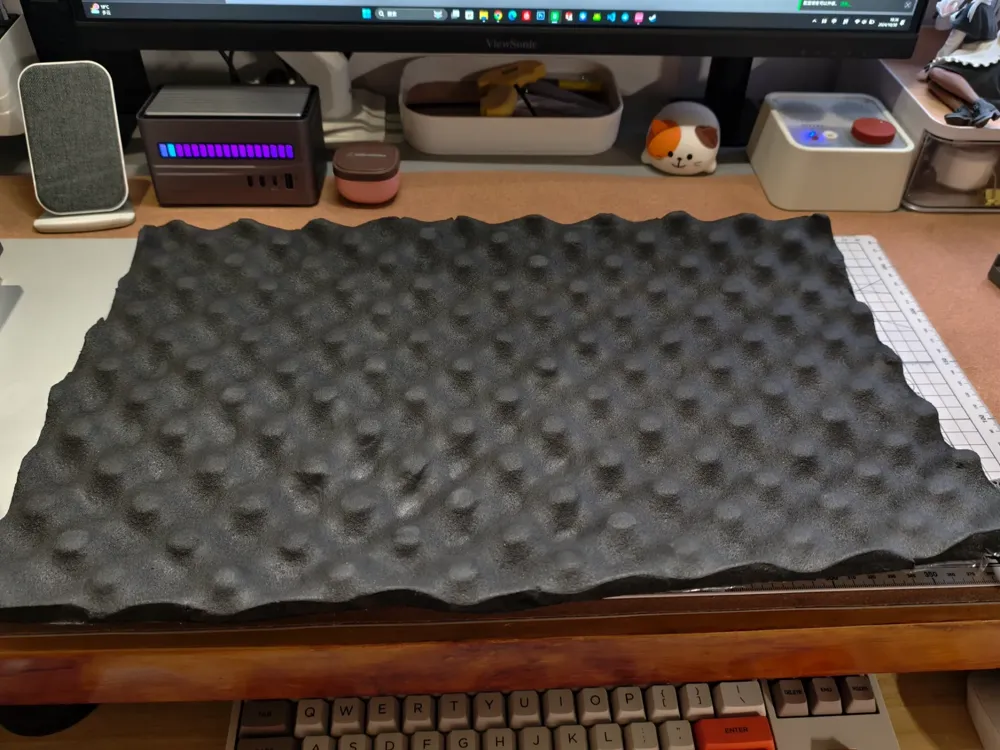
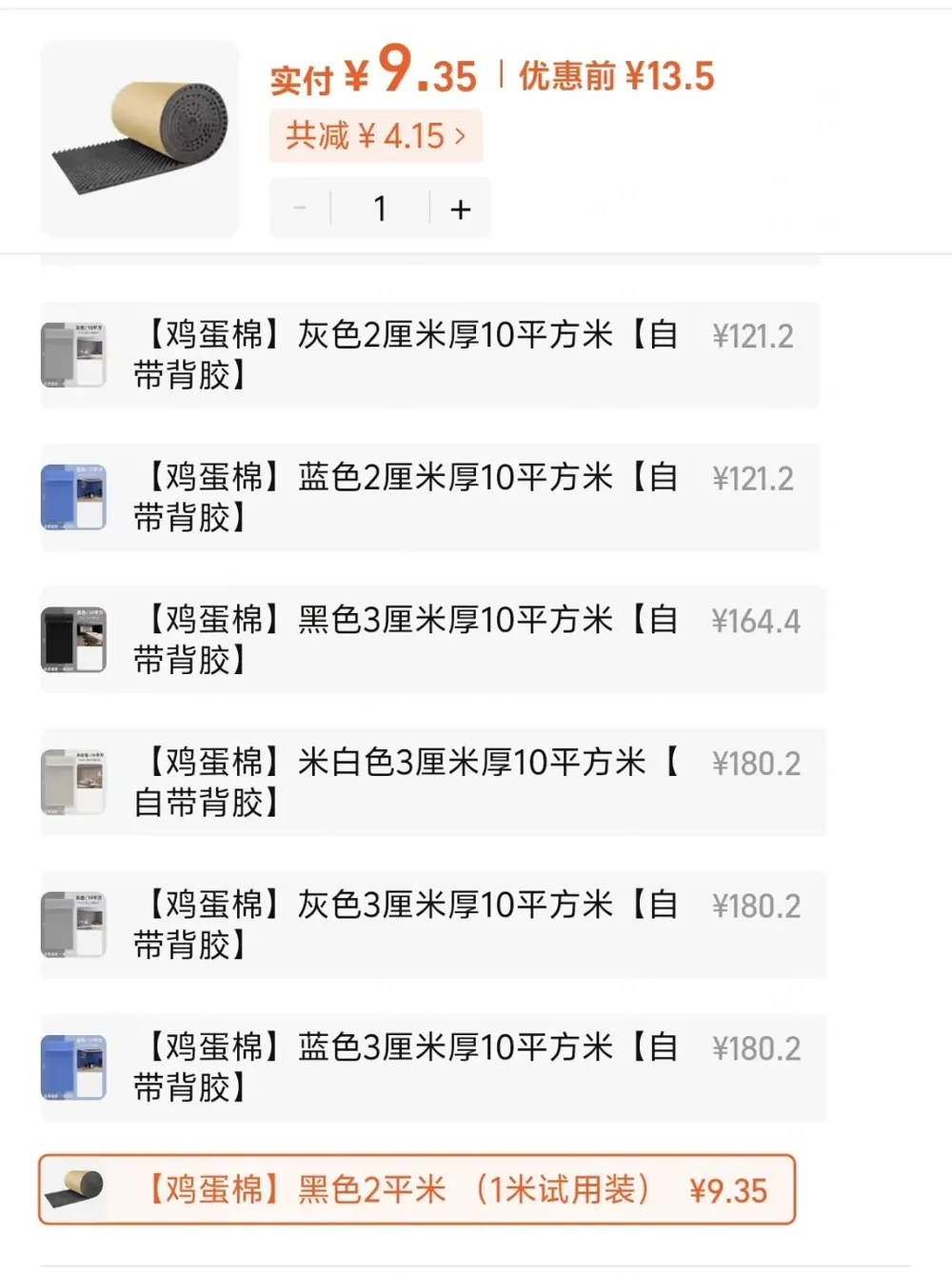
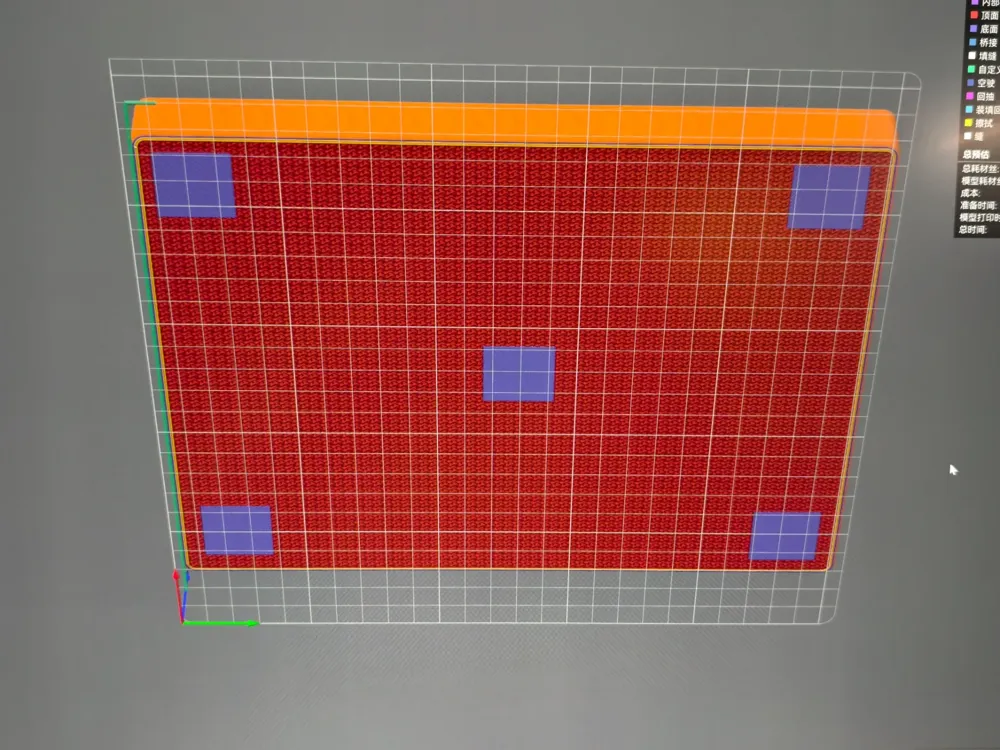
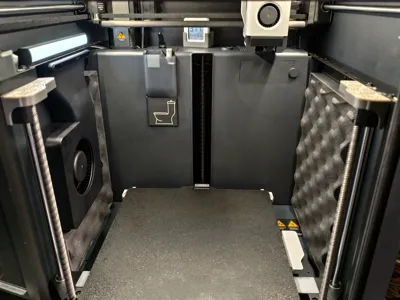
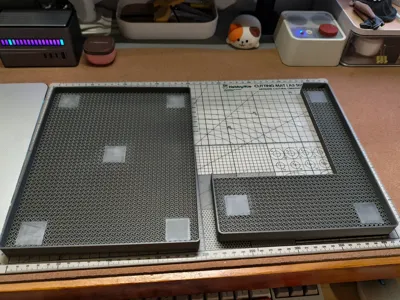
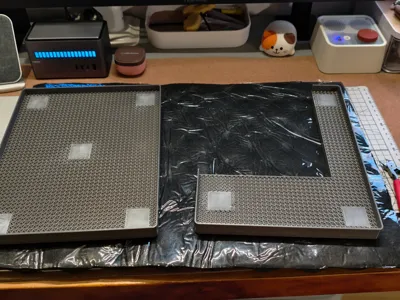
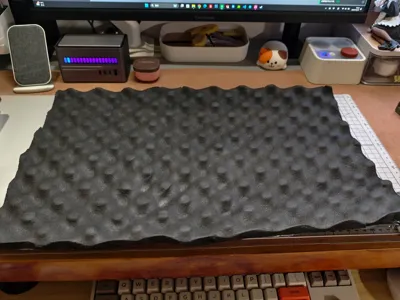
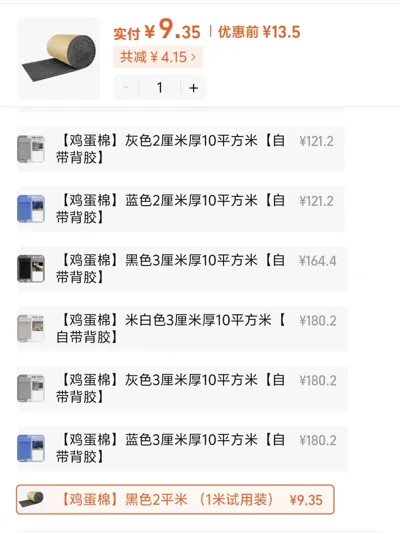
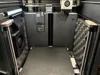
Recently acquired a P1S and the printing noise was even loud enough to affect sleep in the next room. I came up with a noise reduction solution that doesn't affect the appearance. The base plate uses 20% spiral support without top or bottom layers, in addition to purchased sound-absorbing cotton (9 yuan on Taobao, with adhesive backing, the whole sheet needs to be cut to the model size), combined to minimize noise. Subjective perception has a certain effect, and you can clearly hear music playing on the computer speaker three meters away.
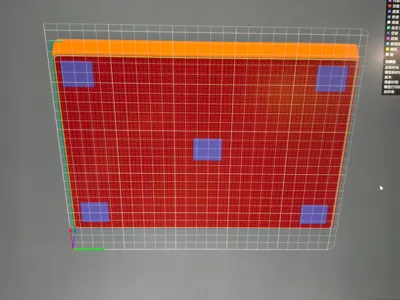
Because the model has no top or bottom layer, several adhesive reinforcement points have been added. It is recommended to sand the surface with coarse sandpaper to strengthen the adhesion. For the adhesion of the model to the side wall of the printer, it is recommended to use 3M double-sided tape with a high-temperature label. The model is relatively precise in size, and it is recommended to press the inner and bottom sides tightly when installing.
License



Comment & Rating (159)