Search models, users, collections, and posts

Family Fun Set - Miniature Bowling
IP Report
Print Profile(1)
0.2mm layer, 2 walls, 15% infill
Designer
7.4 h
4 plates
Open in Bambu Studio
Boost
335
794
6
11
286
106
Released
Description
Content has been automatically translated.
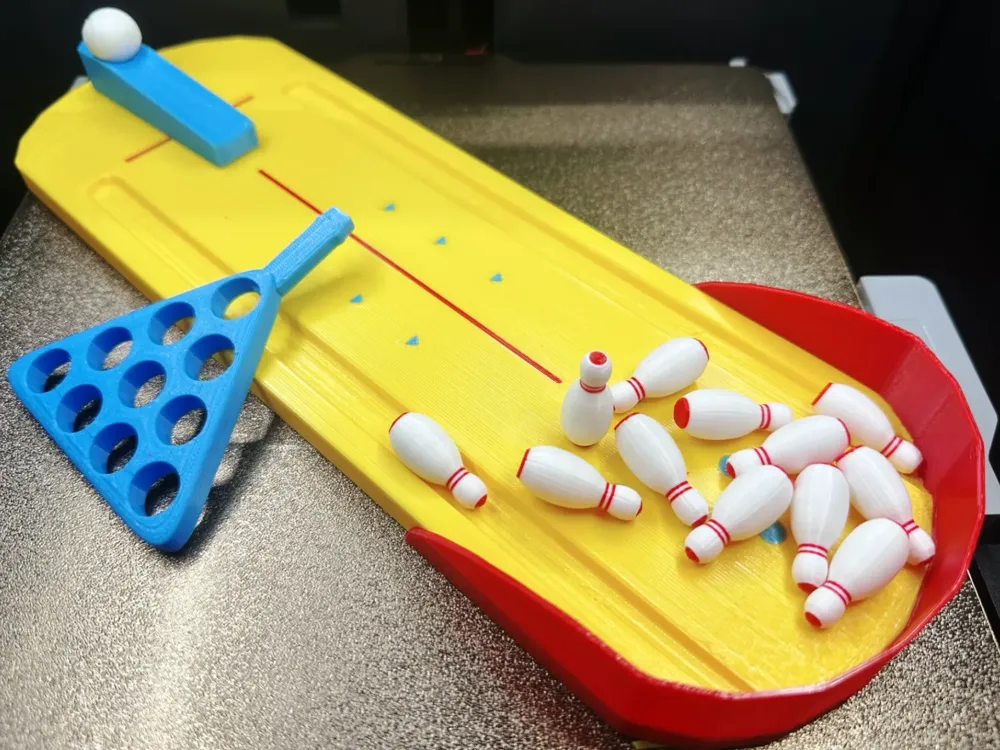
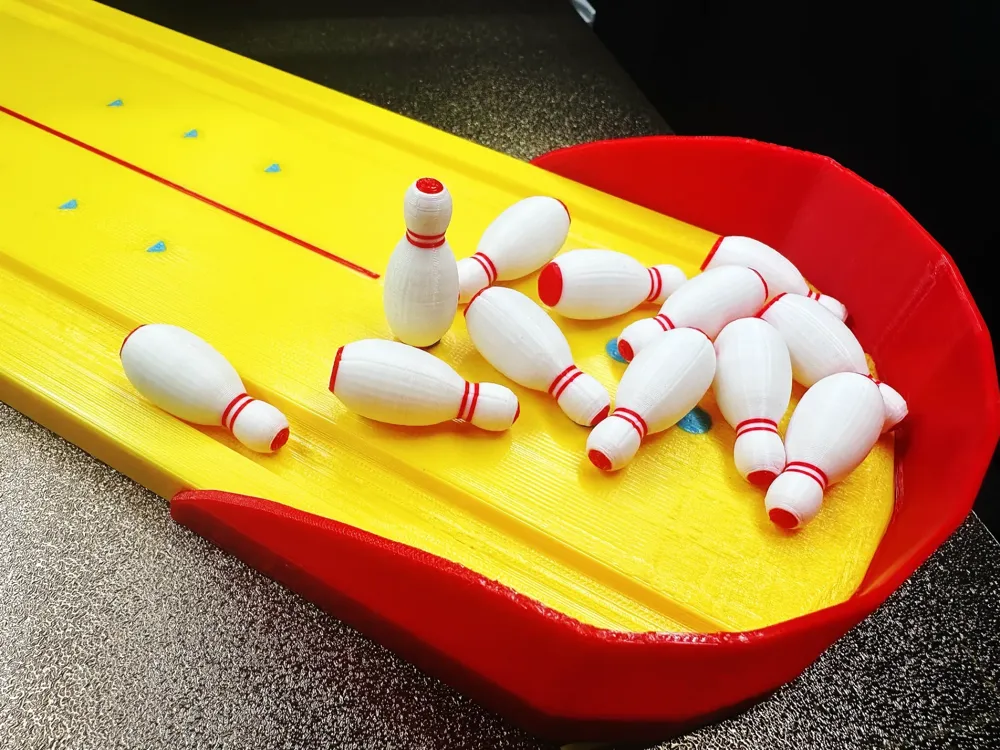
Miniature Bowling
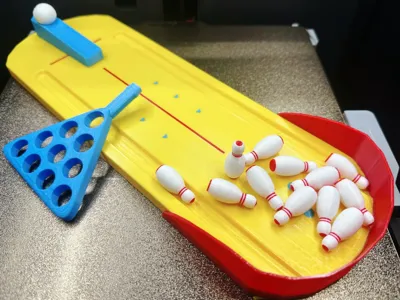
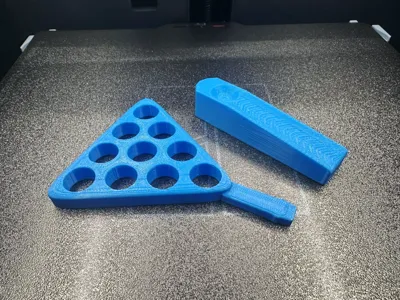
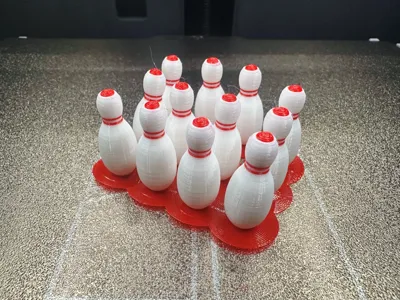
This release is a simple-structured party game model kit "Miniature Bowling"
It can be used for entertainment at parties and family time, and the printing time is short
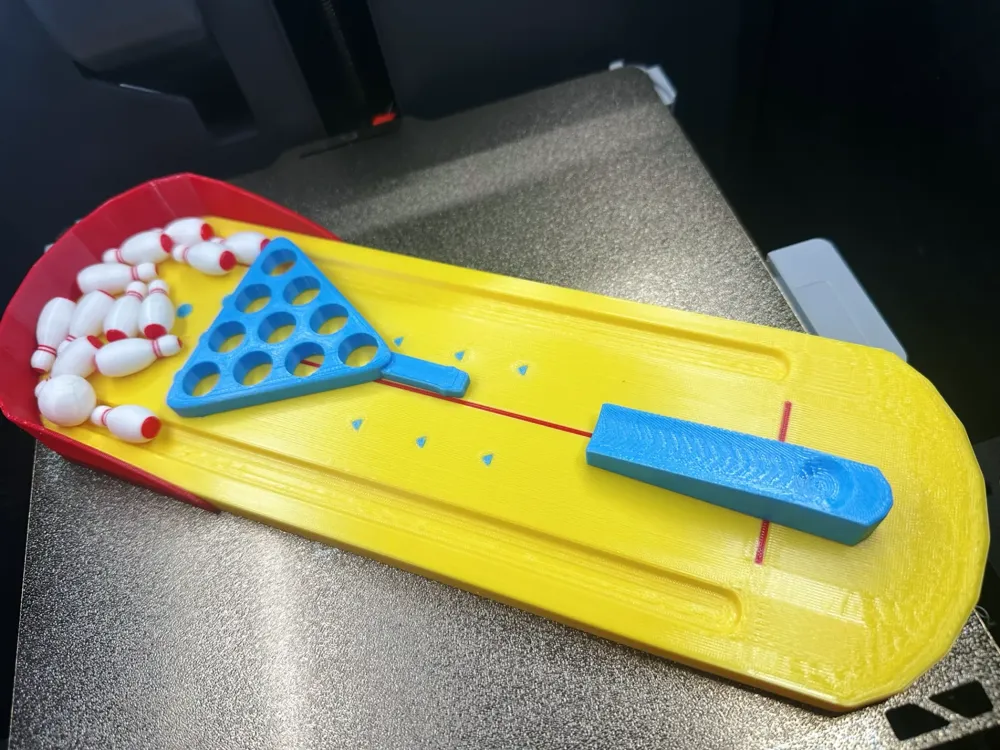
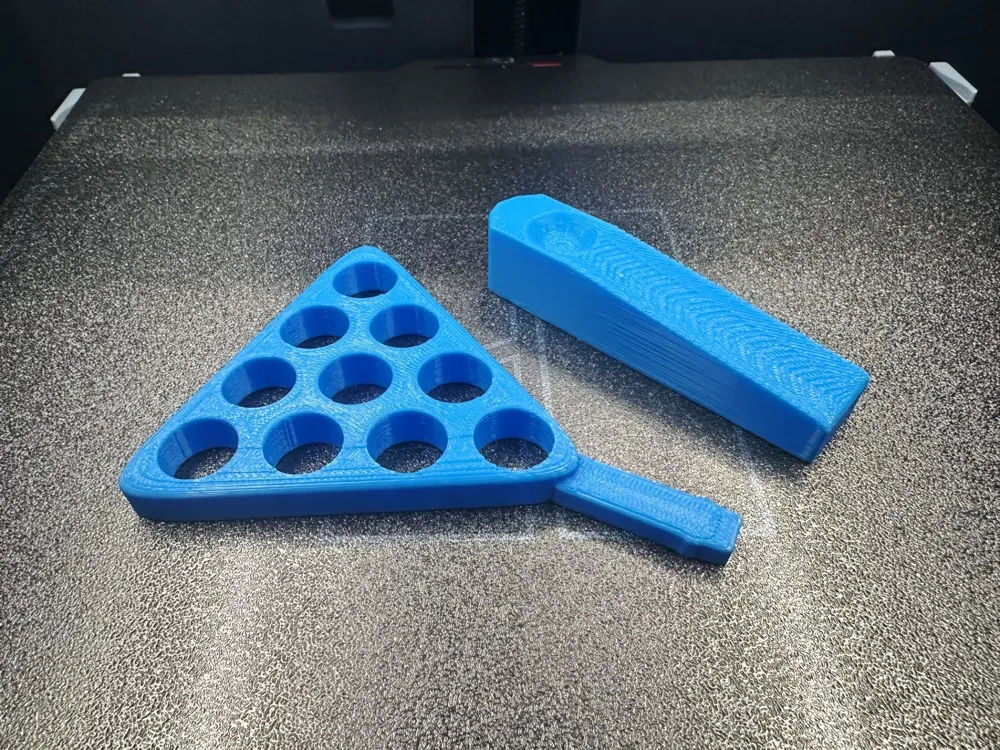
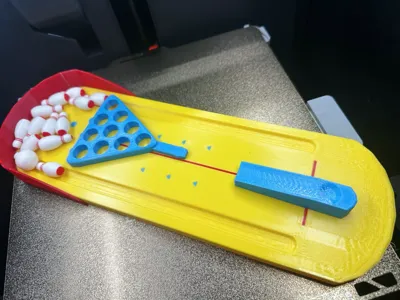
The "Miniature Bowling" model kit consists of four parts:
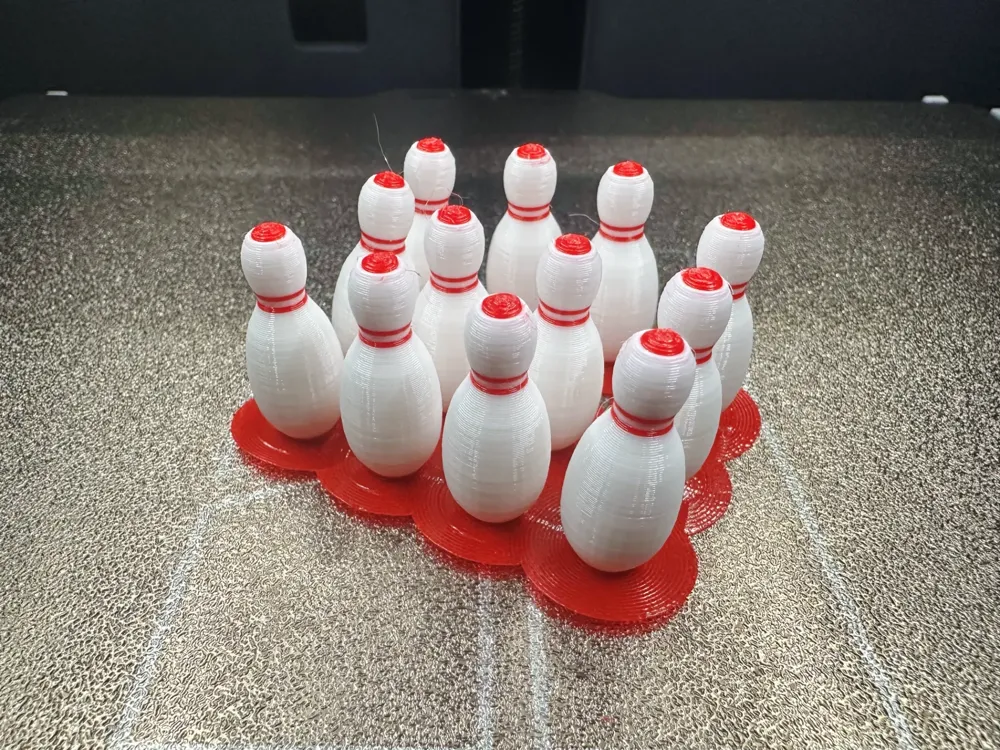
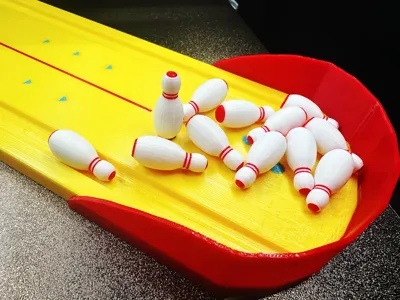
Bowling ball, bowling table with fence, launch base, ball assist racket (you can also use it to blow bubbles)
It is recommended to use checkers glass beads or steel balls for hitting, if you do not have the above two items, you can try to increase the infill density of larger printed spheres (increase the impact force)
Printing stringy spaghetti structure is not formed due to the file
. Check the filament and temperature parameters
Parameters do not need to be changed, print directly, no need to pay attention to the Boolean operation prompt, it has been tested. If it is monochrome printing, it can be combined into two plates to save time.
The displayed printing material is Tianrui PEGT-EOC (it has been unsealed for a month and has become a little damp)
, no support. Using PLA printing will be much better
Please adjust the temperature of your filament before printing, if you have any questions, you can discuss them in the comments section, welcome all bosses to post pictures and comments! Thank you everyone!!!
Boost Me (for free)
If you like my content, please give me a boost rocket! Your boost is the driving force for my content updates! Thank you!!!
3D Printing Techniques and Preparation Precautions
- (All models released by this account have been tested and printed, and can be adapted to all models. Before printing, you need to check whether the printer and filament are normal. If you encounter problems that cannot be solved, please feel free to private message me, I will do my best to help you solve them!)
- Precautions:
- If you encounter problems, you can go toReference learning area: Print quality and solutions | Bambu Lab Wiki
- Make sure the machine print plate is clean, it is recommended to wipe with 95-degree medical alcohol after each print, which can ensure stable print quality and no rollover. Because after touching the print panel, the grease residue on the hands will cause the print adhesion to drop significantly, and at the same time, the debris from previous prints and tiny residues of the printed product will also affect the print quality of the first layer, thereby reducing the yield.
- Pay attention to filament drying (PLA generally does not need to be dried, it has good moisture resistance), this will greatly affect your print quality and print experience! After the filament has been placed for a long time, it will inevitably become damp, if stringy spaghetti occurs, you need to ask the merchant for drying parameters and printing parameters to adjust, most merchants' filaments are not dried when they leave the factory, so you can pre-dry if you have the conditions, and the printing effect will be better.
- The choice of printing materials, appearance parts usually choose PLA, structural parts usually choose PEGT, the prices of these two materials are relatively affordable and the release of toxic gases is almost zero. (For health, it is best to have an air purifier running)
- When using a new manufacturer's filament, it is recommended to print first-time filament flow calibration, and modify the calibration coefficient, which will greatly affect your print quality, and it is also a necessary process for the new filament to adapt to your printer.
- If you encounter problems such as sudden deterioration of print quality and low yield, check whether the nozzle is blocked, check whether the printer is placed stably (it is more stable to put it directly on the ground), you can also try to recalibrate the printer.
- Print at the recommended print speed in the model instructions. Overhang quality, model surface area and print speed are directly related, a suitable speed (too fast or too slow is not good) will allow the material to have more time to cool and shape when it is deposited.
- Set the heat bed and nozzle temperature reasonably according to different materials. Too high or too low temperature will cause warping, layer deformation or adhesion problems, thereby affecting the print quality and success rate. For users with P1S models and above, if the temperature inside the user cabin exceeds 35 degrees, be sure to open the body glass door.
License

This user content is licensed under a Standard Digital File License.
You shall not share, sub-license, sell, rent, host, transfer, or distribute in any way the digital or 3D printed versions of this object, nor any other derivative work of this object in its digital or physical format (including - but not limited to - remixes of this object, and hosting on other digital platforms). The objects may not be used without permission in any way whatsoever in which you charge money, or collect fees.


Comment & Rating (6)