
Fidget Toy Transforming Axe
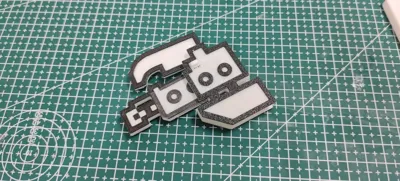
Print Profile(3)

Description
Membership

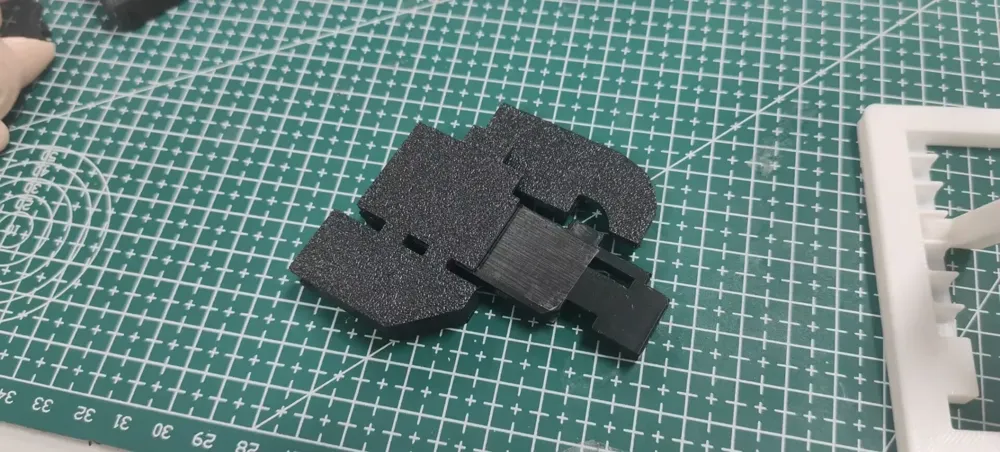
A seamlessly transforming dual-form weapon—the Switch Axe
Possessing both sword and axe forms, a romantic transforming weapon embodying the dreams of men
It is the most dashing weapon in my heart
Based on the iconic Monster Hunter Switch Axe, now a freely transforming keychain, smooth and de-stressing

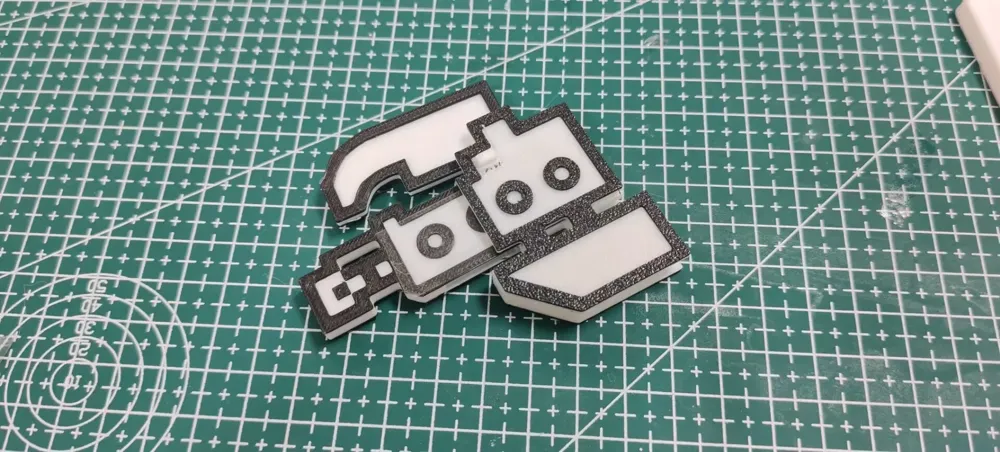
Should it garner significant interest, a multi-color version will be considered (and efforts made to ensure printability without an AMS)!
The multi-color version is complete, and manual color changes and printing pauses can be implemented without an AMS
And it can be twirled playfully~
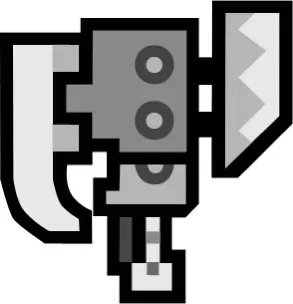
Many iterations later, perfection is finally achieved Σ_(꒪ཀ꒪」∠)_
I implore Capcom to enhance the Switch Axe in Monster Hunter Rise!!! It is far too weak in the trial version
Boost Me (for free)
Thank you for your appreciation~
Assembly Instructions:
For those struggling to understand, refer to my Bilibili video:
Assembly requires a craft knife and transparent tape
The pivot utilizes filament, as depicted:
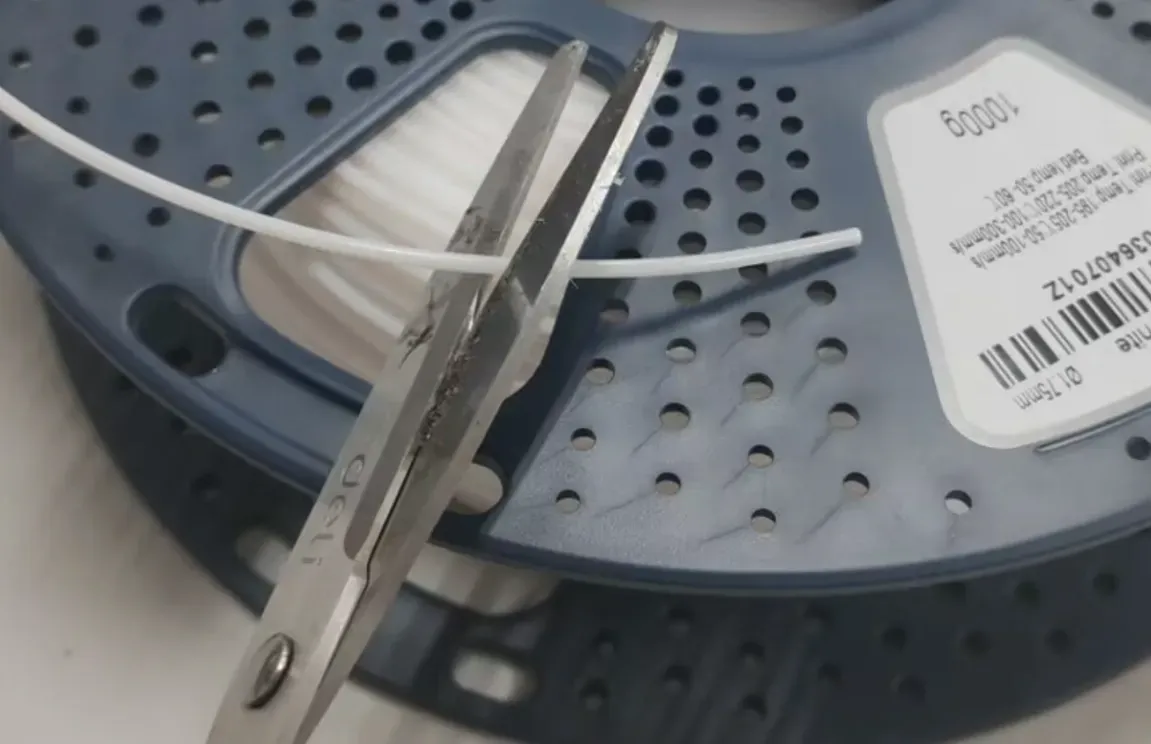
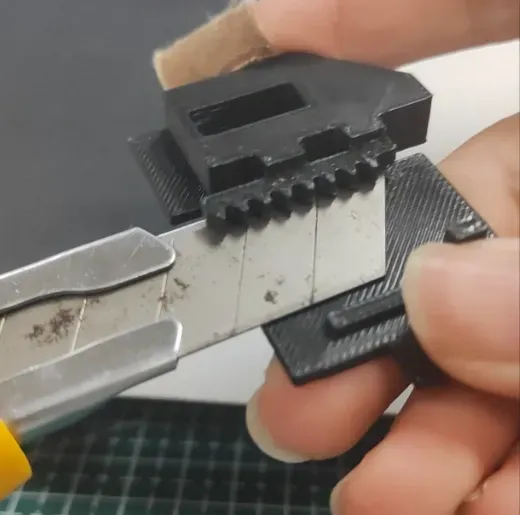
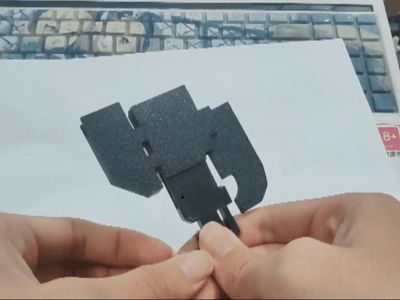
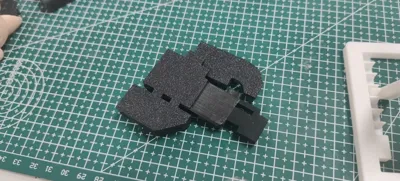
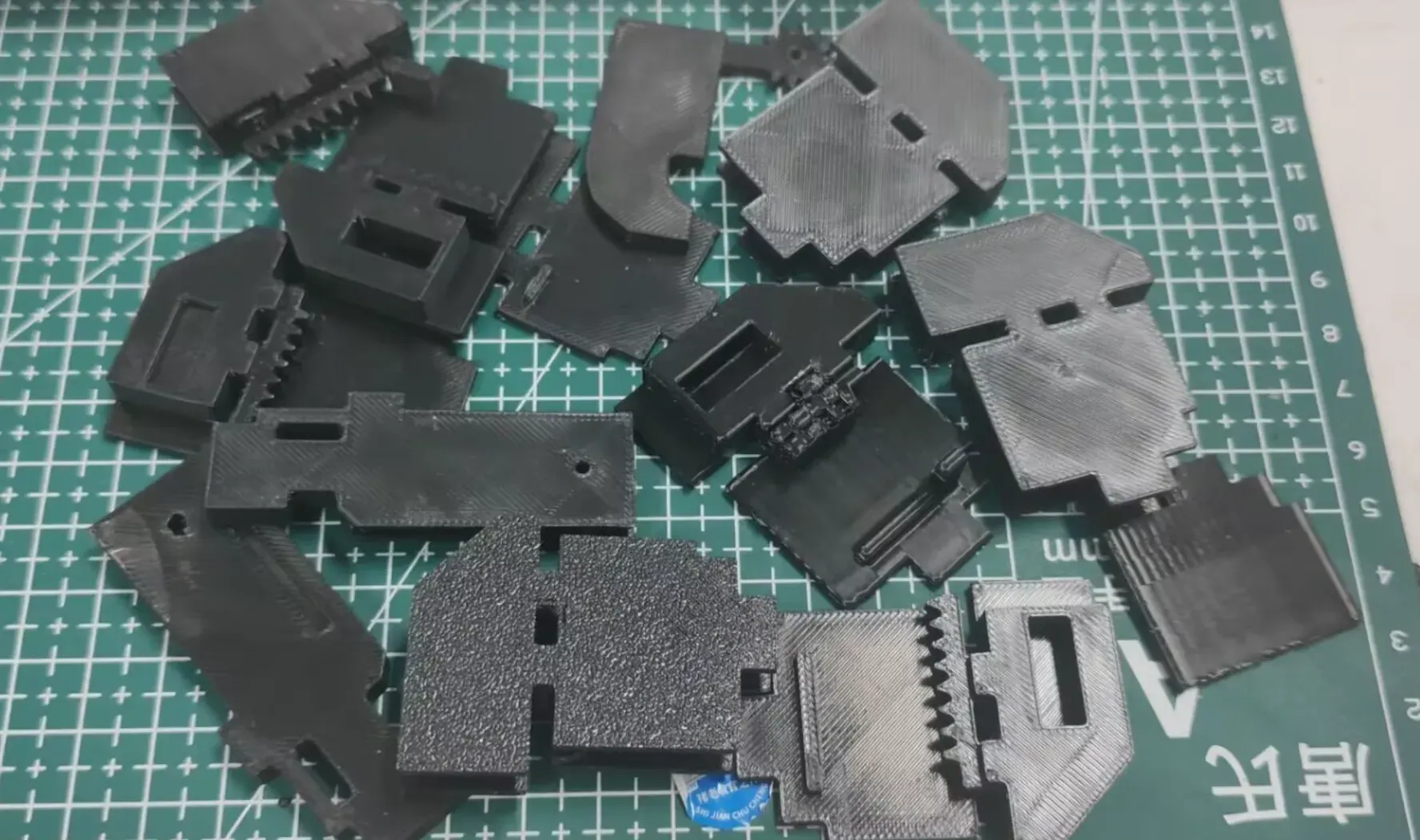
Remove supports; a craft knife is recommended for separating supports from the model, followed by extraction
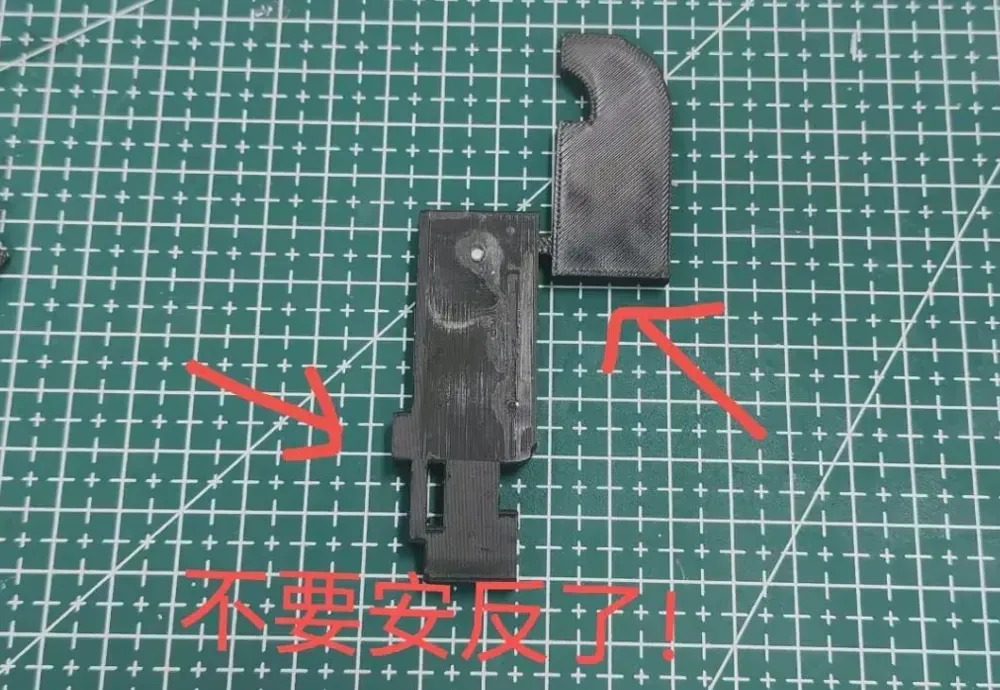
Align the sword with the circular handle hole, insert a filament segment, minding the direction. Press one side against a surface and trim excess filament with a craft knife (imperfect filament length is not a concern, allowance is built-in). Secure both sides with transparent tape, aiming for handle length parity
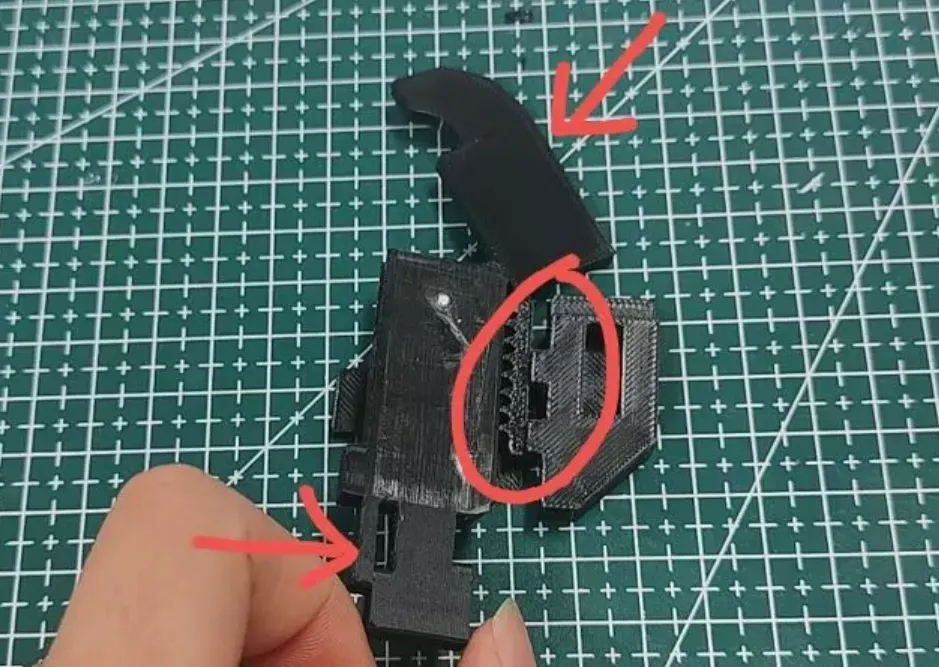
Rotate the sword as shown, first securing the axe teeth, then the other side, lastly attaching the cover (if attachment fails, verify complete support removal)
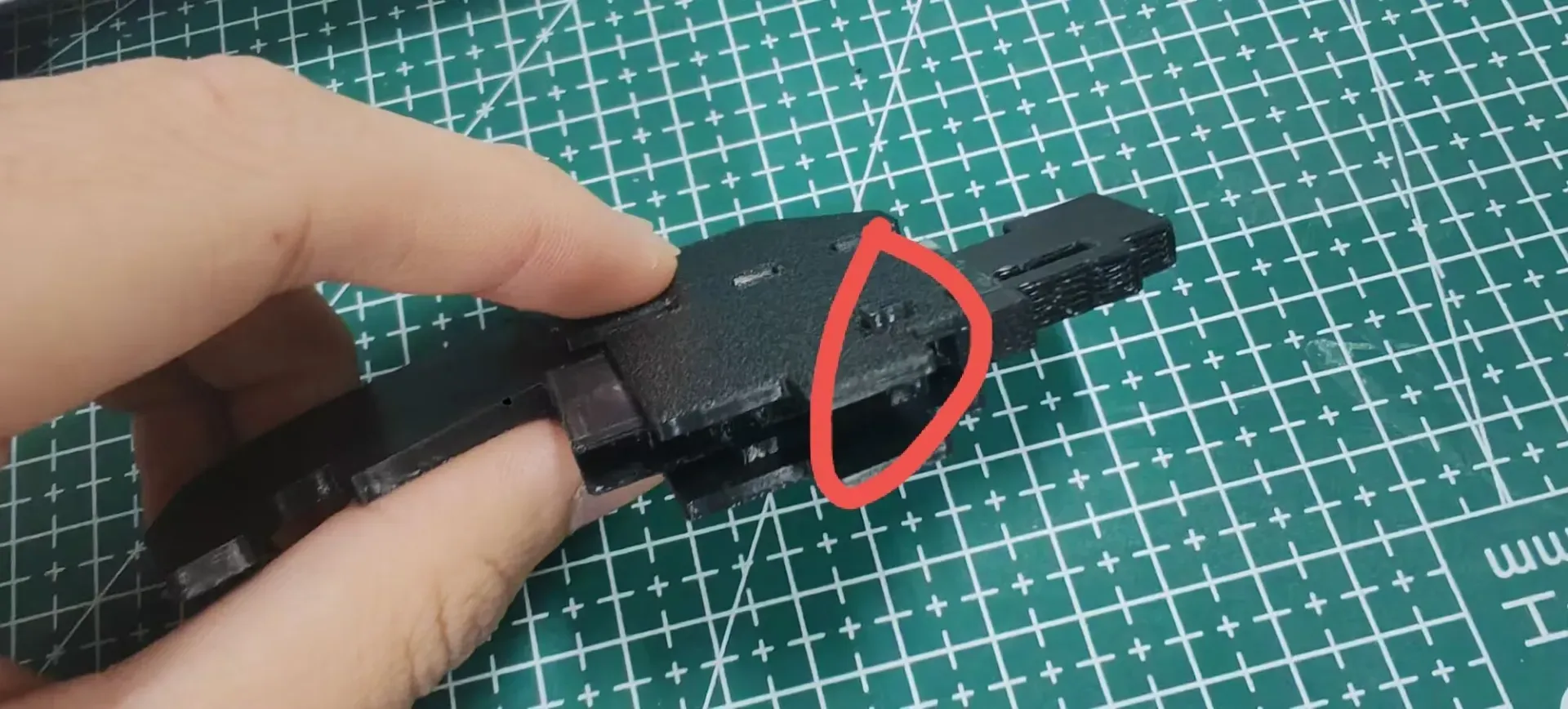
If your Switch Axe exhibits sluggish movement, excessive filament may be the culprit; adjust lid tightness as needed:
Membership
License

You shall not share, sub-license, sell, rent, host, transfer, or distribute in any way the digital or 3D printed versions of this object, nor any other derivative work of this object in its digital or physical format (including - but not limited to - remixes of this object, and hosting on other digital platforms). The objects may not be used without permission in any way whatsoever in which you charge money, or collect fees.


Comment & Rating (15)