
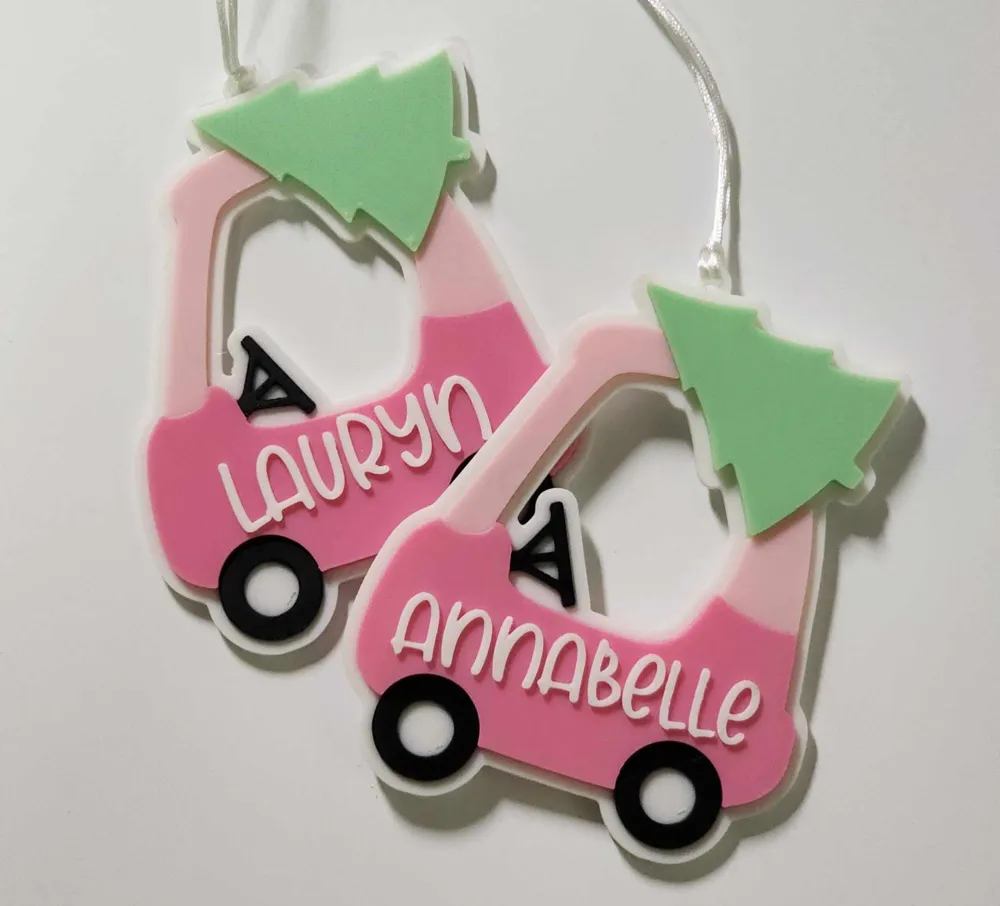
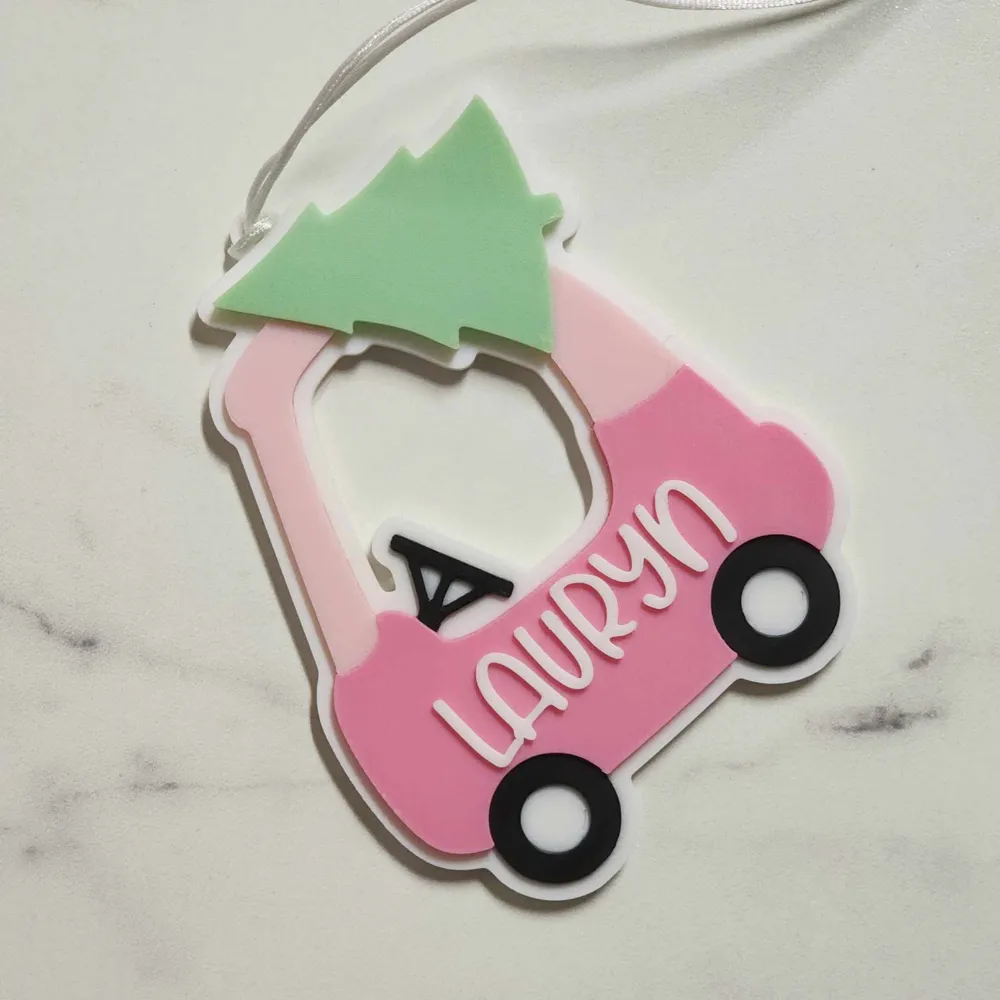
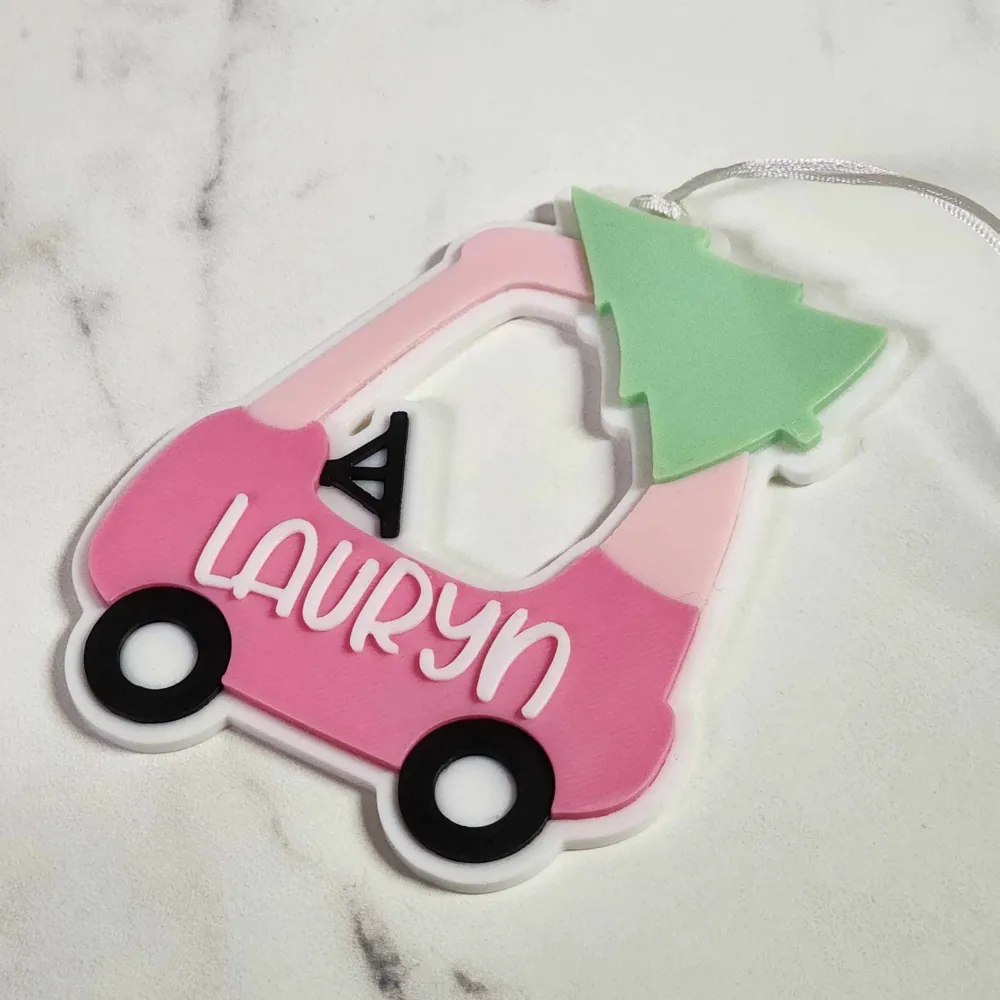
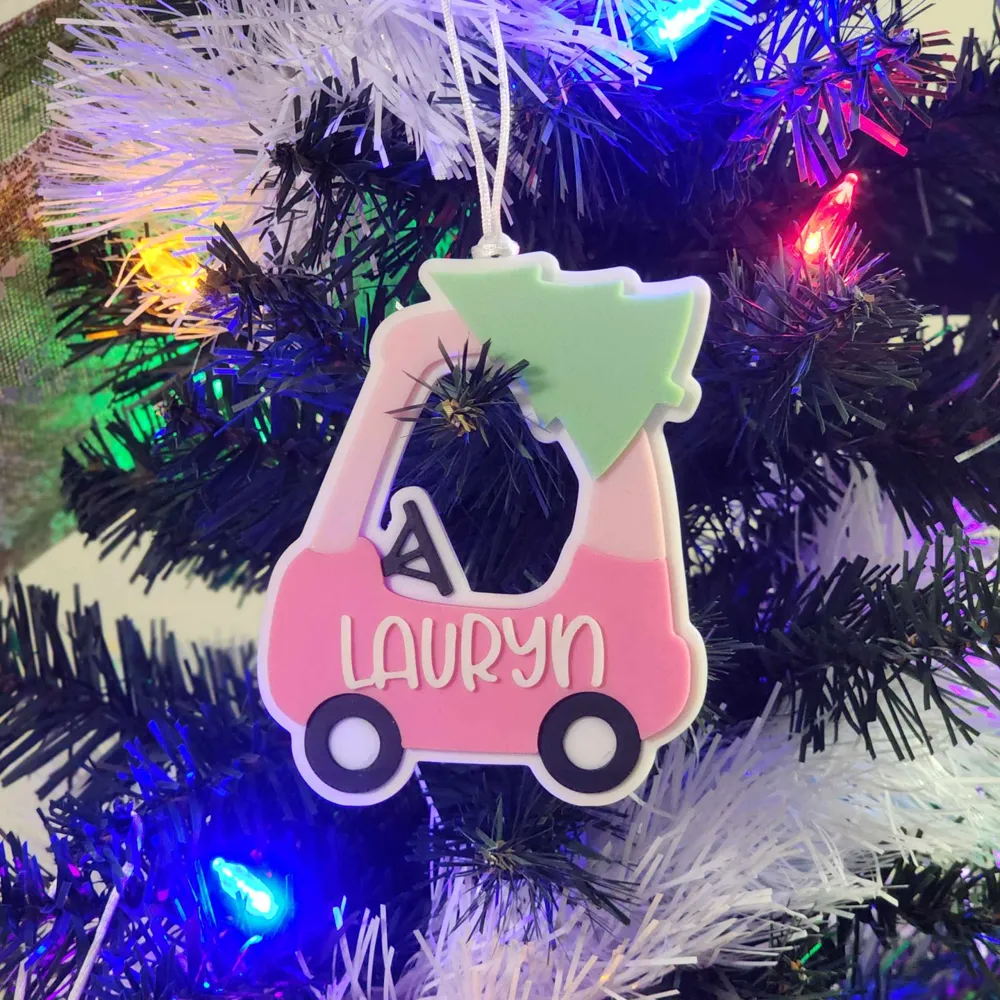
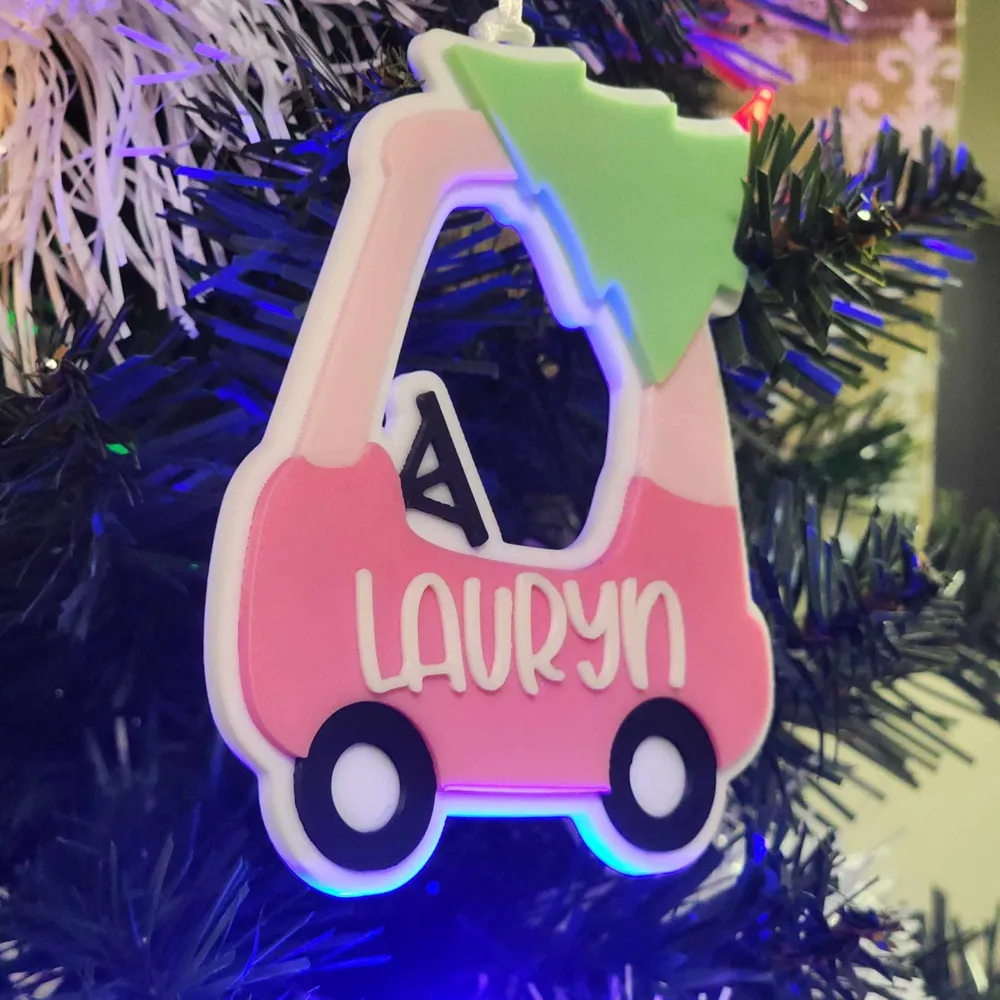
Cozy Coupe Christmas Ornament/Name Tag
Print Profile(1)

Description
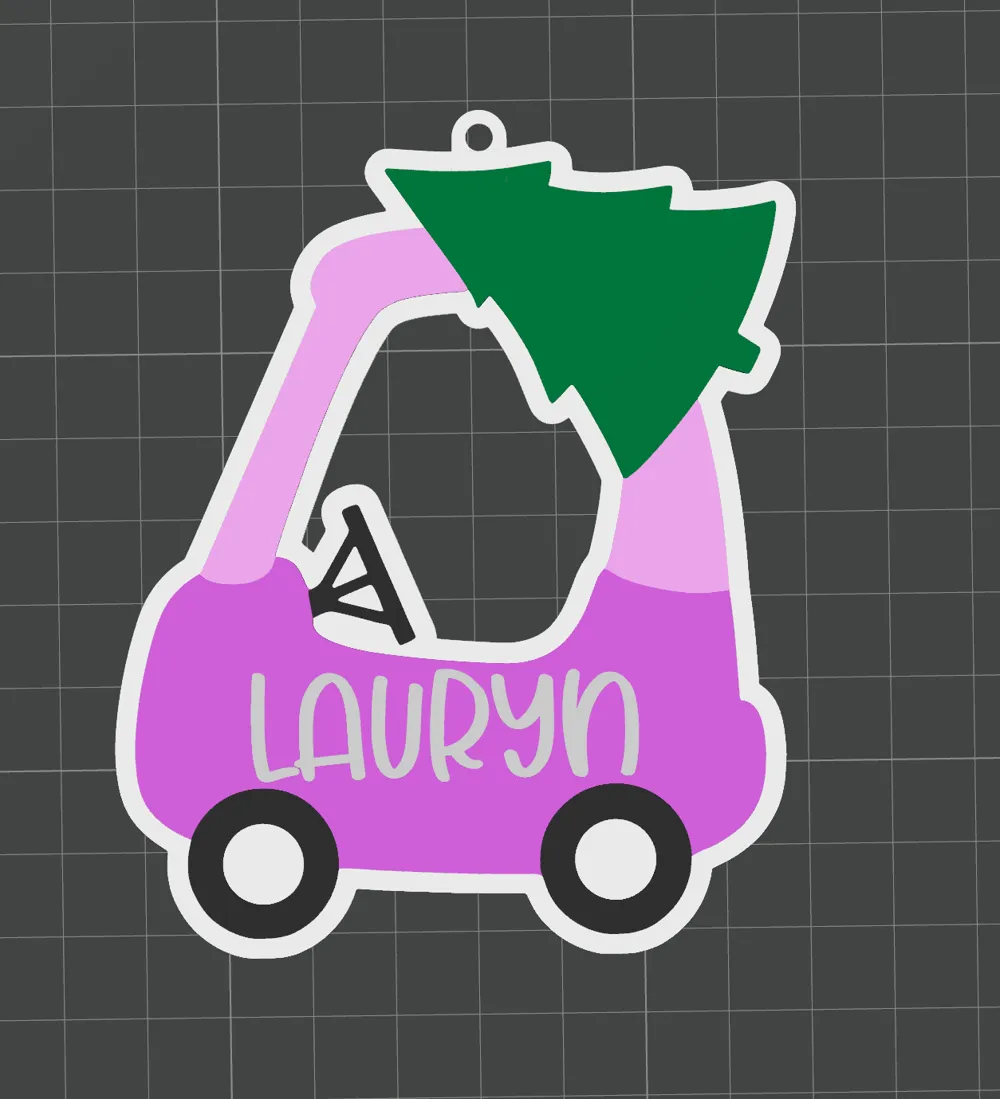
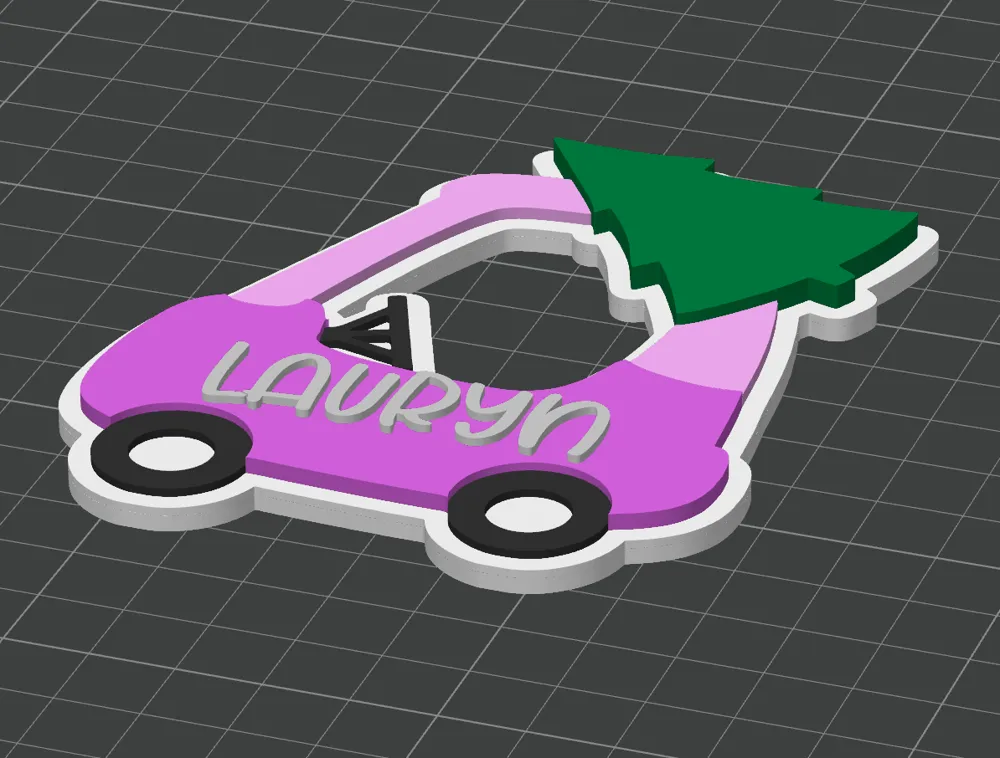
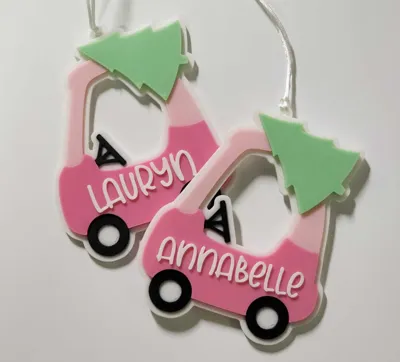
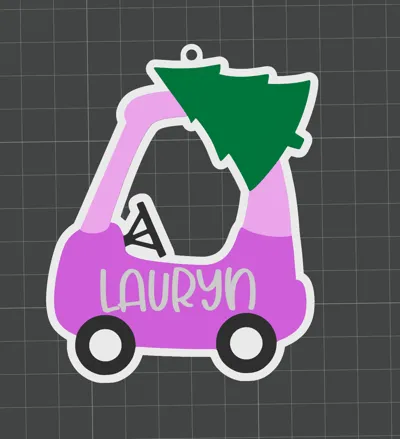
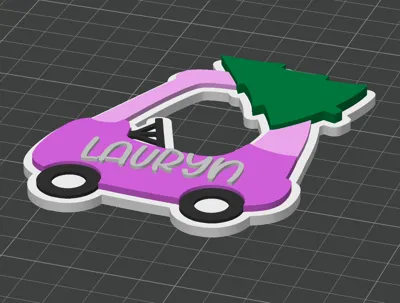
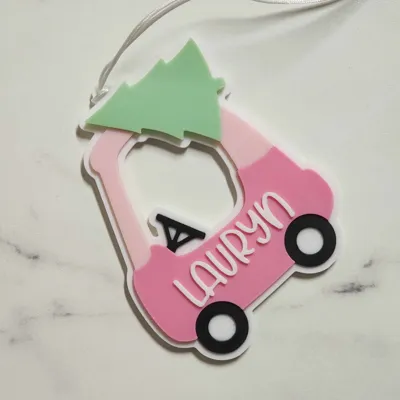
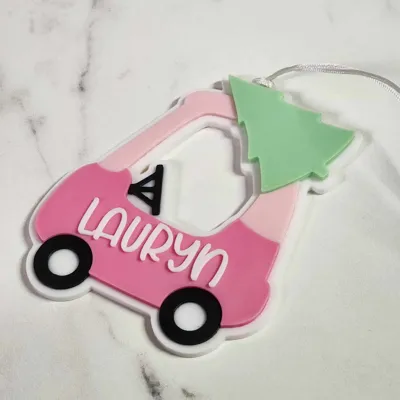
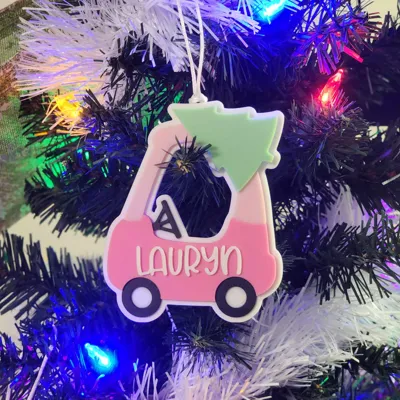
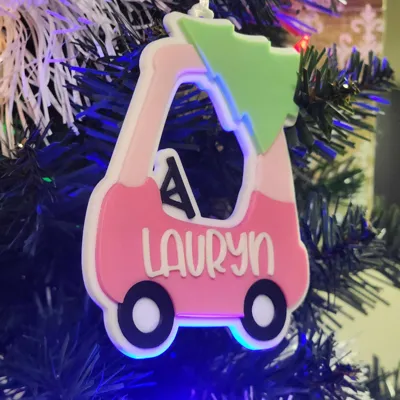
Customizable Cozy Coupe Christmas Ornament.
EDIT NAME
How To Use Custom Fonts in Bambu Studio:
Step 1: Download Font: Cutie Shark
Cutie Shark Font | dafont.com
Step 2:
-Copy the TTF or OTF Font File.
-Paste to “C:\Program Files\Bambu Studio\resources\fonts”
-Right Click on file, choose “Install for ALL USERS” (may be under "show more options")
Step 3: Restart Bambu Studio
Step 4:
Make sure you have “Objects” selected, beside the “Global” option on the left panel. Then select “Text_Shape” below that.
Step 5:
Select the text icon along the top right menu, to edit name
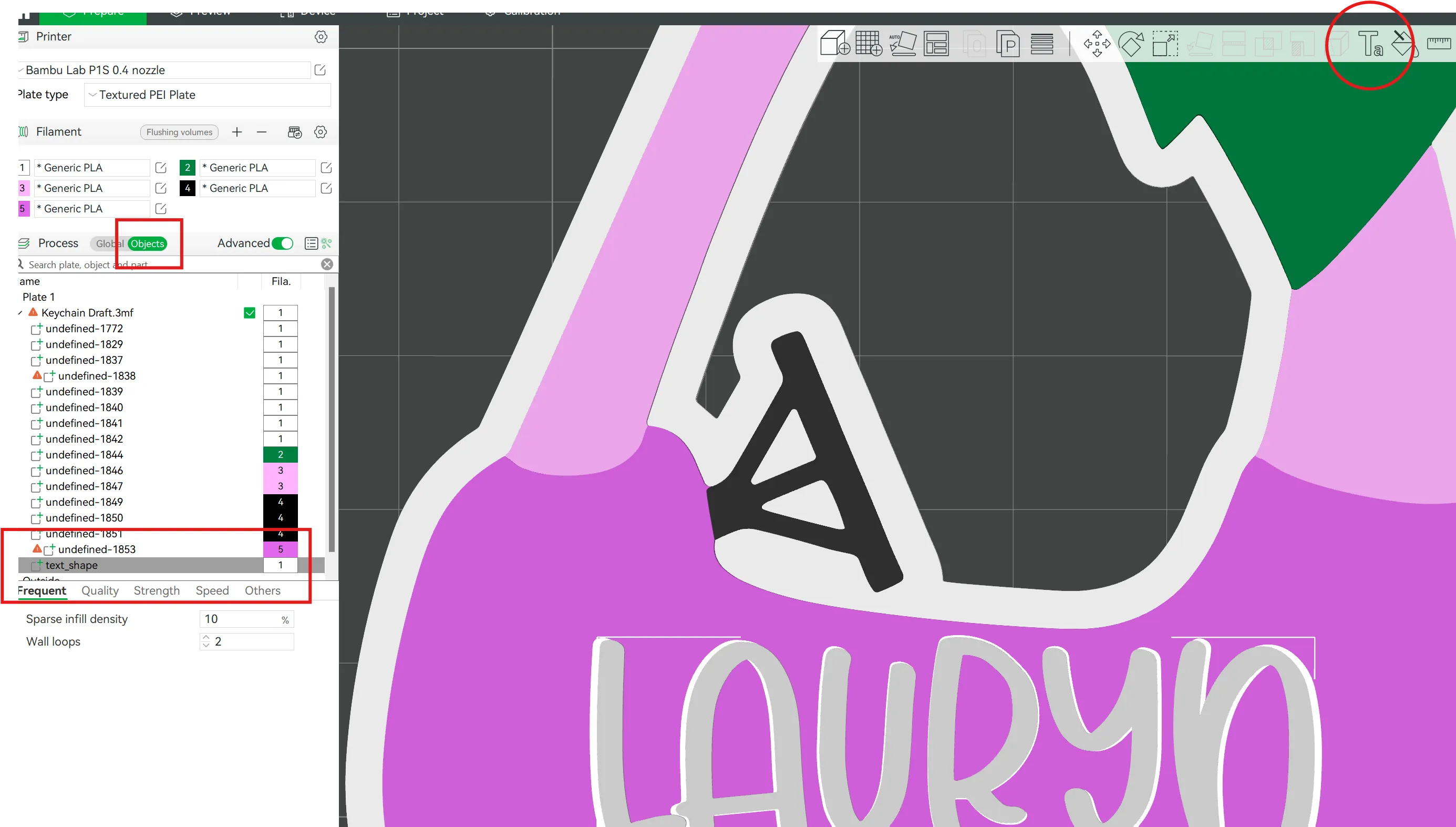
Step 6: Choose your new font from the dropdown menu, and change the text to the name of your choice.
Step 7: Print & Enjoy!
ADDITIONAL INFORMATION
I printed in 5 different colors, using one, 4 color AMS.
To do this, I added white filament to slot one, and chose slot one for the base, as well as for the tree.
With the 0.2mm layer height, I swapped the white filament to green at LAYER 16.
I added black filament to slot two, and chose slot two for the wheels and steering wheel, as well as for the text.
With the 0.2mm layer height, I swapped the black filament to white at LAYER 26.
Slot three and slot 4 remained the same with the light pink and dark pink colors for the entire print.
Each color in this file has a different layer heigh so you can print with a standard FDM printer and swap the colors as follows:
Base: White
Layer 16: White to Black
Layer 21: Black to Light Pink
Layer 24: Light Pink to Dark Pink
Layer 26: Dark Pink to Green
Layer 31: Green to White (If including text)
If you are printing with a standard fmd printer and including a name, you must set the text thickness to 2mm for it to be at a different level than the previous color for the tree layer. If you are using an AMS, you can keep the text thickness 1mm
License

You shall not share, sub-license, sell, rent, host, transfer, or distribute in any way the digital or 3D printed versions of this object, nor any other derivative work of this object in its digital or physical format (including - but not limited to - remixes of this object, and hosting on other digital platforms). The objects may not be used without permission in any way whatsoever in which you charge money, or collect fees.


Comment & Rating (24)