
Customizable insert for Magnet Organizer
Print Profile(1)

Description
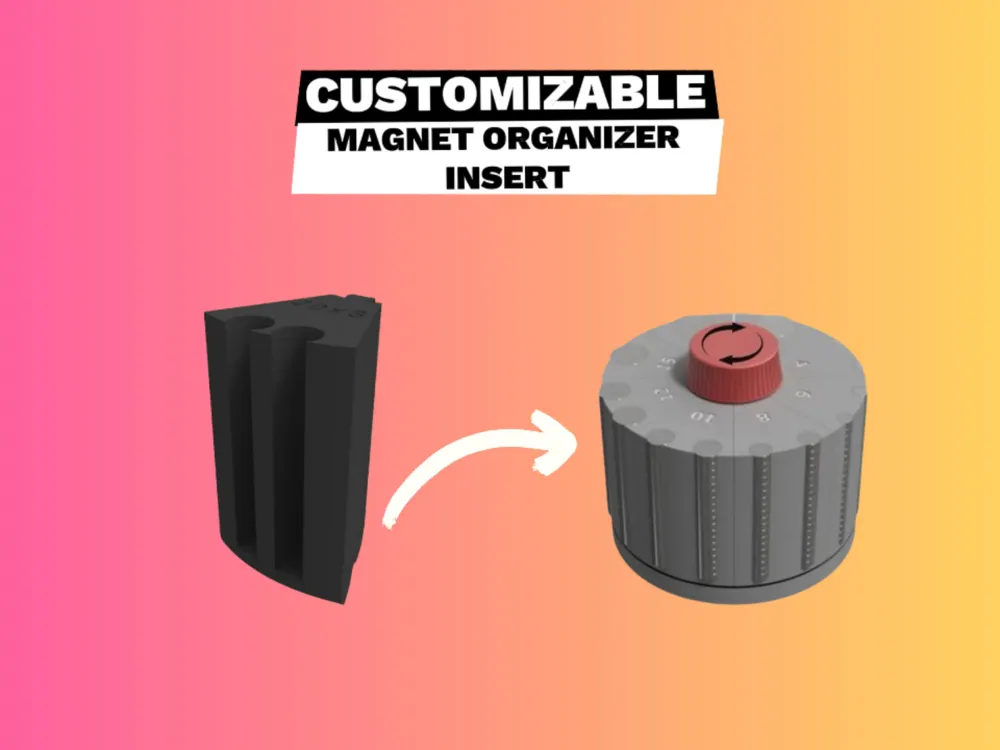
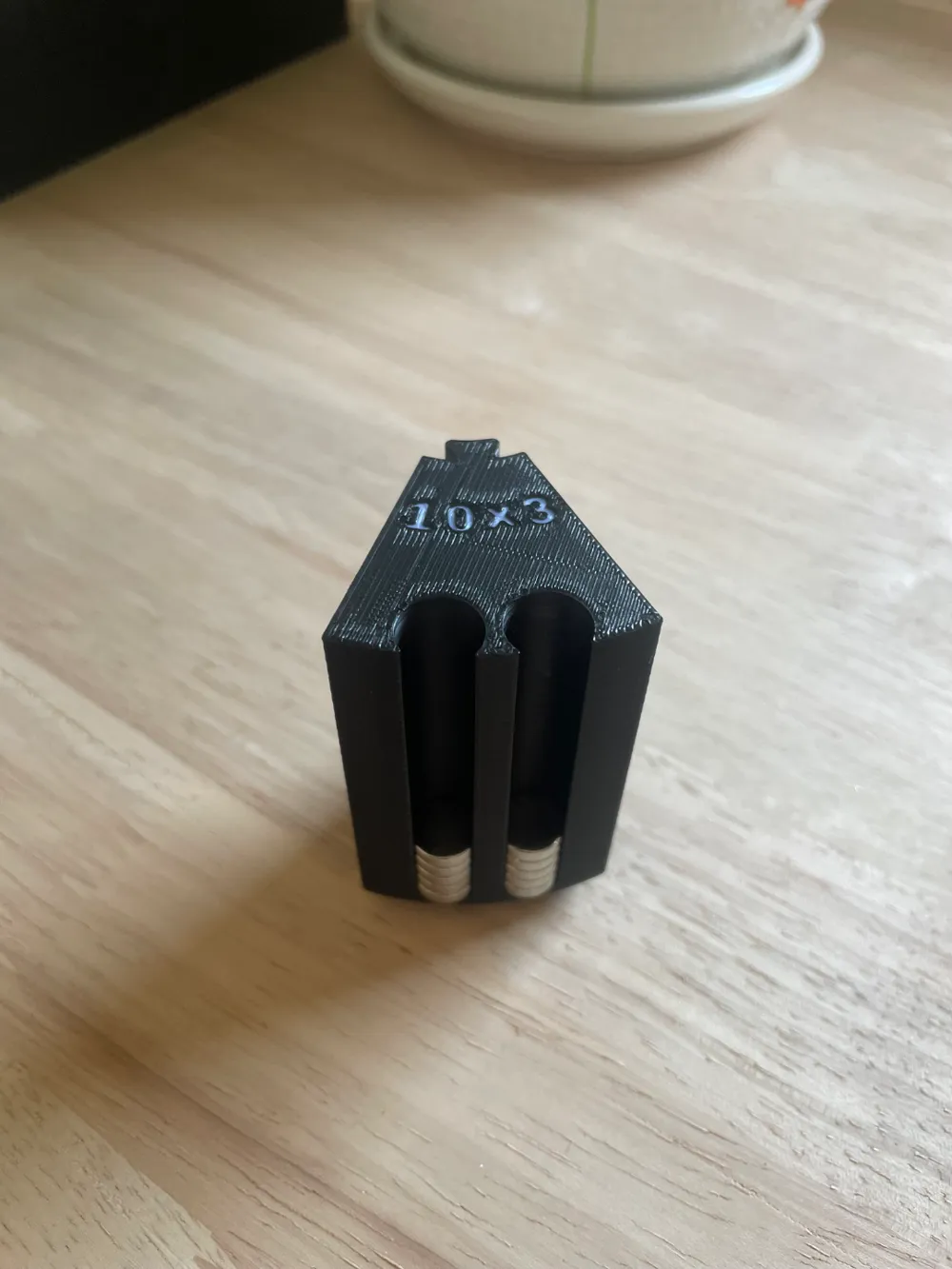
I’ve built upon the design of this magnet organizer to create a fully customizable insert. This remix allows you to tailor the size, placement of magnet holes, and labels to suit your needs perfectly. Personalize it to organize your magnets exactly how you want!
Please consider giving this model a boost; it helps me continue making free models.
Boost Me (for free)
If you enjoy this model and want to support my work, please like and consider giving it a boost!
Usage
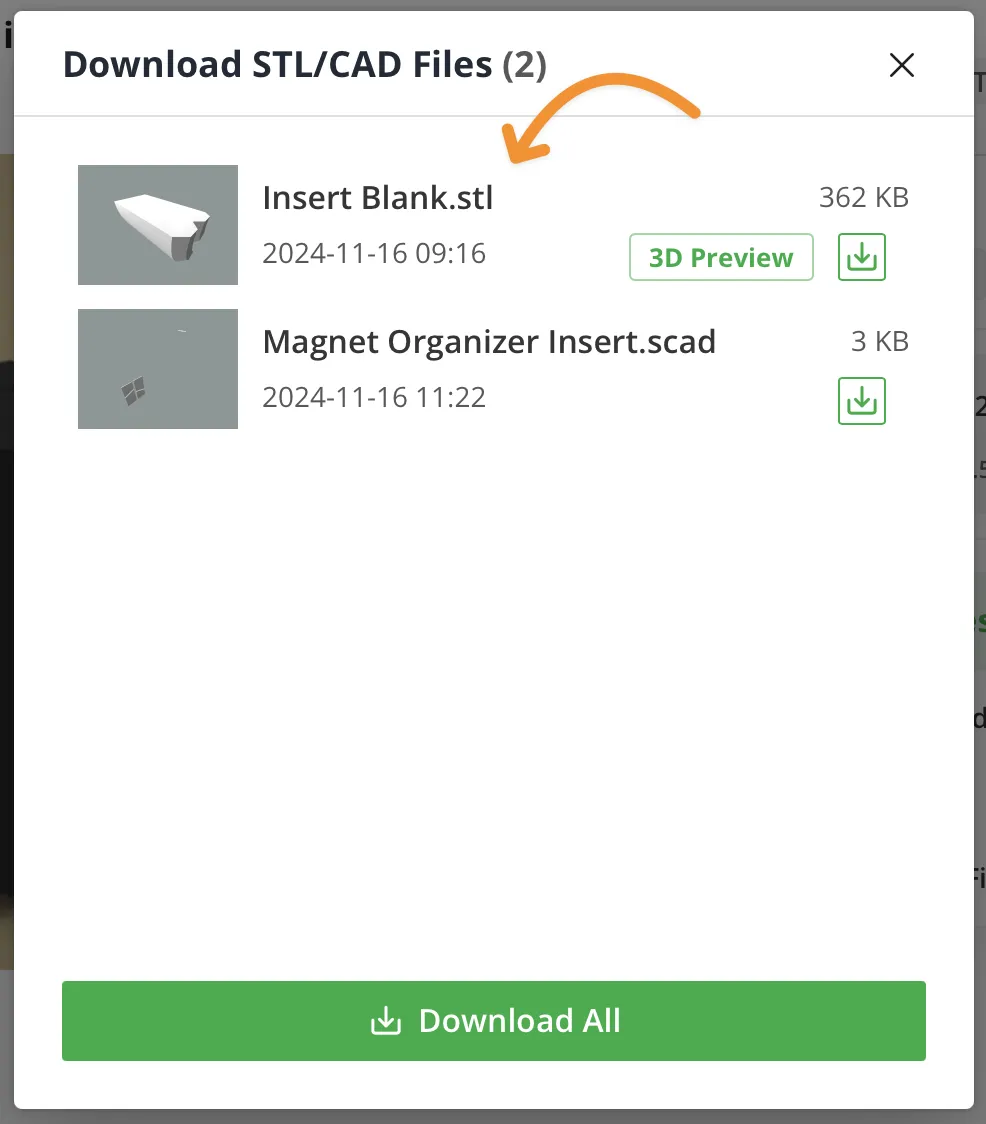
Download the Insert Blank.stl file
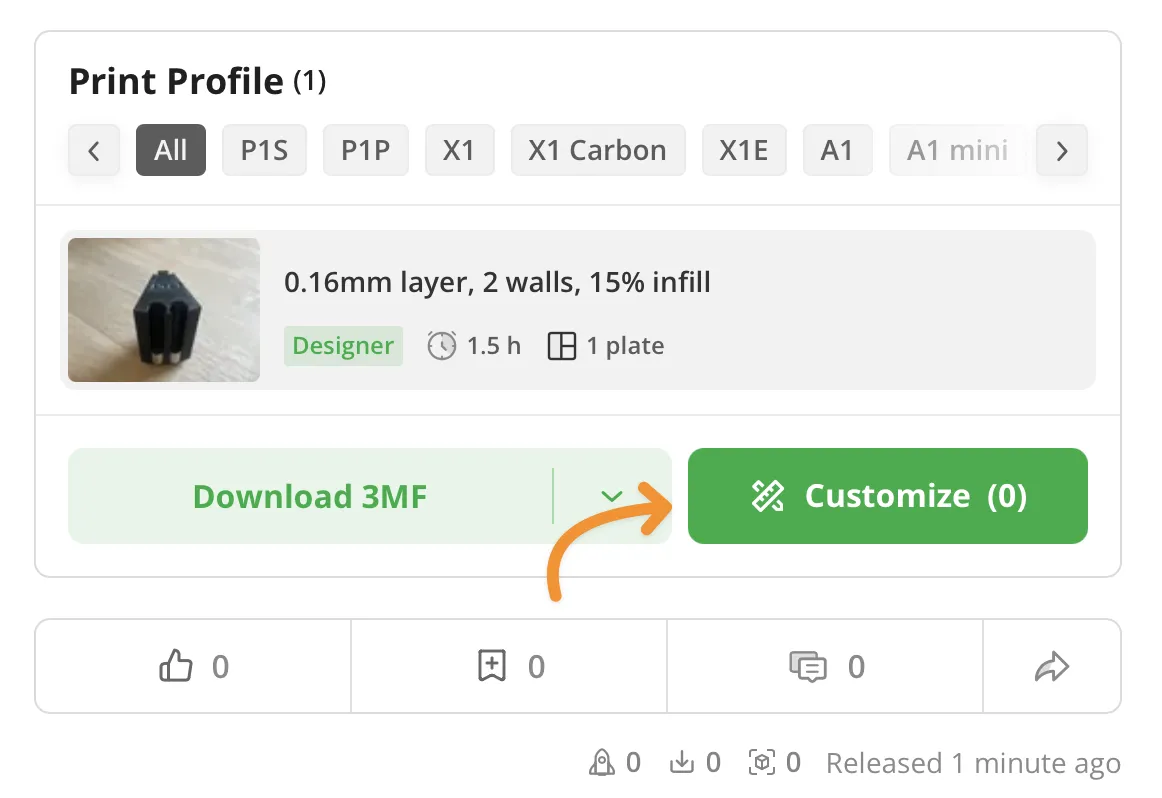
Click on the Customize button
In the Customize tab, click on Upload local file and select Insert Blank.stl you downloaded above.
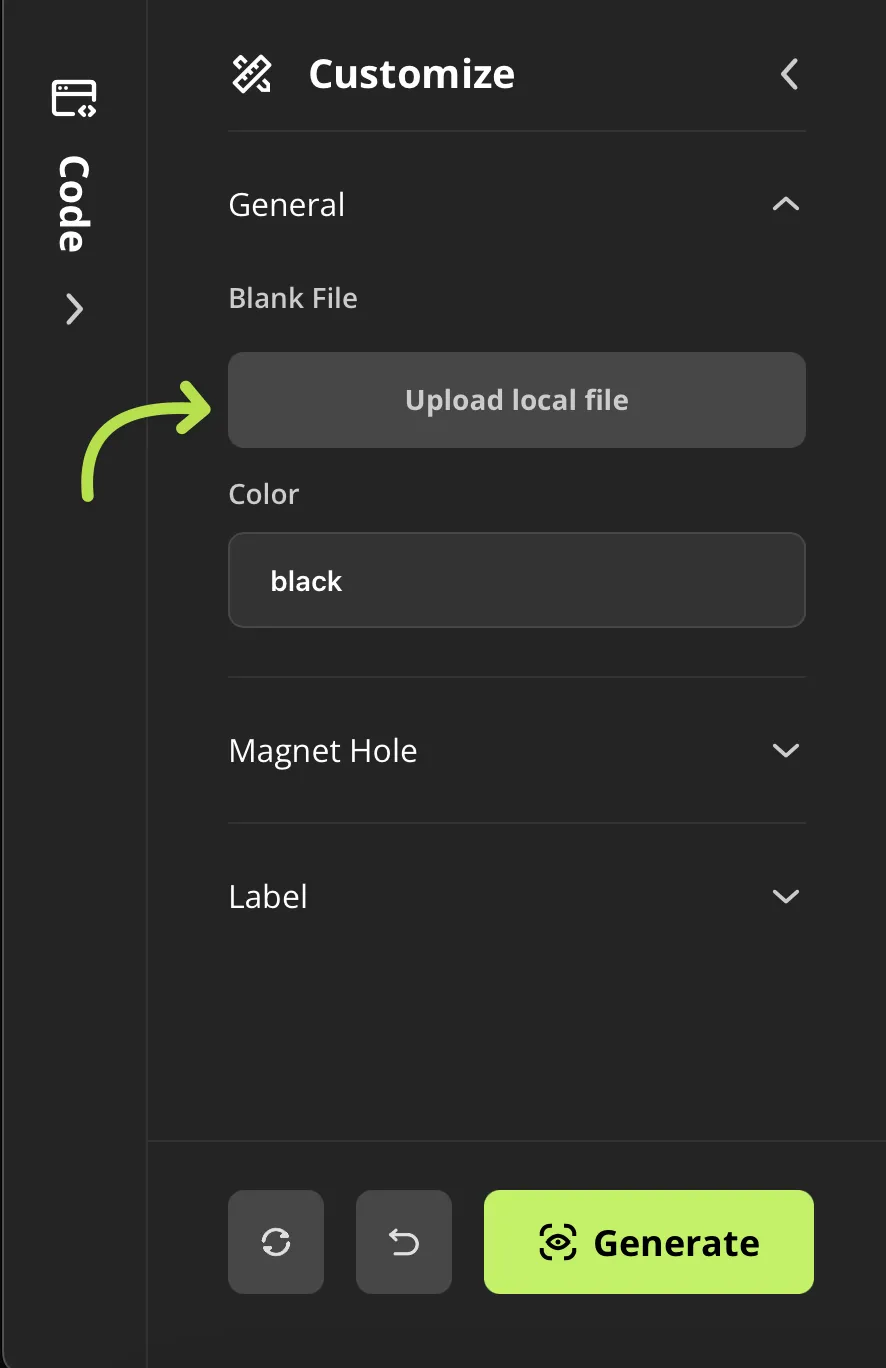
- Do other customize and generate your model.
How to print
Download the 3mf file and open it in Bambu Studio.
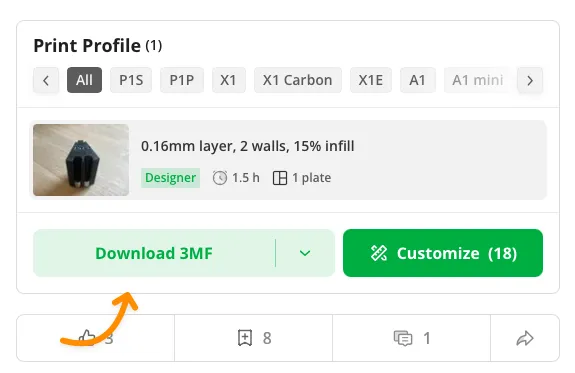
- Open the generated 3mf that you created in the Parametric Model Maker tool in Bambu Studio.
- Select Import geometry only
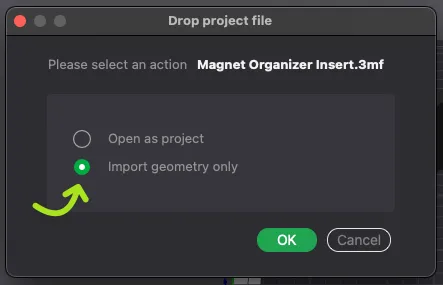
- Delete the old insert, then print the generated insert.
How to change the font

- Expand the Code tab, by clicking on it
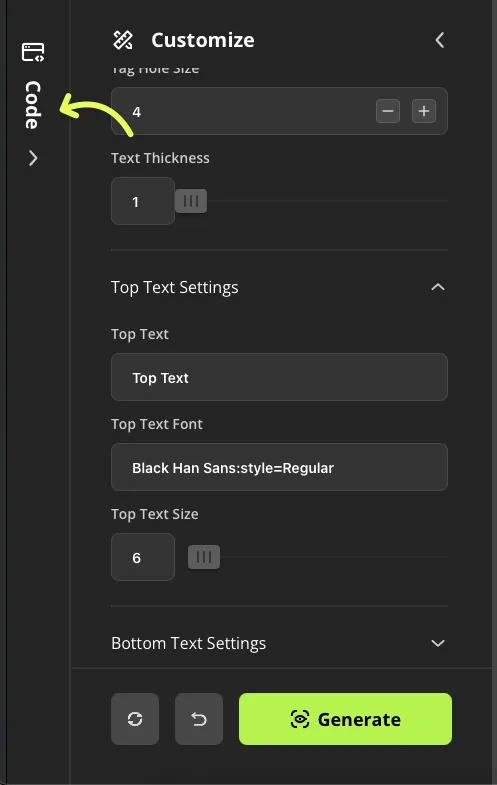
- On the Code tab, tap on the Libraries and fonts button
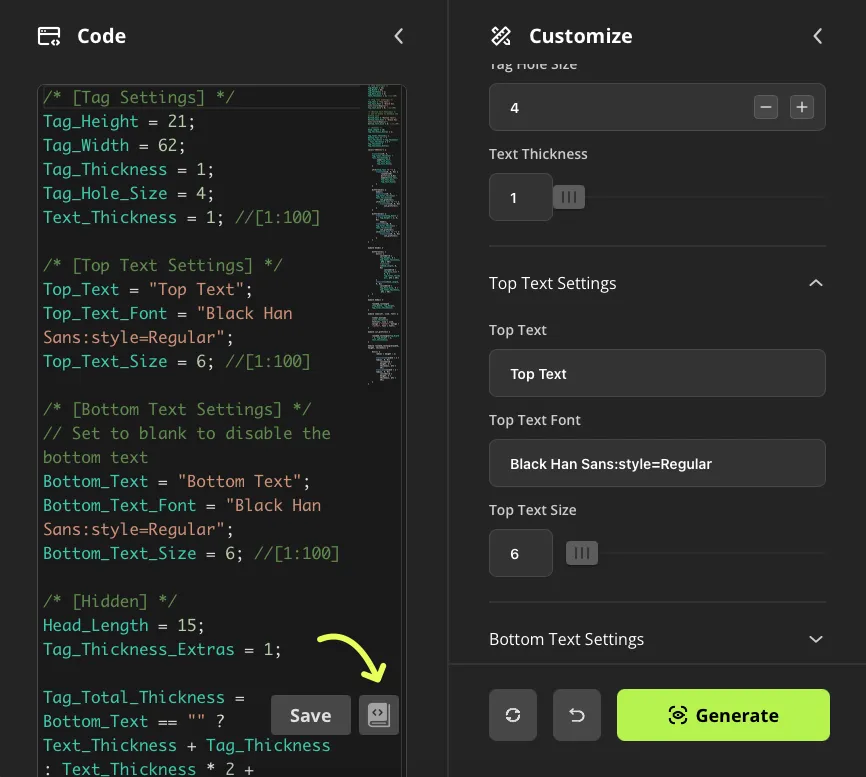
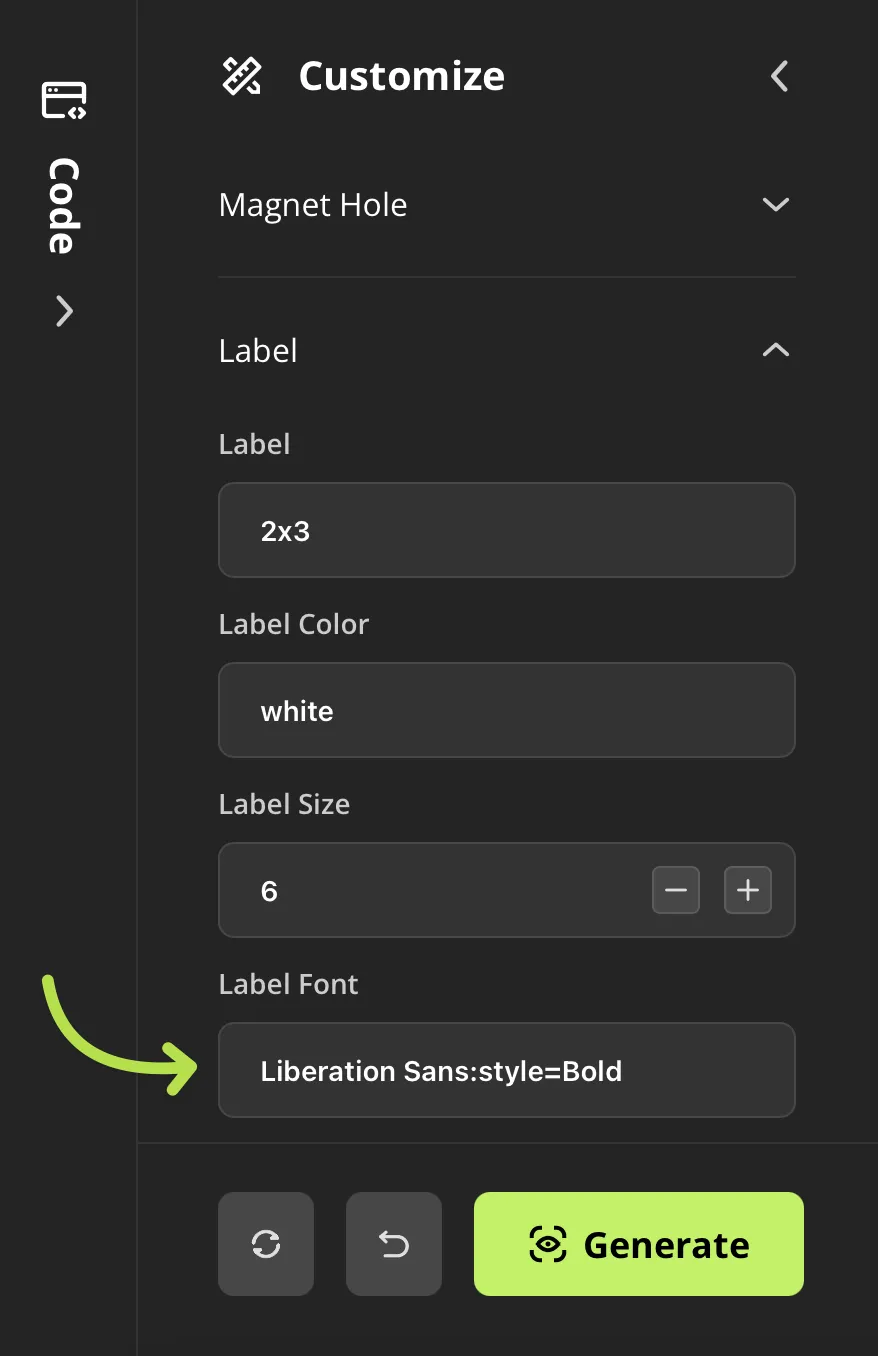
- Select the Fonts tab, then copy a font name by clicking on an item in the list.
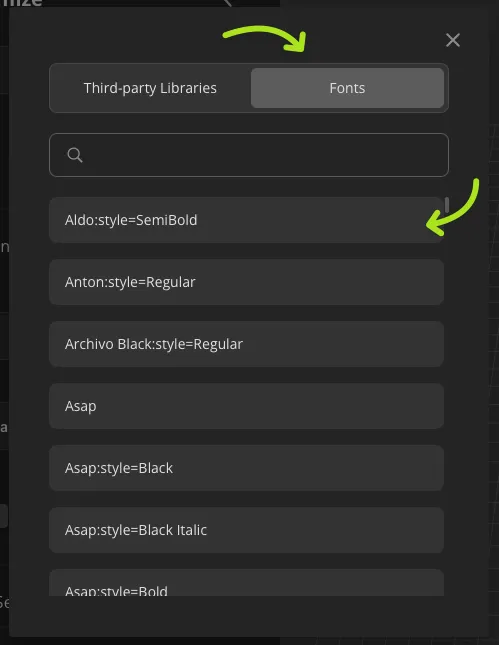
- Back to the Customize tab and paste the new font to the Label Font
This remix is based on


License

You shall not share, sub-license, sell, rent, host, transfer, or distribute in any way the digital or 3D printed versions of this object, nor any other derivative work of this object in its digital or physical format (including - but not limited to - remixes of this object, and hosting on other digital platforms). The objects may not be used without permission in any way whatsoever in which you charge money, or collect fees.


Comment & Rating (6)