
Clamping square
Print Profile(1)


Description
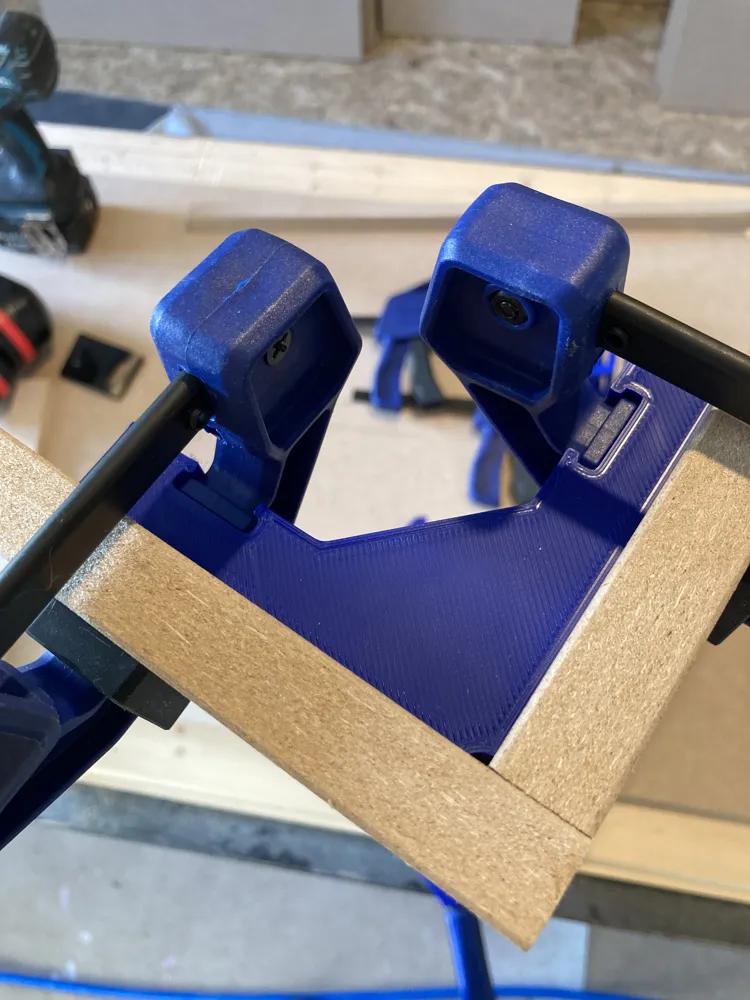
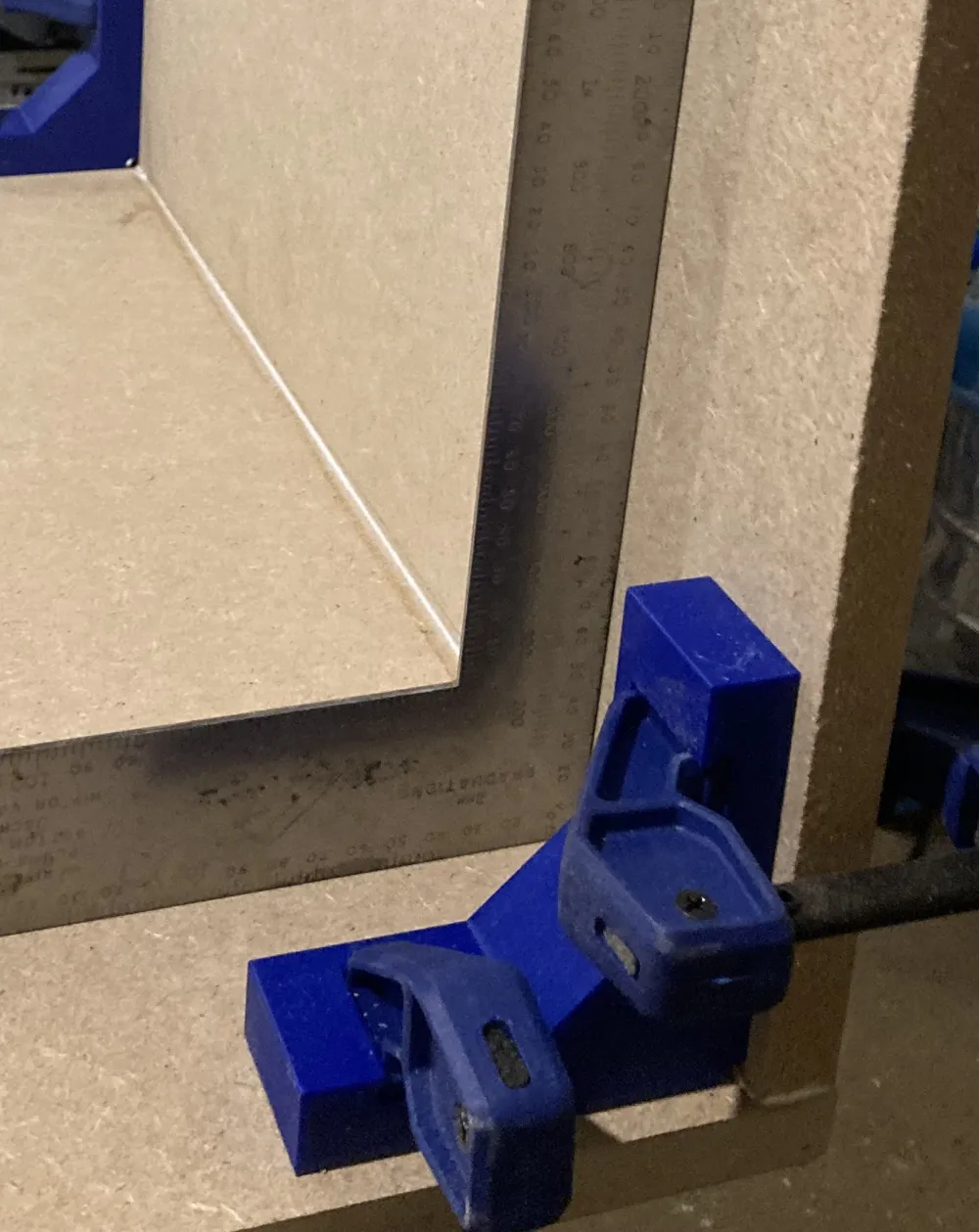
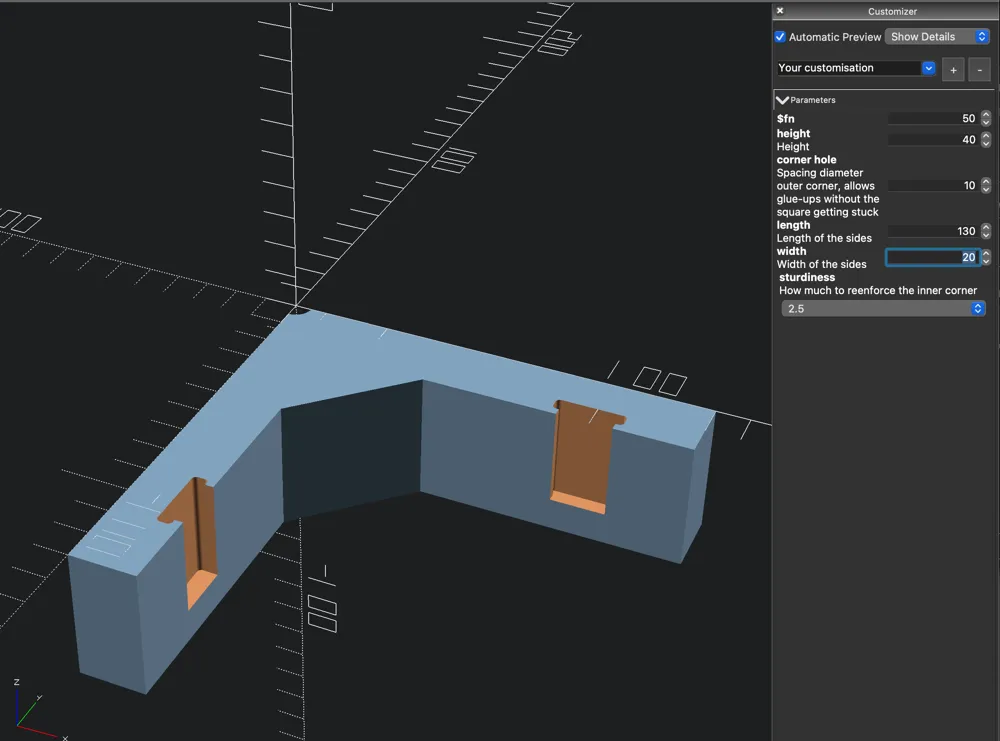
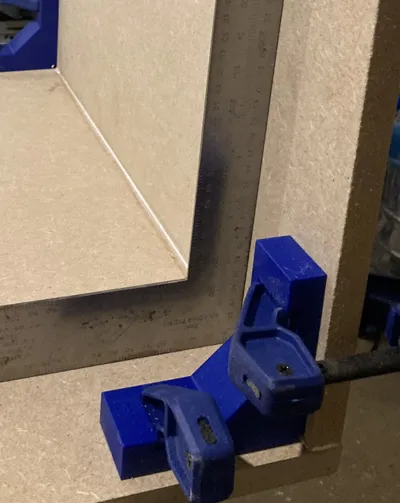
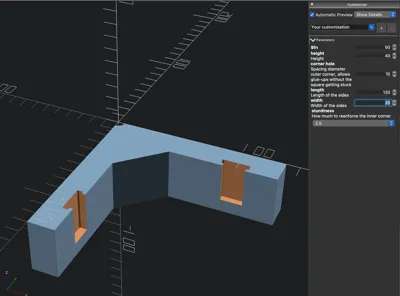
I wanted to get some decent clamping squares, a lot of them they were either not in stock or insanely expensive, or would take a long time to reach me. I quickly designed this and started making quite a few of them. It features 2 slot where clamps of a certain popular clamps brand goes. Linked below, such as these: https://www.amazon.com/dp/B001DSY4QO, a little extra space for allowing a sloppy glue up without gluing your print to the subject. With the OpenSCAD file, you can adjust the height, width and length of the sides, as well as the spacer and a “sturdiness” factor, which increases the the extra support in the inner corner.
NB The clamps can get stuck a bit, because I don't want them to fall out, I was always able to remove them, YMMV.
There is no need to follow any particular print instruction, as long as you print enough walls and an infill patterns that can take stress in multiple directions, e.g. gyroid. That said, I printed these in .28mm layers, .8mm wide, 40% gyroid infill at .42mm layer height, 3 walls and "alternate extra wall" (cura), to trap infill between the walls. You may need to use a .5 or .6 nozzle to allow enough flow, since you're basically printing boxes full of noodles, but it's fast and strong.
License



Comment & Rating (10)