
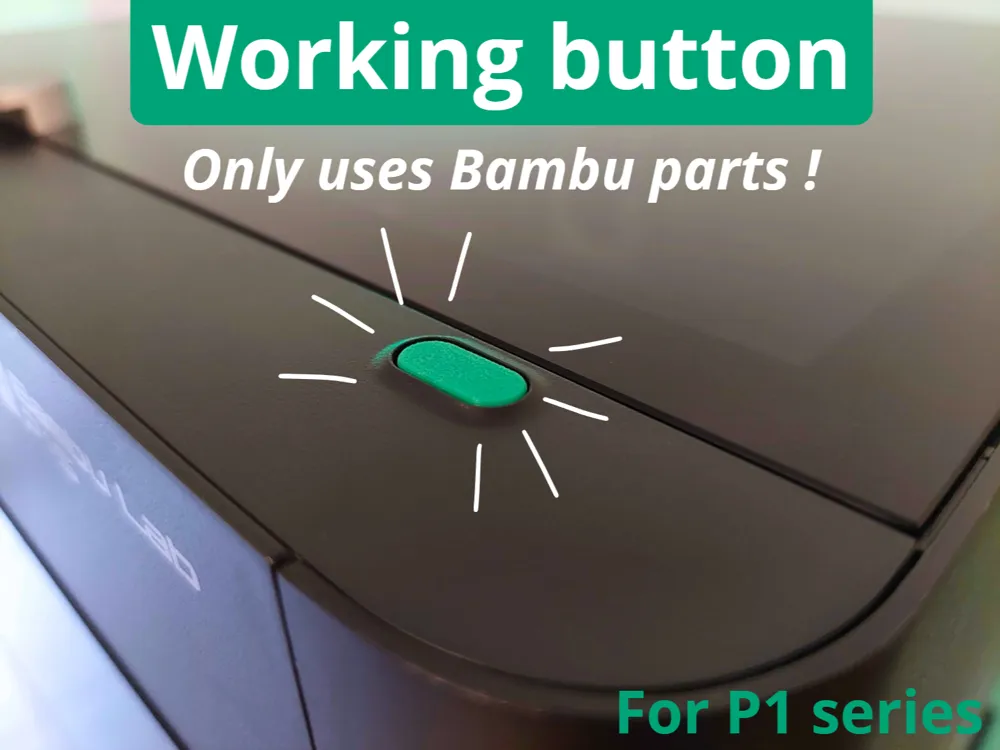
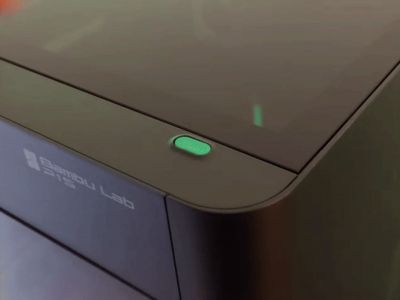
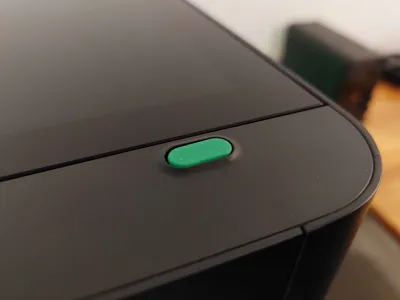
P1 series - Working button
Print Profile(1)

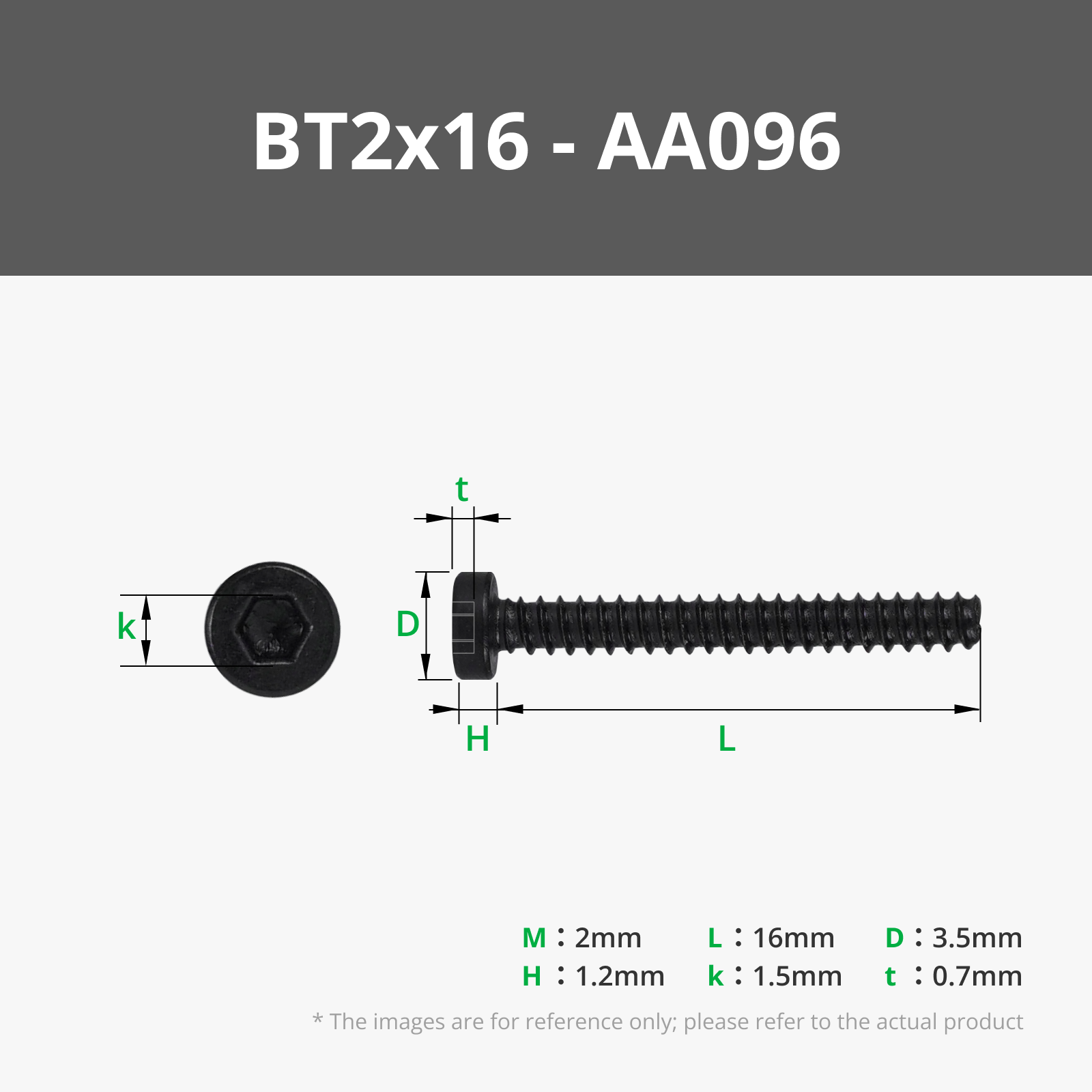
Bill of Materials


Description
Boost Me (for free)
Don't hesitate to boost my model if you like it !
Model

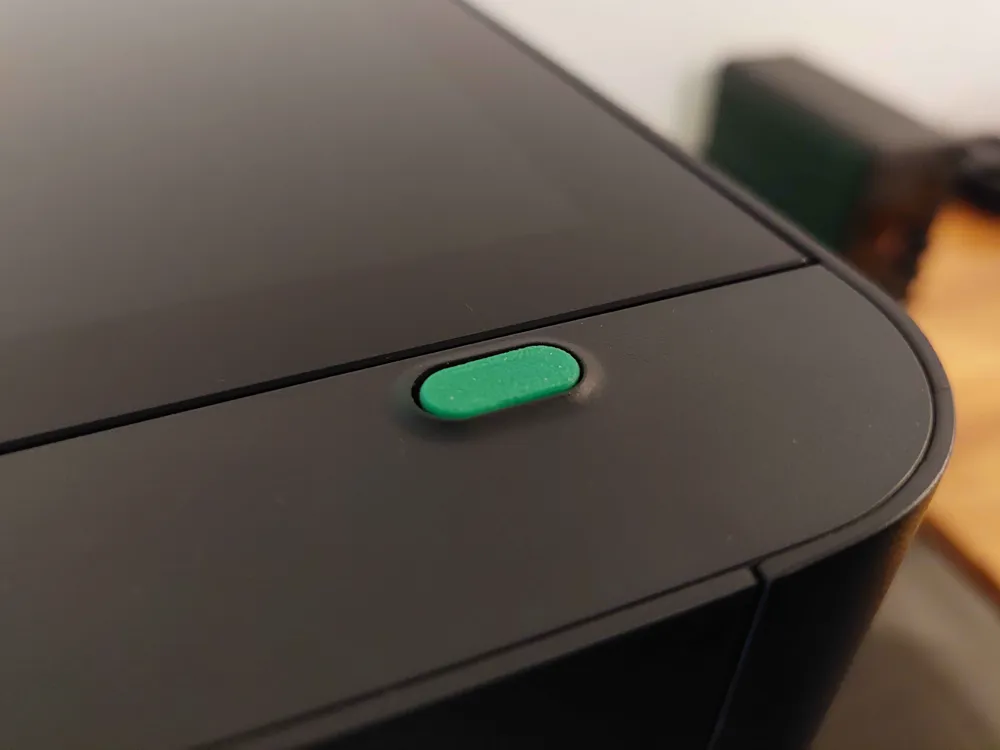
I will need a working button for a future printer upgrade, so I made this one.
It only uses parts available on the Bambu store, so it is easy to get them if you want to upgrade your printer with this button.
Printing
Use the provided 3MF, no supports needed !
Installation
First step : Assemble the switch base
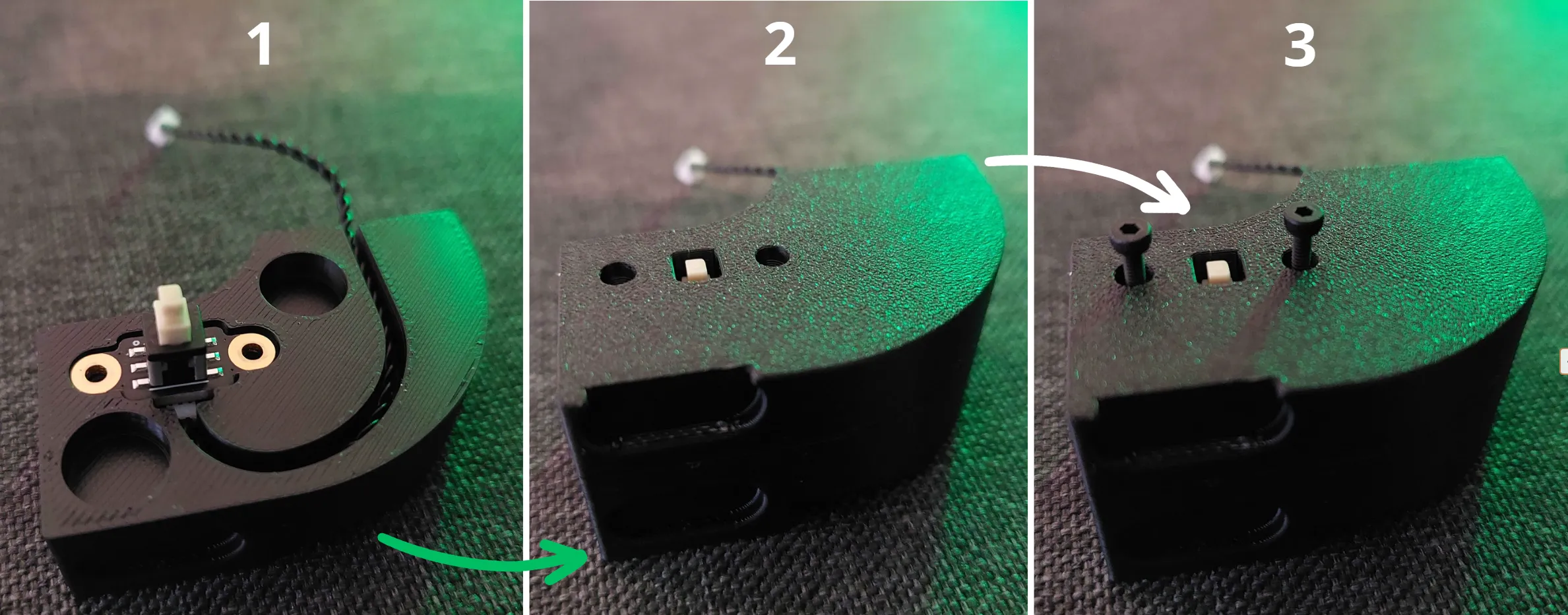
Second step : Install the switch base
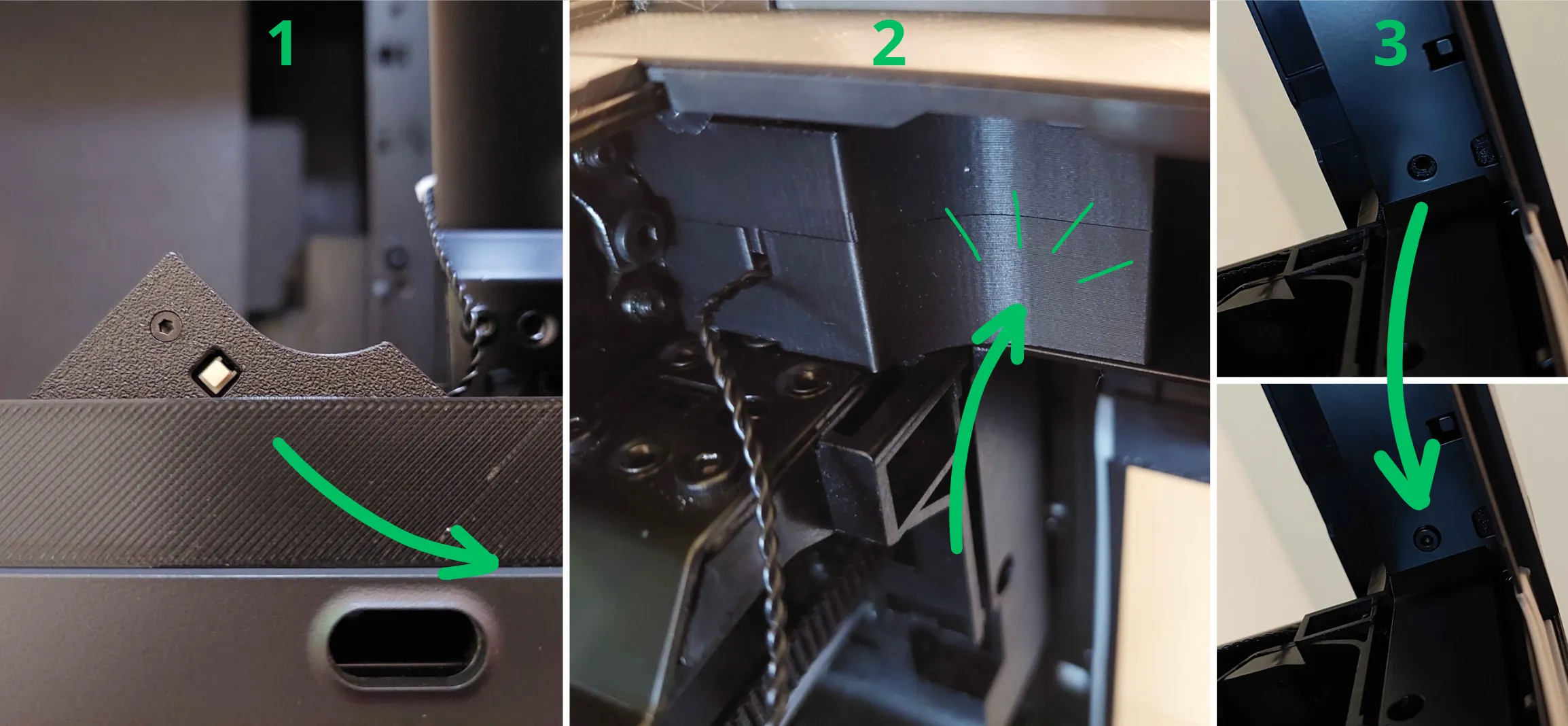
It can be a little tight, but it should fit, so don't put too many force !
Final step : Clip the button on the switch !
The switch is now ready to be connected to anything you want in your printer :)
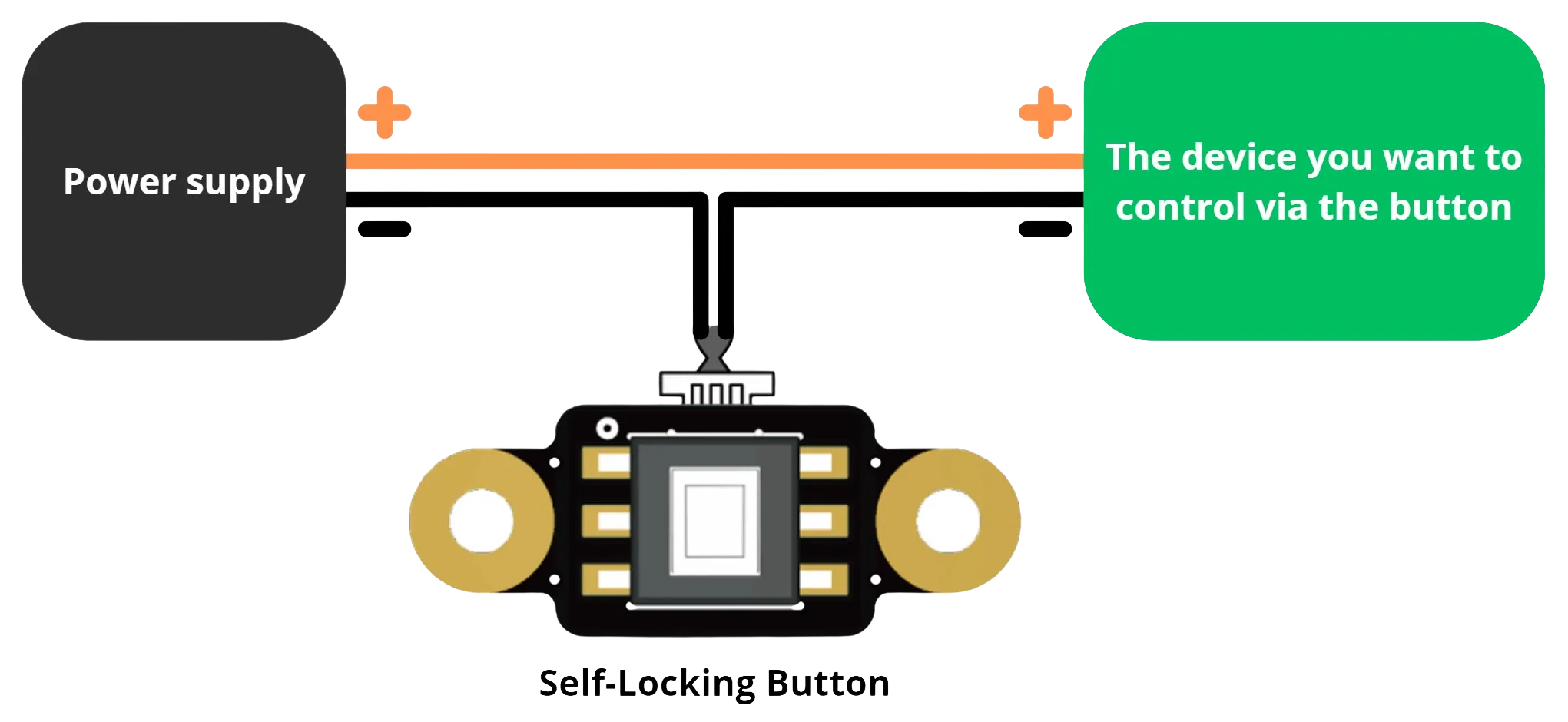
Wiring
Here is an exemple of how to wire the switch to what you want to control in the printer :
License

You shall not share, sub-license, sell, rent, host, transfer, or distribute in any way the digital or 3D printed versions of this object, nor any other derivative work of this object in its digital or physical format (including - but not limited to - remixes of this object, and hosting on other digital platforms). The objects may not be used without permission in any way whatsoever in which you charge money, or collect fees.


Comment & Rating (80)