Search models, users, collections, and posts

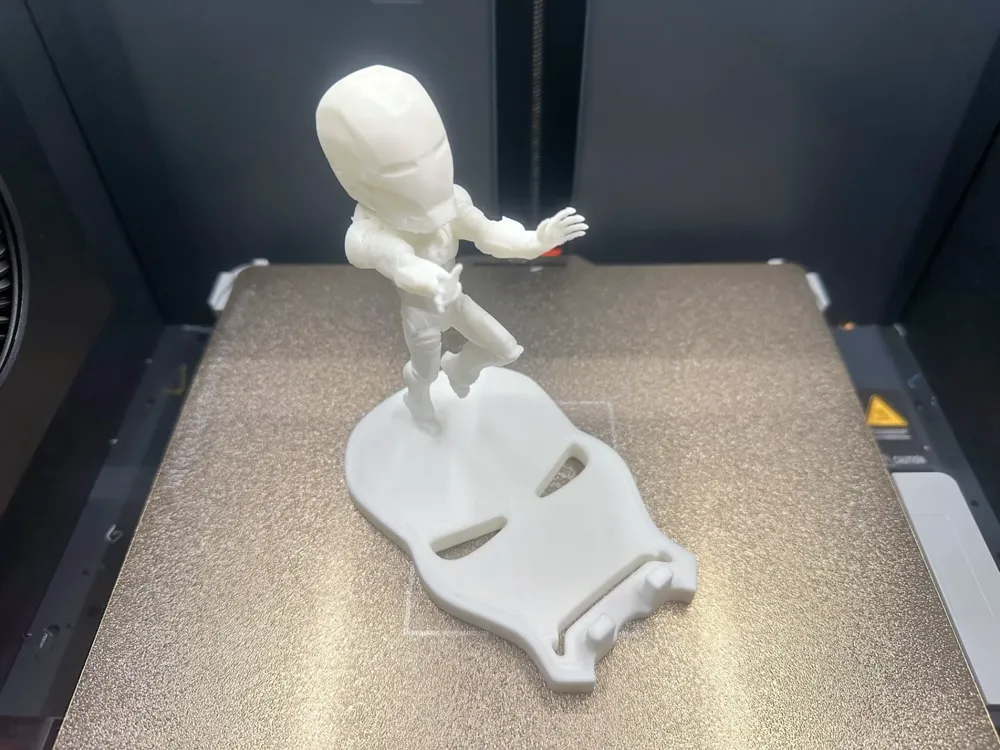
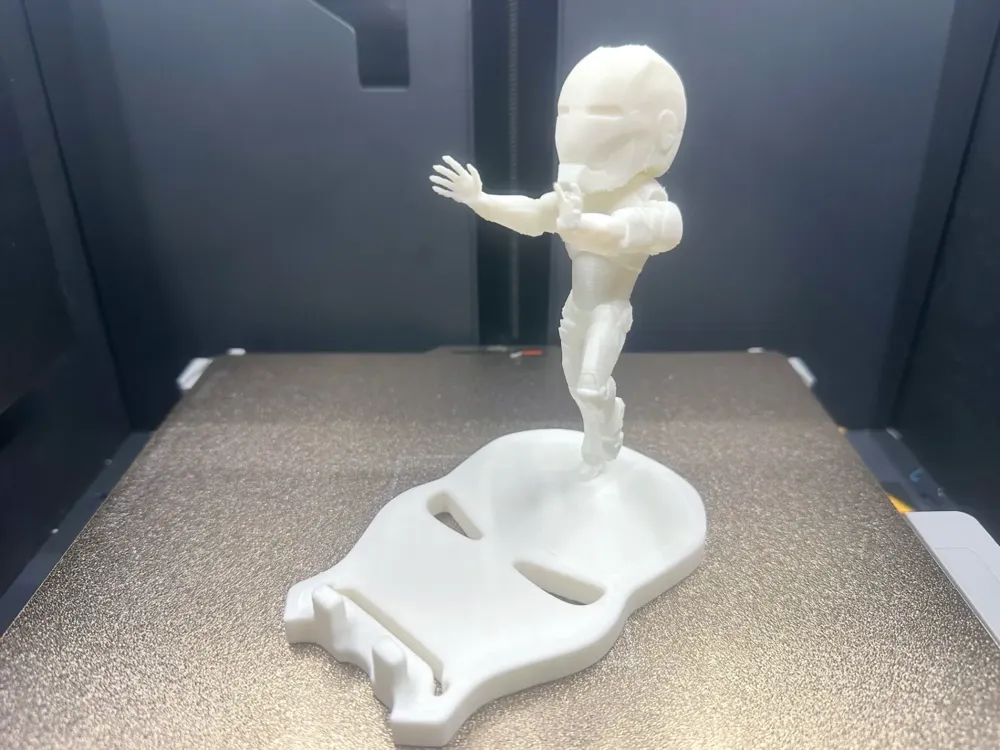
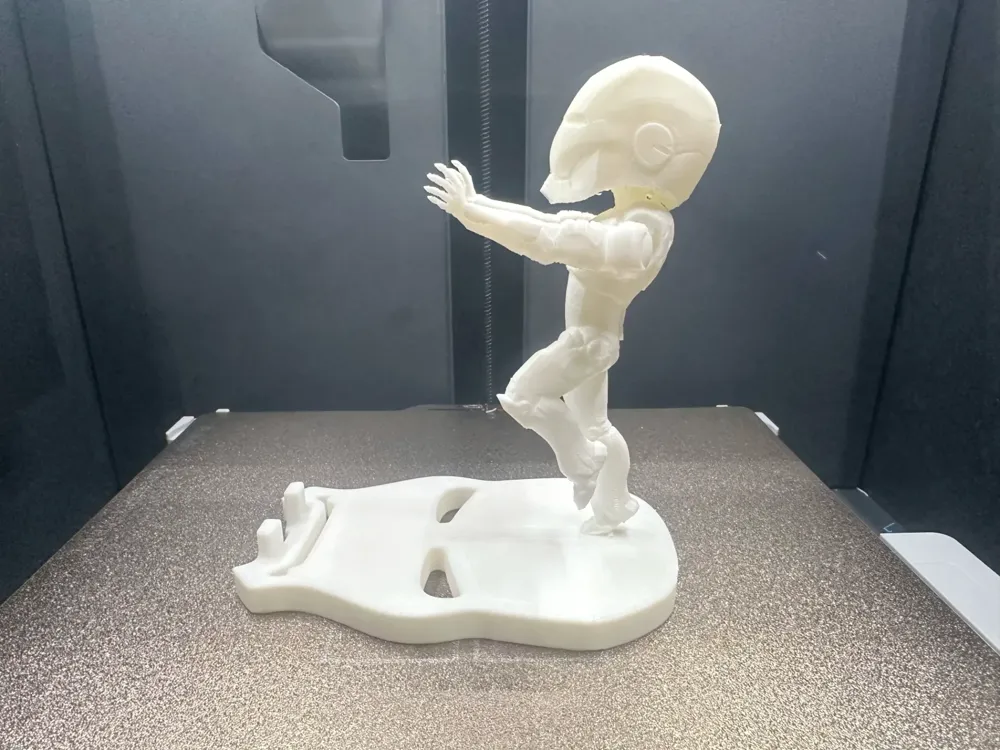
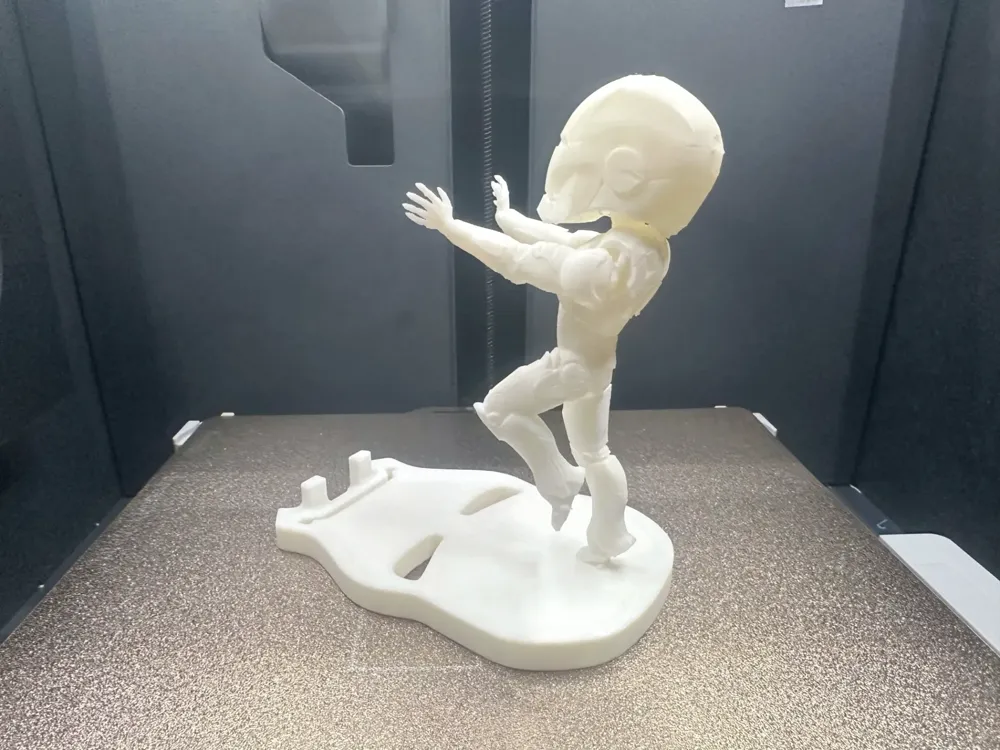
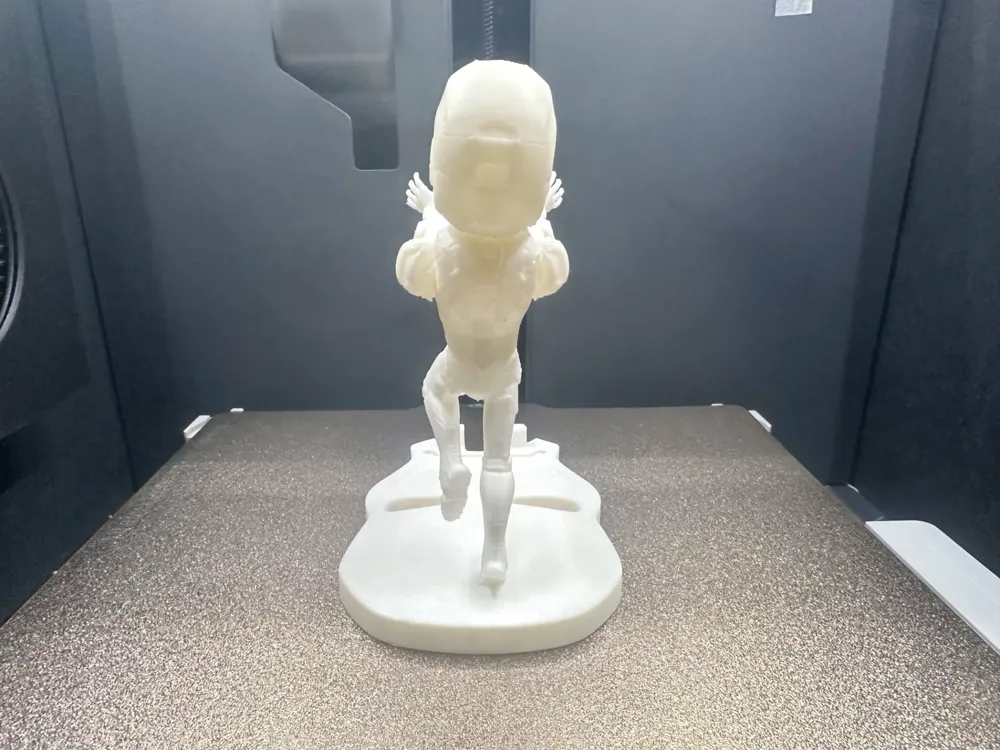
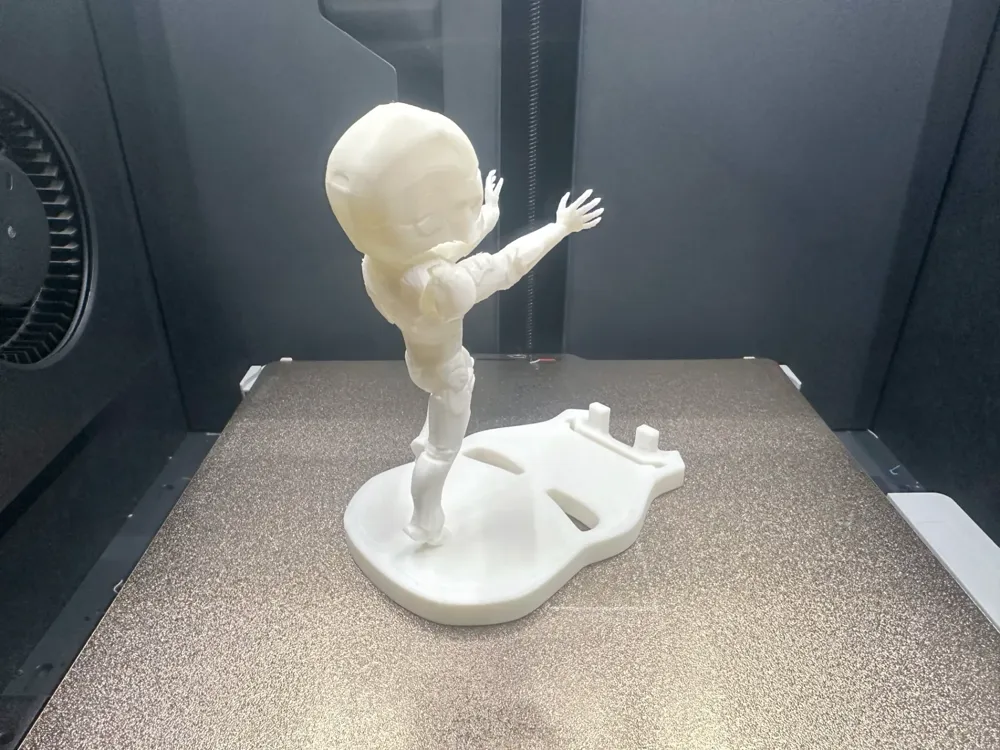
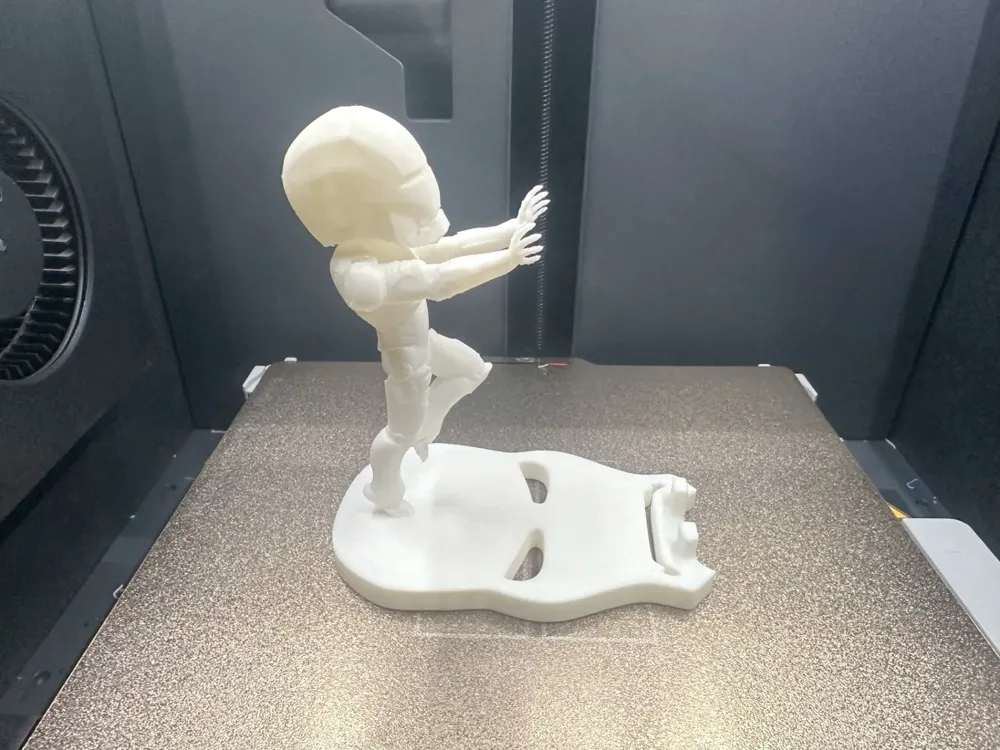
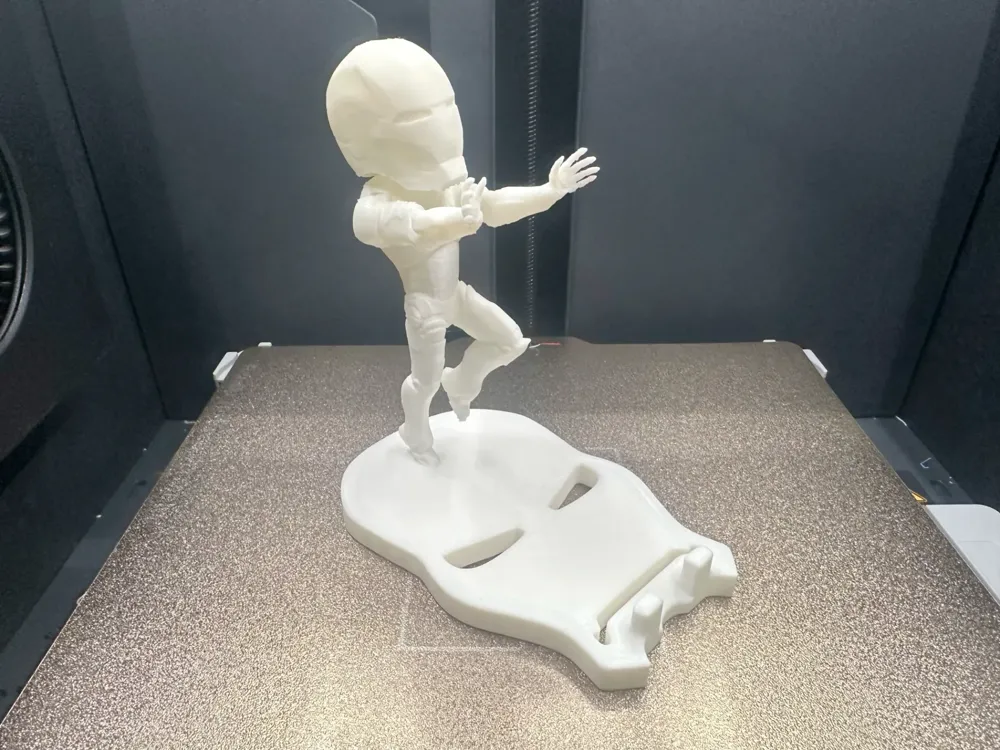
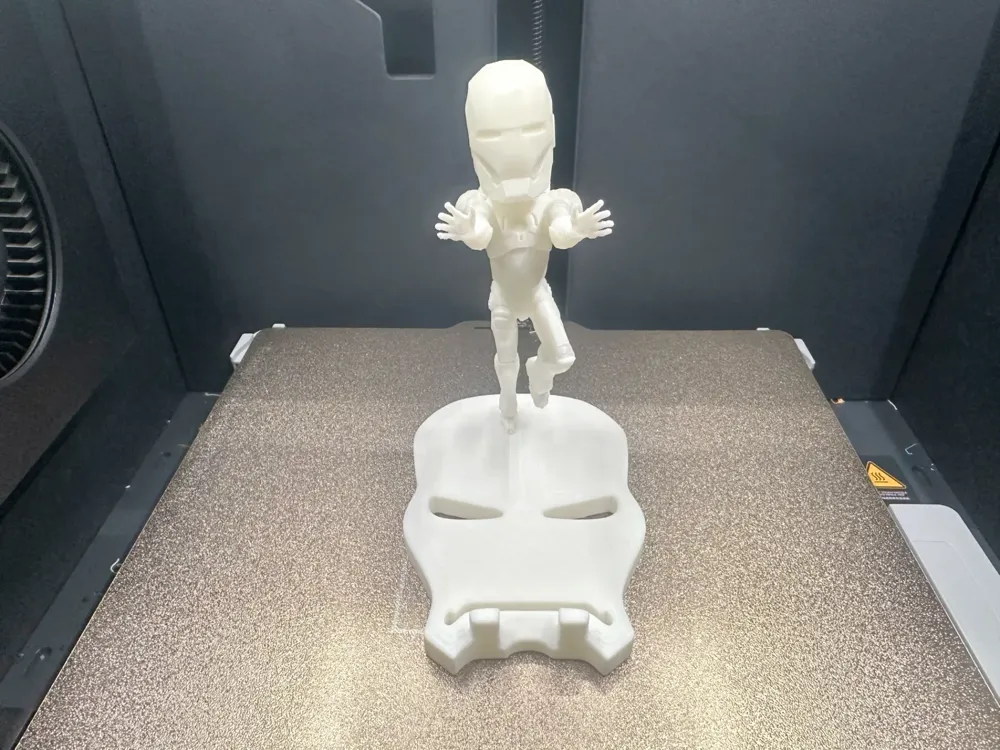
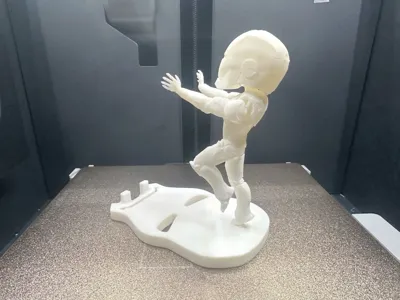
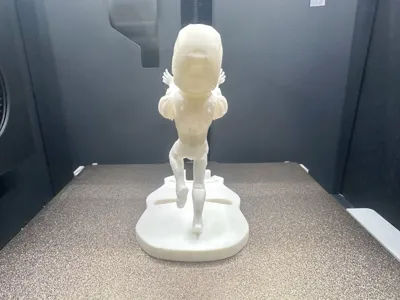
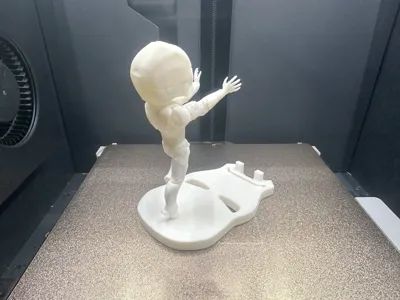
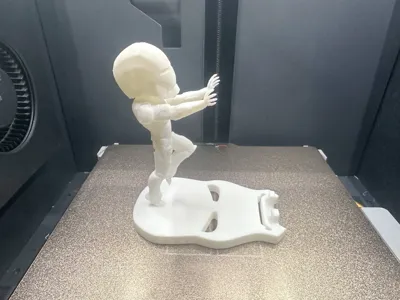
Iron Man Phone Stand
IP Report
Print Profile(1)
0.2mm layer, 2 walls, 15% infill
Designer
3.1 h
1 plate
Open in Bambu Studio
Boost
67
120
9
3
167
77
Released
Description
Content has been automatically translated.
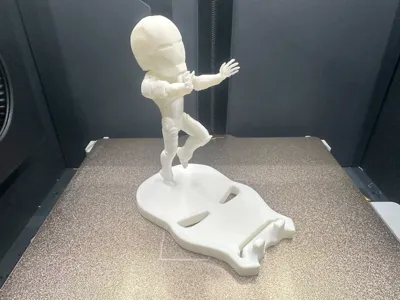
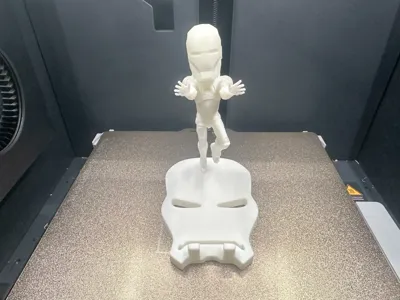
Iron Man Phone Stand
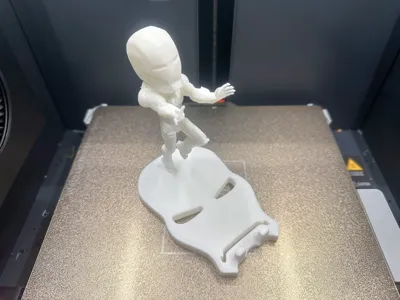
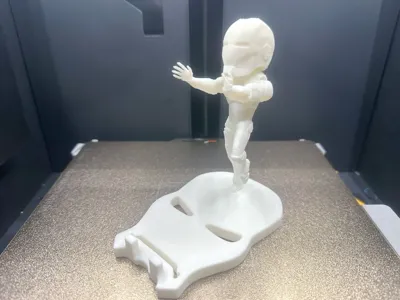
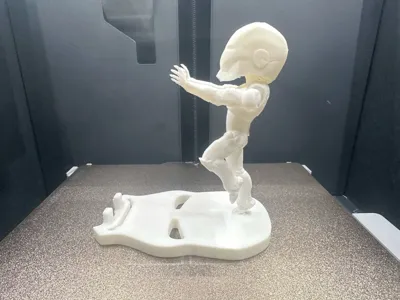
Large-headed Iron Man takes off, pushing all kinds of phones
The difficulty of removing supports from the character parts is 3 stars, the head supports require patience! (Newbies are likely to break the head, but it's okay! Glue it back! It will be seamless)
You can try printing in multiple colors or using acrylic paint to draw
Printingthe stringy spaghetti structure fails to form is not a file issue. Check consumables and temperature parameters
The printing material shown isBambu PLA Basic Jade White
Please adjust the filament temperature to your own consumables before printing. If you have any questions, you can discuss them in the comments section first. Welcome all bigwigs to return pictures and comments! Thank you everyone!!
Boost Me (for free)
If you like my content, please give me a boost rocket! Your boost is the motivation for my content updates! Thanks!!!
3D Printing Tips and Preparation Precautions
- (All models published by this account have been tested and printed, and can adapt to all models. Before printing, you need to check whether the printer and consumables are normal. If you encounter problems that you cannot solve, please feel free to send me a private message, I will try my best to help you solve them!)
- Precautions:
- If you encounter any problems, you can go tothe reference learning area:Printing Quality and Troubleshooting | Bambu Lab Wiki
- Make sure the machine printing plate is clean. It is recommended to wipe it with 95-degree medical alcohol after each print, which can ensure stable print quality and avoid crashes.Because after touching the printing panel, the grease residue on your hands will greatly reduce the printing adhesion. At the same time, the previous printing debris and tiny residues of the printed object will also affect the printing quality of the first layer, thereby reducing the yield.
- Pay attention to filament drying (PLA generally does not need drying, and has a good resistance to moisture). This will greatly affect your print quality and print experience! After a long time of filament storage, it is inevitable that it will be affected by moisture. If stringy spaghetti occurs, you need to ask the merchant to consult the drying parameters and print parameters for adjustment.Most filaments are not dried when they are shipped from the factory. Therefore, you can dry them in advance if possible, and the printing effect will be better.
- The choice of printing material. For appearance parts, PLA is usually used, and for structural parts, PEGT is usually used. The prices of these two materials are relatively affordable, and the emission of toxic gases is almost zero. (For health reasons, it is best to have an air purifier running.)
- It is recommended to perform filament flow calibration as soon as possible after using a new filament manufacturer's filament, and modify the calibration coefficient. This will greatly affect your printing quality and is also a necessary process for making new filaments adapt to your printer.
- If you encounter problems such as suddenly poor print quality and low yield, check if the nozzle is clogged, check if the printer placement is stable (you can directly put it on the ground for stability), and you can also try to recalibrate the printer.
- Print at the recommended printing speed in the model instructions. Overhanging quality, model surface count and printing speed are directly related.A suitable speed (too fast or too slow is not good) allows the material to have more time to cool and solidify during deposition.
- Set the bed and nozzle temperatures reasonably according to different materials.Too high or too low temperature will lead to warping, layered deformation or adhesion problems, thus affecting printing quality and success rate. For users with P1S models or above, if the temperature inside the user cabin exceeds 35 degrees, be sure to open the glass door of the fuselage.
License

This user content is licensed under a Standard Digital File License.
You shall not share, sub-license, sell, rent, host, transfer, or distribute in any way the digital or 3D printed versions of this object, nor any other derivative work of this object in its digital or physical format (including - but not limited to - remixes of this object, and hosting on other digital platforms). The objects may not be used without permission in any way whatsoever in which you charge money, or collect fees.


Comment & Rating (9)