
Temperature Tower ABS



Print Profile(1)

Description
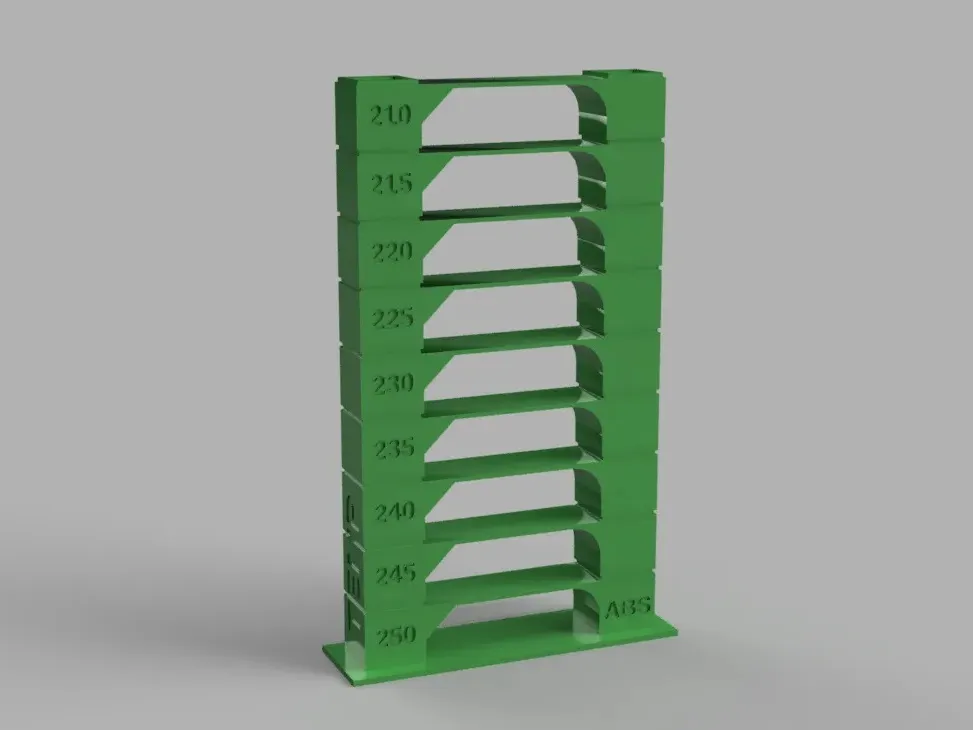
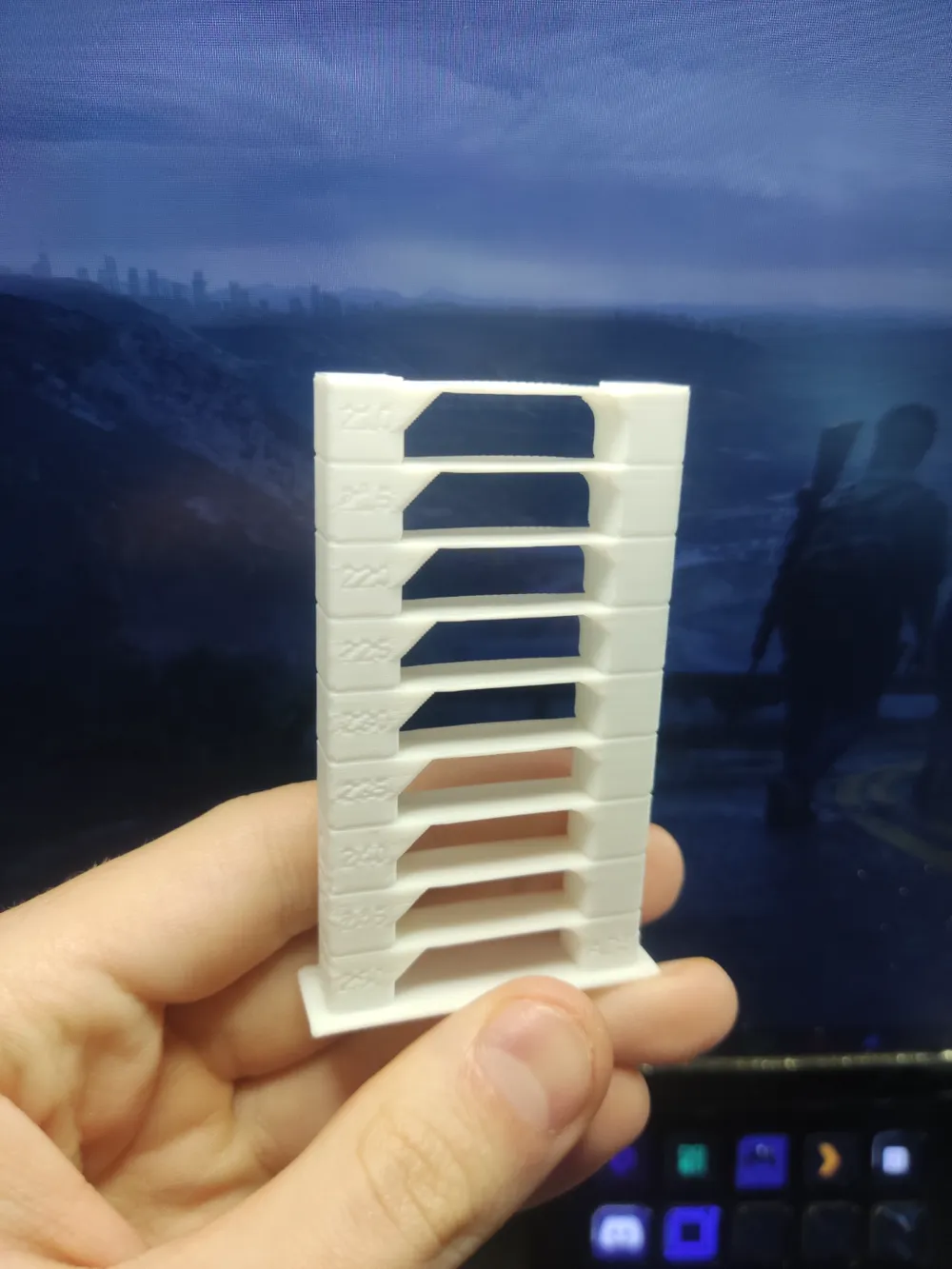
The temperature tower is an indispensable tool for optimizing your 3D printer's settings. By analyzing the printed tower, you can identify the temperature that yields optimal results in:
- Layer adhesion
- Surface finish
- Bridging accuracy
With this information, you can fine-tune your printer's configuration to achieve optimal results with any brand of filament.
How to adjust temperatures in Bambu Studio:
- Segment the model: Open the 3MF file in your slicing software and prepare it for segmentation.
- Locate the layer: In the preview tab, use the timeline to identify layer 5 (or the layer corresponding to the desired temperature change).
- Insert G-code: Right-click the "+" icon next to layer 5 and select "Add Custom G-code".
- Configure the temperature: In the text box that appears, enter the following command: M104 SXXX (where XXX is the desired temperature).
Layers to add temperature changes:
- 5, 44, 86, 128, 170, 212, 254, 296, 338
With this guide, you can enhance your printer's performance and maximize your filament's potential.
Boost Me (for free)
License

You may create derivative works based on this object, provided that all such derivative works are published exclusively on the MakerWorld platform and include proper attribution to the original creator. You may not share, upload, host, distribute, or publish this object—or any derivative work of this object—on any other digital platform, marketplace, or distribution channel. Commercial use of this object and any derivative works is strictly prohibited. This includes, but is not limited to, selling, renting, sublicensing, or using the object in any context in which you receive monetary compensation or other financial benefits.


Comment & Rating (11)