
A1/A1 Mini Timelapse Mod




Print Profile(2)


Bill of Materials

Description
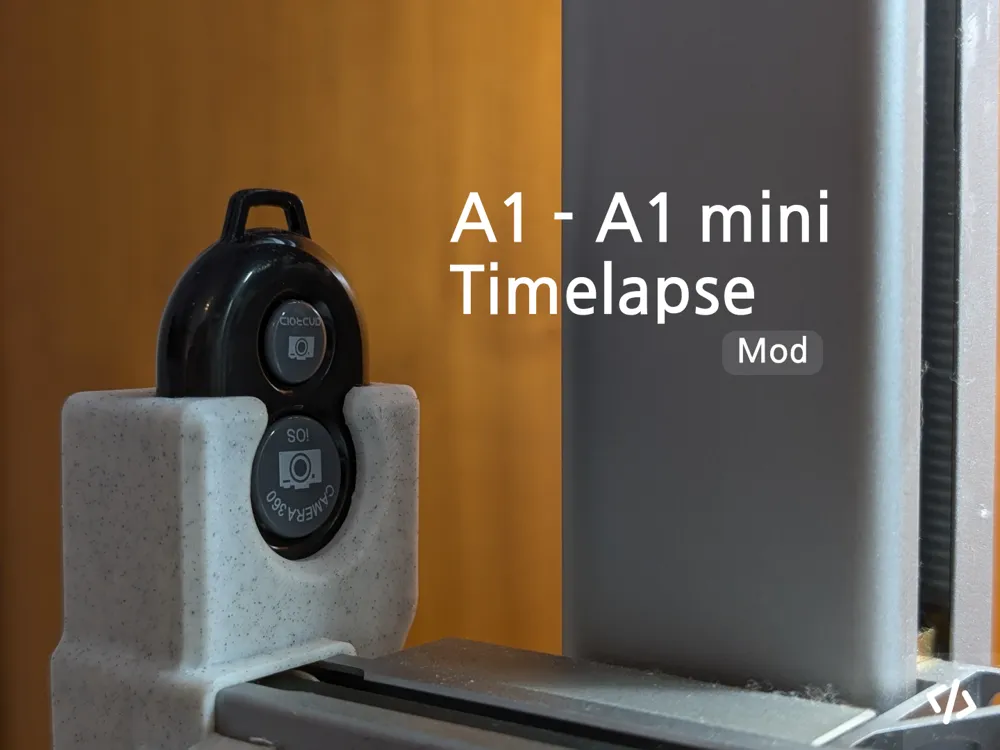
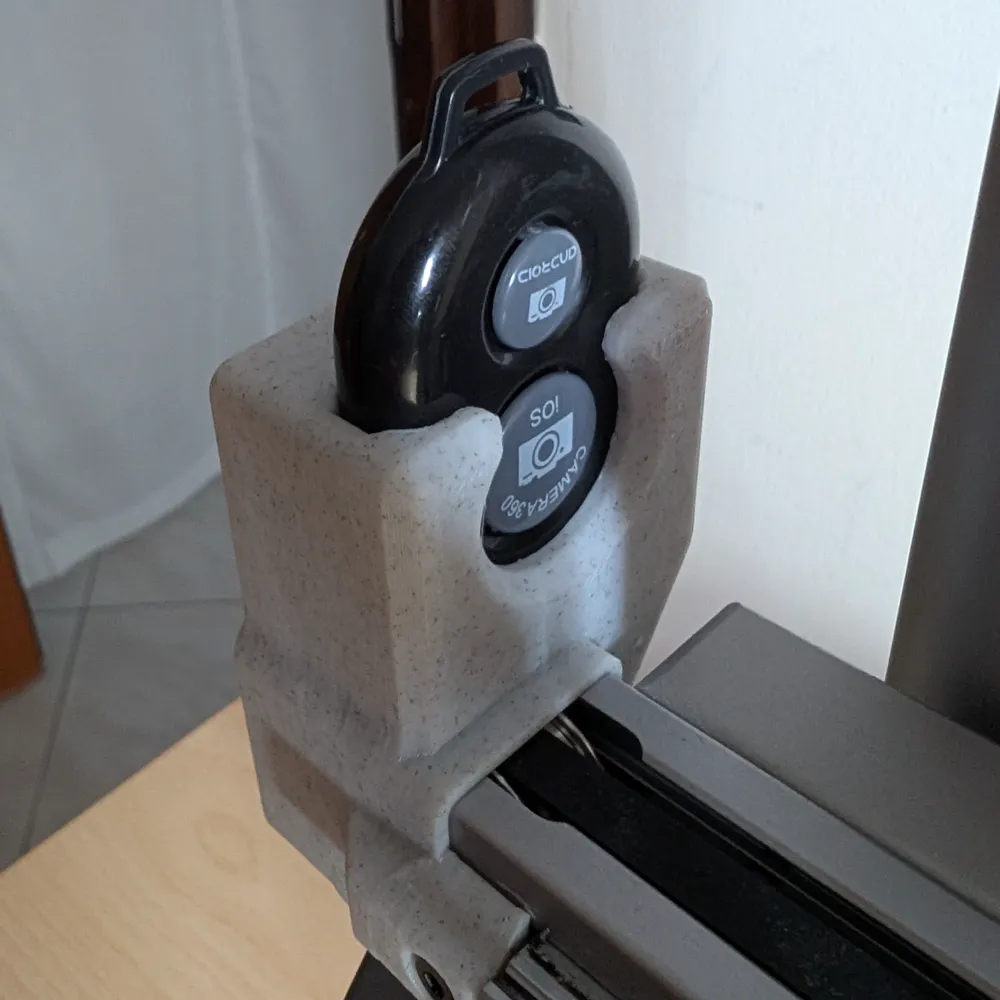
📸 Easy Timelapse Mod for Bambu Lab A1 & A1 Mini
Hello everyone!
I created a simple mod for the Bambu Lab A1 and A1 Mini that lets you easily make timelapse videos using your phone.
Timelapse videos are a great way to showcase your 3D prints in a fast, engaging, and satisfying format.
They perform extremely well on platforms like TikTok, Instagram, and YouTube Shorts, where short-form content grabs attention quickly.
The printing process becomes visually captivating in just a few seconds, increasing your chances of going viral or reaching a wider audience.
🧰 What You Need
- Bluetooth remote shutter (1$): Aliexpress, Amazon.com
- Your Android/Ios smartphone
- A Free editor app: such as DaVinci Resolve (Desktop) or Velocity Lapse (Mobile);
🛠️ Installation
To install the mount:
- Unscrew the front screw and bottom screw on the left side of the X-axis of your printer.
- Attach the holder in place using those same screws.
- Change the gcode on your print profile (see next step)
⚠️ Important
If the button does not press correctly in your case, you can modify the pin length from makerworld:
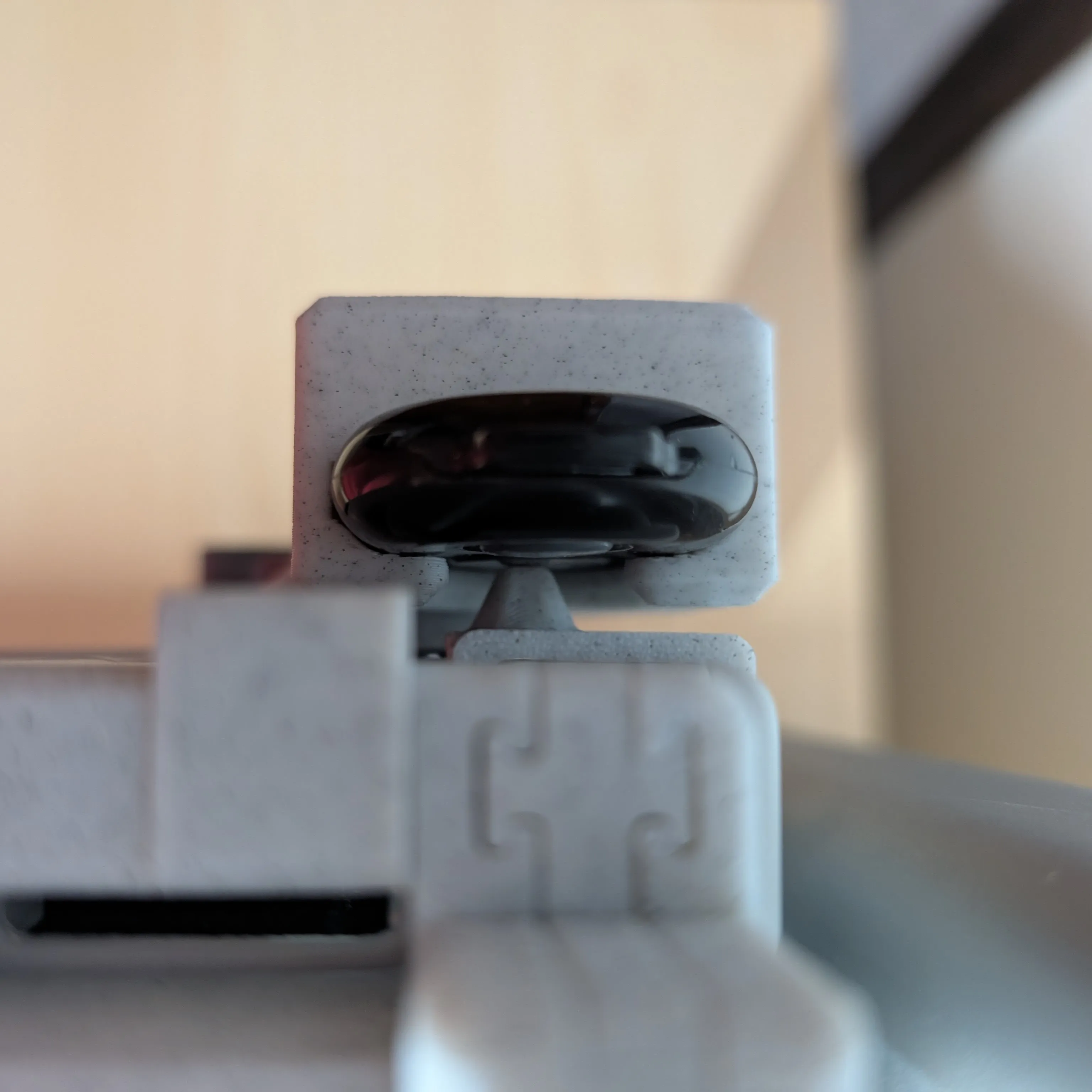
🧾 Timelapse G-code Setup
To make this work, you'll need to slightly modify the timelapse G-code section in your print profile.
IMPORTANT: if your print quality drop, please enable smooth timelapse, this will enable a purge tower.
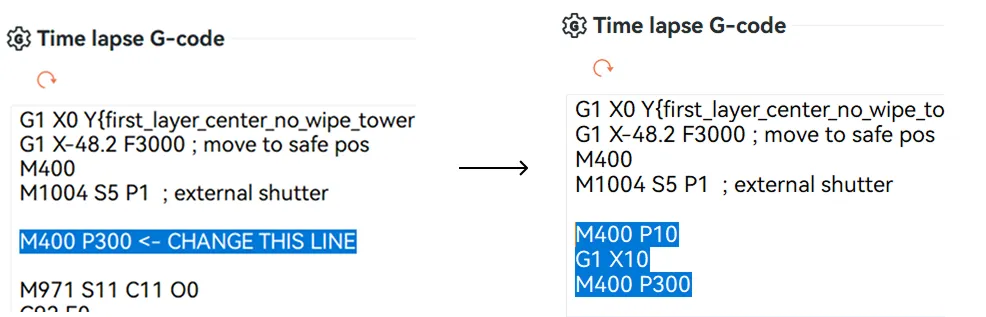
Replace:
M400 P300
With:
M400 P10
G1 X10
M400 P300
🔍 This sequence does the following:
- M400 P10: short 0.1s pause at the current position (X = 0)
- G1 X10: moves the printhead away from the camera view
- M400 P300: 3-second pause so your phone has time to take a picture
💡 If the printhead is still visible in your frame, feel free to adjust the G1 X... value.
Boost Me (for free)
Enjoying my designs? Send a Boost and help Moscastudio grow
Step 1:
Open Printer Settings
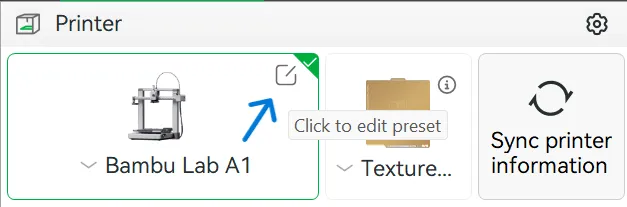
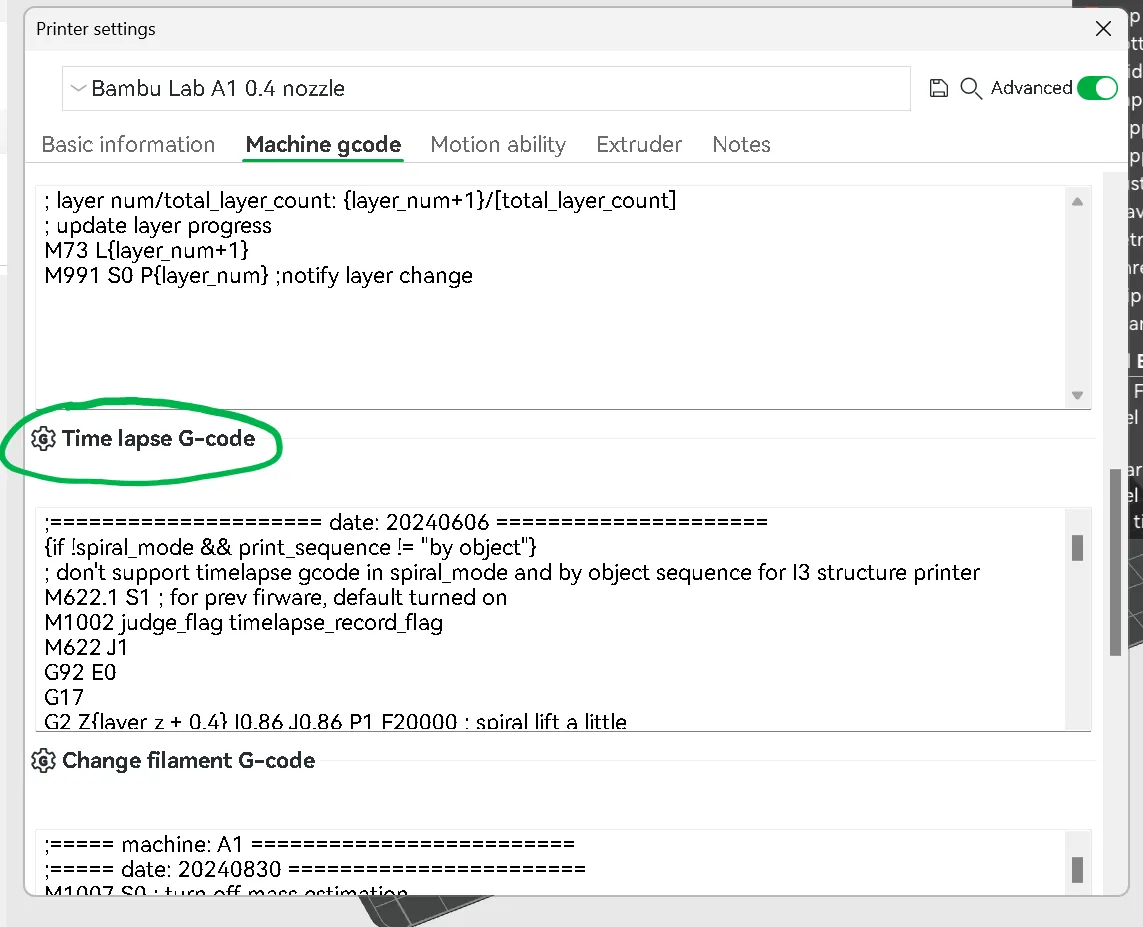
Step 2:
Under the ‘Machine gcode’ tab , scroll down until you find the Time lapse G-code, if you dont have the ‘Machine gcode’ tab please enable Advanced options
Step 3:
Locate the line ‘M400 P300’ after the external shutter comment and replace the G-code
Bonus Step (Thanks @user_1855328232):
I strongly recommend moving the printing bed forward before taking the photo. This will give the time-lapse better lighting, without any shadows. To do this, replace the following line:
G1 X0 Y{first_layer_center_no_wipe_tower[1]} F18000 ; move to safe pos
With:
G1 X0 Y250 F18000 ; move to safe pos
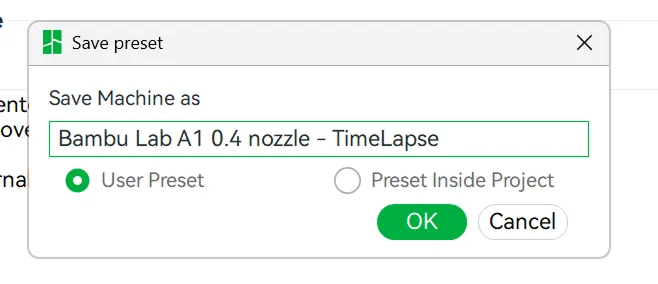
Step 4:
Save your profile
Step 5:
Boost Me (for free)
Enjoying my designs? Send a Boost and help Moscastudio grow
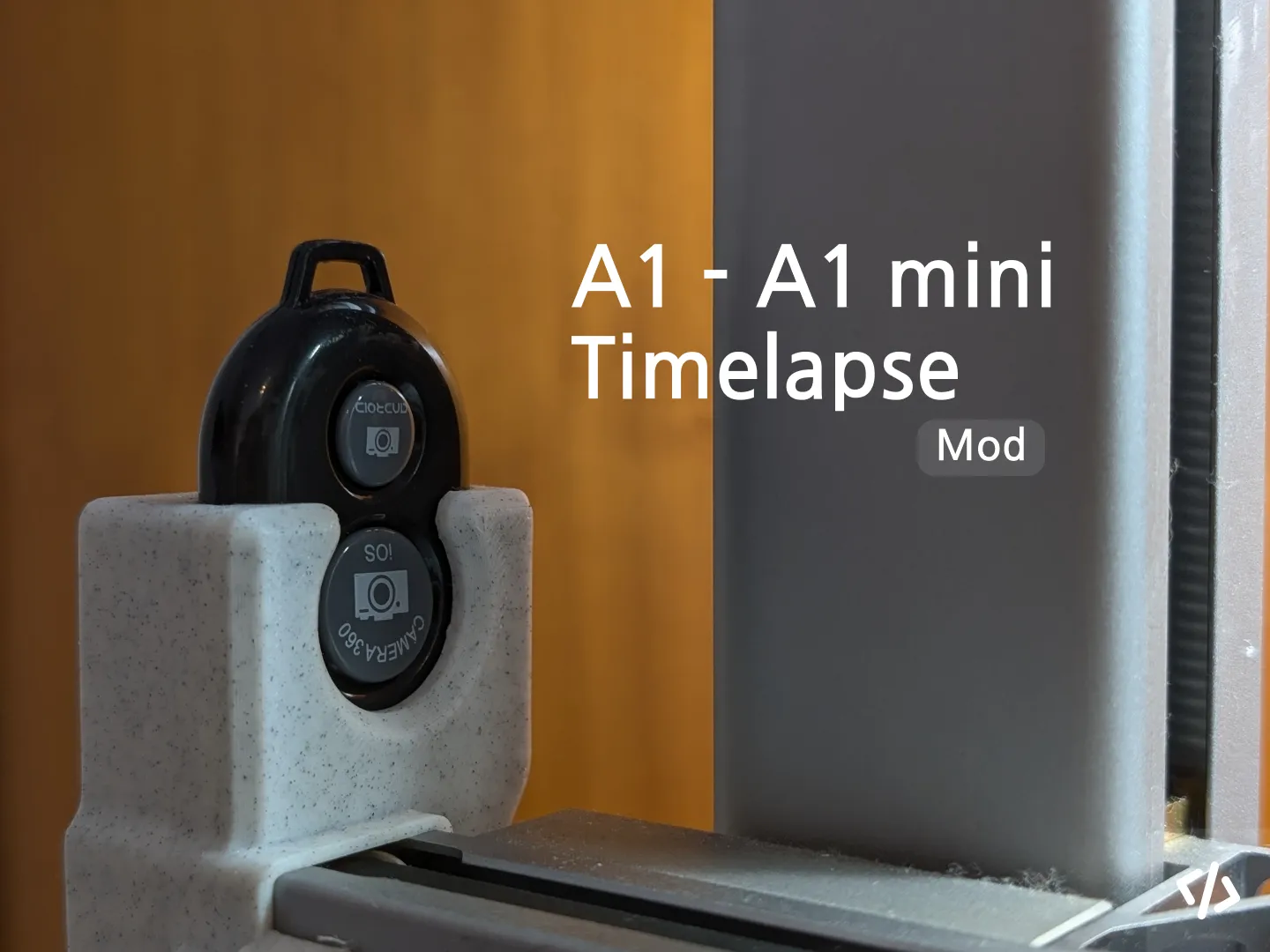
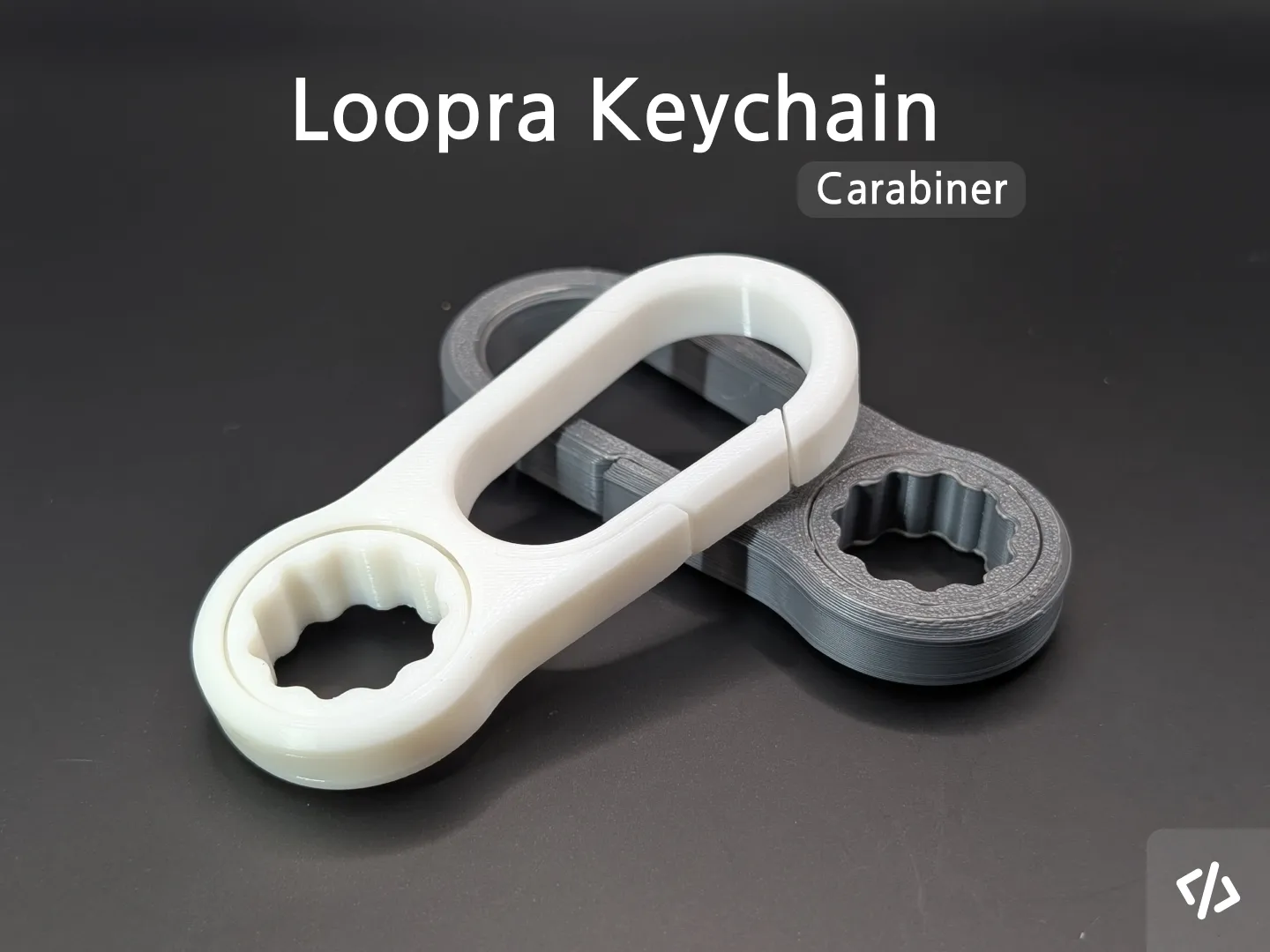
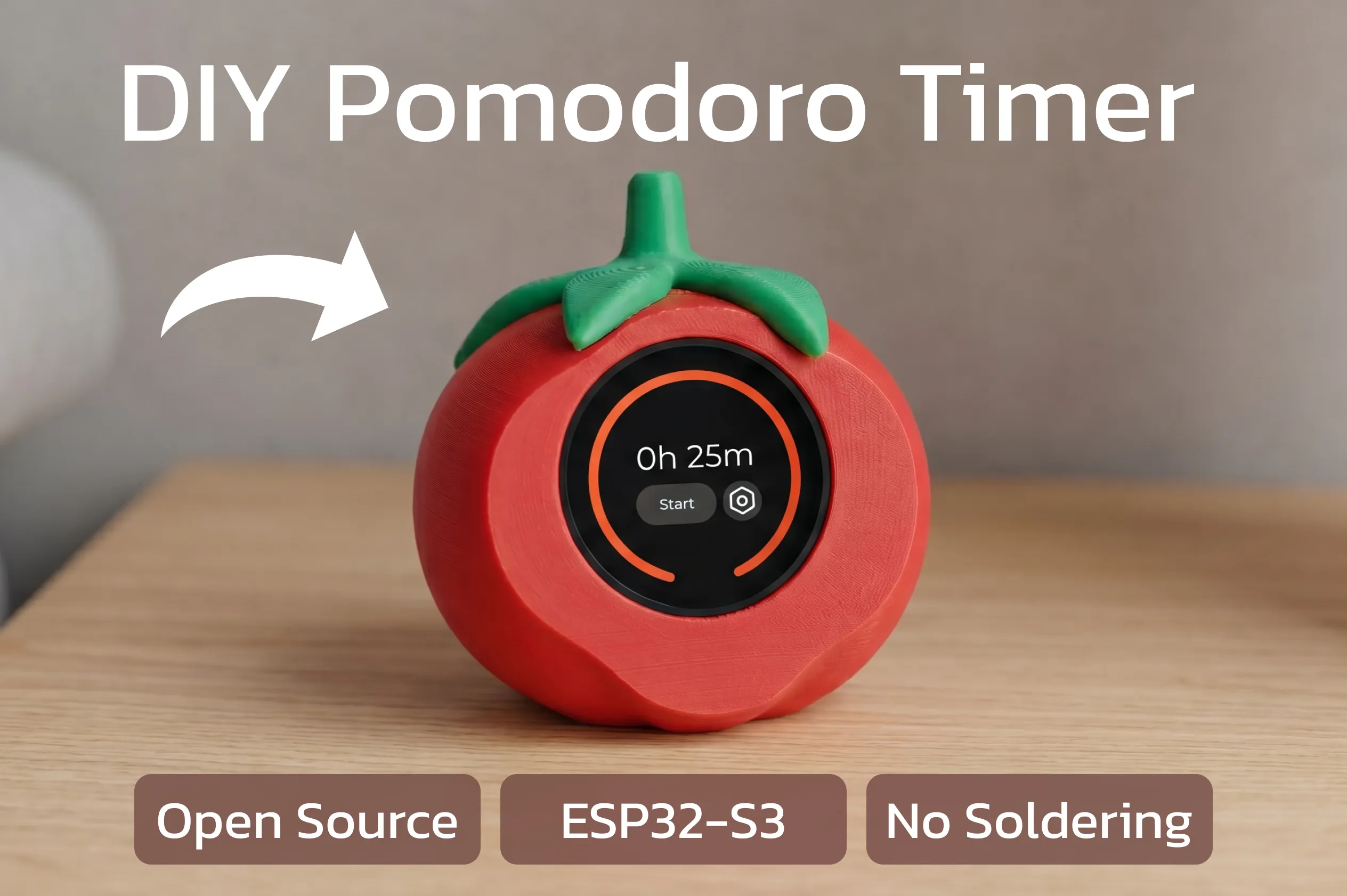
Explore my Other Works:
 |  |
 |  |
License

You shall not share, sub-license, sell, rent, host, transfer, or distribute in any way the digital or 3D printed versions of this object, nor any other derivative work of this object in its digital or physical format (including - but not limited to - remixes of this object, and hosting on other digital platforms). The objects may not be used without permission in any way whatsoever in which you charge money, or collect fees.


Comment & Rating (434)