
Print Profile(1)
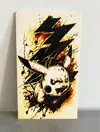
Description
FILE IS READY TO PRINT
I SUGGEST TO SKIP USING JADE WHITE ( THIS WHITE IS NOT COVERING A LOT)
Reminder:
My models mostly cover the entire bed,
this means the purge line is sometimes
running through the bottom of the print.
You have 3 options here:
- Leave as is, you can just cut them of afterwards.
- Remove immediately after the purge line is printed.
- Scale the model:
*** WARNING ***
WHEN SCALING THE MODEL, BE SURE TO NOT SCALE THE Z-HEIGHT!
The Z-height must always be as original, otherwise the print
is messed up.
If u want to support my work
https://www.paypal.com/paypalme/MarcoMaineri?locale.x=it_IT
For request send me dm
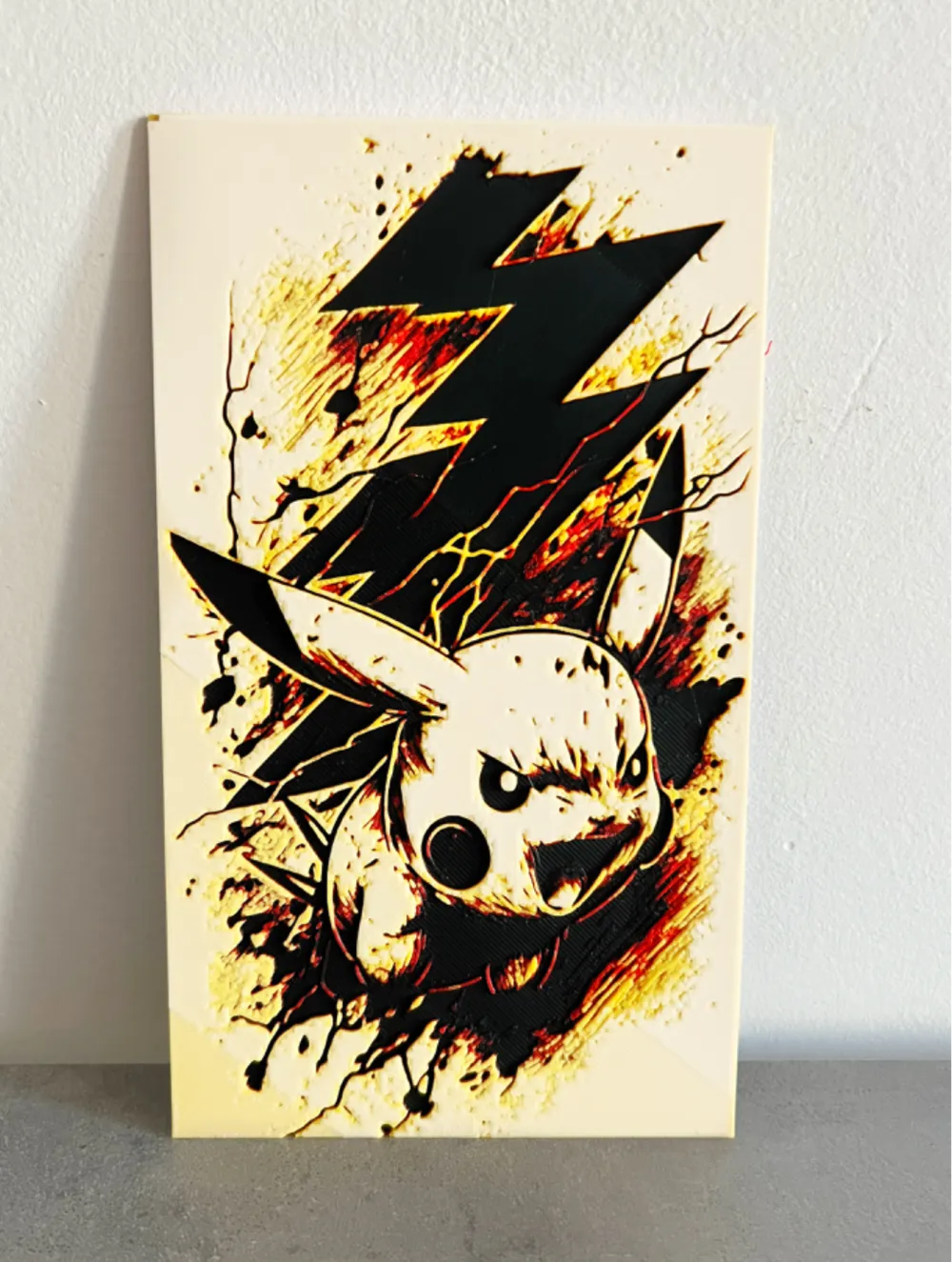
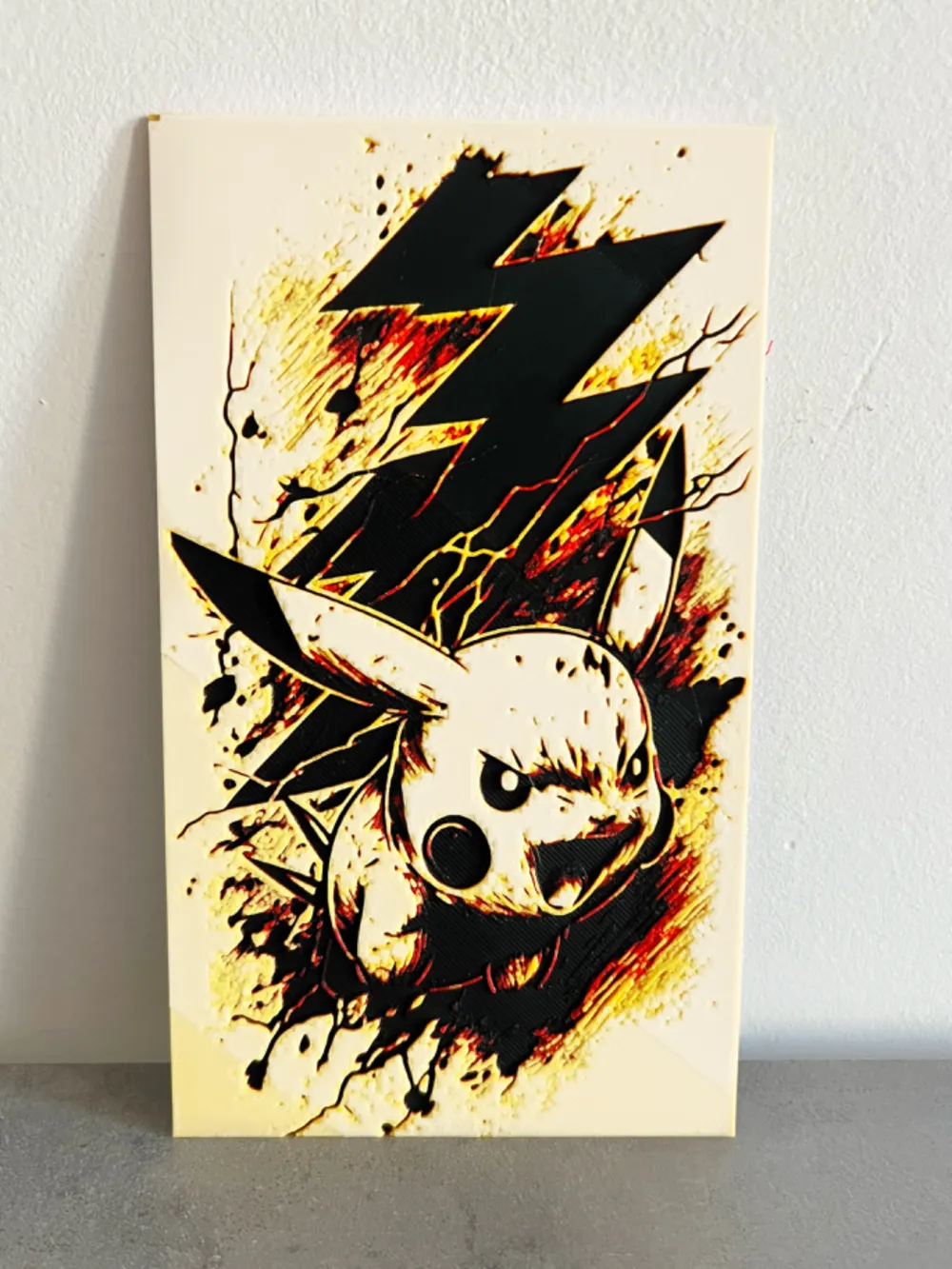
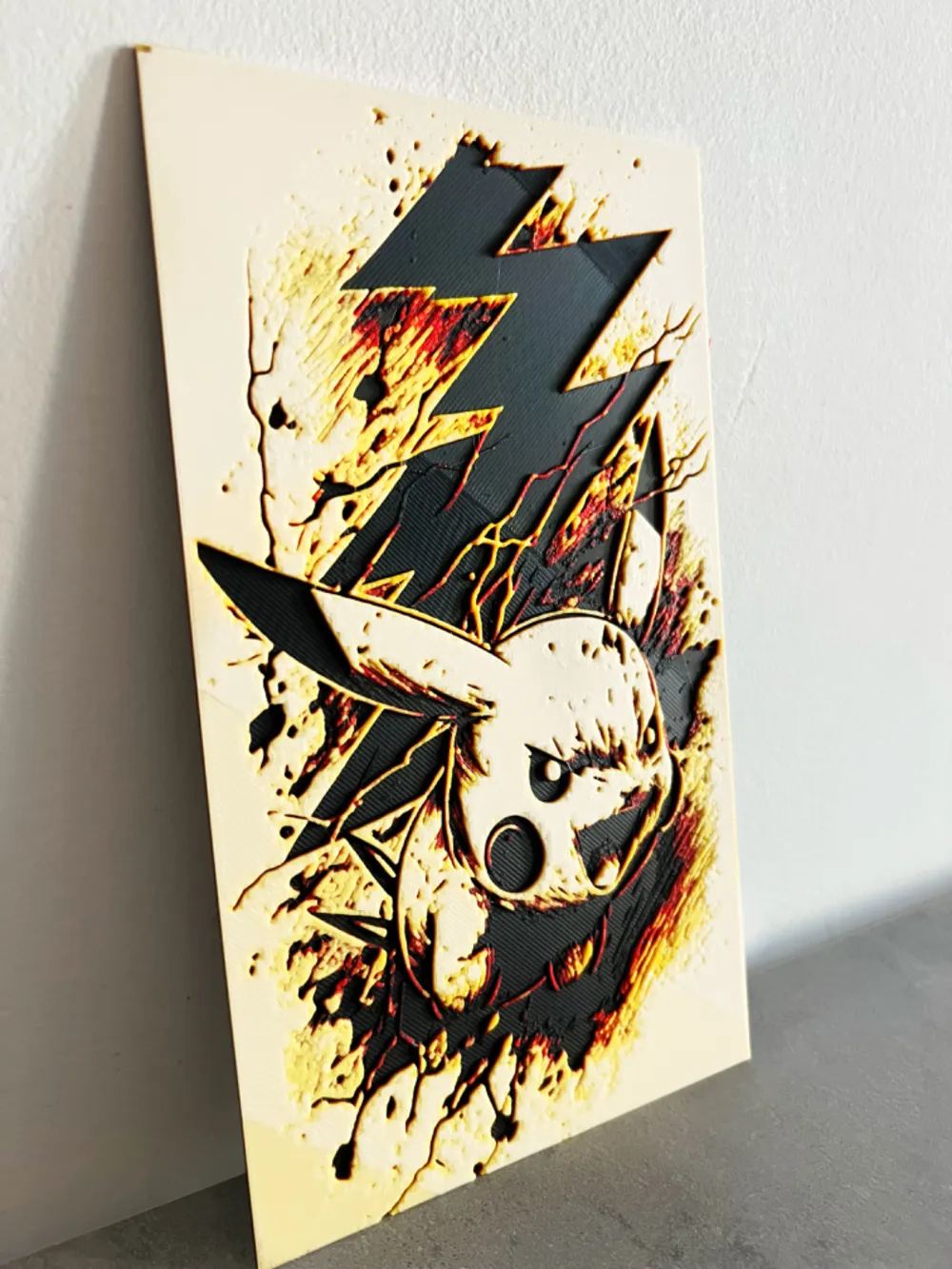
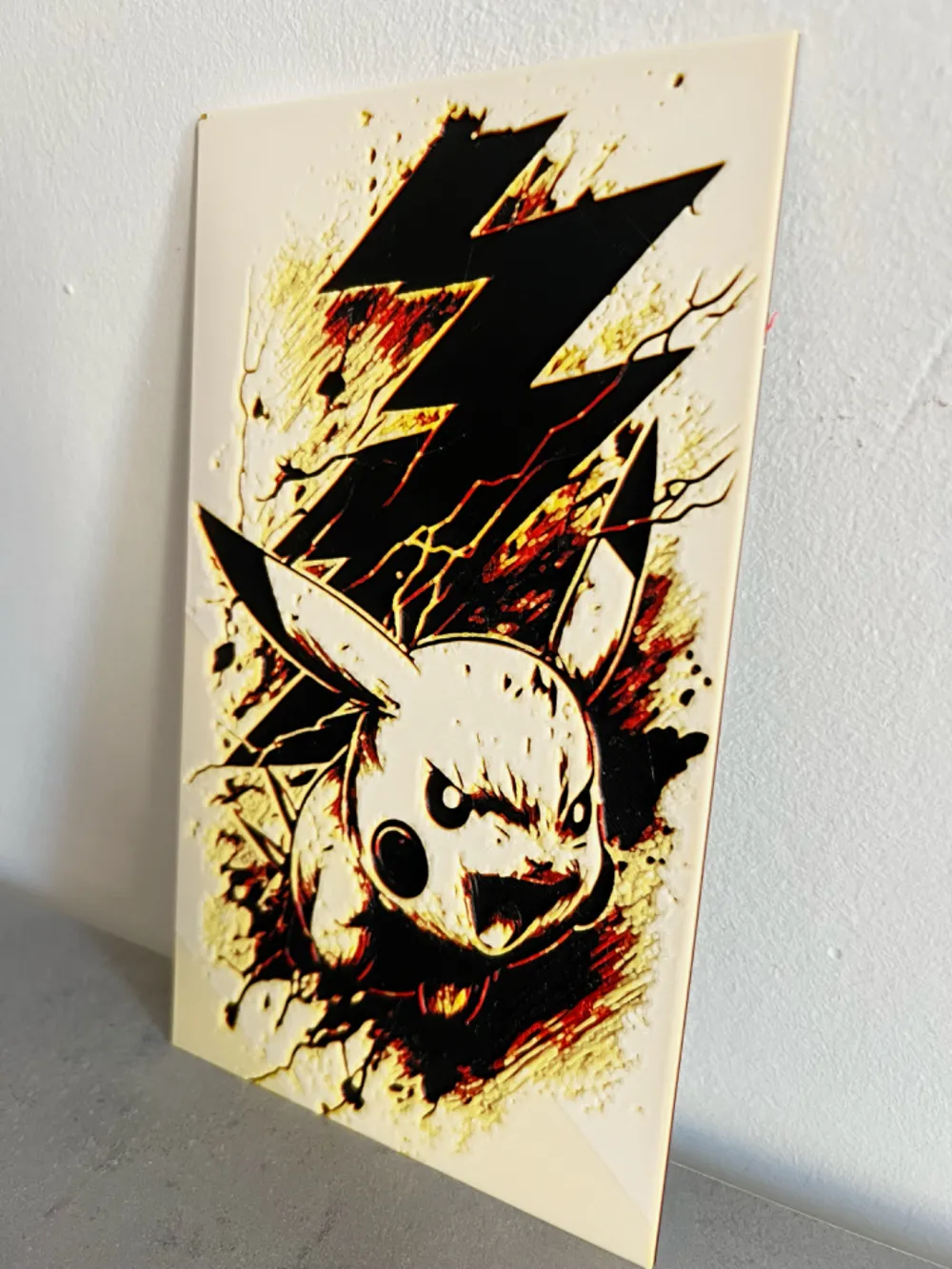
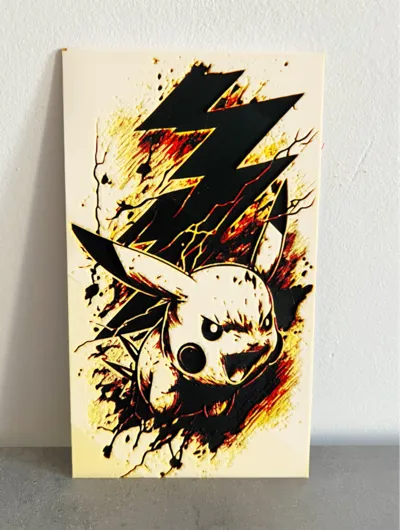
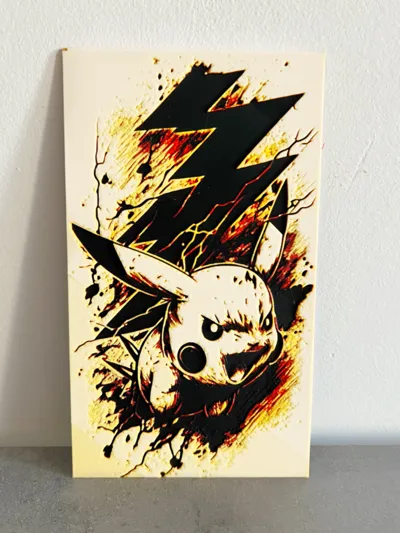
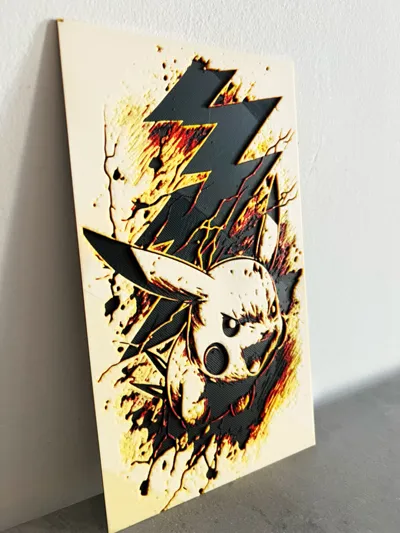
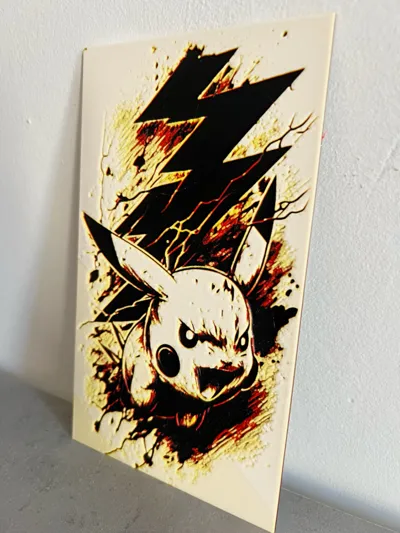
Project: tattoo sketch_ pikachu-2.jpg
Print at 100% infill with a layer height of 0.08mm with a base layer of 0.16mm
The Model is 116x200mm in size
You may print at higher layer heights below the Min Depth of 0.24mm
The Max Depth is 2mm and the Actual Depth is 2.1mm
Filaments Used:
PETG JAYO Black Transmission Distance: 0.3
PLA BambuLab Basic Red Transmission Distance: 4
PLA Eryone mango Yellow Transmission Distance: 8
PLA BambuLab Matte Ivory White Transmission Distance: 3.5
This print uses 4 unique filaments
!!!! It appears you have mixed filament types. Be certain this is what you want. !!!!!
Swap Instructions:
Start with Black
At layer #8 (0.72mm) swap to Red
At layer #14 (1.2mm) swap to mango Yellow
At layer #23 (1.92mm) swap to Ivory White for the rest.
License



Comment & Rating (7)