
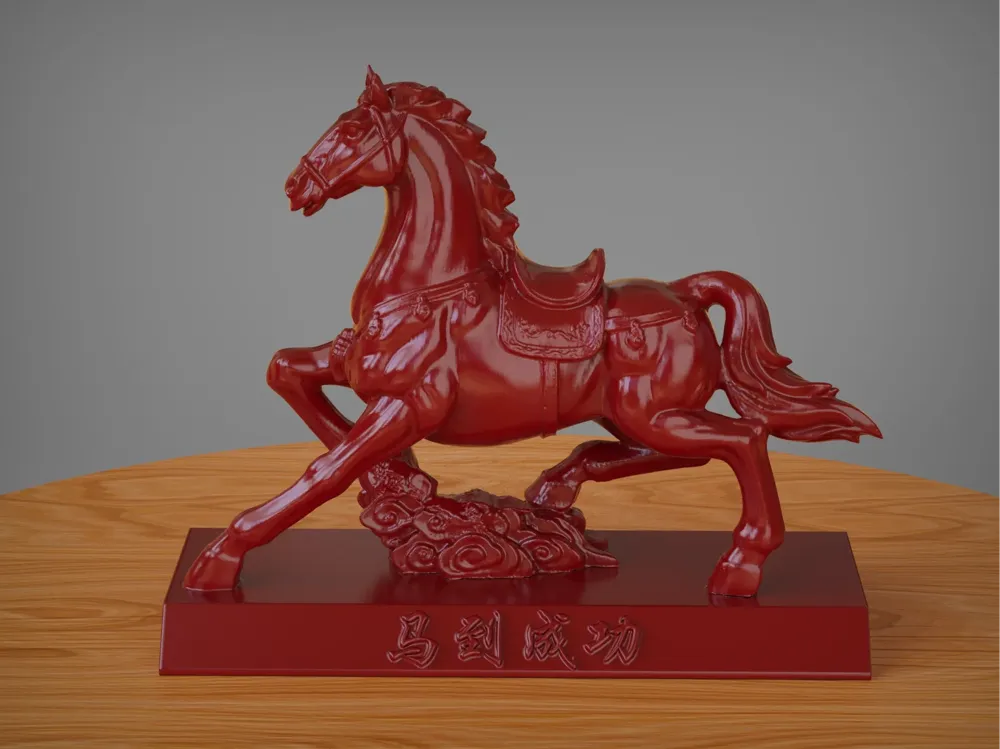
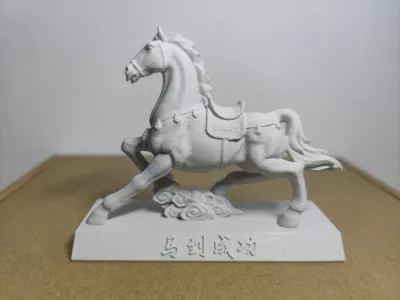
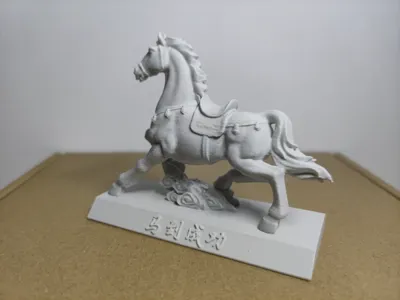
Horses treading auspicious clouds, certain success
Print Profile(1)
Description
The horse, one of humanity's oldest domesticated animals, has carried rich cultural connotations and symbolic meanings throughout history.
Across diverse cultures, the horse embodies varied symbolism. In traditional Chinese culture, it represents loyalty, valor, and strength.
Its image often inspires courage and drive, symbolizing an unwavering spirit of perseverance. Furthermore, the horse embodies nobility, speed, freedom, and perfection, associated with the power of conquerors; traditional monarchical statues frequently depict the ruler on horseback.
Imagery such as “马到成功” (mǎdào chénggōng) is often used to signify professional success and achievement
Dimensions: The model's default height is 80mm; users can adjust the scale as needed for printing, scale adjustments should be made in desktop slicing software
Supports: Preset supports are included; there are quite a few, requiring careful and slow removal. Layer height is 0.2mm; printing is possible directly via the mobile app,
For finer print quality, lower layer heights can be set in desktop slicing software (when a popup appears, select “Use modified value”), increasing print time accordingly,
Filament:
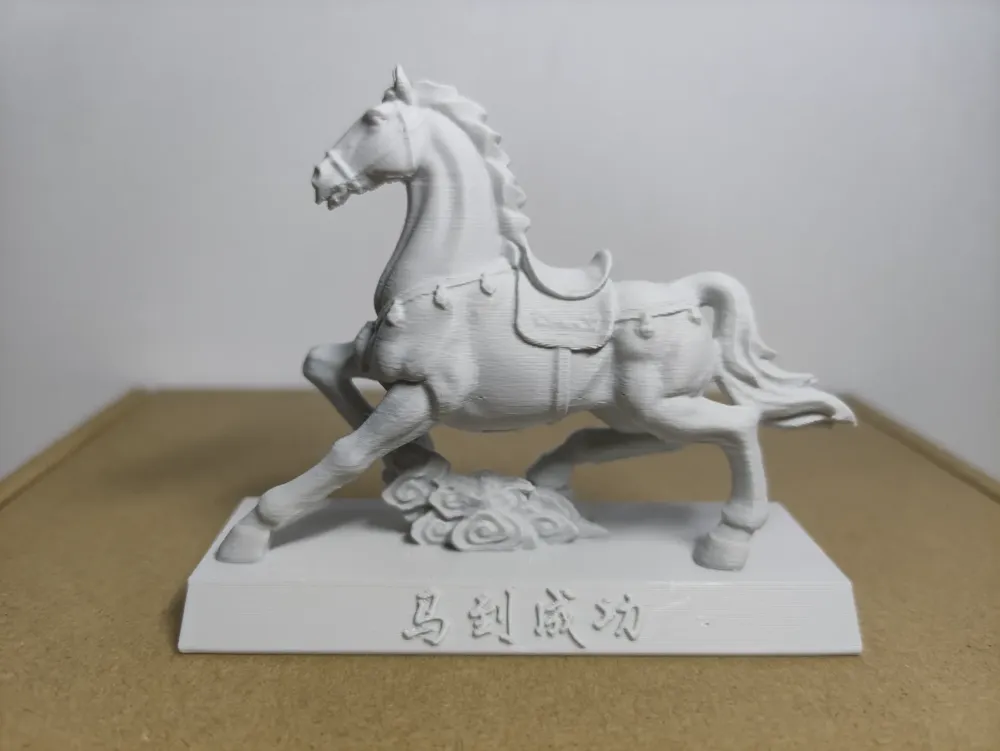
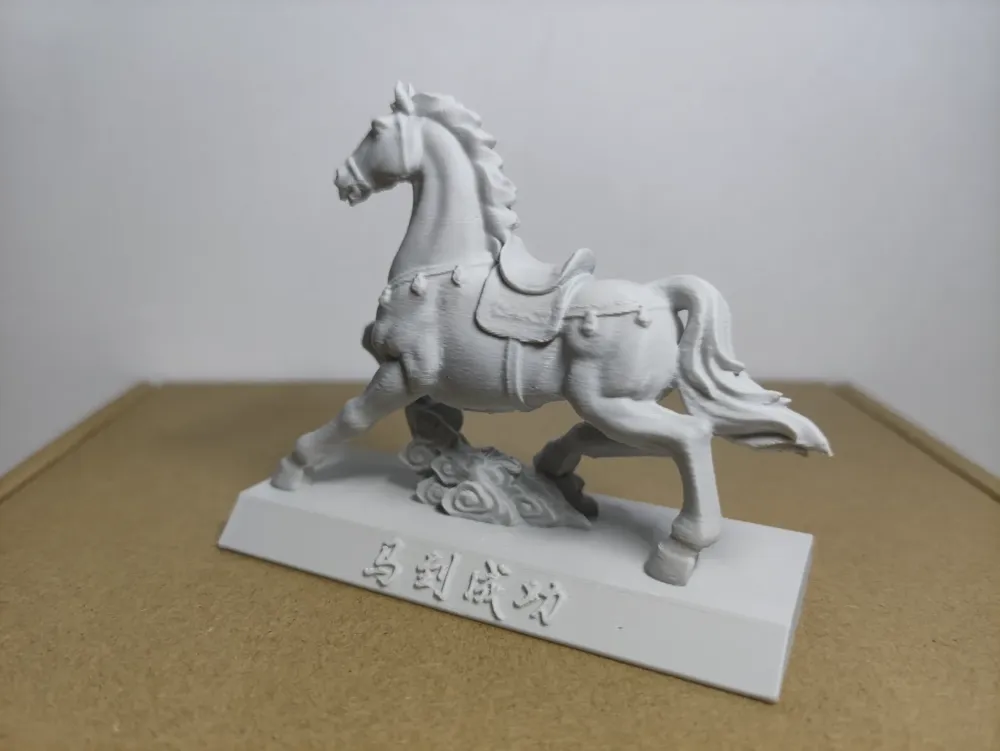
The image showcases results using PLA Basic Light Grey 10104 Click to purchase
Using Bambu PLA Silk Gold 13401 Click to purchase also yields excellent results
Feel free to leave comments or questions
3D Printing Considerations
Based on my experience, daily printing requires attention to the following:
1. Regularly clean the build plate! If possible, wipe the build plate with a damp cloth before each print to minimize first-layer adhesion issues or detachment
2. Ensure filament dryness; with AMS, replace the desiccant promptly to reduce stringing
3. Update desktop slicing software and mobile apps to the latest versions; keep printer firmware updated
For further questions and considerations, consult customer service or refer to theofficial Bambu Lab Wiki:
Bambu Handy (mobile app) printing tutorial Click to view
Filament and accessory FAQ Click to view
Bambu Studio (desktop software) printing tutorial Click to view
License

You shall not share, sub-license, sell, rent, host, transfer, or distribute in any way the digital or 3D printed versions of this object, nor any other derivative work of this object in its digital or physical format (including - but not limited to - remixes of this object, and hosting on other digital platforms). The objects may not be used without permission in any way whatsoever in which you charge money, or collect fees.


Comment & Rating (2)